Key Takeaways
Dropbox vs Google Drive: Ultimate Cloud Storage Comparison [NEW 2024]
- Google Drive offers 15GB free versus Dropbox's 2GB, with paid plans starting at $1.99/month compared to $11.99/month
- Dropbox's block-level sync only uploads changed portions of files, making it significantly faster for large file operations
- Both platforms now include AI features, but only on higher-tier plans starting at $18-20/month
Cloud storage stopped being about storage years ago. Both Dropbox and Google Drive now bundle AI tools, real-time collaboration, eSignatures, and workflow automation into platforms that want to own how your team works, not just where your files live. For Operations and RevOps teams managing contracts, SOPs, and cross-departmental workflows, picking the wrong platform means friction at every handoff.
Disclosure
Some links in this post are affiliate links — Logicity earns a commission if you sign up, at no extra cost to you. We only link products we have used or actively recommend.
The short version: Google Drive gives you more storage for less money and integrates tightly with Workspace apps. Dropbox syncs faster, organizes files better, and handles large media files with more finesse. Your choice depends on whether you prioritize cost efficiency or operational speed.
How do pricing and storage compare?
Google Drive's free tier is seven times larger than Dropbox's. You get 15GB shared across Gmail, Drive, and Photos versus Dropbox's 2GB. For individual users, that gap alone often decides the question.
Paid plans widen the difference. Google's basic tier costs $1.99/month for 100GB. Dropbox's cheapest option runs $11.99/month but includes 2TB, plus eSignature capabilities on all paid plans. For team deployments, Google Workspace starts at $7/user/month while Dropbox Teams begins at $18/user/month for 3TB of shared storage.
| Feature | Dropbox | Google Drive |
|---|---|---|
| Free storage | 2GB | 15GB (shared with Gmail/Photos) |
| Entry paid plan | $11.99/month (2TB) | $1.99/month (100GB) |
| AI features start at | $18/user/month | $19.99/month |
| Team plans start at | $18/user/month (3TB shared) | $7/user/month |
| eSignatures included | All paid plans | Business plans only |
| Family sharing | Not available | Share with 5 family members |
Google also lets paid subscribers share storage with up to five family members. Dropbox doesn't offer a family plan. For ops teams managing budgets across departments, Google's lower per-seat cost matters.
Which platform syncs files faster?
Dropbox wins here, and it's not close. Block-level sync means Dropbox only uploads the changed portions of a file. Edit a single cell in a 50MB spreadsheet, and Dropbox transfers kilobytes. Google Drive re-uploads the entire file.
LAN sync adds another layer. When collaborators share a local network, Dropbox can sync files directly between their machines without routing through the cloud. RevOps teams working on shared dashboards or large data exports feel this difference every day.
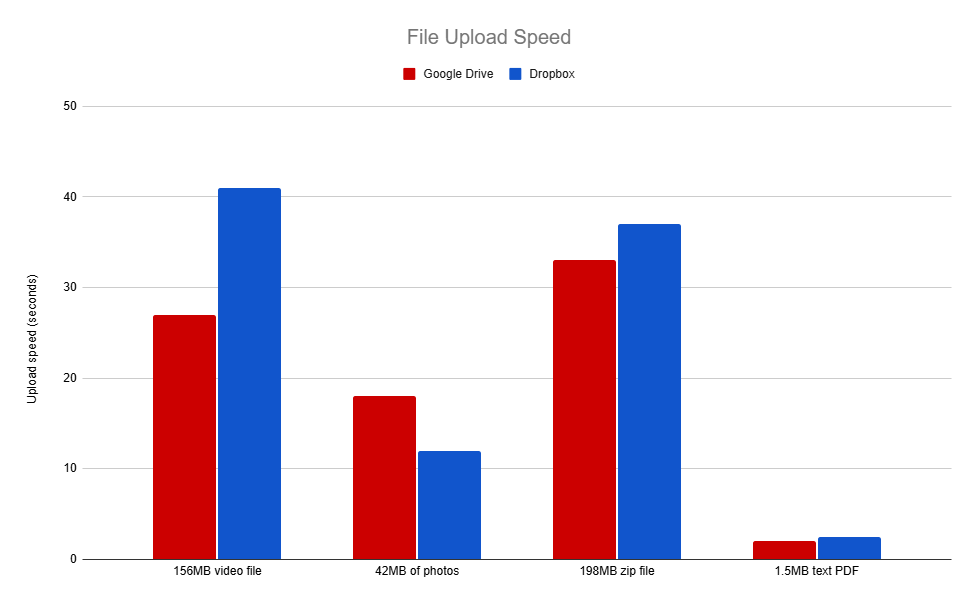
Google Drive compensates with fast servers. Upload speed tests show competitive raw throughput. But for teams iterating on large files, Dropbox's architecture reduces sync time from minutes to seconds.
How do search and file organization differ?
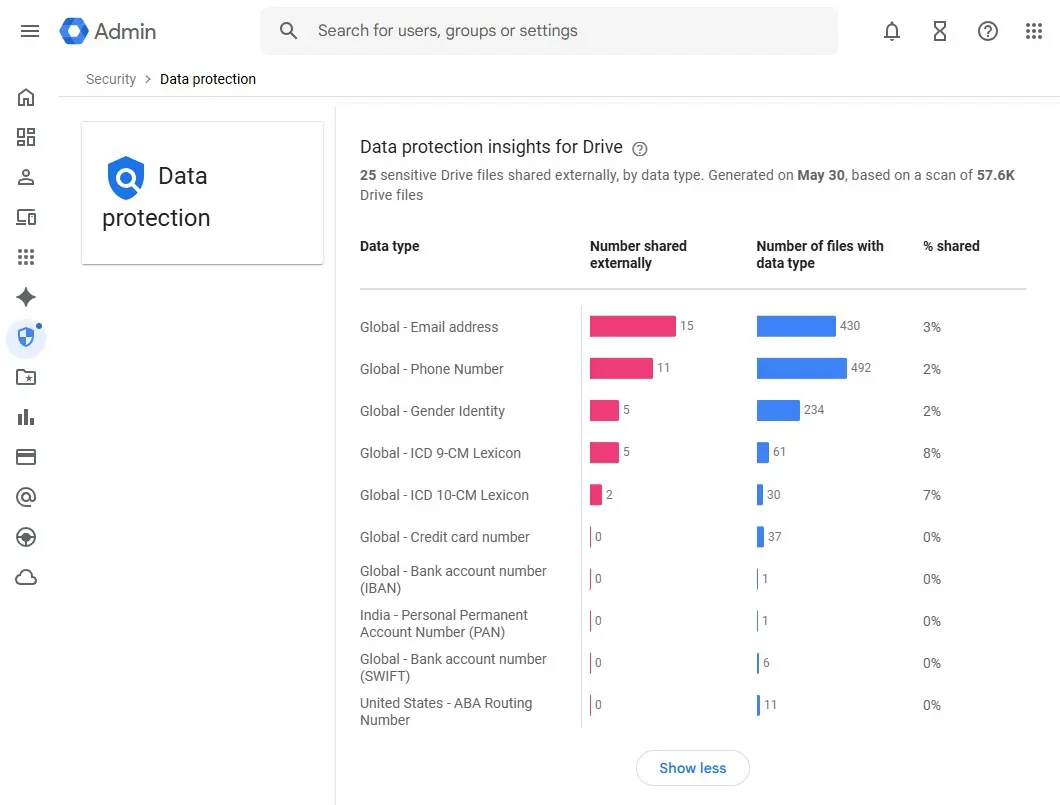
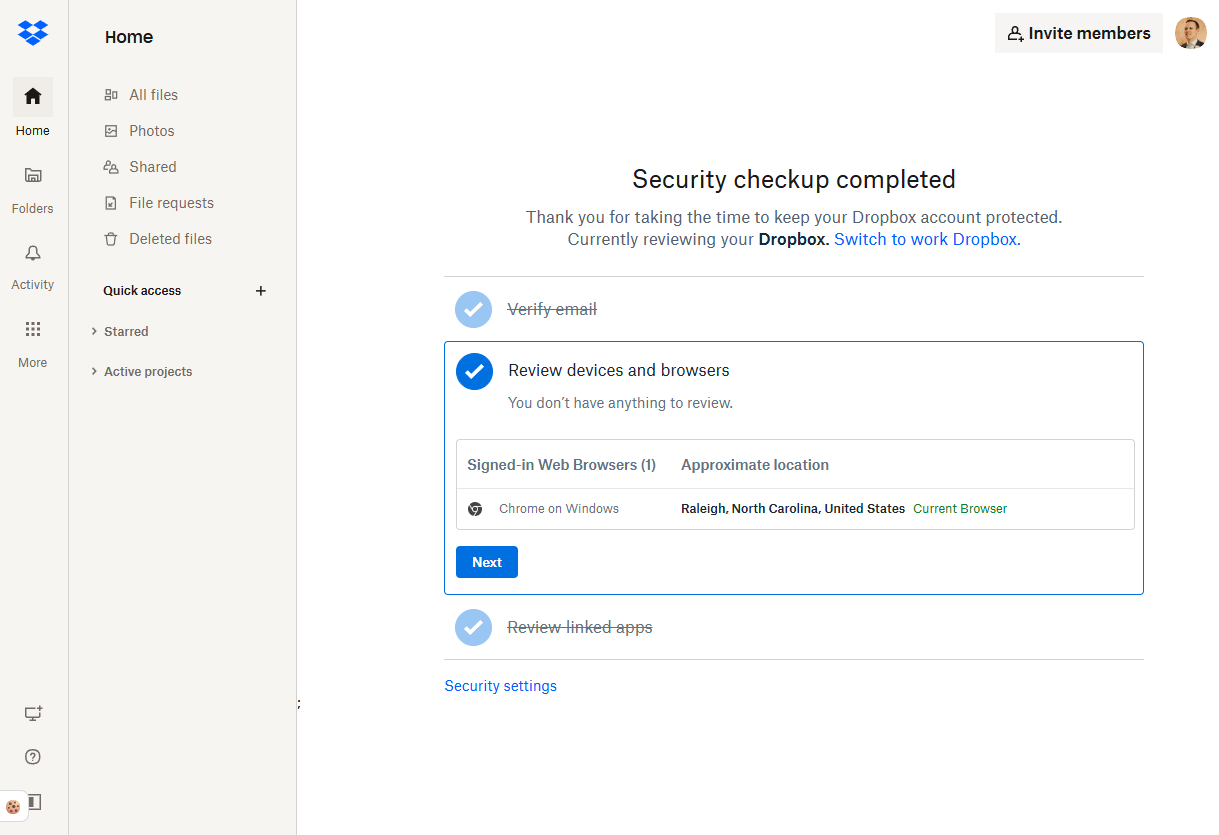
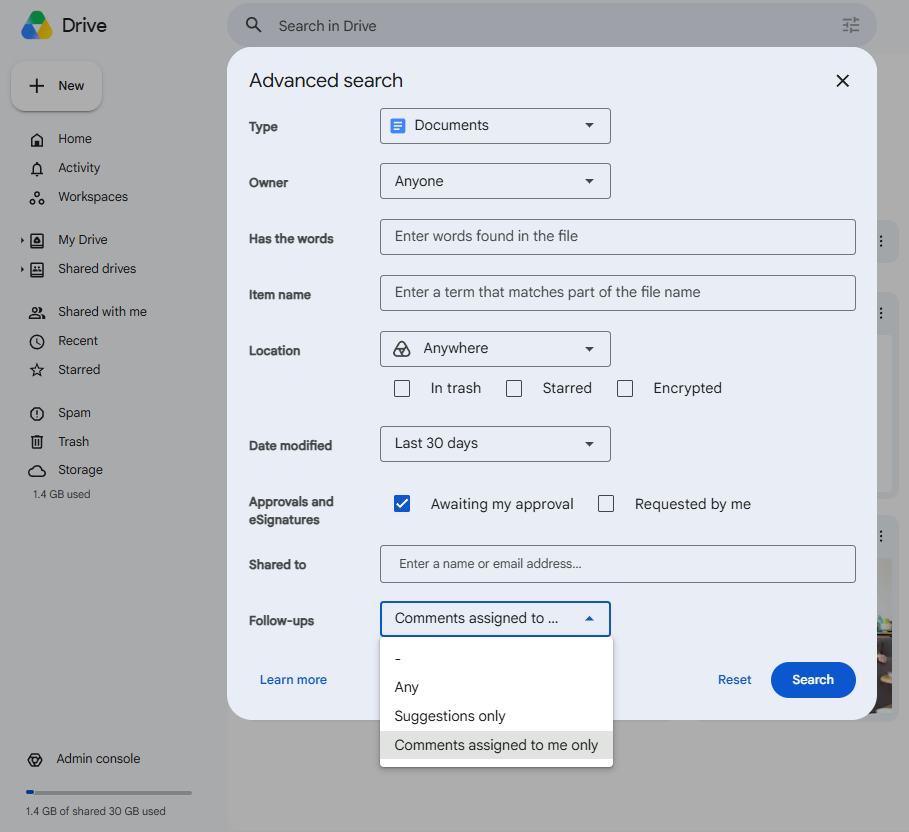
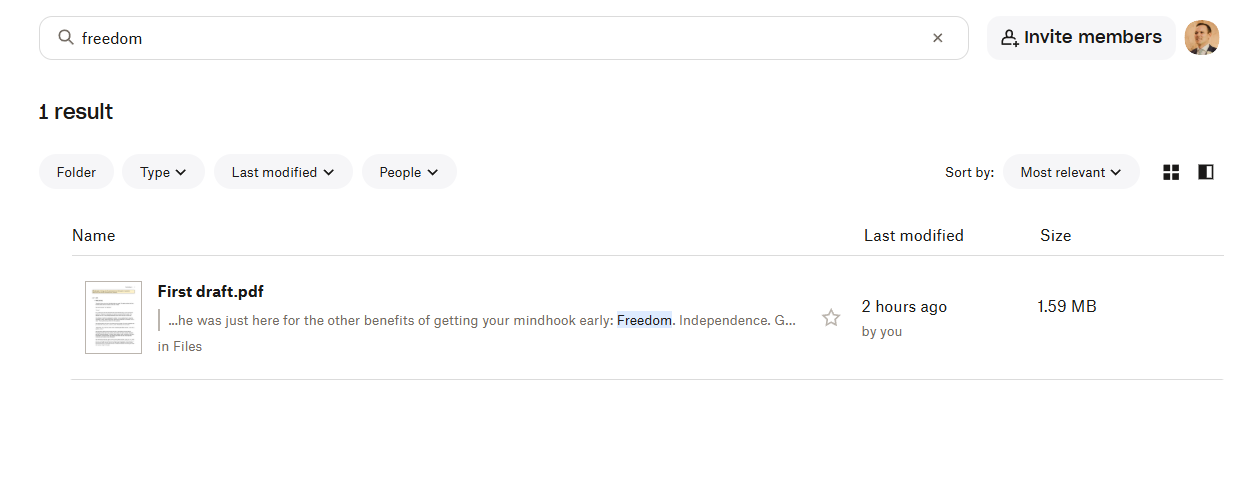
Google built its empire on search. Drive inherits that DNA. You can filter by file name, content, date, owner, type, and location. The search bar understands natural language queries and surfaces content from inside documents, not just titles.
Dropbox counters with better organization before you need to search. Automated folder rules let you sort incoming files by type, rename them according to conventions, and apply tags automatically. Multi-step workflows trigger actions when files hit specific folders. Google offers folder colors, stars, and shortcuts. That's it.
For ops teams, this tradeoff matters. If your workflows already impose strict naming conventions and folder structures, Google's search finds anything instantly. If your team dumps files into shared folders with inconsistent naming, Dropbox's automation can enforce order retroactively.
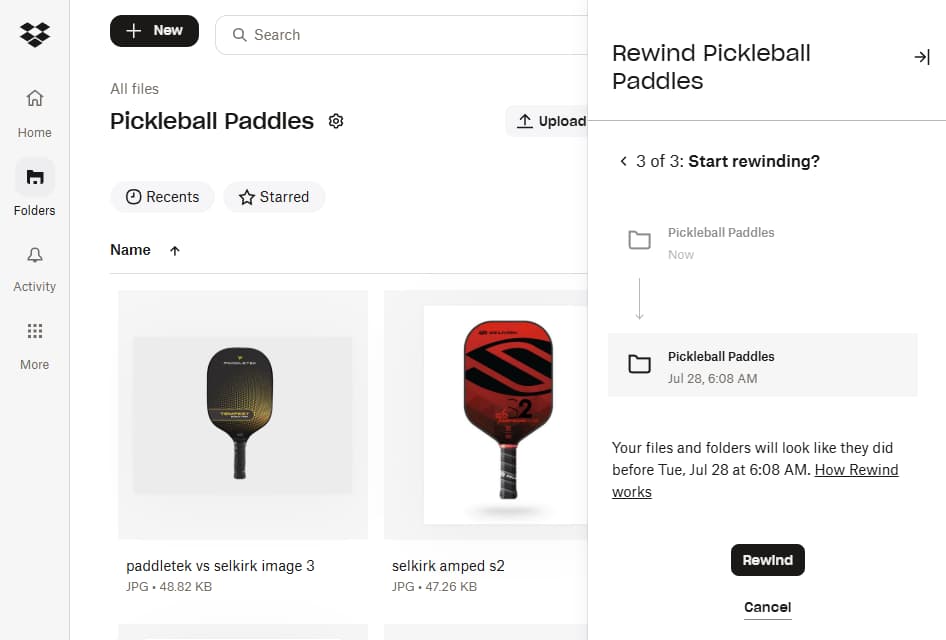
Both platforms integrate with Zapier to extend automation capabilities. You can trigger actions in other tools when files are added, renamed, or shared. For complex workflows, Make and n8n offer similar integrations with different pricing models.
Compare automation platforms to extend your cloud storage workflows
Which offers better file sharing?
Dropbox provides more granular control. Password protection, expiration dates, and download limits let you share sensitive documents with external vendors without losing sleep. File requests let recipients upload directly to your folders without accessing anything else. One-click sharing from the desktop app speeds up daily workflows.
Google Drive handles basic permission management. You can set view, comment, or edit access and transfer ownership. But password protection for shared links? Expiration dates? Not available on standard plans.
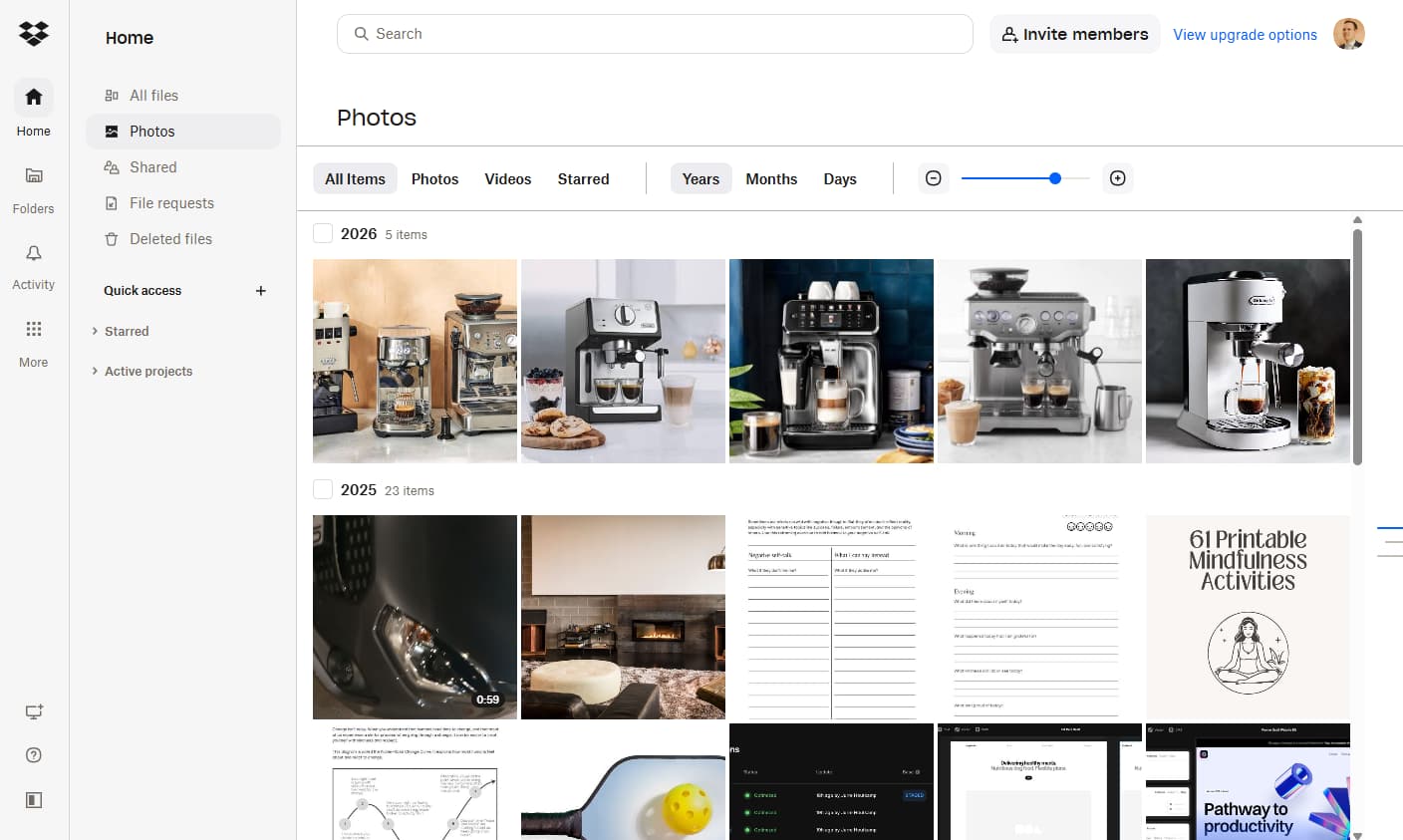
For RevOps teams sharing contracts, pricing sheets, or audit documents with external parties, Dropbox's controls reduce compliance risk. Google assumes everyone lives inside the Workspace ecosystem.
What about office apps and collaboration?
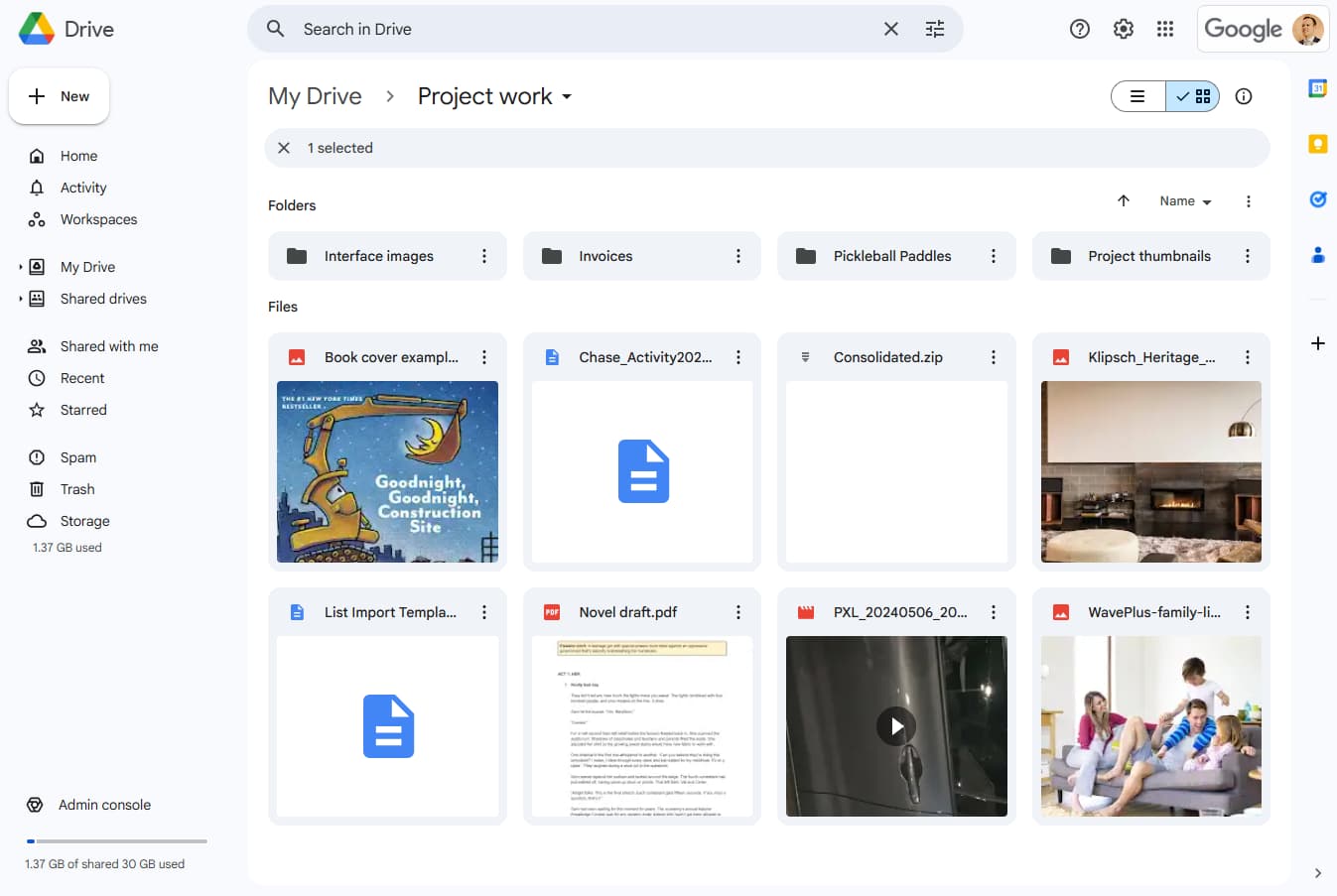
Google owns the productivity suite. Docs, Sheets, and Slides integrate natively with Drive. Real-time collaboration happens without file conflicts or version confusion. Multiple users edit simultaneously while watching each other's cursors.
Dropbox partners with Microsoft 365. You can create and edit Word, Excel, and PowerPoint files directly from Dropbox. For organizations already standardized on Microsoft, this preserves existing workflows. For everyone else, Google's native apps offer tighter integration and better real-time performance.
Dropbox Replay deserves mention for creative teams. It supports timestamped comments on video, image, and audio files. Review a 10-minute video and leave feedback at specific moments rather than sending vague notes about "somewhere around the three-minute mark." Google has nothing comparable.
How do AI features stack up?
Both platforms now ship AI capabilities, but you'll pay for them. Google's Gemini integration enables natural language search, document summarization, and conversational queries about your files. It starts at $19.99/month. Dropbox AI offers similar features through Dropbox Dash, a separate product still rolling out broader availability.
Neither platform's AI features justify switching on their own. They're useful additions but not transformative. Ask Gemini to summarize a contract, and you'll get a competent overview. You won't get analysis that replaces careful reading.
Security and recovery: what's the difference?
Both services encrypt data in transit and at rest. Both support two-factor authentication via SMS, authenticator apps, phone calls, or physical keys. Dropbox adds passwordless login and optional end-to-end encryption. Google encrypts the encryption keys themselves.
For disaster recovery, Dropbox pulls ahead. Dropbox Rewind restores entire folders to any point within a 30-180 day window, depending on your plan. Accidentally delete critical files and realize it two weeks later? Rewind fixes it. Google Drive recovers older versions of individual files within 30 days. Business plans with Google Vault can hold data indefinitely, but Vault is an add-on, not a core feature.
See how we evaluate other tool comparisons for operations teams
Which should your ops team choose?
Choose Google Drive if your organization already uses Google Workspace, your budget is tight, or search capability matters more than file organization. The 15GB free tier lets you evaluate without commitment. Sub-$2 entry pricing makes it accessible for growing teams.
Choose Dropbox if you work with large files, need granular sharing controls for external collaborators, or want automated organization that reduces manual sorting. The higher cost buys real productivity gains for teams handling media, contracts, or complex document workflows.
Neither choice is wrong. Both platforms have matured past the commodity storage era into genuine work hubs. The question is which hub's design philosophy matches how your team already operates.
Logicity's Take
For Operations and RevOps teams, the deciding factor isn't storage or price. It's integration depth. If your CRM lives in [HubSpot](https://logicity.in/r/hubspot) or [Salesforce](https://logicity.in/r/salesforce), both platforms connect equally well via Zapier. But if you're routing contracts through DocuSign workflows, Dropbox's native eSignature on all paid plans eliminates a separate subscription. Google's advantage only materializes if your team already commits to Workspace. Otherwise, Dropbox's automation and sharing controls address the pain points ops teams actually complain about: inconsistent naming, external sharing friction, and slow syncs on large files.
Frequently Asked Questions
Can I use both Dropbox and Google Drive together?
Yes. Many teams store active projects in one platform and archive completed work in the other. Zapier and similar tools can automate file movement between them.
Which is better for Microsoft Office files?
Dropbox integrates natively with Microsoft 365, allowing direct editing of Office files. Google Drive converts Office files to Google formats for editing, which can cause formatting issues on complex documents.
Does Google Drive work offline?
Yes, but you must enable offline mode in advance for specific files. Dropbox's Smart Sync allows offline access to any file you've previously downloaded.
Which platform is more secure for sensitive business documents?
Both meet enterprise security standards with encryption and 2FA. Dropbox offers end-to-end encryption as an option. Google encrypts encryption keys themselves. For regulated industries, both offer compliance certifications including SOC 2 and HIPAA.
Can I migrate from one platform to the other?
Yes. Both platforms support bulk upload and third-party migration tools. Expect transfer times measured in hours for terabyte-scale migrations, with the limiting factor being your internet upload speed.
Need Help Implementing This?
Logicity helps operations teams evaluate and deploy the right tools. If you're weighing cloud storage platforms or building automation workflows, reach out for a consultation.
Source: The Zapier Blog
Huma Shazia
Senior AI & Tech Writer
Produced with AI assistance and reviewed by the Logicity editorial team. Learn more in our Editorial Policy.