Key Takeaways
- Windows Sandbox runs a fully isolated Windows environment inside your main system
- Everything disappears when you close it, including any malware you accidentally ran
- Unlike traditional VMs, it doesn't require downloading a separate OS and boots in seconds
What Windows Sandbox Actually Does
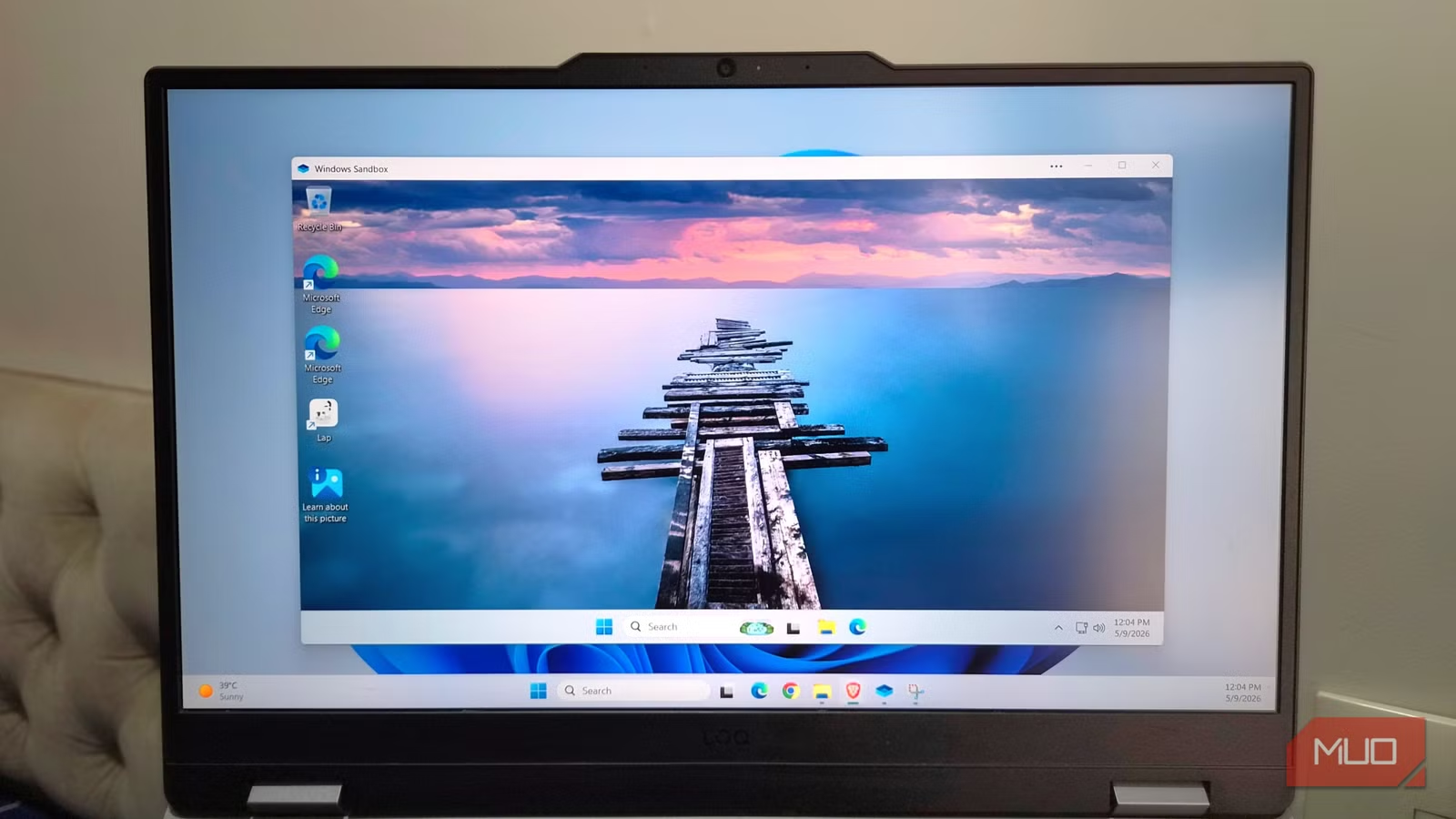
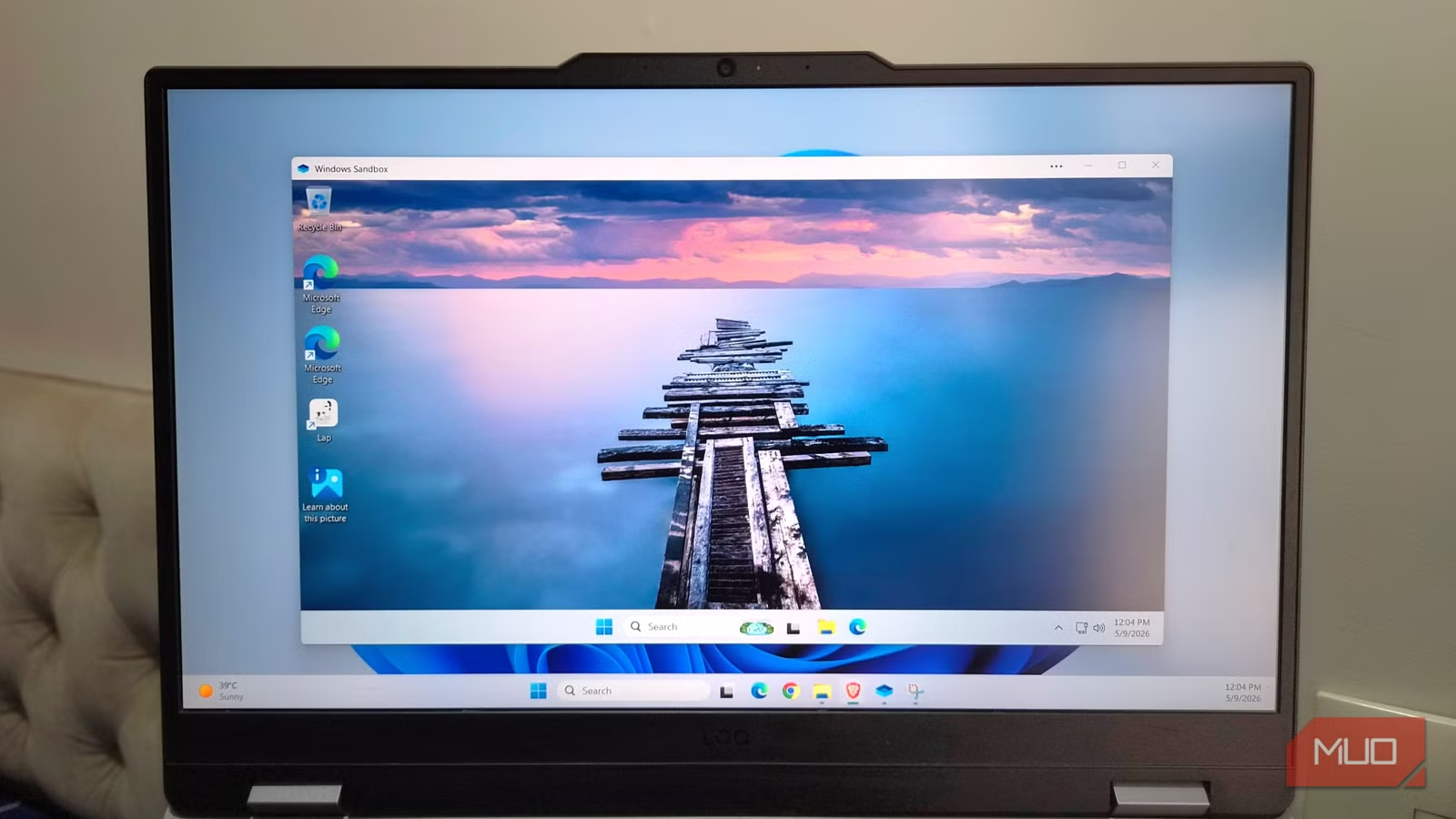
Windows Sandbox is a fully isolated version of Windows that runs inside your main system. Think of it as a disposable PC that boots up in seconds, lets you do whatever you want, and then wipes itself completely the moment you close it.
Under the hood, Windows Sandbox uses hardware virtualization. This is the same technology behind traditional virtual machines. But instead of installing a fully separate operating system, it borrows core files from your existing Windows installation. When you launch Sandbox, you get the exact same Windows version that's installed on your PC.
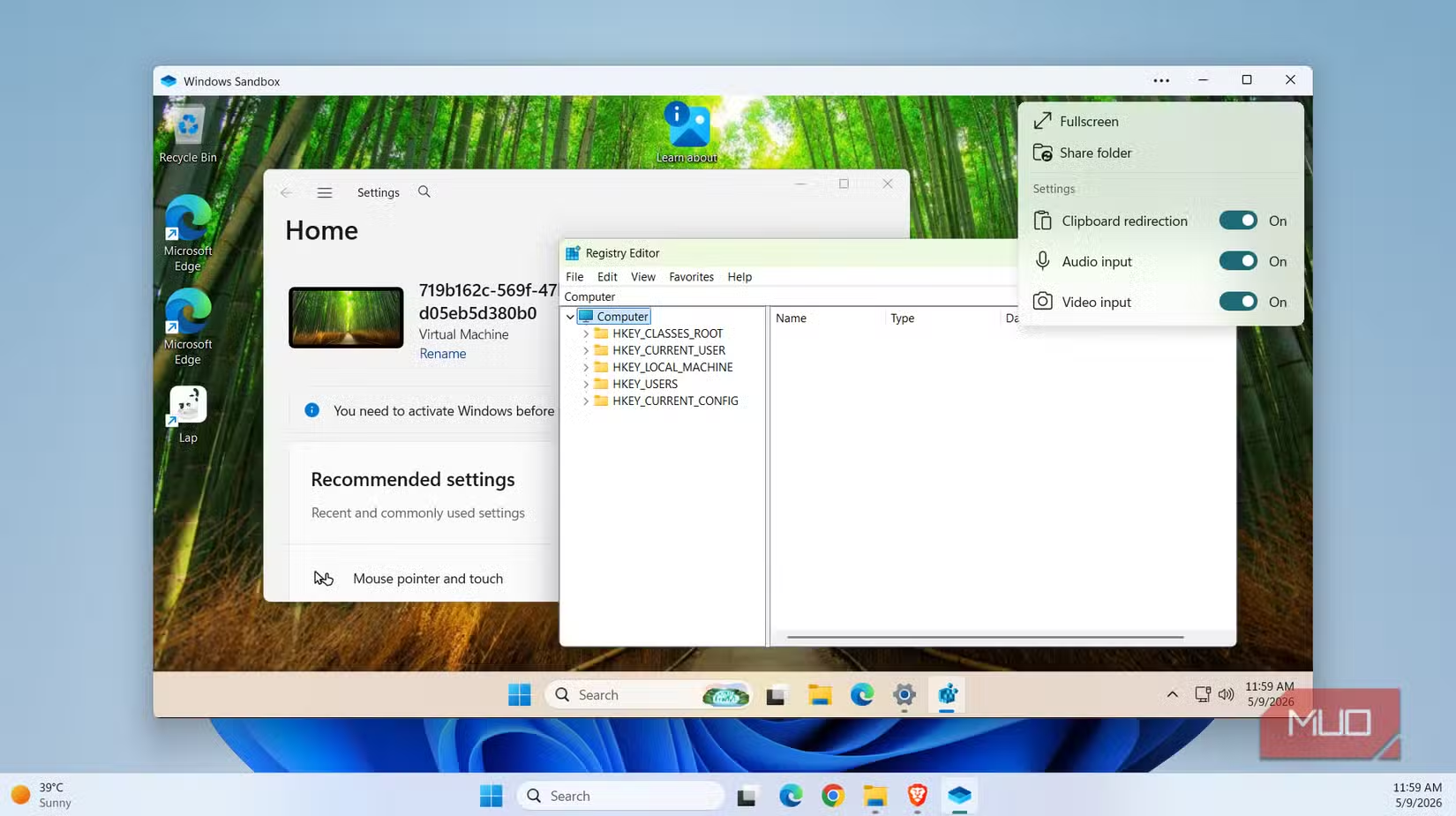
The environment looks and behaves exactly like a normal desktop. You get all the essential apps: Microsoft Edge, File Explorer, Registry Editor, and Windows Settings. The only difference is that it's completely separate from your main PC. You won't see any of your files or third-party apps here.
Why You'd Want a Disposable PC
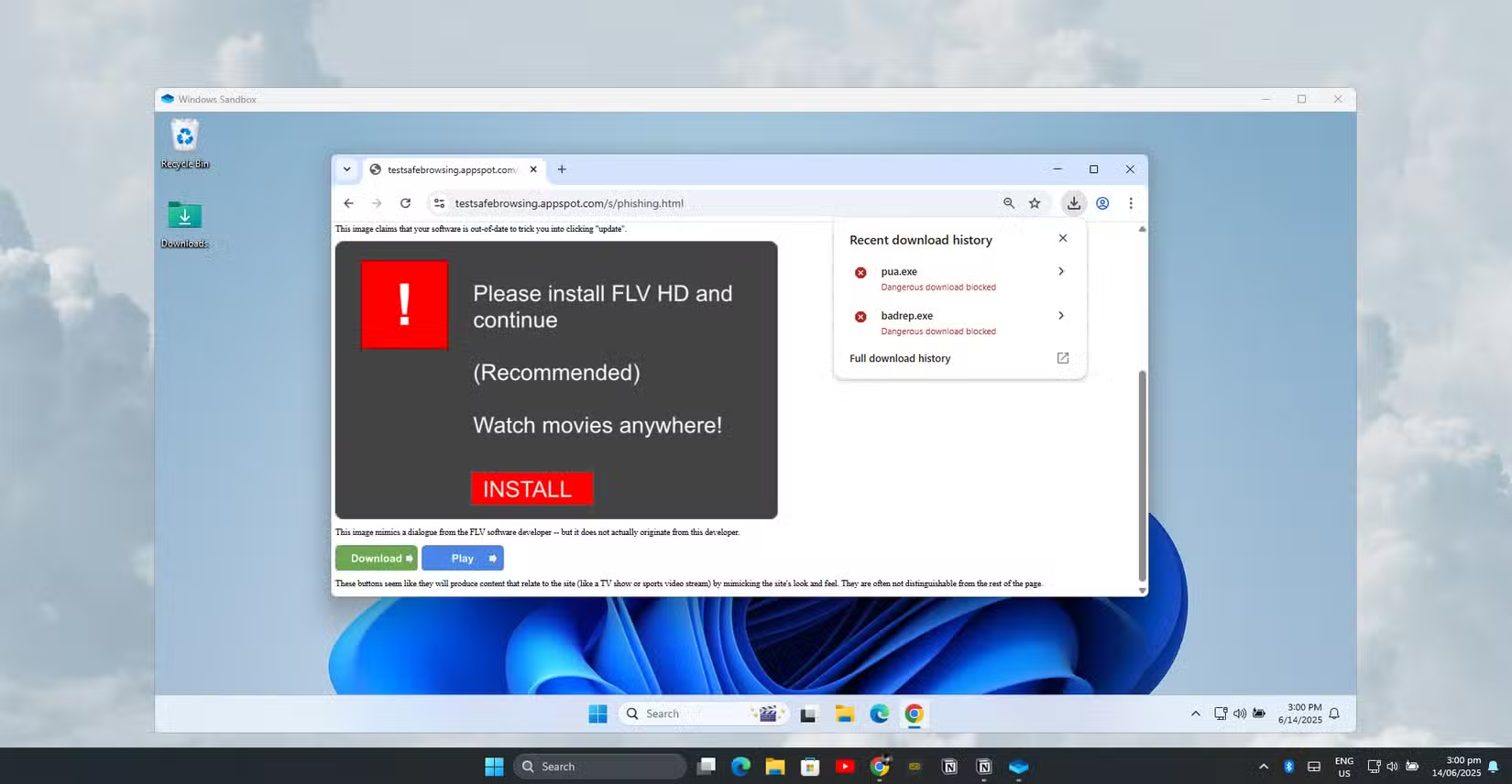
The use cases are straightforward. Test apps you're not sure about. Open suspicious files. Run scripts you found online. Tweak settings you'd never risk on your main machine. Because the second you close Windows Sandbox, everything disappears. Files, apps, malware if you accidentally ran some. All gone.
The next time you open it, Windows Sandbox gives you a clean slate to work with. No cleanup required. No rollback needed. No wondering if something malicious is still lurking in a system folder.
- Test downloaded apps before installing them on your main system
- Open email attachments you're suspicious about
- Run scripts or code you found online
- Experiment with system settings without consequences
- Check if a website is legitimate before entering credentials
Sandbox vs Traditional Virtual Machines
At this point, Windows Sandbox might sound similar to a virtual machine. In some ways it is. But there are key differences that make Sandbox more practical for quick security checks.
First, it doesn't require you to download and install a separate operating system. A traditional VM means finding a Windows ISO, allocating disk space, going through Windows setup, and managing updates. Sandbox skips all of that. It borrows from your existing Windows installation, which also makes it much lighter on system resources.
More importantly, Sandbox starts every session fresh. A traditional VM persists between sessions, which is useful for development work but defeats the purpose if you're testing potentially malicious software. Sandbox is purpose-built for quick, disposable tasks.
Requirements and Limitations
Windows Sandbox is only available on Windows 11 Pro, Enterprise, and Education editions. If you're running Windows 11 Home, you won't find this feature. Your PC also needs to support hardware virtualization, which most modern systems do.
The main limitation is that Sandbox doesn't persist anything. That's the whole point, but it means you can't use it for tasks that require saving state between sessions. For those, you still need a traditional virtual machine.
Logicity's Take
How to Enable Windows Sandbox
Windows Sandbox isn't enabled by default. You need to turn it on through Windows Features. Open the Start menu, search for "Turn Windows features on or off," scroll down to Windows Sandbox, check the box, and restart your PC.
After rebooting, search for "Windows Sandbox" in the Start menu and launch it. The first boot takes a bit longer as Windows sets up the environment. Subsequent launches are faster.
More hidden settings in everyday tech
Frequently Asked Questions
Is Windows Sandbox available on Windows 11 Home?
No. Windows Sandbox is only available on Windows 11 Pro, Enterprise, and Education editions.
Does Windows Sandbox protect my main PC from malware?
Yes. The sandbox is fully isolated from your main system. Any malware you run inside it gets deleted when you close the window.
Can I save files from Windows Sandbox to my main PC?
You can copy files between your main PC and the sandbox using copy-paste or shared folders. But anything left inside the sandbox when you close it is deleted permanently.
How is Windows Sandbox different from a virtual machine?
Sandbox doesn't require downloading a separate OS, uses fewer system resources, and automatically wipes clean after each session. Traditional VMs persist between sessions and require more setup.
Does Windows Sandbox slow down my PC?
It uses hardware virtualization and borrows files from your existing Windows installation, making it lighter than a traditional VM. You'll notice some resource usage while it's running, but it's minimal on modern hardware.
Need Help Implementing This?
Source: MakeUseOf
Manaal Khan
Tech & Innovation Writer
Produced with AI assistance and reviewed by the Logicity editorial team. Learn more in our Editorial Policy.