Key Takeaways
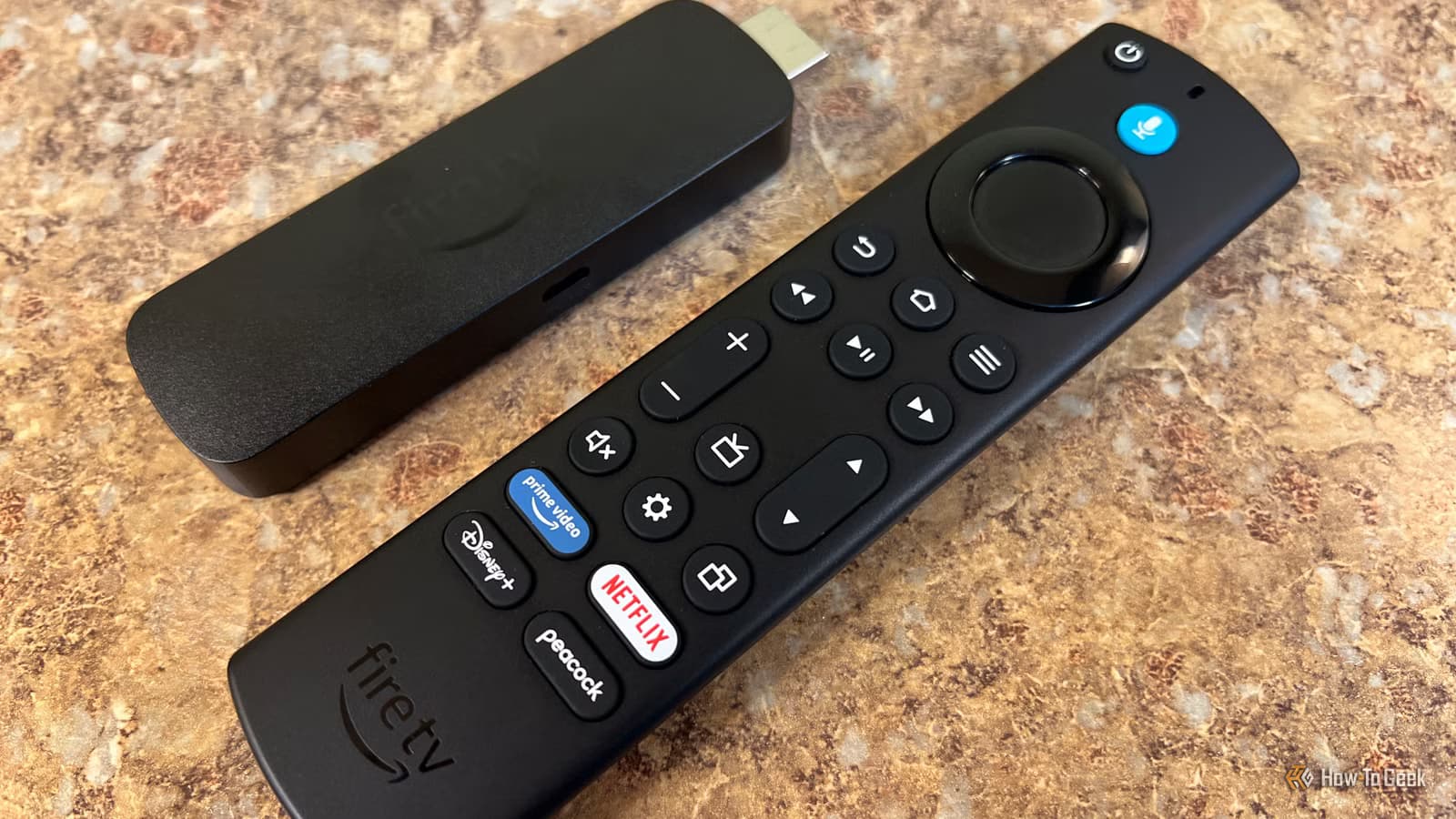
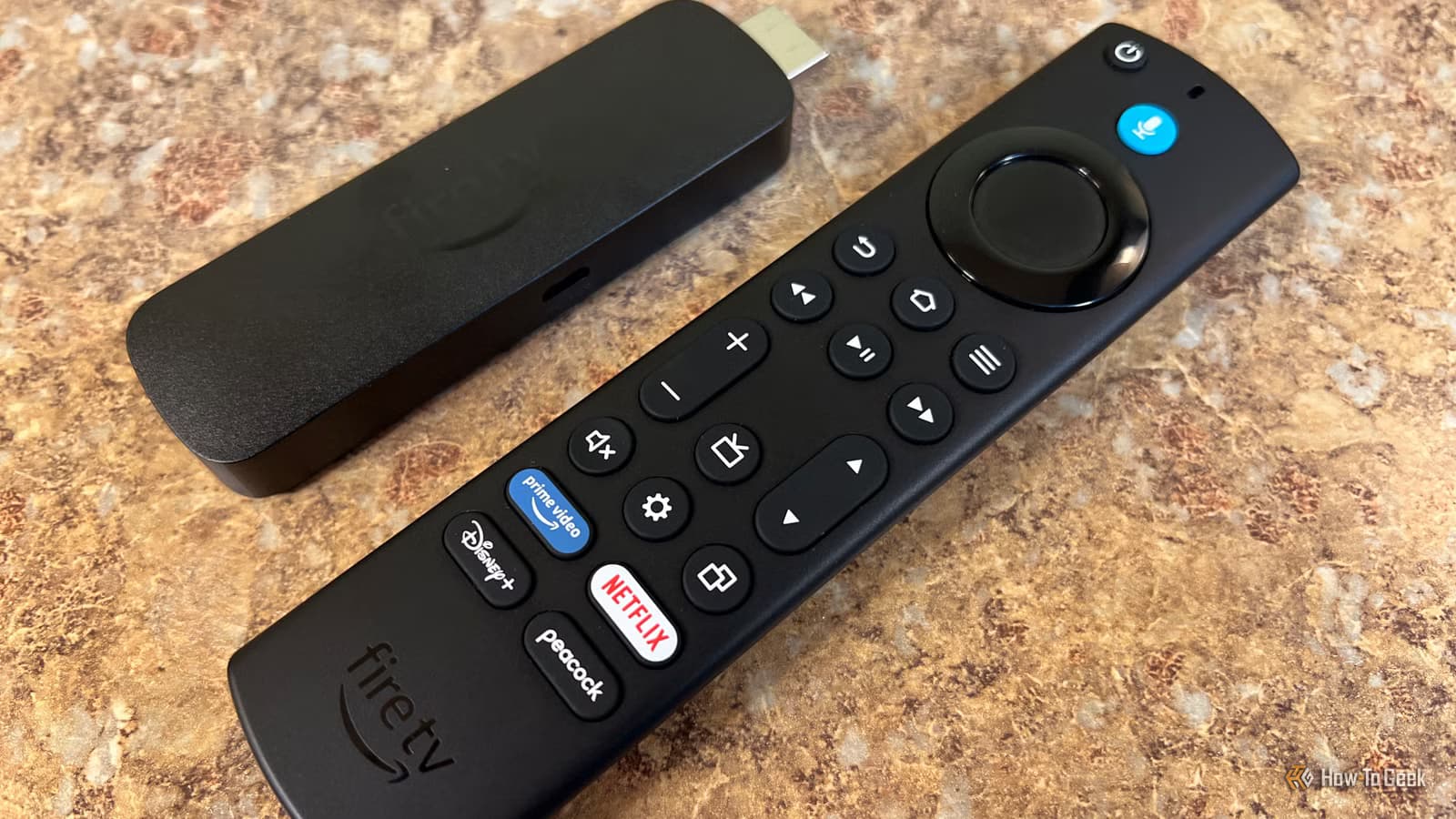
- Fire TV uses Automatic Content Recognition to snapshot your screen every 15 seconds, even from HDMI-connected devices
- Data collection feeds Amazon's $104 billion advertising business, not just your recommendations
- Most tracking settings can be disabled in Fire TV's privacy menu without affecting streaming functionality
Your Fire TV knows more about you than your watch history. It tracks how you navigate apps, what you click, how long you linger on a show's thumbnail, and which ads you interact with. That data shapes your home screen recommendations and feeds Amazon's advertising machine.
Rich Hein at How-To Geek dug into his Fire TV Stick 4K Max devices after examining what his Roku boxes were collecting. What he found wasn't shocking, but it was more than he expected. The good news: most of the data collection is easy to turn off.
What Fire TV Actually Collects
Fire TV uses Automatic Content Recognition, or ACR, to identify what's on your screen. The system takes snapshots every 15 seconds and sends fingerprints of that content to Amazon's servers. This works even when you're watching content from an HDMI-connected laptop or gaming console.
The data collection goes beyond viewing habits. Fire TV tracks your app usage patterns, the specific content you interact with, and how you respond to advertisements. This information feeds directly into what shows up on your home screen and what ads you see.
Amazon has sold over 250 million Fire TV devices worldwide, with 50 million monthly active users. That's a massive data collection network feeding Amazon's advertising services business, which pulled in $104.1 billion in Q1 2026.
“A massive and growing problem for American national security.”
— Palmer Luckey, Founder of Oculus, on smart TV tracking
The Settings You Should Change
Fire TV's privacy settings are buried in menus, but they're not hard to find. Navigate to Settings, then Preferences, then Privacy Settings. Here's what to look for.
Device Usage Data
This setting controls whether Amazon collects data about how you use your Fire TV, including app usage and interaction patterns. Turn this off to stop Amazon from logging your navigation habits.
Collect App Usage Data
A separate toggle controls whether individual apps can send usage data to Amazon. Disabling this stops third-party apps from reporting your behavior back to Amazon's servers.
Interest-Based Ads
This setting determines whether Amazon uses your activity to serve targeted advertisements. Turning it off means you'll still see ads, but they won't be personalized based on your viewing history and app usage.
Alexa Voice Recording
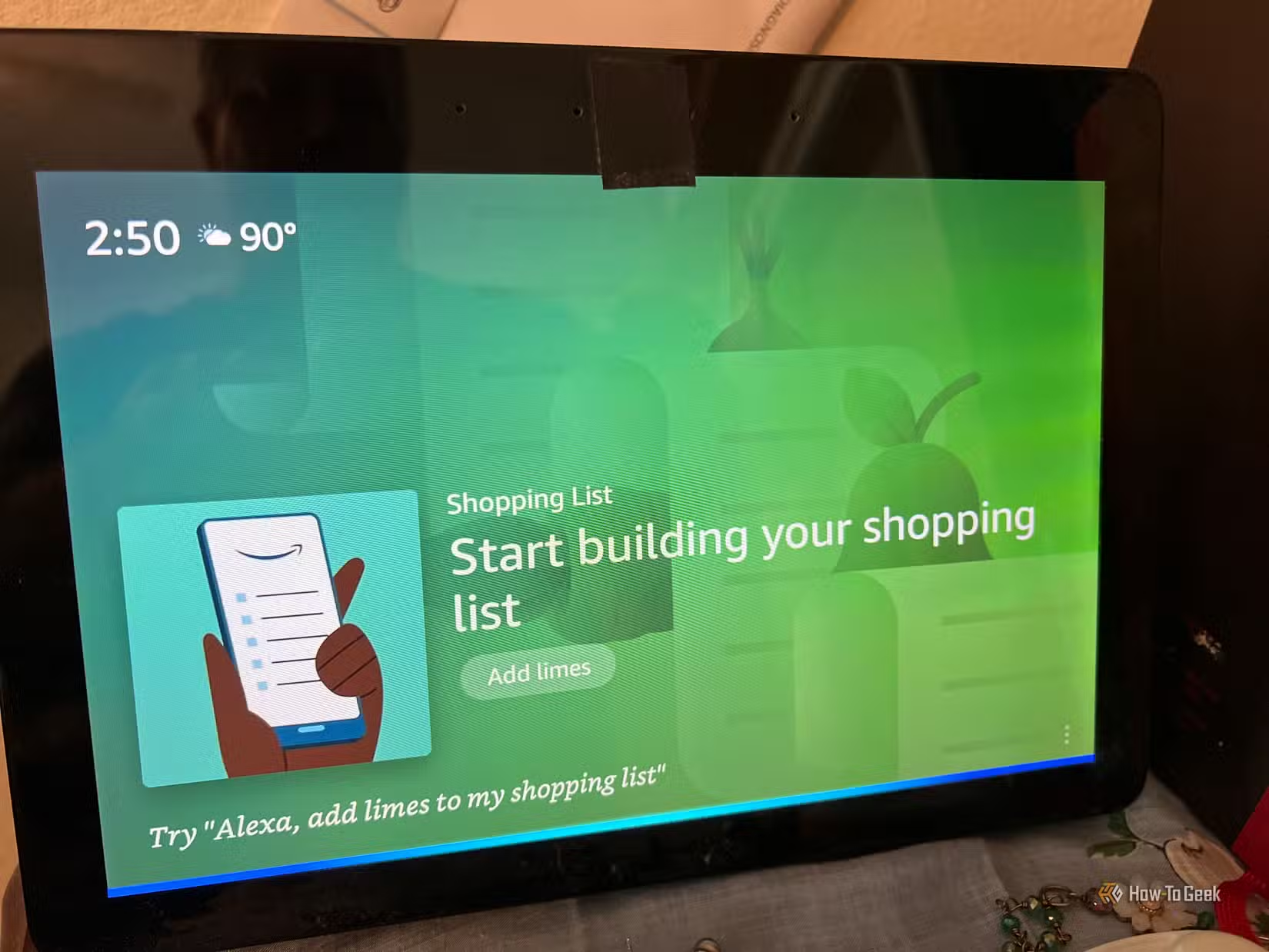
If you use voice commands, Fire TV stores recordings by default. You can disable this in the Alexa privacy settings, or delete existing recordings through your Amazon account.
The Catch: Settings That Reset
Users on Reddit's r/firestick community report that Fire TV software updates sometimes reset privacy preferences back to their default (tracking enabled) state. One verified user called it "a cat-and-mouse game. Every update seems to 'forget' that I opted out of tracking."
This means you'll want to check these settings after major Fire TV updates. It's frustrating, but it takes less than a minute to verify.
“While full screenshots aren't typically uploaded, the fingerprints sent to servers still present tons of privacy issues.”
— Brendan Eich, CEO of Brave
What You Lose by Disabling Tracking
Turning off these settings doesn't break your Fire TV. You'll still be able to stream, install apps, and use voice commands. What changes: your recommendations will be less personalized, and you'll see generic ads instead of targeted ones.
For many users, that's a reasonable trade. Less accurate recommendations in exchange for Amazon not knowing everything you watch, click, and linger on.
The Bigger Picture
Fire TV's data practices aren't unique. Roku, Samsung, LG, and other smart TV platforms all use similar tracking technologies. The business model is the same: subsidize hardware costs with advertising revenue, which requires collecting user data.
If you want to avoid TV-based tracking entirely, your options are limited. A dedicated streaming device like an Apple TV collects less data but costs more. A home theater PC gives you full control but requires more setup. Or you can use these privacy settings and accept that you're limiting, not eliminating, data collection.
Another hidden setting that trades privacy and performance for convenience
Privacy-focused alternatives for your mobile devices
Logicity's Take
Frequently Asked Questions
Does Fire TV track what I watch on HDMI-connected devices?
Yes. Fire TV's Automatic Content Recognition can identify content from laptops, gaming consoles, and other devices connected via HDMI. Disabling ACR in privacy settings stops this.
Will disabling tracking break Fire TV features?
No. Streaming, app installation, and voice commands all work normally. You'll see less personalized recommendations and generic ads instead of targeted ones.
How often does Fire TV take screen snapshots?
Every 15 seconds. The system creates content fingerprints rather than storing full screenshots, but these fingerprints are still sent to Amazon's servers for analysis.
Do Fire TV privacy settings stay disabled after updates?
Not always. Users report that software updates sometimes reset privacy preferences to their defaults. Check your settings after major Fire TV updates.
Is Fire TV worse than Roku or other smart TVs for privacy?
They're comparable. Roku, Samsung, LG, and other platforms use similar ACR technology and data collection practices. The business model across the industry relies on advertising revenue from user data.
Need Help Implementing This?
Source: How-To Geek
Manaal Khan
Tech & Innovation Writer
Produced with AI assistance and reviewed by the Logicity editorial team. Learn more in our Editorial Policy.






