Key Takeaways
- Microsoft's KB5083769 update is causing boot loops on HP and Dell systems, with some PCs becoming completely unusable
- Recovery options include System Restore, Startup Repair, and full system reset, each with different time and data implications
- IT teams should delay deployment of this update and prepare recovery environments before the next Patch Tuesday cycle
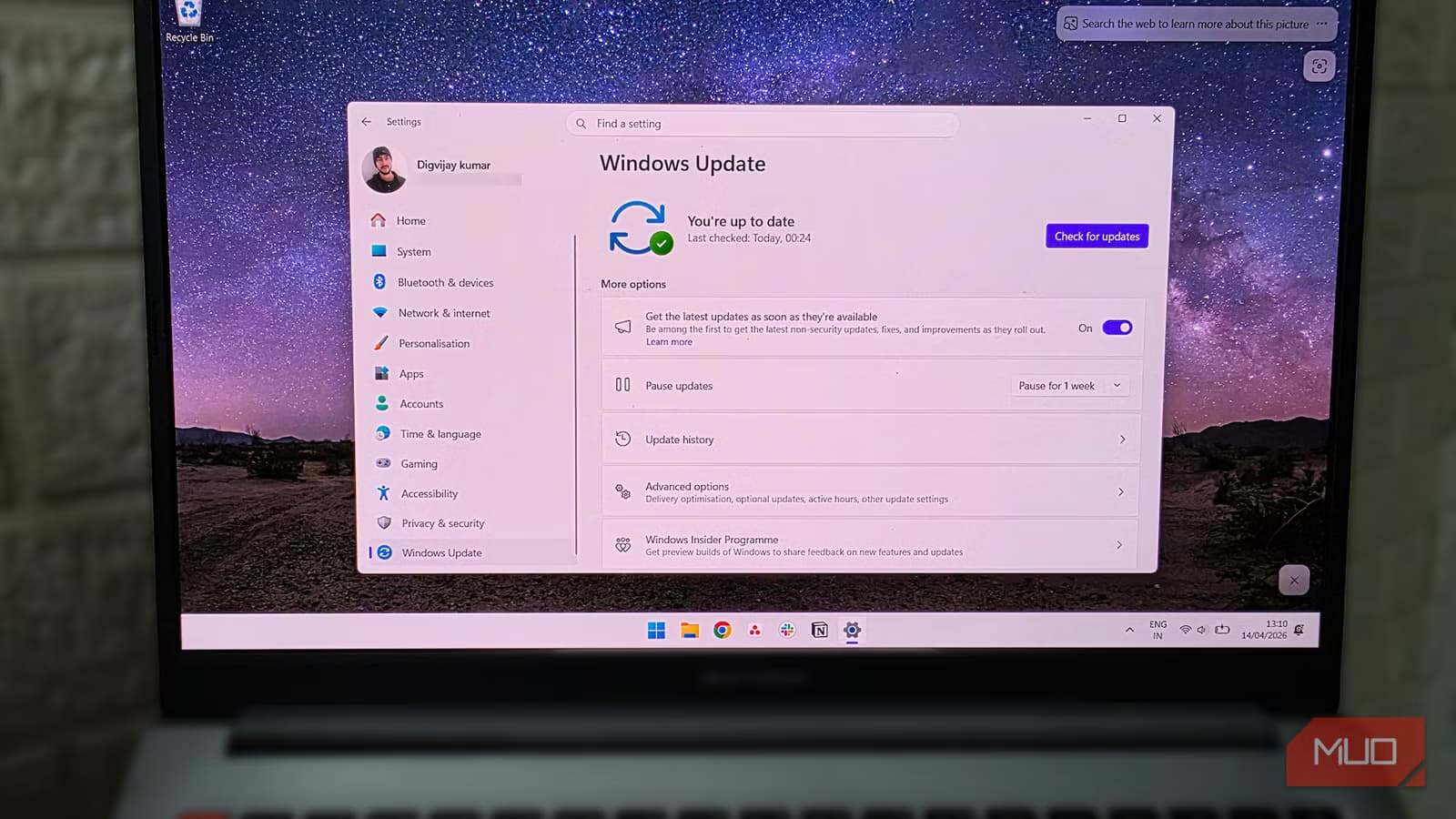
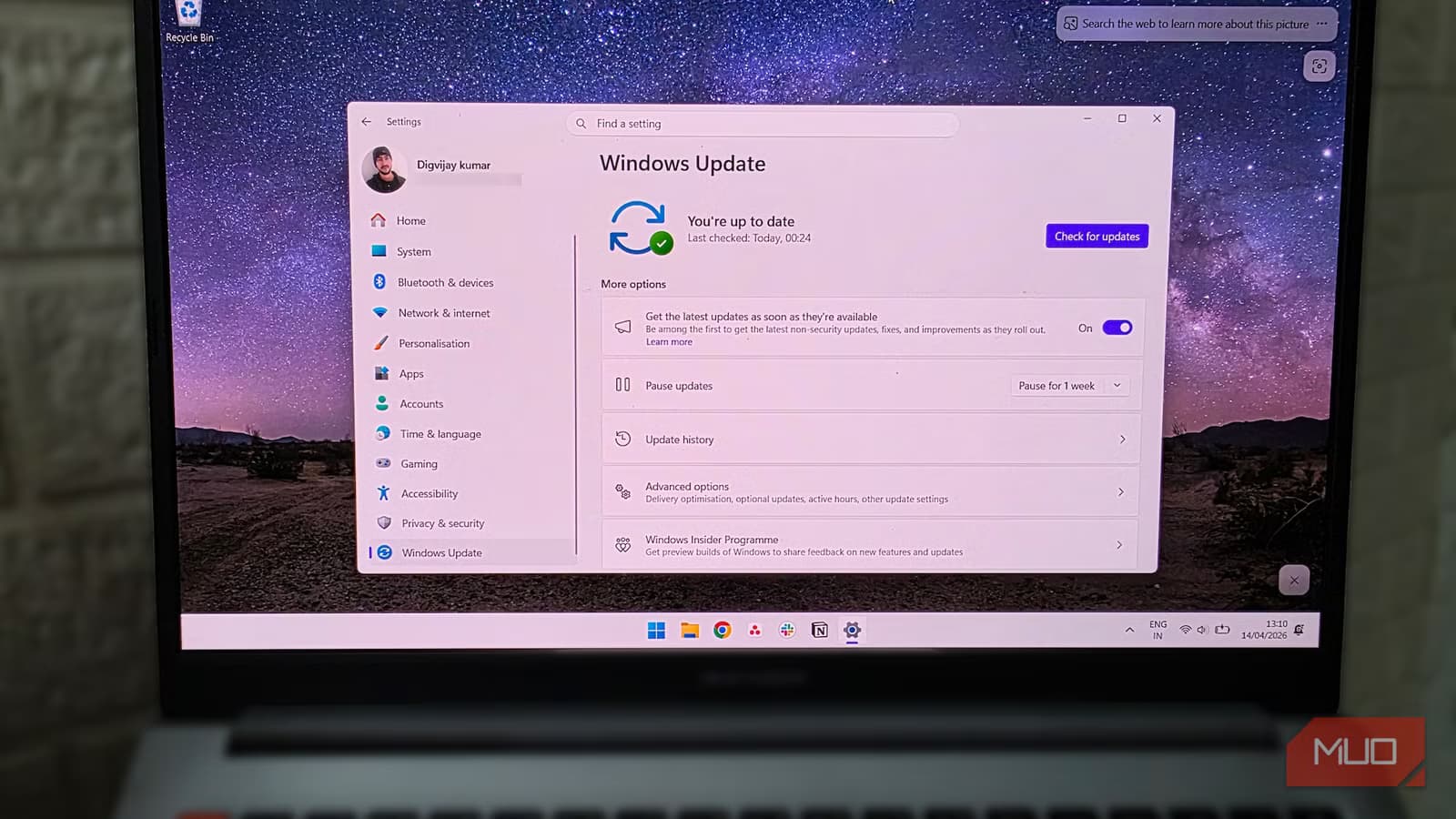
According to [MakeUseOf](https://www.makeuseof.com/if-your-pc-wont-boot-after-windows-11s-april-update-try-this-first/), Microsoft's April 2026 Windows 11 update (KB5083769) is triggering boot loops on HP and Dell PCs, leaving some systems entirely unusable and others stuck in automatic repair cycles. For IT leaders managing enterprise fleets, this isn't just a technical inconvenience. It's a productivity crisis waiting to happen.
What's the Business Cost of Windows 11 Boot Loops?
Let's talk numbers. The average knowledge worker costs their employer $50-75 per hour in fully loaded costs. If a Windows update bricks their PC for even half a workday while IT troubleshoots, you're looking at $200-300 in lost productivity per machine. Scale that across a 500-person company where even 5% of machines are affected, and you're staring at $5,000-7,500 in direct productivity losses, not counting IT labor costs.
The real concern isn't the machines that won't boot at all. Those get immediate attention. It's the PCs that revert to pre-update states and appear functional but can't receive security patches. Those systems become silent vulnerabilities in your network, unable to accept future updates while appearing healthy in your management console.
Executive Summary
Microsoft's April 14 Patch Tuesday update is causing boot failures primarily on HP and Dell systems, possibly related to AMD-based configurations. Affected PCs show pixel artifacts followed by recovery screens, then enter boot loops. IT teams should pause deployment of KB5083769 and prepare Windows Recovery Environment (WinRE) resources.
Which Systems Are Affected by KB5083769?
Reports from Microsoft's support forums point to HP and Dell PCs as the primary victims, though the exact scope remains unclear. Microsoft's own Q&A Assist bot acknowledged the pattern matches "a failed Windows update that leaves the system unable to boot and stuck in an automatic repair loop," with specific mention of AMD-based systems experiencing similar issues historically.
This matters for fleet planning. If your organization standardized on HP or Dell hardware with AMD processors, you may be sitting on higher risk exposure than companies running Intel-based Lenovo or Surface devices. The lack of clarity from Microsoft on root cause makes risk assessment frustrating, but it does give IT leaders a framework for prioritizing which departments to delay updates for.
- HP PCs: Multiple confirmed reports of boot loops after KB5083769
- Dell PCs: Similar failures documented in support forums
- AMD-based systems: Microsoft's bot flagged these as historically problematic with similar update failures
- Intel systems: No widespread reports yet, but absence of evidence isn't evidence of absence
How to Fix Windows 11 Boot Loop After April Update
If you're already dealing with affected machines, here's the recovery playbook in order of escalation. Start with the least destructive option and work up.
- Boot into Windows Recovery Environment (WinRE): Power on the PC and interrupt the boot process three times to trigger automatic recovery mode. This gets you to the troubleshooting options.
- Try System Restore: If you have restore points enabled (and you should for enterprise deployments), roll back to a pre-April 14 state. This is your fastest path to a working machine with data intact.
- Run Startup Repair: WinRE includes automated repair tools that can fix corrupted boot components. Success rate varies, but it's worth attempting before more drastic measures.
- Reset the PC: Last resort. This reinstalls Windows while optionally preserving user files. Budget 1-2 hours per machine for this process plus time to reinstall applications.
| Recovery Method | Time Required | Data Loss Risk | Success Rate |
|---|---|---|---|
| System Restore | 15-30 minutes | None if restore point exists | High |
| Startup Repair | 20-45 minutes | None | Medium |
| PC Reset (Keep Files) | 1-2 hours | Apps and settings lost | High |
| PC Reset (Clean) | 1-2 hours | Complete data loss | Very High |
Why Do Windows Updates Keep Breaking Enterprise PCs?
This isn't Microsoft's first Patch Tuesday disaster, and it won't be the last. The fundamental challenge is that Windows runs on millions of hardware configurations, driver combinations, and software stacks. Microsoft's testing matrix, no matter how comprehensive, can't cover every permutation.
Enterprise IT teams have adapted by treating Patch Tuesday as a staging event, not a deployment deadline. The common practice is to delay critical updates by 7-14 days for non-security workstations, allowing early adopters to surface issues before they hit your CEO's laptop. This approach trades a small window of vulnerability for operational stability.
“The behavior matches a failed Windows update that leaves the system unable to boot and stuck in an automatic repair loop. Similar issues are documented when a cumulative/security update corrupts boot-critical components or drivers, especially on some AMD-based systems.”
— Microsoft Q&A Assist Bot
Understanding how system vulnerabilities cascade into business risk
IT Policy Changes to Prevent Update-Related Downtime
Reactive recovery is expensive. Proactive policy is cheaper. Here's what IT leaders should implement before the next Patch Tuesday catches them off guard.
- Staged rollout rings: Group devices into pilot, early adopters, and general deployment. Pilot ring gets updates on day one. General deployment waits 10-14 days.
- Mandatory restore points: Configure Group Policy to create system restore points before every cumulative update. This takes minutes and saves hours.
- WinRE boot media: Keep USB recovery drives prepared and accessible. When a machine won't boot, you need to get into recovery fast.
- Hardware-specific monitoring: Track which device models have update issues. Build an internal knowledge base so your team knows which HP or Dell models need extra caution.
- User communication templates: Have pre-written emails ready to inform affected departments about delays and expected resolution times.
Should You Pause Windows 11 Updates Entirely?
No. The security patches bundled with cumulative updates address real vulnerabilities that attackers actively exploit. Skipping updates entirely trades one risk for another, and the security risk often outweighs the operational risk.
The balanced approach is controlled delay, not avoidance. Configure Windows Update for Business to defer feature updates by 30-90 days and quality updates by 7-14 days. This gives the global Windows user base time to surface issues while keeping your systems patched against known threats within a reasonable window.
How technology vendors handle security incidents affects your risk exposure
What Microsoft Should Do Differently
Microsoft's response pattern to Patch Tuesday issues has become predictable: community reports surface, unofficial workarounds circulate, and official acknowledgment comes days later. For enterprise customers paying premium licensing fees for Windows and Microsoft 365, this reactive posture is frustrating.
The Q&A Assist bot's response, while technically accurate, highlights the gap between automated support and genuine incident response. When boot loops affect production systems, IT leaders need proactive communication, not chatbot-generated troubleshooting steps. Microsoft's enterprise support channels should be flagging known issues to premier support customers before they hit help desk queues.
✅ Pros
- • Windows Update for Business provides granular deployment control
- • Recovery Environment tools are built into Windows 11
- • System Restore, when configured, offers fast rollback
- • Microsoft eventually acknowledges and patches most issues
❌ Cons
- • Patch Tuesday issues recur with frustrating regularity
- • Official acknowledgment often lags community reports by days
- • Enterprise support doesn't proactively warn of known issues
- • Hardware-specific failures are difficult to predict before deployment
FAQ: Windows 11 Update Boot Loops
Frequently Asked Questions
How long does it take to recover from a Windows 11 boot loop?
Recovery time ranges from 15 minutes (successful System Restore) to 2+ hours (full PC reset plus app reinstallation). Budget IT staff time accordingly, especially if multiple machines are affected simultaneously.
Will Microsoft release a fix for the KB5083769 boot loop issue?
Microsoft typically releases out-of-band patches for severe issues within 1-2 weeks, or includes fixes in the next month's Patch Tuesday. Monitor the Windows Release Health dashboard for official status updates.
How can I prevent Windows updates from breaking our PCs?
Configure Windows Update for Business to delay quality updates by 7-14 days, ensure System Restore points are created before updates, and maintain pilot deployment rings to catch issues before general rollout.
Should we switch to Mac or Linux to avoid Windows update problems?
Platform switching introduces its own costs and risks. macOS and Linux distributions also have update issues, just with different patterns. The better investment is robust update management and recovery processes for your current platform.
Is this boot loop issue related to the recent security vulnerabilities?
The boot loop appears to be caused by update installation failures corrupting boot components, not a security exploit. However, machines stuck in pre-update states do miss important security patches, creating secondary risk.
A reminder that system vulnerabilities have real financial consequences
Logicity's Take
At Logicity, we primarily build AI-powered applications and web platforms rather than manage enterprise Windows fleets. But we've seen this pattern before from a different angle: when third-party dependencies fail unexpectedly, having rollback strategies and tested recovery procedures is the difference between a 30-minute incident and a day-long crisis. For Indian tech businesses specifically, this Microsoft update issue is a reminder that vendor reliability isn't a given, even from the largest players. We work with startups and SMBs across Hyderabad who often assume that Microsoft, AWS, or other enterprise vendors have bulletproof QA. They don't. Your operational resilience comes from your own processes: staged deployments, tested backups, documented recovery procedures. The companies that handle these incidents gracefully aren't running more expensive infrastructure. They've simply invested in understanding their failure modes before failures occur. Whether it's a Windows update bricking PCs or an API vendor pushing a breaking change, the playbook is the same: plan for failure, test your recovery, and keep your blast radius small through staged rollouts.
Need Help Implementing This?
Logicity helps businesses build resilient technology systems, from AI-powered automation to web platforms designed for reliability. If you're evaluating your IT disaster recovery posture or need help building more robust deployment processes, reach out to discuss how we can help.
Source: MakeUseOf
Huma Shazia
Senior AI & Tech Writer
Produced with AI assistance and reviewed by the Logicity editorial team. Learn more in our Editorial Policy.