Key Takeaways
- Passive packet sniffing on public Wi-Fi is mostly obsolete due to TLS 1.2 and 1.3 encryption
- Active attacks like SSL stripping and evil twin networks remain genuine threats on public networks
- Your phone's hotspot provides a private, controlled connection that avoids these vulnerabilities
If you work from cafés, hotel lobbies, or co-working spaces, you've probably done the same calculation: scan for networks, pick the strongest signal, and hope for the best. It's a workflow that made sense when public Wi-Fi was your only option. But that calculation is changing.
Your phone's mobile hotspot has become a more reliable and safer alternative than most people realize. The shift isn't just about convenience. It's about understanding what public Wi-Fi risks actually look like in 2026, and why most of the old warnings no longer apply the way they used to.
The Old Threat Model Is Mostly Dead
Security warnings about public Wi-Fi aren't wrong, but they're often explained in ways that blur what actually matters today. The classic fear is passive packet sniffing, where someone on the same network intercepts your traffic and reads your data.
That used to be a significant concern. It's not anymore.
The near-universal adoption of TLS encryption changed everything. The launch of Let's Encrypt made HTTPS certificates free and easy to implement. As a result, most major services people use, from banking sites to Google to social platforms, now run on TLS 1.2 or 1.3. Even on an open network, your data payload is encrypted. A passive eavesdropper mostly sees ciphertext, not anything useful.
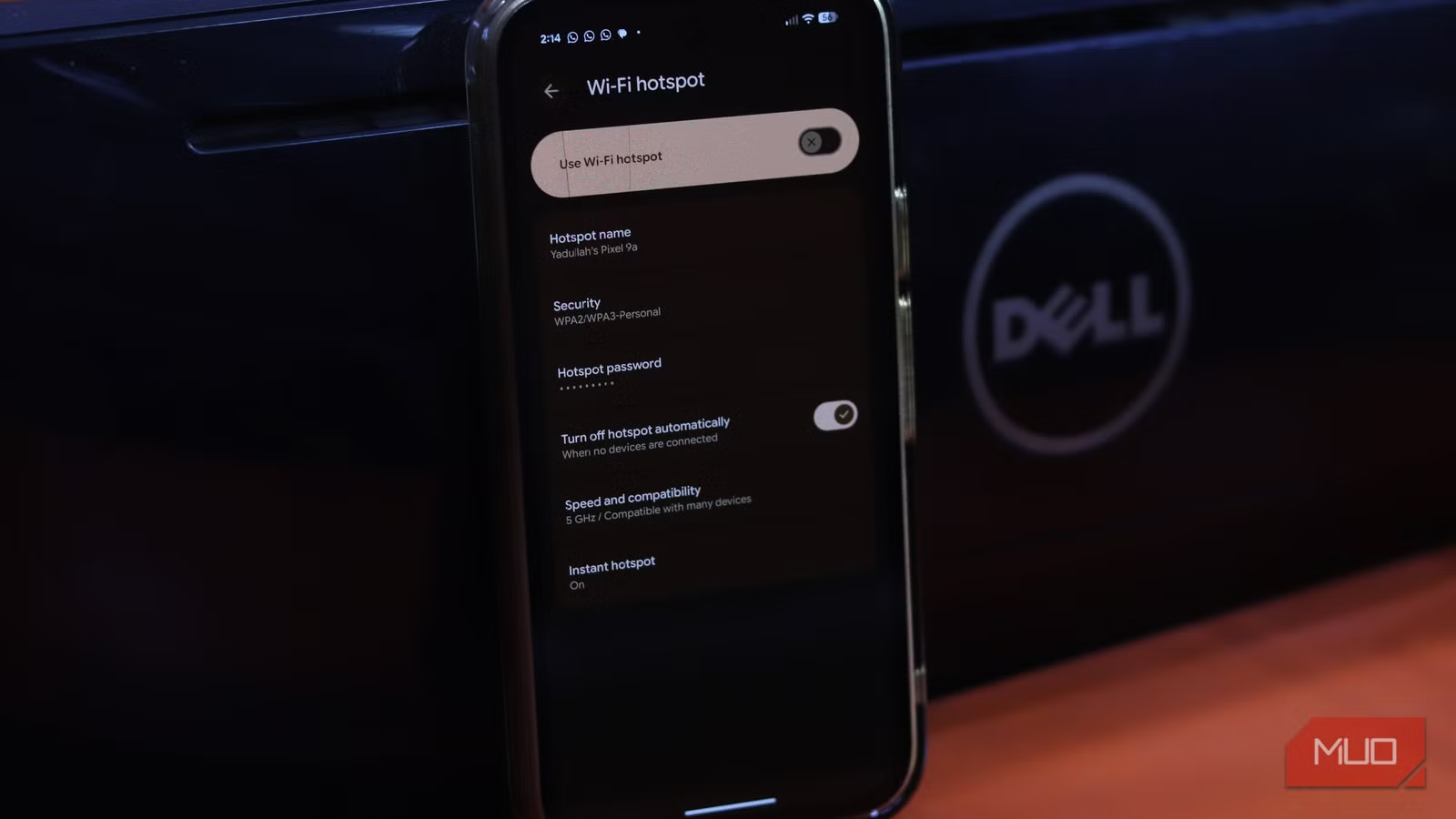
If you're browsing HTTPS sites, which is nearly everything now, passive sniffing reveals very little. The attacker sees that you connected to your bank. They don't see your password or account balance.
Active Attacks Are the Real Concern
The more realistic threats are active attacks. These require more effort from attackers but remain effective in public settings.
SSL stripping is one technique. It forces your browser to use HTTP instead of HTTPS, stripping away encryption before it's fully established. Major sites defend against this with HSTS (HTTP Strict Transport Security), which forces a secure connection regardless of the initial request. But many smaller or less-maintained sites don't implement HSTS. If you're accessing a niche service or an older web application, you could be vulnerable.
Then there are evil twin networks. These are arguably more common in practice because they're simple to execute. Someone spins up a rogue access point with a convincing name, like "Starbucks_WiFi_Free" or "Hotel_Guest_Network," and waits for devices to connect. Once you're on their network, they control the connection.
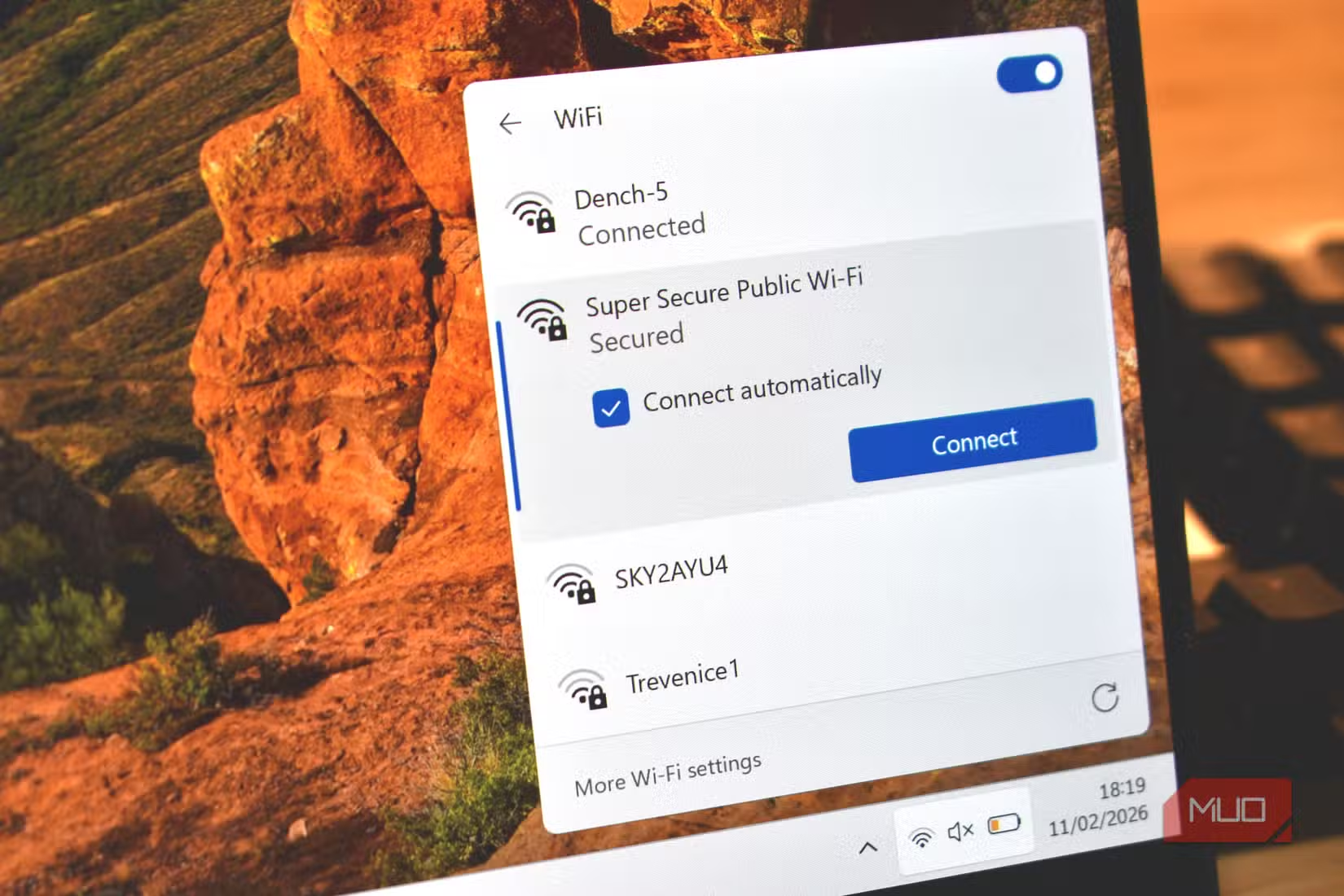
Your device might even auto-connect to a network name it recognizes from a previous visit. If an attacker names their hotspot identically to one you've used before, your laptop connects without asking.
Why Your Phone Hotspot Avoids These Problems
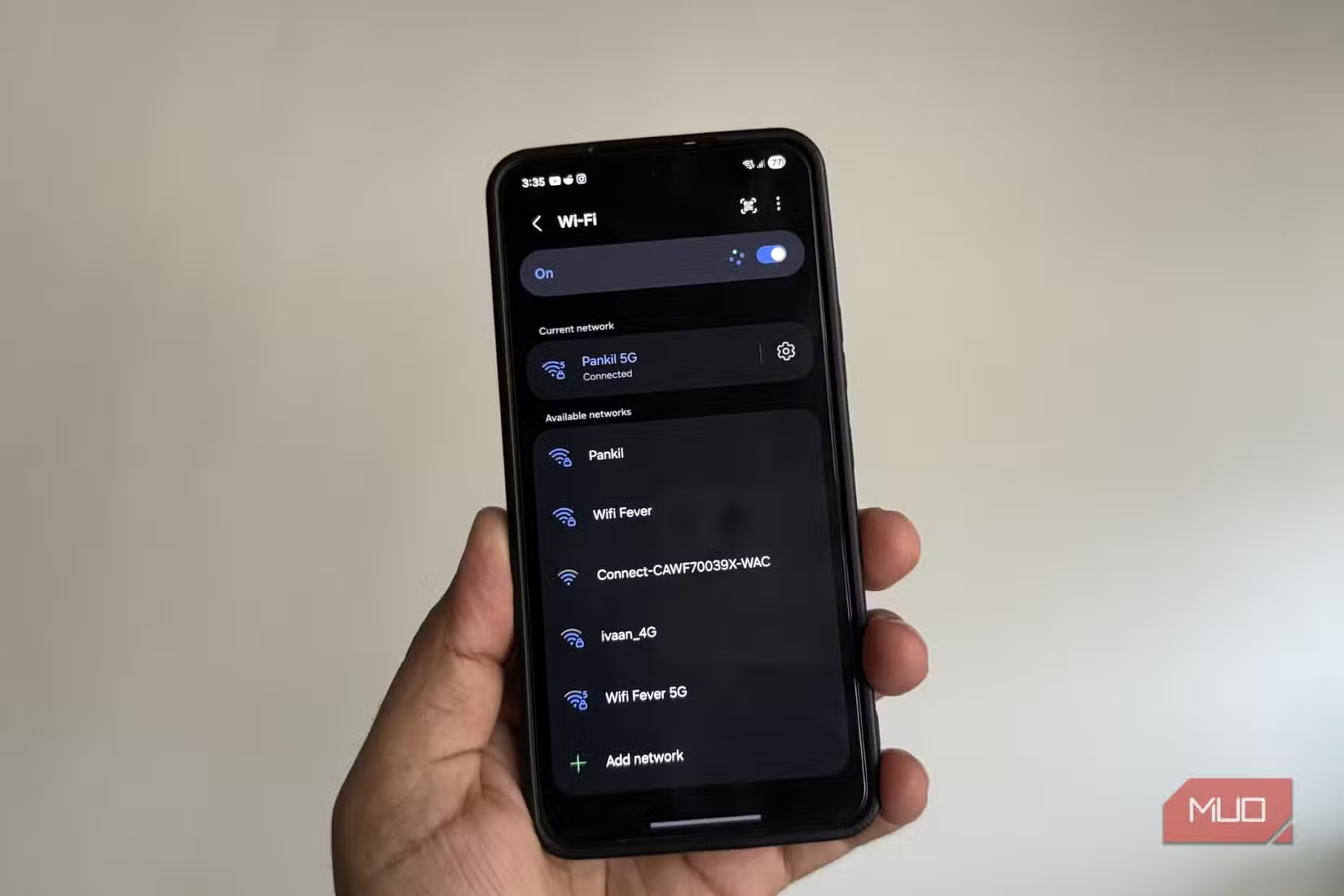
A mobile hotspot sidesteps both attack categories. You're not joining a shared network where other users can probe your traffic. You're creating a private network between your phone and your laptop. The only devices on that network are yours.
- No evil twin risk: You control the network name and password. No one can impersonate it to you.
- No shared medium: Other users aren't on your network, so there's no opportunity for local attacks.
- Carrier encryption: Your data travels over the cellular network, which has its own encryption layer before reaching the internet.
The reliability factor matters too. Public Wi-Fi performance varies wildly. That café network might be shared with 30 other laptop users, all streaming video or running video calls. Your phone's 5G or LTE connection is dedicated to you.
When Public Wi-Fi Still Makes Sense
Mobile hotspots aren't perfect for every situation. Data caps exist. If you're downloading large files or running video calls for hours, you might burn through your mobile plan. Some carriers throttle hotspot speeds even on "unlimited" plans.
Public Wi-Fi can be the better choice when you're doing low-sensitivity work on well-protected sites. Browsing news, checking HTTPS-secured email, or reading documentation on GitHub are all low-risk activities even on open networks.
The decision framework is straightforward: if you're accessing anything sensitive, logging into accounts, or working with client data, use your hotspot. If you're just reading and the data cap matters, public Wi-Fi is acceptable for HTTPS sites.
More ways to get more from your phone
Practical Setup Tips
Getting the most from your phone's hotspot takes minimal setup but a few best practices help.
- Use a strong, unique password for your hotspot. The default is often guessable.
- Choose WPA3 if your phone supports it. WPA2 is fine but WPA3 is better.
- Position your phone near your laptop. Hotspot range is limited compared to a router.
- Monitor your data usage if you're on a capped plan. Most phones show hotspot-specific usage in settings.
- Disable auto-join for public networks on your laptop. This prevents accidental connections to rogue networks.
Another security gap worth knowing about
The Shift in Thinking
For years, the advice was to avoid public Wi-Fi or always use a VPN. VPNs still have their place, but they're not a magic shield. A VPN on an evil twin network still routes through the attacker's access point. Your traffic is encrypted to the VPN server, but metadata and DNS queries might still leak depending on configuration.
The simpler solution is to not join untrusted networks in the first place. Your phone's cellular connection is a trusted network you carry in your pocket. The hotspot feature turns it into a portable, private Wi-Fi network for your other devices.
It's not about paranoia. It's about recognizing that the easiest solution is often the best one. You don't need to scan for networks, worry about who else is connected, or trust that the "Free_Airport_WiFi" network is actually run by the airport.
Logicity's Take
The phone hotspot advice sounds basic until you realize how many professionals still default to public Wi-Fi without thinking. The threat model has shifted. Old-school packet sniffing is mostly dead. Evil twin attacks and SSL stripping are the real concerns. Your phone in your pocket already solves the problem.
Frequently Asked Questions
Is public Wi-Fi safe if I use HTTPS?
For passive eavesdropping, yes. TLS encryption protects your data in transit. But active attacks like SSL stripping and evil twin networks can still compromise your security on public networks.
Does a VPN make public Wi-Fi completely safe?
A VPN encrypts your traffic but doesn't prevent all attacks. On an evil twin network, the attacker still controls your connection. Some metadata can leak before the VPN tunnel is established.
Will using my phone as a hotspot drain my battery quickly?
Yes, hotspot mode uses significant battery. Keep your phone plugged in if possible, or limit hotspot sessions to essential work.
How much data does a mobile hotspot use for typical work?
Email and document work uses minimal data. Video calls consume 1-2GB per hour. Large file downloads can quickly exhaust a capped plan.
What's an evil twin network attack?
An attacker creates a fake Wi-Fi network with a name that mimics a legitimate one. When you connect, they control your traffic and can attempt various interception techniques.
Need Help Implementing This?
If your team needs guidance on secure remote work policies, mobile device management, or network security practices, reach out to us at Logicity. We help organizations build practical security frameworks that work in the real world.
Source: MakeUseOf
Huma Shazia
Senior AI & Tech Writer
Produced with AI assistance and reviewed by the Logicity editorial team. Learn more in our Editorial Policy.






