Key Takeaways
- No single 3D printer excels at everything equally. Each machine has specific strengths.
- Two people with identical printers can have opposite experiences based on what they're printing.
- Finding your printer's sweet spot is more practical than expecting it to handle every print type perfectly.
The Sweet Spot Problem
3D printers have moved us closer to Star Trek replicators, but we're nowhere near machines that can make anything at the press of a button. The reality is simpler and more frustrating: no single 3D printer is equally good at everything.
This explains a common scenario. Two people own the exact same printer. One raves about it online. The other calls it unreliable junk. The difference isn't the machine. It's what they're asking it to do. One person is printing within the machine's sweet spot. The other is pushing it where it doesn't want to go.
Not Every Print Belongs on Your Printer
Different printers are good at different types of printing. A big bedslinger and a speedy little CoreXY won't give you the same results when printing the exact same model. Sure, any 3D printer can attempt any model. But "can attempt" and "will produce good results" are different things.
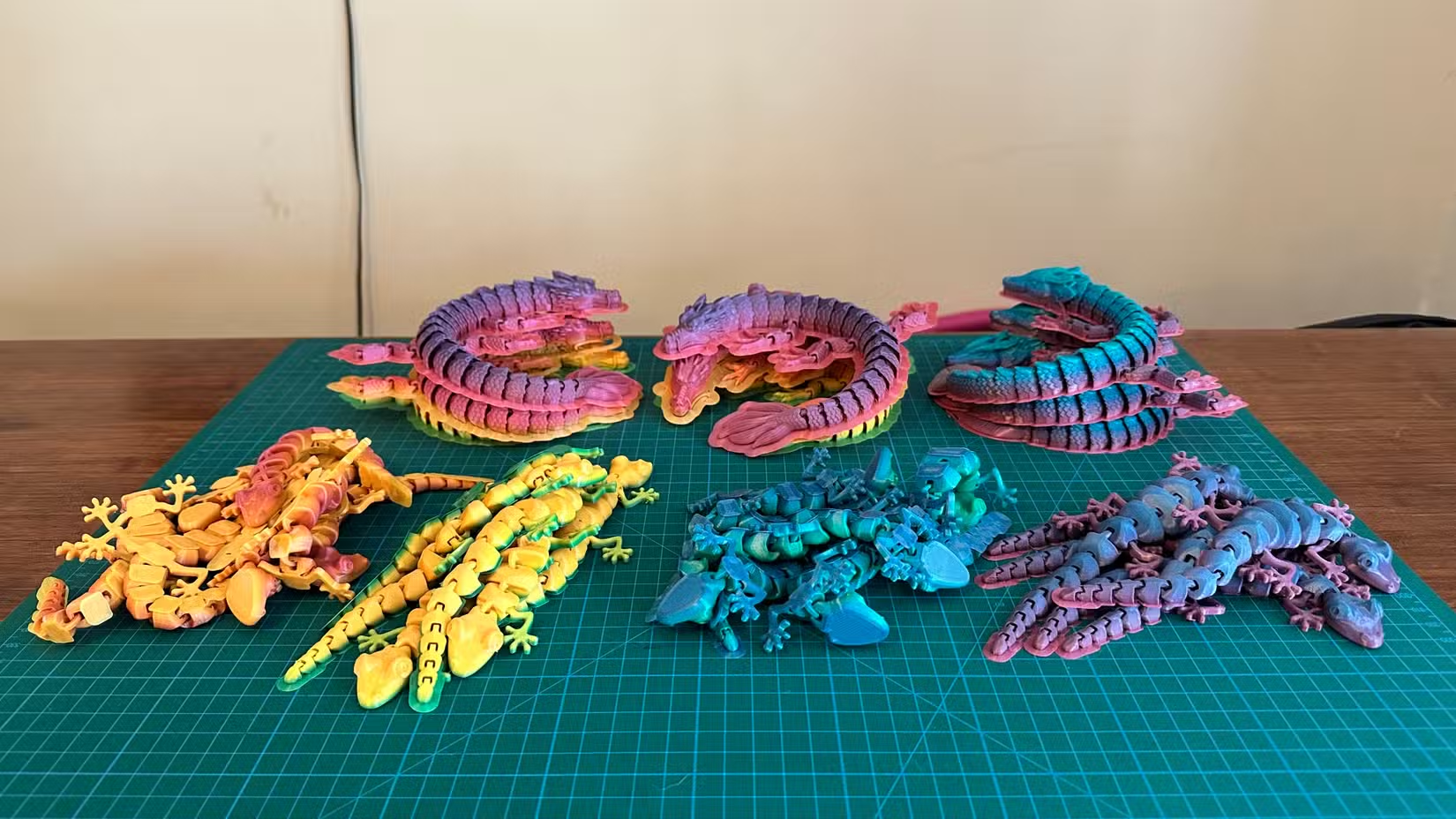
This is why serious 3D printing enthusiasts often end up with multiple machines. One works well with flexible materials. Another keeps thermally sensitive filaments stable. A third handles large, tall models without issues. Each printer has its role.
The Wishful Thinking Trap
There's nothing wrong with pushing a machine outside its comfort zone. That's how you learn its limits. The problem is wishful thinking: expecting any printer to be a jack of all trades. That's an impossible bar for any of these machines.
When a print fails, the first instinct is to blame the printer. Sometimes that's fair. But often the issue is a mismatch between what you're printing and what your specific machine handles well.
How to Find Your Printer's Sweet Spot
Start by noting your successes. What types of prints consistently come out well? Small detailed models? Large structural parts? Flexible phone cases? Mechanical assemblies with moving parts? Your printer is telling you what it likes.
- Track your successful prints by size, material, and complexity
- Note which filament types work reliably without constant tuning
- Pay attention to print speeds where quality stays consistent
- Identify the build volume zone where adhesion and warping aren't issues
Once you know the sweet spot, you have two options. Work within it for reliable results. Or get a second printer that covers your gaps.
When to Consider a Second Printer
If you constantly fight your printer on a specific type of print, a second machine might be more practical than endless tuning. A small CoreXY excels at speed and detail on compact models. A larger bedslinger handles big parts. A printer with an enclosed chamber manages temperature-sensitive materials like ABS or nylon.
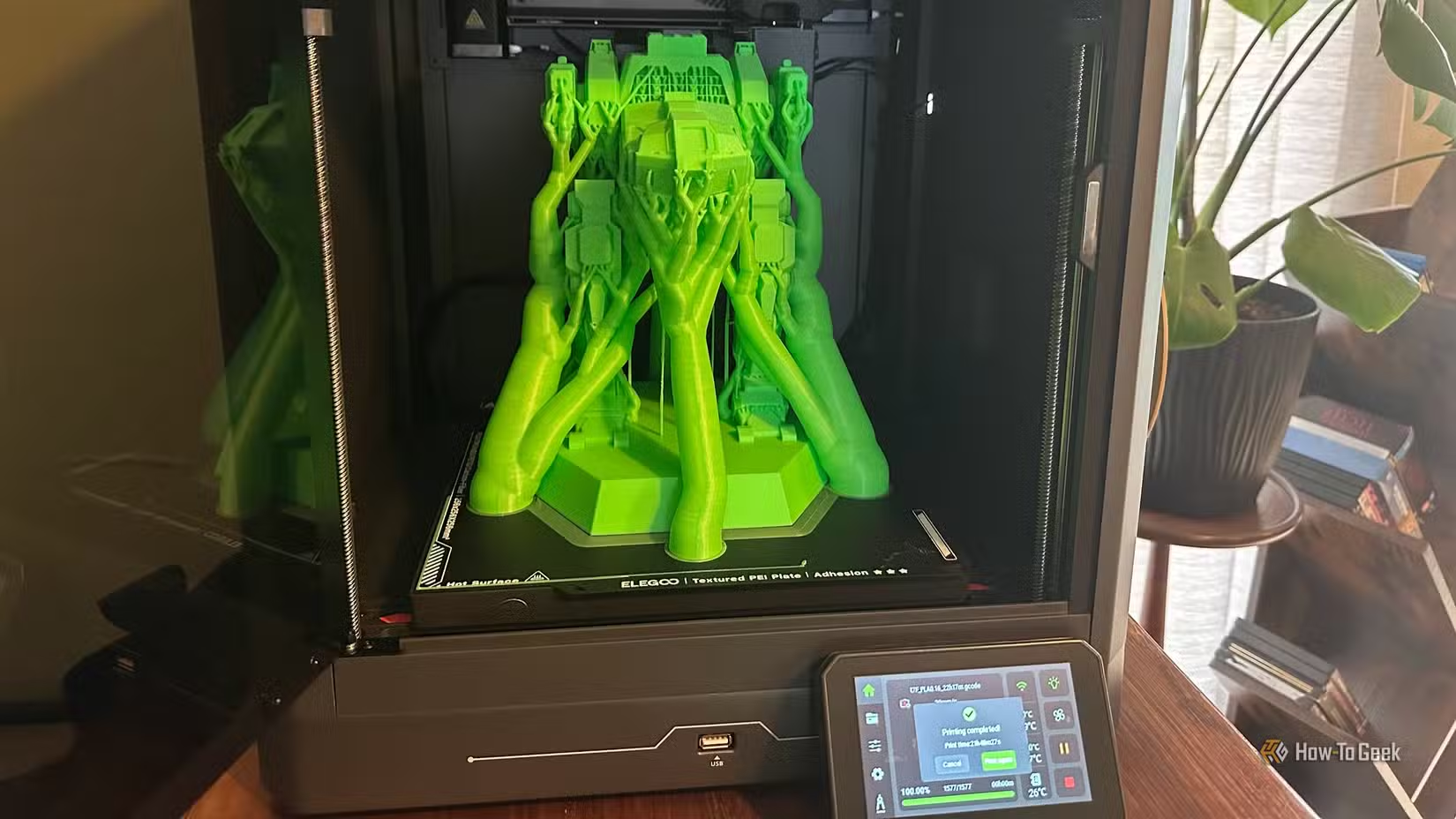
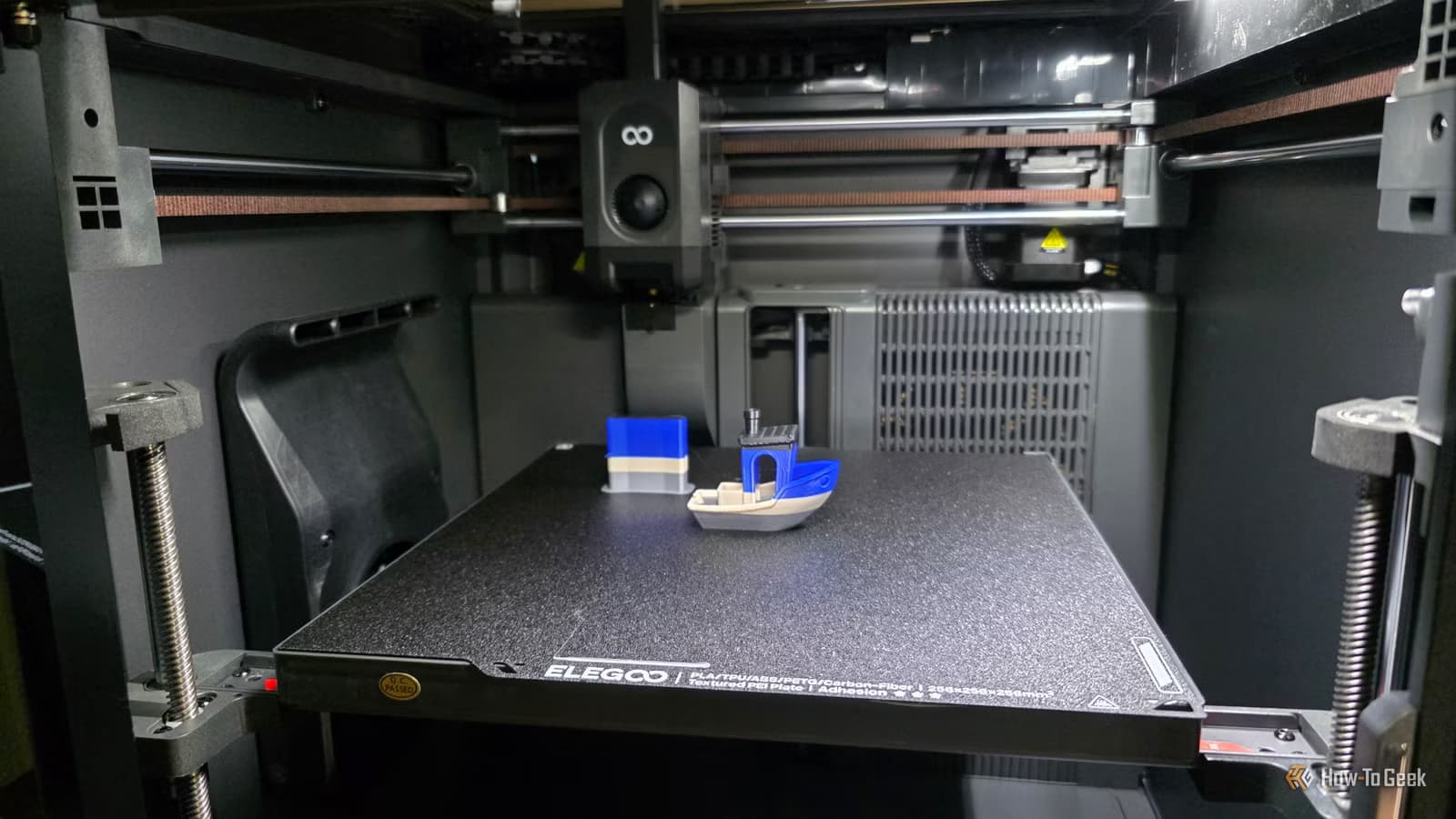
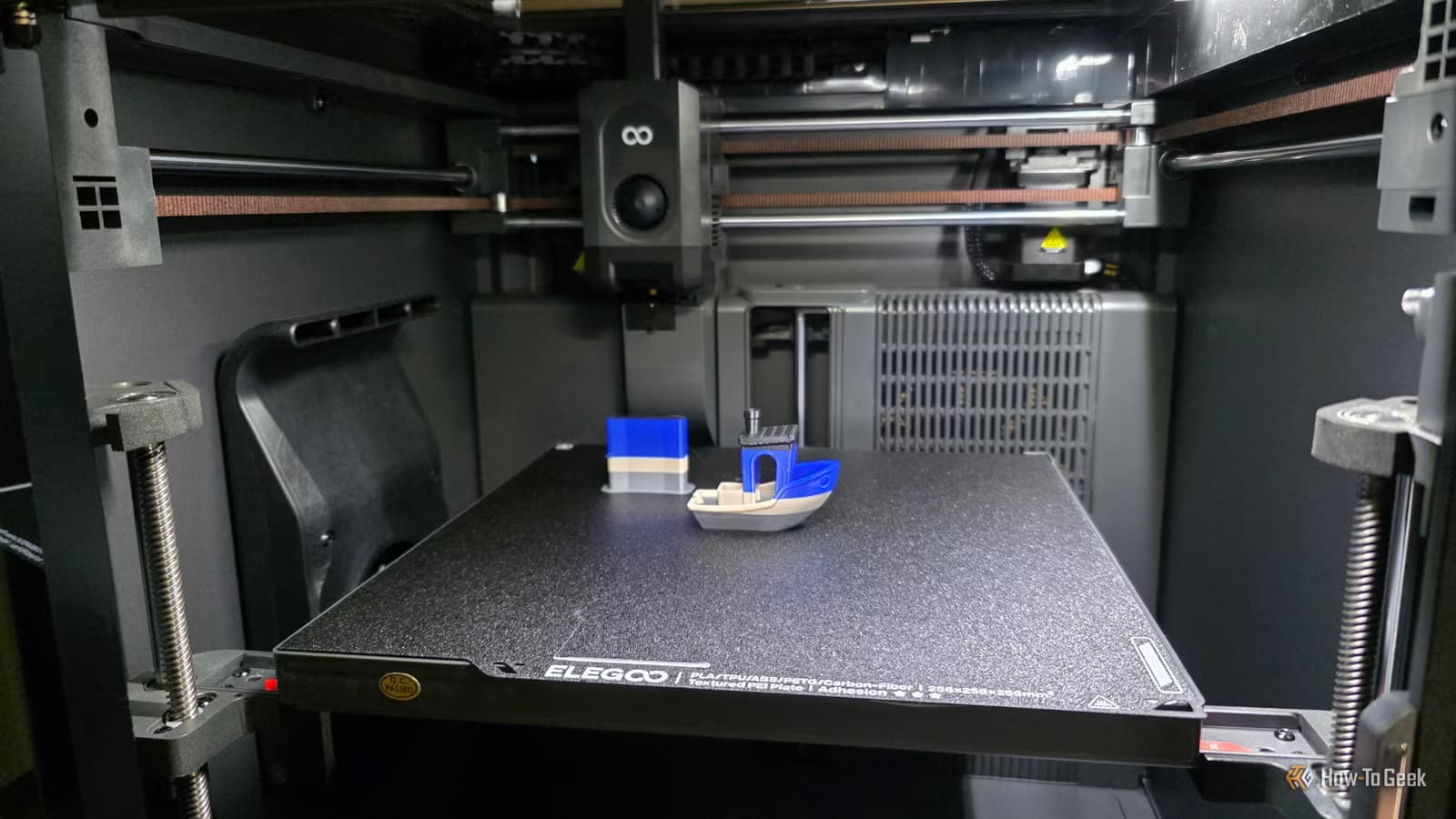
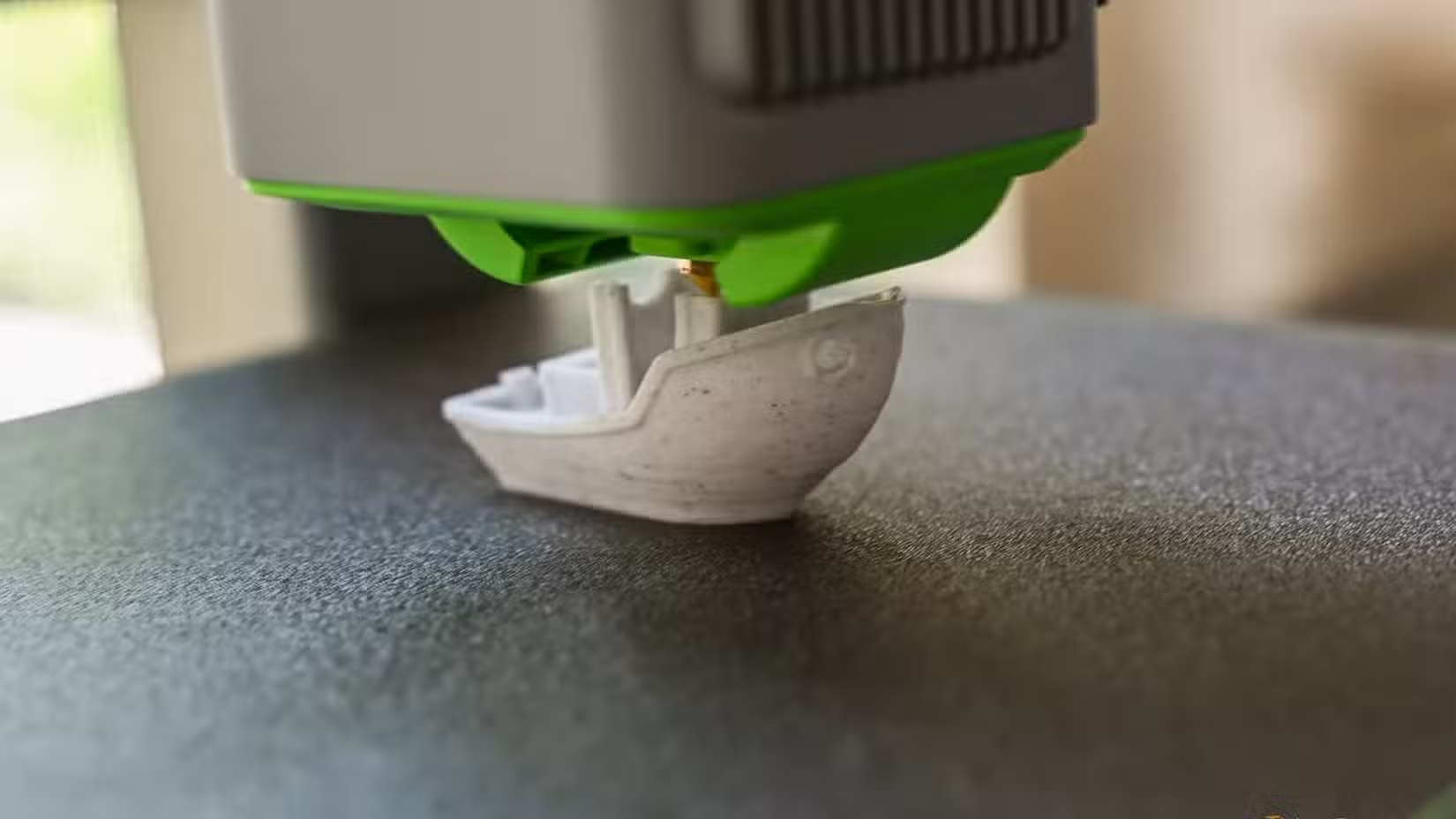
The ELEGOO Centauri Carbon 2, for example, builds on its predecessor with a 256 x 256 x 256 mm build volume and Wi-Fi connectivity. It's designed to be reliable within a specific range of prints rather than attempting to do everything.
Skip the Prints That Don't Make Sense
The internet is full of "you should 3D print this" lists. Many of those prints aren't worth your time or filament. Some items are cheaper, stronger, or better when bought. Save your printer for what it actually does well.
Logicity's Take
Another example of working within hardware limitations to get optimal results
Frequently Asked Questions
Why do two people with the same 3D printer have different experiences?
The difference usually comes down to what they're printing. One person prints within the machine's sweet spot while the other pushes it beyond its strengths.
How do I find my 3D printer's sweet spot?
Track your successful prints by size, material, and complexity. Note which settings and filaments work consistently without constant adjustment. Patterns will emerge.
Should I buy a second 3D printer?
If you constantly fight your printer on a specific type of print and tuning doesn't help, a second machine designed for that print type might be more practical than endless adjustments.
What's the difference between a bedslinger and CoreXY printer?
Bedslingers move the bed back and forth, making them better for large prints but slower. CoreXY printers keep the bed stationary and move the print head, enabling faster speeds and better detail on smaller models.
Can any 3D printer print any model?
Technically yes. Any printer can attempt any model. But results vary widely based on whether the print matches the printer's strengths.
Need Help Implementing This?
Source: How-To Geek
Huma Shazia
Senior AI & Tech Writer
Produced with AI assistance and reviewed by the Logicity editorial team. Learn more in our Editorial Policy.






