Key Takeaways
- Swapping bits constantly slows down projects and breaks momentum
- Keeping one drill for pilot holes and another for driving screws eliminates the 'chuck dance'
- Drill-and-driver combo kits from brands like Ryobi and Milwaukee offer the best value
If you've ever stopped mid-project to swap a drill bit for a screwdriver bit, you know the frustration. You're in the zone, pilot holes drilled, ready to drive screws. Then you pause, fumble with the chuck, change the bit, and lose your rhythm. Multiply that by every hole in a project, and you've wasted real time.
The fix is simple: own more than one drill. According to Cory Gunther at How-To Geek, having two, three, or even four drills ready with different setups transforms how efficiently you work.
The Case Against the Single Drill
Most homeowners and DIYers own exactly one drill. It handles everything: drilling holes, driving screws, boring through wood, setting anchors. The problem is that each task requires a different bit. And every bit swap means stopping, opening the chuck, removing the current bit, finding the next one, and tightening it down.
Gunther calls this the "chuck dance." It's worse when you're on a ladder or working in tight spaces. You climb down, swap bits, climb back up. Repeat.
The solution is keeping dedicated setups. One drill holds a pilot-hole bit. Another holds a driver bit for screws. A third might have a specialty bit for whatever the project demands. You grab the right tool, use it, set it down, grab the next.
Drill vs. Impact Driver: Know the Difference
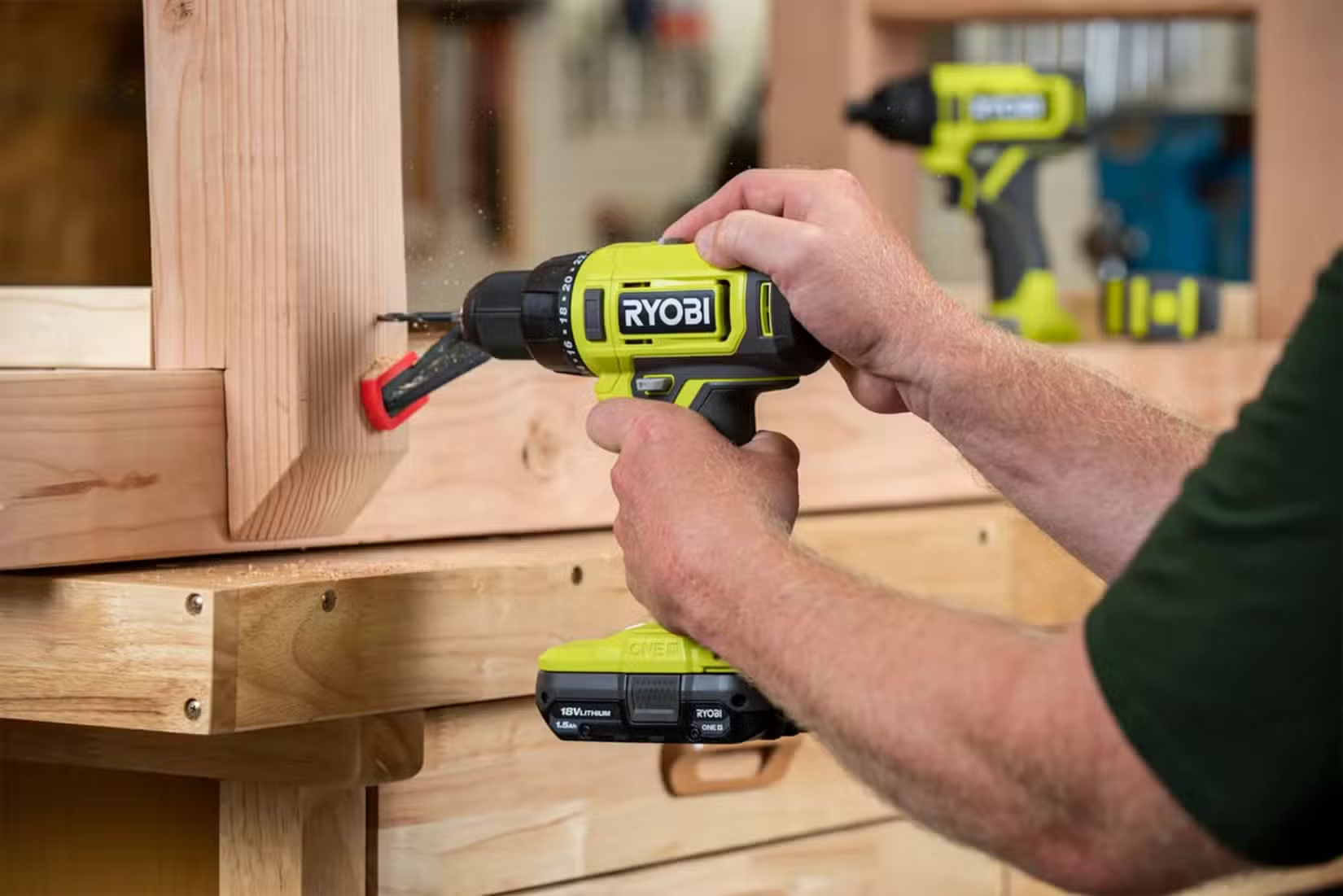
Part of owning multiple drills means understanding that "drill" covers different tools. A standard drill/driver handles most tasks: drilling holes, driving screws into soft materials. An impact driver delivers rotational force in bursts, making it far better for driving screws, especially long ones or those going into hard wood.
The ideal two-tool setup is a drill for pilot holes and an impact driver for screws. This is why major tool brands sell drill-and-impact-driver combo kits. They're designed to work together.
Combos Worth Buying
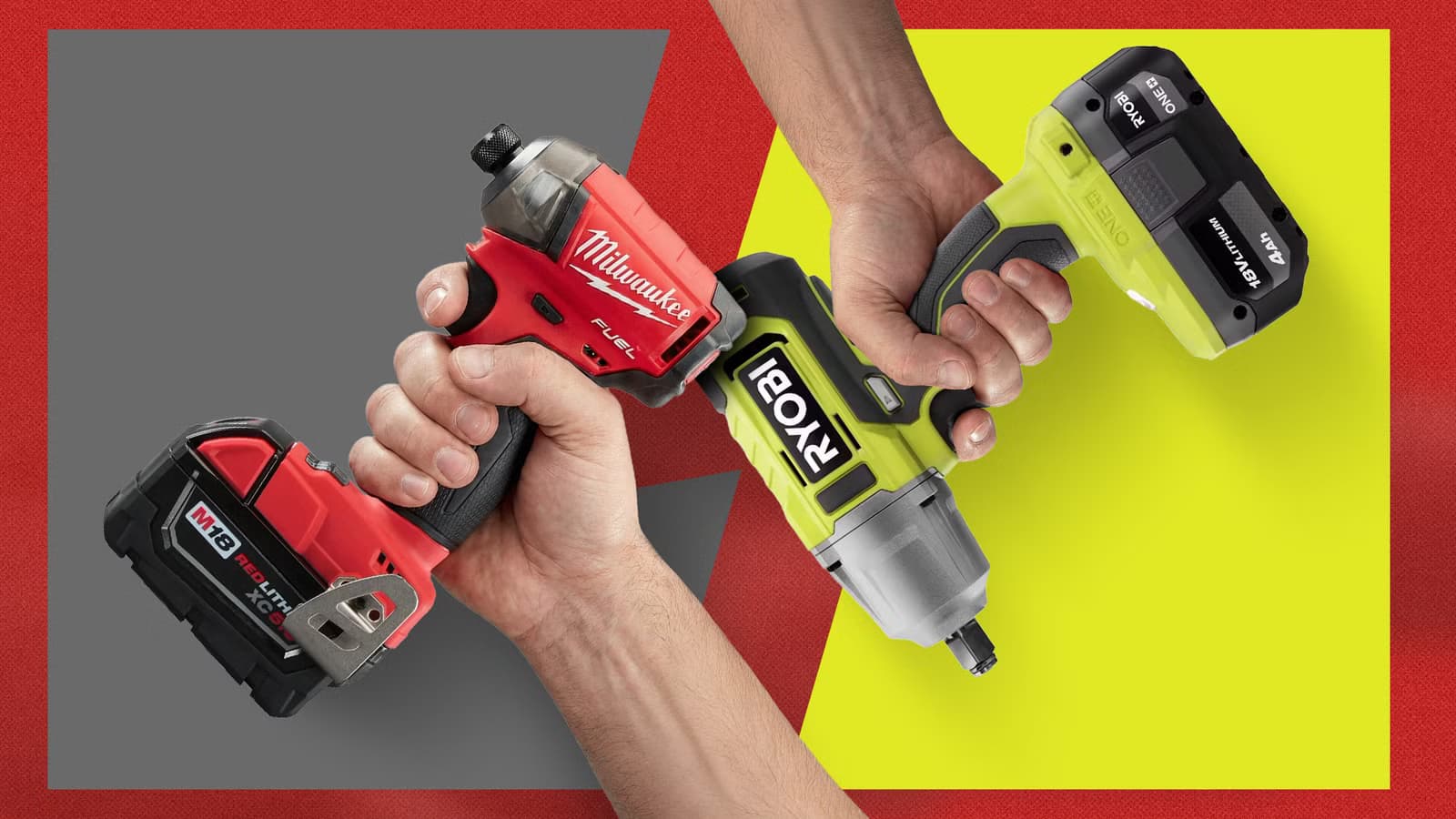
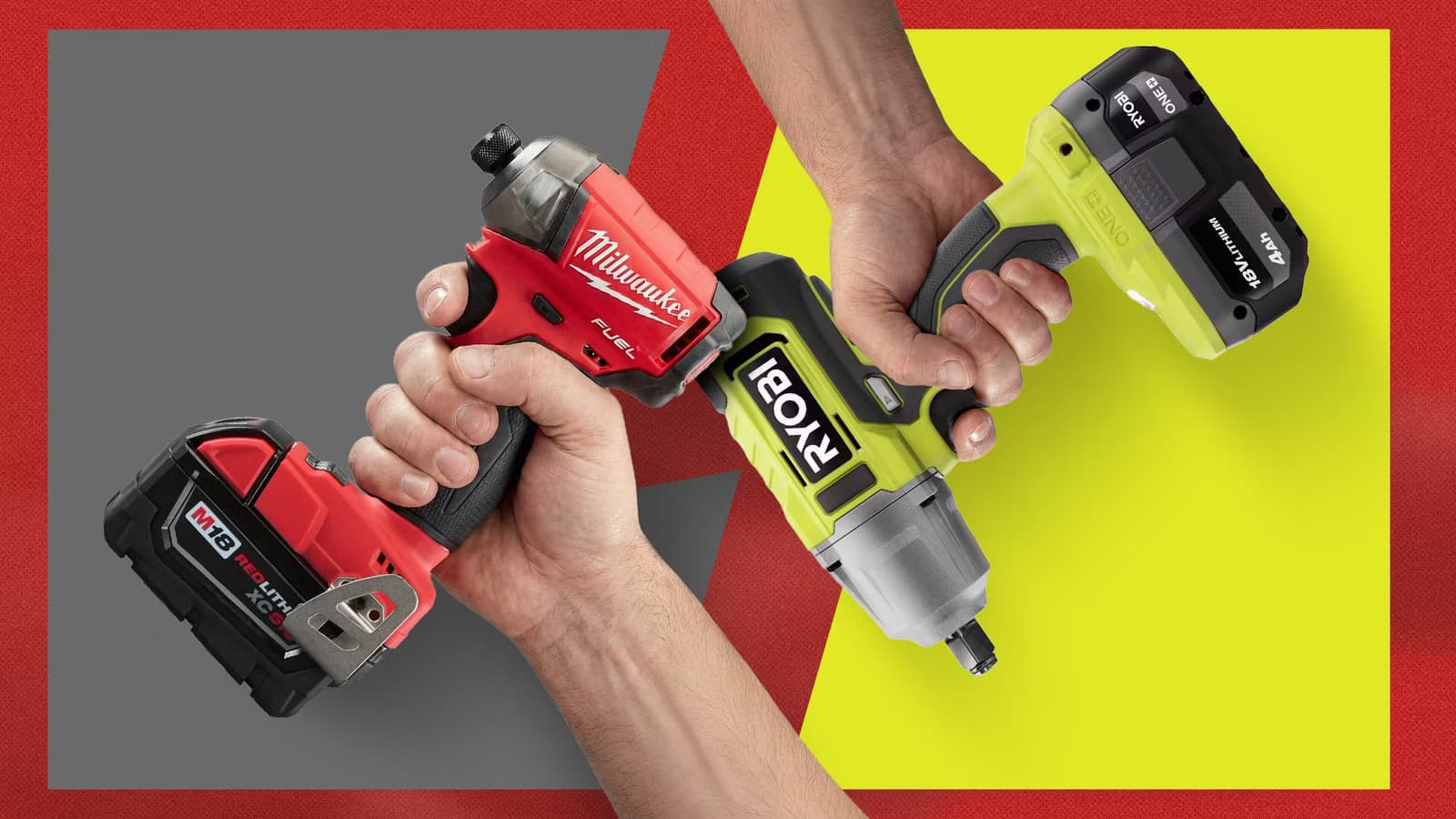
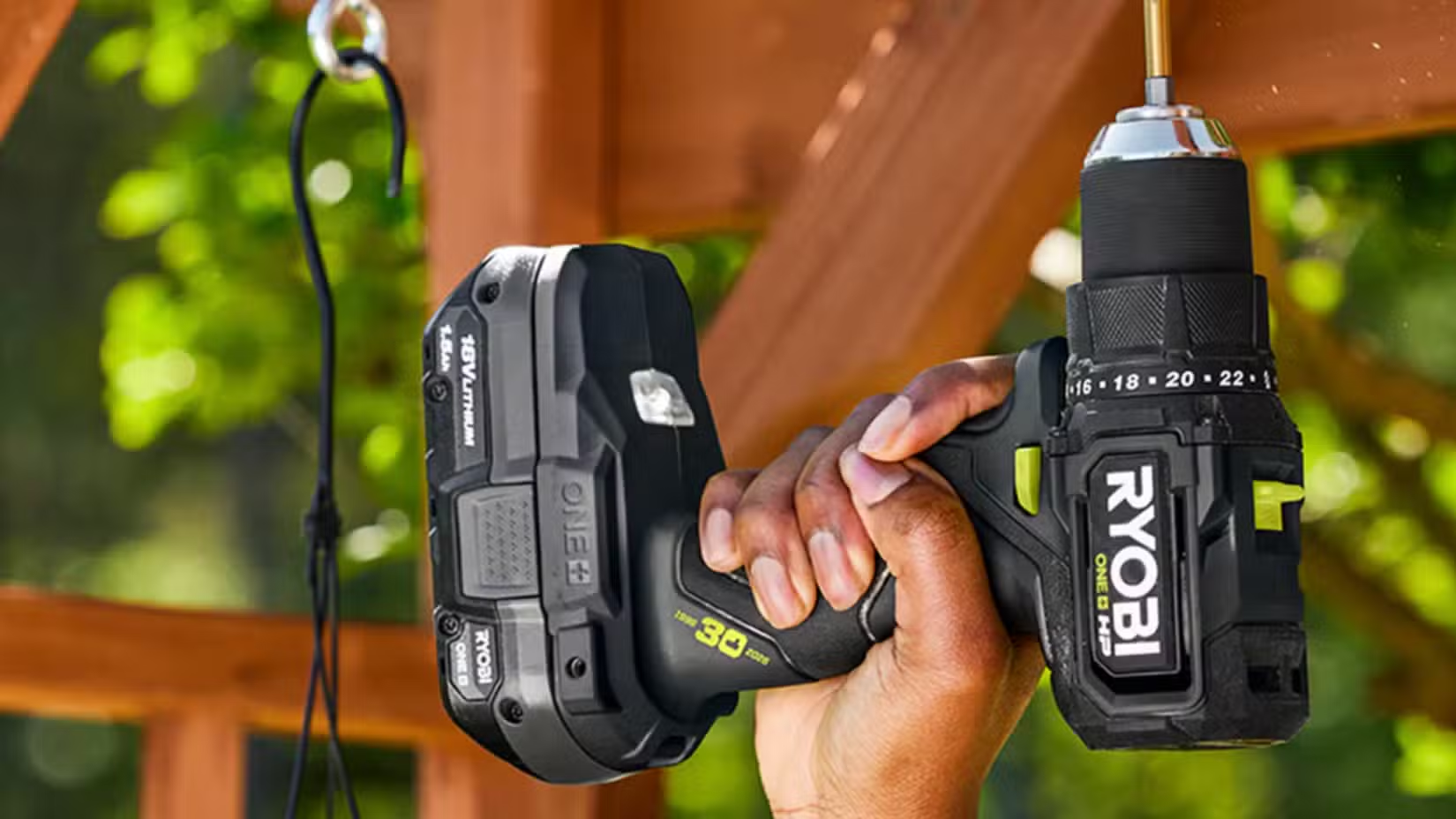
Gunther points to specific kits that make sense for DIYers. The Ryobi 18V ONE+ HP drill/driver starts at $79 at Home Depot and includes a battery and charger. It's a solid entry point.
For professionals or serious DIYers, Milwaukee's M12 Fuel drill-and-driver combo offers more power in a compact form. Both brands offer extensive ecosystems of tools that share batteries, so once you buy into a platform, adding a second or third tool becomes cheaper.
The real value comes from buying kits rather than individual tools. Combo kits typically include two tools, two batteries, and a charger for less than buying each piece separately.
When Three Drills Makes Sense
Two drills cover most situations. But a third starts making sense when you regularly hit specific use cases. Tight spaces call for a compact right-angle drill. Deck building benefits from a dedicated impact driver that stays loaded with deck-screw bits. Heavy masonry work demands a hammer drill.
Gunther owns three different types, not counting impacts. Not all see equal use, but each serves a purpose when needed.
Logicity's Take
The Battery Ecosystem Matters
Owning multiple drills only makes sense if they share batteries. Buying a Ryobi drill, a DeWalt impact driver, and a Milwaukee hammer drill means three separate battery systems, three chargers, and triple the expense.
Pick one ecosystem and stick with it. Ryobi's ONE+ line, Milwaukee's M12 or M18, and DeWalt's 20V MAX all offer extensive tool families. Once you own a few batteries, adding another tool costs just the tool itself.
More hands-on project ideas for DIY enthusiasts
Start With Two, Expand as Needed
You don't need to buy three drills today. Start with a drill-and-impact-driver combo. Use them on a few projects. Pay attention to when you still find yourself swapping bits or wishing for a different tool. That will tell you what the third drill should be.
For most homeowners, a standard drill/driver plus an impact driver covers 90% of tasks. The third slot is for whatever your specific projects demand.
Frequently Asked Questions
Is an impact driver better than a regular drill?
For driving screws, yes. Impact drivers deliver rotational bursts that make screwdriving faster and easier, especially for long screws or hard wood. For drilling holes, a standard drill/driver works better.
Can I use the same battery for different drill brands?
No. Each brand uses proprietary battery systems. Ryobi batteries only work with Ryobi tools, Milwaukee with Milwaukee, and so on. Pick one ecosystem to avoid buying multiple battery sets.
How much does a good drill-and-driver combo cost?
Entry-level combos like Ryobi's 18V kits start around $79-$150. Professional-grade kits from Milwaukee or DeWalt typically run $200-$400 depending on included batteries and features.
Do I really need three drills as a homeowner?
Probably not. Two drills, a standard drill/driver plus an impact driver, handle most home projects. A third only makes sense if you regularly hit specific use cases like tight spaces or masonry.
Need Help Implementing This?
Source: How-To Geek
Huma Shazia
Senior AI & Tech Writer
Produced with AI assistance and reviewed by the Logicity editorial team. Learn more in our Editorial Policy.






