Key Takeaways
- cURL can fetch web pages, download files, check your public IP, and install software from a single command line
- The tool is installed an estimated 20-30 billion times globally, averaging 4 instances per internet user
- Piping cURL output to bash for installations is powerful but requires trusting the source
The cURL command-line tool has been around since 1996. In that time, it has become the invisible plumbing for nearly every modern technology. It runs in cars, medical devices, space rovers, and the vast majority of web servers. By some estimates, cURL has been installed 20-30 billion times worldwide. That works out to about four instances for every person on Earth who uses the internet.
Bobby Jack at How-To Geek recently published a guide covering eight practical ways to use cURL from your terminal. The tool's versatility and comprehensive HTTP implementation mean that if there's a URL for it, cURL can handle it.
Fetching a Web Page
The simplest cURL command fetches a URL and displays its contents in your terminal. Point it at a web page and you'll see raw HTML source code.
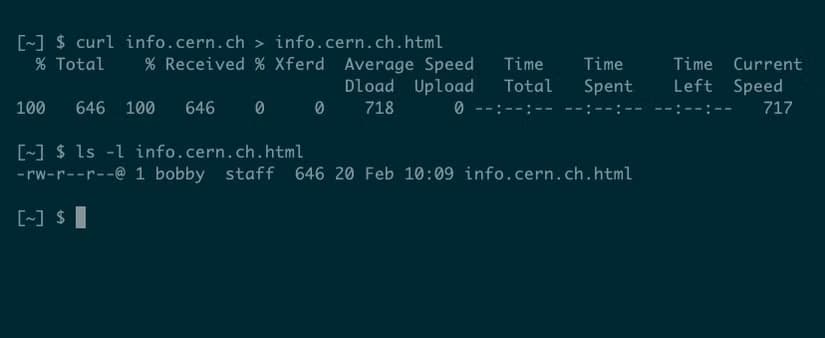
curl info.cern.chYou can redirect the output to save the page locally:
curl info.cern.ch > info.cern.ch.html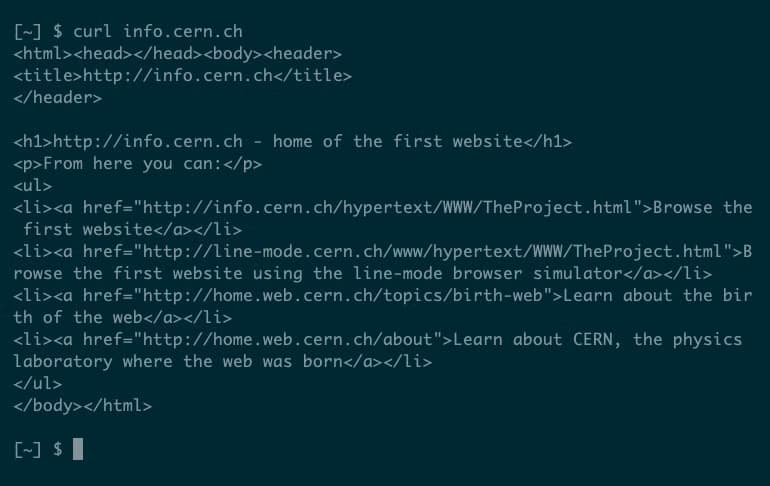
One gotcha: URLs often contain characters with special meaning to the shell, like "?" or "#". Surround URLs with single quotes to avoid problems.
Downloading Files
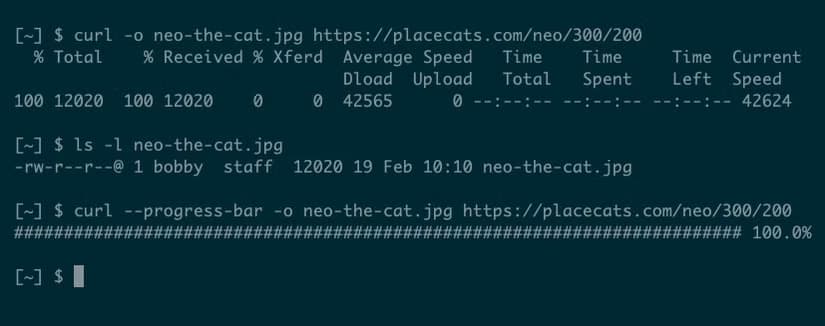
If you try to fetch a binary file like an image or Word document, cURL will complain that "Binary output can mess up your terminal." The fix is the -o flag, which saves the response to a file instead of printing it.
curl -o neo-the-cat.jpg https://placecats.com/neo/300/200For a cleaner progress bar instead of verbose timing stats, add the --progress-bar flag.
Installing Software via Pipe
You may have seen installation instructions that pipe cURL output directly to bash. The shell history replacement tool atuin, for example, uses this approach:
Code sample: curl --proto '=https' --tlsv1.2 -LsSf https://setup.atuin.sh | sh
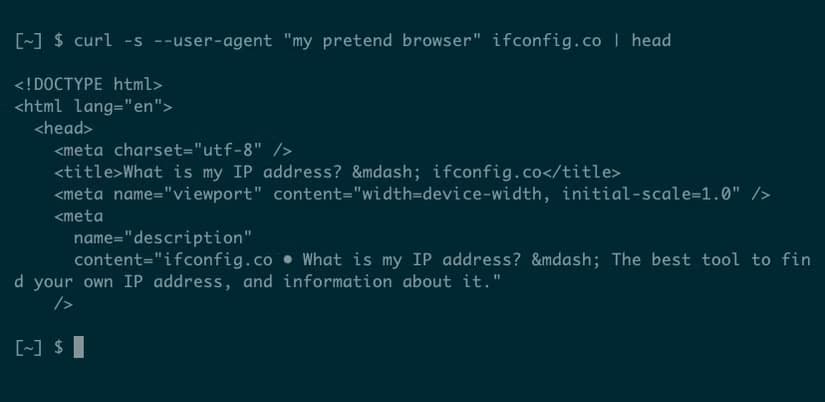
This downloads a shell script and executes it immediately. It's convenient but requires trusting the source. If you open the URL in a browser first, you can inspect the script before running it.
The cURL | Bash Debate
Checking Your Public IP
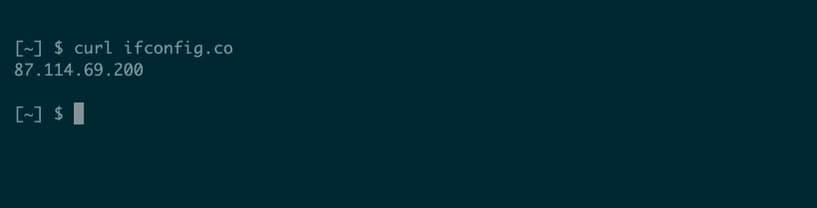
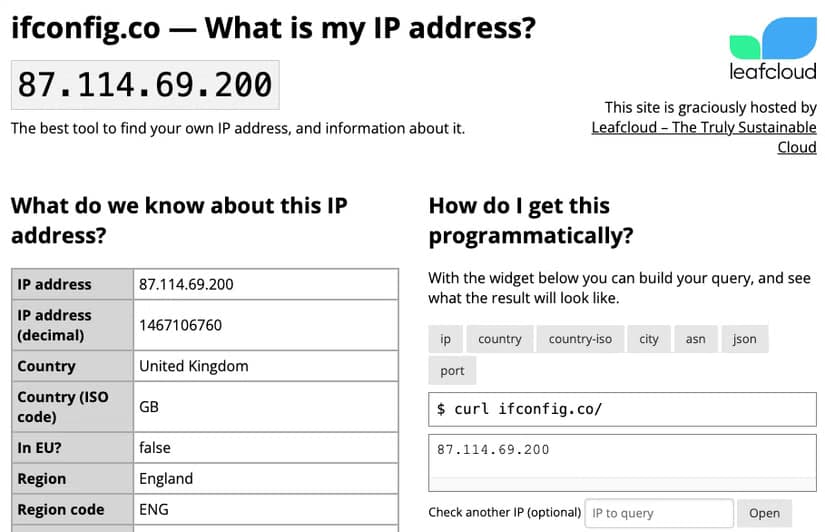
Several services exist specifically to return your public IP address when queried by cURL. The simplest:
Code sample: curl ifconfig.me
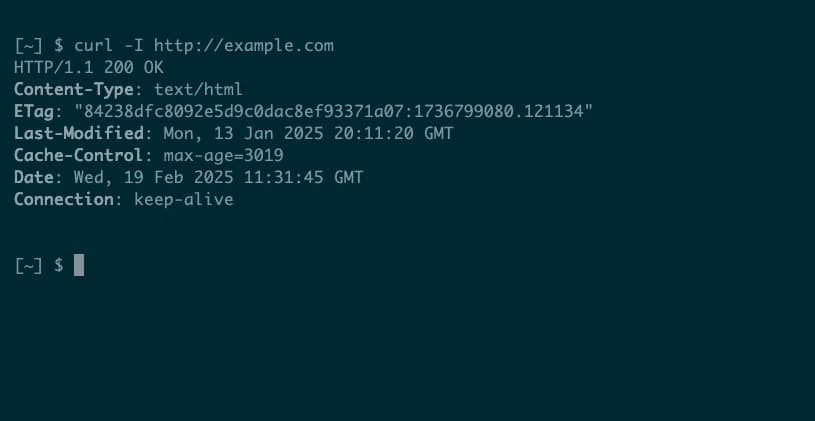
This is faster than opening a browser and searching "what is my IP." It's also scriptable, making it useful for automating tasks that depend on your current network location.
Terminal Weather Reports
One of the internet's beloved cURL tricks is wttr.in, a service that renders weather forecasts as ASCII art directly in your terminal.
Code sample: curl wttr.in/London
The service auto-detects your location if you omit the city name. It supports detailed forecasts, moon phases, and even weather for airports using their IATA codes.
The Creator Who Built It All
Daniel Stenberg has maintained cURL since its creation. He's authored 57% of the project's 30,000-plus commits. The project has paid out more than $85,000 in bug bounties since 2019.
“curl is just the hobby of some guy that has no business providing a service to.”
— Anonymous upset user, now a favorite quote of creator Daniel Stenberg
Stenberg keeps a "Hall of Fame" for people who claim they could rewrite cURL in a weekend. The project's deceptive simplicity masks decades of edge cases, protocol quirks, and security hardening.
In early 2024, Stenberg announced the project now bans reporters who submit AI-generated bug reports. He called them "AI slop" and noted they waste maintainer time on hallucinated vulnerabilities.
Other Practical Uses
The How-To Geek guide covers several more cURL applications beyond these basics. You can test API endpoints by sending custom headers and POST data. You can follow redirects automatically with the -L flag. You can authenticate with servers using built-in username/password options.
For developers, cURL is often the fastest way to debug HTTP issues. It shows exactly what's happening at the protocol level, without browser abstractions getting in the way.
Related: how AI is changing development workflows
Frequently Asked Questions
What does cURL stand for?
cURL stands for "Client URL." It's a command-line tool for transferring data using various network protocols, with HTTP being the most common.
Is it safe to pipe cURL output to bash?
Only if you trust the source. The command executes whatever script the URL returns. Inspect scripts first by opening the URL in a browser, or download the script, review it, then run it separately.
How do I download a file with cURL?
Use the -o flag followed by a filename: curl -o filename.jpg https://example.com/image.jpg. This saves the response to a file instead of printing it to your terminal.
Can cURL handle HTTPS connections?
Yes. cURL supports HTTPS by default. For extra security when running remote scripts, you can force TLS 1.2 or higher with the --tlsv1.2 flag.
What's the difference between cURL and wget?
Both download files, but cURL supports more protocols and is better for API work. wget excels at recursive downloads like mirroring websites. cURL outputs to stdout by default; wget saves to files.
Logicity's Take
Need Help Implementing This?
Source: How-To Geek
Huma Shazia
Senior AI & Tech Writer
Produced with AI assistance and reviewed by the Logicity editorial team. Learn more in our Editorial Policy.






