Key Takeaways
- Auto Volume and Night Mode compress dynamic range, flattening nuances in dialogue and effects
- EQ presets like Movie or Sports often boost bass and treble while scooping out midrange clarity
- Incorrect audio output formats can cause sync issues even with quality soundbars
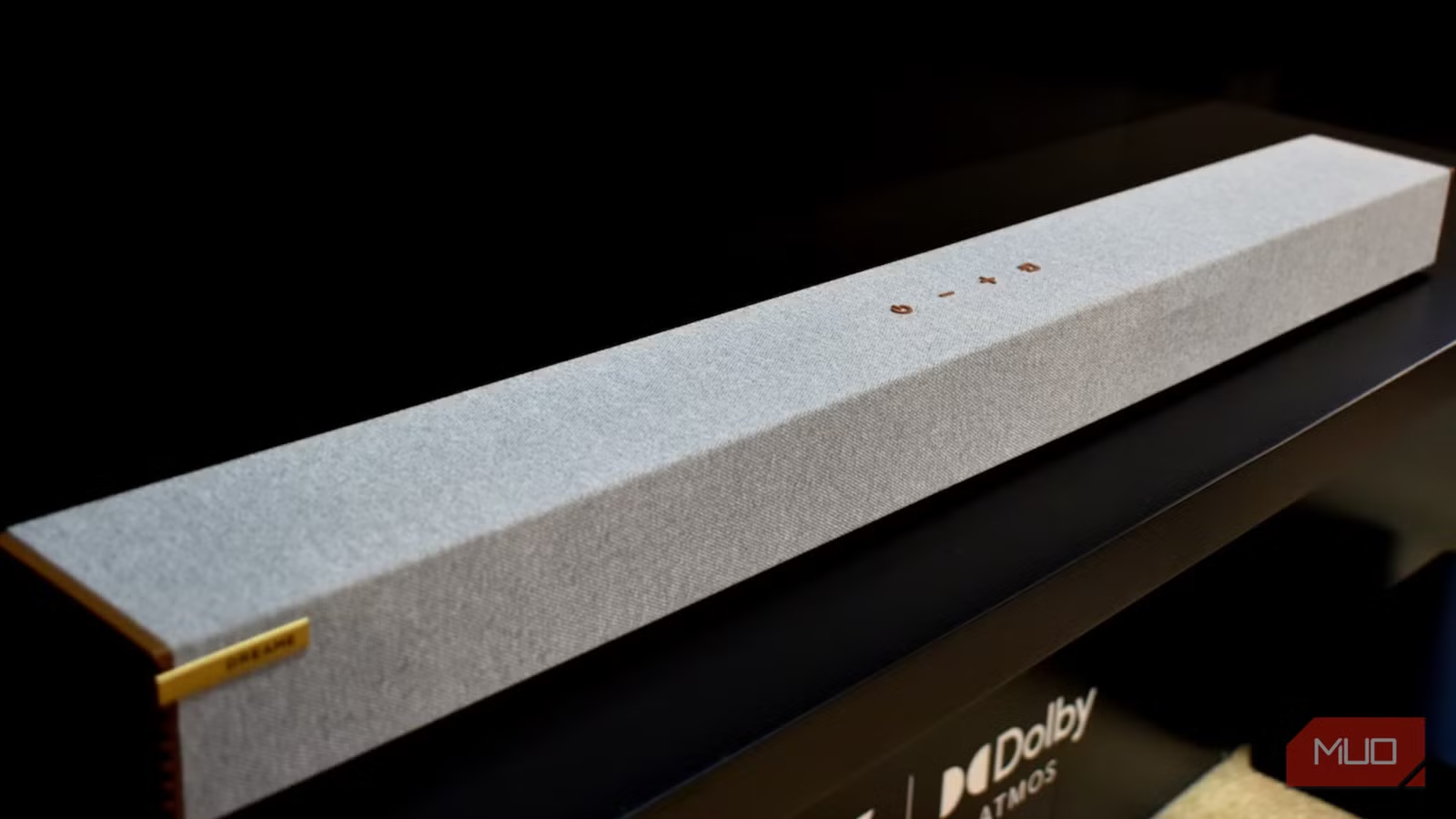
You bought a soundbar. Maybe even a subwoofer. Yet dialogue still gets lost in the mix. Effects drown out voices. The audio feels compressed and flat. Before you blame the hardware, check your TV's settings menu.
Modern TVs ship with layers of audio processing designed to "enhance" what you hear. In practice, these features often do the opposite. They throttle dynamics, muddy detail, and introduce sync problems. The good news: most of these issues are fixable in minutes.
Auto Volume and Dynamic Compression
Features labeled Auto Volume, Volume Leveling, or Night Mode exist for a specific purpose: reducing sudden jumps in loudness. They work by compressing your audio's dynamic range, making loud sounds quieter once they hit a threshold.
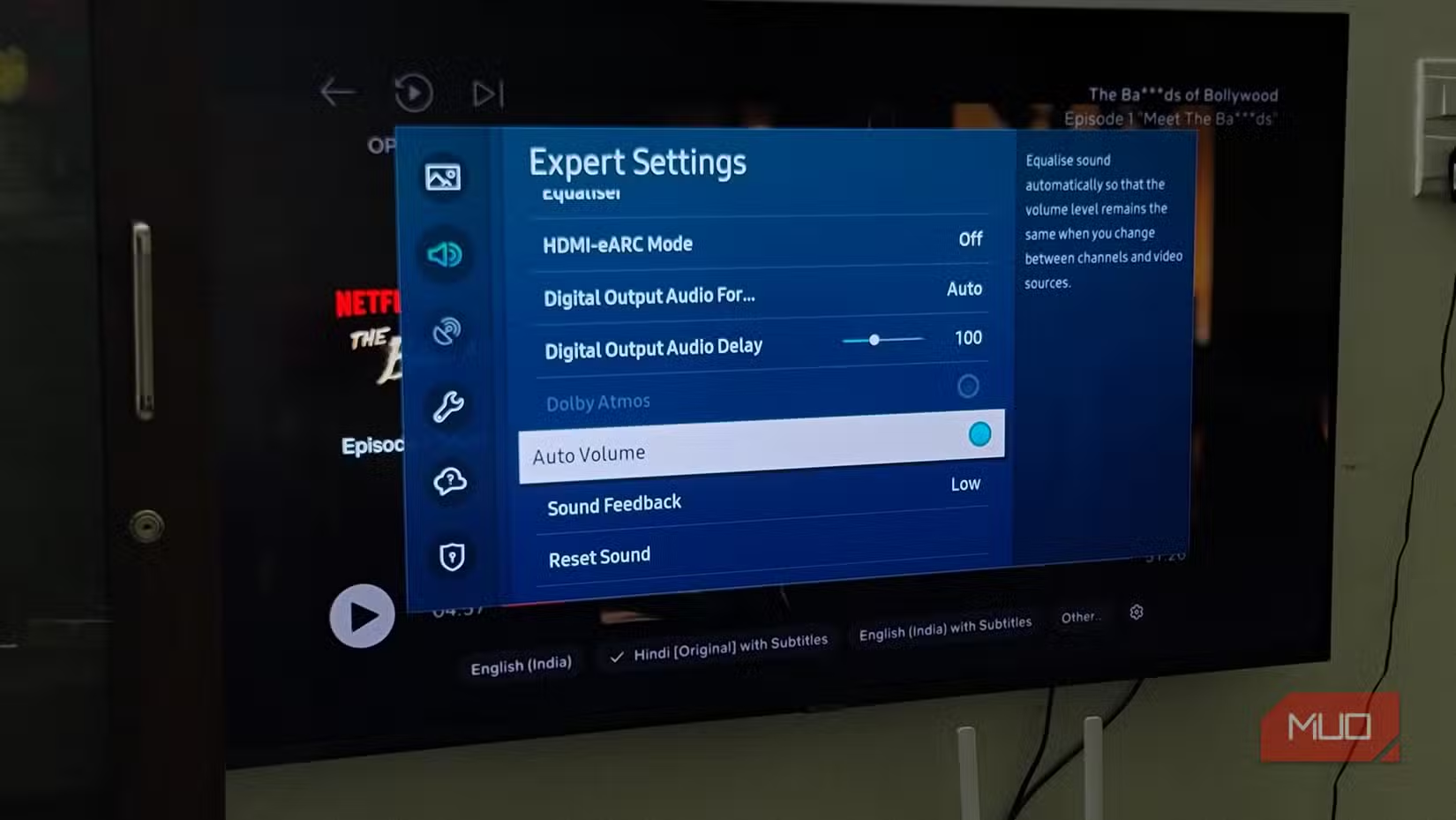
This is useful when you're watching late at night and don't want explosions waking the house. But left active during regular viewing, these settings flatten the difference between quiet dialogue and dramatic moments. The result is sound that feels lifeless.
The fix: turn off Auto Volume and Dynamic Compression for regular viewing. Enable Night Mode only when you actually need it.
EQ Presets That Reshape Your Audio
Your TV probably offers sound modes like Movie, Music, Sports, or Clear Voice. These EQ presets reshape the sound profile aggressively. Most boost bass and treble while scooping out the midrange, where dialogue clarity lives.
The Sports preset might make crowd noise more immersive. The Movie preset might add artificial weight to explosions. But these presets assume everyone's room, speakers, and preferences are identical. They're not.
The fix: set your sound mode to Standard or Flat. If your TV allows manual EQ adjustment, make small tweaks rather than relying on presets. Start with everything at neutral and adjust based on what you're actually hearing.
Incorrect Audio Output Format
If you're using an external soundbar or receiver, your TV's audio output format matters. The wrong setting can cause the TV to process audio before sending it out, or send a format your soundbar can't decode properly.
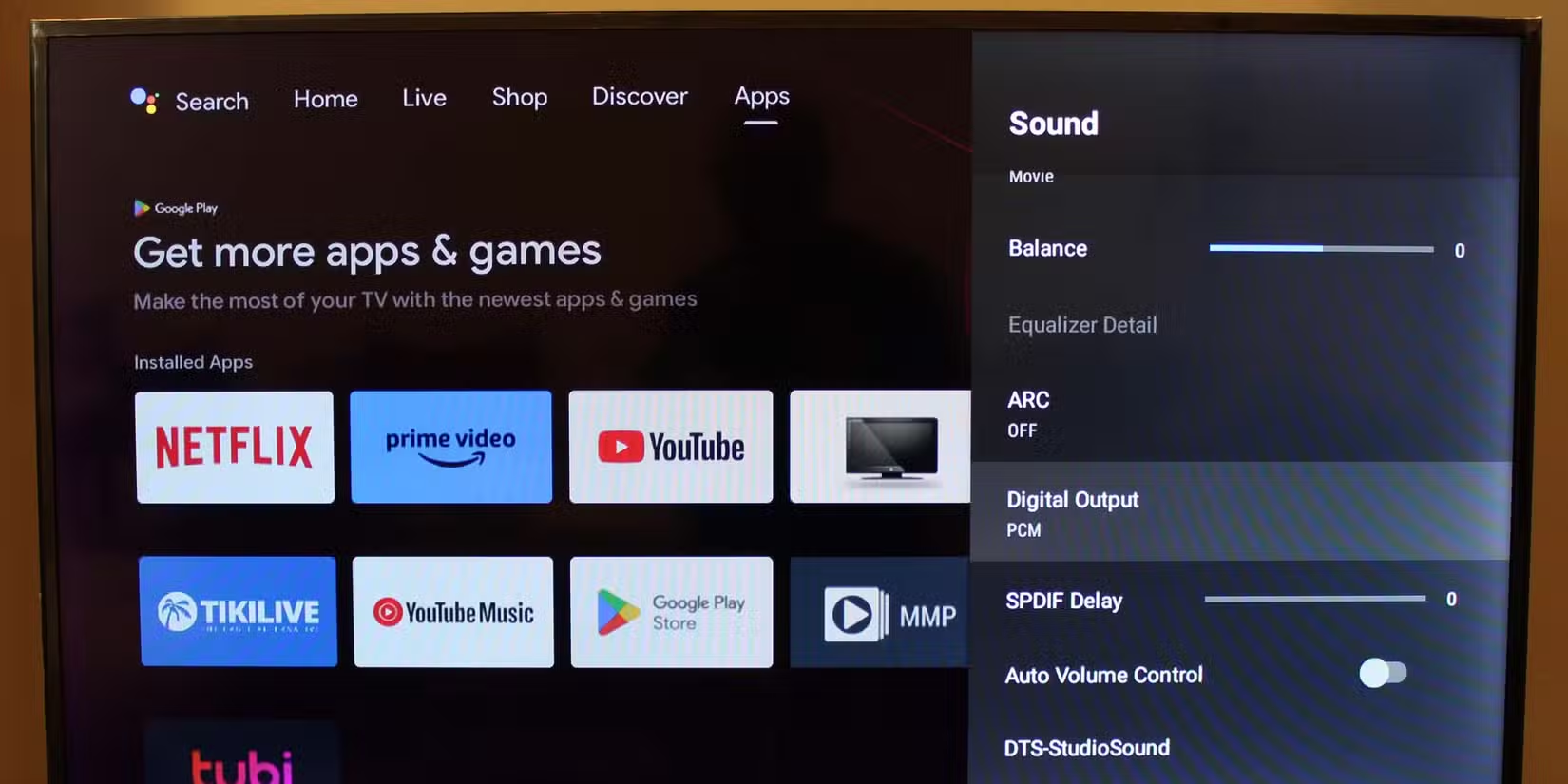
Common symptoms include lip-sync issues, missing dialogue, or audio that sounds thin compared to the TV's built-in speakers. This happens when your TV converts Dolby Digital or other formats to PCM, or when bitstream passthrough isn't configured correctly.
The fix: match your audio output format to your soundbar's capabilities. If your soundbar supports Dolby Digital, set the TV to passthrough or bitstream mode. Check your soundbar's manual for the recommended setting.
Bluetooth Audio Latency
Connecting speakers via Bluetooth is convenient. It's also a common source of audio-video sync problems. Standard Bluetooth introduces latency, meaning sound arrives after the picture.
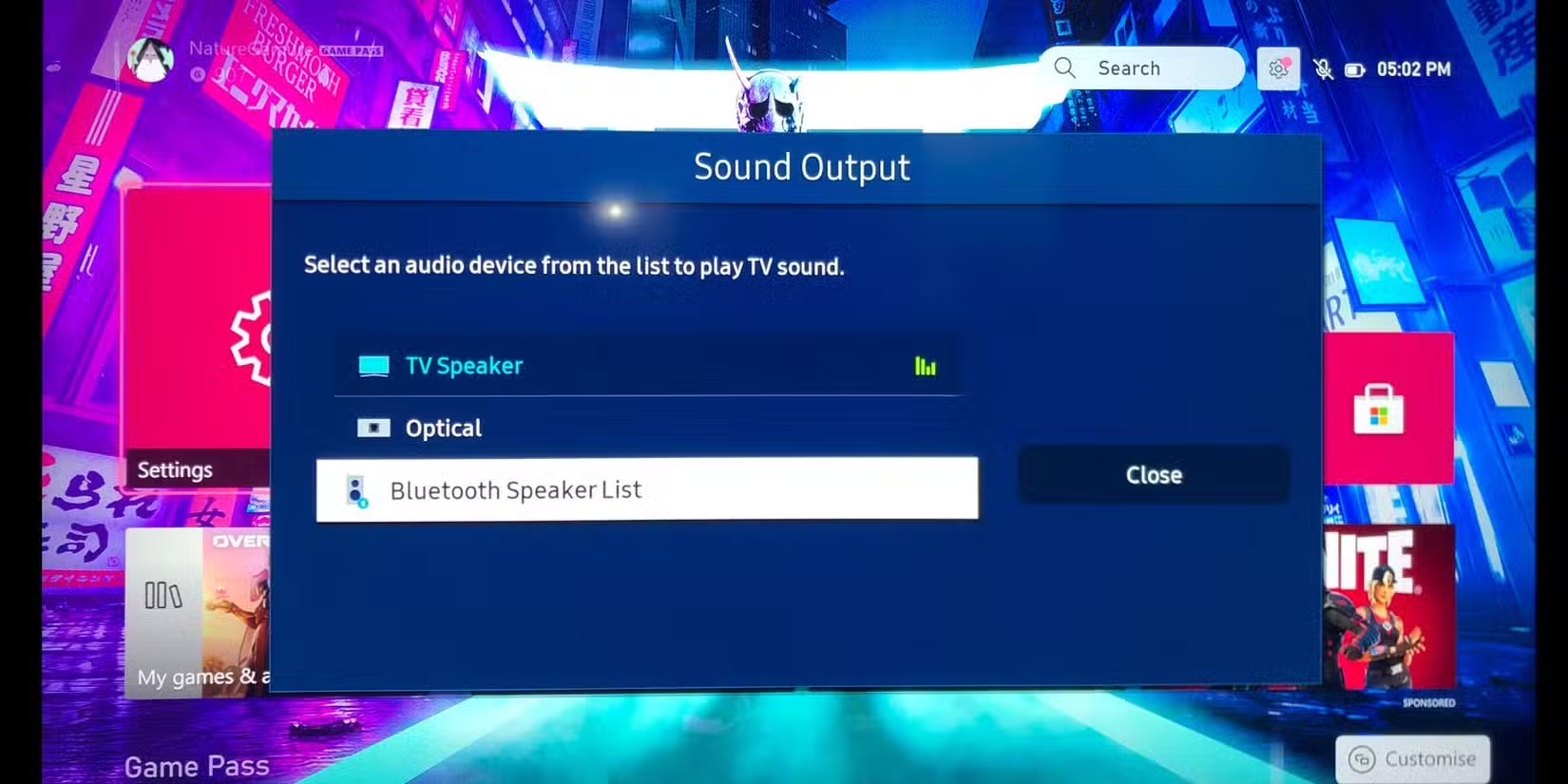
Some TVs have a lip-sync or audio delay adjustment buried in settings. This helps, but it's a workaround rather than a solution. The latency also varies depending on which Bluetooth codec your devices negotiate.
The fix: use HDMI ARC or eARC connections when possible. These provide lower latency and support higher-quality audio formats. If Bluetooth is your only option, look for speakers that support aptX Low Latency or similar codecs.
HDMI ARC and eARC Configuration
HDMI ARC (Audio Return Channel) and its successor eARC let your TV send audio to a soundbar through the same HDMI cable that carries video. But this only works when configured correctly.
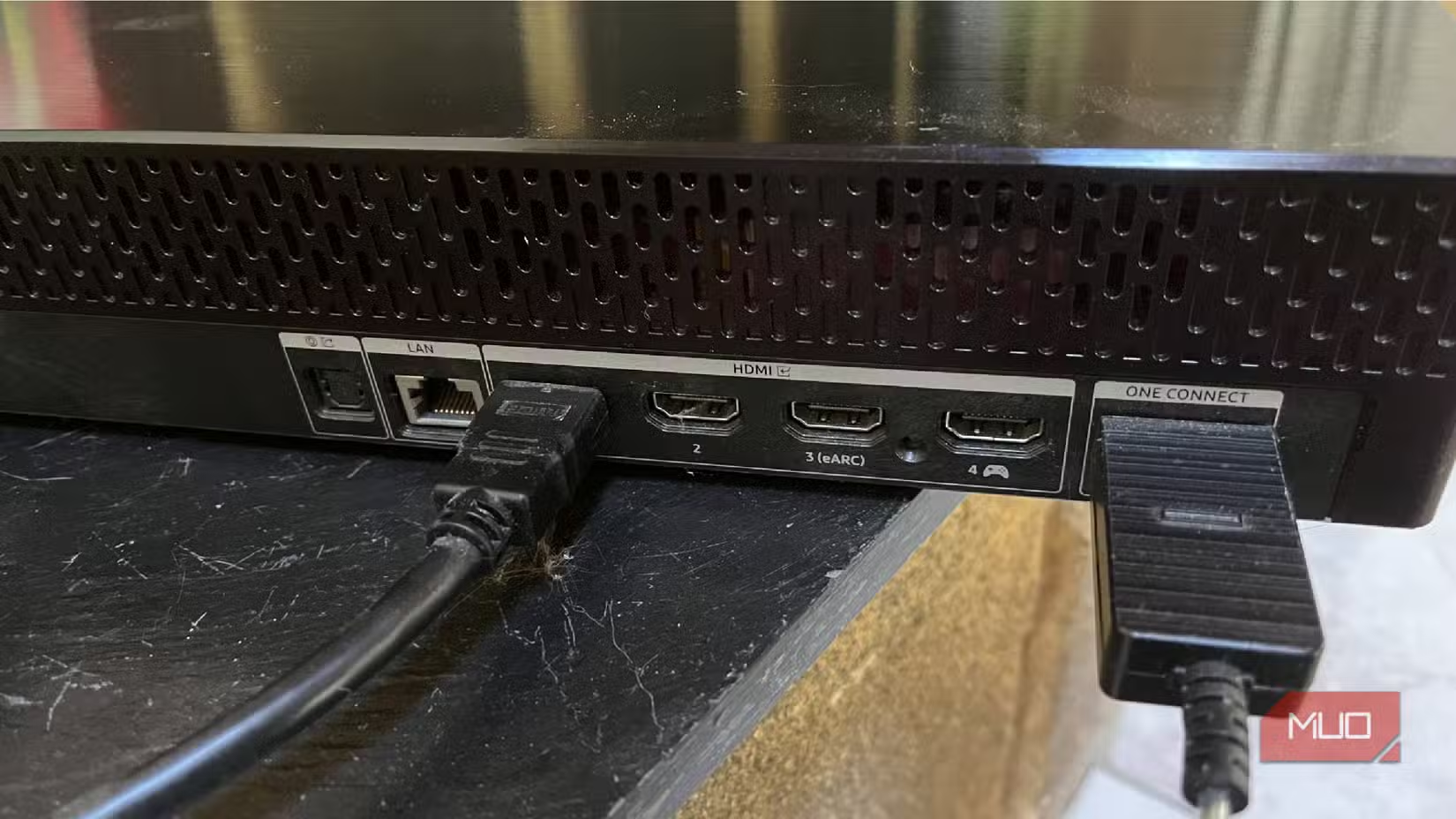
Common issues: using a non-ARC HDMI port, having CEC (Consumer Electronics Control) disabled, or using an HDMI cable that doesn't support the bandwidth your audio format requires. eARC needs an Ultra High Speed HDMI cable for lossless audio formats.
The fix: confirm you're using your TV's ARC-labeled HDMI port. Enable CEC (often called Anynet+, Simplink, or Bravia Sync depending on brand). For eARC and lossless audio, verify your cable is rated Ultra High Speed.
Check Settings Before Replacing Hardware
The instinct when audio sounds bad is to buy better hardware. Sometimes that's the right call. But it's worth spending 10 minutes in your TV's audio settings first. Many people upgrade from a $50 soundbar to a $300 soundbar only to encounter the same issues, because the problem was software, not speakers.
- Disable Auto Volume and Dynamic Compression for regular viewing
- Set EQ to Standard or Flat, then make small manual adjustments
- Match audio output format to your external speaker's capabilities
- Use HDMI ARC/eARC instead of Bluetooth when possible
- Verify CEC is enabled and you're using the correct HDMI port
Logicity's Take
Frequently Asked Questions
Why does my soundbar sound worse than my TV speakers?
Your TV may be processing audio before sending it to the soundbar, or the output format may not match your soundbar's capabilities. Check that audio output is set to passthrough or bitstream, and disable any TV-side processing.
Should I use Auto Volume on my TV?
Only when you specifically need consistent volume levels, like late-night viewing. For regular watching, disable it to preserve dynamic range and audio detail.
What's the difference between HDMI ARC and eARC?
ARC supports compressed audio formats like Dolby Digital. eARC supports higher-bandwidth lossless formats like Dolby TrueHD and DTS-HD Master Audio. Both require CEC to be enabled.
Why is my TV audio out of sync with video?
Bluetooth connections introduce latency. Incorrect audio output formats can also cause processing delays. Switch to HDMI ARC/eARC and ensure your TV isn't converting audio formats unnecessarily.
Which TV EQ preset should I use?
Standard or Flat is the best starting point. Presets like Movie or Sports apply aggressive EQ curves that often reduce dialogue clarity. Manual adjustments give you more control.
Need Help Implementing This?
Source: MakeUseOf
Manaal Khan
Tech & Innovation Writer
Produced with AI assistance and reviewed by the Logicity editorial team. Learn more in our Editorial Policy.






