Key Takeaways
- Wi-Fi smart devices compete with your laptops, phones, and TVs for router bandwidth
- Router crashes take down every Wi-Fi smart device at once
- Zigbee and Thread create separate mesh networks that don't touch your main router
Tim Brookes, a senior editor at How-To Geek, made a deliberate choice when building his smart home: avoid Wi-Fi wherever possible. After nearly two decades covering technology, he reports "very few issues, especially with non-Wi-Fi devices." His Wi-Fi exceptions? An HVAC controller, garage door opener, and a single smart speaker. All unavoidable.
His reasoning comes down to four practical problems that anyone scaling a smart home will eventually hit.
Problem 1: Device Count Adds Up Fast
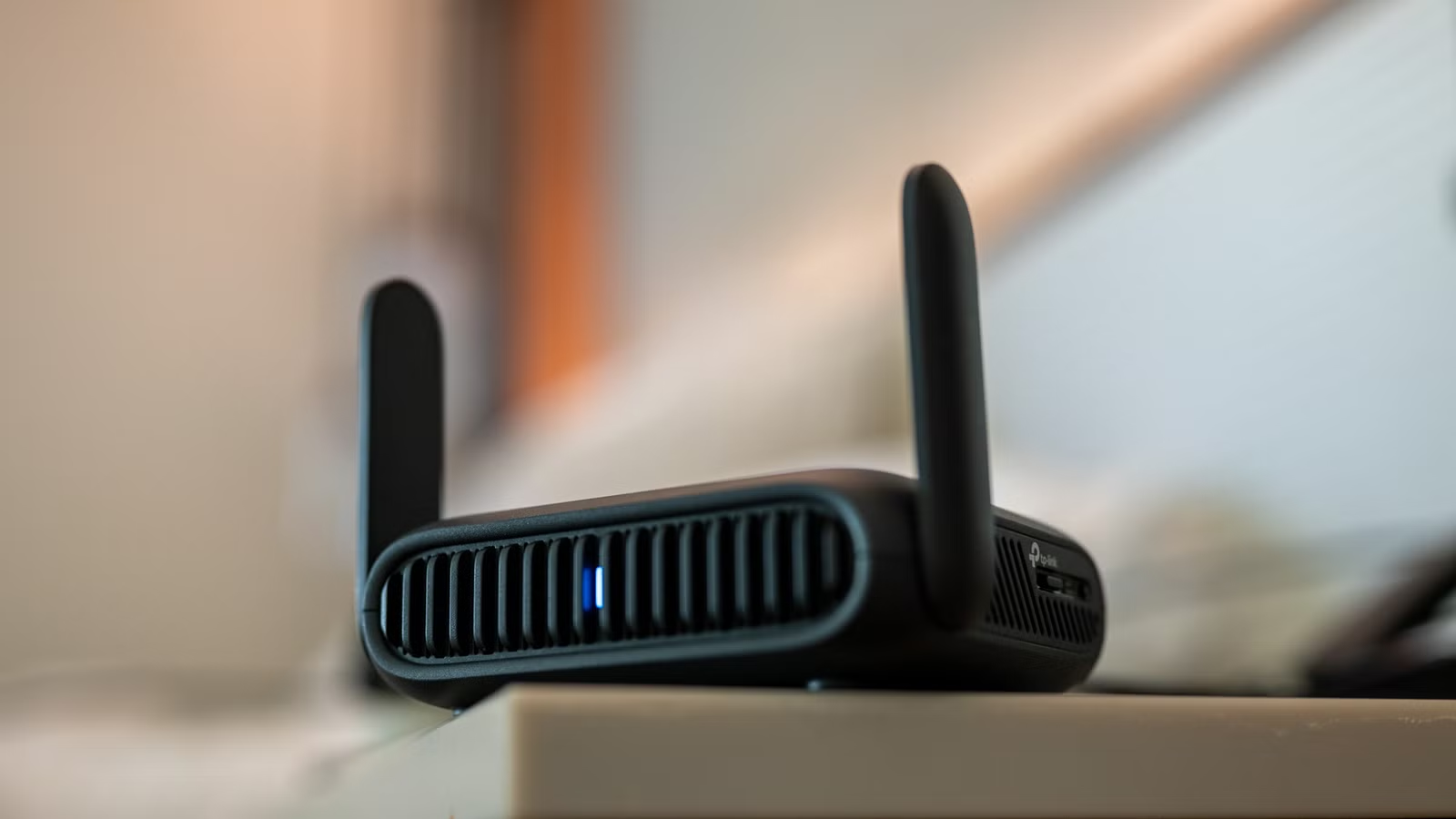
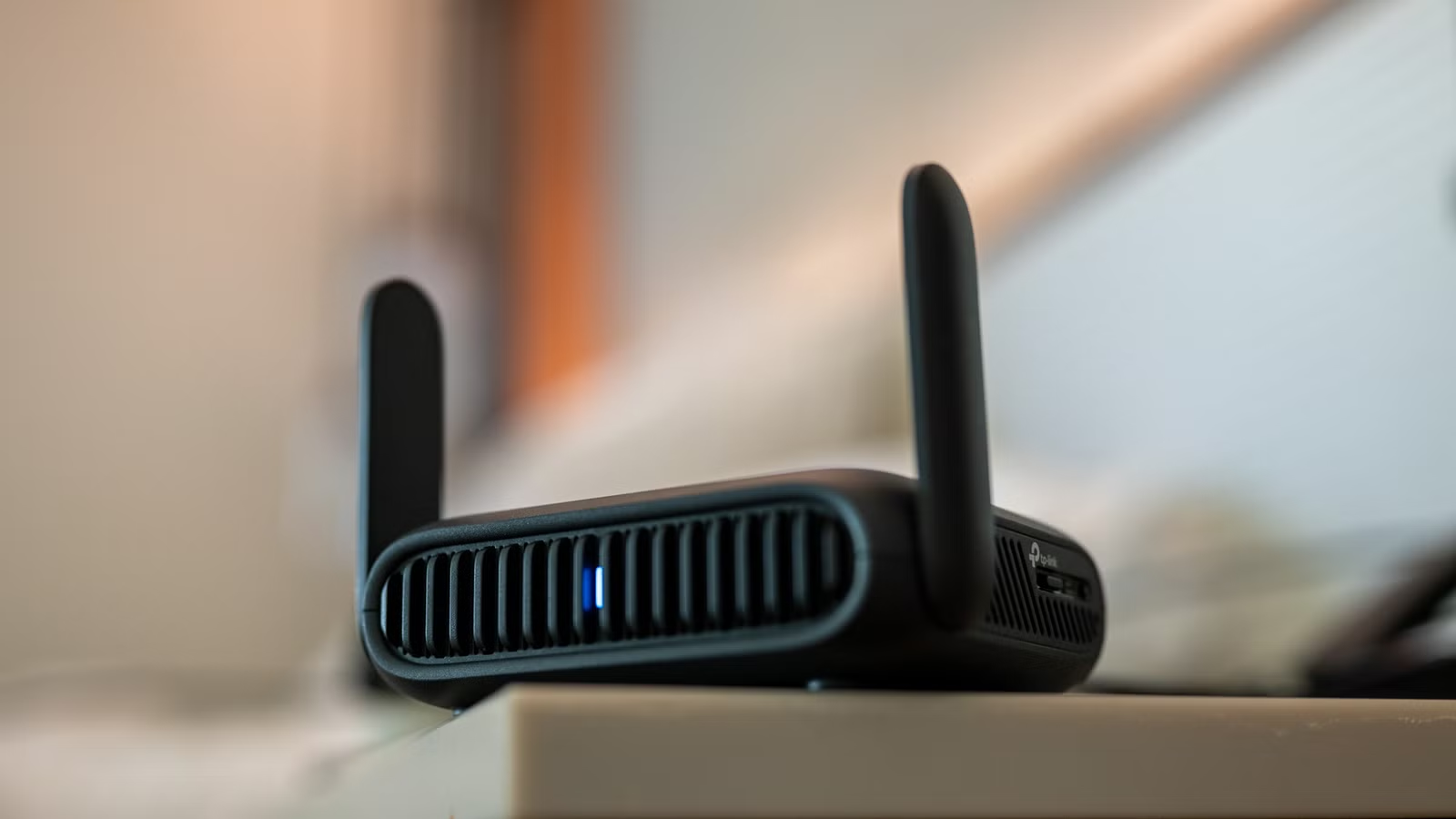
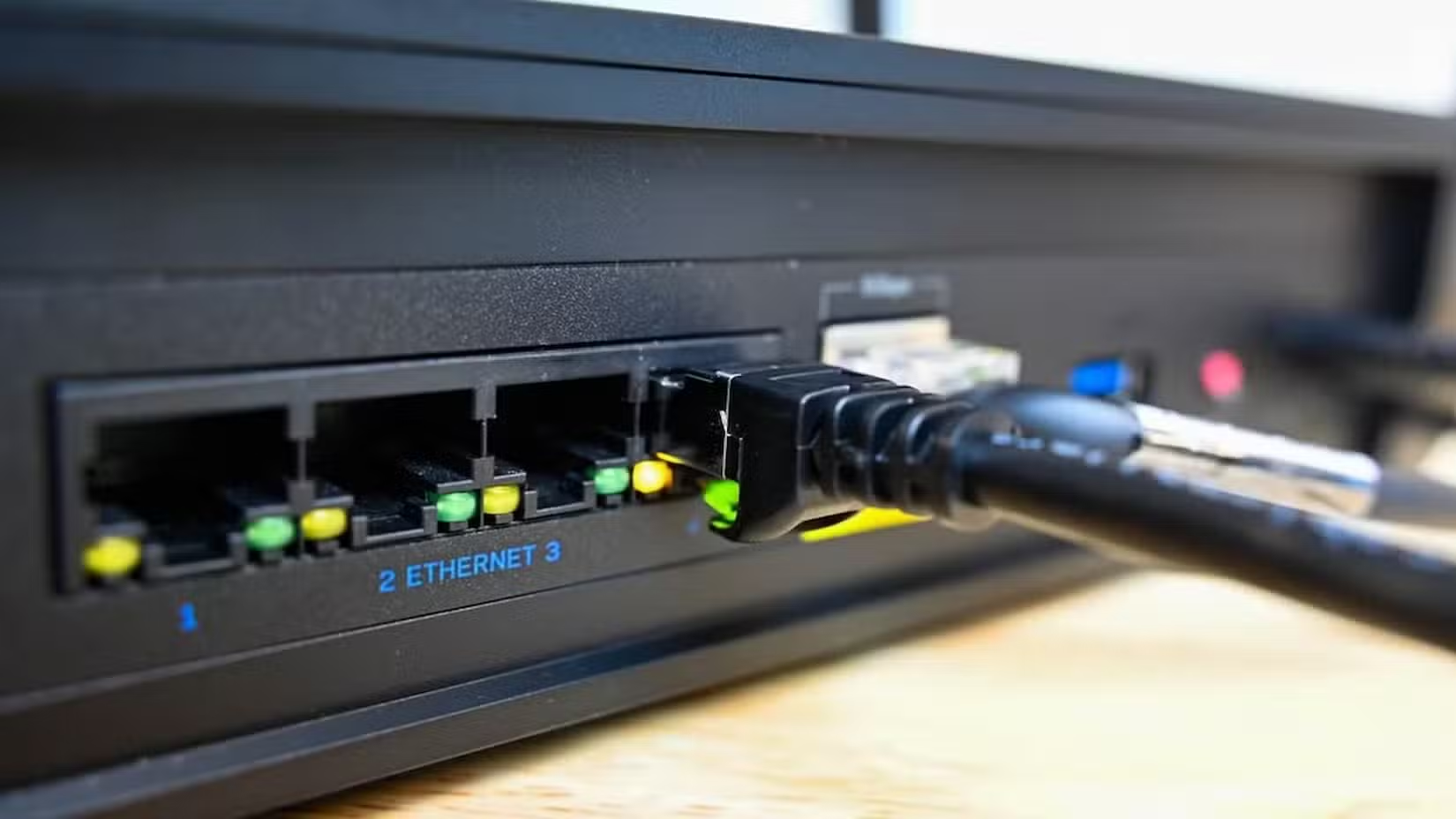
Wireless routers never turn off. They're constantly transferring data for your laptops, phones, tablets, smart TVs, and streaming devices. Even the best routers occasionally crash and need a manual power cycle.
Now add smart home devices. For every dumb lamp you want to control, you need a smart plug. Every ceiling fan needs a switch. Every light fixture needs a bulb. A complete setup can easily reach into the hundreds of devices.
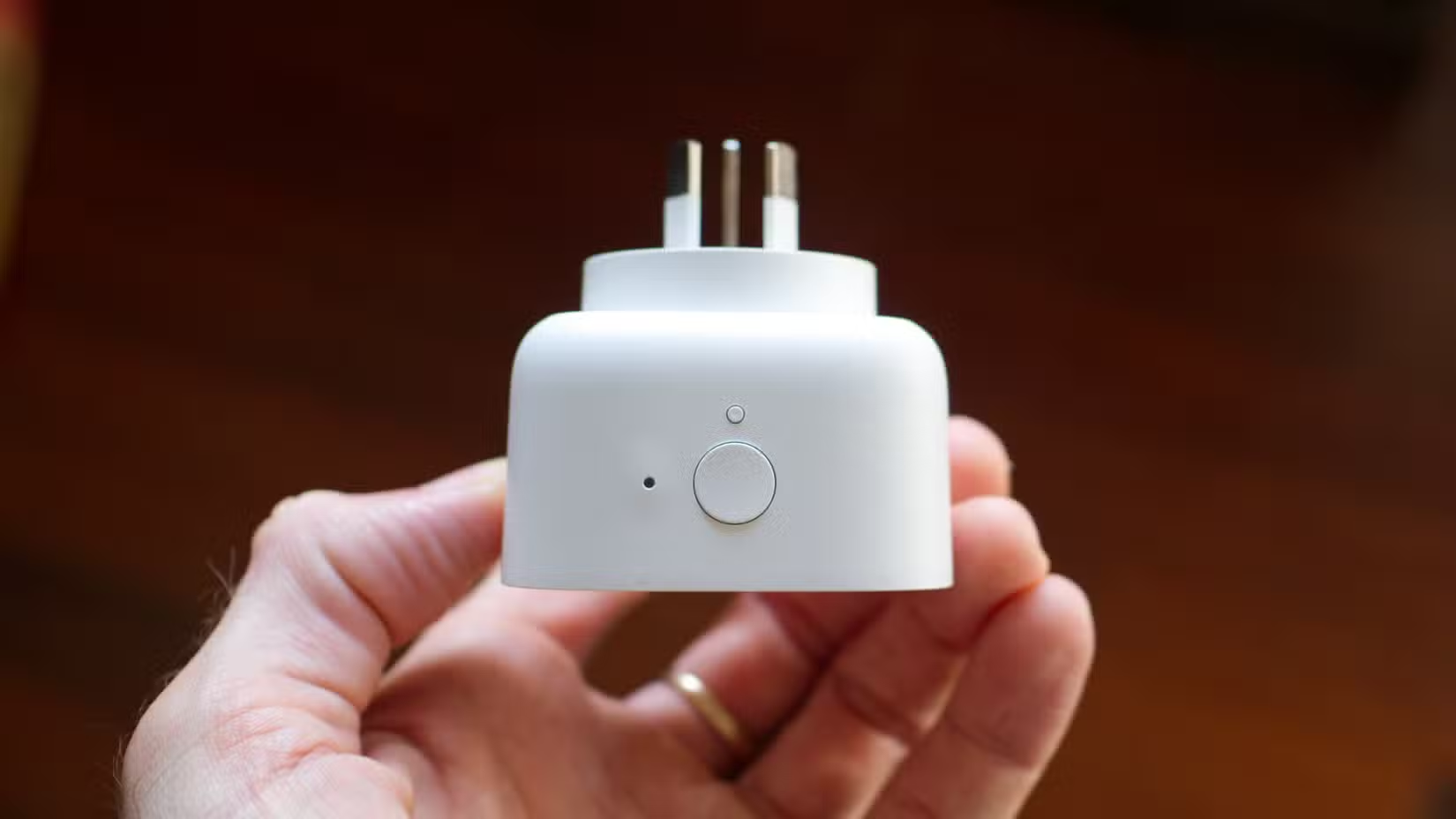
Your router may advertise support for "hundreds" of devices. That claim gets tested quickly when you add 50 smart plugs that didn't need to be on Wi-Fi in the first place.
Problem 2: One Crash Takes Everything Down
When your router fails, everything connected to it fails too. Your laptop loses internet. Your smart TV can't stream. Your video doorbell goes offline. Your lights stop responding to voice commands.
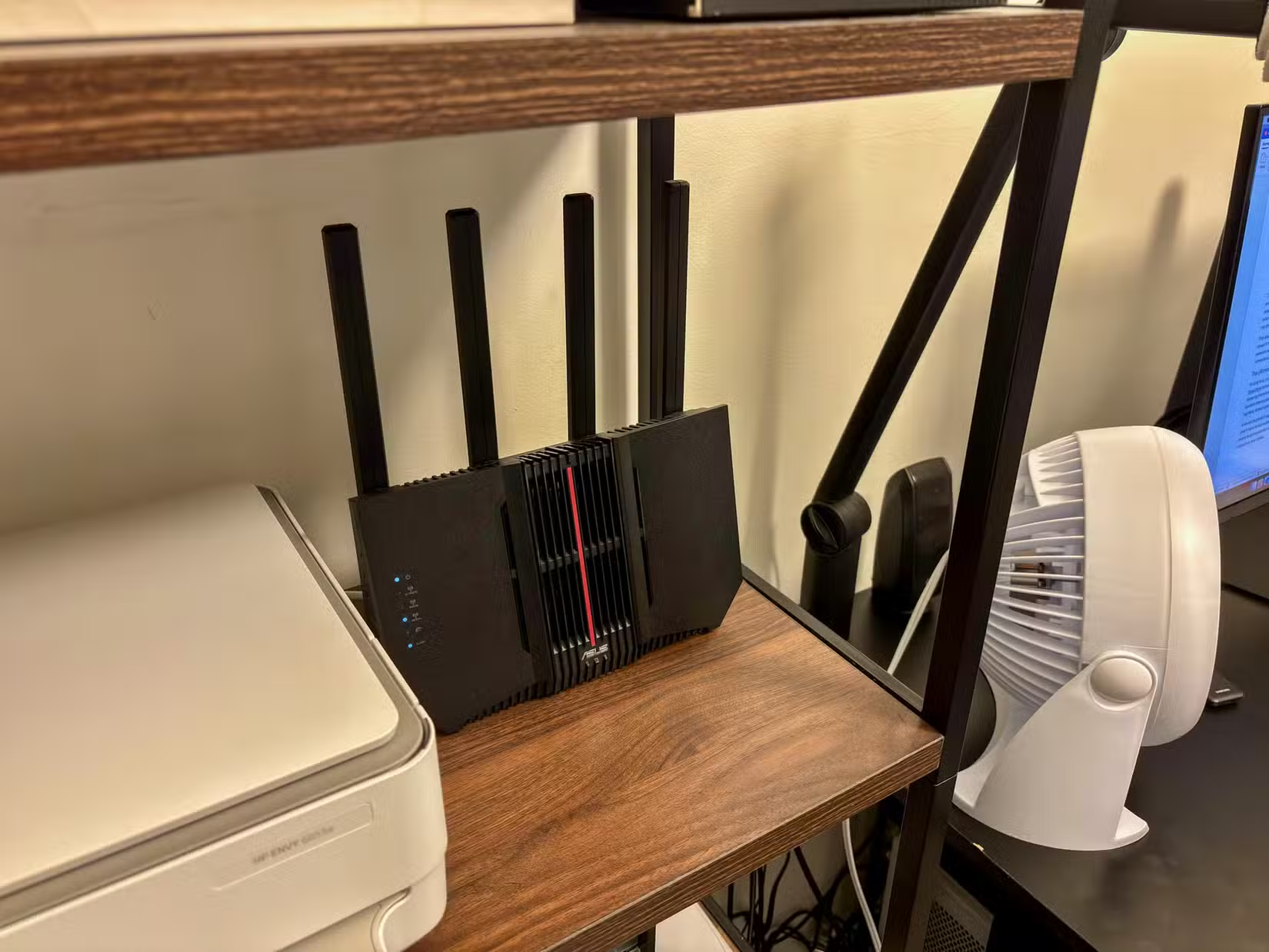
Brookes notes he's had "good routers and bad routers, with the determining factor being whether or not they tend to crash or partially stop working often." The more devices you pile onto that single point of failure, the more painful each crash becomes.
Problem 3: Bandwidth Competition
Your smart home devices compete for the same airwaves as everything else. When you're streaming 4K video, downloading large files, and running a video call, your smart devices are fighting for bandwidth alongside all that traffic.
This isn't theoretical. Delays in smart home response times often trace back to network congestion. A light switch that takes two seconds to respond feels broken, even when it's technically working.
Problem 4: Range and Coverage Gaps
Wi-Fi coverage has dead spots. Your garage, backyard, or that one corner of the basement might have weak signal. Smart devices in those locations become unreliable.
You can add mesh nodes or range extenders, but that means more equipment, more cost, and more complexity for devices that don't need Wi-Fi's bandwidth in the first place.
The Alternative: Purpose-Built Protocols
Smart home protocols like Zigbee and Thread were designed specifically for low-power, low-bandwidth devices. They create their own mesh networks separate from your Wi-Fi.
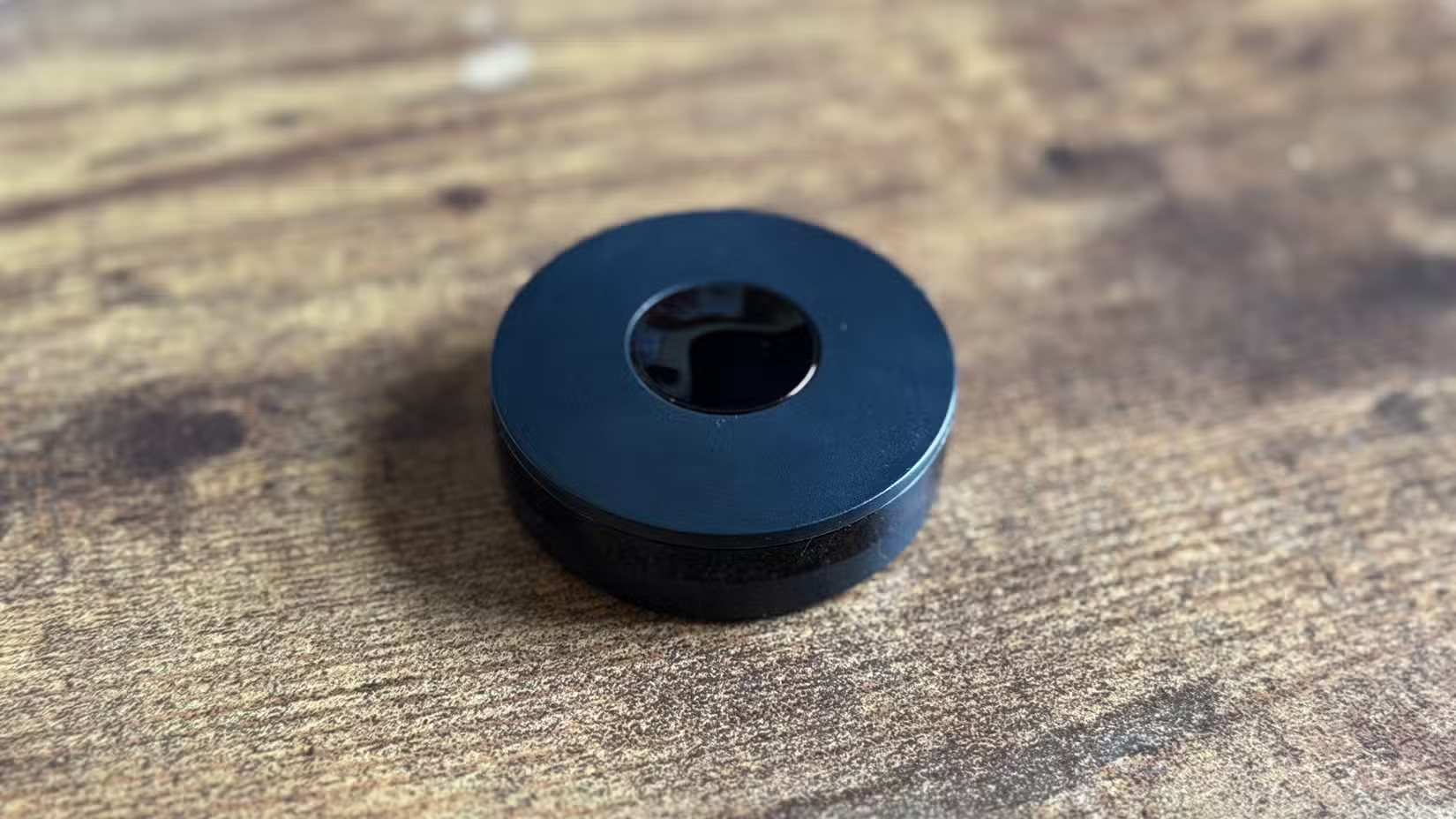
Here's why that matters:
- Zigbee and Thread devices don't touch your router's connection table
- Each device strengthens the mesh, extending range to neighboring devices
- A router crash doesn't affect local device-to-device communication
- Power consumption is dramatically lower, so battery-powered sensors last years
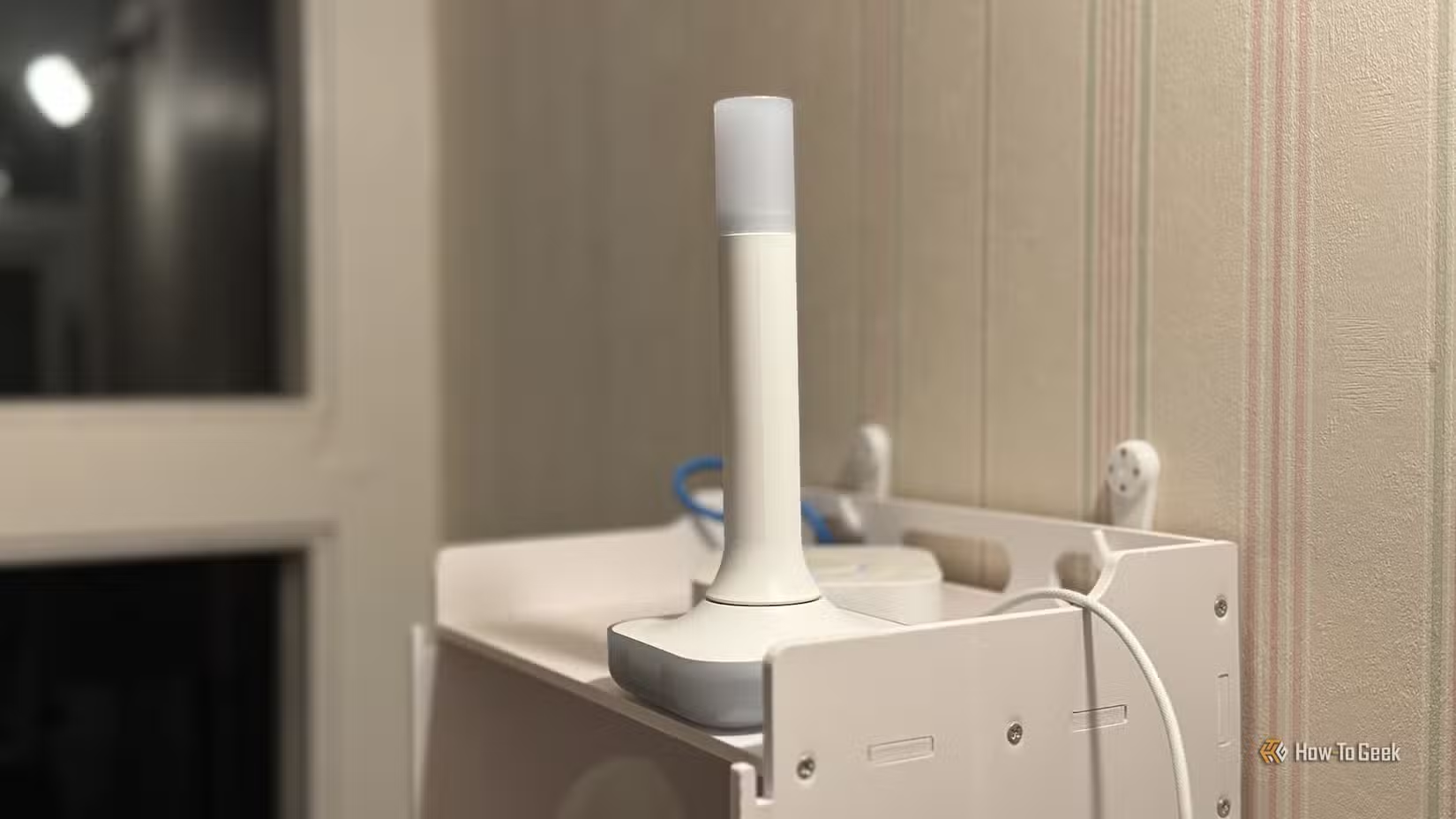
The tradeoff is you need a hub or coordinator. But that single device replaces the burden you'd otherwise put on your router.
What This Means for Your Setup
If you're starting fresh, choose Zigbee or Thread devices where available. Smart plugs, light bulbs, motion sensors, and door sensors all work well on these protocols.
If you already have Wi-Fi devices, don't throw them out. But when you expand or replace, consider whether each new device really needs Wi-Fi's bandwidth. A light bulb doesn't stream video. It doesn't need to be on the same network as your laptop.
✅ Pros
- • Wi-Fi devices need no extra hub
- • Easier initial setup for beginners
- • Works with any smartphone directly
❌ Cons
- • Strains router as device count grows
- • Router failure takes down all devices
- • Competes for bandwidth with streaming and work traffic
- • Higher power consumption drains battery devices faster
Logicity's Take
Frequently Asked Questions
Do I need to replace my Wi-Fi smart devices?
No. Existing devices will keep working. The advice is to choose Zigbee or Thread when adding new devices, especially for high-volume items like plugs and bulbs.
What hub do I need for Zigbee or Thread?
Options include the Home Assistant Connect ZBT-2, Amazon Echo with built-in Zigbee, or standalone coordinators like the SONOFF Zigbee 3.0 dongle. Most cost under $50.
Will Zigbee and Thread devices work with Alexa and Google Home?
Yes. Both platforms support Matter, which runs on Thread. Amazon Echo devices also support Zigbee directly. Apple HomeKit supports Thread natively.
How many devices can Zigbee handle?
A Zigbee network can support over 200 devices. Each mains-powered device acts as a repeater, extending range throughout your home.
Is Thread better than Zigbee?
Thread is newer and integrates with Matter for better cross-platform support. Zigbee has a larger device ecosystem. Both are better than Wi-Fi for most smart home applications.
Need Help Implementing This?
Source: How-To Geek
Huma Shazia
Senior AI & Tech Writer
Produced with AI assistance and reviewed by the Logicity editorial team. Learn more in our Editorial Policy.