Key Takeaways
- Cloud AI providers constantly run A/B tests and tweak model parameters without user knowledge
- Local LLMs provide consistent, reproducible outputs because the model never changes unless you update it
- For workflows requiring predictable AI behavior, local models eliminate the silent variation problem
The hidden cost of cloud AI: silent changes
When people recommend local LLMs, they usually point to two benefits: privacy and cost. Your data stays on your device. You don't pay a monthly subscription. Both true. But there's a third advantage that matters more for serious work, and it has nothing to do with either.
Local LLMs don't change. ChatGPT, Claude, and Gemini do. Constantly.
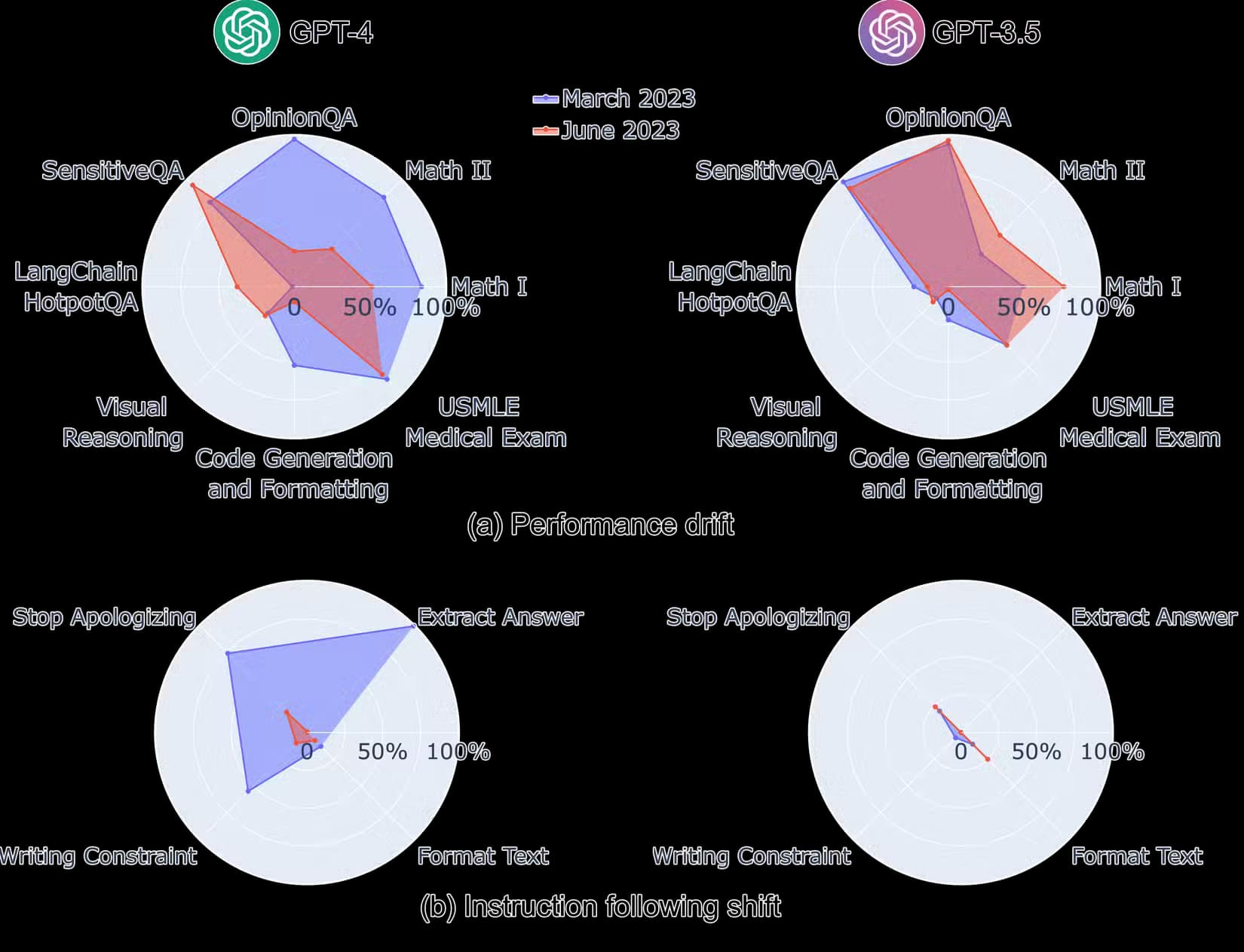
The idea that an AI model ships as a fixed piece of software is an illusion. Cloud AI providers treat their models as live experiments. They tweak parameters behind the scenes. They adjust system prompts. They run A/B tests. They throttle compute. You're not using a product. You're participating in ongoing research.
You've seen this happen
If you use ChatGPT regularly, you've encountered the dual-response prompt. The interface shows you two answers and asks which one is better. This is OpenAI explicitly testing variations on you. But here's the uncomfortable question: what happens when they don't ask?

Most of the time, you see a single response. Behind it sits a specific system prompt, parameter set, and compute allocation. Another user asking the same question might see something different. The system infers your satisfaction from behavior. Did you abandon the chat? Did you follow up with clarification? Did your response suggest frustration?
These experiments run constantly across all users and settings. The API doesn't shield you from this either. If you've built workflows around API calls to cloud models, those workflows can break or change behavior without any notification.
Reproducibility matters for real work
For casual use, none of this matters. Ask ChatGPT to summarize an article or write a quick email, and slight variation between sessions is irrelevant. But for workflows where consistency matters, this becomes a serious problem.
- Automated pipelines that depend on predictable output formats
- Testing and evaluation where you need reproducible baselines
- Content workflows where tone and style must stay consistent
- Development environments where you're debugging prompts
A local LLM running on your hardware gives you a fixed target. The model you download today behaves identically tomorrow. If you update the model, that's your choice. You control the variable.
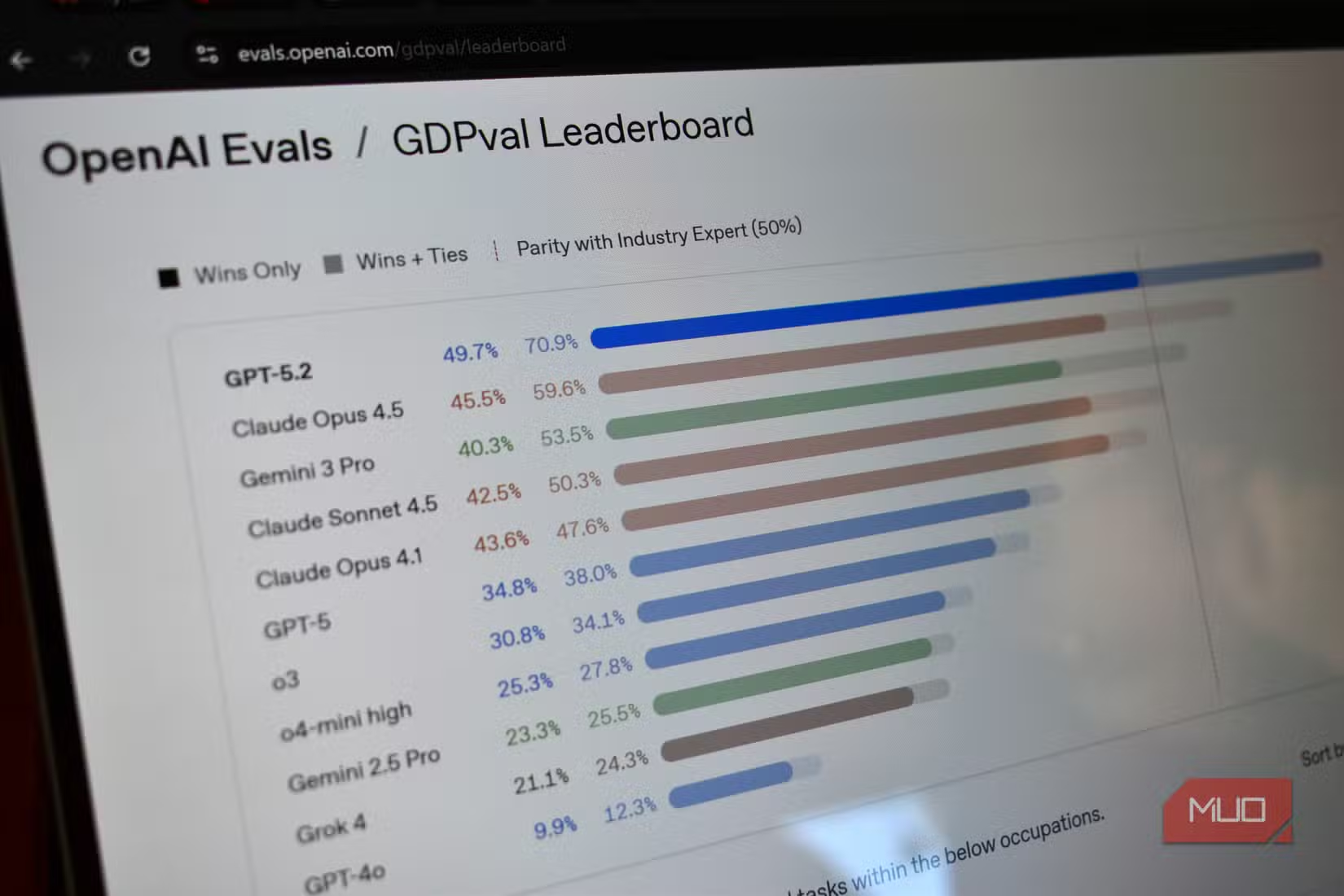
Compare how the major cloud AI services perform on a specific task
The practical tradeoff
Local LLMs aren't free in the way people claim. You need hardware capable of running them. A laptop with 8GB of RAM can run small models. Larger models need more. The most capable local options require significant GPU resources.
The quality gap is real too. The best local models still trail GPT-4 and Claude 3 on many benchmarks. But that gap is narrowing. Models like Llama 3, Mistral, and Gemma have reached a quality threshold where they're genuinely useful for many tasks.
The question isn't whether local models are better. It's whether the consistency tradeoff makes sense for your use case. For production workflows where you need reproducible behavior, it often does.
✅ Pros
- • Model behavior stays constant until you choose to update
- • No subscription costs after hardware investment
- • Complete data privacy, nothing leaves your device
- • Full control over parameters and system prompts
❌ Cons
- • Requires capable hardware, especially for larger models
- • Top local models still lag behind GPT-4 and Claude on complex tasks
- • No automatic updates or improvements
- • Setup requires more technical knowledge
Another approach to running AI locally on your own hardware
Getting started with local models
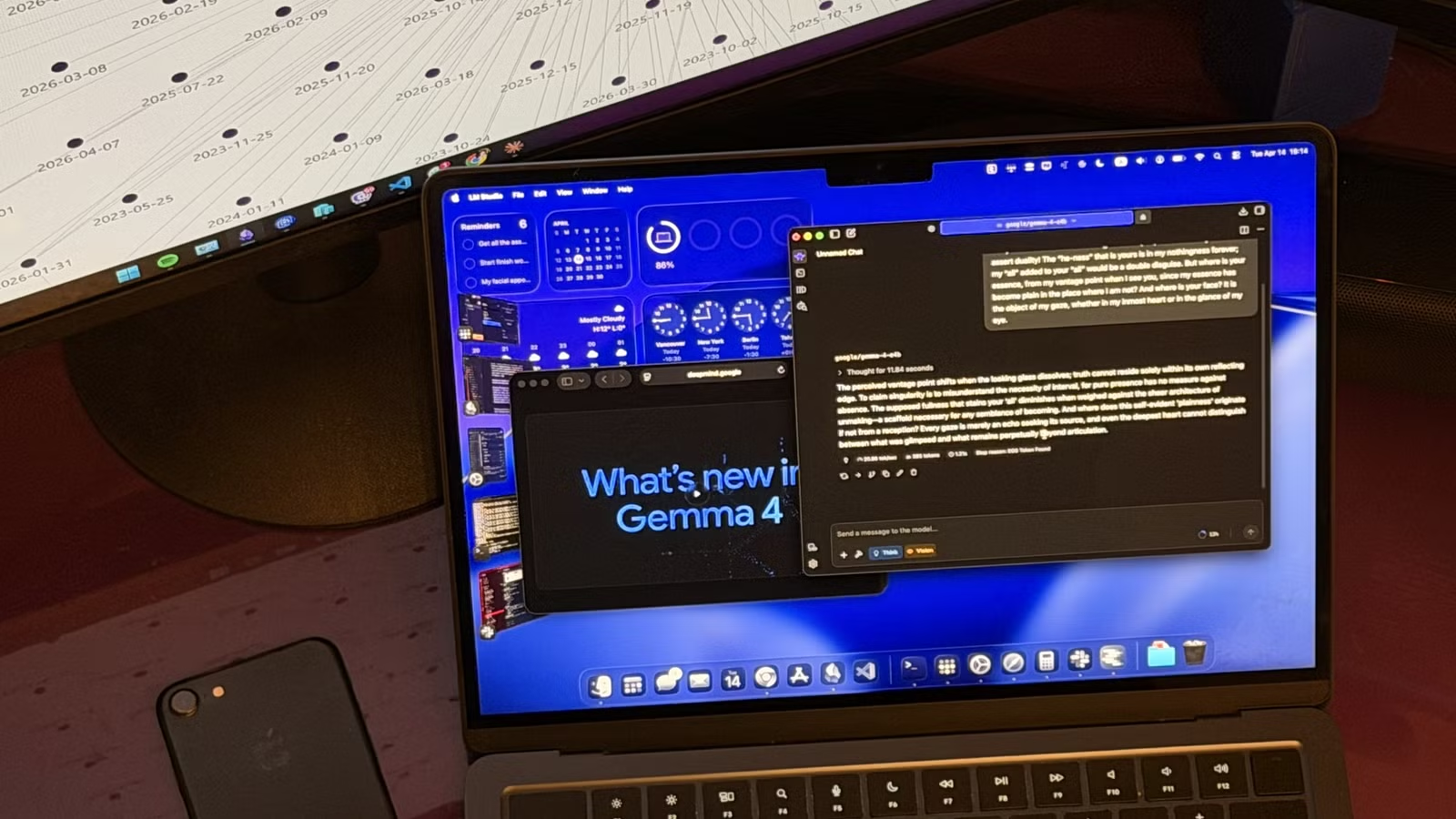
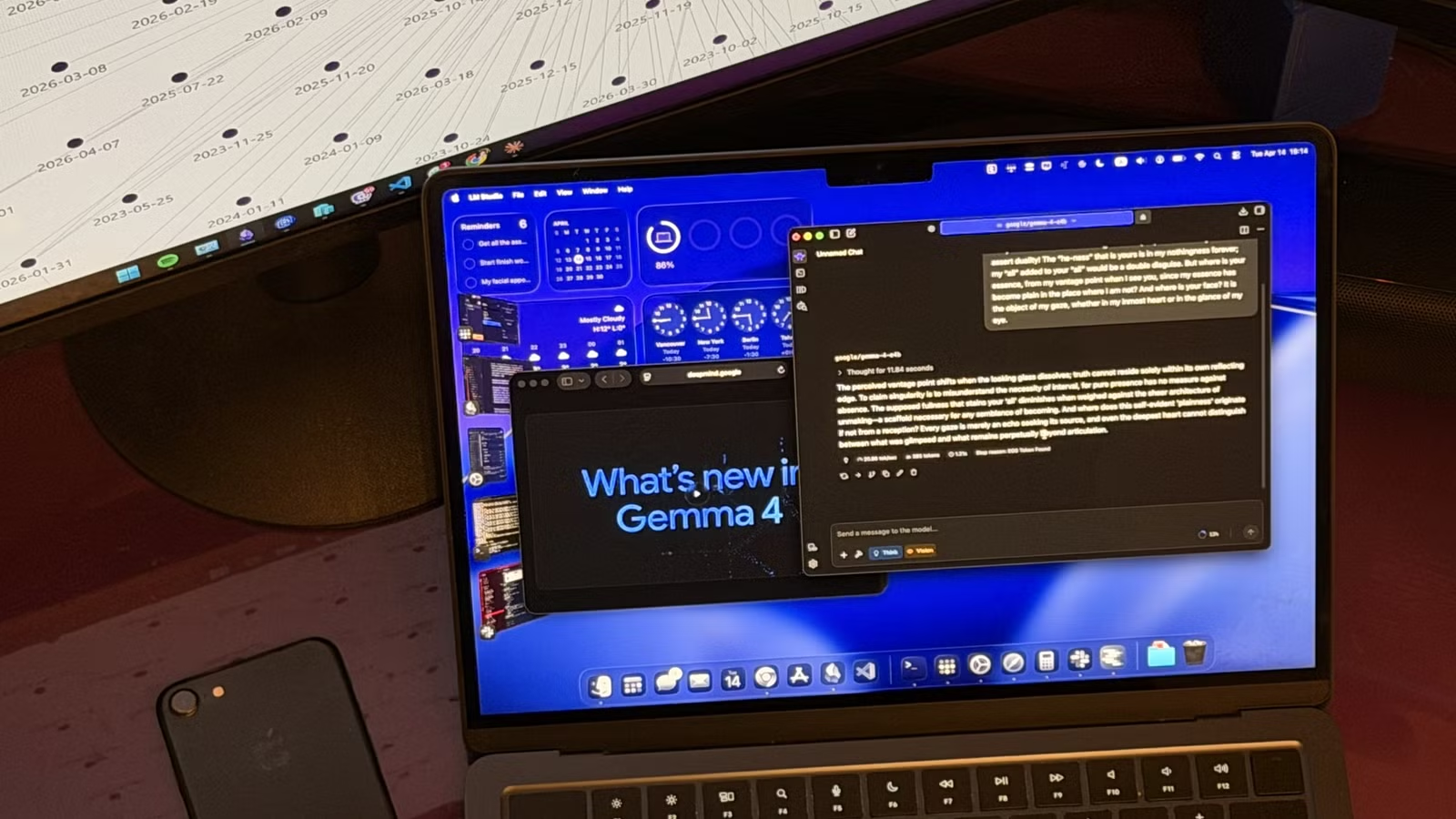
Tools like LM Studio, Ollama, and llama.cpp have made running local models far more accessible. Download a model, point the tool at it, and start chatting. The same model will respond the same way every time, given identical inputs.
Start small. Try a 7B parameter model on whatever hardware you have. See if it handles your use case. Scale up from there if needed. The investment in understanding local models pays off when you need reliability that cloud services can't guarantee.
Logicity's Take
Frequently Asked Questions
How much RAM do I need to run a local LLM?
Small models (7B parameters) can run on 8GB of RAM. Larger models need 16GB or more. For the best local models, you'll want a dedicated GPU with substantial VRAM.
Are local LLMs really free to use?
The models themselves are free to download and run. But you need hardware capable of running them, which represents a real cost. There's no ongoing subscription, though.
Do cloud AI providers tell you when they change models?
Major version changes are usually announced. But parameter tweaks, system prompt adjustments, and A/B tests happen continuously without notification.
What's the best local LLM to start with?
Llama 3, Mistral, and Gemma are all strong options with various size variants. Start with a 7B model that fits your hardware, then scale up if you need more capability.
Can local LLMs access the internet?
By default, no. Local models only know what they were trained on. Some setups let you add web search, but the model itself has no live internet access.
Need Help Implementing This?
Source: MakeUseOf
Huma Shazia
Senior AI & Tech Writer
Produced with AI assistance and reviewed by the Logicity editorial team. Learn more in our Editorial Policy.






