Key Takeaways
- Claude was the only AI to identify all three bugs in the test JavaScript file
- Gemini spotted scoping issues but missed the async race condition entirely
- Running the same prompt multiple times produced inconsistent results across all models
The Test Setup
Yadullah Abidi, a full-stack developer and tech journalist at MakeUseOf, created a JavaScript file with three specific bugs: a scoping issue, an async race condition, and an index-based assignment that caused non-deterministic ordering. These aren't the kind of errors that throw obvious console messages. They're subtle problems that can waste hours of debugging time.
The premise was simple. Hand the same broken code to Gemini, ChatGPT, and Claude. See which one actually finds the root cause, not just something that looks wrong.
Gemini: Fast but Incomplete
Gemini sat in the middle for speed, responding before ChatGPT but after Claude. It correctly identified the scoping issue and explained block scoping as part of its suggested fix. That's the good news.
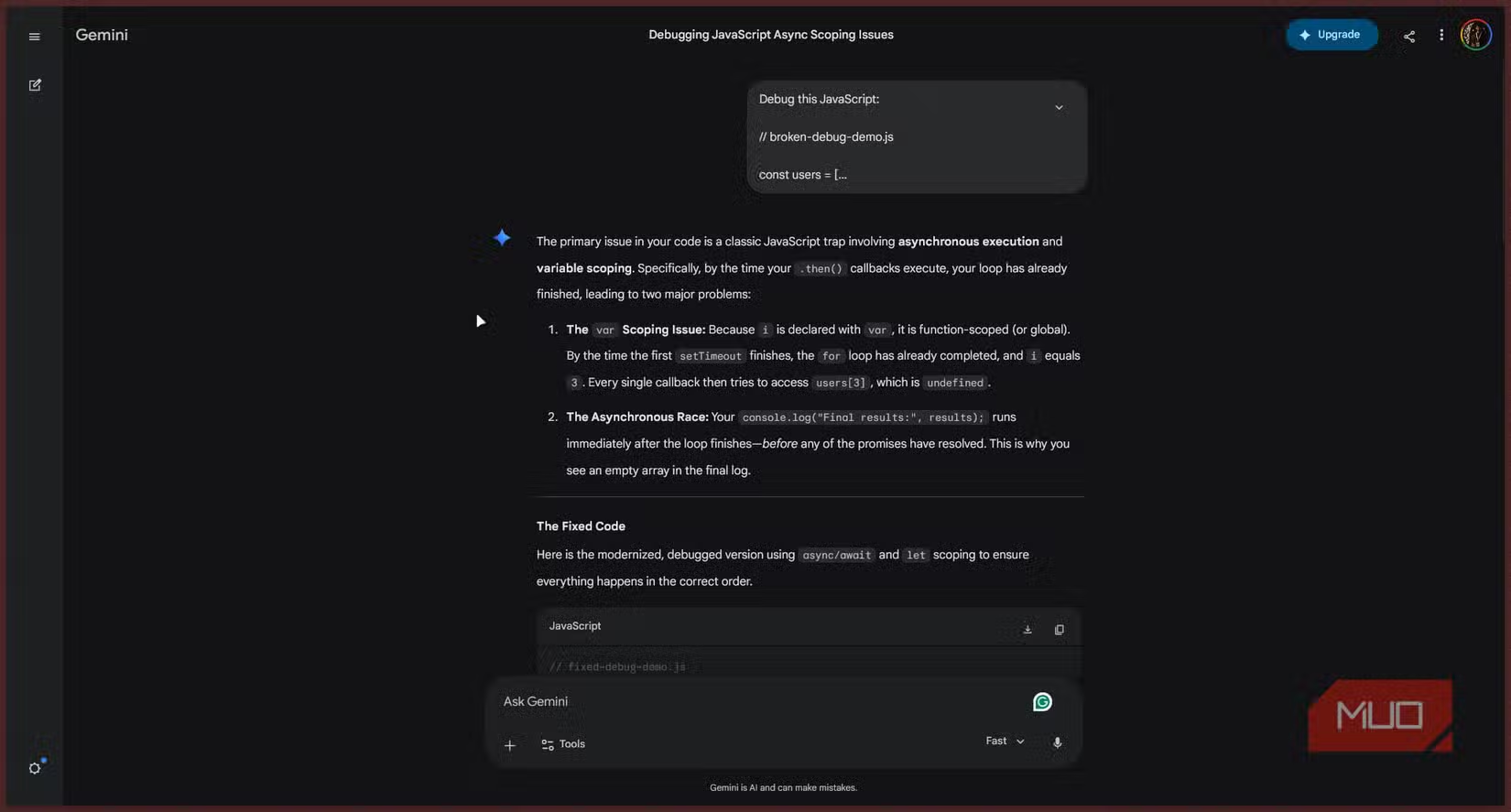
The bad news: Gemini completely missed the random delay race condition. The fix it suggested would have made the code look correct on the surface. But run it, check the console, and the problems would persist.
Abidi noted another issue. One of Gemini's two responses didn't even explain the changes or how they affected the code. Running the same prompt multiple times produced different results. Sometimes it caught the async race issue but still missed the index-based assignment bug. Consistency was a problem.
ChatGPT: Close but Not Quite
ChatGPT got close to a complete diagnosis. According to the test, it identified more issues than Gemini but still fell short of finding all three bugs. The specific gaps in ChatGPT's analysis weren't detailed in the source material, but the verdict was clear: partial credit, not a pass.

Claude: The Only Complete Fix
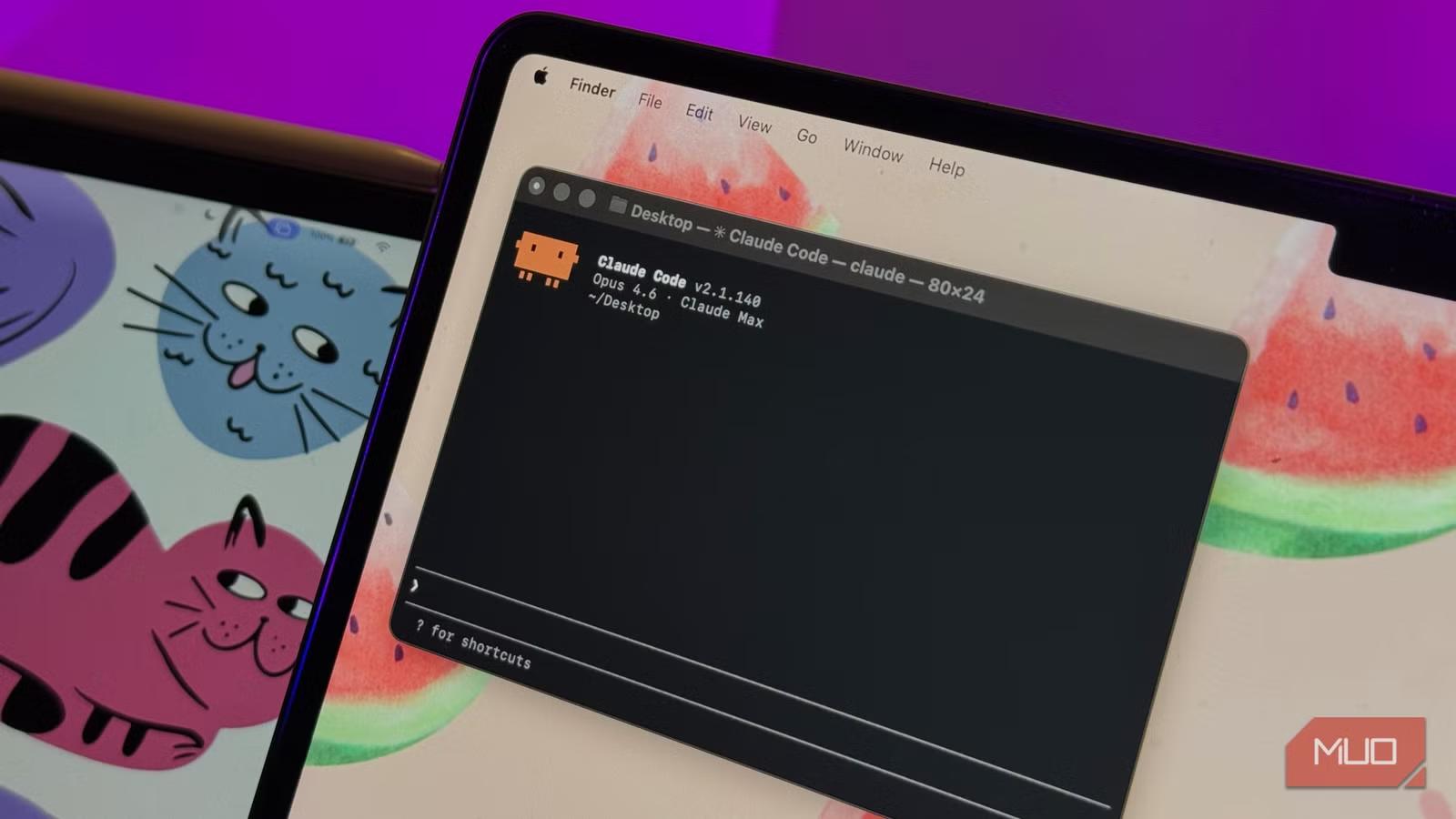
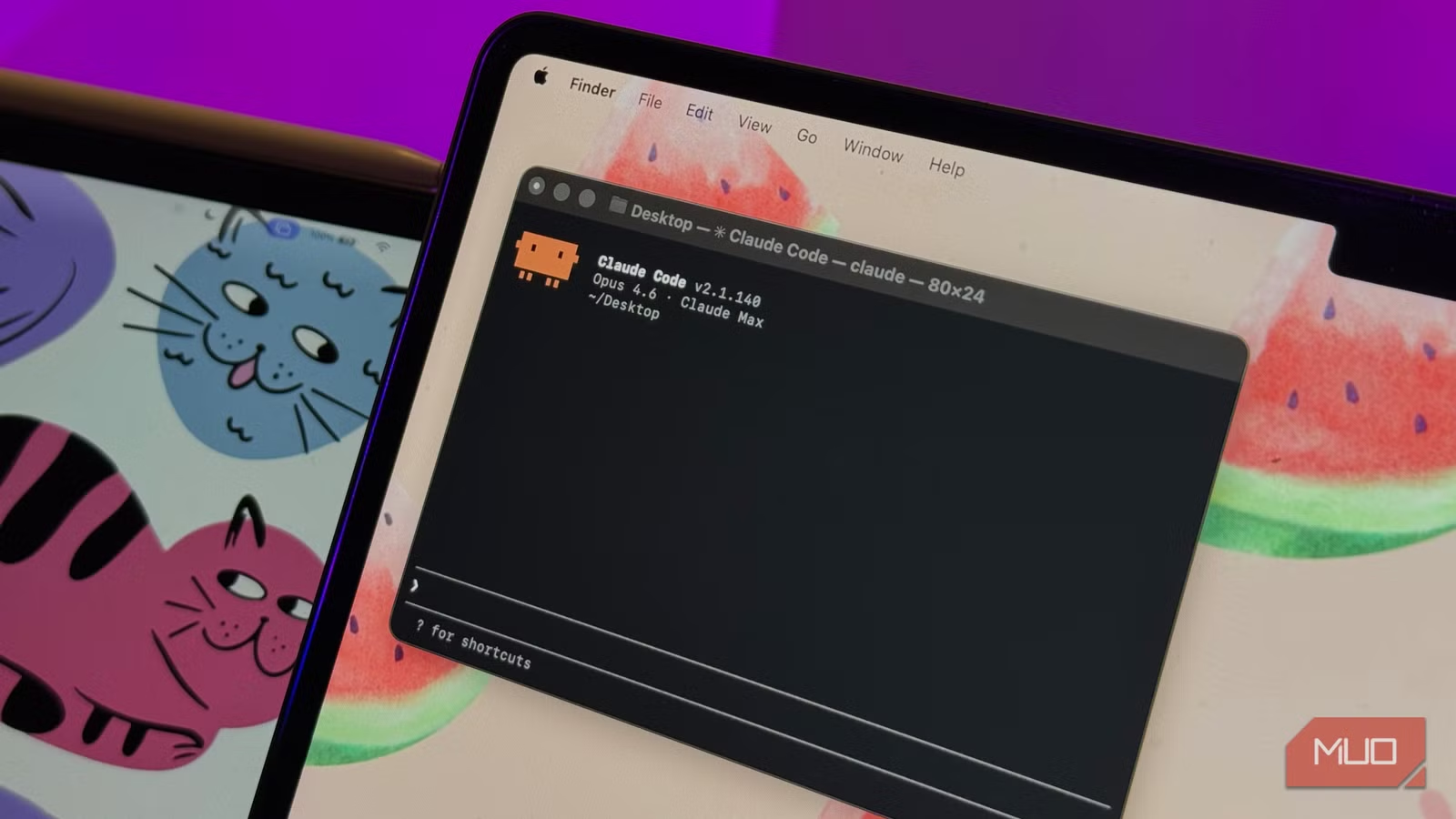
Claude was the only AI assistant to identify all three bugs in the test file. It caught the scoping issue, the async race condition, and the index-based assignment problem that caused non-deterministic ordering. The fix it provided would have actually resolved the underlying issues, not just masked symptoms.
Why This Matters for Real Debugging
The test highlights a critical gap between what AI coding assistants promise and what they deliver. All three tools can spot obvious syntax errors. The challenge is finding bugs that don't announce themselves, the kind where console output actively misleads you.
Race conditions and non-deterministic ordering bugs are particularly nasty. They might work fine in testing, then fail unpredictably in production. An AI that catches these before they ship saves more than time. It saves the debugging session at 2 AM when your async calls suddenly stop behaving.
The inconsistency issue is equally important. If running the same prompt twice gives different answers, you can't trust any single response. You'd need to run multiple iterations and compare results, which defeats the purpose of quick AI-assisted debugging.
Practical Takeaways
- For tricky async bugs, Claude appears to have an edge in this particular test
- Gemini handles basic scoping issues well but may miss deeper problems
- Run your debugging prompt multiple times and compare responses for consistency
- Don't assume a fix is complete just because the AI says so. Verify the actual behavior
This was a single test with one specific JavaScript file. Different code, different bugs, and different complexity levels might produce different results. But for developers choosing an AI assistant for debugging work, it's useful data.
| AI Assistant | Scoping Bug | Async Race Condition | Index Assignment Bug | Consistency |
|---|---|---|---|---|
| Claude | Found | Found | Found | High |
| ChatGPT | Found | Partial | Partial | Medium |
| Gemini | Found | Missed | Missed | Low |
More on how technical tools evolve in unexpected ways
Logicity's Take
Frequently Asked Questions
Which AI is best for debugging JavaScript code?
In this specific test, Claude was the only AI to find all three bugs in a JavaScript file. However, results may vary depending on the type and complexity of bugs in your code.
Can AI assistants find race conditions in code?
Some can. Claude identified the async race condition in this test, while Gemini missed it entirely. ChatGPT had partial success. These subtle bugs remain challenging for AI tools.
Are AI debugging results consistent?
Not always. The test found that running the same prompt multiple times on Gemini produced different results. It's wise to verify AI suggestions and run prompts more than once for important debugging tasks.
Should I rely solely on AI for debugging?
No. AI assistants are useful for initial analysis and catching common issues, but they can miss subtle bugs or provide incomplete fixes. Always verify the suggested solution actually resolves your problem.
Need Help Implementing This?
Source: MakeUseOf
Conversational Dynamics and Training Philosophies
The new article shifts focus from specific performance metrics to the qualitative differences in AI personality and training. It introduces details about the Claude Opus model's empathetic tone and its willingness to challenge users, contrasting this with ChatGPT's approval-seeking training loop and 'flat' delivery.
Manaal Khan
Tech & Innovation Writer
Produced with AI assistance and reviewed by the Logicity editorial team. Learn more in our Editorial Policy.






