Key Takeaways
- Customizing Samsung One UI to look like stock Android requires hours of work and multiple third-party apps
- Duplicate apps and bloatware on non-Pixel Android phones can't be fully eliminated without root access
- The time investment in Android customization often exceeds the cost difference between phones
The Appeal of Stock Android
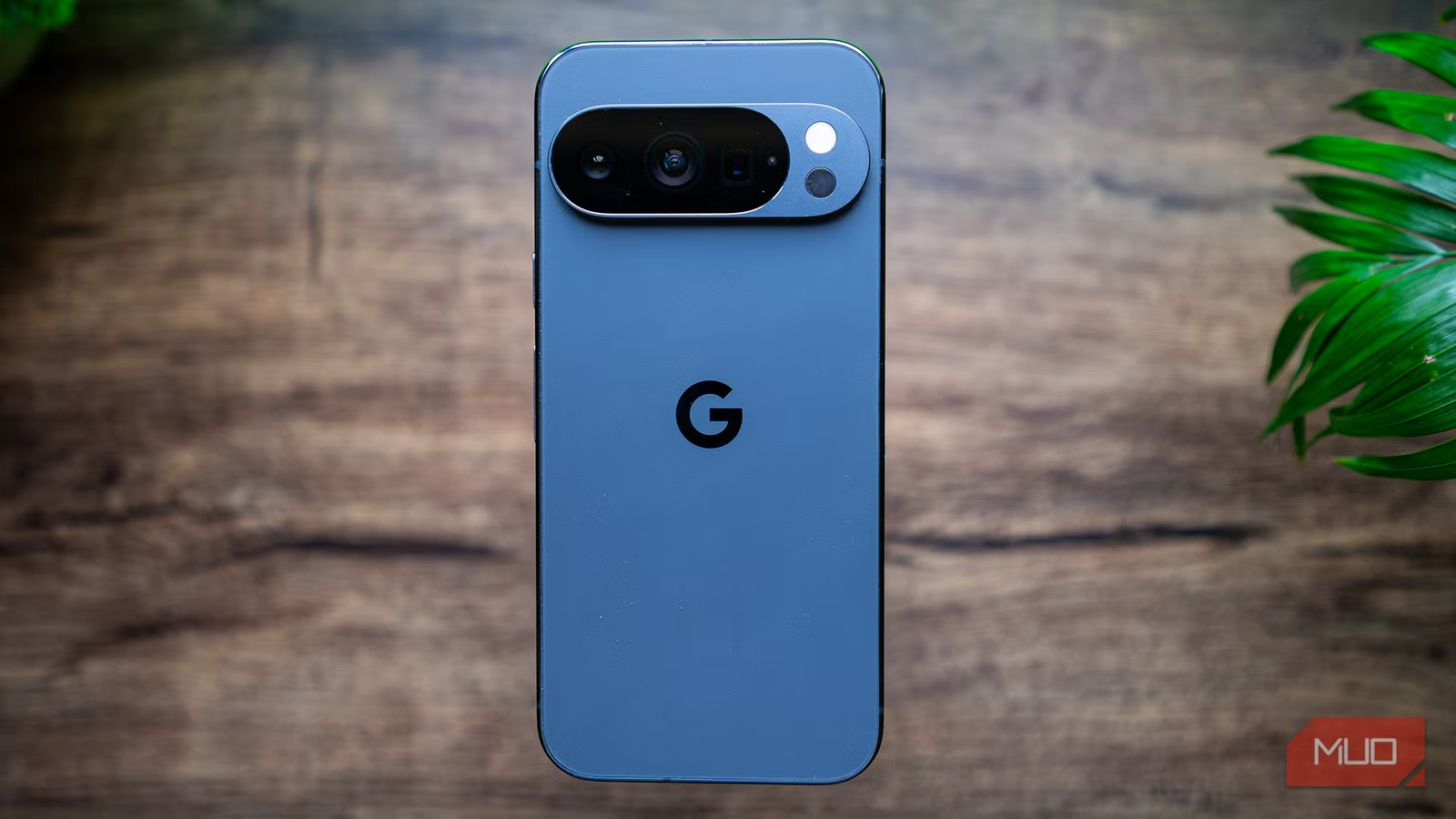
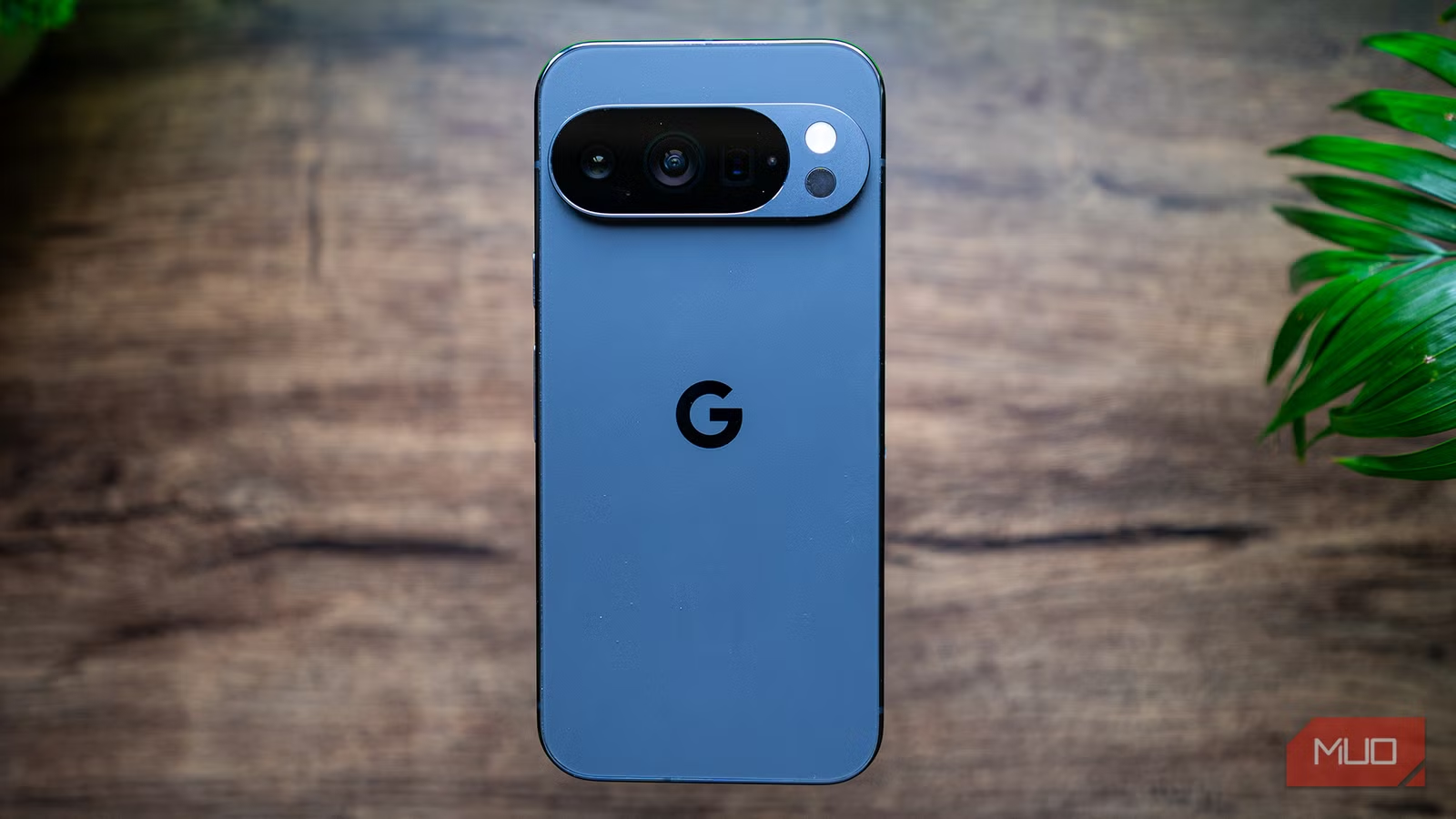
There's a reason Pixel phones have a devoted following. Google's stock Android is clean, fast, and free of the visual clutter that manufacturers pile onto their devices. No duplicate apps. No aggressive color schemes. No AI assistants you didn't ask for.
Sagar Naresh, a tech journalist with bylines at Android Police, Neowin, and a dozen other outlets, owns a Samsung Galaxy S24 Ultra. He calls it "the best-looking Ultra phone from Samsung" and "a hardware beast even today." But One UI, Samsung's software skin, bothered him. He wanted the minimalist vibe of a Pixel without buying one.
What followed was a project many Android enthusiasts have attempted: hours of UI tweaks, third-party app installations, and systematic removal of bloatware. The goal was simple. Make a Samsung feel like a Google phone.
The Grinding Process of 'Pixel-ifying' a Samsung
The first obstacle is One UI itself. Naresh acknowledges that One UI is "one of the best OEM skins available," with the latest One UI 8 adding useful features. But his complaint is common among power users: "It doesn't make your phone look serious."
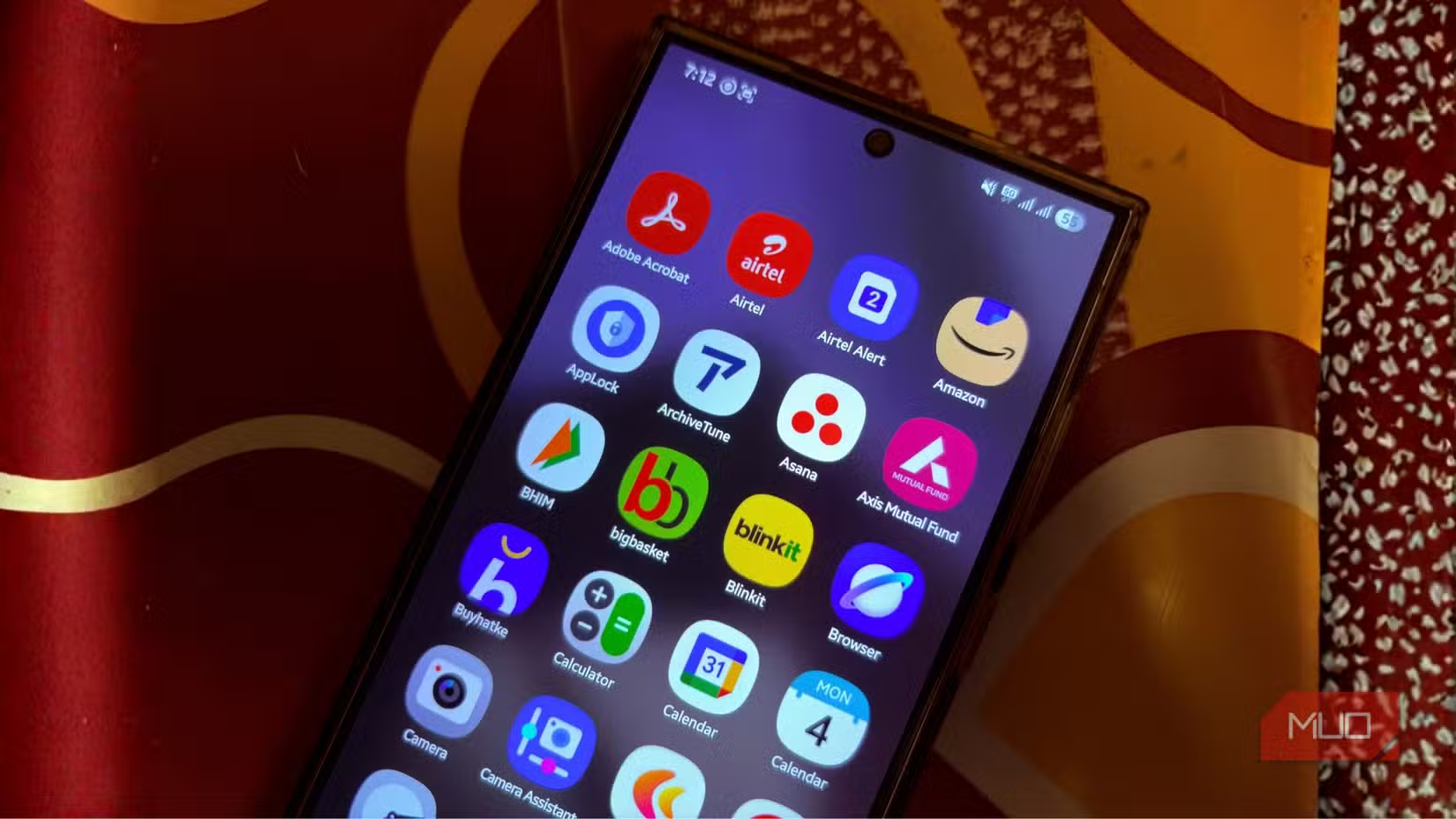
The duplicate app problem plagues every non-Pixel Android phone. Samsung ships its own Messages app alongside Google Messages. Galaxy Store exists parallel to Play Store. Samsung Calendar duplicates Google Calendar. Bixby competes with Google Assistant. Each duplicate consumes storage, creates notification confusion, and clutters the app drawer.
Removing these apps isn't straightforward. Some can be disabled but not uninstalled. Others require ADB commands or root access. The process demands technical knowledge that casual users don't have and time that busy professionals can't spare.
Third-Party Launchers Only Go So Far
Launchers like Nova, Lawnchair, or Niagara can replicate the Pixel home screen aesthetic. Icon packs can match Google's visual style. Widget replacements can simulate Pixel's At a Glance feature. But these are cosmetic changes.
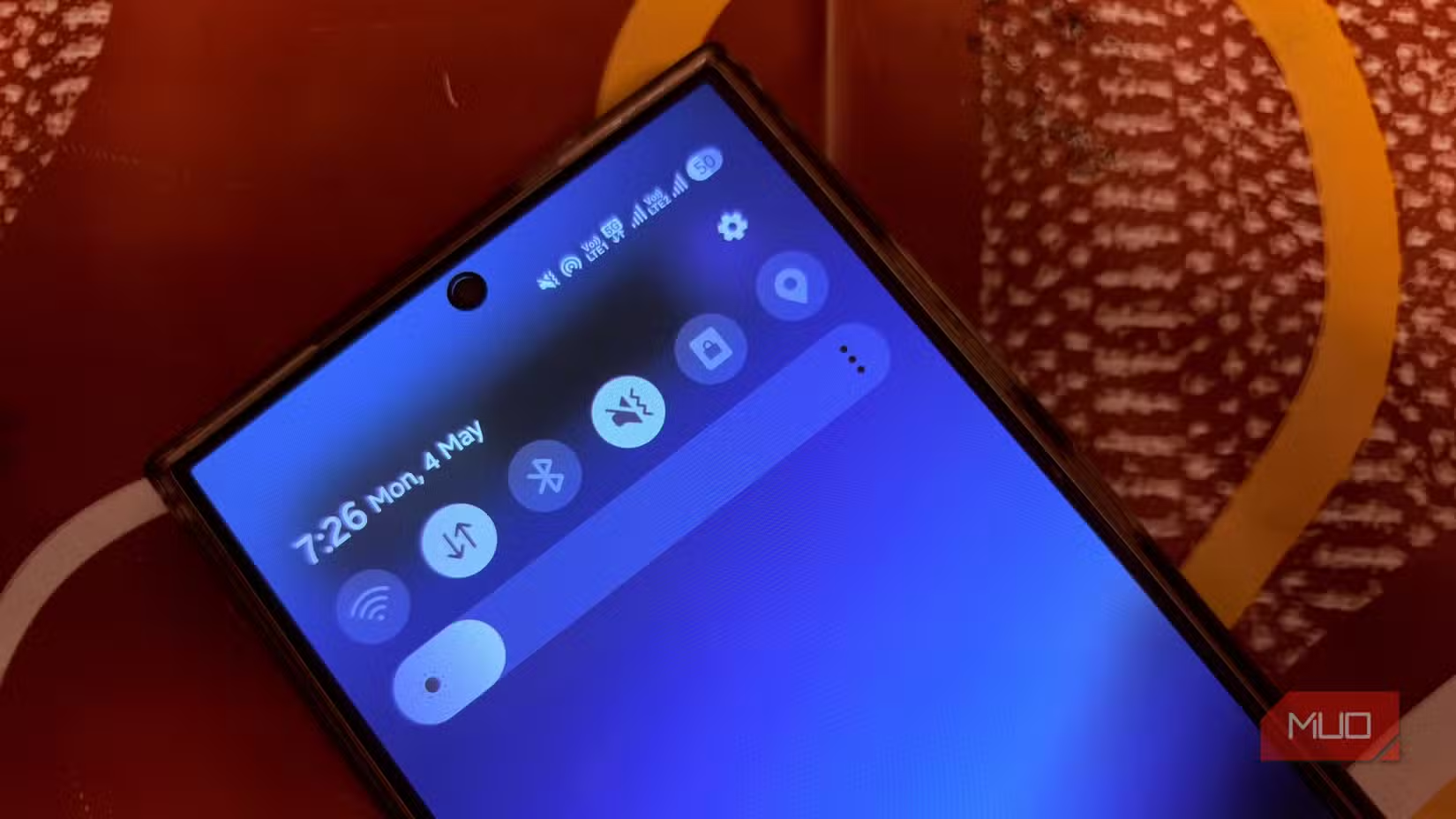
The underlying system remains One UI. Pull down the notification shade and you're back in Samsung's colorful world. Open Settings and you're navigating Samsung's menu structure. Launch the camera and you're using Samsung's app, not Google's acclaimed camera software with its computational photography algorithms.
Third-party launchers also introduce their own issues. Some cause battery drain. Others conflict with gesture navigation. A few crash when interacting with specific system features. The experience is a patchwork, not a unified system.
The Real Cost Calculation
Naresh's conclusion is blunt: "Faking the Google experience wasn't worth it." The arithmetic is straightforward when you factor in time.
A Pixel 8a costs $499. A Pixel 8 Pro costs $999. The hours spent researching launchers, configuring settings, disabling bloatware, troubleshooting conflicts, and maintaining the setup across software updates represent real labor. For a professional, those hours have dollar value.
There's also the opportunity cost. Time spent wrestling with Android customization is time not spent on actual work, family, or hobbies. The satisfaction of a DIY solution fades quickly when the next system update breaks your carefully constructed setup.
When Customization Makes Sense
This isn't an argument against all Android customization. Some tweaks are quick and valuable. Changing your default apps takes seconds. Adjusting notification settings improves daily life. Installing a better keyboard is a one-time decision that pays dividends.
The problem is attempting a full personality transplant. Trying to make a Samsung act like a Pixel, or an Oppo act like a OnePlus, fights against the fundamental software architecture. You're not customizing at that point. You're battling.
- Quick wins: default app changes, notification settings, keyboard replacement
- Medium effort: launcher swaps, icon packs, widget replacements
- Diminishing returns: deep system modifications, bloatware removal via ADB, gesture workarounds
The Lesson for Phone Buyers
Buy the phone that already does what you want. Hardware specs matter, but software defines daily experience. The best camera sensor means nothing if you hate opening the camera app. The fastest processor is wasted if you spend hours trying to make the UI tolerable.
Naresh loved his old Google Nexus 5, built by LG before Pixel existed. He gravitated to Samsung for hardware reasons. But hardware excellence couldn't overcome software preference. The Galaxy S24 Ultra's camera, display, and processing power couldn't compensate for One UI's aesthetic choices.
For buyers torn between phones, a simple test helps: use each phone for a day without any customization. The one that feels right out of the box is probably the one that will feel right a year from now.
Logicity's Take
Another take on when DIY solutions make sense vs. when off-the-shelf options win
Frequently Asked Questions
Can you make a Samsung phone look exactly like a Pixel?
You can replicate the home screen and icon style using third-party launchers and icon packs, but system elements like the notification shade, settings menu, and built-in apps will still use Samsung's One UI design.
Is stock Android better than Samsung One UI?
Neither is objectively better. Stock Android is cleaner and faster to update. One UI offers more features and customization options. The choice depends on personal preference and workflow needs.
How do you remove bloatware from Samsung phones?
Some Samsung apps can be disabled in Settings. Others require ADB commands via a computer connection. Complete removal of certain system apps requires root access, which voids warranty and can create security risks.
Do third-party launchers drain battery on Android?
Some launchers increase battery consumption, especially those with live wallpapers, widget refresh features, or complex animations. Well-optimized launchers like Nova or Lawnchair typically have minimal impact.
What's the difference between Pixel and other Android phones?
Pixel phones run stock Android with Google's exclusive features and receive software updates first. Other Android phones use manufacturer skins like One UI or OxygenOS, which add features but also duplicate apps and change the interface.
Need Help Implementing This?
Source: MakeUseOf
Security Update: Google Offers $1.5 Million Bounty for Pixel-Specific Exploits
Google has significantly increased its security bounties, offering up to $1.5 million for exploits targeting the Pixel's Titan M2 security chip. This information provides a compelling hardware-security argument that complements the original article's conclusion that buying a Pixel is a 'smarter choice' than simply customizing another device's software.
Manaal Khan
Tech & Innovation Writer
Produced with AI assistance and reviewed by the Logicity editorial team. Learn more in our Editorial Policy.