Key Takeaways
- A 2020 KPMG audit found Cloudflare retained 0.05% of data packets including IP addresses, despite privacy claims
- Self-hosted DNS eliminates single-point-of-failure risks from provider outages
- Tools like Pi-hole and Technitium make home DNS setup accessible for non-experts
Your DNS Queries Tell Your Whole Story
Every time you type a URL into your browser, a DNS query fires off before anything loads. That query is a timestamp-linked record of exactly which domain you tried to reach. Multiply that across every device on your home network and you've got a detailed map of your digital life.
Cloudflare claims it won't sell your data to advertisers and deletes query logs within 25 hours. But an independent 2020 KPMG audit found that Cloudflare had been retaining up to 0.05% of all data packets passing through its network, including IP addresses. This wasn't mentioned in Cloudflare's privacy policy at the time.
The disclosures were updated shortly after. But the incident showed that Cloudflare's privacy guarantees are only as strong as the company's willingness to honor them. Policies change with little notice. When you run your own DNS server, you're not trusting anyone's policy except your own.
Even Cloudflare Goes Down
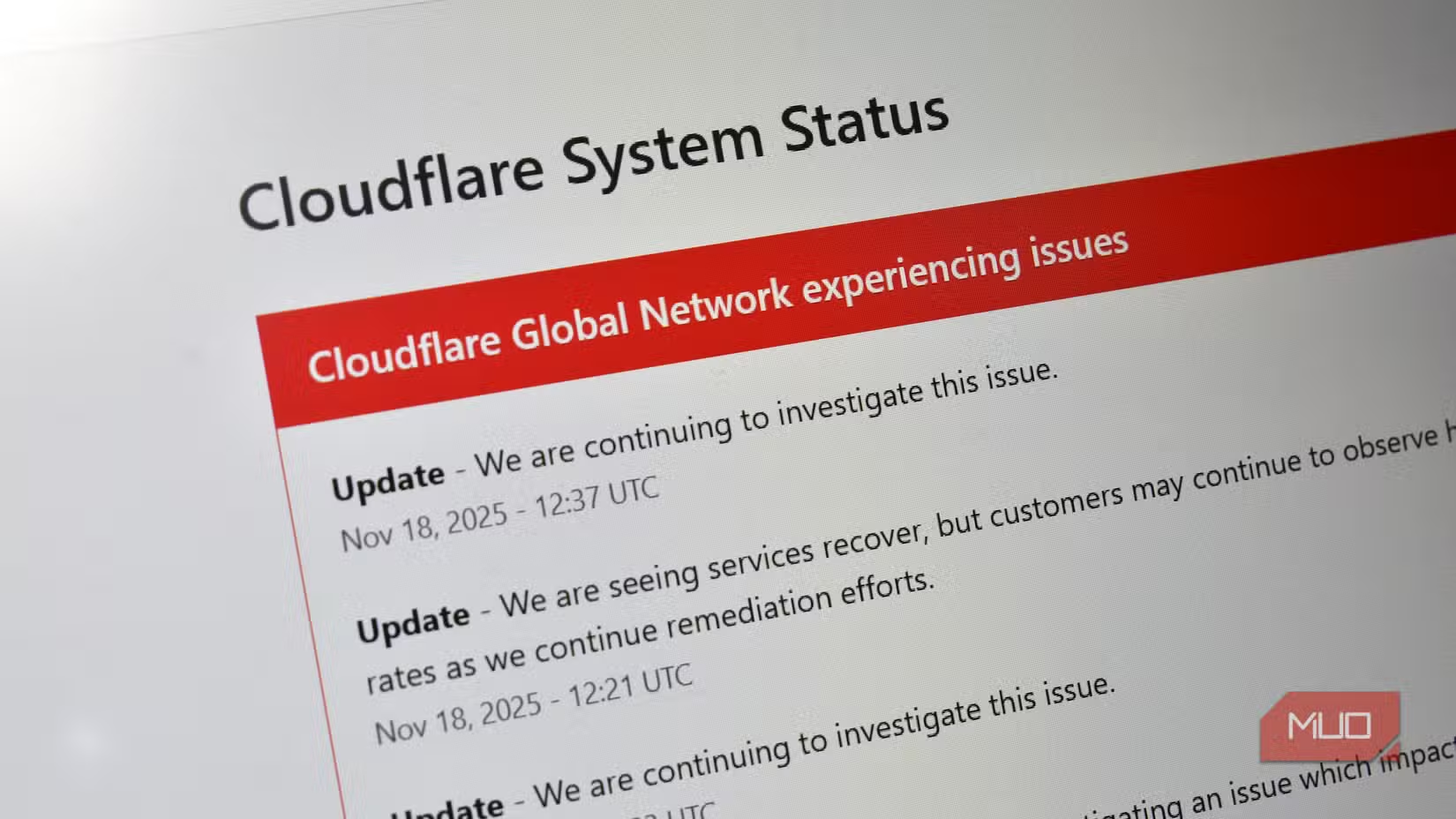
Relying on any single provider creates a single point of failure. Cloudflare has had multiple outages over the years. When their DNS service goes down, every device pointed at 1.1.1.1 loses the ability to resolve domain names. Your internet connection might be fine, but nothing loads.
A self-hosted DNS resolver gives you control over redundancy. You can configure it to fall back to multiple upstream resolvers if one fails. Your network stays online even when a major provider has problems.
Network-Wide Ad Blocking
Running your own DNS server lets you block ads and trackers at the network level. Instead of installing browser extensions on every device, your DNS server simply refuses to resolve domains associated with advertising and tracking. This works on phones, smart TVs, gaming consoles, and IoT devices that don't support ad blockers.
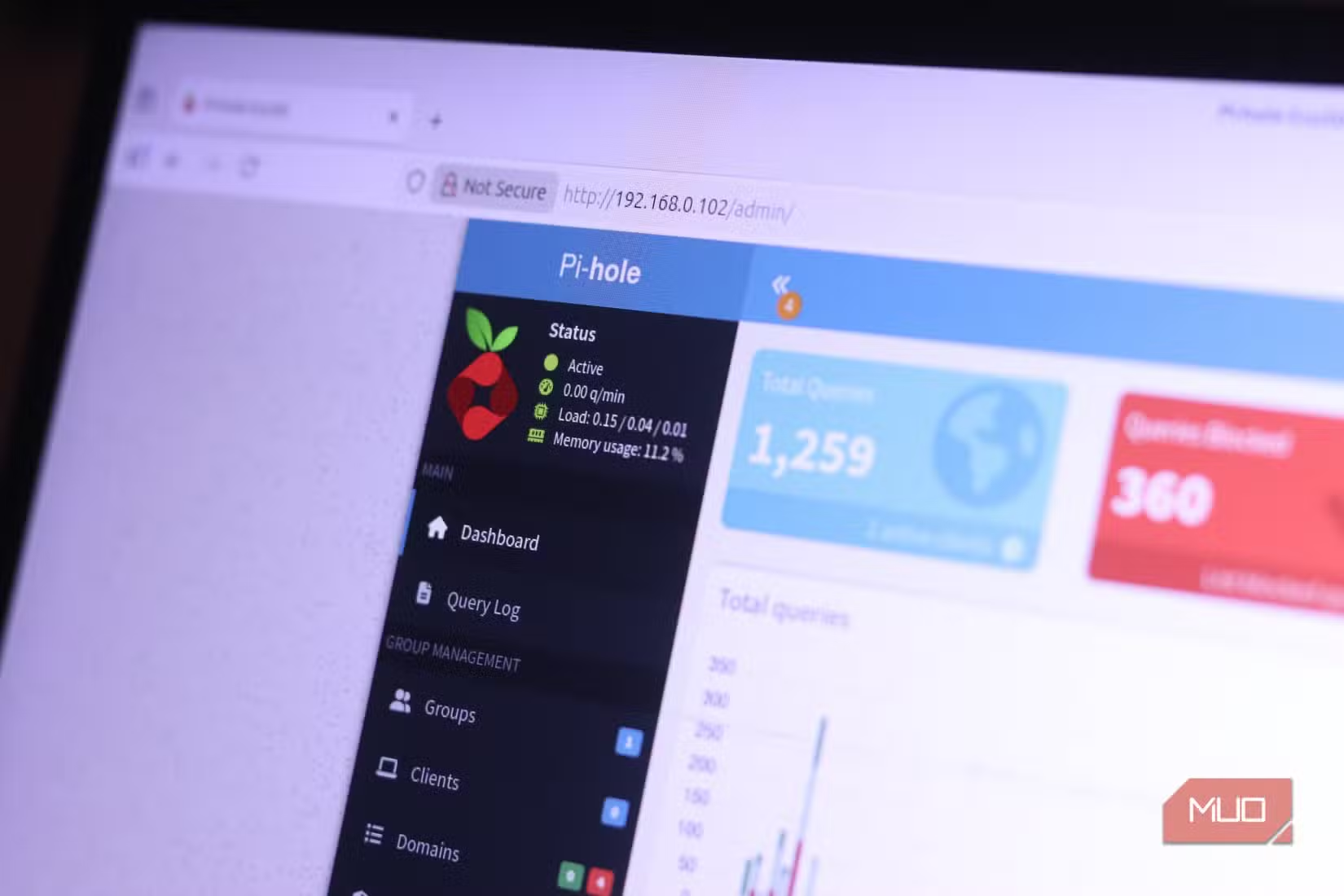
Pi-hole is the most popular option for this. It's free, runs on a Raspberry Pi or any Linux machine, and maintains blocklists that cover millions of known ad and tracking domains. Setup takes about 30 minutes.
More affordable home network projects
Full Visibility Into Your Network
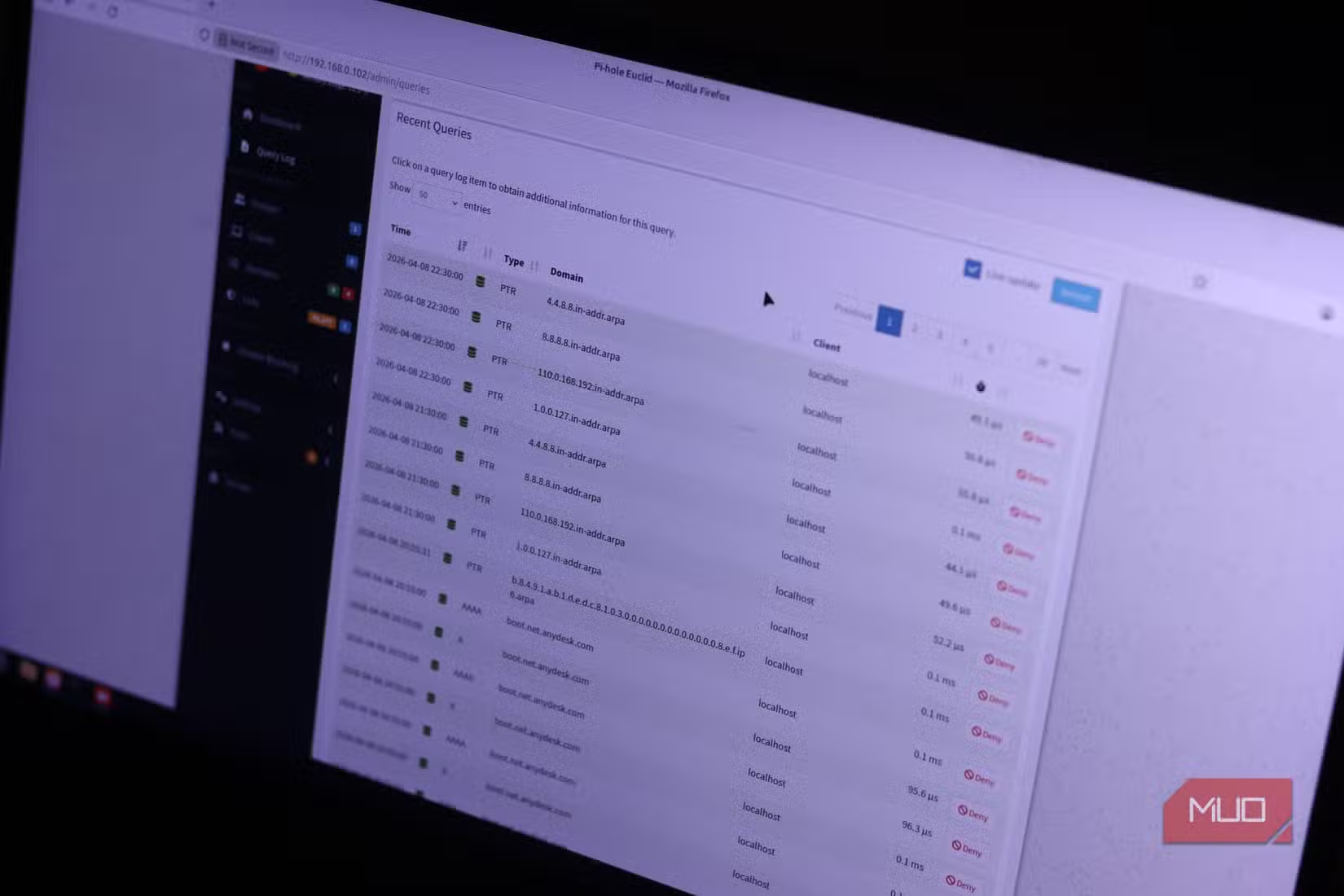
When you run your own DNS, you see exactly what every device on your network is doing. That smart TV making requests to analytics servers at 3 AM? You'll know. The app on your phone constantly pinging ad networks? Visible in your logs.
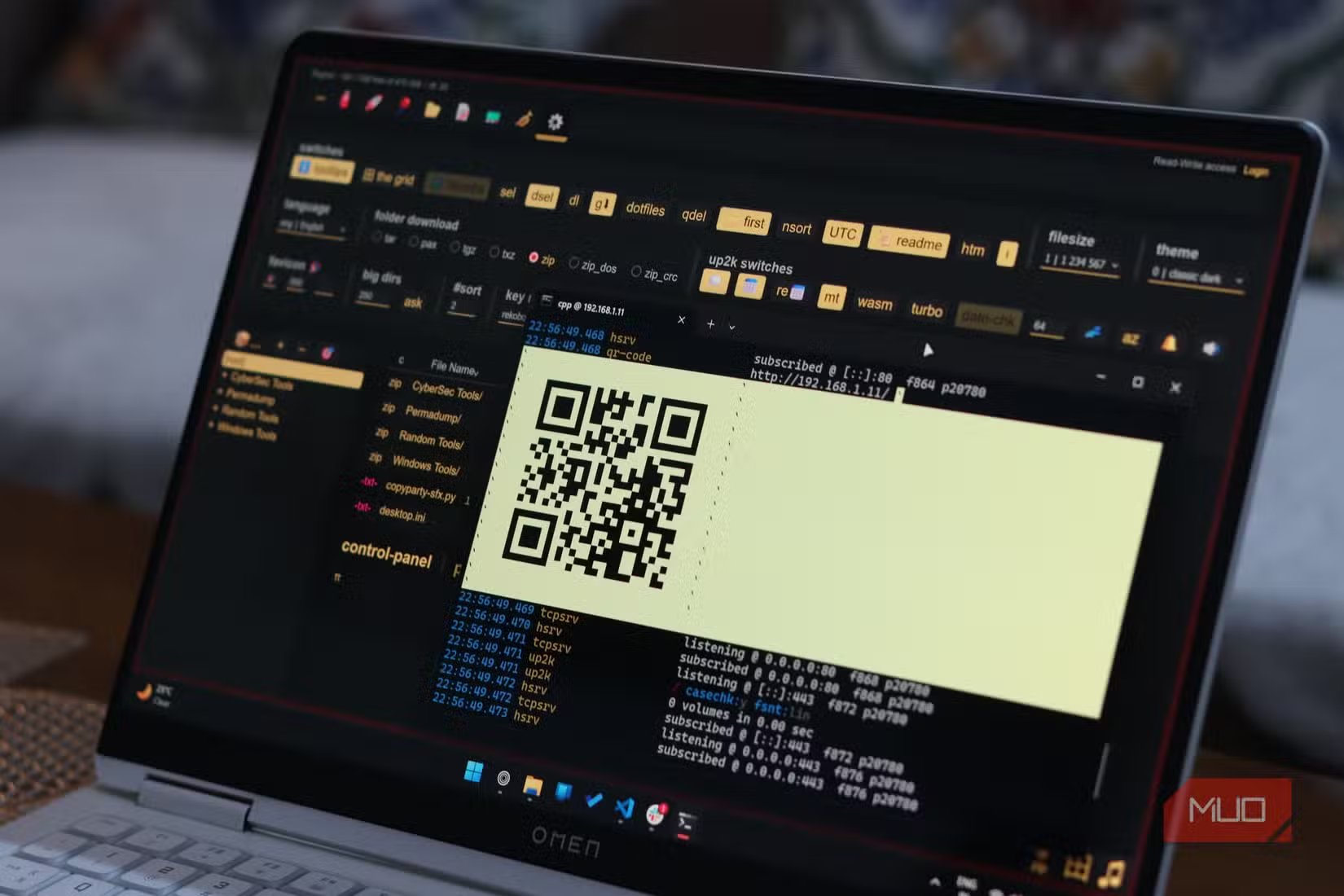
This visibility helps identify compromised devices, data-hungry apps, and services that phone home more than they should. It's the kind of insight that Cloudflare keeps for itself when you use their service.
Tools That Make It Easy
Running your own DNS server used to require serious networking knowledge. That's changed. Modern tools have web interfaces and straightforward setup processes.
- Pi-hole: Free, focused on ad blocking, runs on minimal hardware including Raspberry Pi
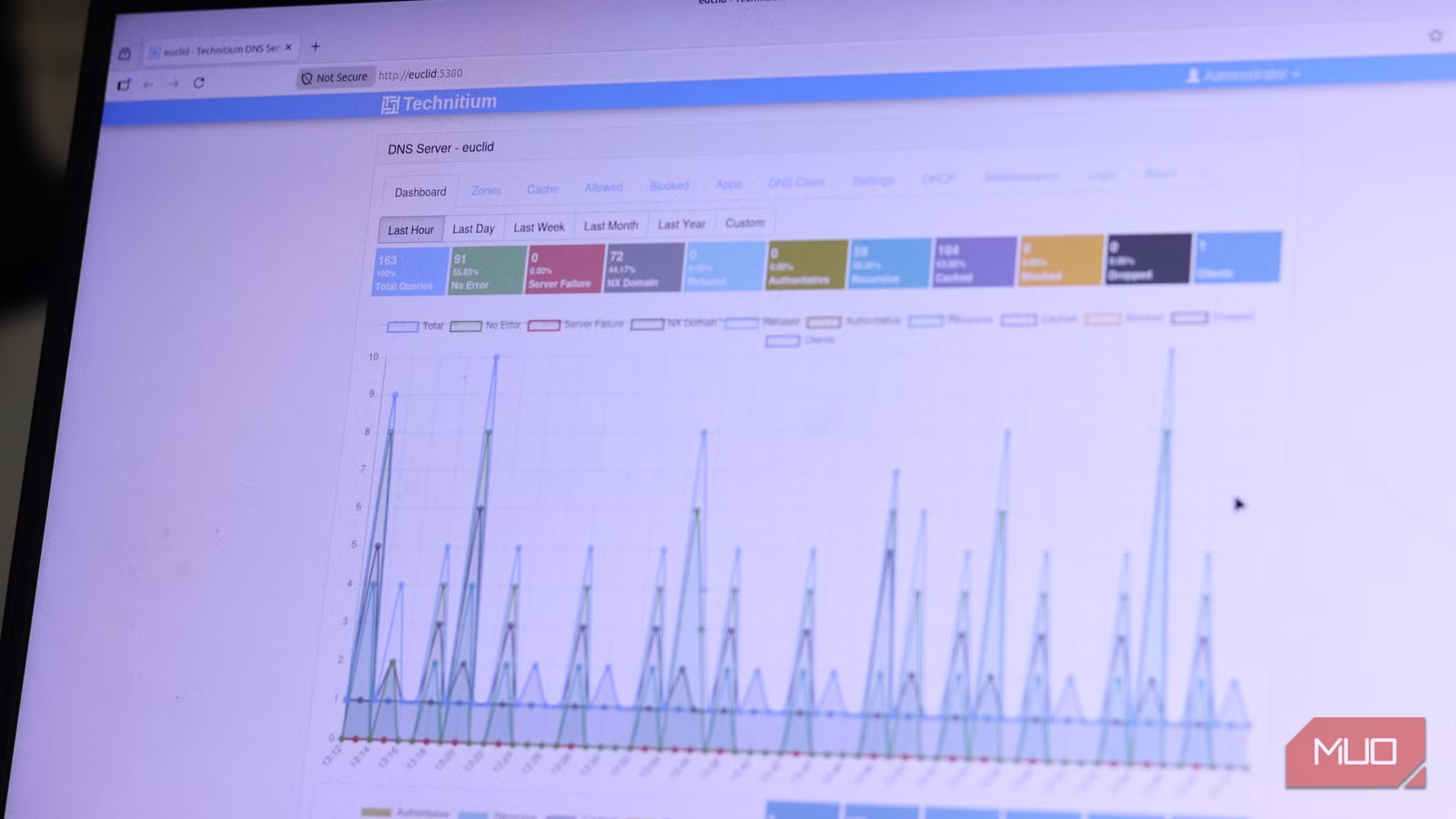
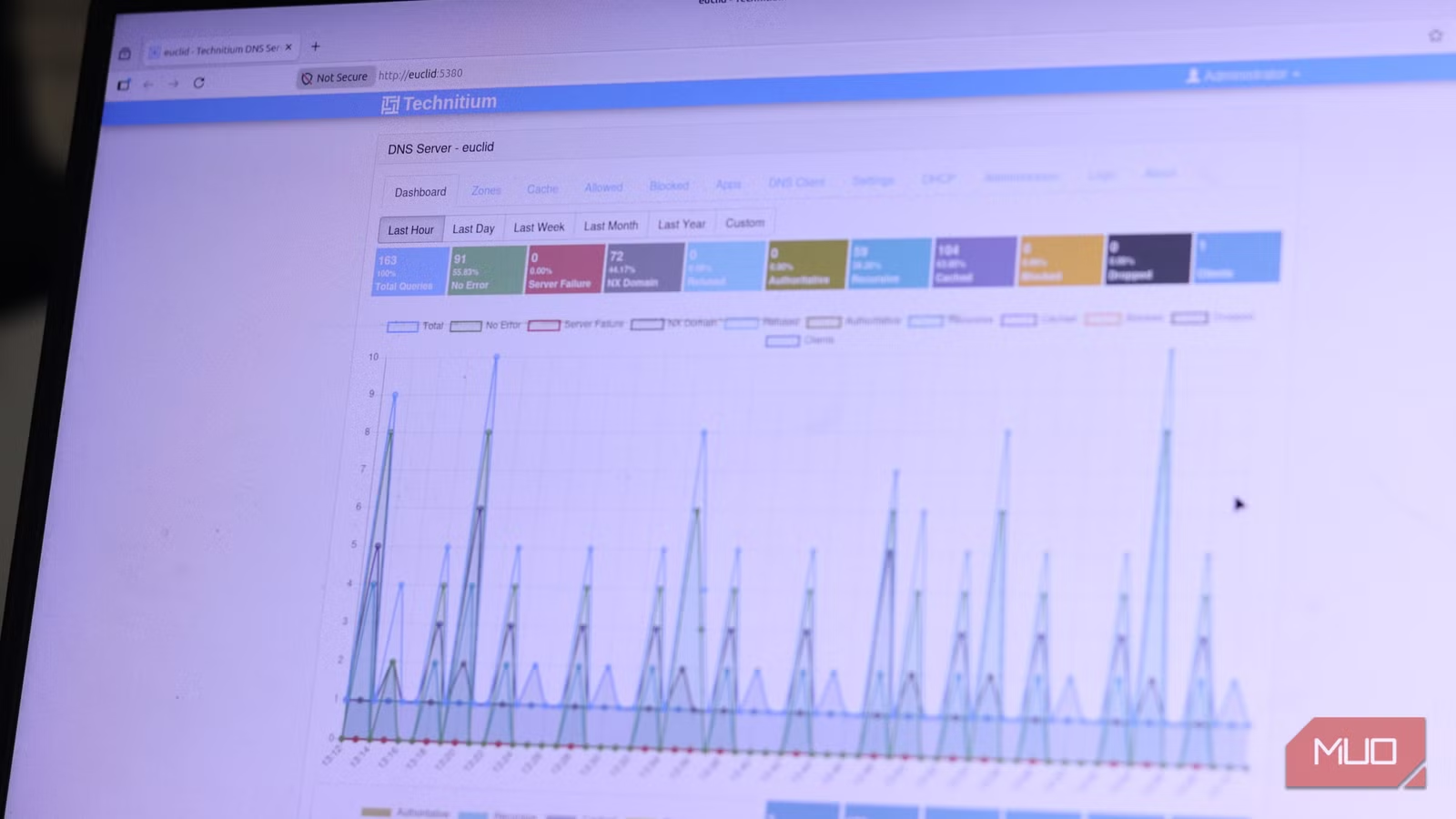
- Technitium: Feature-rich DNS server with built-in DHCP, runs on Windows, Linux, and macOS
- AdGuard Home: Similar to Pi-hole with a more polished interface
All three options support DNS-over-HTTPS and DNS-over-TLS for encrypted queries. You can run them on an old laptop, a Raspberry Pi, or a virtual machine. The hardware requirements are minimal.
The Tradeoffs Are Real
Self-hosting DNS isn't without downsides. You're responsible for maintenance, updates, and troubleshooting. If your server goes down and you don't have a fallback configured, your network loses DNS resolution. Initial setup takes time, even with user-friendly tools.
✅ Pros
- • Complete control over your DNS data and logs
- • Network-wide ad and tracker blocking
- • No reliance on third-party privacy policies
- • Full visibility into device behavior
❌ Cons
- • Requires setup time and basic networking knowledge
- • You're responsible for uptime and maintenance
- • Some sites may break if blocklists are too aggressive
- • Uses a small amount of electricity 24/7
For most technically inclined users, the tradeoffs are worth it. The privacy benefits and network visibility justify the modest effort required to get started.
Another lightweight alternative to mainstream tools
Logicity's Take
Frequently Asked Questions
Is running your own DNS server difficult?
Modern tools like Pi-hole and Technitium have web interfaces and can be set up in under an hour. You don't need deep networking expertise, just willingness to follow documentation.
What hardware do I need for a home DNS server?
A Raspberry Pi, old laptop, or any always-on computer works. The software is lightweight and doesn't require significant processing power or memory.
Will running my own DNS make my internet faster?
Possibly. Local DNS caching means repeat queries resolve instantly. Whether you notice the difference depends on your current setup and how often you visit the same sites.
Can I still use Cloudflare as a backup?
Yes. Most self-hosted DNS software lets you configure upstream resolvers. You can use Cloudflare, Google, or Quad9 as fallbacks while still benefiting from local blocking and logging.
Does a self-hosted DNS block all ads?
It blocks ads that load from separate domains. Ads served from the same domain as content, like YouTube's in-video ads, can't be blocked this way.
Need Help Implementing This?
Source: MakeUseOf
Manaal Khan
Tech & Innovation Writer
Produced with AI assistance and reviewed by the Logicity editorial team. Learn more in our Editorial Policy.






