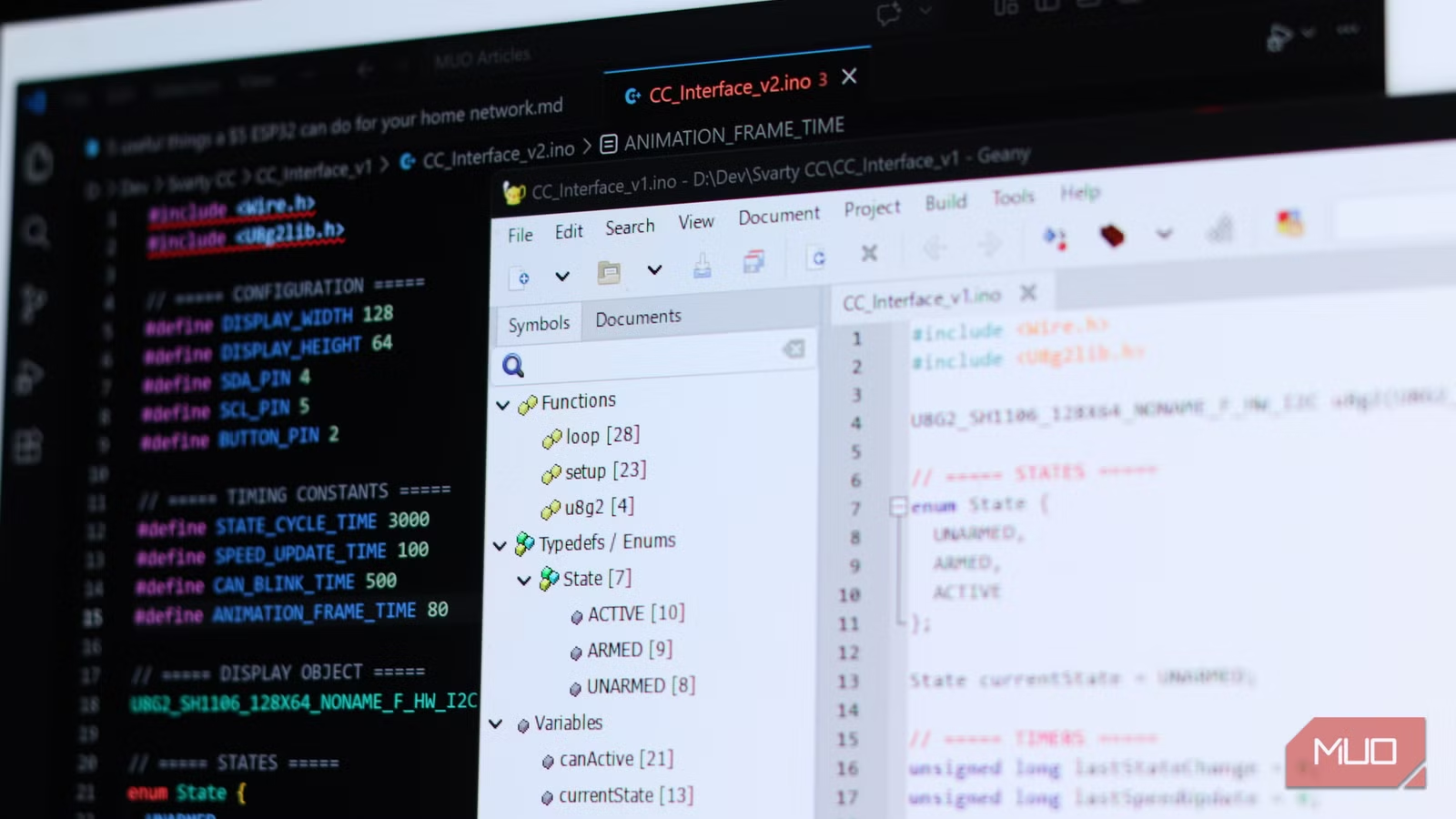
Key Takeaways
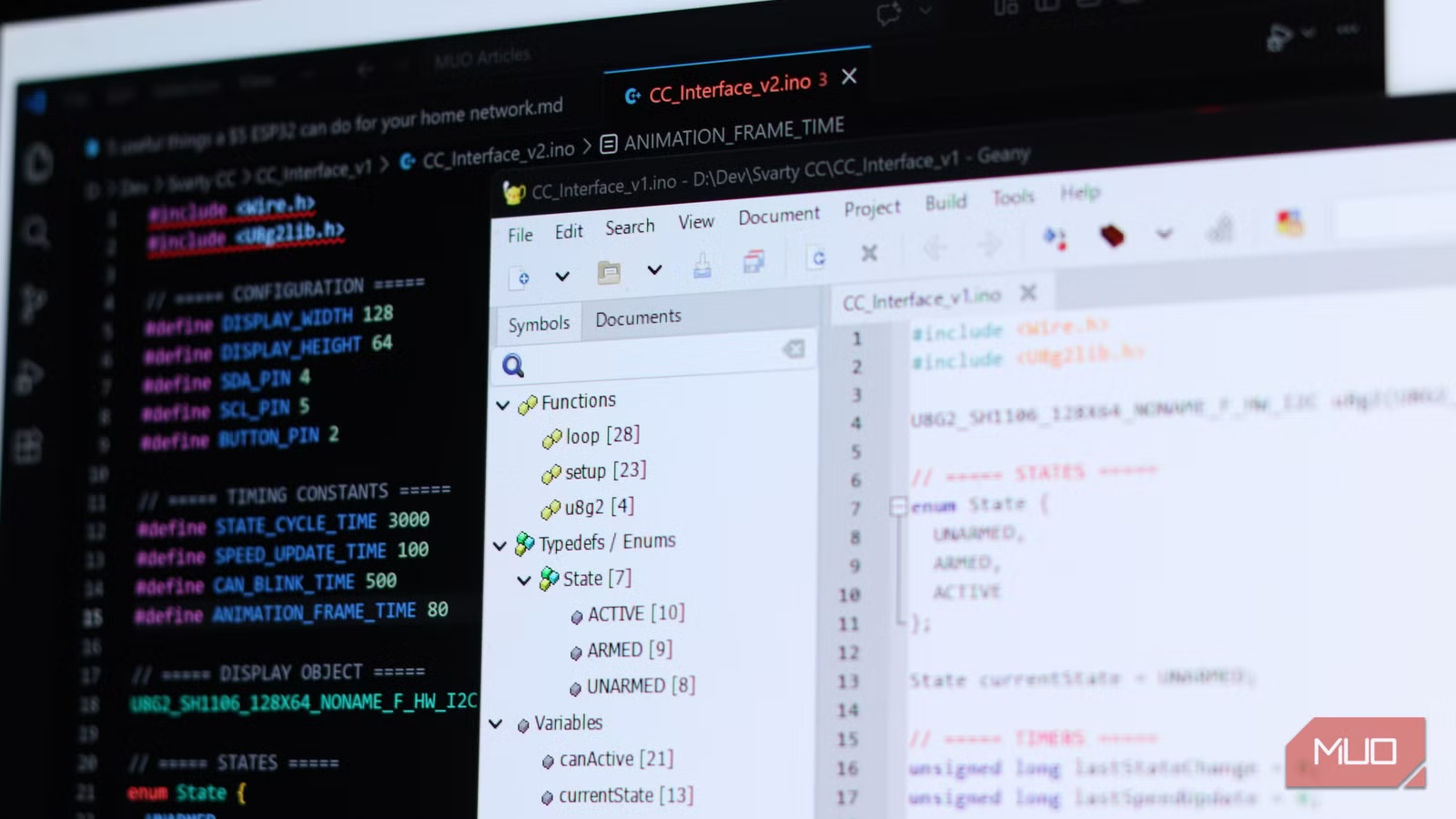
- VS Code often uses over a gigabyte of RAM even with modest file loads due to its Electron architecture
- Geany provides syntax highlighting, plugin support, and fast startup with minimal resource usage
- Solo developers and those on modest hardware benefit most from switching to lightweight editors
The VS Code bloat problem
VS Code has become the default editor for millions of developers. But at some point, it stopped being a text editor and became a platform. For quick edits, that's a problem.
The culprit is Electron. VS Code runs on a framework that essentially wraps a browser tab around your editor. This architecture lets Microsoft maintain one codebase across Windows, Mac, and Linux. It also explains why native Windows apps are disappearing from the ecosystem.
The trade-off is resource consumption. Even with a modest number of files open, VS Code often uses well over a gigabyte of RAM. Startup times creep up. The whole app starts feeling sluggish when you just want to open a file, write some code, and move on.
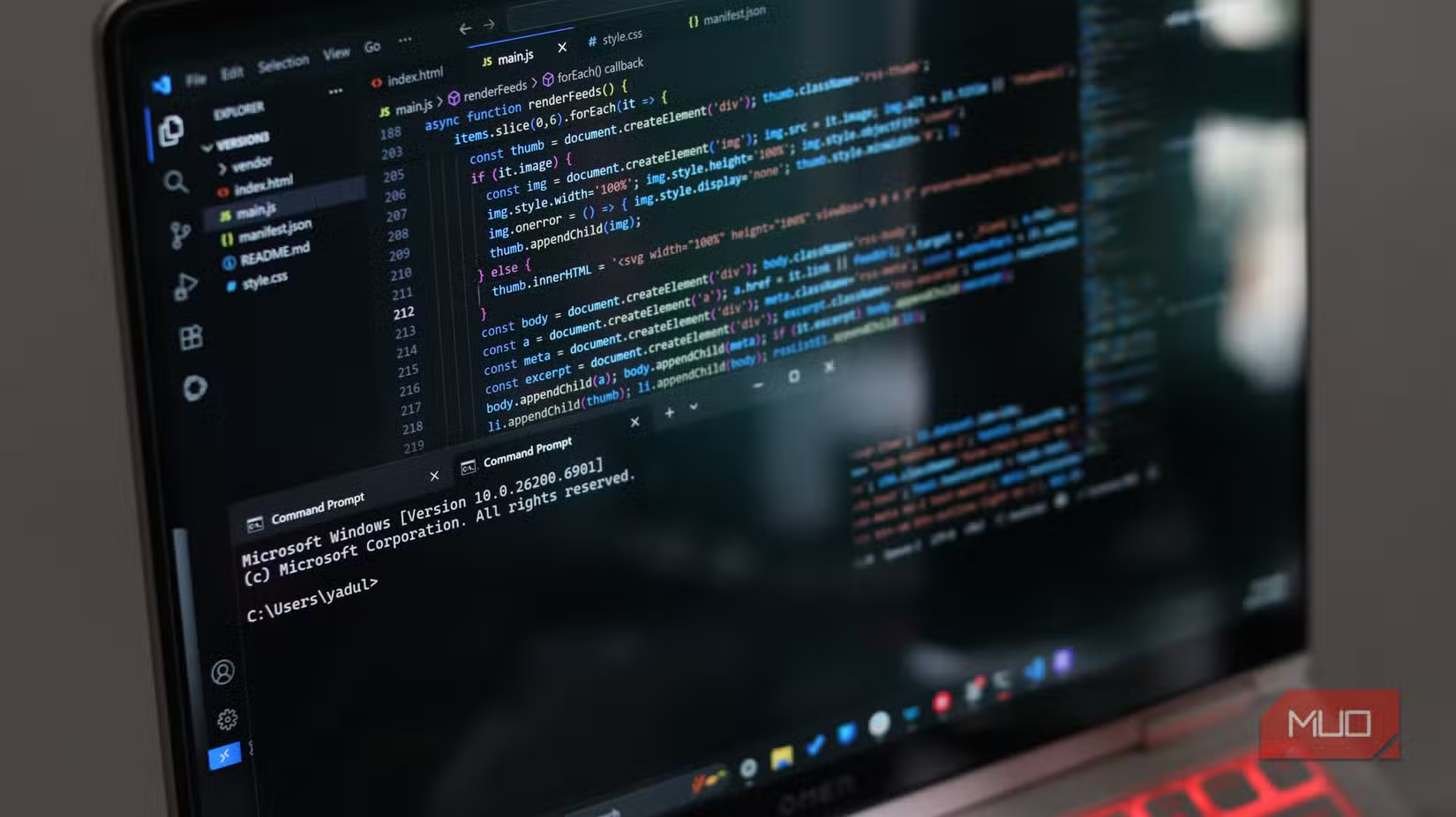
For large teams working on complex repositories with GitHub Copilot and a dozen extensions running, this overhead makes sense. But solo developers, especially those on modest hardware, pay a tax for features they never use.
Enter Geany: 20 years of lightweight editing
Geany first released in 2005. Two decades later, it still does what a code editor should do. Open files instantly. Provide syntax highlighting. Get out of your way.
Unlike VS Code, Geany is built on GTK, a native toolkit. No browser engine running in the background. No JavaScript runtime managing your keystrokes. The result is an editor that launches in under a second and uses a fraction of the memory.
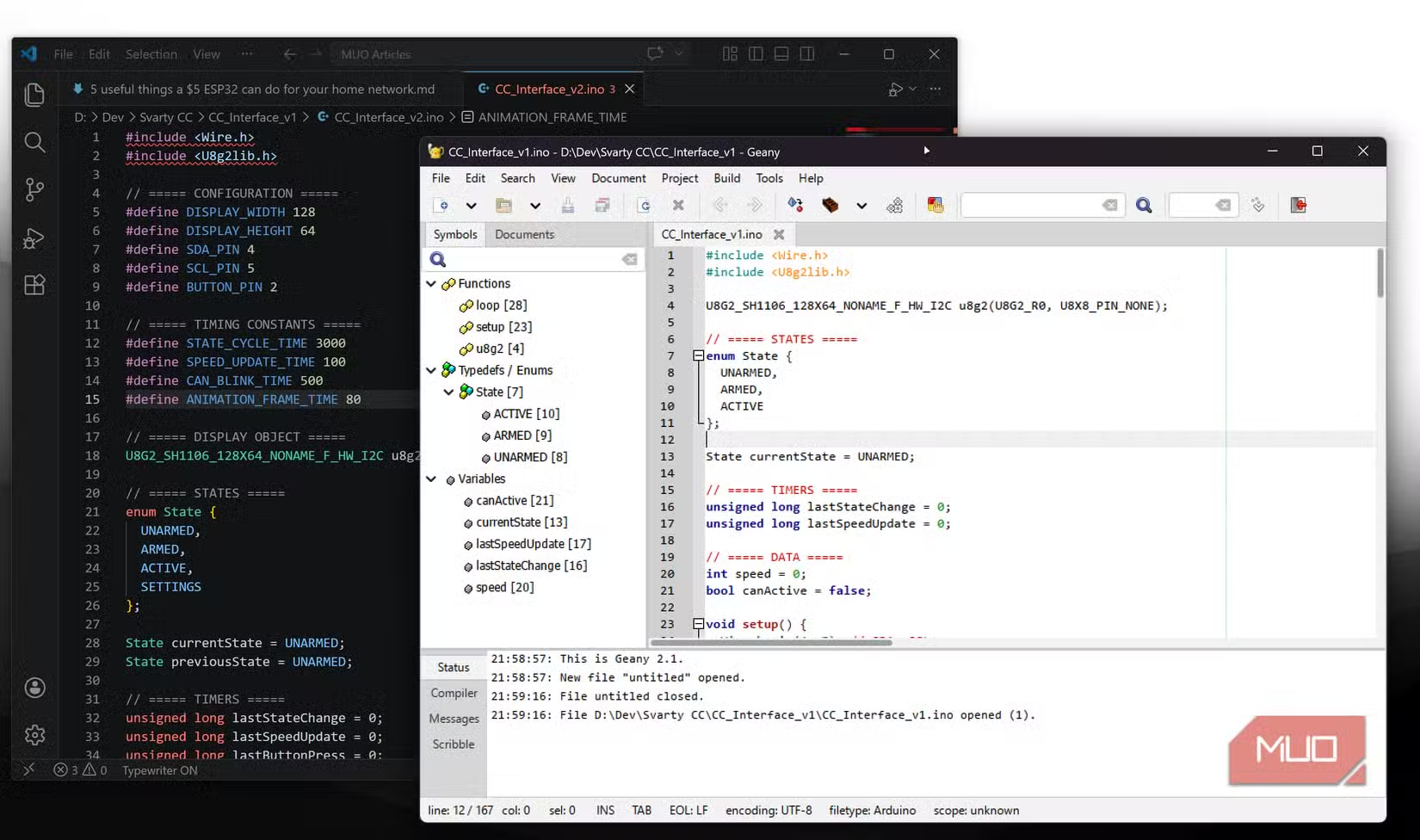
Geany supports syntax highlighting for dozens of languages out of the box. It has a built-in terminal, project management, and a plugin system for extending functionality. You get the essentials without the cruft.
What you gain and what you lose
✅ Pros
- • Near-instant startup, even on older hardware
- • RAM usage measured in megabytes, not gigabytes
- • Built-in terminal and project management
- • Plugin system for extensions without the bloat
- • Cross-platform (Windows, Mac, Linux)
❌ Cons
- • No integrated GitHub Copilot or AI coding assistants
- • Smaller extension ecosystem than VS Code
- • Less polished UI compared to modern Electron apps
- • No built-in live collaboration features
The trade-off is clear. If you rely on VS Code's extension marketplace, IntelliSense for complex frameworks, or AI pair programming, Geany won't replace it. But if you spend half your time waiting for VS Code to load before making a quick config change, Geany solves that problem.
Geany's plugin system
Geany ships lean, but it's not locked down. The plugin manager lets you add version control integration, code snippets, spell checking, and more. The difference is that plugins here don't pull in megabytes of dependencies or spawn background processes.
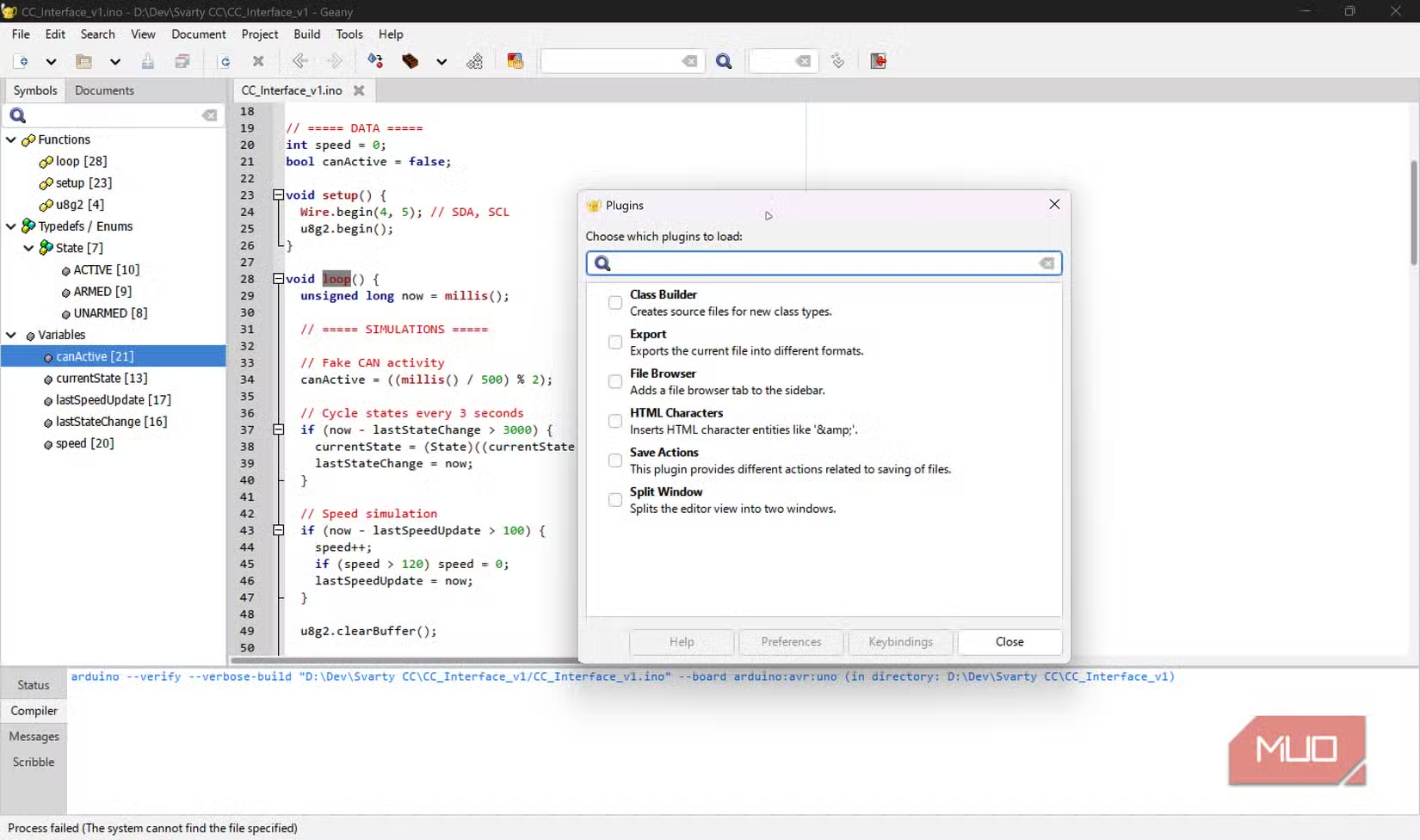
Popular plugins include GeanyVC for version control, TreeBrowser for file navigation, and Spellcheck for documentation work. The ecosystem is smaller than VS Code's, but what exists tends to be focused and fast.
Who should make the switch
Geany works best for developers who need a secondary editor. Keep VS Code for large projects and complex debugging. Use Geany for quick edits, config files, scripts, and anything where startup time matters more than IntelliSense depth.
It's also worth considering for anyone on hardware with limited RAM. A laptop with 8GB of memory feels the difference when your editor uses 80MB instead of 800MB.
Related: lightweight tools for smaller teams
Logicity's Take
Frequently asked questions
Frequently Asked Questions
Is Geany really 20 years old?
Yes. Geany first released in 2005 and has been actively maintained since. It predates VS Code by over a decade.
Can Geany replace VS Code completely?
For most developers, no. Geany lacks the deep IntelliSense, AI coding assistants, and extension ecosystem that make VS Code powerful for complex projects. It works best as a secondary editor for quick tasks.
What languages does Geany support?
Geany supports syntax highlighting for dozens of programming languages out of the box, including Python, JavaScript, C/C++, Java, PHP, and many more.
Does Geany work on Mac and Linux?
Yes. Geany is cross-platform and runs on Windows, macOS, and Linux distributions.
How much RAM does Geany use compared to VS Code?
Geany typically uses tens of megabytes of RAM. VS Code often uses over a gigabyte, especially with extensions and multiple files open.
Need Help Implementing This?
Source: MakeUseOf
Huma Shazia
Senior AI & Tech Writer
Produced with AI assistance and reviewed by the Logicity editorial team. Learn more in our Editorial Policy.






