Key Takeaways
- Small business PMs wear more hats than enterprise counterparts, making flexible tools essential
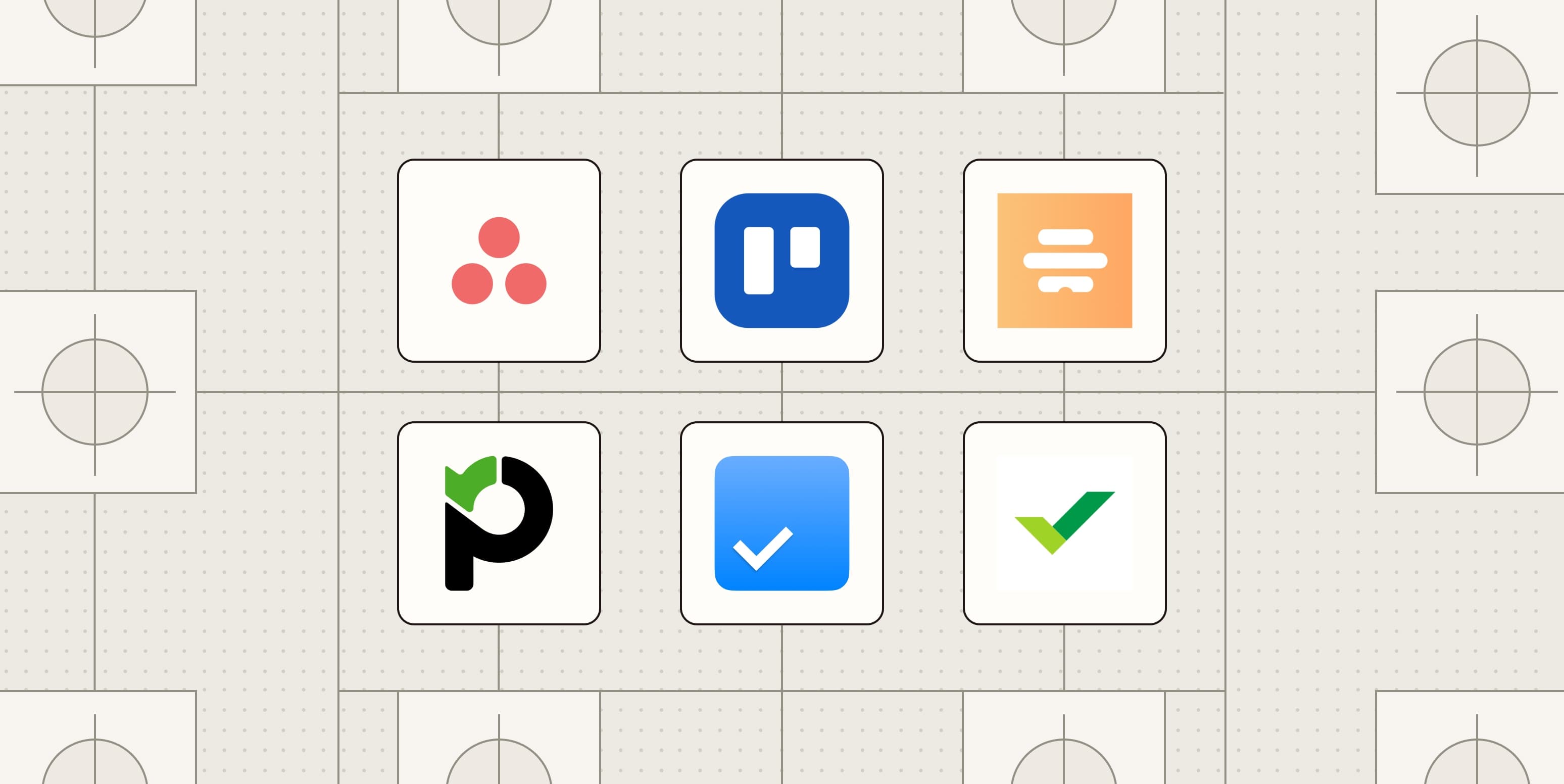
- The top 8 picks include Asana, Trello, Paymo, Wrike, Nifty, Hive, Any.do, and Quire
- Key criteria: team collaboration, integration support, and customizable views
Managing projects at a small company sounds simple. Fewer people, fewer processes, less bureaucracy. But large enterprises assign dedicated project managers to marketing, sales, and product teams separately. Small business PMs handle all three. Plus finance. Plus operations. Plus whatever else lands on their desk that morning.
That difference matters when choosing software. A tool built for 50-person Scrum teams won't help someone bouncing between client work, internal deadlines, and vendor coordination before lunch.
Zapier tested nearly 60 project management systems to find the ones that actually fit small business workflows. After extensive evaluation, they narrowed it to eight apps. Each serves a different work style, so the right choice depends on how your team already operates.
The 8 Best Project Management Tools for Small Teams
Here's the shortlist, each matched to a specific use case:
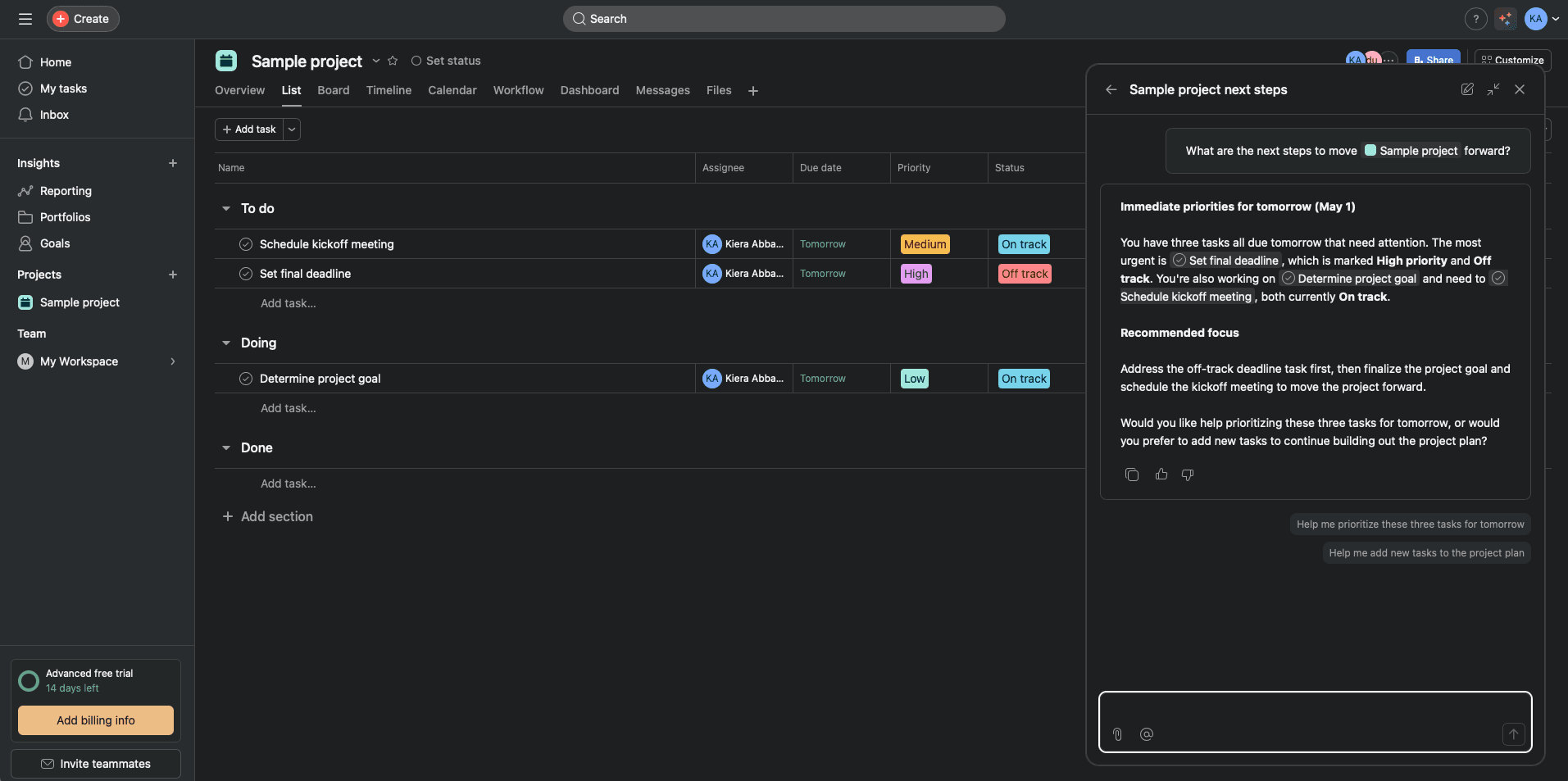
- Asana — ultimate project flexibility across departments
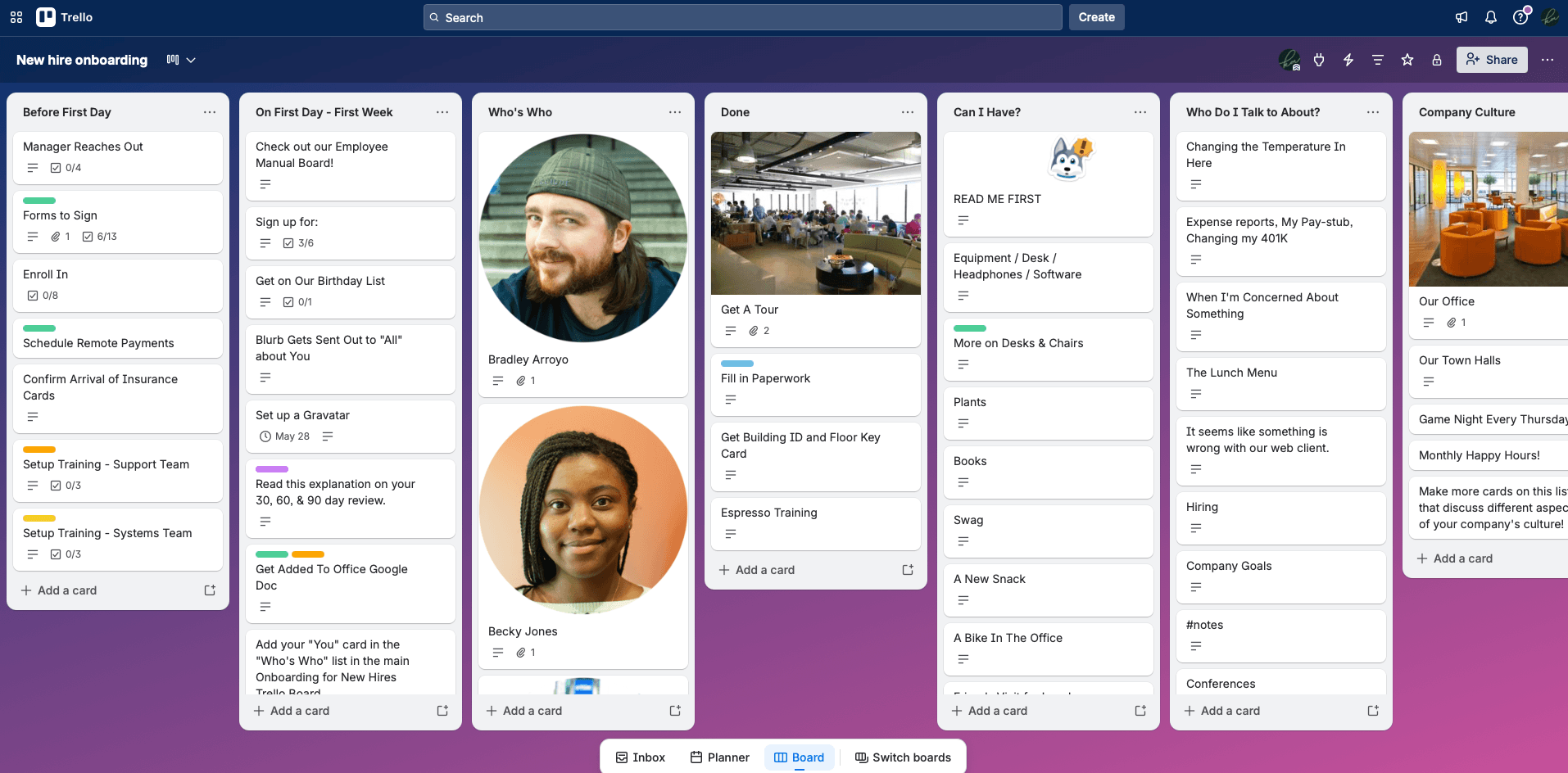
- Trello — Kanban boards done right
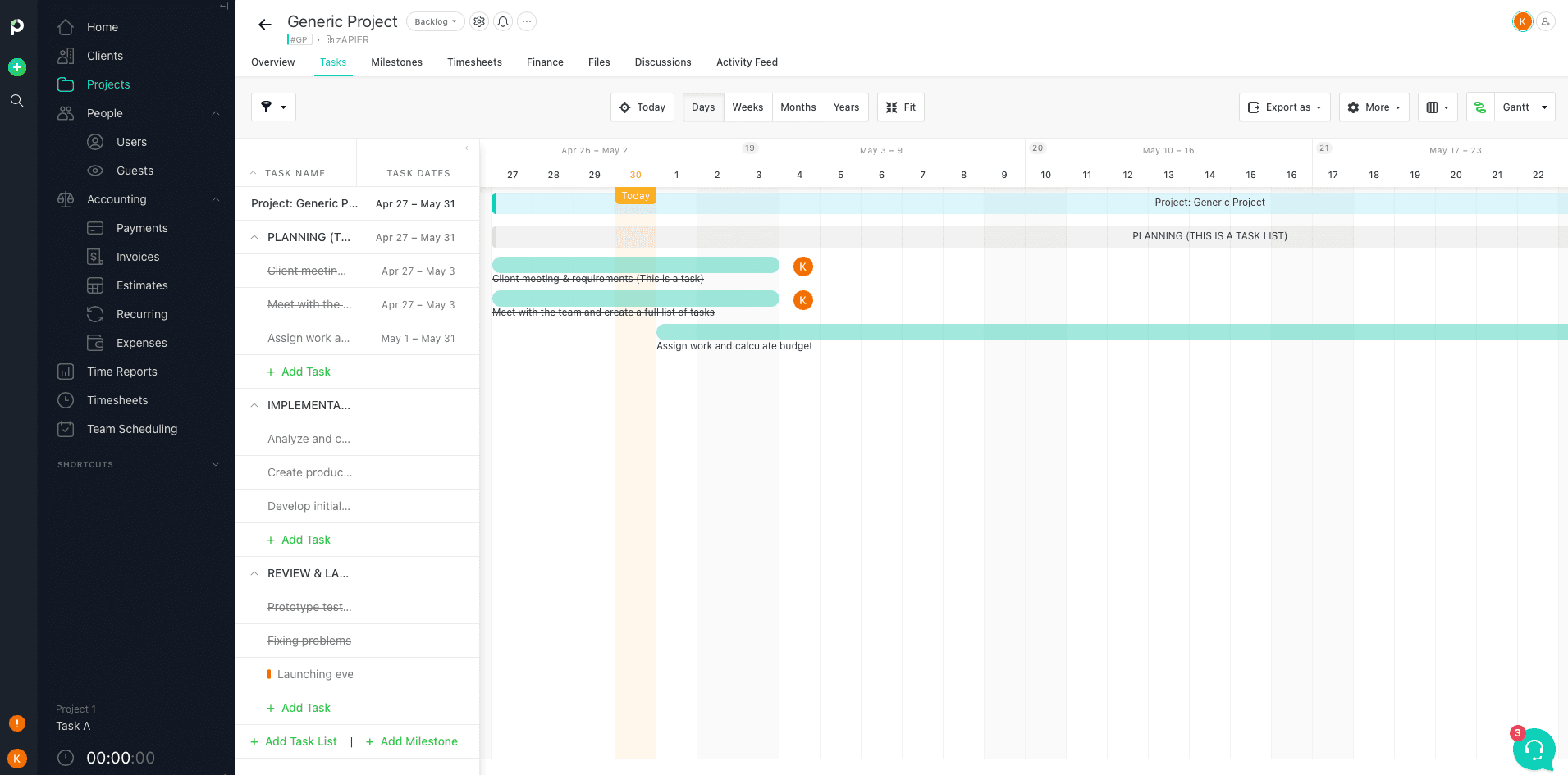
- Paymo — managing projects across multiple clients
- Wrike — spreadsheet lovers who want PM features
- Nifty — Notion lovers who need project structure
- Hive — customized project views for visual thinkers
- Any.do — individual and team project management combined
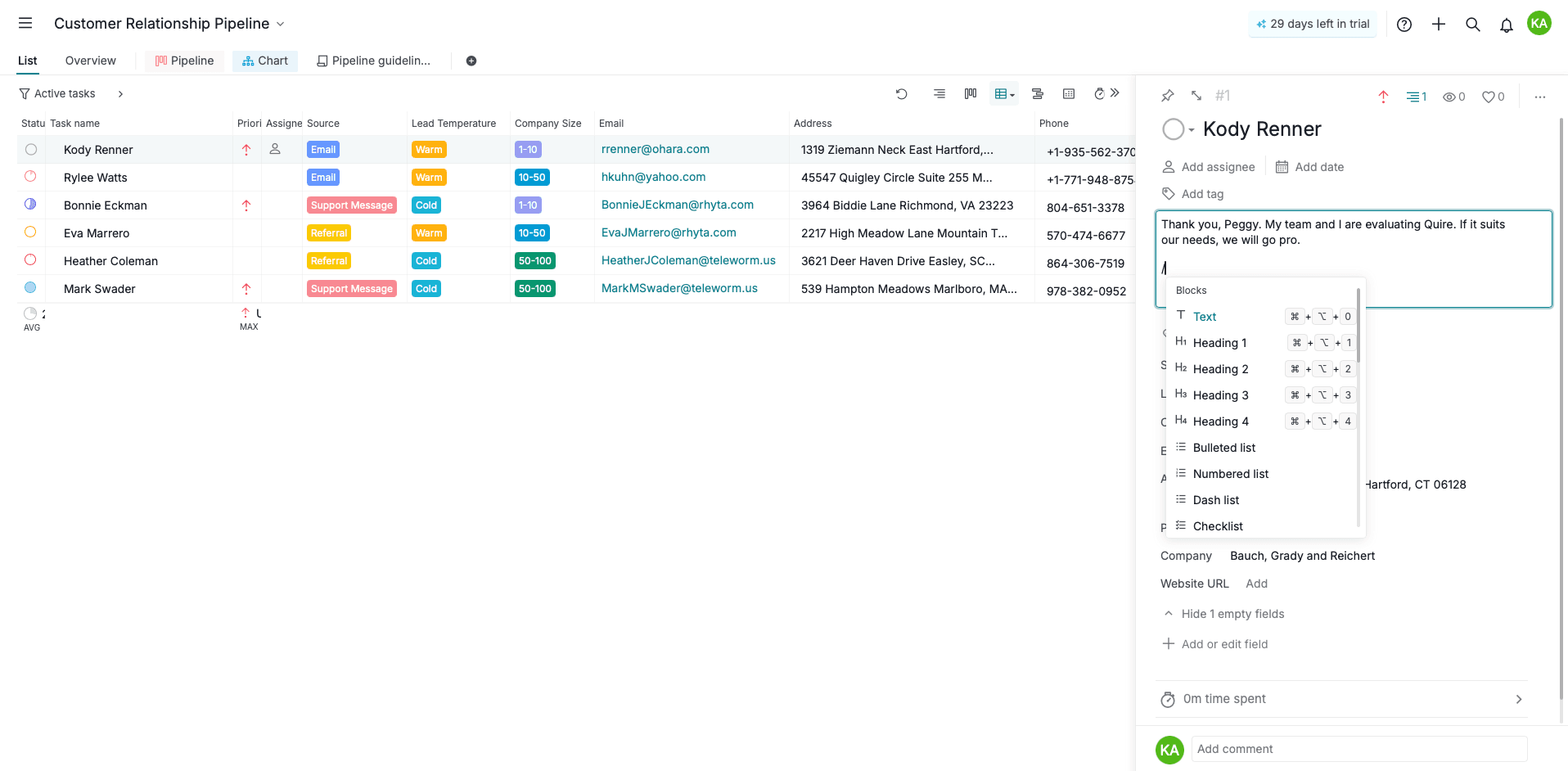
- Quire — simple project and task management without bloat
What Makes a Tool Work for Small Business?
Despite all the hype around Scrum, Lean, Agile, and whatever methodology is trending this quarter, no single approach fits every team. Workflows, resources, and daily demands vary too much between companies.
Zapier's evaluation focused on three criteria that matter across all small business contexts.
Collaboration for Teams and Clients
Projects don't happen in isolation. Every app on the list offers in-app collaboration through built-in chat, file sharing, or reliable integrations with tools like Slack. Small teams often work directly with clients, so external sharing matters as much as internal communication.
Integration Possibilities
Your project management tool sits at the center of your tech stack. If it can't connect to your CRM, accounting software, or communication tools, you'll spend hours on manual data entry. All eight picks integrate with common business apps.
Customizable Views
Some people think in lists. Others need Kanban boards. Still others want Gantt charts or calendar layouts. The best small business tools let you switch between views without forcing a single methodology.
Zapier explicitly excluded tools built only for Agile or Scrum. Those work well for dedicated software teams but create friction when you're managing marketing campaigns, client deliverables, and office logistics in the same system.
Matching Tools to Work Styles
Asana: When Flexibility Is Everything
Asana made the top spot for teams that handle diverse project types. Marketing campaign today, product launch next week, annual planning next month. The tool adapts to each without forcing you into a single workflow.
Trello: Pure Kanban Simplicity
If your team already thinks in columns (To Do, In Progress, Done), Trello stays out of your way. It does one thing well. Some teams outgrow it. Many never need to.
Paymo: Client Work Across Multiple Accounts
Agencies and consultants juggle projects for different clients with different requirements. Paymo structures work around client relationships rather than internal departments. Time tracking and invoicing are built in.
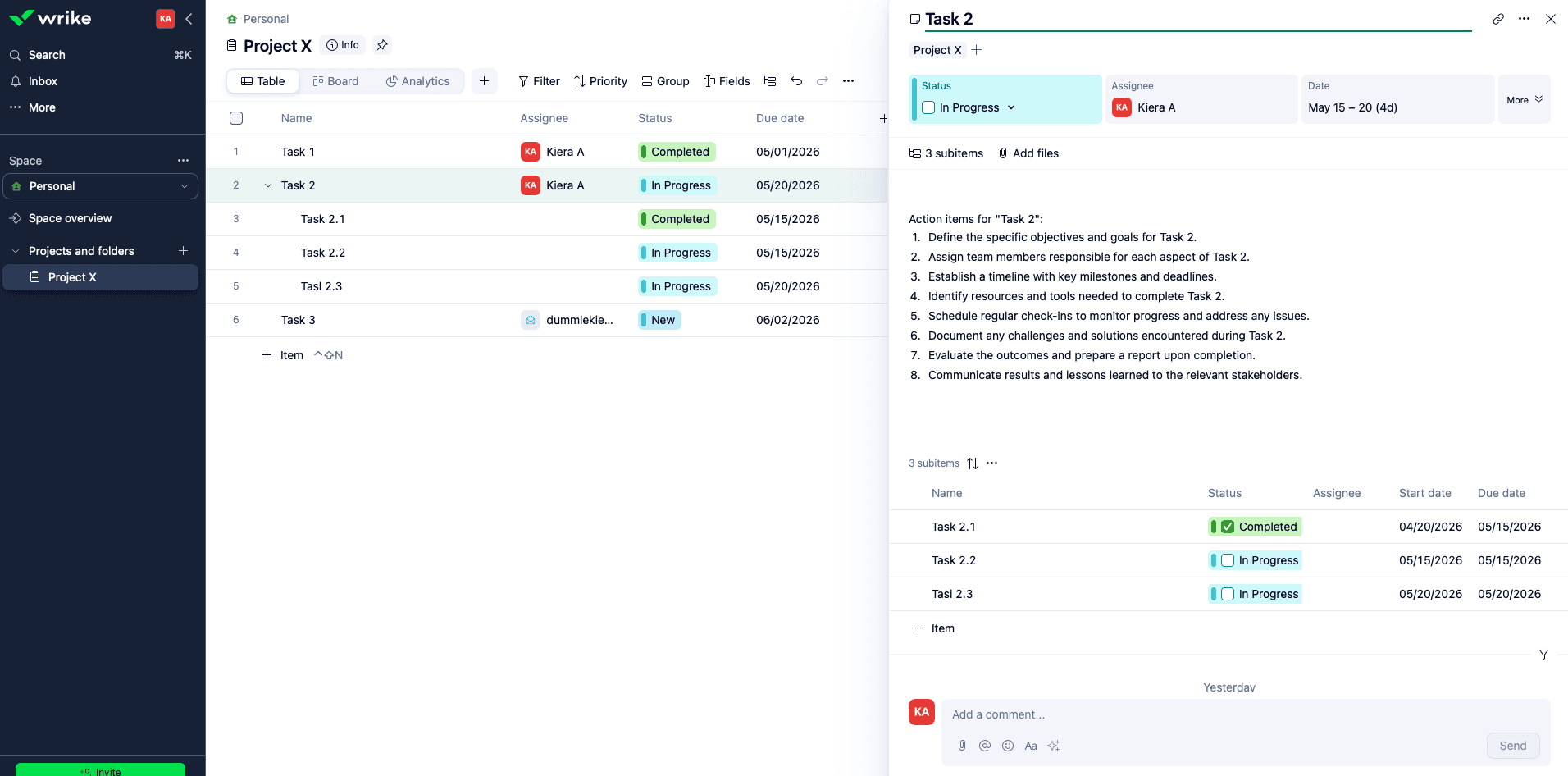
Wrike: Spreadsheet Power With PM Features
Some teams live in spreadsheets. They know Excel or Google Sheets inside out. Wrike gives them familiar row-and-column views while adding dependencies, timelines, and collaboration features.
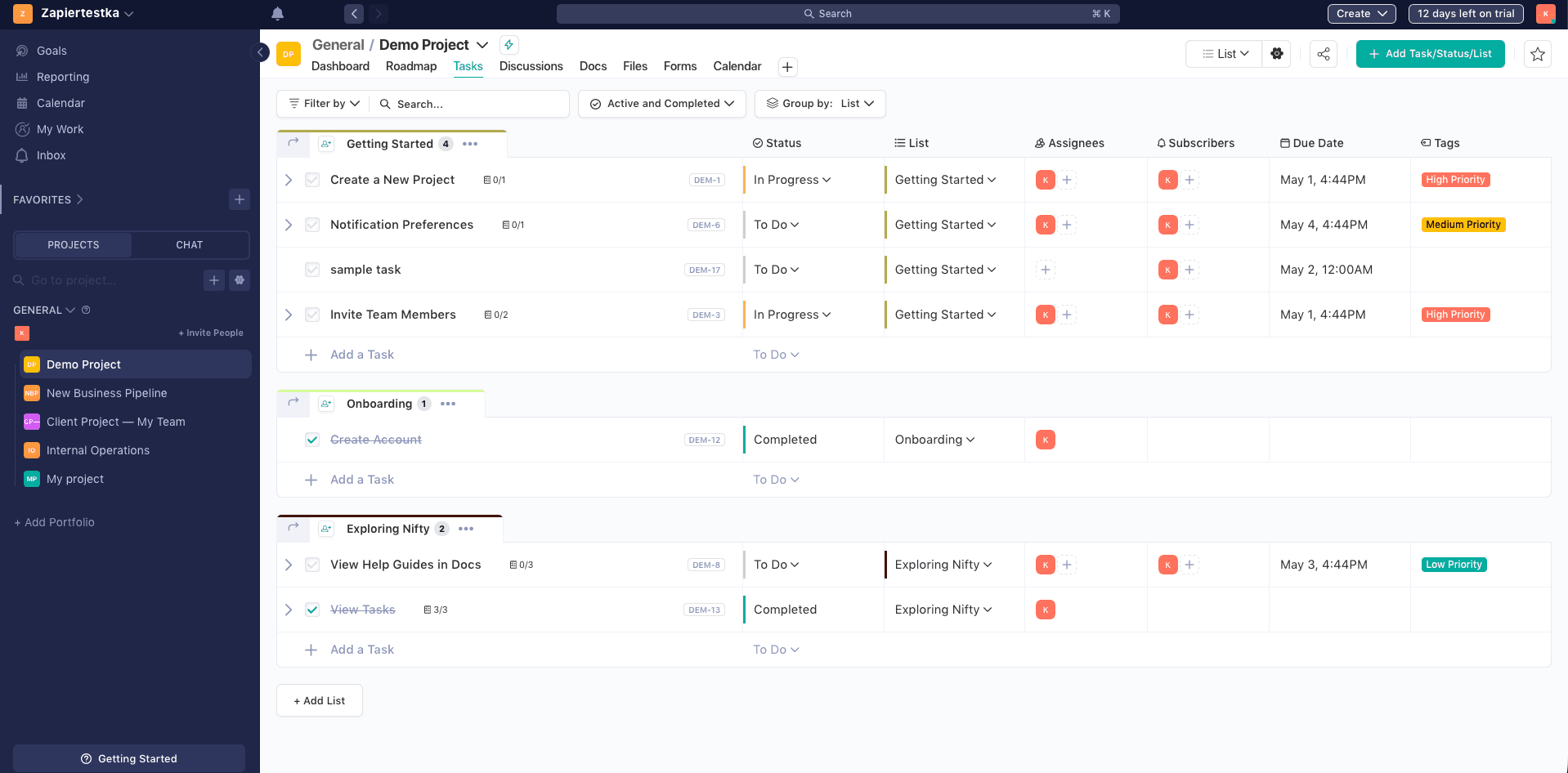
Nifty: For Teams Who Love Notion
Notion works beautifully for documentation and knowledge bases. It's less natural for task management. Nifty combines Notion-style flexibility with dedicated project management structure.
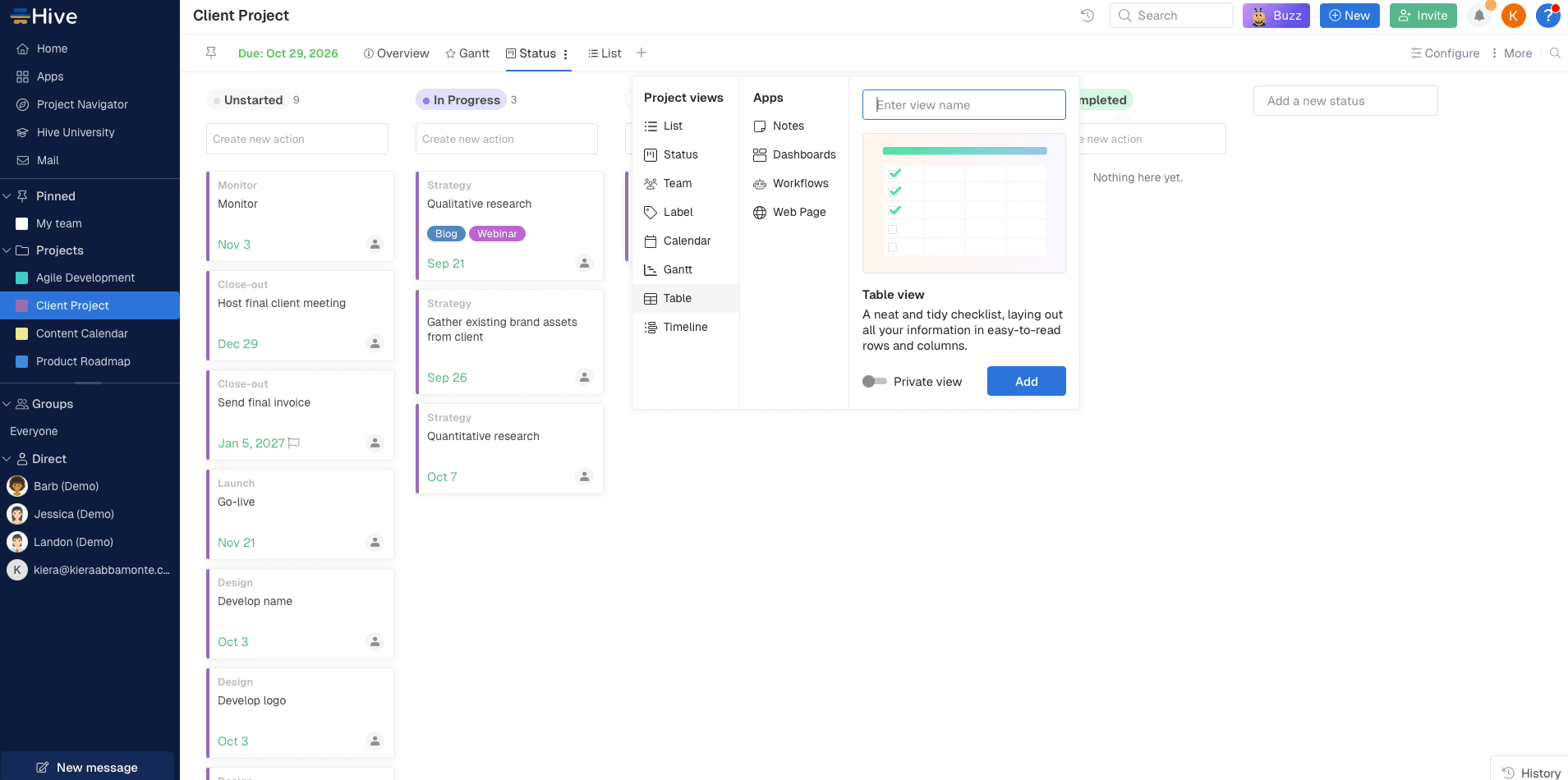
Hive: Custom Views for Visual Thinkers
Hive offers more layout options than most competitors. If your team wants to switch between Gantt, Kanban, calendar, and table views depending on the project phase, Hive accommodates.
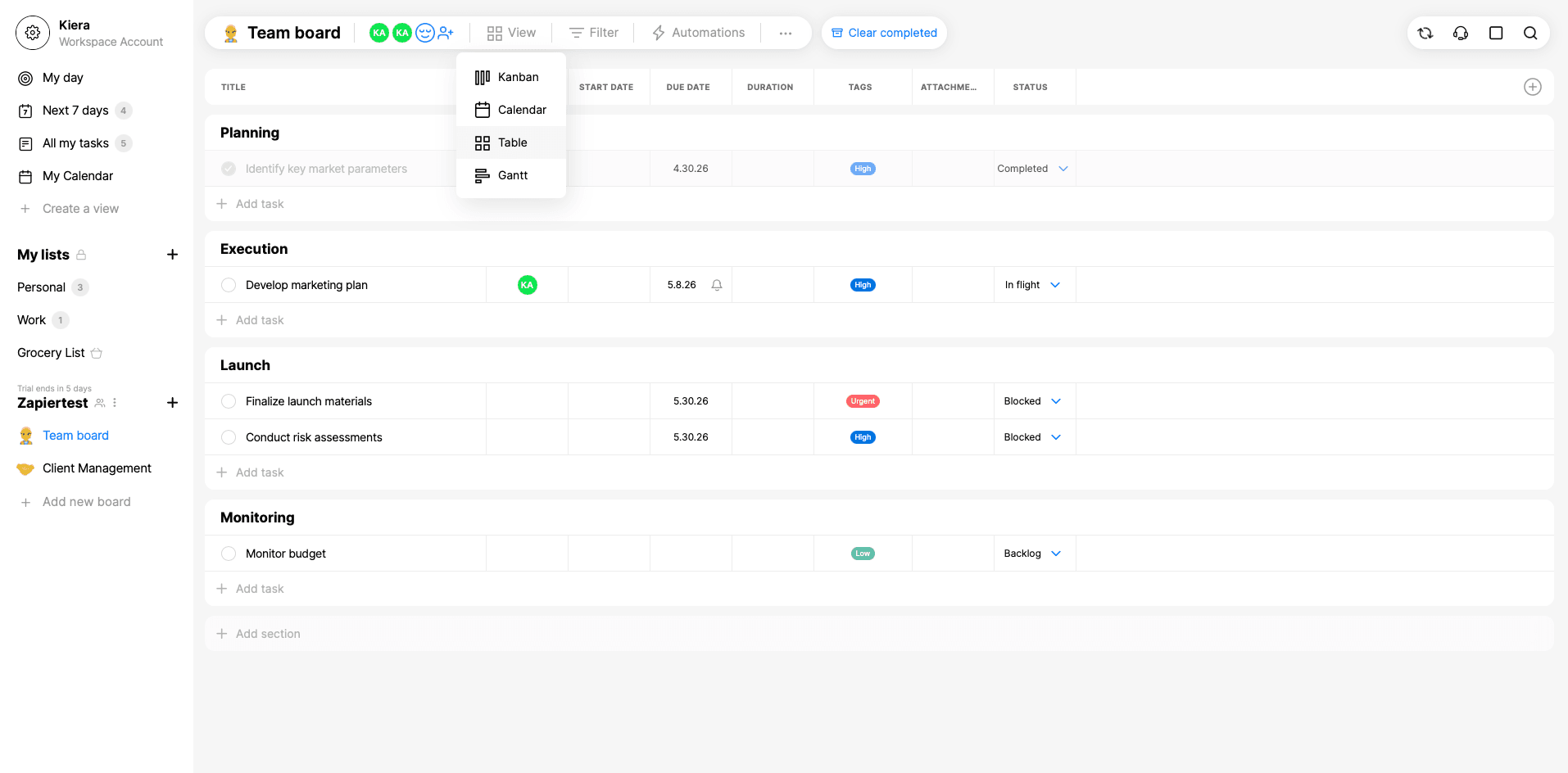
Any.do: Solo Work Meets Team Coordination
Many small businesses have people working independently on personal tasks while also collaborating on team projects. Any.do handles both without requiring separate apps.
Quire: Simple Without Being Basic
Some tools try to do everything and become overwhelming. Quire focuses on task and project management basics. For teams that want structure without feature bloat, it delivers.
How to Choose the Right Tool
Start with how your team already works. If you're constantly recreating spreadsheets, Wrike makes sense. If you're managing client retainers, try Paymo. If you want maximum flexibility, test Asana.
Every tool on this list offers a free trial or free tier. Run a real project through your top two choices before committing. The best software is whatever your team will actually use.
Logicity's Take
Frequently Asked Questions
What's the best free project management software for small business?
Trello and Asana both offer robust free tiers. Trello works best for Kanban-style workflows. Asana provides more flexibility for mixed project types. Both support small teams without requiring paid plans.
Do I need Agile project management software for a small team?
Not necessarily. Agile-specific tools work well for software development teams running sprints. Most small businesses handle diverse projects that don't fit pure Agile methodology. General-purpose tools like Asana or Hive offer more flexibility.
How do I choose between Asana and Trello?
Trello excels at visual Kanban boards with simple card-based workflows. Asana offers more views and project structures. If you think in columns, try Trello. If you need lists, timelines, and boards for different projects, try Asana.
What project management software works best for client work?
Paymo is specifically designed for managing projects across multiple clients. It includes time tracking and invoicing features that agencies and consultants need. Asana and Trello can handle client work but require more manual setup.
Can one person use project management software effectively?
Yes. Any.do combines personal task management with team features. Quire offers simple project tracking without requiring collaboration. Solo operators benefit from the same structure and visibility that teams use.
Need Help Implementing This?
Source: The Zapier Blog
Huma Shazia
Senior AI & Tech Writer
Produced with AI assistance and reviewed by the Logicity editorial team. Learn more in our Editorial Policy.