Key Takeaways
- Low-cost USB accessories can solve persistent workspace annoyances without IT overhead
- The right desk gadgets reduce micro-distractions that cost knowledge workers 23 minutes per interruption
- Most USB productivity tools cost under $30 and require zero configuration or driver installation
Read in Short
USB desk gadgets aren't just novelties. The right ones eliminate micro-distractions, improve comfort during long work sessions, and cost less than a team lunch. Seven picks here actually deliver ROI for busy professionals.
According to [MakeUseOf](https://www.makeuseof.com/weird-usb-devices-that-are-surprisingly-useful-to-keep-around/), some of the strangest-looking USB gadgets turn out to be genuinely useful productivity tools once you get past their novelty appearance. The tech publication reviewed several devices that executives might dismiss at first glance but could actually solve persistent workspace problems.
Here's the reality most productivity advice ignores: your workspace setup directly impacts your output. A University of California study found that after an interruption, it takes an average of 23 minutes to fully return to a task. Many of those interruptions come from minor annoyances that cheap USB gadgets can eliminate entirely.
The USB accessory market has matured beyond the era of foam missile launchers and dancing hamsters. Today's practical USB tools address real problems: thermal comfort, device management, lighting, and connectivity. None require IT approval or complex setup. Most cost less than your daily coffee habit for a month.
What USB Gadgets Actually Improve Office Productivity?
Let's separate the wheat from the chaff. The devices worth your attention solve specific problems that plague knowledge workers: uncomfortable temperatures, poor lighting during video calls, tangled cables, and the constant hunt for charging ports.
1. USB Clock Fans: Dual-Purpose Comfort
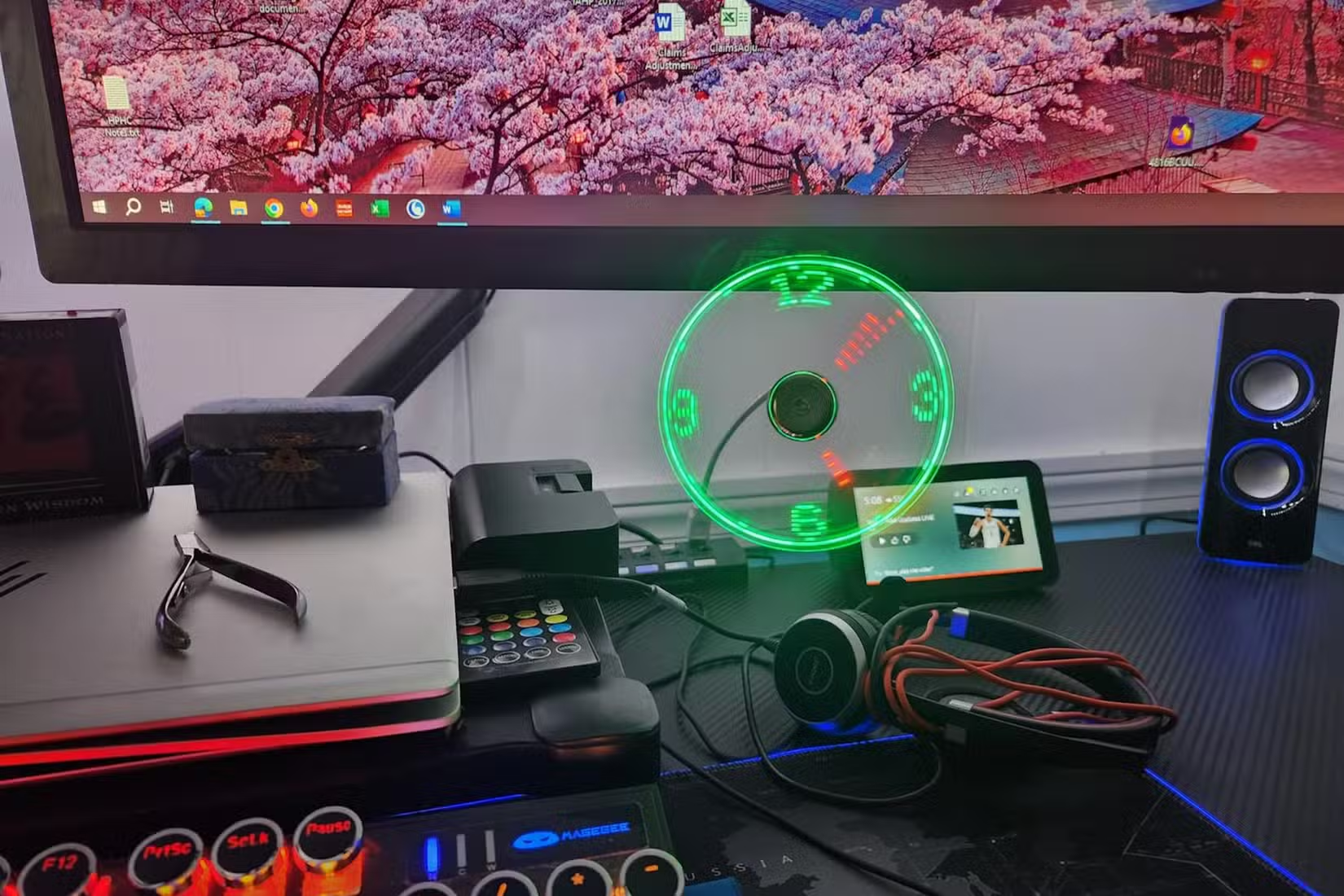
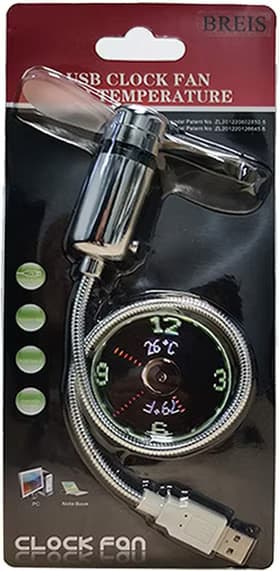
The BREIS USB Clock Fan exemplifies the "looks ridiculous, works brilliantly" category. It's a small personal fan with LED blades that display time and temperature as they spin. The persistence-of-vision trick means you can check the time while staying cool during warm afternoons.
Business case: Personal thermal comfort affects cognitive performance. Research from Cornell found that workers in offices kept at the optimal temperature range made 44% fewer errors. A $15 USB fan won't replace your building's HVAC, but it gives you personal control over your immediate environment. The clock feature eliminates one more reason to check your phone and fall into notification rabbit holes.
✅ Pros
- • Under 40 dB noise level suitable for shared workspaces
- • 5W power draw won't tax laptop batteries
- • Gooseneck design allows precise airflow direction
- • No drivers or software required
❌ Cons
- • Clock readability depends on rotation speed
- • Novelty factor may wear off for some users
2. USB Hub Docking Stations: The Cable Management Solution
If you're still playing musical chairs with USB ports, a quality hub dock changes everything. Modern USB-C hubs with power delivery let you connect a single cable to your laptop and access monitors, peripherals, ethernet, and charging simultaneously.
For executives moving between meeting rooms or working hybrid schedules, this means one cable to connect everything. Compare that to fumbling with multiple adapters while your team waits for your presentation to appear on screen.
3. USB Ring Lights: Look Professional Without a Production Crew
Video calls are permanent fixtures of business life. The difference between "looks tired and unprepared" and "looks competent and professional" often comes down to lighting. A USB ring light clips to your monitor and eliminates the harsh shadows that make you look like you're joining from a cave.
This matters more than most executives realize. Studies on first impressions show that visual appearance accounts for 55% of initial perception in video meetings. A $25 light improves how clients, investors, and team members perceive you before you say a word.
Another productivity tool that delivers outsized returns for minimal investment
Which USB Desk Accessories Are Worth the Investment?
The ROI calculation for desk accessories is straightforward: does this save time, reduce frustration, or improve output? Here's a practical comparison of the most useful categories.
| USB Gadget Type | Typical Cost | Problem Solved | Payback Period |
|---|---|---|---|
| USB-C Hub/Dock | $50-150 | Cable chaos, port shortage | 1 week of not fumbling with adapters |
| USB Ring Light | $20-40 | Poor video call appearance | First client call where you look professional |
| USB Fan/Heater | $15-30 | Personal comfort control | One productive afternoon in uncomfortable office |
| USB Cable Organizer | $10-20 | Desktop clutter | Immediate visual clarity |
| USB Power Bank | $30-60 | Device anxiety during travel | First airport sprint with dying phone |
| USB Desk Lamp | $25-50 | Eye strain, poor task lighting | One fewer headache from squinting |
4. USB Desk Warmers: For Cold Office Warriors
Office temperature wars are universal. If you're the person who's always cold while colleagues run the AC full blast, USB-powered warmers exist for your hands, your coffee, and even your feet. They sound frivolous until you consider how much cold hands slow down typing and mouse work.
The business angle: disputes over thermostat settings waste more time than anyone tracks. A personal USB warmer lets you opt out of the cold war entirely and stay productive while others debate the ideal temperature.
5. USB Cable Management Systems
Desk clutter isn't just an aesthetic problem. Princeton researchers found that visual clutter competes for your attention and decreases performance. USB-powered cable organizers and magnetic cable holders keep charging cables accessible without creating a tangled mess.
This category includes everything from simple cable clips to more elaborate organizers that route and store cables inside your desk. The common thread: reducing visual noise so your brain can focus on actual work.
Technology that eliminates small frustrations adds up to major productivity gains
How Much Do USB Productivity Tools Cost Compared to Enterprise Solutions?
Here's what makes USB desk accessories appealing for business use: they're employee-funded solutions to problems that enterprise procurement ignores. Your company might spend $200 on an "approved" docking station when a $70 USB-C hub does the same job. They might not provide personal fans while keeping the office at a temperature that suits nobody.
Most executives can expense these items or absorb the cost themselves. For less than the price of a nice dinner, you can eliminate half a dozen daily annoyances that chip away at your focus and energy.
6. USB Power Banks with Fast Charging
Device anxiety is real. When your phone battery icon turns red during an important day, your attention splits between your work and your dying device. Modern USB-C power banks with 65W+ output can charge laptops, phones, and tablets. They've become small enough to slip into a jacket pocket.
For executives who travel or work from multiple locations, a quality power bank is insurance against the unpredictable. Airport lounges, conference venues, and client sites all share one common feature: not enough available outlets.
7. USB Desk Lamps with Adjustable Color Temperature
LED desk lamps powered by USB have improved dramatically. The best ones offer adjustable color temperature, which means warmer light for focused work and cooler light for alertness. They supplement poor office lighting without requiring an electrician or facilities request.
Eye strain costs more than people realize. Headaches, fatigue, and reduced productivity all trace back to inadequate lighting. A USB lamp with proper color rendering makes reading documents easier and reduces the squinting that leads to end-of-day exhaustion.
What Should Business Leaders Know Before Buying USB Accessories?
A few practical considerations before you dive into Amazon's USB gadget section:
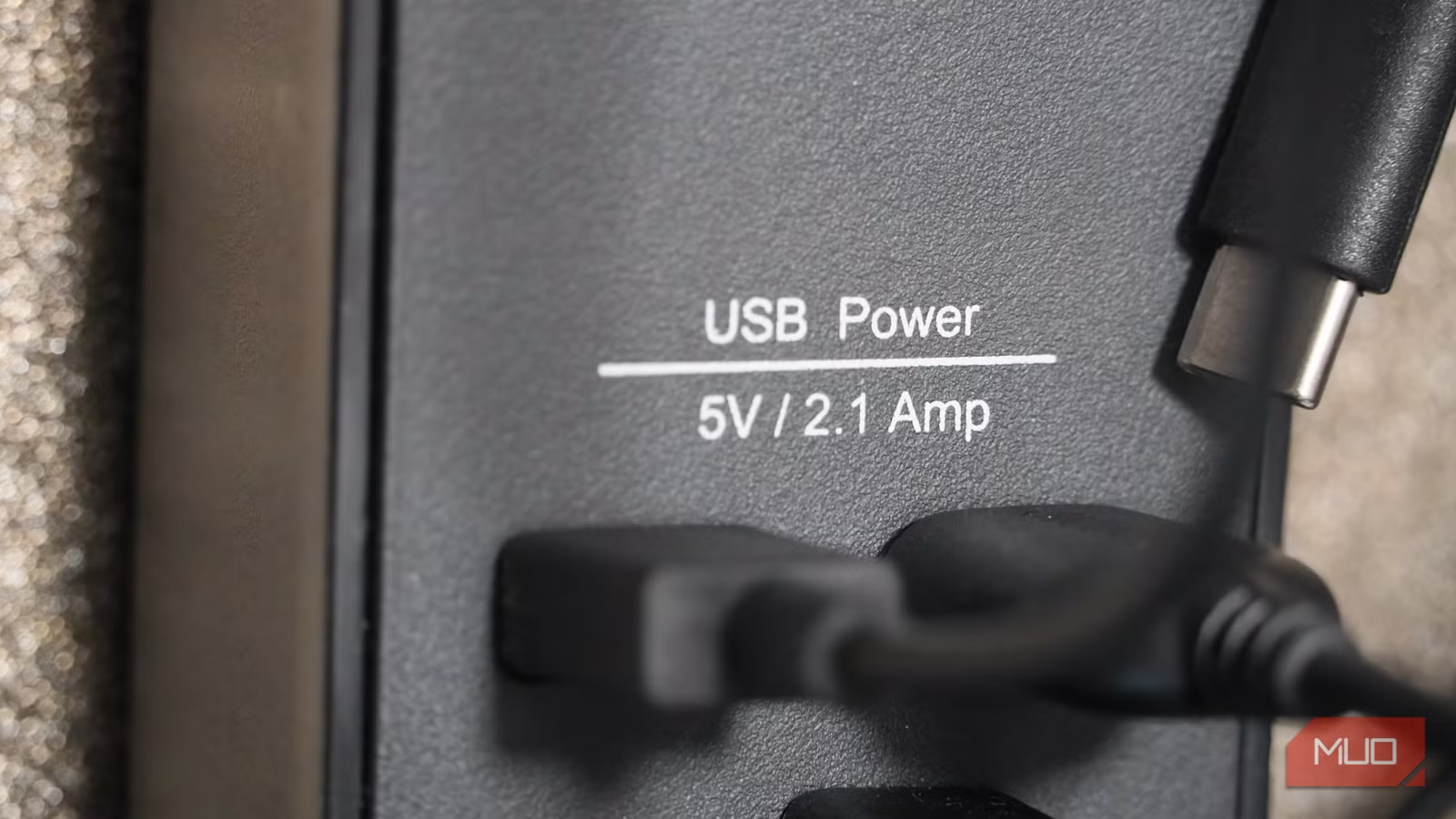
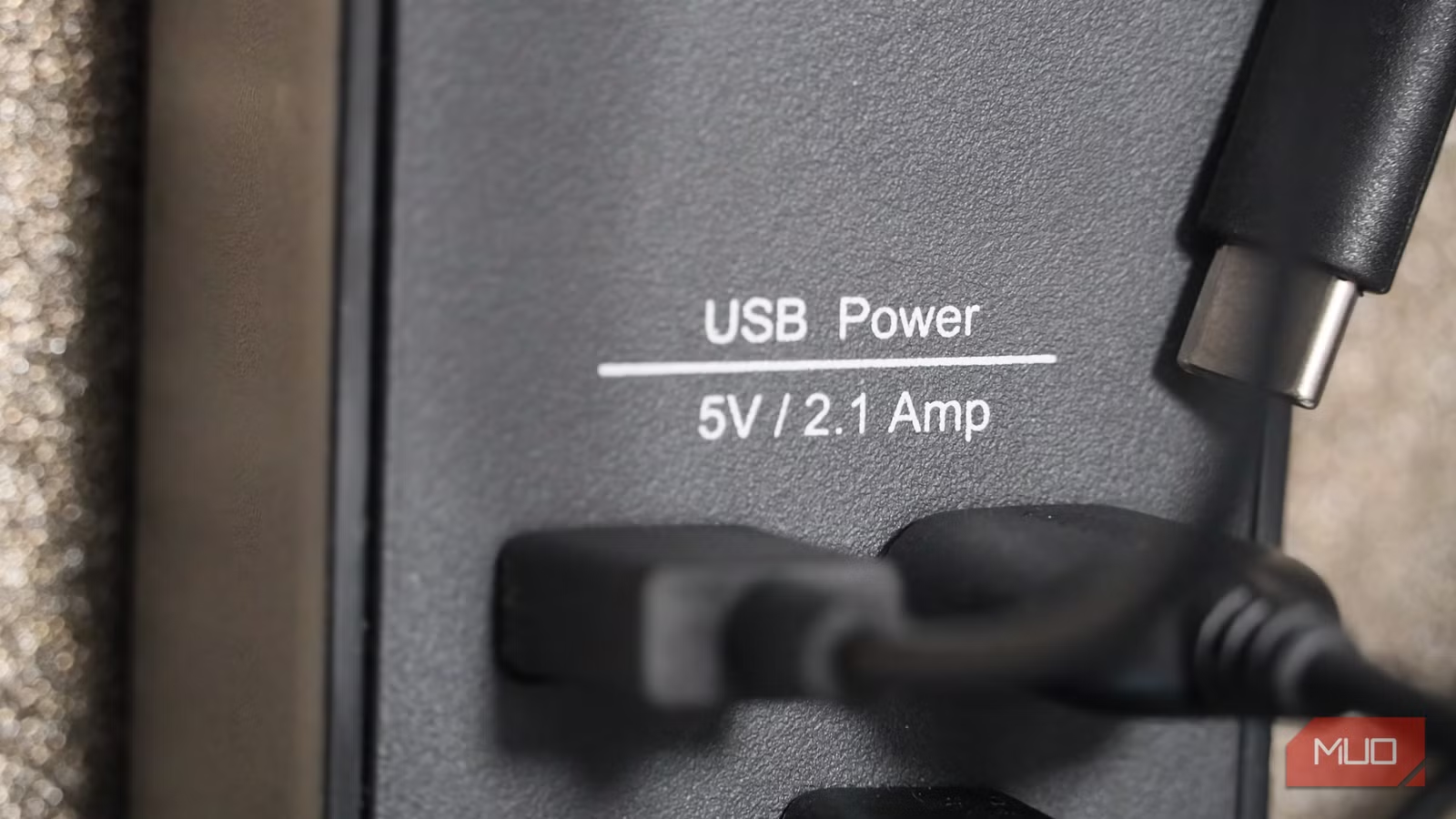
- Check power requirements: High-draw devices like fans and heaters work better with wall adapters than laptop USB ports
- Verify USB-C vs USB-A compatibility: Know what ports you actually have available
- Read reviews for business use cases: Novelty buyers and professional users have different needs
- Consider noise levels: Anything above 40 dB becomes distracting in quiet offices
- Check warranty and return policies: Quality varies wildly in this category
The gadgets that last are the ones that solve a specific problem you actually have. A USB mug warmer is pointless if you drink your coffee fast. A personal fan matters a lot if you run warm in cold offices.
Small UX improvements, whether in software or hardware, compound into major productivity gains
Frequently Asked Questions
Frequently Asked Questions
Are USB desk gadgets worth the investment for busy executives?
Yes, if you choose tools that address specific pain points. The math is simple: a $30 gadget that saves 5 minutes of daily frustration pays for itself within a week. The key is avoiding novelty items that seem clever but solve problems you don't actually have.
Will USB accessories drain my laptop battery faster?
Low-power devices like cable organizers and small LED lights have minimal impact. Higher-draw accessories like fans and heaters can noticeably reduce battery life. For those, consider using a powered USB hub or wall adapter instead of drawing from your laptop directly.
Do I need IT approval to use USB accessories at work?
Most passive USB devices like fans, lights, and hubs don't require approval because they don't install software or access company data. However, check your company's policies about personal devices. Some organizations restrict USB devices for security reasons.
How do USB productivity tools compare to smart office equipment?
USB gadgets are the affordable, no-overhead alternative to expensive smart office systems. They solve individual comfort and productivity issues without requiring building-wide infrastructure changes or IT involvement. For personal workspace optimization, they're often more practical.
What's the best USB gadget to start with for office productivity?
Start with a quality USB-C hub if you work with a laptop. It solves the most common pain point (port shortage) and makes adding other accessories easier. From there, prioritize based on your specific environment: lighting for video calls, cooling for warm offices, or power banks for travel.
Logicity's Take
At Logicity, we spend most of our time building AI agents and web applications for clients across India and the Middle East. We're not USB gadget experts by any stretch. But here's what we've learned from running a distributed team: the small friction points in your workspace compound into real productivity losses over time. We've standardized on a few USB accessories across our team, not because they're exciting technology, but because they eliminate complaints and support tickets. A good USB-C hub means our developers aren't switching cables between their laptops and monitors five times a day. Proper lighting means client calls look professional regardless of which team member joins. The broader lesson for Indian tech businesses: don't overlook the physical workspace while optimizing your digital workflows. The same attention you bring to choosing development tools should apply to the basic equipment your team uses daily. A ₹2,000 investment in desk accessories that actually work beats a ₹20,000 "productivity suite" that nobody uses.
Need Help Implementing This?
Logicity helps startups and enterprises build AI-powered solutions that actually ship. Whether you're automating workflows, building customer-facing AI agents, or modernizing your tech stack, we bring practical expertise from projects across healthcare, e-commerce, and enterprise software. Get in touch to discuss how we can help your team work smarter.
Source: MakeUseOf
Manaal Khan
Tech & Innovation Writer
Produced with AI assistance and reviewed by the Logicity editorial team. Learn more in our Editorial Policy.