Key Takeaways
- Ubuntu's system requirements now match or exceed Windows 11, making it one of the heaviest Linux distros available
- Three factors drive Ubuntu's bloat: GNOME desktop environment, bundled drivers for hardware compatibility, and Snap app packages
- Despite the resource overhead, Ubuntu still delivers a cleaner, more responsive experience than Windows 11 on comparable hardware
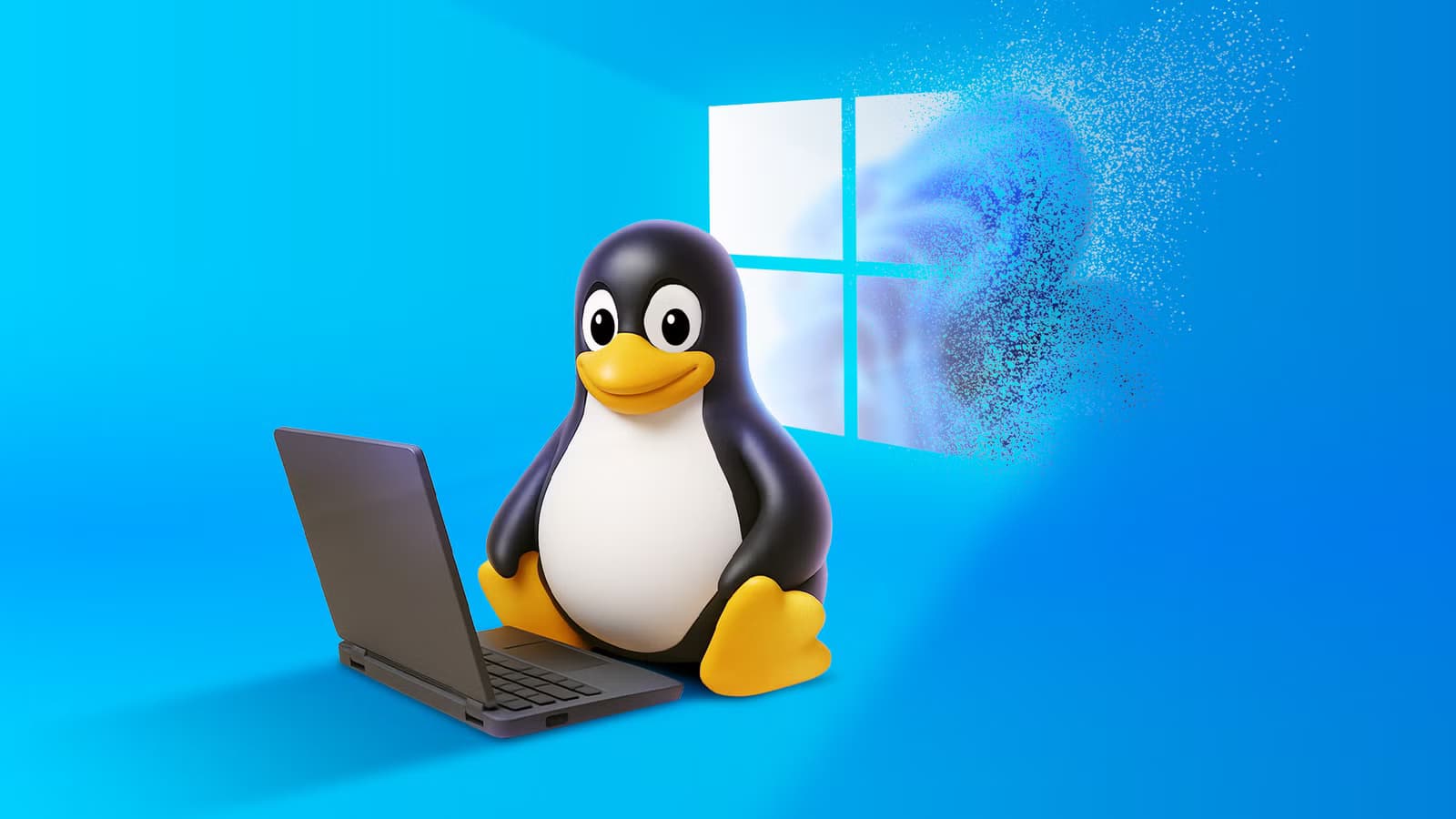
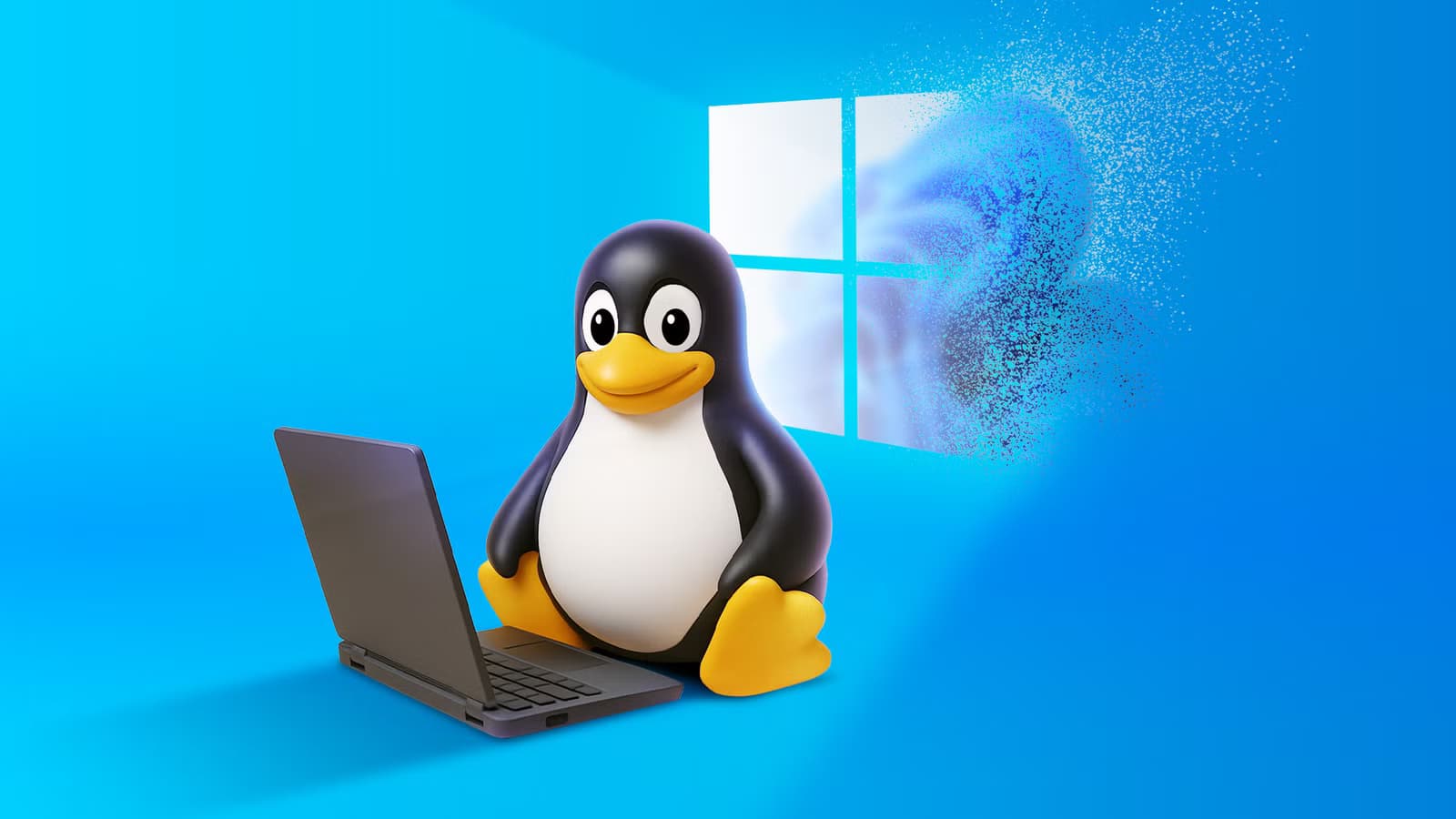
Ubuntu has a reputation problem. The Linux community's favorite punching bag gets called bloated, heavy, and resource-hungry. And honestly? They're not wrong. At the time of writing, Ubuntu's system requirements now match or exceed Windows 11.
That's a striking turn for an operating system that built its reputation on reviving old hardware. But here's the twist: even Ubuntu at its heaviest still runs circles around Windows 11.
What Makes Ubuntu "Bloated"?
Linux earned its lightweight reputation by running on machines Windows abandoned years ago. Install certain distros on a system with 512MB of RAM and a 2008-era processor, and they work surprisingly well. But not all Linux distros play the same game.
Some distros optimize specifically for aging hardware. Others prioritize a polished, full-featured experience that only modern hardware can deliver. Ubuntu falls firmly in the second camp.

Three factors explain why Ubuntu demands more resources than its competitors:
- GNOME desktop environment: Ubuntu runs on GNOME, a heavier and more resource-hungry desktop environment. Every GNOME-based distro consumes more resources than alternatives using lighter DEs like XFCE or LXQt.
- Bundled drivers and firmware: To ensure maximum compatibility with the widest range of hardware, Ubuntu ships broad drivers and firmware out of the box. This adds significant weight to the overall installation.
- Snap app prioritization: Ubuntu pushes Snap apps, a containerized package format designed for cross-platform compatibility. Snaps trade efficiency for convenience, adding overhead that lighter package formats avoid.
The Trade-off: Compatibility vs Performance
Ubuntu's design philosophy accepts this trade-off deliberately. A general-purpose distro that works on almost any hardware, with almost any peripheral, running almost any mainstream application, will never be as lean as a distro that makes narrower choices.
That driver bundle? It means your WiFi card works on first boot. The Snap infrastructure? It means you can install apps without hunting for dependencies. GNOME? It means a consistent, visually polished interface that doesn't require configuration to look professional.
Logicity's Take
So Why Does Ubuntu Still Beat Windows?
Windows 11 carries baggage Ubuntu doesn't. Background telemetry. Advertising hooks in the Start menu. OneDrive integration you didn't ask for. Services running for features you'll never use.
Ubuntu's bloat comes from functionality. Windows 11's bloat comes from monetization. The difference shows in daily use. Boot times, application launches, and general responsiveness all favor Ubuntu on equivalent hardware.

More importantly, Ubuntu's overhead is optional. Don't like GNOME? Install Kubuntu or Xubuntu. Don't want Snaps? Disable them. Windows 11 doesn't offer those choices without significant technical effort or third-party tools.
More on Windows alternatives that outperform Microsoft's defaults
When Lighter Distros Make Sense
Ubuntu isn't the right choice for every scenario. Older hardware with limited RAM benefits from distros built for efficiency. Linux Mint with XFCE, Lubuntu, or antiX will run where Ubuntu struggles.
Power users who want maximum control over their system can build leaner setups with Arch, Void, or Gentoo. These distros let you install only what you need.
But for most users migrating from Windows, Ubuntu's weight is invisible. Modern hardware has resources to spare. The convenience of a distro that just works outweighs theoretical efficiency gains they'll never notice.
Lightweight Linux distros power these retro gaming builds
The Bottom Line
Ubuntu's bloat is real but contextual. Compared to Arch or Alpine, it's heavy. Compared to Windows 11, it's still remarkably efficient. The criticism misses the point: Ubuntu was never designed to be the leanest Linux distro. It was designed to be the most accessible.
For anyone running modern hardware and wanting a Windows alternative that works out of the box, Ubuntu remains a solid choice. Its overhead buys compatibility and convenience. And even with that overhead, it still outperforms Windows 11 where it matters: in actual daily use.
Frequently Asked Questions
Is Ubuntu really more demanding than Windows 11?
Yes. Ubuntu's current system requirements now match or exceed Windows 11's minimum specs. However, Ubuntu uses those resources more efficiently than Windows, resulting in better real-world performance.
What makes GNOME heavier than other Linux desktop environments?
GNOME prioritizes visual polish, animations, and a consistent user experience. These features require more RAM and GPU resources than minimal desktop environments like XFCE or LXQt.
Can I make Ubuntu lighter?
Yes. You can disable Snap support, switch to a lighter desktop environment, or start with Ubuntu variants like Xubuntu or Lubuntu that use fewer resources by default.
Which Linux distro is best for old hardware?
Lubuntu, antiX, Puppy Linux, and Linux Mint XFCE edition all run well on older machines with limited RAM. These distros prioritize efficiency over visual polish.
Should businesses use Ubuntu despite the bloat?
For most organizations, yes. Ubuntu's broad hardware support and extensive software ecosystem reduce IT support burden. The resource overhead is negligible on modern hardware.
Need Help Implementing This?
Source: How-To Geek
Manaal Khan
Tech & Innovation Writer
Produced with AI assistance and reviewed by the Logicity editorial team. Learn more in our Editorial Policy.