Key Takeaways
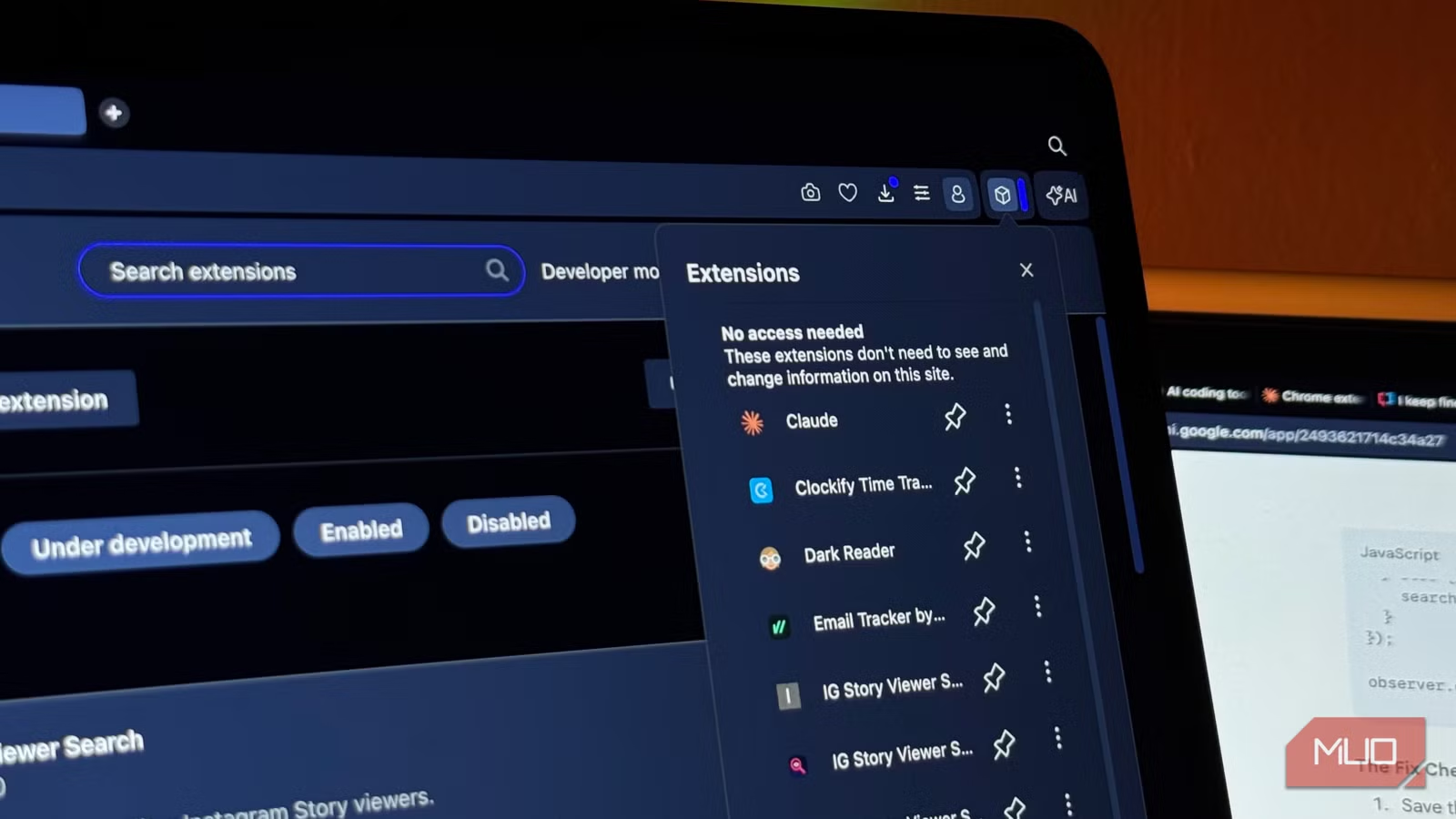
- Chrome extensions make ideal AI coding tests because they require no infrastructure and either work or don't
- Only one of the three major LLMs produced a fully functional Chrome extension on the first attempt
- Simple, constrained coding tasks reveal meaningful differences between AI models
Why Chrome Extensions Make the Perfect AI Coding Test
Vibe coding has become mainstream. But most tests involve full-stack apps, polished websites, or portfolio pages that need hosting, databases, and deployment pipelines. These tests often evaluate the platform as much as the AI model itself.
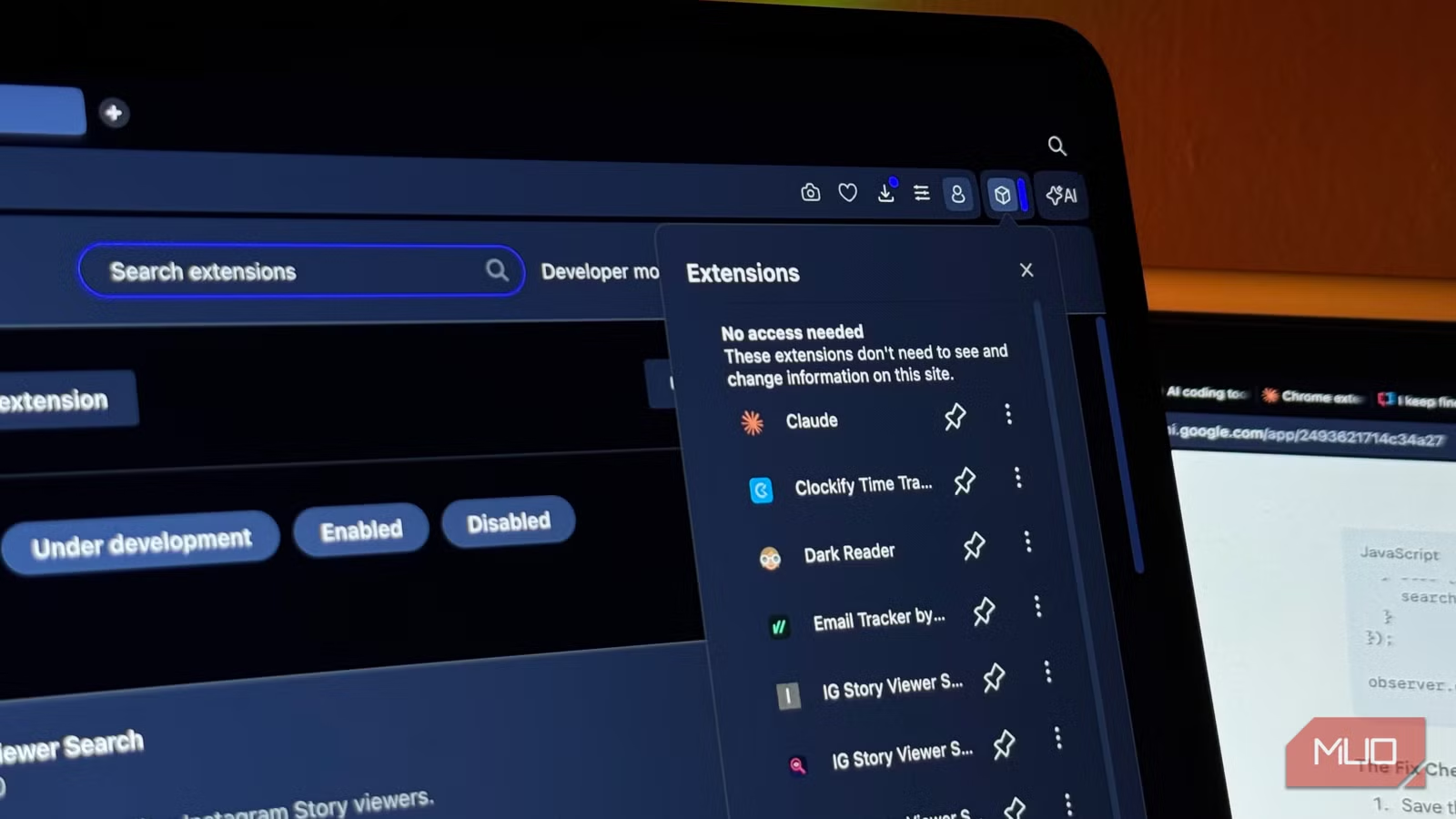
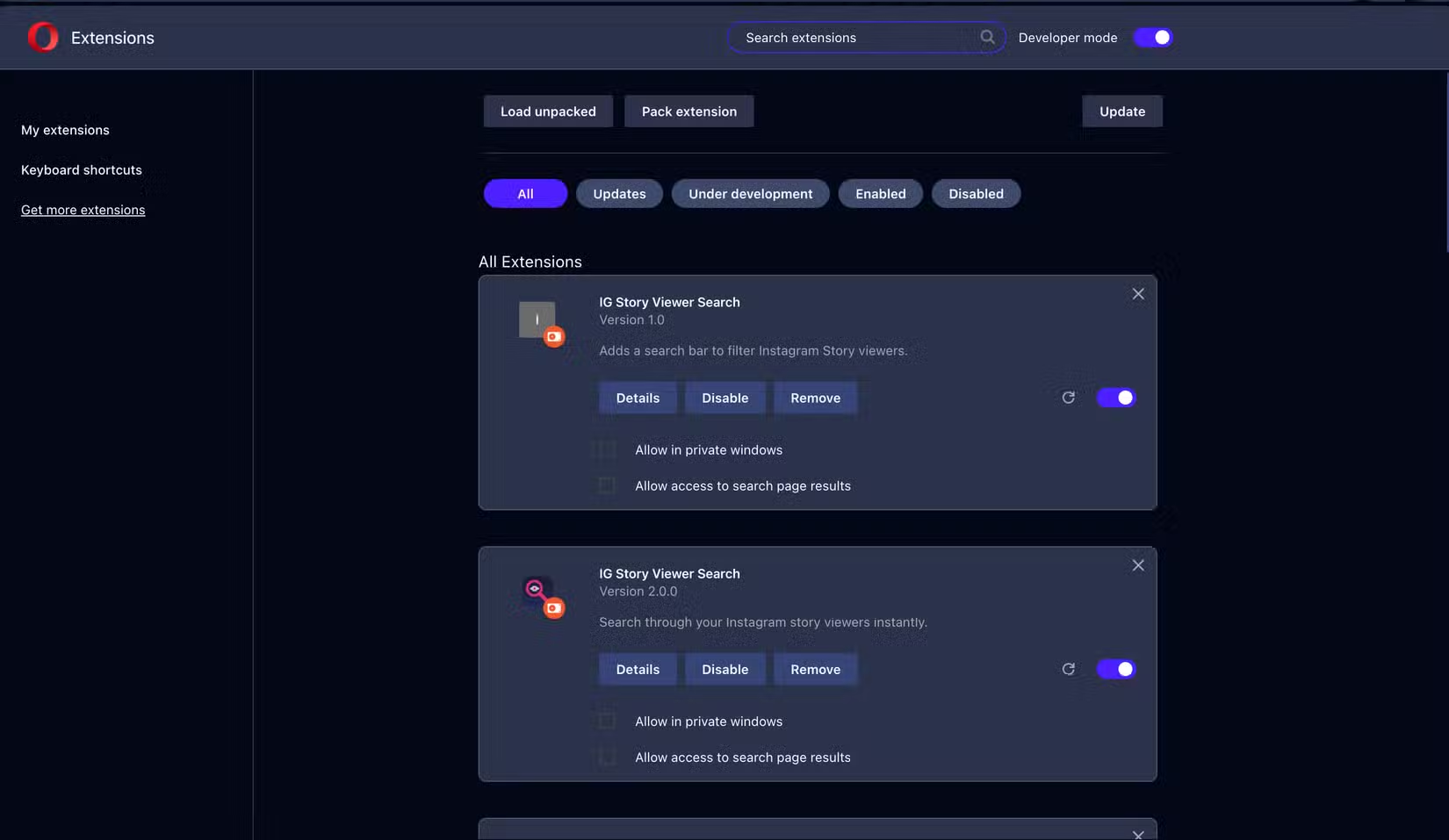
Chrome extensions strip away that complexity. There's no backend. No hosting. No environment variables. You load a folder into your browser's Extensions section, and it either works or it doesn't.
Tech journalist Mahnoor Faisal at MakeUseOf ran exactly this test. She gave Claude, ChatGPT, and Gemini the same prompt: build a Chrome extension from scratch. The task was simple and constrained, with a clear success criterion.
The Test Setup
Chrome extensions consist of just a few files. A manifest.json tells Chrome what the extension does. Then you have HTML, JavaScript, and CSS files for the interface and functionality. These are three languages that LLMs tend to handle well, at least in theory.
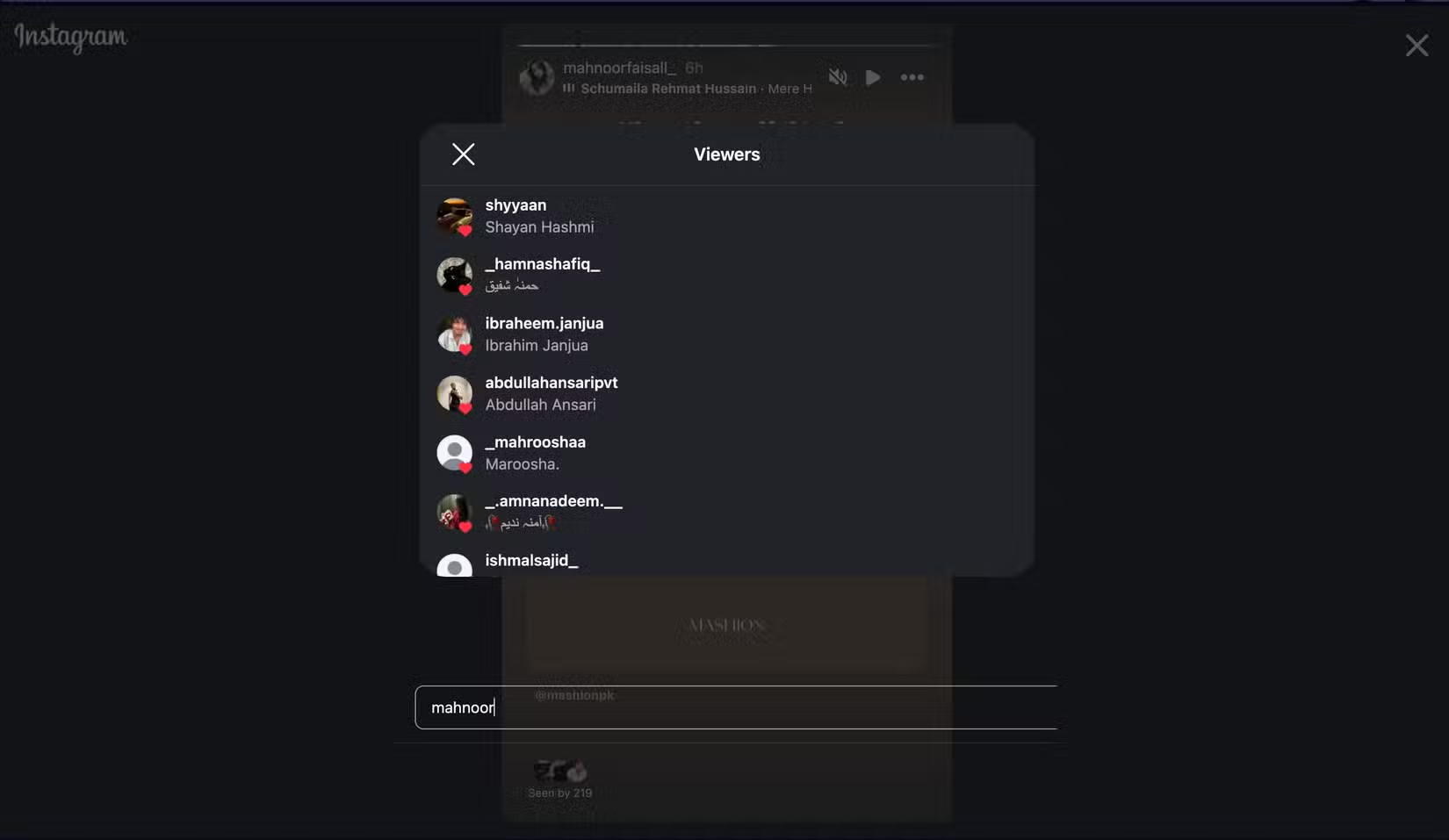
Faisal chose an extension idea she had genuinely been meaning to build herself. This gave her both a real use case and an extremely fair test, since she wasn't picking something designed to trip up any particular model.
What Makes This Test Meaningful
The beauty of Chrome extension testing is binary feedback. Load the extension, click the icon, and see what happens. No ambiguity about whether the code is 'close enough' or needs minor tweaks. It runs or it crashes.
This removes the usual excuses. You can't blame server configuration, missing dependencies, or deployment settings. The model either produces working client-side code or it doesn't.
- No backend infrastructure required
- Immediate pass/fail verification
- Tests real-world file structure understanding
- Evaluates manifest.json accuracy, which many models get wrong
The Results: Only One Actually Worked
According to Faisal's testing, only one of the three major LLMs produced a Chrome extension that actually worked. The others generated code that looked plausible but failed when loaded into the browser.
This matches a pattern many developers have noticed. LLMs are good at producing code that looks correct. Getting code that runs correctly, especially with proper file structure and manifest configuration, is harder.
| Model | Code Generated | Extension Loaded | Functionality |
|---|---|---|---|
| Claude | Yes | Yes | Working |
| ChatGPT | Yes | Partial | Errors |
| Gemini | Yes | Partial | Errors |
Why This Matters for Vibe Coders
If you're using AI to build small, self-contained tools, model choice matters more than marketing suggests. The gap between 'generates code' and 'generates working code' can mean hours of debugging.
Chrome extensions are just one category. But they represent a class of simple, constrained problems where you'd expect modern LLMs to excel. When models fail at these basic tasks, it raises questions about their reliability for more complex projects.

Logicity's Take
Practical Takeaways
Before committing to vibe coding a project, test your preferred model on a small, verifiable task. Chrome extensions work well for this. So do simple CLI tools, bookmarklets, or single-file scripts.
The goal is binary feedback. Can the model produce working code for something you can immediately verify? If it struggles with a 50-line extension, reconsider using it for a 5,000-line application.
Another practical technical guide for developers and power users
Frequently Asked Questions
Which AI model is best for coding Chrome extensions?
Based on this test, Claude produced the only working Chrome extension among the three major LLMs tested. However, results may vary depending on the specific extension and prompt structure.
Why are Chrome extensions good for testing AI code generation?
Chrome extensions require no backend, hosting, or deployment. You load them directly into your browser and immediately see if they work. This provides clear pass/fail feedback without infrastructure variables.
What files does a Chrome extension need?
At minimum, a Chrome extension needs a manifest.json file that tells Chrome what the extension does. Most extensions also include HTML, JavaScript, and CSS files for the interface and functionality.
Can AI reliably build working software?
AI can generate code that looks correct, but producing code that actually runs is harder. Testing on small, verifiable projects before scaling up is recommended.
Need Help Implementing This?
Source: MakeUseOf
Huma Shazia
Senior AI & Tech Writer
Produced with AI assistance and reviewed by the Logicity editorial team. Learn more in our Editorial Policy.






