Key Takeaways
- Digital passports are now accepted at more than 250 US airports through Google Wallet
- Having your passport on your phone eliminates fumbling for physical documents at TSA checkpoints
- Digital ID works beyond airports for account recovery and identity verification
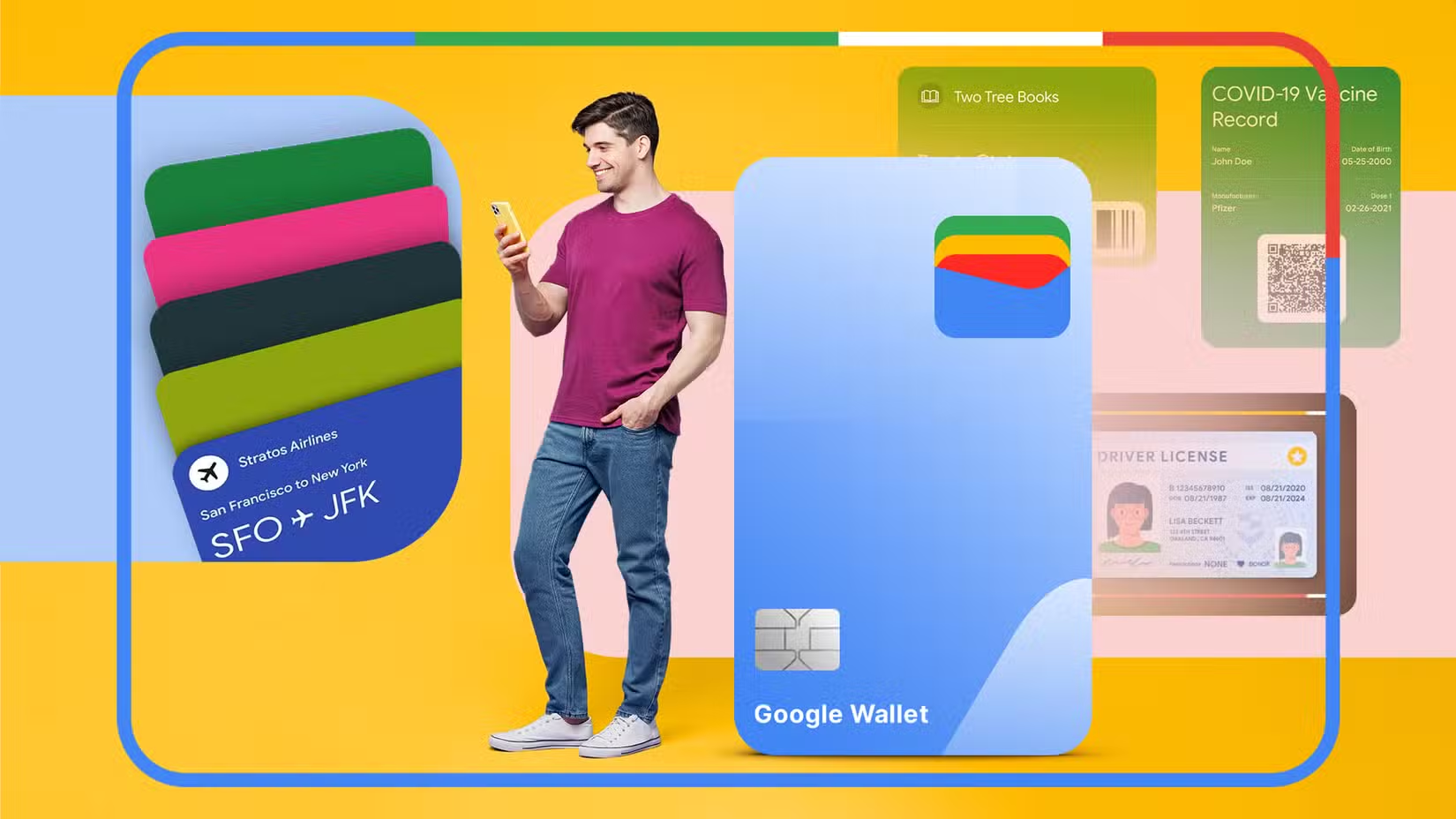
Travel stress often peaks at the security checkpoint. You're juggling a carry-on, a boarding pass, your phone, and somewhere in that mess is your passport. Adding your passport to Google Wallet won't cure travel anxiety entirely. But it removes one friction point that trips up travelers every single day.
Here are three reasons to digitize your passport, and how the feature actually works in practice.
1. No More Fumbling at Security
The simplest benefit is the one that matters most: you don't have to dig for your ID as often. If you've ever dropped your phone, keys, or wallet while approaching a TSA checkpoint, you're not alone. It happens constantly. Watch any security line for ten minutes and you'll see someone scrambling to pick up scattered items.
With your passport in Google Wallet, your phone already holds your boarding pass and your ID. One device, one hand, one tap. It's a small change that compounds over dozens of trips.
2. Digital IDs Work at 250+ US Airports
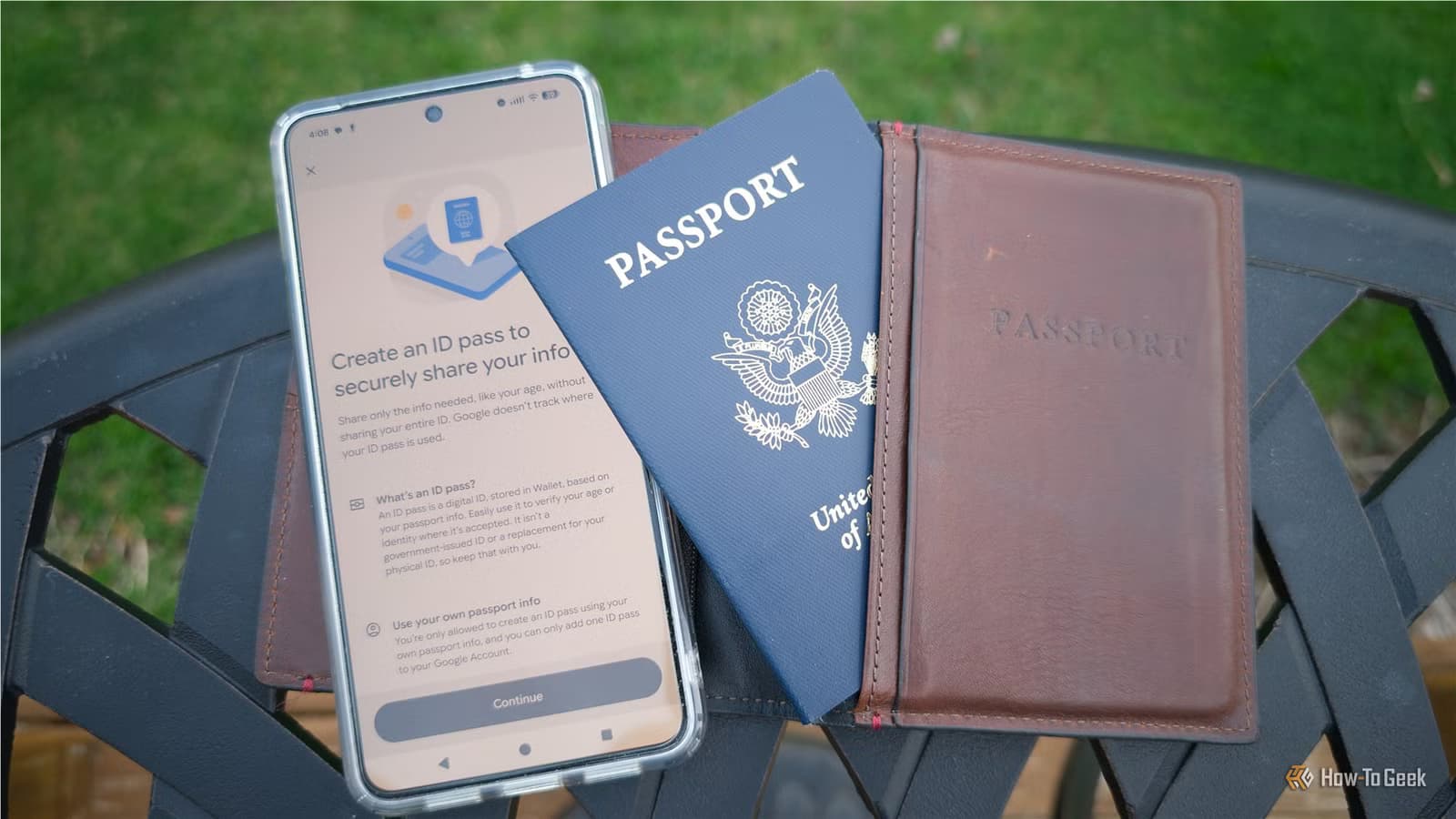
A few years ago, digital passport support was a novelty. Today, Google Wallet digital IDs are accepted at more than 250 airports across the United States. That's a significant infrastructure shift.
The process mirrors what you already do with contactless payments or digital boarding passes. Tap or scan your phone at a reader. No handing over a physical document, no waiting while someone examines your photo page. The verification happens in seconds.
Note that this is separate from TSA PreCheck Touchless ID, which uses biometrics to verify identity. You don't need a saved passport to use that service. But for standard checkpoints, the digital passport speeds things up.
3. Identity Verification Beyond the Airport
Passports aren't just for flying. Sometimes you need to verify your identity for a service, recover a locked account, or access medical records. Carrying a physical passport around for a single errand is inconvenient and risky. It's the kind of document you really don't want to misplace.
A digital copy in Google Wallet solves this. You get verification capability without the risk of losing an expensive, hard-to-replace document. As more services expand digital ID support, this backup becomes increasingly useful.
How to Add Your Passport to Google Wallet
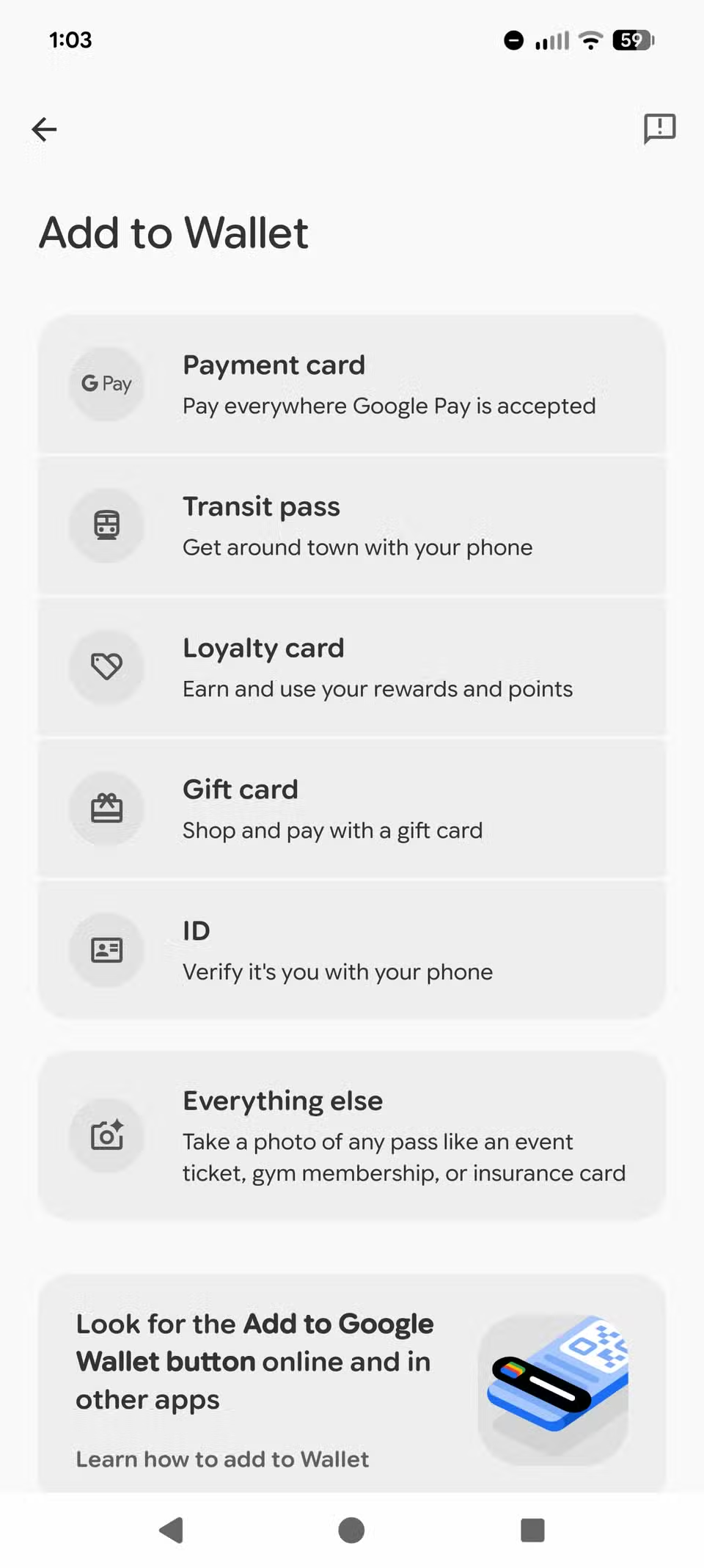
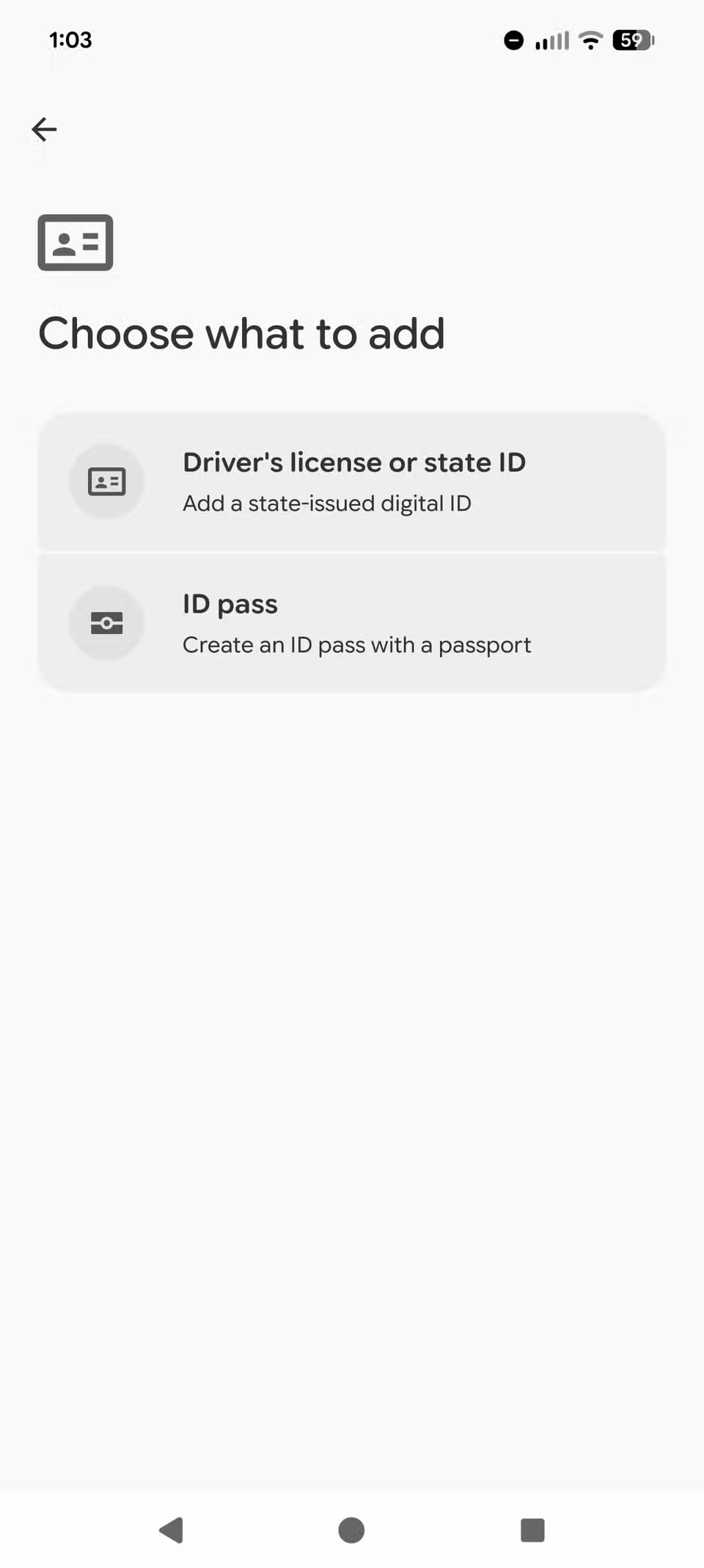
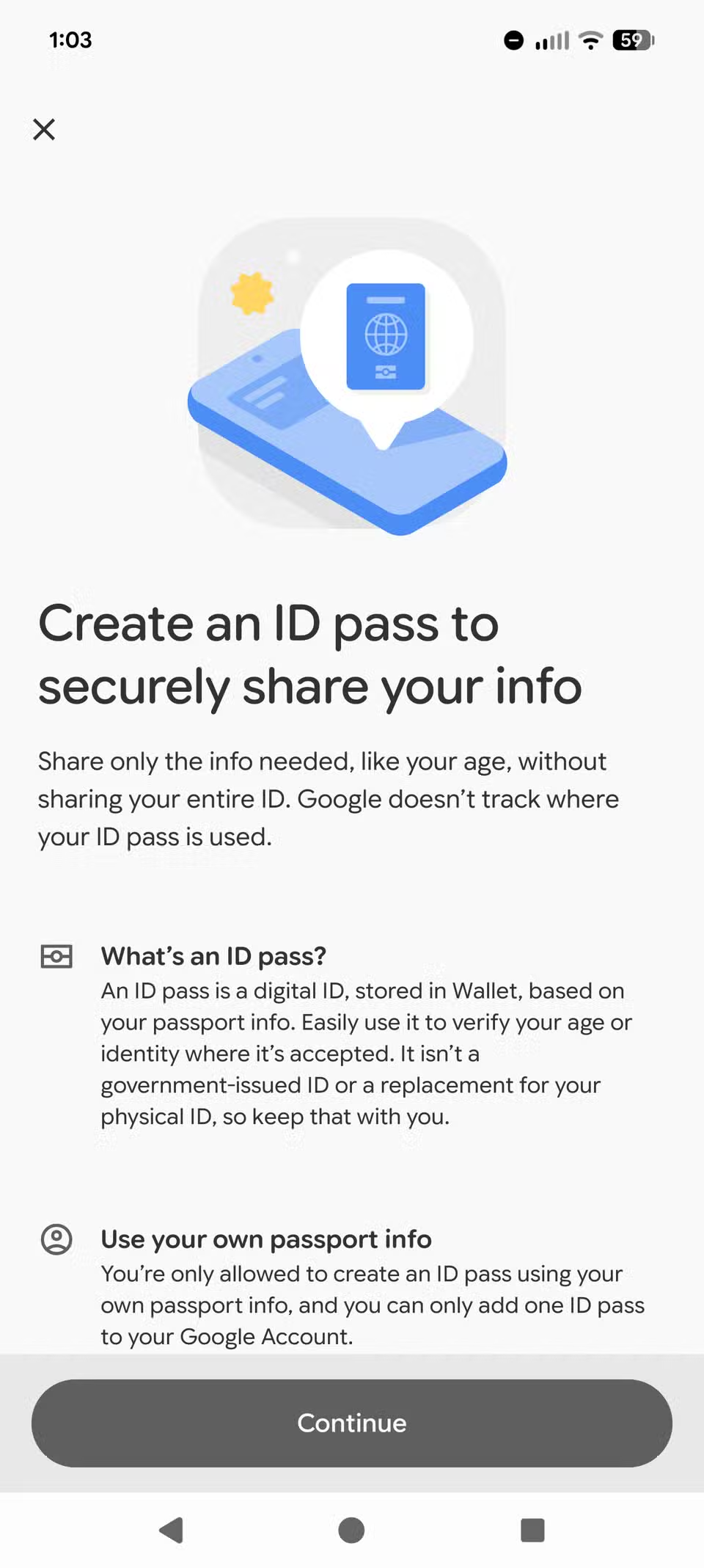
The setup process takes a few minutes. Open Google Wallet, tap the "Add to Wallet" button, and select the option to create an ID pass. You'll need to photograph your passport and complete a verification step. Google stores the information securely on your device.
Once added, your digital passport lives alongside your payment cards, boarding passes, and loyalty programs. Everything stays accessible from a single app.
Should You Still Carry a Physical Passport?
Yes. Digital ID acceptance is widespread but not universal. International flights still require physical passports for border control. Many foreign airports don't support Google Wallet verification. The digital version is a convenience layer, not a replacement.
Think of it as a backup and a speedup for domestic travel. For international trips, keep the real thing in a secure pocket.
Logicity's Take
Digital passports in Google Wallet represent a practical quality-of-life improvement rather than a travel revolution. The real value is cumulative: shaving 30 seconds off each security interaction adds up for frequent travelers. As acceptance expands beyond 250 airports, the feature moves from nice-to-have toward expected.
Frequently Asked Questions
Is a digital passport in Google Wallet legally valid?
At participating US airports, yes. TSA accepts digital IDs from Google Wallet at over 250 locations. International travel still requires physical passports.
Can I use Google Wallet passport for international flights?
Not for border control. Foreign countries require physical passports. The digital version works for US domestic travel and identity verification at supporting services.
Is my passport data secure in Google Wallet?
Google Wallet stores passport information using device-level encryption. The data stays on your phone rather than being uploaded to cloud servers.
What happens if my phone battery dies at the airport?
You'll need your physical passport as backup. Always carry the original document when traveling.
Another practical security feature you can enable in minutes
Need Help Implementing This?
Managing digital identity systems for your organization or travel program? Logicity covers enterprise mobility and security tools regularly. Get in touch if you'd like to discuss how these features affect business travel policies.
Source: How-To Geek
Manaal Khan
Tech & Innovation Writer
Produced with AI assistance and reviewed by the Logicity editorial team. Learn more in our Editorial Policy.