Key Takeaways
- OpenCode is free and open-source, requiring only your own API key to function
- OpenCode Go subscription costs $5 for the first month, then $10/month, compared to Claude Code's $20/month
- The tool supports multiple AI models including DeepSeek V4 Pro, MiniMax M2.7, and Qwen 3.5
The Claude Code pricing problem
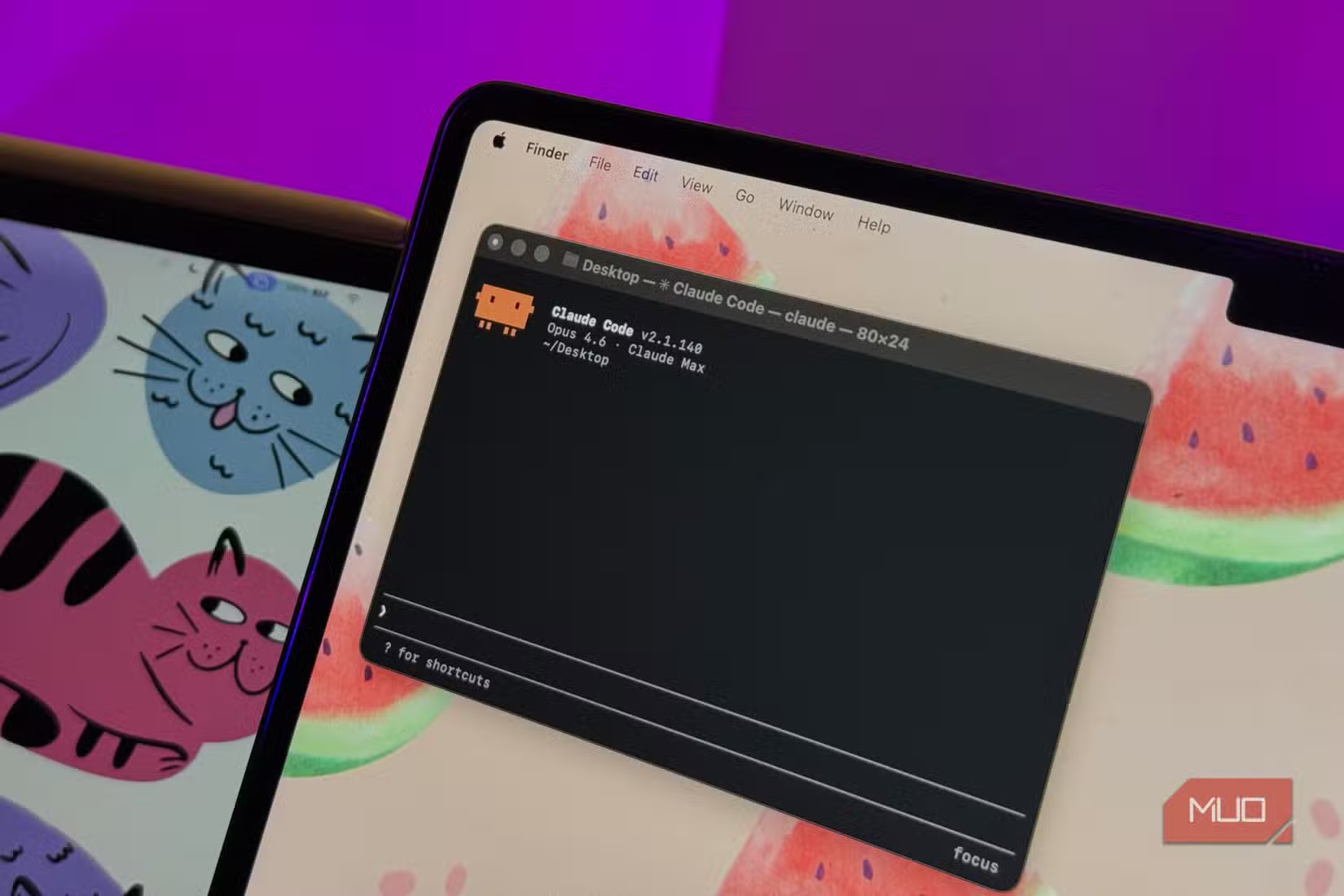
Claude Code has earned a reputation as one of the best AI coding assistants available. It reads files, edits code, runs commands, and manages context across entire projects. But that capability comes at a cost. The tool requires Claude's Pro or Max plan at $20 per month.
For developers who use it daily, that price makes sense. For everyone else, those who code occasionally or want to experiment with AI-assisted development, it's harder to justify. A free tier exists, but the Sonnet and Opus models that make Claude Code genuinely useful sit behind the paywall.
Enter OpenCode, an open-source alternative that does nearly everything Claude Code does without locking you into a single model or subscription.
What OpenCode actually does
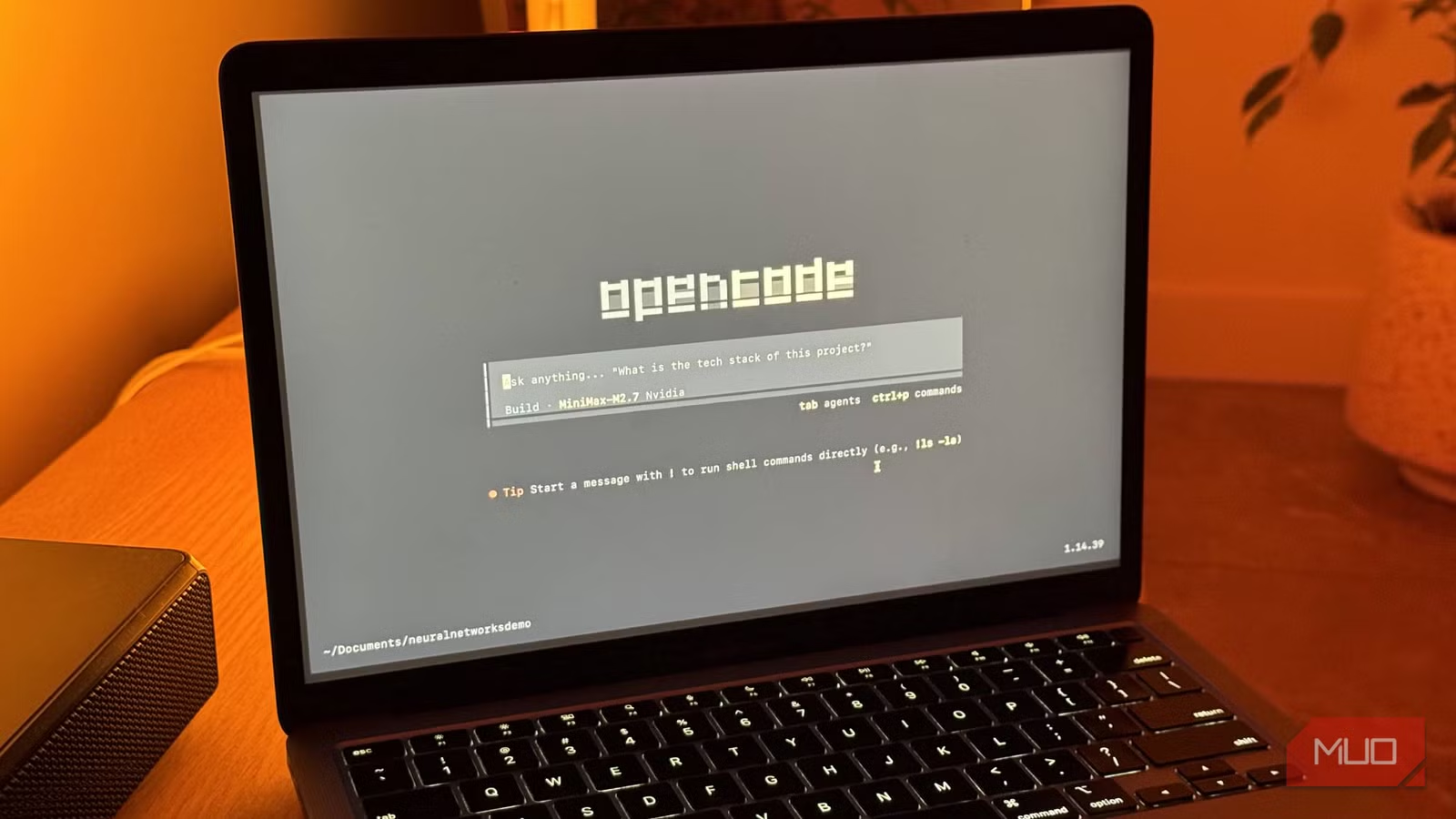
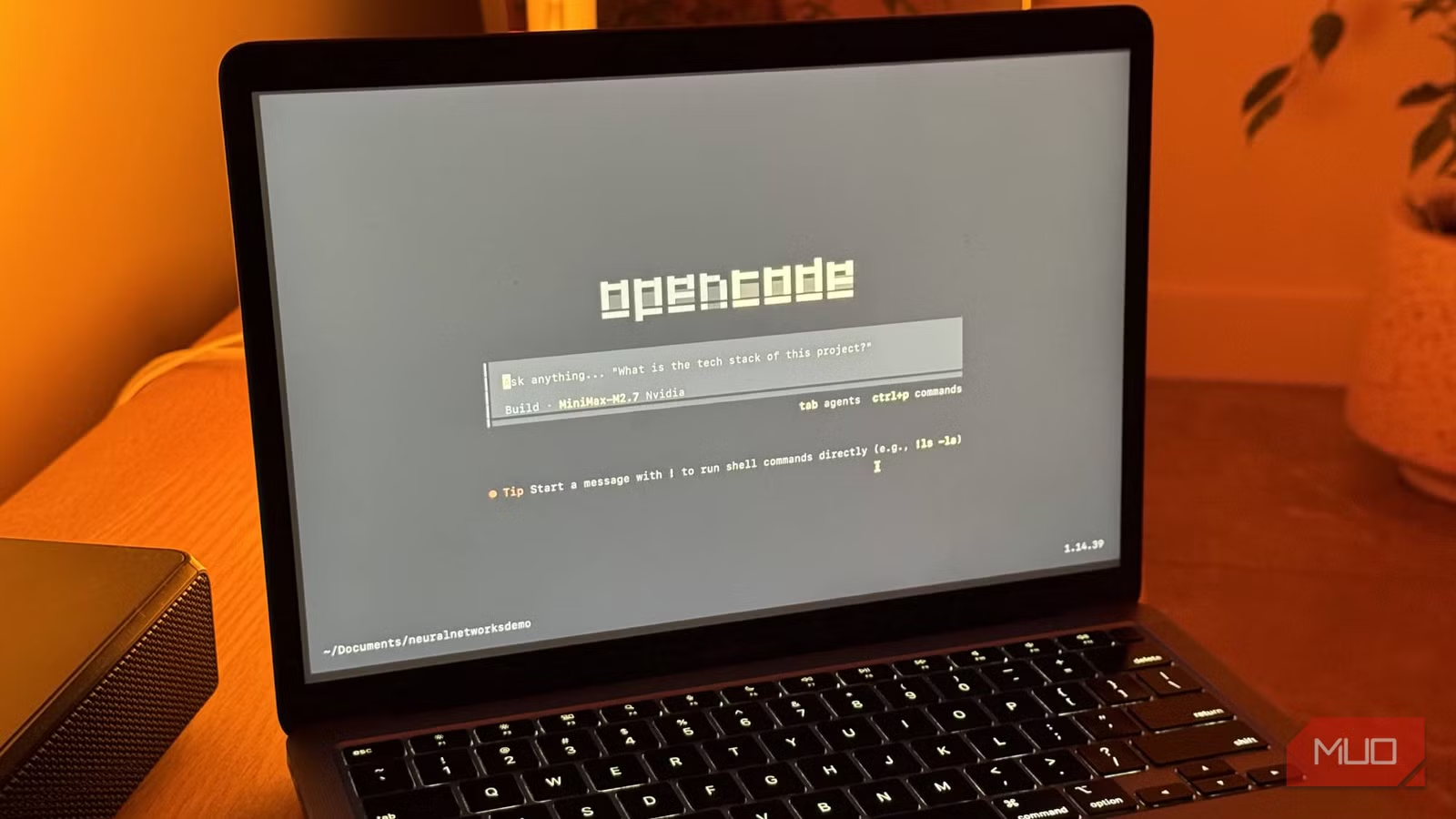
OpenCode is a terminal-based AI coding agent. Like Claude Code, it can read your files, suggest edits, run commands, and maintain context across your project. The difference is the business model. OpenCode itself is completely free. You bring your own API key from whatever provider you prefer, pick your model, and start coding.
The tool is built in Go, which means fast startup times and a small binary. The terminal interface uses Bubble Tea, a framework for building terminal UIs. The result feels polished rather than thrown together. Mouse support is included, which is rare for terminal applications.
Plan mode vs Build mode
OpenCode splits its operation into two distinct modes. This is arguably its smartest design decision.
Plan mode is read-only. The agent analyzes your code, determines what changes need to happen, and asks for permission before doing anything. Build mode is where changes actually get made.
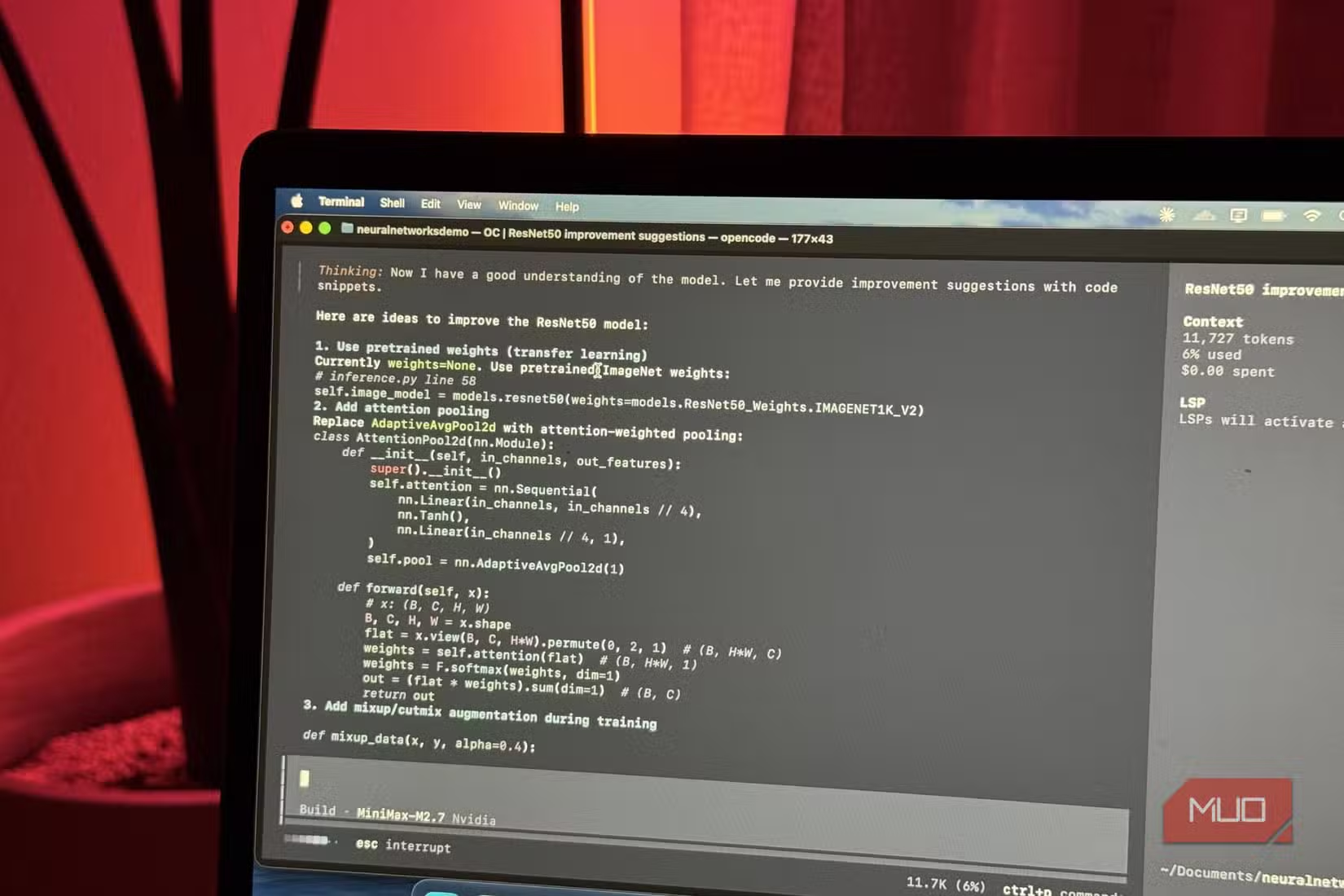
Starting in Plan mode on important projects is a good habit. It lets you review the agent's reasoning before it touches anything. According to MakeUseOf's Raghav Sethi, this approach "has saved me more than once."
Pricing breakdown
The core OpenCode tool costs nothing. If you have API keys from OpenAI, Anthropic, or another provider, you can use them directly. You pay only for the tokens you consume.
For those who don't want to manage API keys, OpenCode offers a subscription called OpenCode Go. It costs $5 for the first month and $10 per month after that. The subscription provides access to several open coding models: DeepSeek V4 Pro, MiniMax M2.7, Qwen 3.5, and others.
| Feature | Claude Code | OpenCode (BYOK) | OpenCode Go |
|---|---|---|---|
| Monthly cost | $20 | $0 (+ API costs) | $10 ($5 first month) |
| Model lock-in | Claude models only | Any provider | Curated open models |
| File reading/editing | Yes | Yes | Yes |
| Command execution | Yes | Yes | Yes |
| Project context | Yes | Yes | Yes |
| Data retention | Anthropic policy | Your provider's policy | Zero-data-retention |
OpenCode Go runs on zero-data-retention infrastructure hosted across the US, EU, and Singapore. For developers working with sensitive codebases, this matters.
When to stick with Claude Code
OpenCode isn't automatically the right choice. Claude Code has advantages worth considering.
- If you already pay for Claude Pro or Max for other reasons, Claude Code comes included
- Claude's models (especially Opus) remain among the most capable for complex reasoning tasks
- Anthropic provides consistent updates and support as part of the subscription
The calculation changes if Claude Code is your only reason for the subscription. At that point, OpenCode's $10/month or pure API costs become significantly more attractive.
Getting started with OpenCode
OpenCode is available on GitHub. Installation is straightforward since it's a single Go binary. Once installed, you configure your API key or OpenCode Go credentials and point it at your project.
The learning curve is minimal if you've used Claude Code before. The commands and workflow are similar enough that switching takes minutes rather than hours.
More ways to use Claude for automation beyond coding
✅ Pros
- • Free with your own API keys
- • OpenCode Go subscription at $10/month is half the price of Claude Pro
- • Not locked to a single AI provider
- • Plan/Build mode separation prevents accidental changes
- • Zero-data-retention option available
❌ Cons
- • Requires API key management if not using OpenCode Go
- • Open models may not match Claude Opus quality for complex tasks
- • Less integrated support compared to Anthropic's offering
Logicity's Take
Frequently Asked Questions
Is OpenCode completely free to use?
The tool itself is free and open-source. You need to provide your own API key from a model provider like OpenAI or Anthropic, or subscribe to OpenCode Go for $10/month (after a $5 first month) to use their hosted models.
Can OpenCode use Claude models?
Yes, if you have an Anthropic API key, you can configure OpenCode to use Claude models directly. You pay for API usage separately.
What models does OpenCode Go include?
OpenCode Go provides access to DeepSeek V4 Pro, MiniMax M2.7, Qwen 3.5, and other open coding models through zero-data-retention infrastructure.
Does OpenCode work on Windows?
OpenCode is built in Go and designed for terminal use. It works on macOS, Linux, and Windows with a compatible terminal.
What is the difference between Plan mode and Build mode?
Plan mode is read-only. The agent analyzes code and suggests changes without making them. Build mode executes changes. Starting in Plan mode helps prevent unintended modifications.
Need Help Implementing This?
Source: MakeUseOf
Manaal Khan
Tech & Innovation Writer
Produced with AI assistance and reviewed by the Logicity editorial team. Learn more in our Editorial Policy.






