Key Takeaways
- 10,000 credits on Make costs $10.59 versus $103 for 10,000 tasks on Zapier, a 90% difference at high volume
- A 1-minute polling trigger on Make consumes 43,200 credits per month, making webhooks essential for cost control
- Make's rollover credits and AI agent capabilities justify its complexity for teams building sophisticated automations
The Credit Model: What Every Operation Actually Costs
Make.com uses a credit-based system where every step in a workflow costs one credit. Triggers, filters, actions, routers. Each module that fires draws down your monthly balance. A five-step scenario running 100 times per month uses 500 credits. A 20-step scenario running 500 times burns through 10,000.
This transparency cuts both ways. You can count exactly what each automation costs before you build it. But complex workflows with conditional logic, multiple branches, and frequent triggers can eat through credits faster than expected. The Make Code app, for example, charges two credits per second of execution time. AI-related modules cost even more.
In August 2025, Make replaced its older "operations" model with the current credit system. The change was designed to account for the higher processing power AI modules require. For basic automations, pricing stayed roughly equivalent. For AI-heavy workflows, costs went up.
The Polling Trap: How Triggers Can Destroy Your Budget
Here's where Make's model gets dangerous for the unaware. If you set a scenario to poll for new data every minute, that trigger fires 43,200 times per month. Each poll costs one credit, even when no new data exists. A 10,000-credit plan can vanish in one week on a single overly aggressive trigger.
The fix is webhooks. Instead of Make constantly checking for new data, your connected apps push data to Make when something happens. Zero credits consumed during quiet periods. Power users on Reddit and X consistently cite this as the single most important cost-control technique on the platform.
Logicity's Take
Make.com Pricing Tiers: What Each Plan Includes
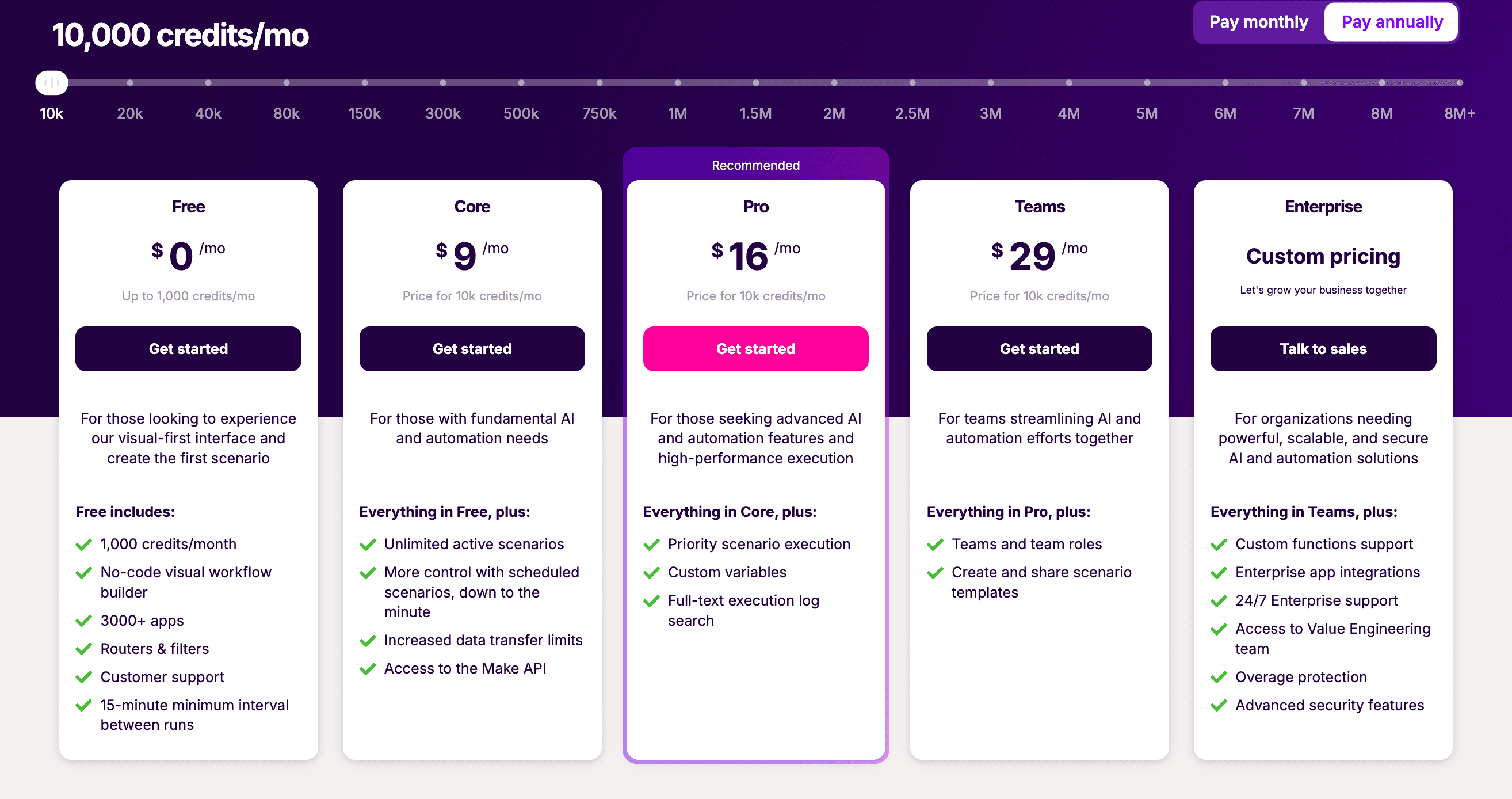
Make offers a free tier with 1,000 credits per month, enough to test the platform and run light personal automations. Paid plans scale from there, with the key variables being monthly credits, minimum scenario intervals, and access to advanced features like AI agents.
The paid tiers unlock faster execution intervals. Free accounts can only run scenarios every 15 minutes. Paid plans drop that to 1 minute, then real-time for enterprise. For time-sensitive workflows, the execution speed matters as much as the credit count.
Rollover credits arrived in 2025, letting unused credits carry forward to the next month. This feature alone saves some agencies hundreds of dollars in buffer costs. They no longer need to buy extra credits "just in case" of a busy month.
Make vs Zapier: The Real Cost Comparison
At face value, 10,000 tasks on Zapier costs around $103. The equivalent 10,000 credits on Make runs about $10.59. That's a 90% difference. But the comparison isn't quite that simple.
| Feature | Make.com | Zapier |
|---|---|---|
| Pricing model | Credits (per step) | Tasks (per action) |
| 10,000 operations cost | ~$10.59 | ~$103 |
| Free tier | 1,000 credits/month | 100 tasks/month |
| Filters/routers | Cost credits | Free |
| Minimum interval (paid) | 1 minute | 1 minute |
| AI agents | Native support | Limited |
| Visual builder | Canvas-based | Linear steps |
| Native integrations | 3,000+ | 7,000+ |
Zapier only counts actions, not triggers or filters. If your Zap has one trigger, one filter, and one action, Zapier counts that as one task. Make counts it as three credits. For simple workflows, Zapier's model can actually be cheaper.
The math flips for complex automations. A scenario with 15 modules, conditional branches, and data transformations might cost 15 credits per run on Make. On Zapier, that same workflow structure either isn't possible or requires multiple Zaps chained together, each counting separately.
AI Agents and the Make Grid
Make has positioned itself as an "agentic orchestration" platform in 2026. The Make Grid interface lets teams manage environments where multiple AI agents interact and reason through business workflows. Connections to over 350 AI apps come built in.
“We see AI agents as something you give a goal to, and it decides how to achieve it based on the LLM you choose.”
— Imane Douali, Senior Value Advisor at Make
AI modules cost more credits than standard actions. The platform doesn't publish exact multipliers for every AI operation, but users report that LLM calls, image generation, and agent reasoning steps consume credits at 2x to 10x the rate of basic data operations.
“The future workforce will be hybrid (human — AI agent)... it's an ambitious and exciting future, where we can all 10x ourselves.”
— Fabian Veit, CEO of Make
Who Should Choose Make
Make works best for teams that build sophisticated automations with conditional logic, multiple data sources, and AI components. The visual canvas interface handles complexity that would be awkward or impossible in Zapier's linear step model.
Agencies running high volumes of client automations benefit from the lower per-operation cost. A workflow running 50,000 times per month costs a fraction of what it would on Zapier, assuming you've optimized for webhooks and efficient scenario design.
Developers who want to inject custom JavaScript or Python into their workflows can use the Make Code app. That flexibility doesn't exist on Zapier's standard plans.
Who Should Choose Zapier
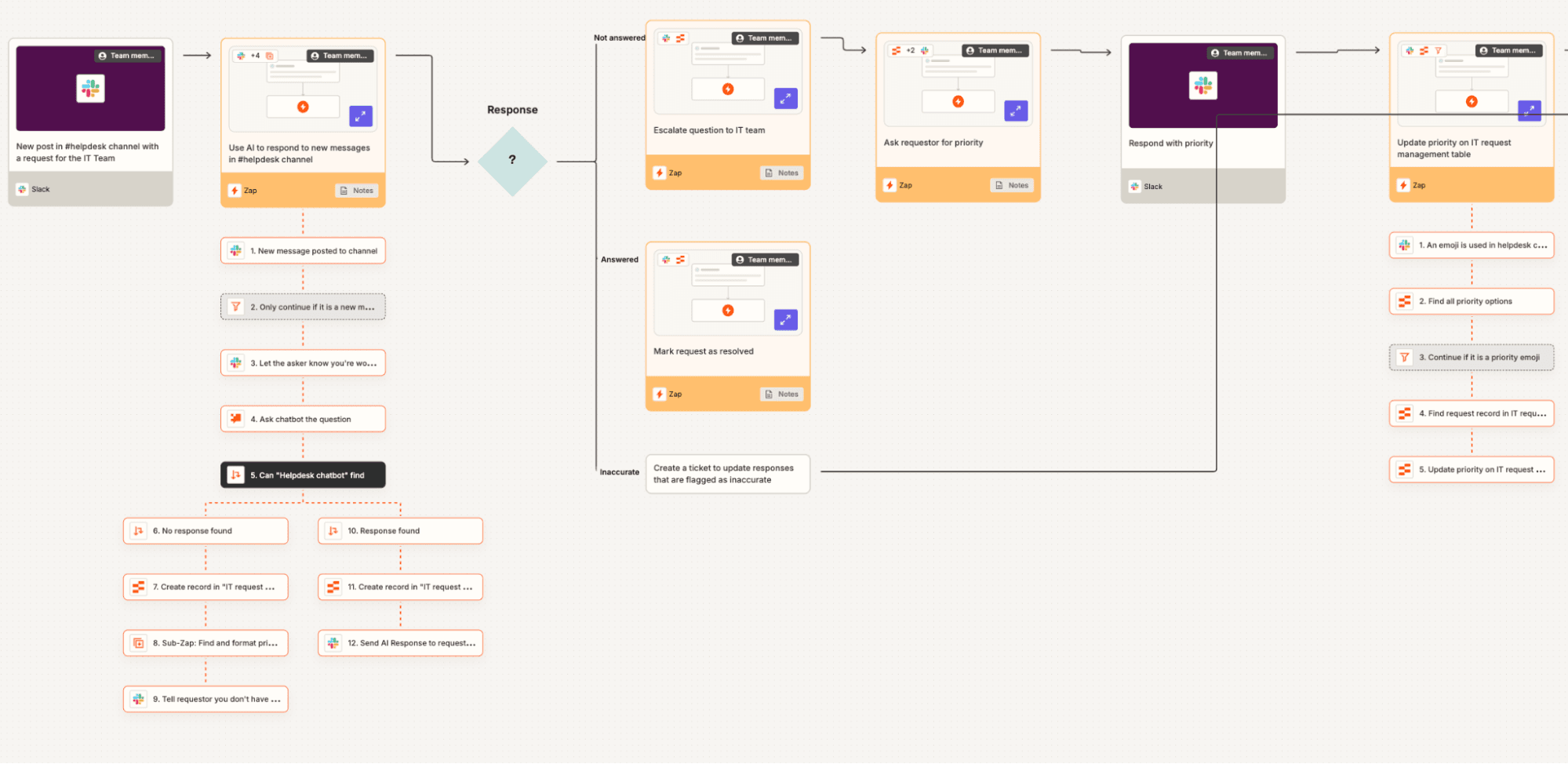
Zapier wins on simplicity and breadth. With 7,000+ native integrations versus Make's 3,000+, Zapier covers more apps out of the box. The linear interface is faster to learn. For straightforward "if this, then that" workflows, Zapier gets you running in minutes.
Teams that don't want to think about credits, polling intervals, or scenario optimization should probably stick with Zapier. The task model is more forgiving of inefficient builds. You pay for what runs, not for every conditional check along the way.
✅ Pros
- • 90% lower cost at high volumes when optimized
- • Visual canvas handles complex branching logic
- • Native AI agent support and 350+ AI app integrations
- • Rollover credits reduce waste
- • Custom code execution via Make Code app
❌ Cons
- • Polling triggers can burn credits fast
- • AI modules cost significantly more per operation
- • Steeper learning curve than Zapier
- • Fewer native integrations (3,000 vs 7,000)
- • Credit costs harder to predict for complex scenarios
The n8n Alternative
Some Make users have started exploring n8n, an open-source workflow automation tool. Self-hosted n8n has no per-operation costs. You pay only for server infrastructure. For teams with DevOps capacity, this can reduce automation costs to near zero at any volume.
The trade-off is maintenance. Self-hosted means you handle uptime, security patches, and scaling. Make and Zapier handle all of that. Most business users prefer paying the premium for managed infrastructure.
Make.com by the Numbers
Make reports 5.5 million registered users as of mid-2026. The platform's growth has accelerated since its AI agent pivot. The company is betting that orchestrating human-AI workflows, not just app-to-app connections, defines the future of automation.
Frequently Asked Questions
How much does Make.com cost per month?
Make offers a free tier with 1,000 credits per month. Paid plans start around $10 for 10,000 credits and scale up based on volume, execution speed, and feature access. Enterprise pricing is custom.
Is Make.com cheaper than Zapier?
At high volumes, yes. 10,000 operations on Make costs roughly $10.59 versus $103 on Zapier. But Make charges for every step including filters and triggers, while Zapier only counts actions. Simple workflows may cost less on Zapier.
What is a credit in Make.com?
A credit is Make's unit of consumption. Every step in a scenario costs one credit when it executes, including triggers, filters, routers, and actions. Some modules like AI operations and custom code cost multiple credits.
Do unused Make.com credits roll over?
Yes. Make introduced rollover credits in 2025, allowing unused credits to carry forward to the next billing period instead of expiring.
Why do Make.com credits run out so fast?
The most common cause is polling triggers set to check for new data every minute. A 1-minute poll runs 43,200 times per month even when no data exists. Switching to webhooks eliminates this cost.
Workflow automation often starts with email. These Outlook techniques complement Make.com scenarios for inbox management.
Make.com integrates with Google Sheets and Excel. Understanding spreadsheet automation helps design better data workflows.
Need Help Implementing This?
Source: The Zapier Blog
Manaal Khan
Tech & Innovation Writer
Produced with AI assistance and reviewed by the Logicity editorial team. Learn more in our Editorial Policy.