Key Takeaways
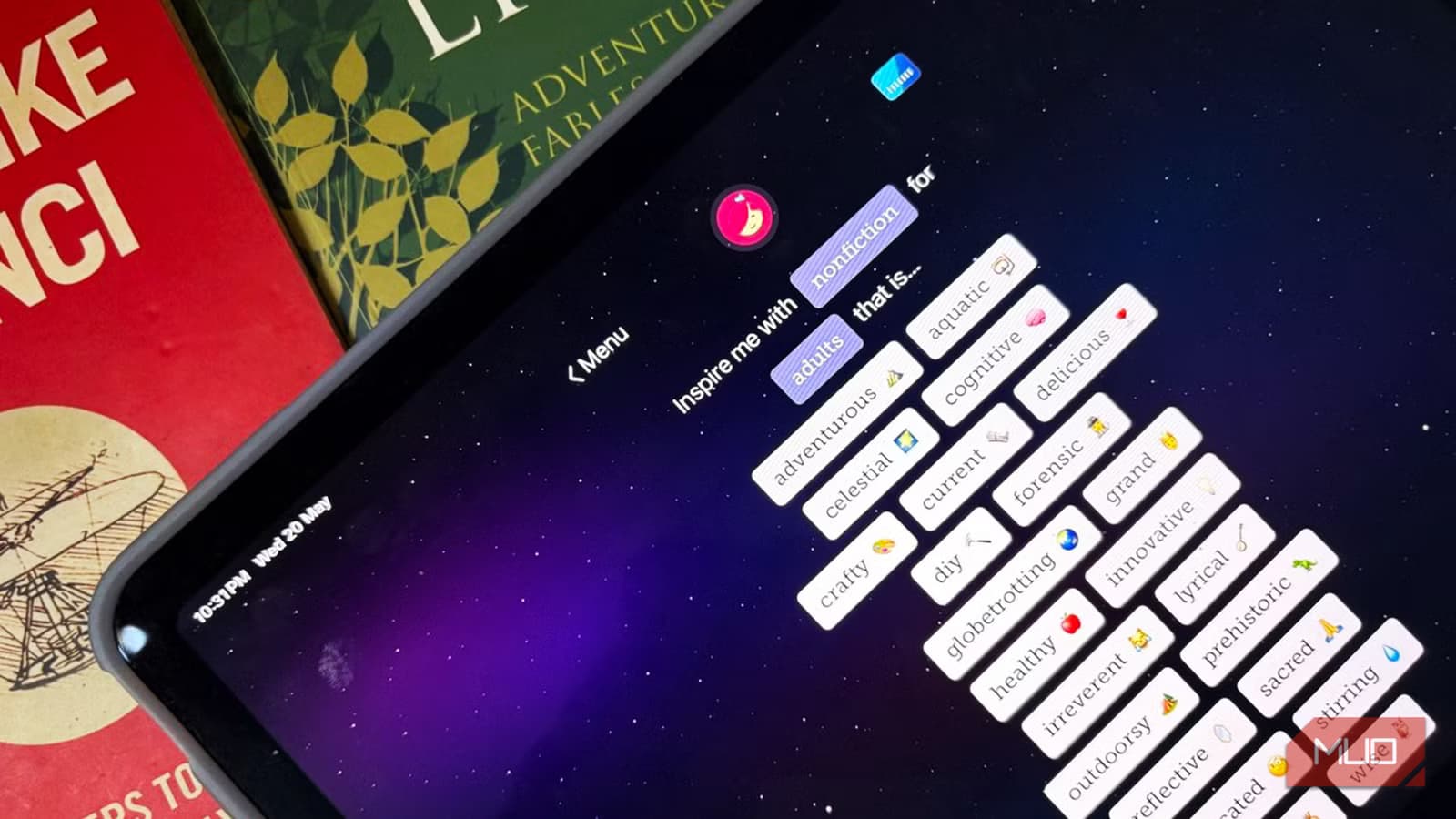
- A library card unlocks thousands of free ebooks, audiobooks, and magazines through Libby
- You can hold multiple library cards in one app, expanding your catalog across states
- Libby's reader has no ads, no upselling, and automatic returns with no late fees
Your Library Card Is a Free Book Subscription
Libby is a free app from OverDrive that connects to your local public library. If you have a library card, you already have access to a digital catalog of ebooks, audiobooks, and magazines. No subscription fees. No purchases required.
The app works with libraries across the US, UK, and many other countries. Selection varies by library, but most mid-sized public libraries carry tens of thousands of digital titles. Recent bestsellers, classic fiction, nonfiction from the past year. It's not as deep as Amazon's catalog, but it's surprisingly varied.
The borrowing terms are simple. You can check out up to 10 items at a time. Loans run 14 or 21 days, then auto-return. No late fees ever. The due date actually helps. Having a return deadline has pushed many readers back into finishing books instead of letting them sit in a digital pile.
Setting Up Multiple Library Cards
If your local library's selection feels thin, you can add a second card. Many US states let you sign up for a digital-only library card for free, even if you don't live there. OverDrive's partner network means one Libby app can hold multiple library cards at once.
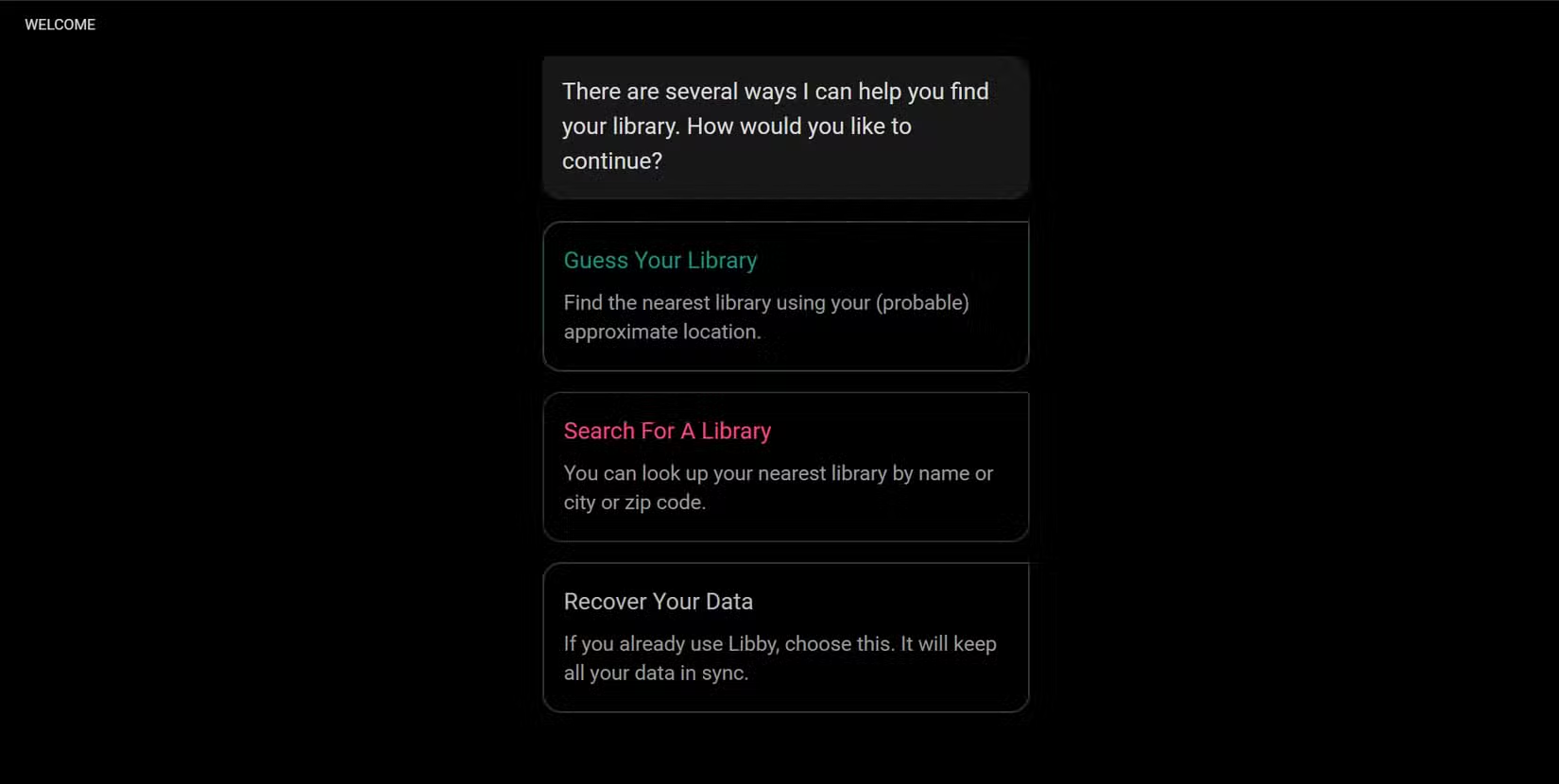
This expands your catalog significantly. A book unavailable at your local library might be sitting ready to borrow from a library two states over. The app handles the switching seamlessly.
The Reading Experience Is Clean
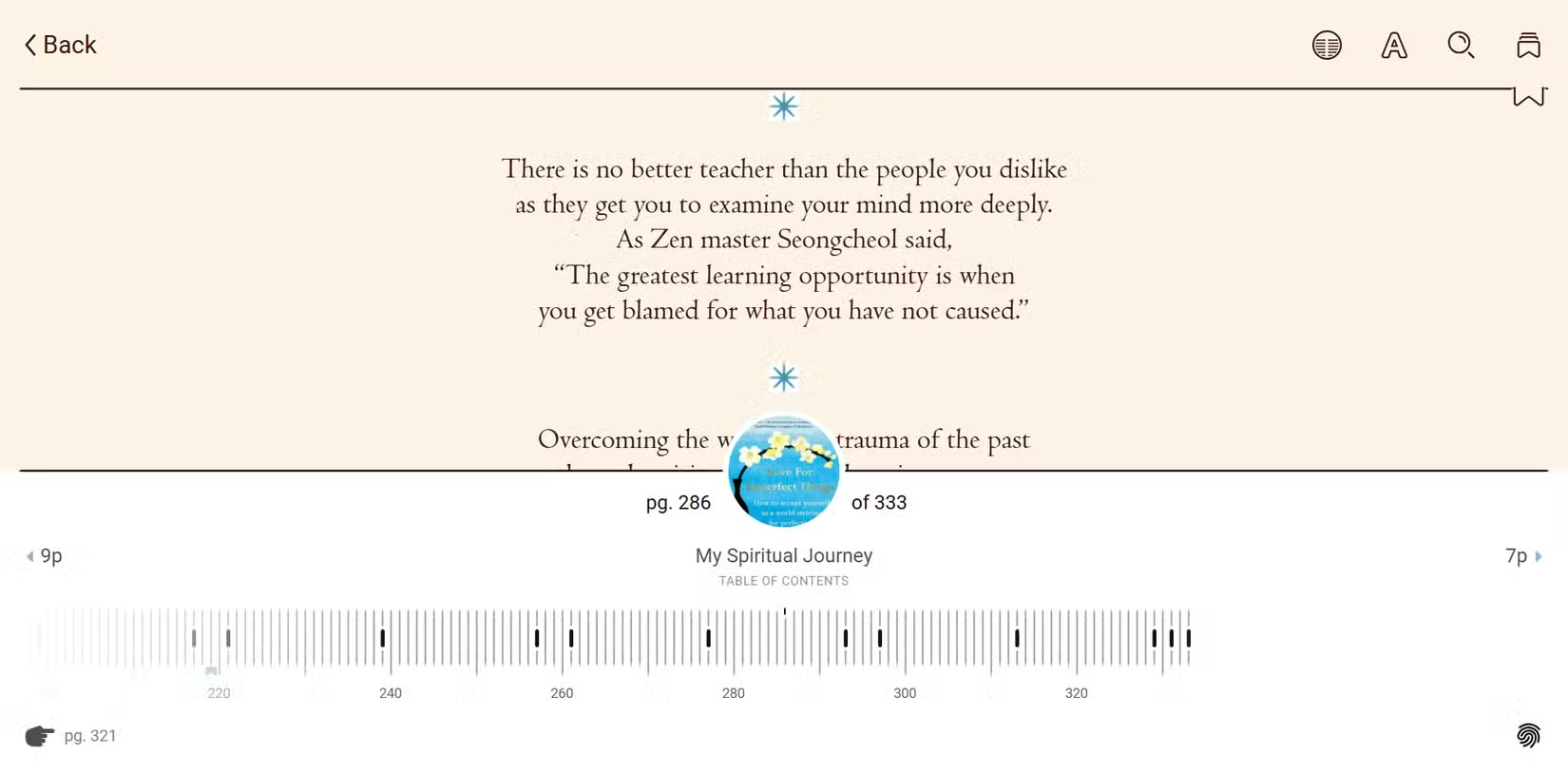
Libby's built-in ebook reader is minimal in the best way. You get font controls, brightness adjustment, and three display modes: Light, Sepia, and Dark. Clean page-turn animations. That's it.
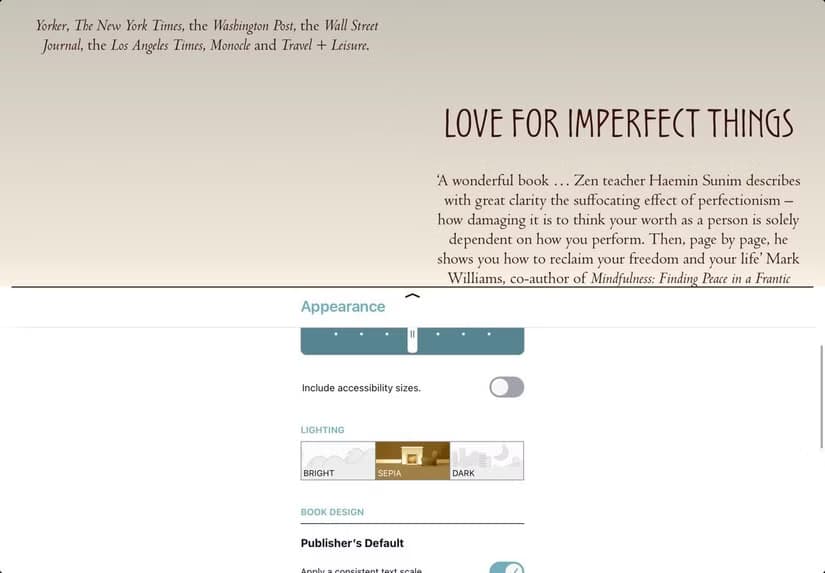
No upselling. No ads. No algorithm nudging you toward a purchase. It just helps you read. Compare this to Kindle, which constantly suggests your next purchase, or other commercial apps that treat reading as a monetization opportunity.
The audiobook player works the same way. Simple controls, no distractions. You can read on your phone, tablet, or browser. The desktop browser experience is particularly good for longer reading sessions.
Magazines Too
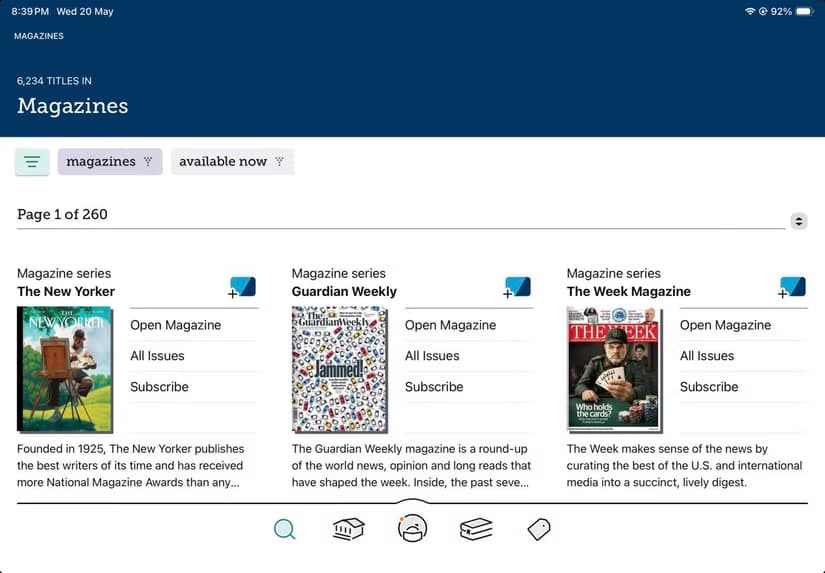
Beyond books, many libraries offer magazines through Libby. The selection depends on your library's partnerships, but you might find popular titles available for digital checkout.
Why This Beats Paid Alternatives
Kindle, Audible, Google Play Books, Apple Books, Kobo. These services want your money. Libby wants nothing because you already paid for it through taxes. Your library card is a prepaid subscription you forgot you had.
✅ Pros
- • Completely free with a library card
- • No ads or purchase prompts in the app
- • Automatic returns mean no late fees
- • Can hold multiple library cards for expanded selection
- • Works across phone, tablet, and browser
❌ Cons
- • Popular titles often have waitlists
- • Selection varies by library size
- • 21-day loan periods may feel rushed for slow readers
- • Not every book in print is available digitally
The main tradeoff is availability. Popular new releases often have waitlists. You might wait weeks for a bestseller. But for most reading, especially backlist titles and classic literature, the selection is immediate and extensive.
How to Get Started
- Download Libby from the App Store or Google Play
- Open the app and tap 'Add A Library'
- Search for your local library by name or location
- Enter your library card number to connect your account
- Browse the catalog and borrow your first book
If you don't have a library card, most libraries let you sign up online. Some offer instant digital cards for immediate access. The whole process takes about five minutes.
Another powerful free tool that replaces paid software
Logicity's Take
Frequently Asked Questions
Is Libby really completely free?
Yes. Libby is free to download and use. All content is free to borrow if you have a library card. There are no in-app purchases or premium tiers.
What happens when my loan period ends?
The book automatically returns itself. No action needed from you, no late fees, no penalties. You can check it out again if there's no waitlist.
Can I use Libby without a library card?
No. You need at least one library card to access content. However, most libraries let you sign up for a card online, sometimes with instant digital access.
Does Libby work on Kindle devices?
Not directly on Kindle e-readers, but you can send borrowed ebooks from Libby to your Kindle. The process varies by library and requires linking your Amazon account.
How many books can I borrow at once?
Most libraries allow up to 10 items at a time through Libby. This includes ebooks, audiobooks, and magazines combined.
Need Help Implementing This?
Source: MakeUseOf
Huma Shazia
Senior AI & Tech Writer
Produced with AI assistance and reviewed by the Logicity editorial team. Learn more in our Editorial Policy.