Key Takeaways
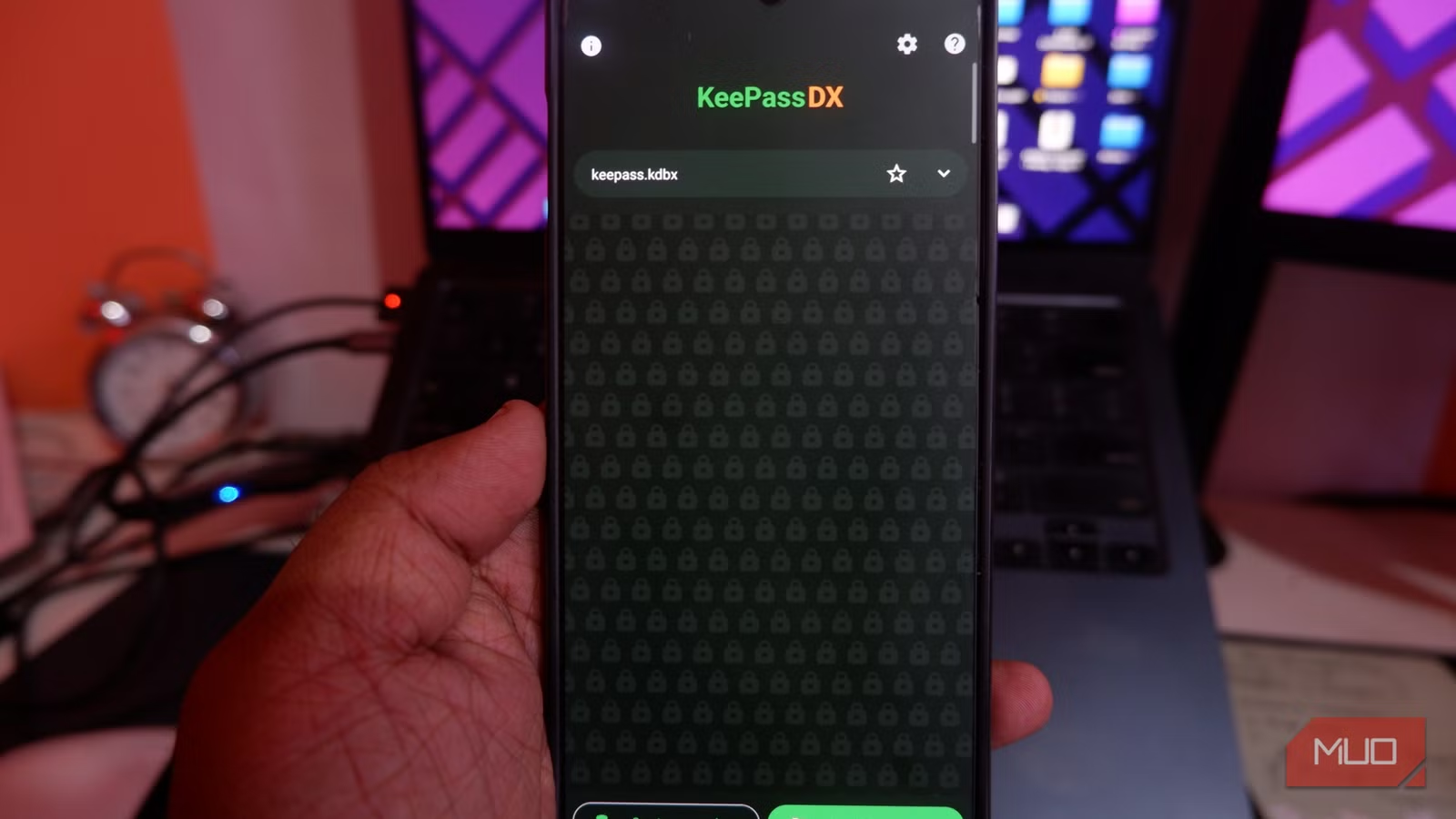
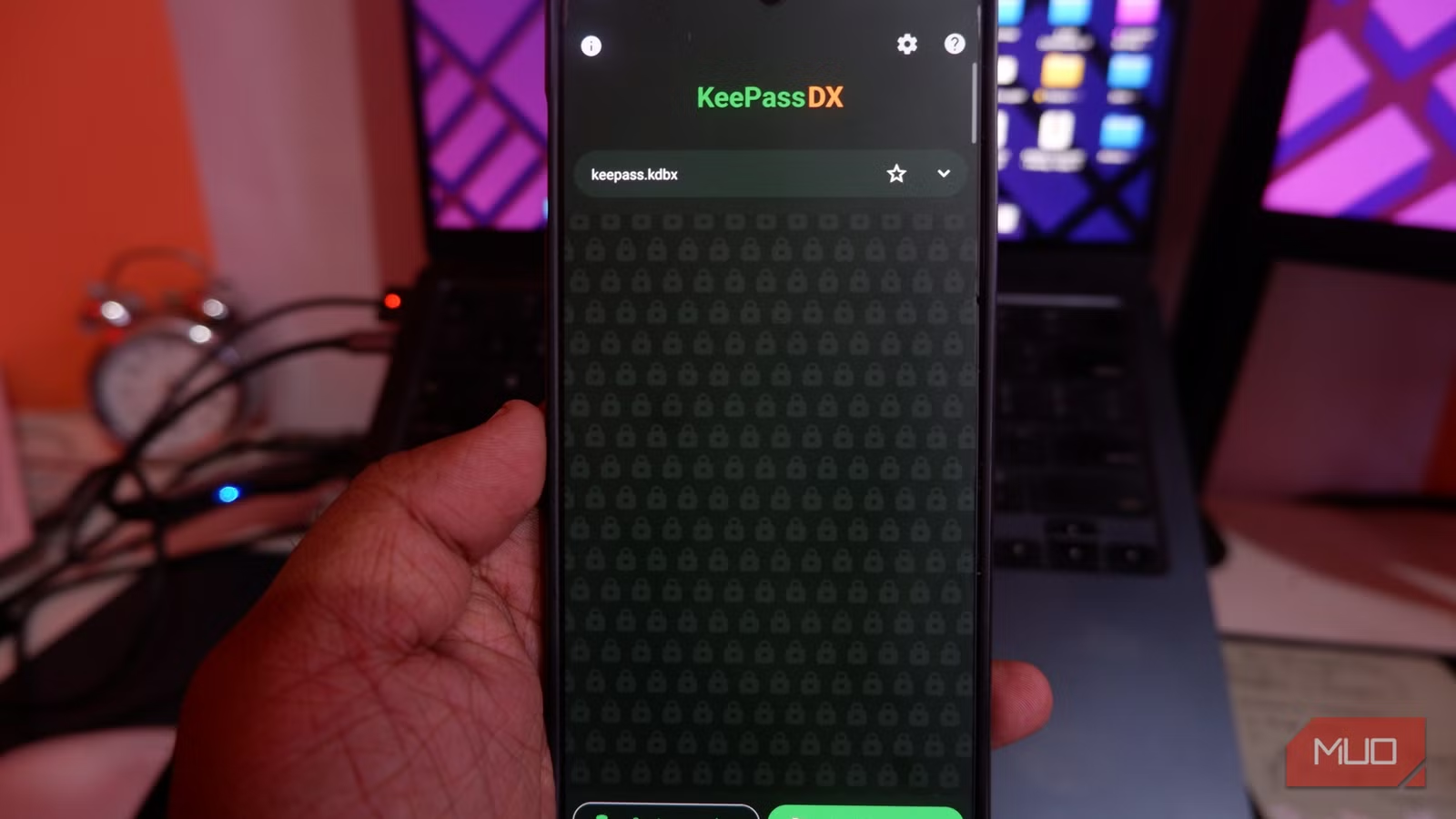
- KeePassDX stores passwords in an encrypted local file that never leaves your device
- The app is free, open-source, and requires no internet connection
- Offline storage eliminates the risk of cloud-based breaches like the LastPass incident
Cloud-based password managers ask you to make a bargain: hand over the keys to your digital life in exchange for convenience. Most of the time, this works fine. Then something like the LastPass breach happens, and thousands of accounts get compromised because you trusted a company to keep your data safe.
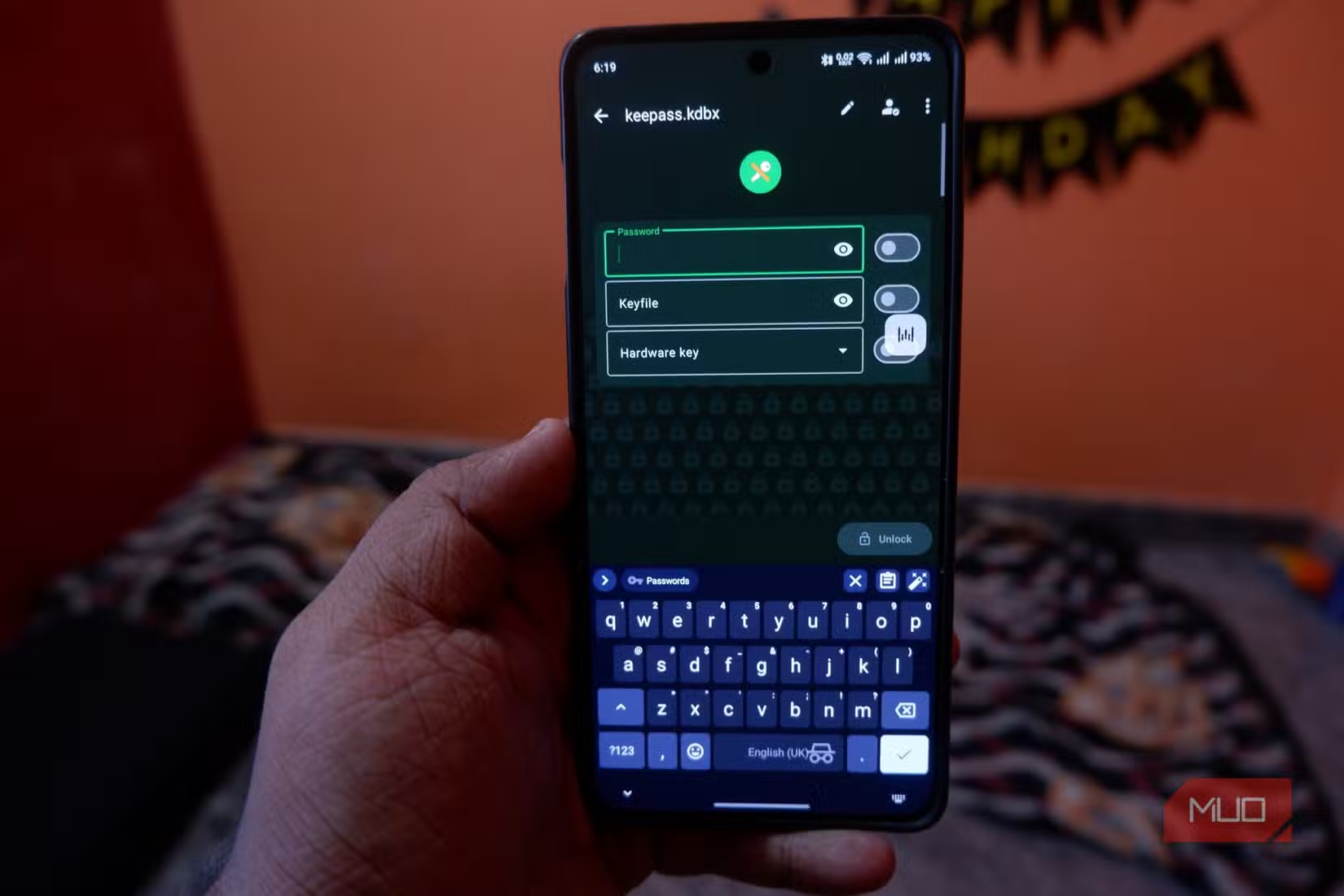
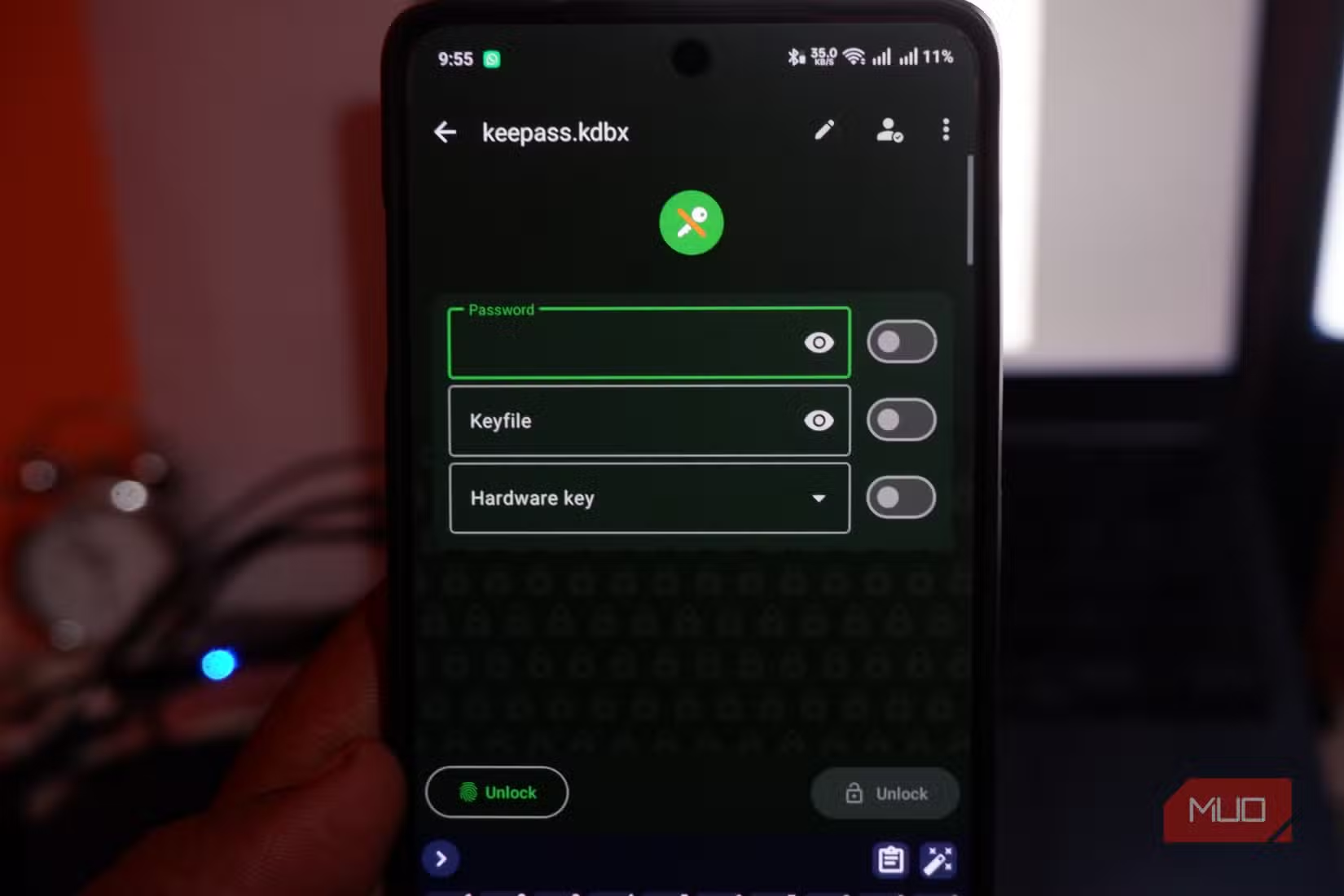
Abhijith N Arjunan, writing for MakeUseOf, decided he was done with that bargain. His solution: KeePassDX, a free Android app that stores passwords in an encrypted file on your phone. No cloud sync. No servers. No subscription. The passwords never leave your device.
Why go offline?
Every password manager you've heard of asks for the same thing: trust. Trust that the company's encryption is solid. Trust that their servers won't get breached. Trust that a rogue employee won't access your vault. For most people, this trust is reasonable. For security-conscious users, it's a single point of failure.
The LastPass breach demonstrated what can go wrong. Attackers stole encrypted password vaults. While the encryption itself wasn't broken, users with weak master passwords became vulnerable to brute-force attacks. The breach didn't require LastPass to be incompetent. It just required the company to be a target.
An offline password manager removes this attack surface entirely. If your passwords never leave your phone, there's no server to breach. There's no company database with millions of user vaults sitting in one place. The only way someone gets your passwords is by getting physical access to your device and knowing your master password.
What KeePassDX actually does
KeePassDX is an open-source password manager for Android. It creates an encrypted database file on your device, protected by a master password you choose. The app supports both passwords and passkeys, and it works entirely offline.
Because it's open-source, security researchers can audit the code. You don't have to trust the developer's claims about encryption. Anyone can verify it. The app is free with no premium tier, no subscription, and no ads.
The tradeoff is convenience. Cloud-based managers sync across devices automatically. With KeePassDX, your passwords live on one device unless you manually copy the encrypted database file elsewhere. For users who primarily access accounts from their phone, this isn't a problem. For people switching between desktop, laptop, tablet, and phone throughout the day, it requires more effort.
Setup requires patience
Arjunan admits that setting up KeePassDX properly took him a few tries. The app gives you control over encryption settings, database location, and backup options. More control means more decisions to make.
For users migrating from another password manager, you'll need to export your passwords from the old app and import them into KeePassDX. This process varies depending on which manager you're leaving. Most support standard export formats that KeePassDX can read.
The real cost of going offline
Offline storage shifts responsibility to you. If you lose your phone and haven't backed up the database file, your passwords are gone. If you forget your master password, there's no recovery option. No email reset. No customer support. The encryption is strong enough that even the app developers can't help you.
This is the core tradeoff. Cloud services can recover your account because they hold the keys. Offline tools can't recover anything because you hold the only key. For some users, this is terrifying. For others, it's the whole point.
✅ Pros
- • Passwords never leave your device
- • Free and open-source with no subscription
- • No company servers to breach
- • Full control over your security
❌ Cons
- • No automatic sync across devices
- • You're responsible for backups
- • Lost master password means lost data
- • Setup requires more effort than cloud alternatives
Who should consider this approach
Offline password management makes sense for people who primarily use one device, are comfortable managing their own backups, and value security over convenience. It's also worth considering if you work in an industry where data sovereignty matters, meaning you need to prove that sensitive credentials never left your control.
For most users, a reputable cloud-based manager with strong encryption and two-factor authentication is still reasonable. The LastPass breach was serious, but it also showed that strong master passwords held up. The question is whether you want to bet on a company's security practices or your own.
Another approach to isolating sensitive activities from your main system
Logicity's Take
Frequently Asked Questions
Is KeePassDX available for iPhone?
KeePassDX is Android-only. iOS users can use KeePassium, which reads the same KeePass database format and offers similar offline functionality.
How do I sync passwords between devices with an offline manager?
You manually copy the encrypted database file to other devices using USB, a secure file transfer method, or an encrypted cloud folder. The database itself is encrypted, so even if intercepted, it can't be read without your master password.
What happens if my phone is stolen?
The thief would need your master password to decrypt the database. Without it, the password file is useless. However, you should still have a backup copy stored securely elsewhere so you can restore access on a new device.
Can KeePassDX autofill passwords in apps and browsers?
Yes. KeePassDX integrates with Android's autofill framework and can fill passwords in apps and browsers, similar to cloud-based password managers.
Need Help Implementing This?
Source: MakeUseOf
Manaal Khan
Tech & Innovation Writer
Produced with AI assistance and reviewed by the Logicity editorial team. Learn more in our Editorial Policy.