Key Takeaways
- 72% of smart home users fail to set up presence simulation when traveling
- The Presence Simulation integration replays your actual light usage patterns from previous days
- Always implement Guest Mode checks to prevent your automations from treating remaining residents like intruders
Planning a trip this summer? Your smart home should do more than sit idle. With Home Assistant, you can configure automations that simulate occupancy, monitor for problems, and alert you when something goes wrong. The catch: 72% of smart home users never bother setting up presence simulation before leaving, according to community surveys.
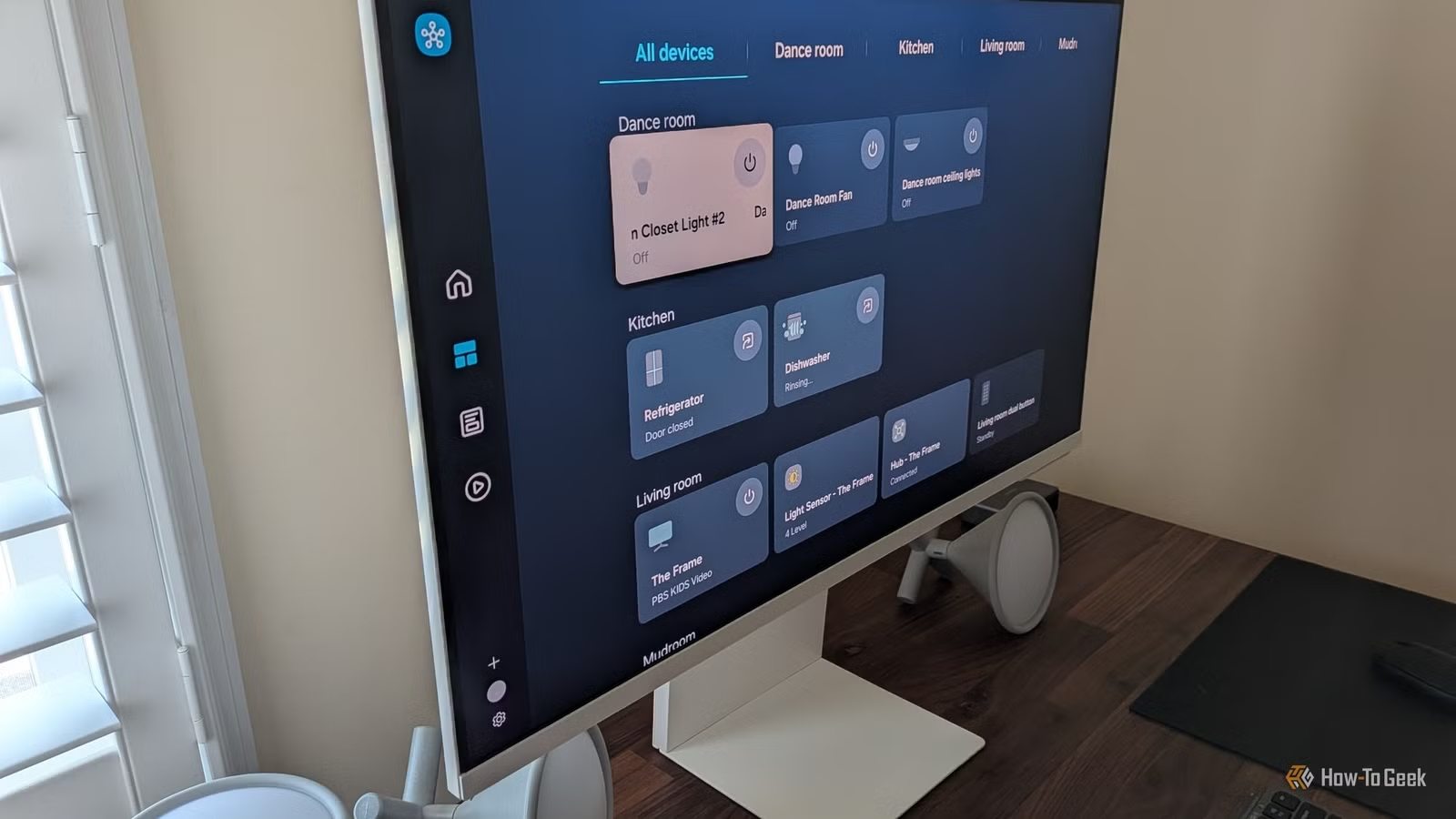
Home Assistant doesn't have a built-in "vacation mode" toggle. Instead, you build it yourself using automations, scenes, and third-party integrations. The flexibility is the point. You can configure everything from randomized lighting schedules to plant watering systems.
Why Simulated Occupancy Matters
Most break-ins are opportunistic. A dark house for several nights signals "nobody home" to anyone paying attention. Simulated occupancy counters this by making your home appear lived-in while you're away.
“Automating your home shouldn't just be about convenience when you're there, it should be about security and peace of mind when you're not.”
— Paul Hibbert, Smart Home Tech Enthusiast
The simplest approach is building a schedule using Home Assistant's scenes. You trigger specific sets of lights at predetermined times. Living room lights on at 7 PM, off at 10 PM. Bedroom light on at 10:15 PM, off at 11 PM. It works, but it's predictable. The same pattern every night might look suspicious to someone watching closely.
The Presence Simulation Integration
A better solution is the Presence Simulation integration, a third-party tool available through the Home Assistant Community Store (HACS). This integration records your actual light usage patterns over time, then replays them when you're away. Instead of rigid schedules, your lights turn on and off based on how you actually used them in previous days.
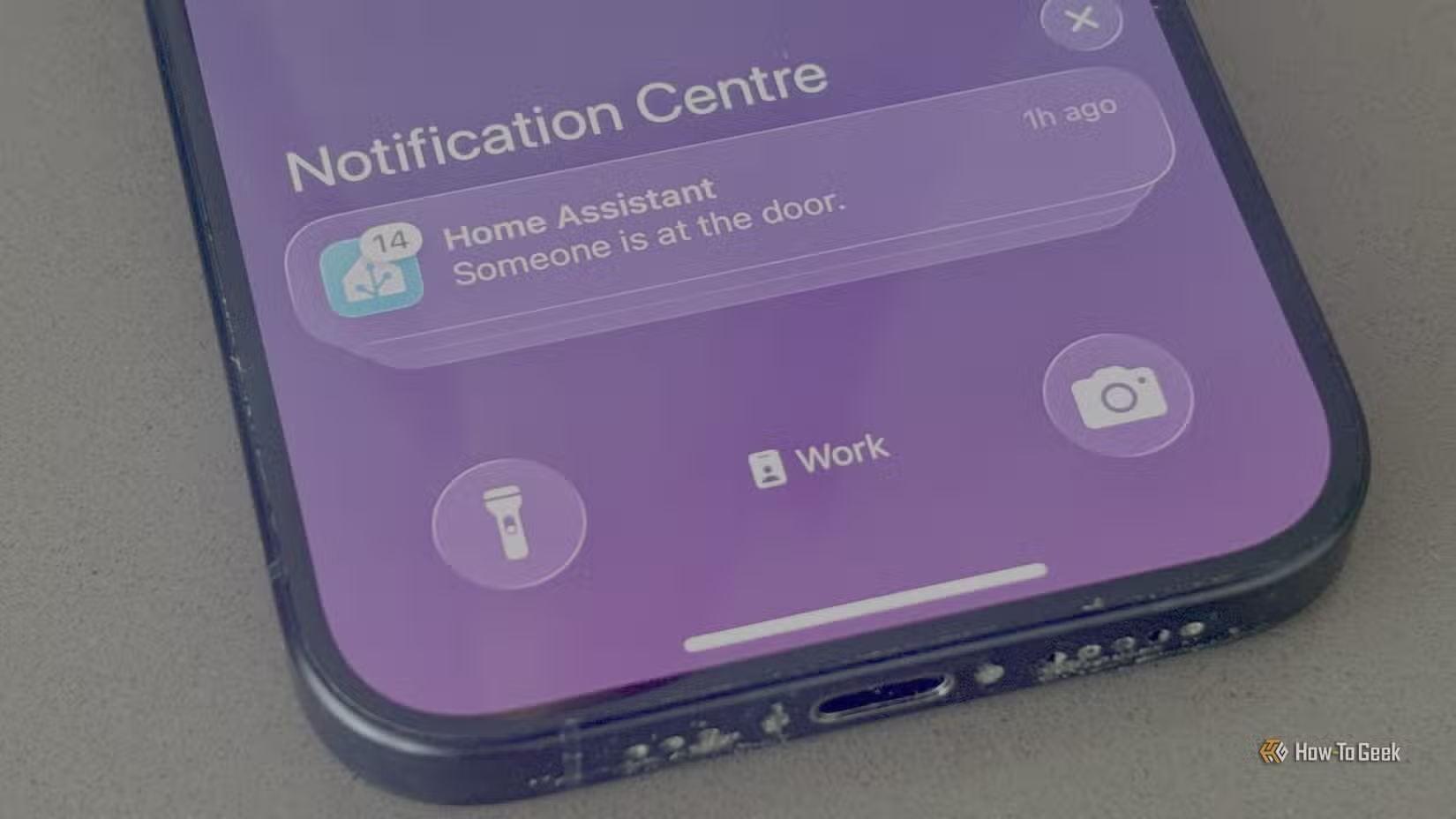
The Home Assistant community library contains over 300 pre-built vacation and away lighting blueprints. These blueprints let you copy someone else's automation logic without writing YAML from scratch. Search for "vacation" or "presence simulation" in the blueprint exchange to find options.
“The best vacation mode is one you don't have to remember to turn on; if your house knows you're gone, it should simply act like it, without needing a manual 'I'm leaving' button.”
— Phil Hawthorne, Home Assistant Automation Expert
Beyond Lights: Full Vacation Automation
Presence simulation handles deterrence, but vacation mode should cover more ground. Consider these additions:
- Climate set-back: Users who automate thermostat adjustments during extended away periods report 24% average energy savings
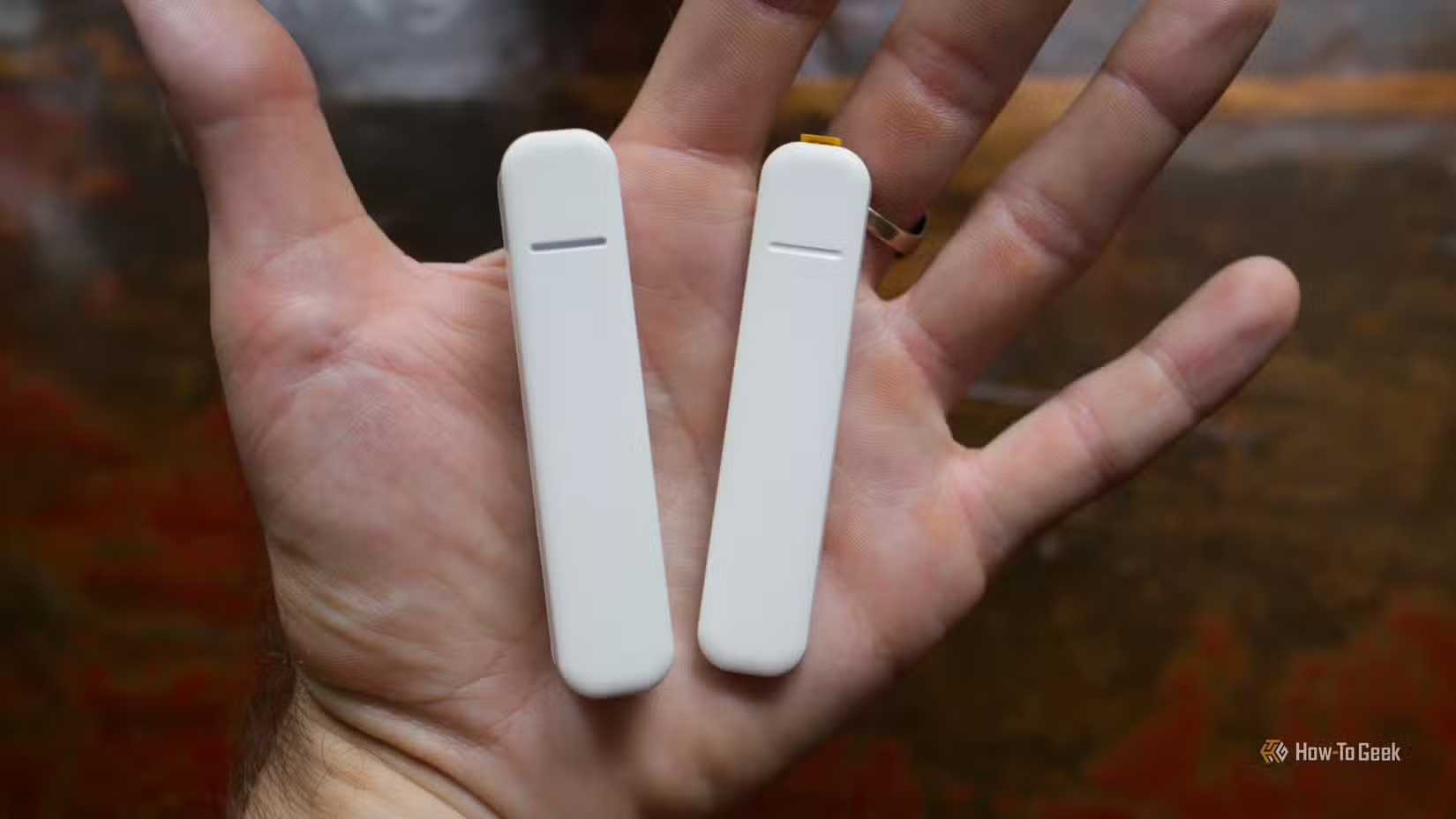
- Door and window sensors: Get alerts if any entry point opens unexpectedly
- Water leak detection: A burst pipe while you're gone for two weeks is catastrophic
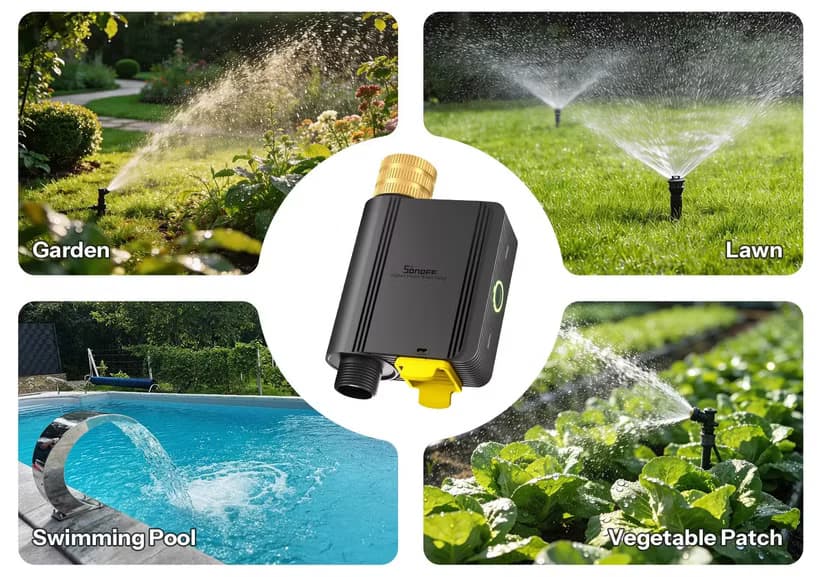
- Plant watering: Smart irrigation valves can keep your garden alive
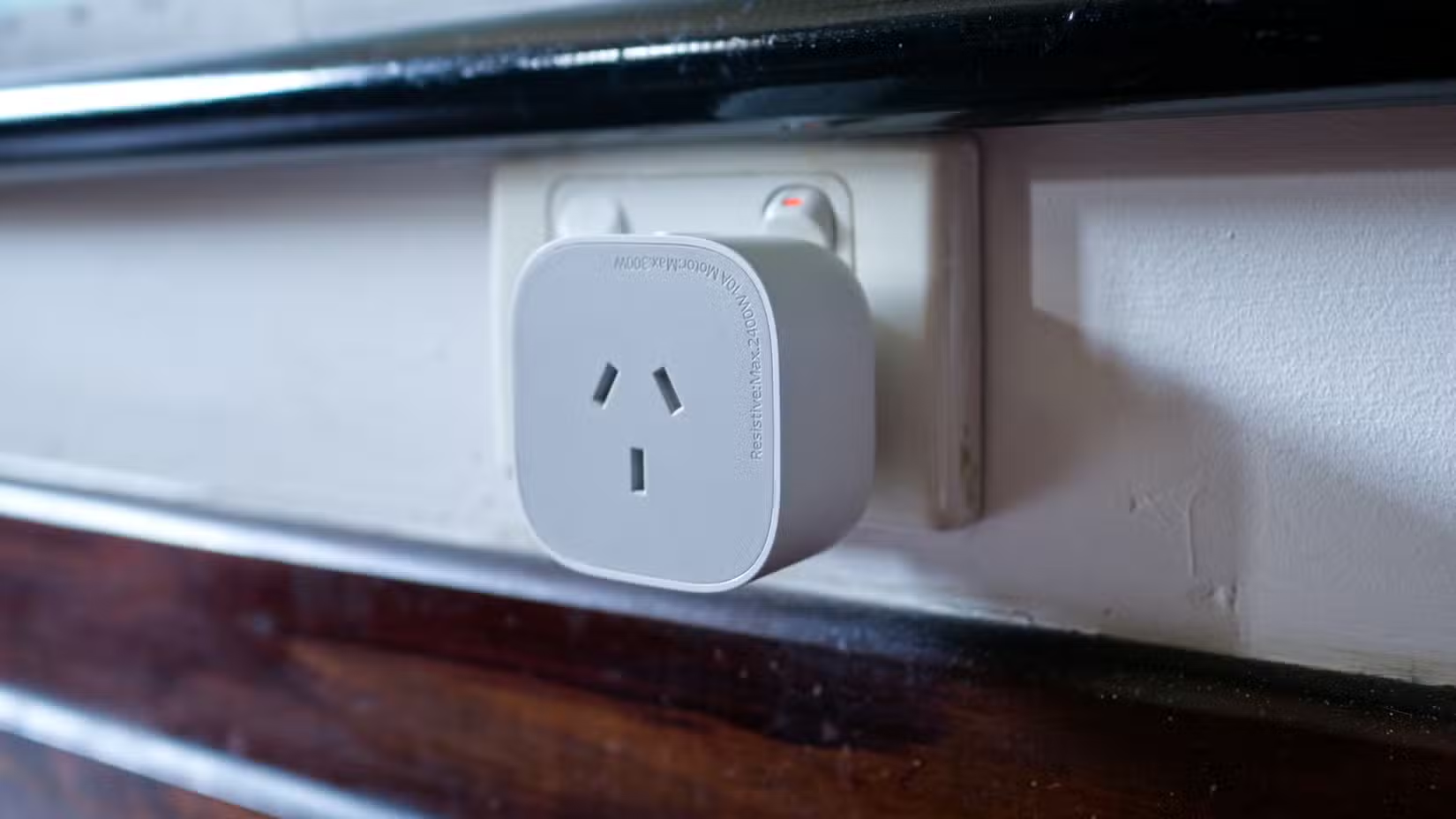
- Appliance monitoring: Smart plugs can confirm your stove is off and alert you to power anomalies
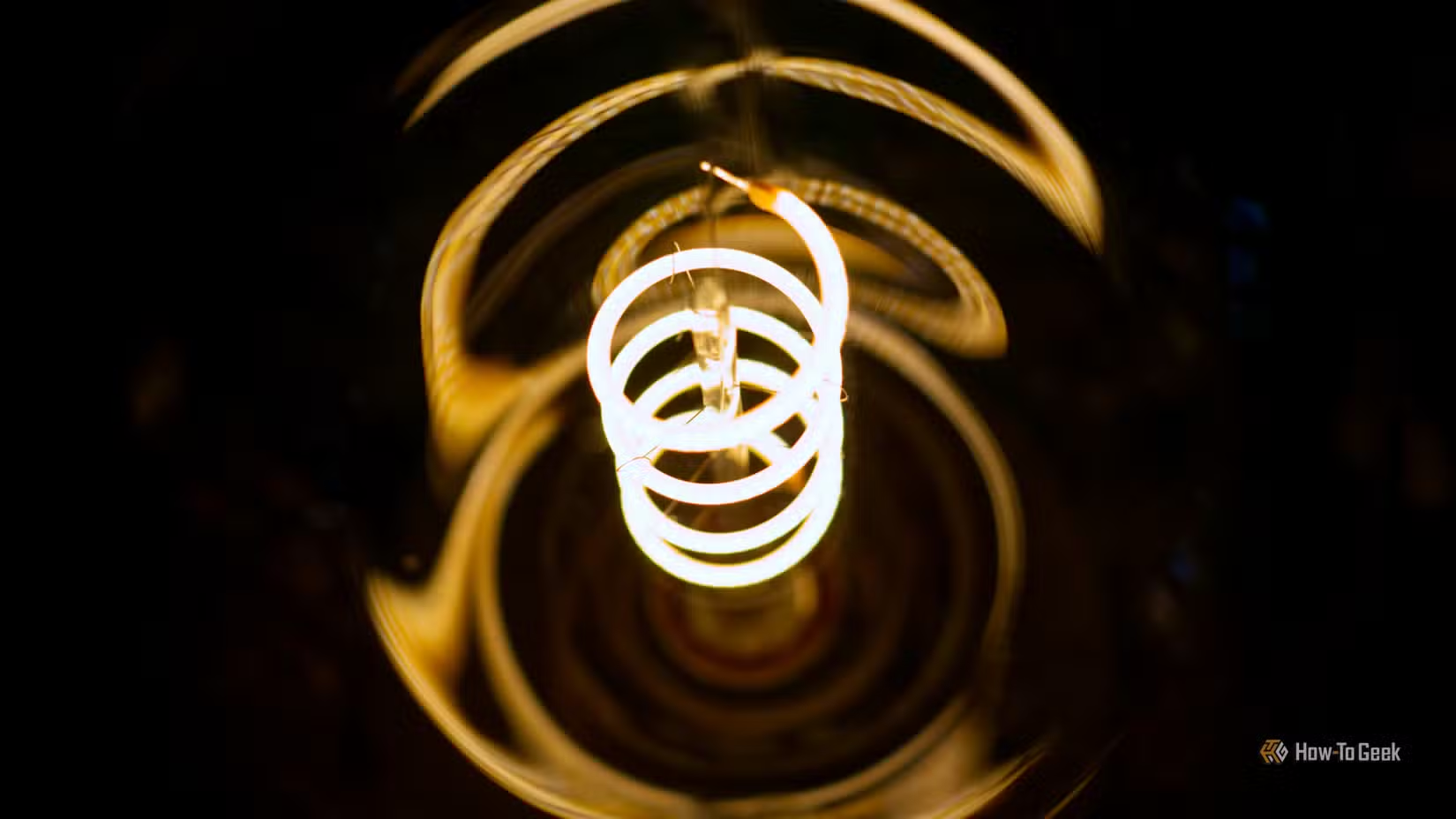
The goal is building a system that alerts you to problems without requiring constant check-ins. Home Assistant's notification system can send push alerts to your phone when sensors trigger, so you can enjoy your trip without obsessively refreshing a dashboard.
The Guest Mode Problem
Here's where vacation mode goes wrong for many users: they forget about the people still at home. The r/homeassistant community is full of stories about "haunted house" scenarios. Lights strobe randomly. Alarms trip. The house treats a spouse or housesitter like an intruder.
The fix is implementing "Guest Mode" or occupant presence checks before any vacation automation triggers. This typically involves a manual toggle or presence detection using motion sensors, phone connectivity, or a combination of both. If anyone is detected at home, vacation automations should pause.
Community Warning
Setting Up Your Toggle
The cleanest implementation uses an input boolean as your vacation mode master switch. Create a toggle in Home Assistant's Helpers section, then reference it in all your vacation automations. When the toggle is on and presence is not detected, your automations run. When it's off, or someone is home, they don't.
For the best experience, tie this toggle to a dashboard widget and a mobile shortcut. You want activating vacation mode to take seconds, not minutes of navigating menus.
Remote Access While Away
Vacation mode isn't just about automation. You also need the ability to check in. Home Assistant's Nabu Casa subscription provides secure remote access to your instance from anywhere. You can view camera feeds, check sensor states, and override automations if needed.
If you're self-hosting without Nabu Casa, make sure your VPN or reverse proxy is properly configured before you leave. Testing remote access from a coffee shop is much easier than debugging it from a beach 3,000 miles away.
Logicity's Take
Frequently Asked Questions
Does Home Assistant have a built-in vacation mode?
No. Home Assistant requires you to build vacation mode using automations, scenes, and third-party integrations like the Presence Simulation add-on.
How does presence simulation work in Home Assistant?
The Presence Simulation integration records your actual light usage patterns, then replays them when you're away. This creates realistic, non-predictable lighting that mimics normal occupancy.
What's the biggest mistake people make with vacation mode?
Forgetting to implement Guest Mode or occupant presence checks. Without these, your automations may treat remaining family members or housesitters as intruders, causing false alarms and erratic behavior.
Can I access Home Assistant remotely while on vacation?
Yes. Nabu Casa provides secure remote access, or you can configure your own VPN or reverse proxy. Test your remote access before leaving to avoid debugging issues from your destination.
How much energy can vacation mode save?
Users who automate climate set-back during extended away periods report average energy savings of 24%, primarily from reduced heating and cooling costs.
Another guide to self-hosted solutions that put you in control
More hands-on tech projects for privacy-focused users
Need Help Implementing This?
Source: How-To Geek
Huma Shazia
Senior AI & Tech Writer
Produced with AI assistance and reviewed by the Logicity editorial team. Learn more in our Editorial Policy.