Key Takeaways
- Local AI chatbots on iPhone cost a one-time $5 maximum versus $20/month or more for cloud subscriptions
- Your prompts and data never leave your device, and no login is required
- Models with 1B to 3B parameters run smoothly on iPhone 15 Pro and newer with 8GB unified memory
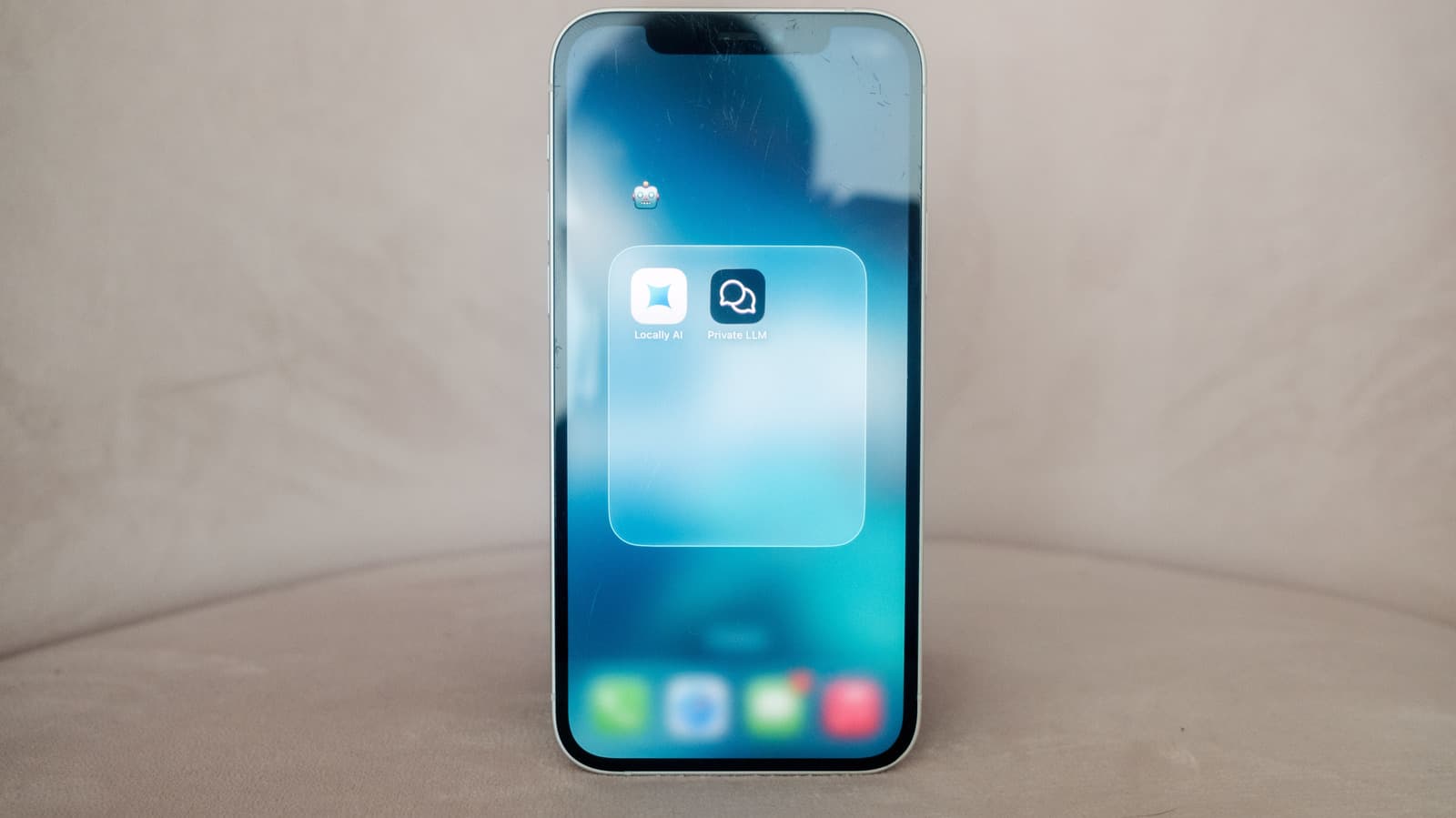
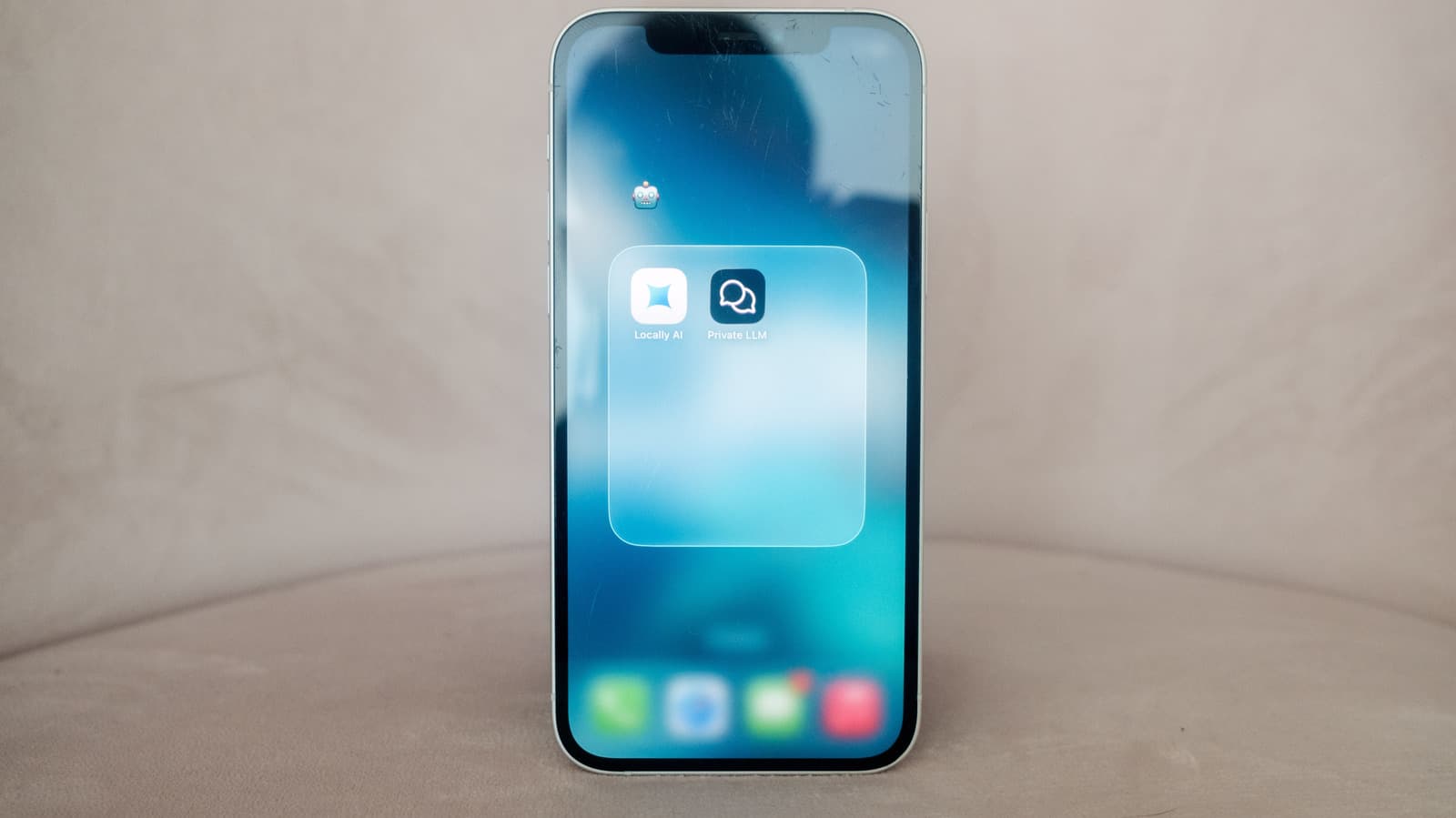
When you ask ChatGPT or Gemini a question, your request travels to a data center, gets processed on specialized hardware, and returns an answer. That round trip is invisible but constant. What most people don't realize: you can skip the cloud entirely and run capable AI models directly on a recent iPhone.
A local chatbot won't match GPT-4 or Claude on complex reasoning tasks. But for everyday questions, writing help, and quick lookups, it's surprisingly good. More importantly, it's private, offline-capable, and costs almost nothing after the initial setup.
Why Run an AI Chatbot Locally?
The money argument is straightforward. Running a local model on your iPhone costs, at most, a one-time $5 app purchase. Compare that to ChatGPT Plus at $20 per month, Google's AI plans starting at $8 per month, or Google's Ultra tier at $100 monthly. Over a year, you're looking at $96 to $1,200 in subscription fees versus a single coffee-priced payment.
Free tiers exist, but they come with rate limits. Power users hit daily caps on ChatGPT, Claude, and Gemini regularly. Local models have no such restrictions. Use them as much as you want.
Privacy Without Compromise
Local chatbots don't require a login. They don't send your prompts anywhere. The app developers say they collect no usage data. Your conversations stay on your device, period.
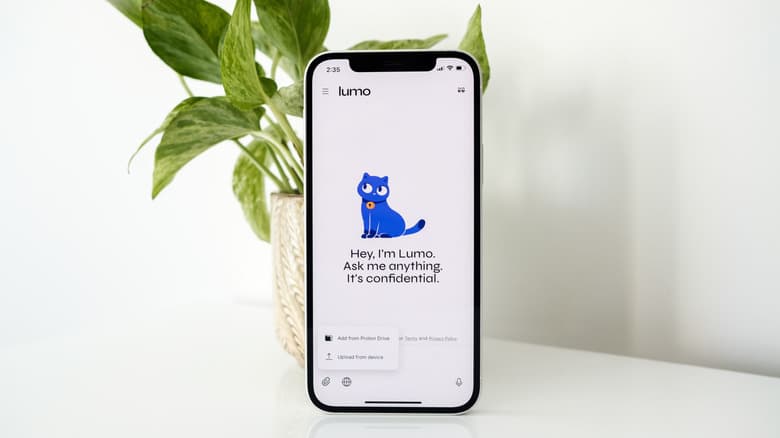
With proprietary models, assume the opposite. Your prompts, images, audio, and video typically feed back into training future models. Some exceptions exist. Proton's Lumo chatbot is fully private by default. For most services including ChatGPT, you'll need to dig through settings to opt out of data sharing for model training.
Works Without Internet
You can't use ChatGPT, Claude, or Gemini without an internet connection. Local chatbots work offline. On a flight, in a subway tunnel, at a cabin with no signal. The AI runs entirely on your phone's hardware.
The Technical Foundation: MLX and Unified Memory
Apple's MLX framework makes this possible. It's designed for machine learning on Apple Silicon, allowing the GPU to access model weights directly through the Unified Memory Architecture. No memory-intensive copying between CPU and GPU. The result: efficient inference on mobile hardware.
For practical performance, you'll want an iPhone 15 Pro, iPhone 16, or newer with 8GB of unified memory. Models in the 1B to 3B parameter range run comfortably on these devices without degrading system performance.
What You Give Up
Local models aren't as sophisticated as the latest proprietary offerings from Anthropic, OpenAI, and Google. The cloud versions run on powerful hardware that enables longer context windows, letting them reference more information from earlier in your conversation.
✅ Pros
- • One-time cost of $5 or less versus monthly subscriptions
- • Complete privacy: no data leaves your device
- • Full offline functionality
- • No rate limits or usage caps
- • No account or login required
❌ Cons
- • Less sophisticated than cloud models like GPT-4 or Claude
- • Shorter context windows for complex conversations
- • Requires iPhone 15 Pro or newer for best performance
- • Model updates require manual app updates
Best Local Chatbot Apps for iPhone
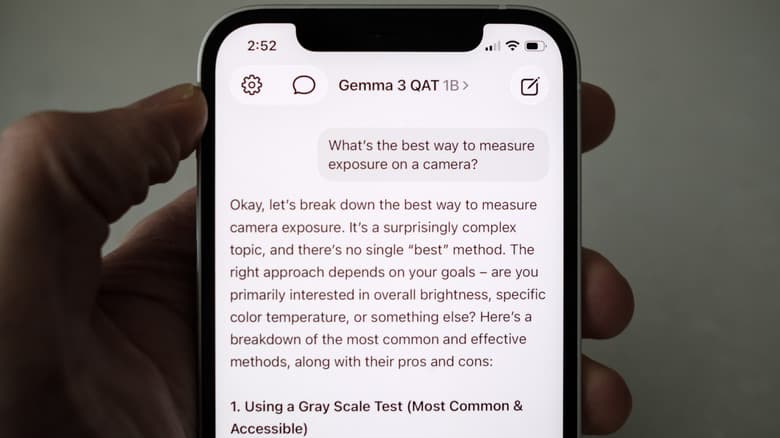
The Reddit community r/LocalLLaMA frequently highlights apps like Fullmoon for their speed and ease of use. Users describe the experience as "set-it-and-forget-it." The consensus: while cloud AI handles massive tasks better, the offline, private, zero-latency experience of local models works well for daily productivity.
Meta's Llama 3.2 release specifically included 1B and 3B parameter models optimized for mobile and edge devices. These smaller models are purpose-built for exactly this use case: running efficiently on phone hardware while remaining useful.
Getting Started
The setup process is simpler than you might expect. Download a local chatbot app from the App Store. The app handles model downloads and configuration. Most apps let you choose between different models, with smaller ones loading faster and larger ones offering better responses.
Initial model downloads can be several gigabytes, so do this on WiFi. After that first download, everything runs locally. No internet needed.
More on efficient computing hardware designed for AI workloads
When Cloud AI Still Makes Sense
Local models excel at quick questions, brainstorming, writing assistance, and tasks where privacy matters. For complex analysis, long documents, or tasks requiring the latest model capabilities, cloud services still have the edge.
The practical approach: use local models for everyday tasks and reserve cloud subscriptions for heavy lifting. You might find you need cloud AI less often than you thought.
Logicity's Take
Frequently Asked Questions
Which iPhones can run local AI chatbots?
iPhone 15 Pro and iPhone 16 models with 8GB unified memory offer the best experience. Older devices may struggle with larger models.
How much does it cost to run AI locally on iPhone?
At most, a one-time $5 app purchase. Many apps are free. Compare this to $20/month for ChatGPT Plus or $8-100/month for Google AI plans.
Are local AI chatbots as good as ChatGPT?
No. Local models are less sophisticated and have shorter context windows. They work well for everyday tasks but lag behind cloud models on complex reasoning.
Do local AI apps collect my data?
Recommended local chatbot apps don't require login and claim to collect no usage data. Your prompts stay entirely on your device.
Can I use local AI chatbots without internet?
Yes. After the initial model download, local chatbots run entirely offline. This is one of their main advantages over cloud-based alternatives.
Need Help Implementing This?
Source: Engadget
Huma Shazia
Senior AI & Tech Writer
Produced with AI assistance and reviewed by the Logicity editorial team. Learn more in our Editorial Policy.




