Key Takeaways
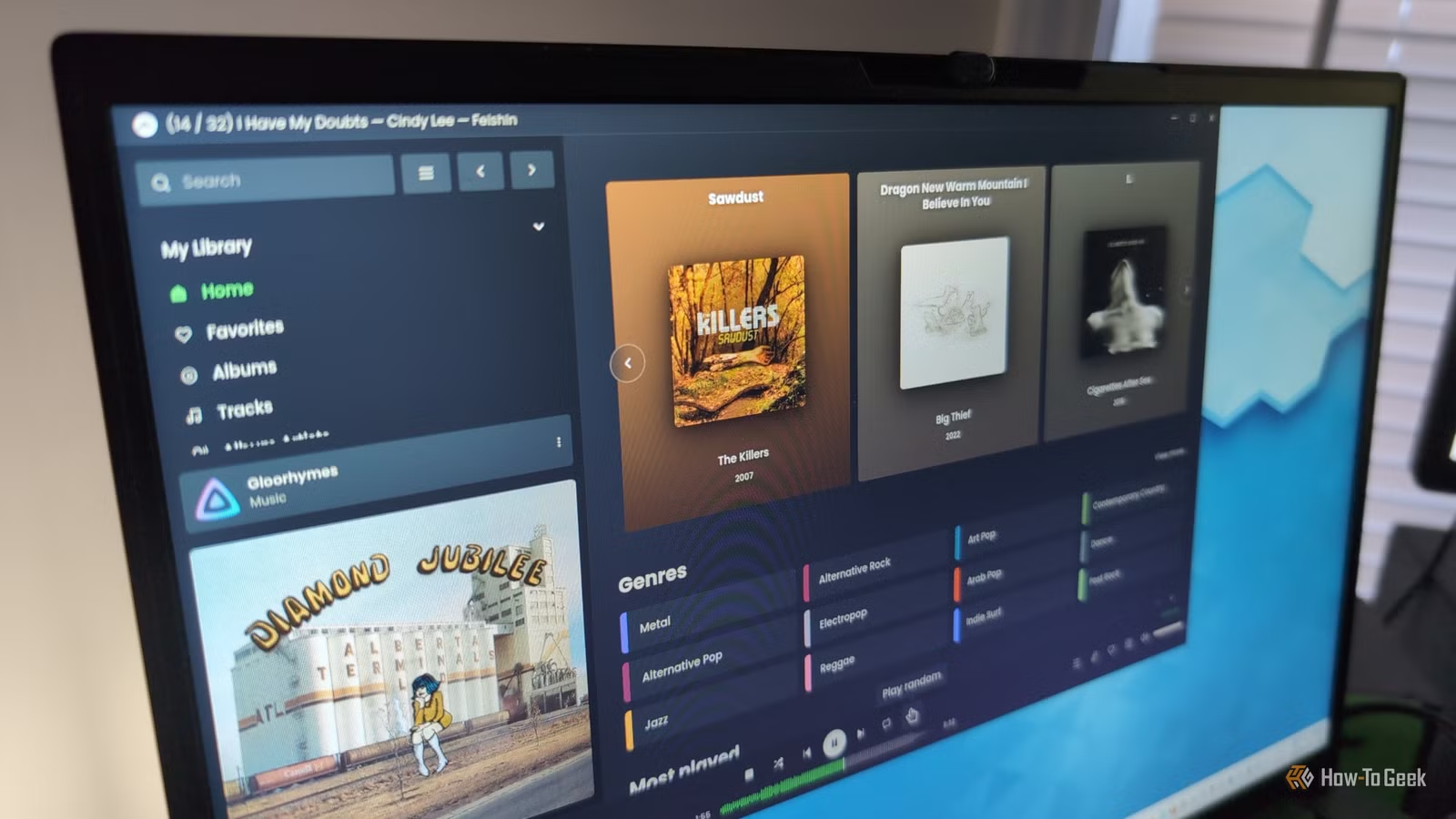
- Jellyfin lets you escape Spotify's algorithm and regain control over music discovery
- Self-hosting eliminates monthly subscription fees after initial NAS setup
- The switch requires building a digital music library and some technical comfort with home servers
The Algorithm Problem
Spotify's recommendation engine is both its greatest strength and its most frustrating limitation. When you're new to the service, the algorithm surfaces music you might never have found on your own. It learns your habits, builds playlists around your tastes, and makes it easy to start streaming within seconds of opening the app.
But there's a ceiling. How-To Geek's Ismar Hrnjicevic noticed that after years of constant Spotify use, the platform cycled through only a few hundred songs. Unless he actively searched for new artists and genres, the algorithm kept serving the same comfortable rotation. The personalization that once felt helpful started to feel like a filter bubble.
This is the trade-off built into every recommendation system. The algorithm optimizes for engagement, not discovery. It gives you what you've already proven you like, not what might challenge or expand your taste.
Taking Back Control with Jellyfin
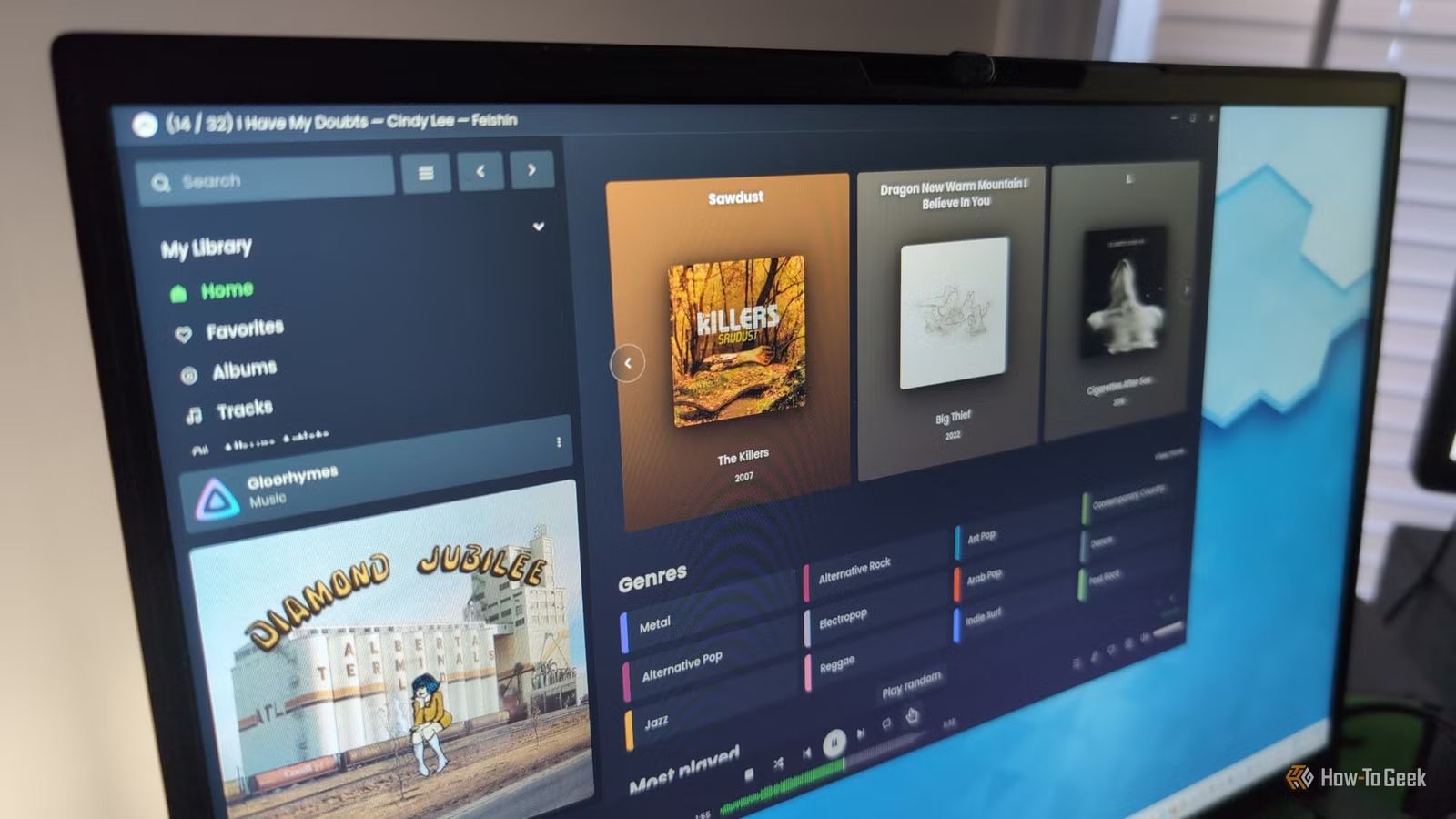
Hrnjicevic's solution was to move his music streaming to Jellyfin, an open-source media server that runs on a home NAS. The setup isn't trivial. You need hardware to run the server, storage for your music files, and enough technical comfort to configure everything. But once it's running, you own the experience.
There's no algorithm deciding what you hear next. Your home screen shows your actual library, not a curated feed designed to maximize listening time. When you want new music, you have to go find it yourself. That's a feature, not a bug.
Building a Music Library in 2025
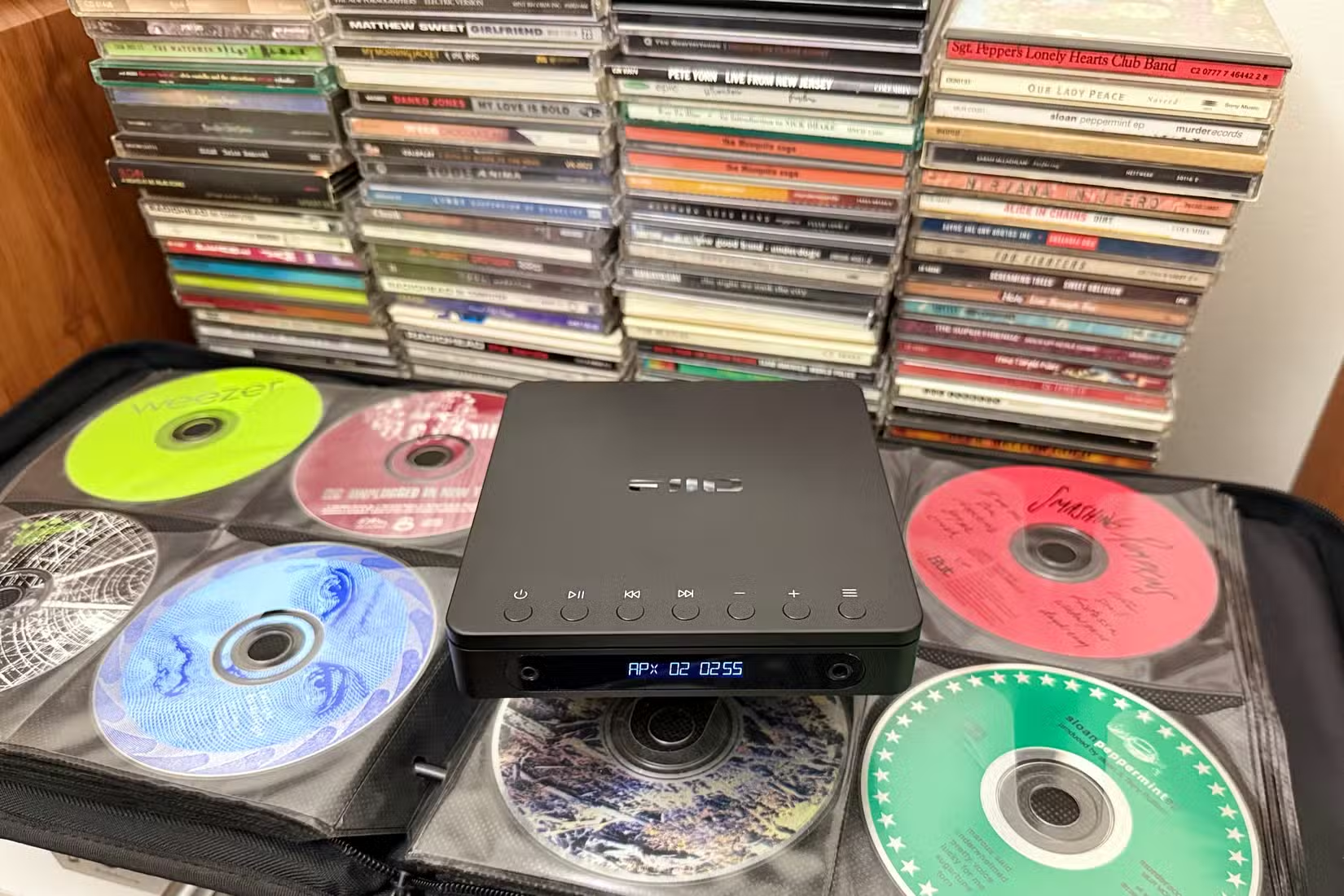
The biggest hurdle is acquiring the music itself. Streaming services trained us to expect instant access to millions of tracks. Going back to ownership means ripping CDs, buying digital downloads, or tracking down files through legal channels. It's work that feels almost retro.
But Hrnjicevic points out that this friction has an upside. When you have to actively choose what goes into your library, you end up with a collection that actually reflects your taste. No filler, no tracks the algorithm thought you might tolerate.
The Cost Equation
Spotify Premium runs around $12 per month in the US. That's $144 per year, indefinitely. Stop paying, lose access. A NAS setup has higher upfront costs. Entry-level devices start around $200, and you'll need storage drives on top of that. But there's no recurring fee for Jellyfin itself. It's free and open source.
The math works out differently for everyone. If you're already running a NAS for movies and TV shows, adding music costs nothing extra. If you're starting from scratch just for music, it takes a few years to break even. The real value isn't financial. It's independence from a platform that can raise prices, change features, or remove tracks whenever it wants.
Another guide to reclaiming control over your digital media library
What You Lose
This isn't a pure upgrade. Spotify's catalog is genuinely massive. If a song exists on a streaming service, it's probably on Spotify. With Jellyfin, you only have what you've collected. New releases don't appear automatically. Obscure tracks might be impossible to find legally.
There's also the convenience factor. Spotify works on every device, syncs across platforms, and handles offline downloads seamlessly. Jellyfin requires setup on each client. Third-party apps like Feishin work well, but they're not as polished as Spotify's apps. You're trading convenience for control.
✅ Pros
- • No monthly subscription fees after initial setup
- • Complete control over your music library and playback
- • No algorithm filtering or limiting your music discovery
- • Data stays on your own hardware
❌ Cons
- • Requires NAS hardware and technical setup
- • Must build library manually through purchases or rips
- • No automatic access to new releases
- • Client apps less polished than Spotify
Who Should Make the Switch
This setup makes sense for a specific type of person. You already have a NAS or are willing to set one up. You value ownership over convenience. You're tired of paying rent for access to music you've been listening to for years. And you have enough technical comfort to troubleshoot when things don't work.
For everyone else, Spotify remains the easier choice. The algorithm problem is real, but it's manageable. You can fight it with manual playlist creation and deliberate exploration. Most people won't find the trade-offs worthwhile.
Logicity's Take
Frequently Asked Questions
Is Jellyfin free to use?
Yes. Jellyfin is open-source software with no subscription fees. Your only costs are the hardware to run it, typically a NAS or home server, plus storage for your music files.
Can I access Jellyfin music on my phone?
Yes. Several mobile apps connect to Jellyfin servers, including Feishin for desktop and Finamp for iOS and Android. Setup requires configuring remote access to your home server.
Where do I get music files for Jellyfin?
You can rip CDs you own, purchase digital downloads from services like Bandcamp or iTunes, or use other legal sources. Building a library takes more effort than streaming but gives you permanent ownership.
Does Jellyfin work as well as Spotify?
Jellyfin handles playback well, but the apps aren't as polished as Spotify's. You'll also miss features like lyrics, social sharing, and automatic playlist generation. The core streaming experience works, but with fewer conveniences.
Need Help Implementing This?
Source: How-To Geek
Manaal Khan
Tech & Innovation Writer
Produced with AI assistance and reviewed by the Logicity editorial team. Learn more in our Editorial Policy.