Key Takeaways
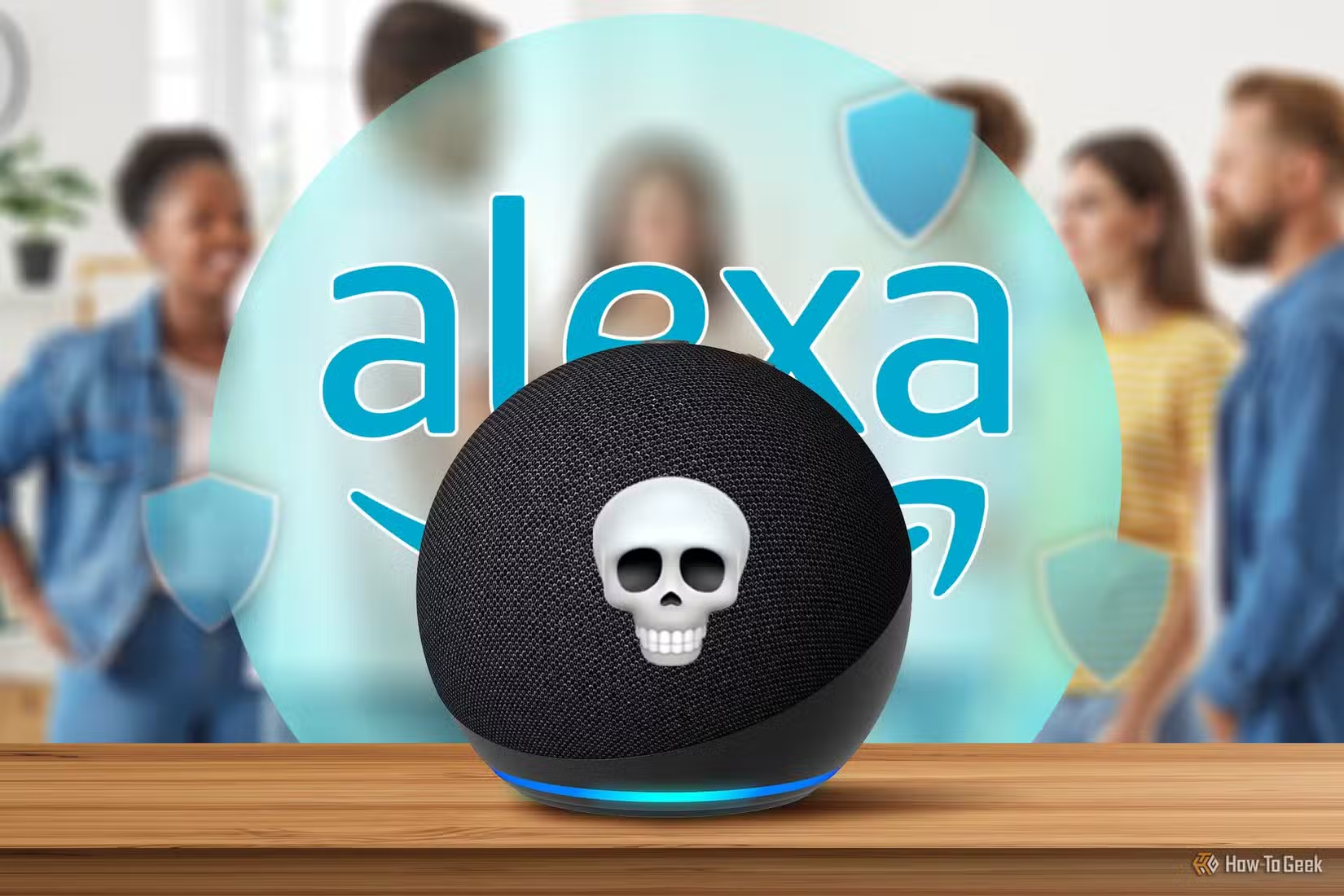
- Amazon Echo devices send voice recordings to cloud servers where third-party contractors can listen
- Home Assistant's voice assistant processes commands locally without cloud dependencies
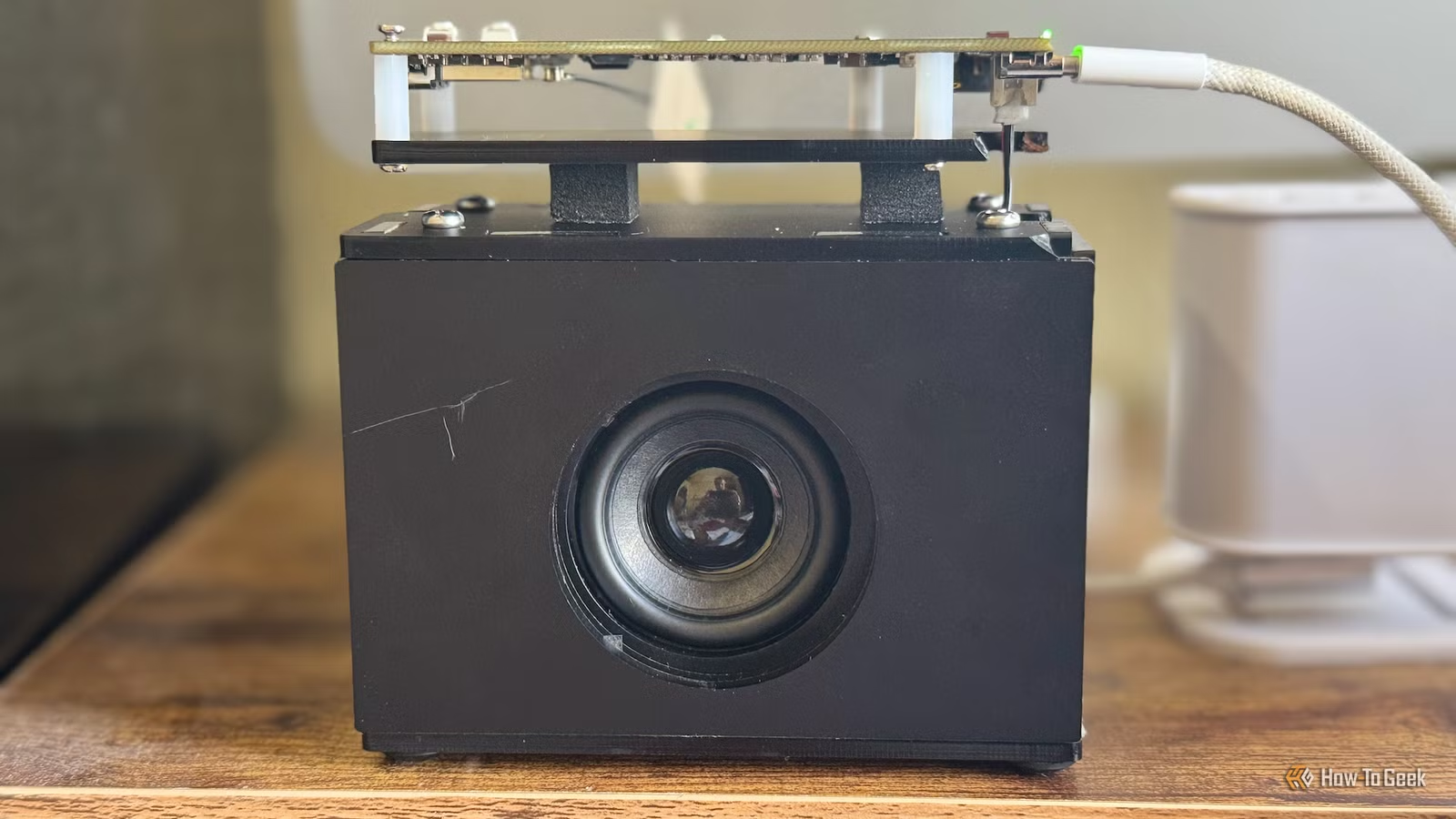
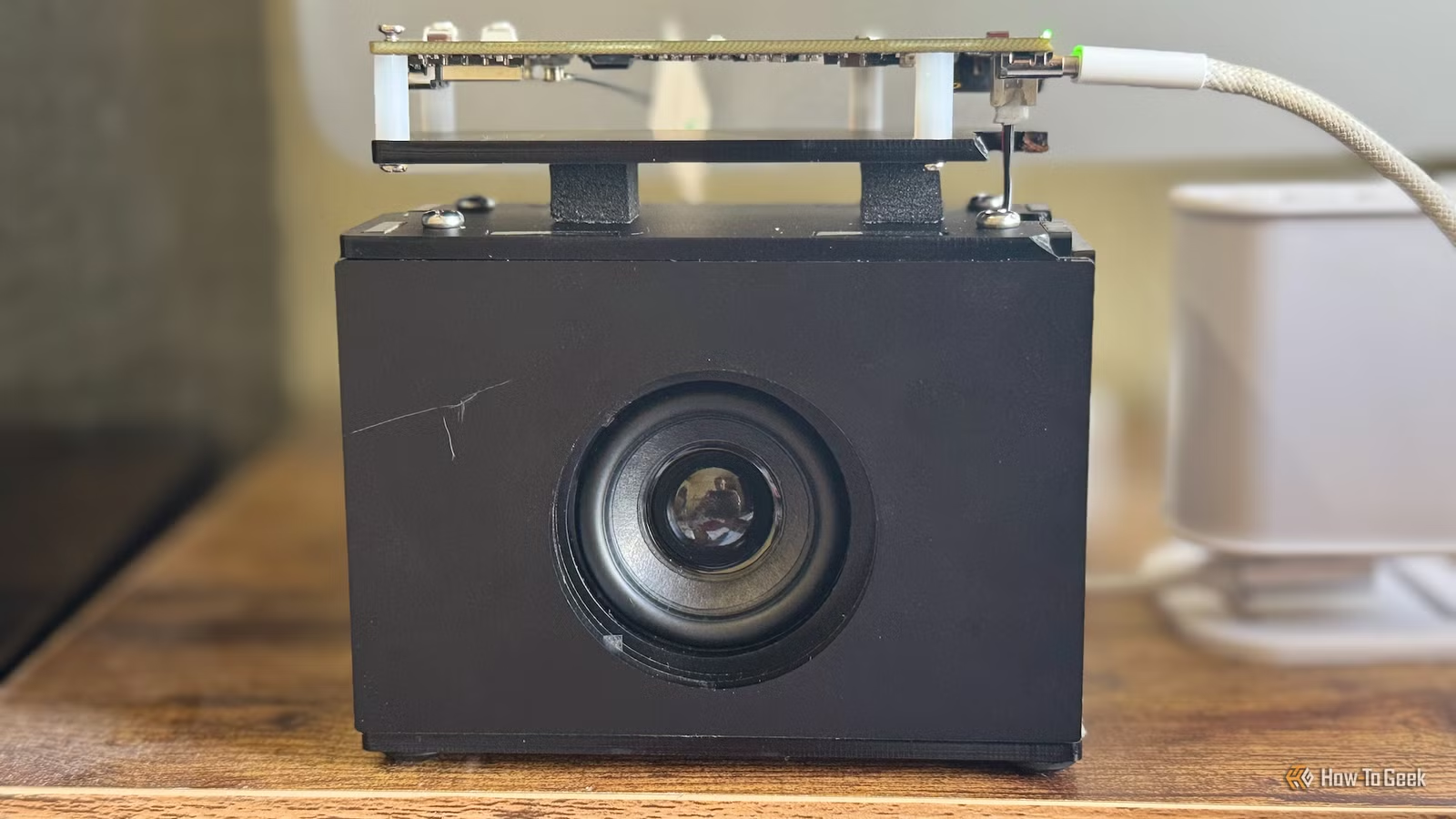
- A ReSpeaker Lite ESP32 board ($20) provides the hardware needed for a DIY smart speaker
Why Proprietary Smart Speakers Became a Problem
Amazon Echo devices promise simple voice control over your smart home. The reality? They're gateways to closed ecosystems where Amazon decides which devices work, which features exist, and which features sit behind paywalls.
Adam Davidson, a tech writer at How-To Geek who runs Home Assistant at home, finally hit his limit. His Echo speakers send voice interactions to Amazon's cloud for processing. Worse, Amazon previously revealed that third-party contractors were listening to some recordings to judge response quality.
Anything said within earshot of an Echo could land on third-party servers. And his Echo Show devices display ads despite being purchased outright. The trade-off stopped making sense.
The Open-Source Alternative: Home Assistant Voice
Home Assistant offers a different approach. The free, open-source smart home software includes its own voice assistant called Assist. You set up a pipeline that converts spoken commands to text, processes them locally, and converts the response back to speech.
No cloud servers. No contractors. No ads. Your voice data stays on hardware you control.
The catch: you need smart speaker hardware to make it work. You can buy a ready-made option like the Home Assistant Voice Preview, or build your own for less money.
Building the Hardware
Davidson chose the Seeed Studio ReSpeaker Lite, an ESP32-based development board designed for voice applications. The board includes dual microphones for voice pickup and connects to a XIAO ESP32-S3 module.
Total hardware cost runs around $20. Compare that to an Echo Dot at $50 or an Echo Show at $90. The DIY option costs less and gives you full control.
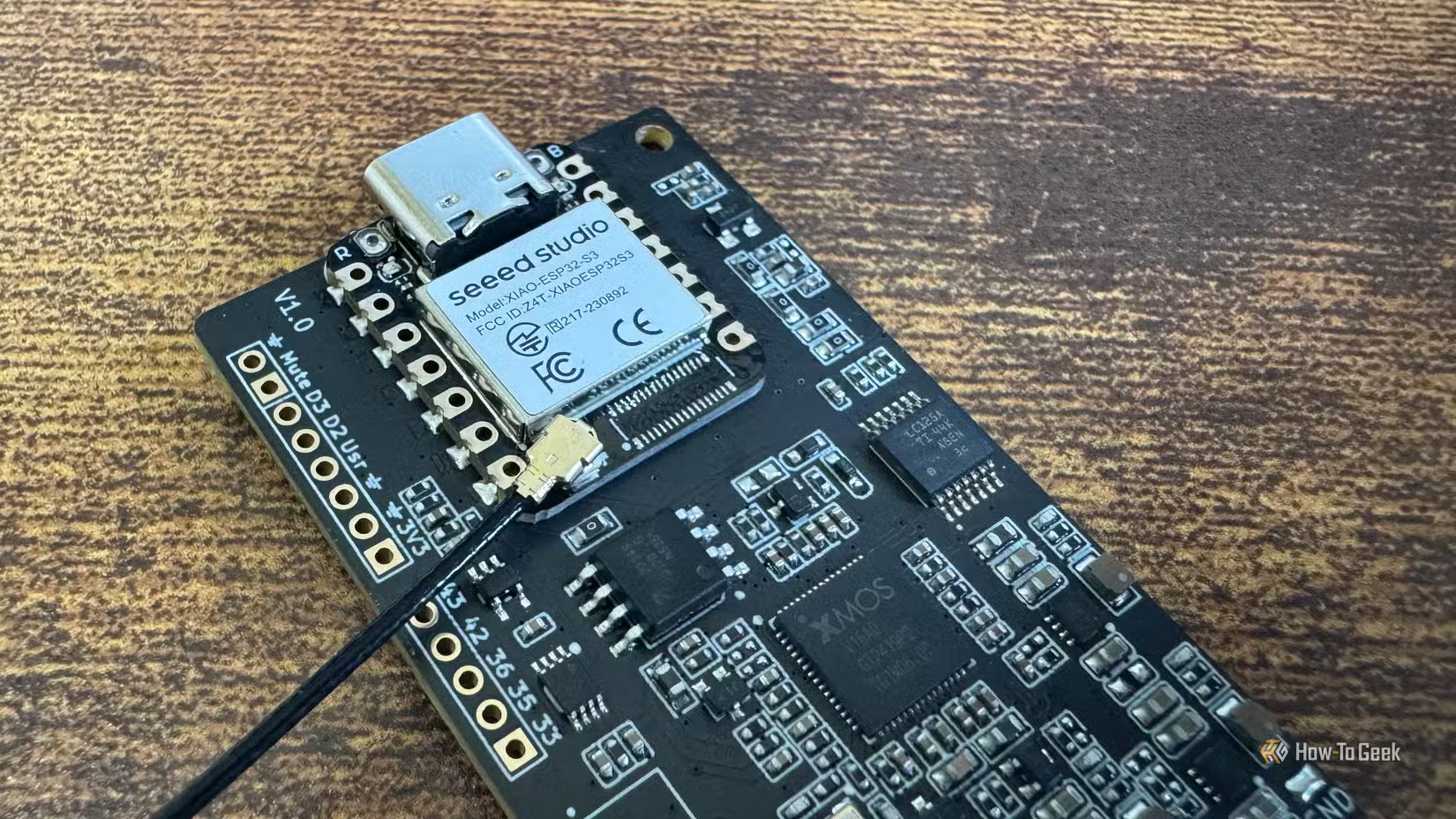
The setup process involves flashing firmware to the ESP32, connecting it to your Home Assistant instance, and configuring the voice pipeline. Home Assistant handles the speech-to-text and text-to-speech processing on your local server.
What You Gain and What You Lose
✅ Pros
- • All voice processing stays local. No data sent to cloud servers.
- • No ads, ever. You own the hardware and software.
- • Works with any device Home Assistant supports, not just ecosystem partners.
- • Lower cost than commercial smart speakers.
- • Full customization of wake words, responses, and automations.
❌ Cons
- • Requires a Home Assistant server running 24/7.
- • Initial setup takes technical effort.
- • Voice recognition accuracy may lag behind Amazon or Google.
- • No built-in music services or skills ecosystem.
- • Hardware assembly needed for DIY options.
The trade-off is clear: you get privacy and control in exchange for convenience and polish. If your main use case is smart home control rather than playing Spotify or asking trivia questions, the open-source route handles it well.
Is This Practical for Most People?
If you already run Home Assistant, adding voice control is straightforward. The software handles the heavy lifting. You just need compatible hardware and a few hours for setup.
If you don't run Home Assistant, the barrier is higher. You'll need a Raspberry Pi or similar device to host the server, plus time to configure your smart home devices. It's a weekend project, not a plug-and-play purchase.
For people who care about keeping voice data private, or who've been frustrated by Amazon removing features or adding ads, the effort pays off. Davidson says he's never going back to proprietary speakers.
Logicity's Take
Another look at open-source alternatives to locked-down ecosystems
More smart home gear worth the investment
Frequently Asked Questions
Does Home Assistant voice assistant work offline?
Yes. Home Assistant can process voice commands entirely on local hardware using Piper for text-to-speech and Whisper for speech-to-text. No internet connection required after initial setup.
How much does a DIY Home Assistant smart speaker cost?
Around $20 for the ReSpeaker Lite ESP32 board. You'll also need a Home Assistant server, which can run on a Raspberry Pi ($35-75) or repurposed computer.
Can Home Assistant control Alexa-compatible devices?
Home Assistant supports most smart home protocols including Zigbee, Z-Wave, WiFi, and Matter. Many devices marketed as Alexa-compatible work fine with Home Assistant.
Is Home Assistant voice recognition as accurate as Alexa?
Not quite. Amazon and Google have spent billions on voice recognition. Open-source alternatives are good enough for smart home control but may struggle with complex queries or noisy environments.
Do I need coding skills to set up Home Assistant voice?
Basic technical comfort helps. The process involves flashing firmware and editing configuration files. If you can follow a tutorial and troubleshoot error messages, you can do it.
Need Help Implementing This?
Source: How-To Geek
Manaal Khan
Tech & Innovation Writer
Produced with AI assistance and reviewed by the Logicity editorial team. Learn more in our Editorial Policy.