Key Takeaways
- Vibe coding lets developers describe features loosely and let AI handle program structure
- Claude Opus generated a working Rust front-end for FFmpeg with minimal human intervention
- The approach works best when users step in only when something breaks rather than planning everything upfront
The Problem: FFmpeg Is Powerful but Tedious
FFmpeg is the multimedia Swiss army knife behind countless media applications. It can convert formats, compress video, extract audio, and handle nearly any media manipulation task you throw at it. The catch? It's a command-line tool. Using it means typing long strings of commands you half-remember or copy from forum posts.
Nick Lewis, an editor at How-To Geek, got tired of constantly rechecking documentation for syntax examples. He wanted a graphical interface instead. Rather than build one the traditional way, he decided to try 'vibe coding' with Claude Opus.
What Is Vibe Coding?
Vibe coding is a hands-off approach to software development. Instead of carefully planning a program's architecture and writing code line by line, you give an AI a loose prompt describing the features you want. The AI figures out the structure. You only step in when something breaks.
It's the opposite of traditional software engineering. No detailed specifications. No architecture diagrams. Just a description of what you want and trust in the model to make it work.
The Experiment: Building a Rust Front-End
Lewis deliberately avoided the planning phase. He gave Claude Opus a loose prompt with the features he wanted for an FFmpeg GUI. The AI determined how to structure the code. Lewis only intervened when the application broke.
The choice of Rust is notable. It's not a beginner-friendly language. Memory safety, ownership rules, and strict compilation make Rust projects more demanding than Python or JavaScript equivalents. Yet Claude Opus handled the complexity.
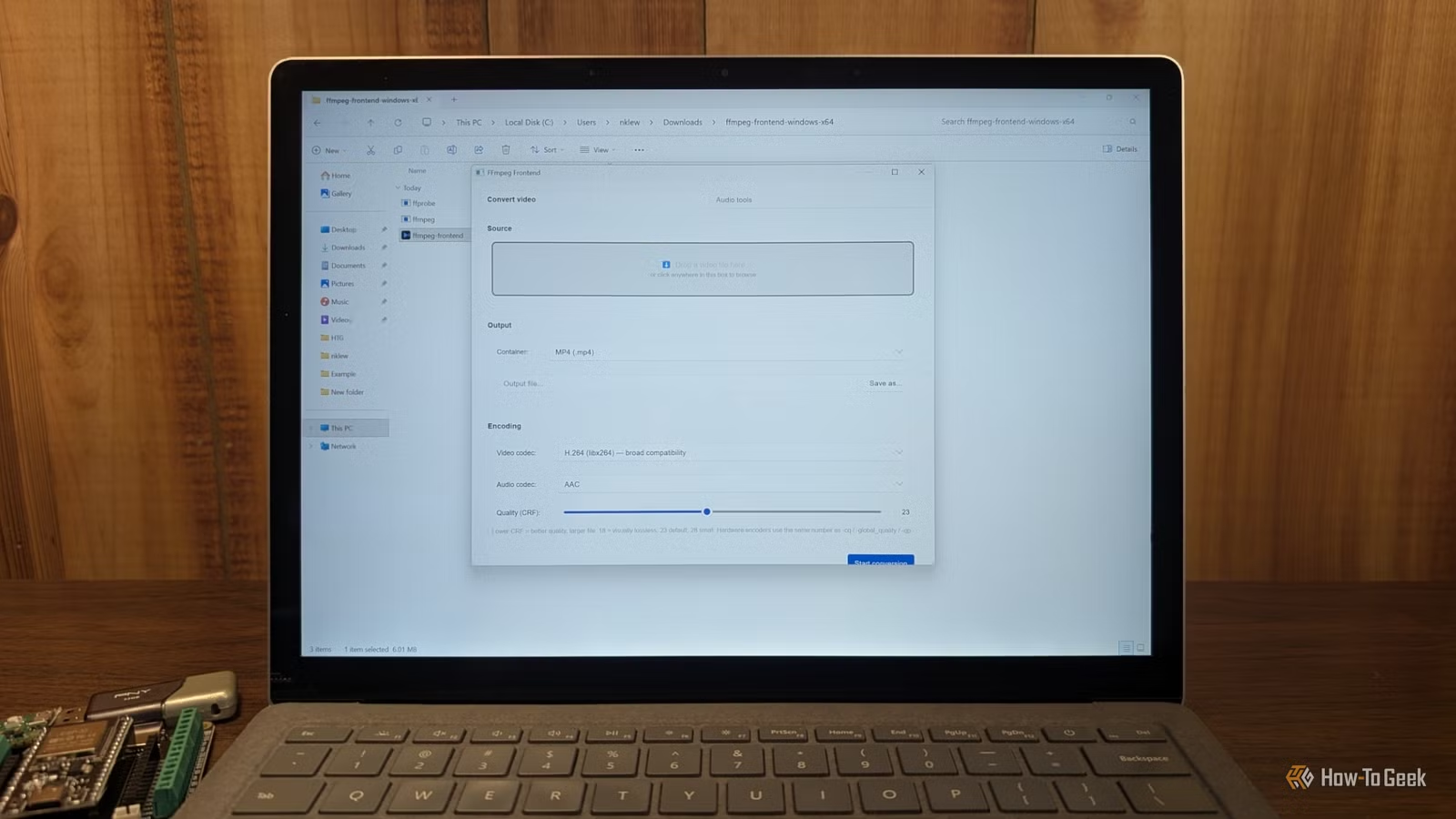
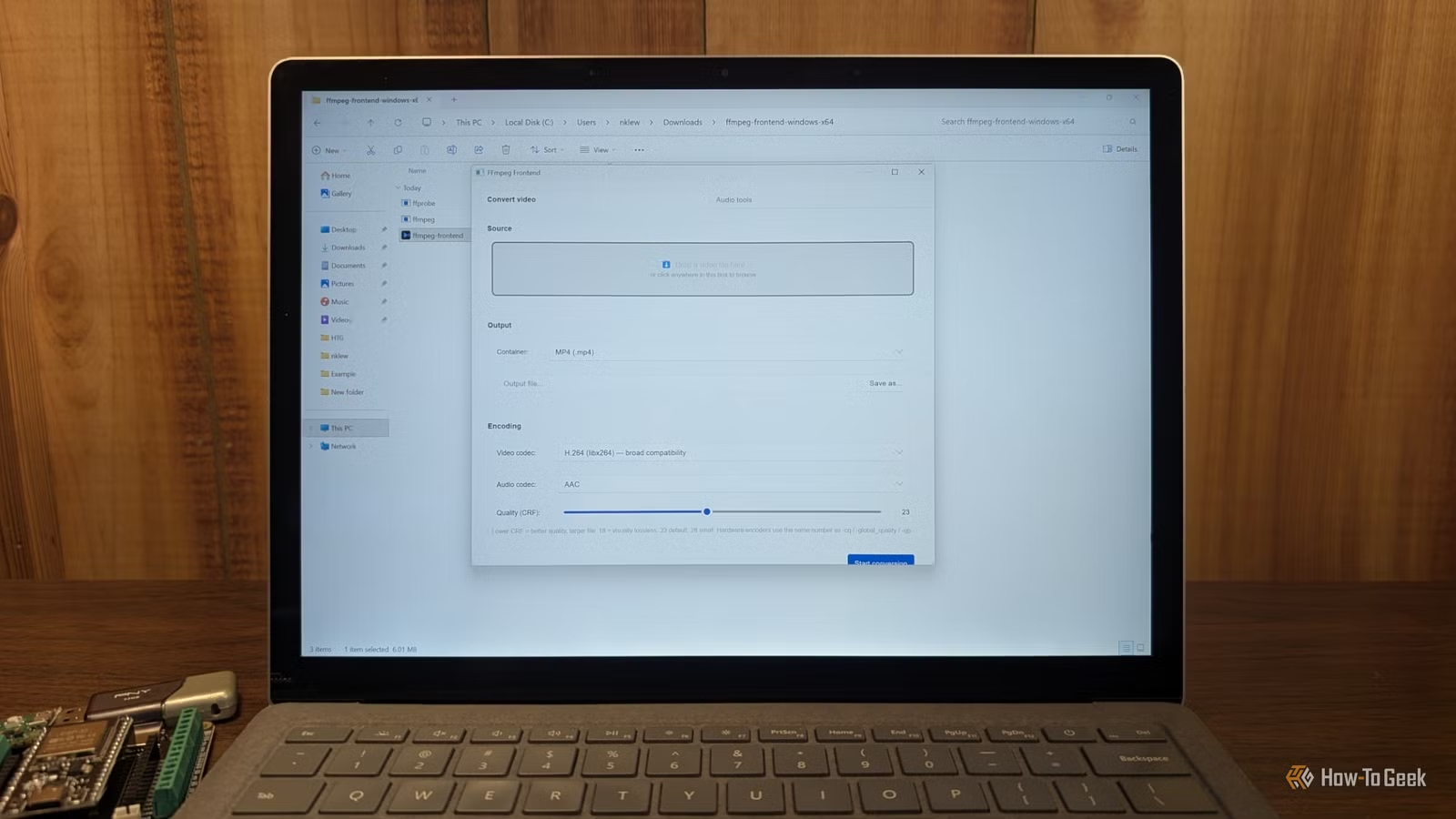
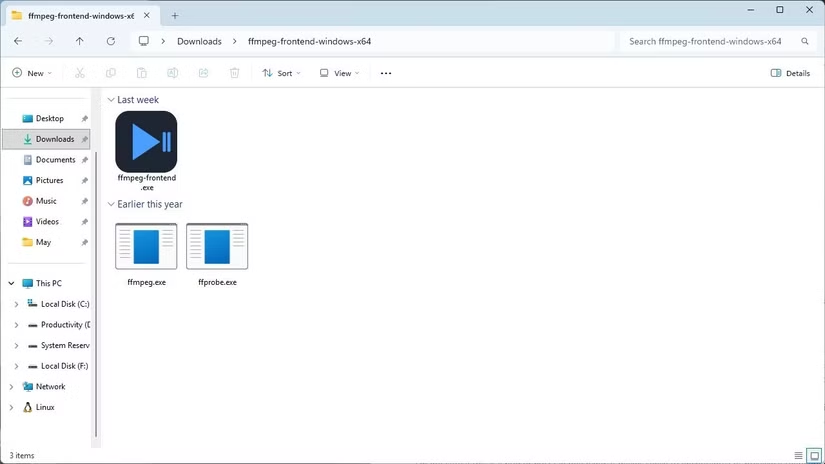
The result? A working front-end that lets Lewis avoid the command line entirely for common FFmpeg tasks. Format conversion, compression settings, and audio extraction now happen through a graphical interface rather than memorized terminal commands.
Why This Matters for Developers
Vibe coding won't replace traditional software engineering for mission-critical systems. But for personal tools, quick prototypes, and utility applications, it changes the economics of building software.
A developer who knows what they want but doesn't want to spend hours on implementation details can now describe the outcome and let AI handle the boilerplate. The time from idea to working prototype shrinks from days to hours.
Lewis's FFmpeg GUI is a perfect example. The tool solves a real problem. It didn't require weeks of development. And it works well enough for daily use.
More tools built with open-source foundations
The Limits of Vibe Coding
This approach has clear boundaries. Complex applications with intricate business logic still need human architects. Security-sensitive code requires careful review. And AI-generated code can contain subtle bugs that surface only under edge cases.
The technique works best for utilities where the developer can test functionality immediately. An FFmpeg GUI either converts the file correctly or it doesn't. The feedback loop is fast.
For applications where failures are subtle or delayed, vibe coding becomes riskier. You might not notice a problem until months later.
More weekend coding projects worth trying
Getting Started with Vibe Coding
If you want to try vibe coding yourself, start with a tool you actually need. Frustration with an existing workflow makes a good motivator. Lewis built his FFmpeg GUI because he was tired of command-line tedium.
Keep your first project small. A single-purpose utility is easier to debug than a multi-feature application. You can always add features in later sessions.
Be prepared to step in when things break. Vibe coding is hands-off, not hands-free. The AI will make mistakes. Your job is catching them and providing direction for fixes.

Logicity's Take
Frequently Asked Questions
Frequently Asked Questions
What is vibe coding?
Vibe coding is an approach where you describe what you want to an AI assistant and let it generate the code structure. You only intervene when something breaks rather than planning everything upfront.
Which AI model works best for vibe coding?
Claude Opus was used in this example, but other capable coding models like GPT-4 can also work. The key is choosing a model that handles complex programming tasks well.
Can vibe coding produce production-ready software?
For simple utilities and personal tools, yes. For complex applications or security-sensitive code, human review and traditional engineering practices are still necessary.
Do I need programming knowledge to vibe code?
Some programming knowledge helps you catch errors and provide useful direction when things break. Complete beginners may struggle to debug AI-generated code.
Why use Rust for an FFmpeg GUI?
Rust offers memory safety and performance, making it suitable for applications that process media files. The strict compiler catches many bugs before runtime.
Need Help Implementing This?
Source: How-To Geek
Huma Shazia
Senior AI & Tech Writer
Produced with AI assistance and reviewed by the Logicity editorial team. Learn more in our Editorial Policy.