Key Takeaways
- Obsidian uses Markdown files that work in any editor on any OS, eliminating vendor lock-in
- LibreOffice provides a full office suite without recurring subscription costs
- Nextcloud lets you self-host cloud storage with full control over your data
Microsoft 365 costs $99.99 per year for an individual subscription. That adds up to nearly $500 over five years for software you might not fully use. Tech writer Tashreef Shareef dropped his subscription at the start of 2026 after realizing he hadn't opened Word in months. He replaced four Microsoft services with free alternatives that do the same job.
His replacements aren't obscure tools. They're established applications used by millions. The switch eliminates recurring costs while avoiding the vendor lock-in that comes with proprietary file formats like .docx.
Obsidian Replaces Microsoft Word
Obsidian isn't technically open source, but it's free for personal use. The app stores everything as plain Markdown files. That means your notes are .md text files that open in any text editor on any operating system.
Shareef notes that Obsidian opens almost instantly on his Windows PC, while Word takes several seconds to load on the same machine. The Markdown format is the bigger draw. You format headings, lists, bold text, and links using simple syntax. Open a .md file in any Markdown viewer and the formatting displays correctly.
The portability matters for writers who move between devices and platforms. Paste a Markdown file into a content management system and the structure stays intact. No conversion tools needed. No compatibility headaches.
Obsidian stores files locally by default. You're not paying a subscription to access your own work. The app runs on Windows, macOS, Linux, Android, iOS, and iPadOS.
LibreOffice Replaces the Full Office Suite
LibreOffice handles spreadsheets, presentations, and documents. It's the direct replacement for Excel, PowerPoint, and Word when you need full office functionality rather than a writing-focused tool like Obsidian.
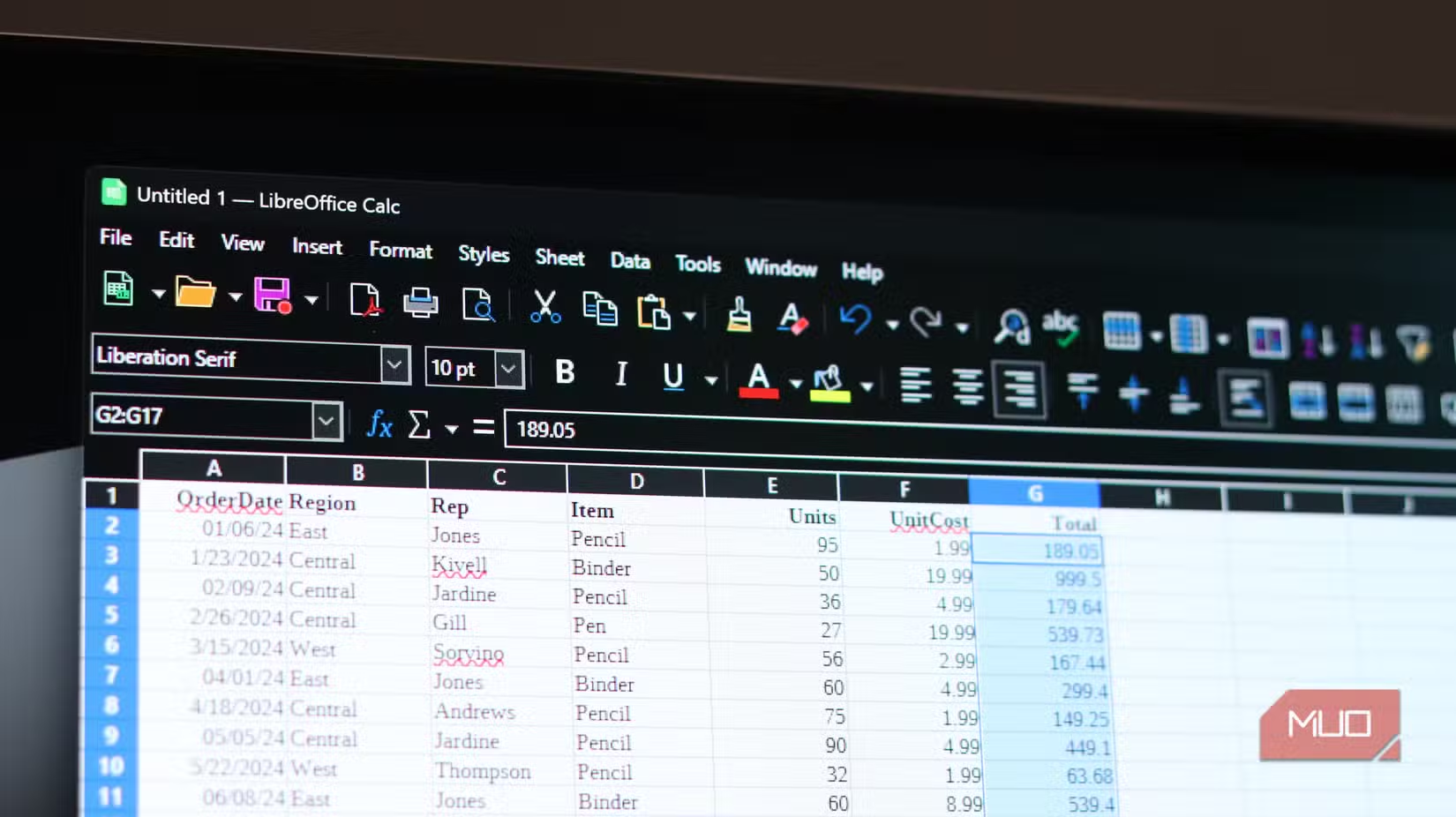
The suite opens and edits Microsoft file formats. You can work with .docx, .xlsx, and .pptx files shared by colleagues still using Office. LibreOffice also saves in the Open Document Format, which provides long-term file accessibility without depending on any single company.
LibreOffice lacks some advanced Excel features like Power Query and certain pivot table functions. For most spreadsheet work, Calc does the job. The Document Foundation maintains the project with regular updates and security patches.
If you're evaluating spreadsheet options, understanding Excel's advanced features helps compare what you might give up
Nextcloud Replaces OneDrive
OneDrive bundles 1TB of cloud storage with Microsoft 365. Nextcloud offers a self-hosted alternative. You run it on your own hardware or a rented server, which means full control over your files.
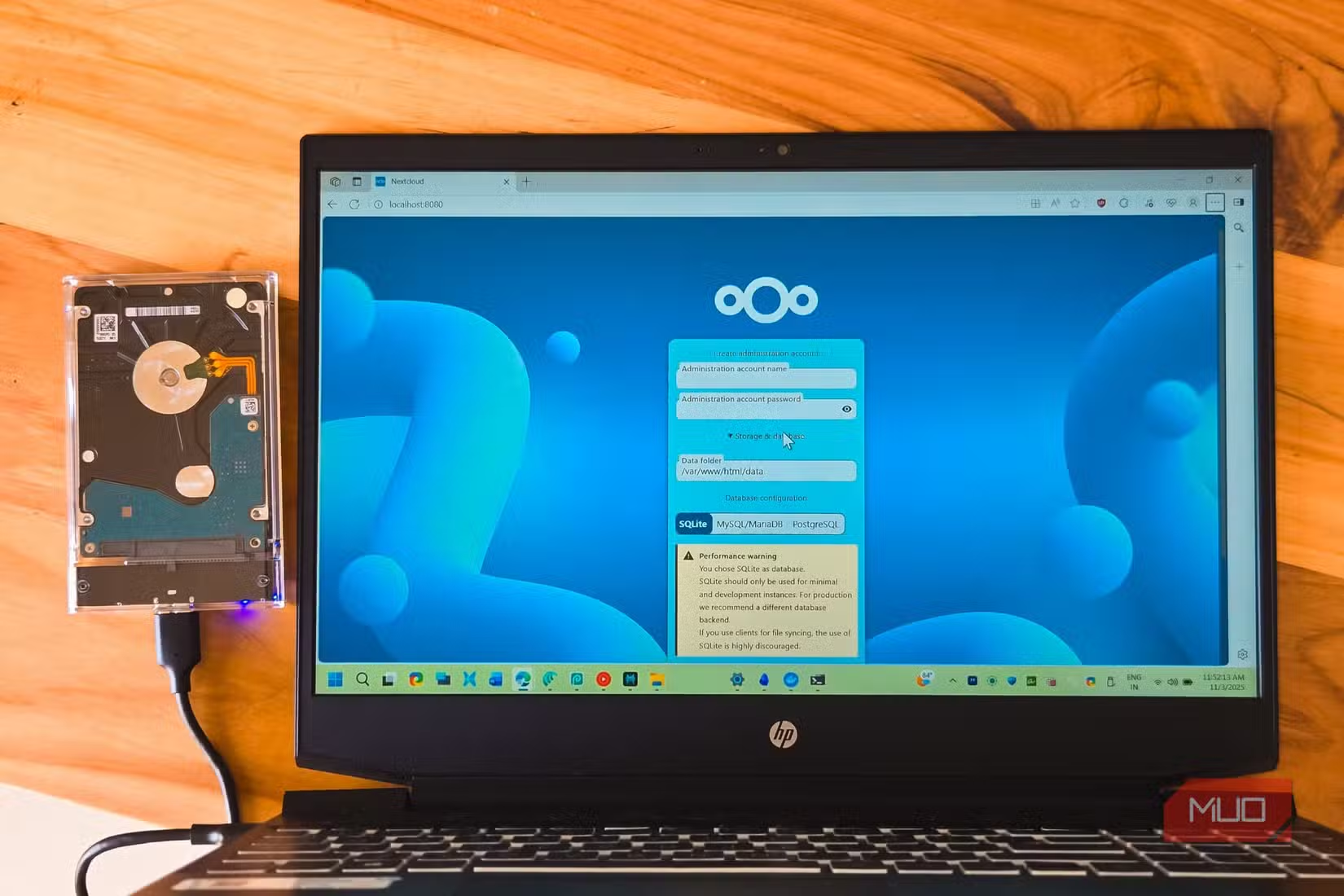
Self-hosting requires more technical setup than signing up for OneDrive. You need a server, domain, and basic Linux administration skills. For teams with IT resources or individuals comfortable with server management, the tradeoff is complete data ownership.
Nextcloud syncs across devices, shares files with external users, and includes collaboration features. The platform is open source with an active development community. Hosting providers also offer managed Nextcloud instances if you want the software without the server administration.
Mailspring Replaces Outlook
Mailspring handles email with a clean interface and modern features. The app supports multiple accounts, snoozing, read receipts, and link tracking. It connects to Gmail, Outlook, Yahoo, and IMAP accounts.
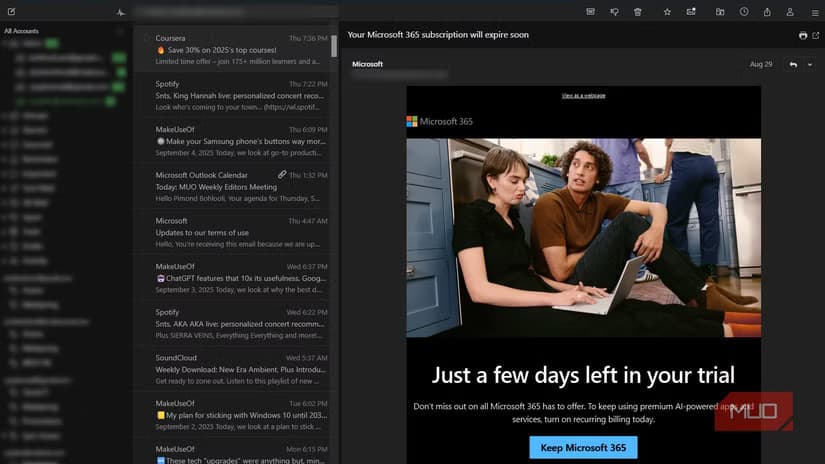
The free version covers most email needs. A paid tier adds advanced features like send later and company profiles. Unlike Outlook, which requires a Microsoft 365 subscription for full functionality, Mailspring's core features work without payment.
Thunderbird is another option if you want a fully open-source email client. Mozilla maintains it with regular updates. Mailspring offers a more polished interface, while Thunderbird provides deeper customization.
What You Give Up
Microsoft 365 includes real-time collaboration that's hard to replicate with local apps. Google Docs handles collaborative editing better than most open-source alternatives. If your team edits documents simultaneously, that's a genuine gap.
Integration is another consideration. Microsoft's apps connect seamlessly with Teams, SharePoint, and other enterprise tools. Open-source replacements work independently, which means manual file transfers between systems.
Support also differs. Microsoft provides help desks and documentation. Open-source projects rely on community forums and wikis. For businesses that need guaranteed response times, that matters.
Understanding Microsoft's legacy architecture helps explain why alternatives sometimes lag on Windows integration
| Microsoft Service | Free Alternative | Key Tradeoff |
|---|---|---|
| Word | Obsidian | Markdown only, no rich formatting |
| Office Suite | LibreOffice | Lacks some advanced Excel features |
| OneDrive | Nextcloud | Requires self-hosting or managed service |
| Outlook | Mailspring | Some features require paid tier |
Who Should Switch
Solo users who don't need real-time collaboration benefit most. Writers, developers, and small teams with technical skills can save hundreds yearly. The apps work well for personal projects where file compatibility with enterprise systems isn't critical.
Companies embedded in Microsoft's ecosystem face higher switching costs. Training, workflow changes, and integration gaps add up. The math changes when you factor in the time to migrate versus the subscription savings.
Logicity's Take
Frequently Asked Questions
Can LibreOffice open Microsoft Office files?
Yes. LibreOffice opens and edits .docx, .xlsx, and .pptx files. Complex formatting or macros may not transfer perfectly, but basic documents work fine.
Is Obsidian really free?
Obsidian is free for personal use. Commercial use requires a paid license. The sync feature costs extra, but you can sync Markdown files through any cloud service.
How hard is it to set up Nextcloud?
Self-hosting requires a server, domain, and Linux basics. Expect a few hours for initial setup. Managed hosting providers eliminate the technical work for a monthly fee.
What's the best free Outlook alternative?
Mailspring offers a polished interface with modern features. Thunderbird is fully open source with more customization options. Both connect to most email providers.
Will I lose data switching from OneDrive to Nextcloud?
No. Download your OneDrive files, then upload them to Nextcloud. The process is manual but straightforward. Plan for the data transfer to take time depending on how much you've stored.
Need Help Implementing This?
Source: MakeUseOf
Manaal Khan
Tech & Innovation Writer
Produced with AI assistance and reviewed by the Logicity editorial team. Learn more in our Editorial Policy.