Key Takeaways
- Googlebook's Magic Pointer turns the cursor into a context-aware AI trigger, suggesting actions when you shake it over content
- Early users report the OS misinterprets simple queries as system commands, creating unpredictable behavior
- Developers are already sharing workarounds to disable system-wide AI features and restore deterministic computing
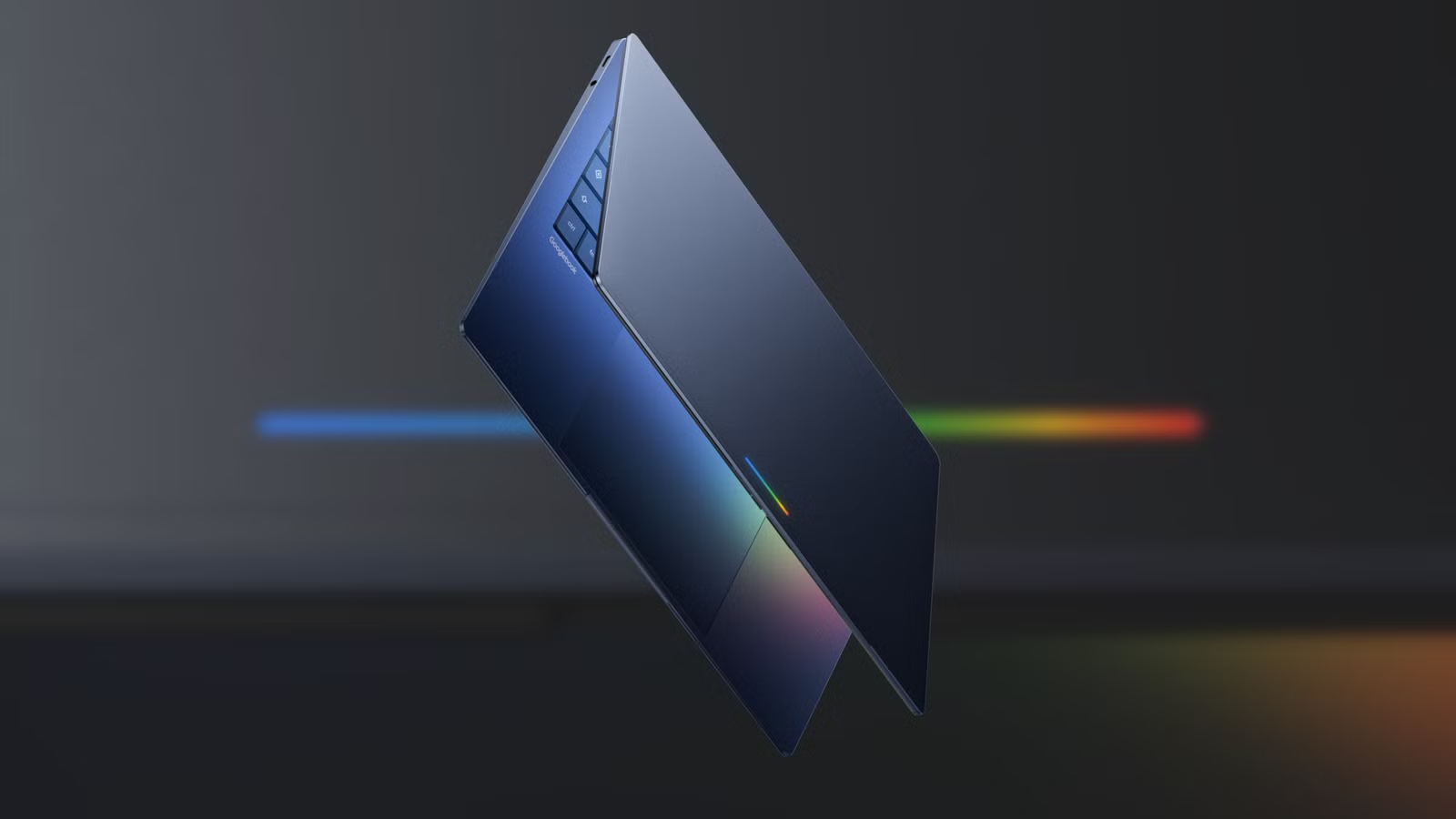
Google launched its Googlebook laptop platform in May 2026, positioning it as a premium device where AI is the primary interface. The company went all-in on features that promise to transform basic interactions. Your cursor becomes context-aware. Widgets generate themselves from natural language prompts. Every surface of the operating system tries to anticipate what you want.
The problem? This is exactly what Microsoft tried with Copilot and Recall in Windows 11. And users hated it.
Magic Pointer: The cursor that never stops helping
The flagship feature of Googlebook is called Magic Pointer. It transforms the standard cursor into a context-aware tool that suggests AI-powered actions based on what you're pointing at.
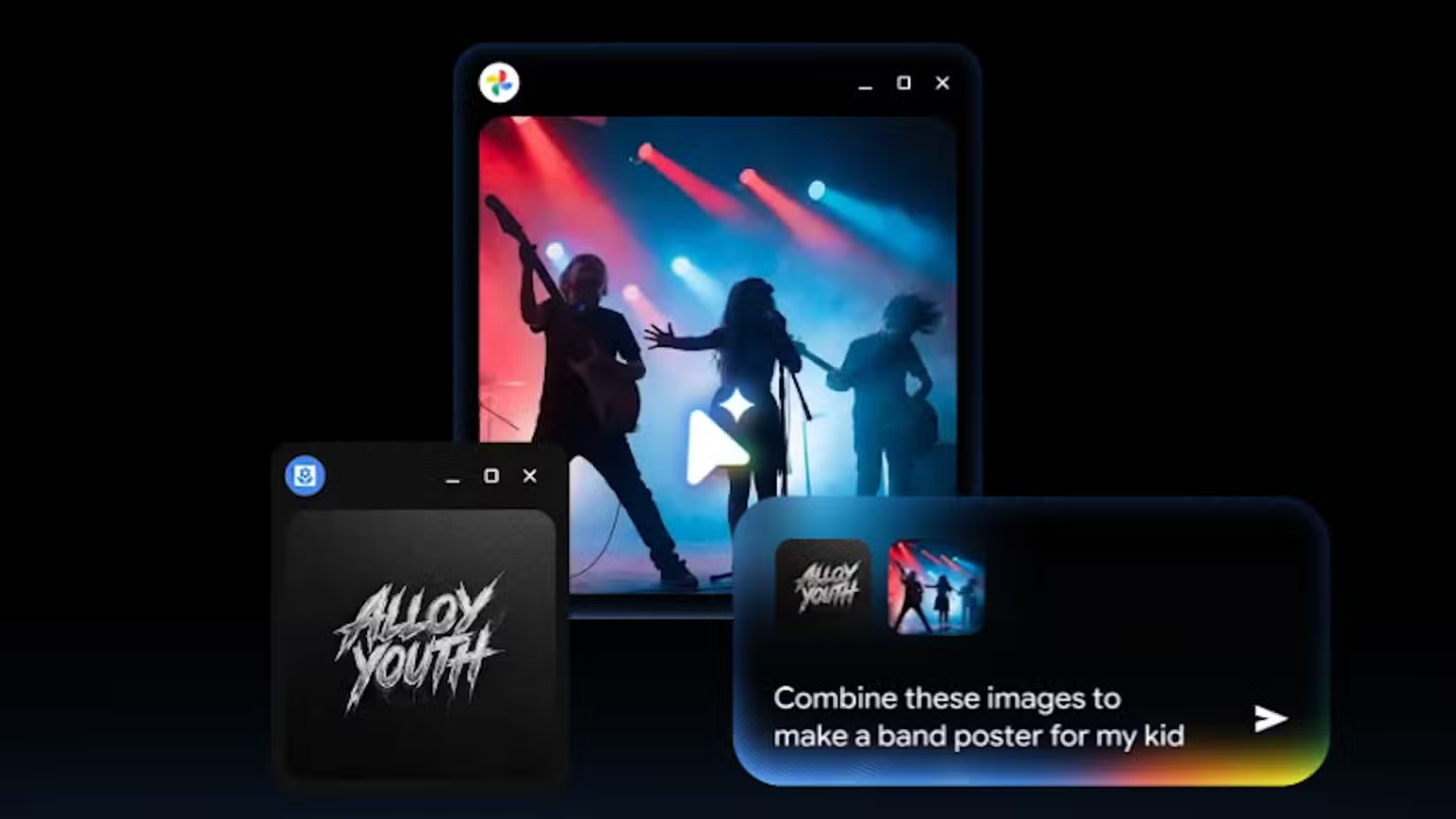
Shake your pointer over a date in an email, and Gemini suggests setting up a meeting. Shake it over an image, select another image, and Gemini offers to combine them. The OS watches your cursor movements and tries to predict your intent at every moment.
Google also promotes natural language widget creation. Ask for a widget about your upcoming trip, and Gemini pulls in relevant information to build one. It sounds useful in a demo. In practice, it raises the same concerns that plagued Microsoft's Recall feature: the system is always watching, always interpreting, always ready to do something you didn't ask for.
The slop problem
Early Googlebook users discovered a familiar pattern. The OS often misinterprets simple, static queries as commands to alter system state. Looking up a dictionary definition? The AI might treat it as an instruction. This creates what critics call a "slop" effect: the system generates unwanted output that clutters your workflow instead of helping it.
Dictionary-related searches saw a 40% drop in accuracy following the May 2026 AI update. Basic utility, sacrificed for experimental features.
Microsoft tried this. It didn't go well.
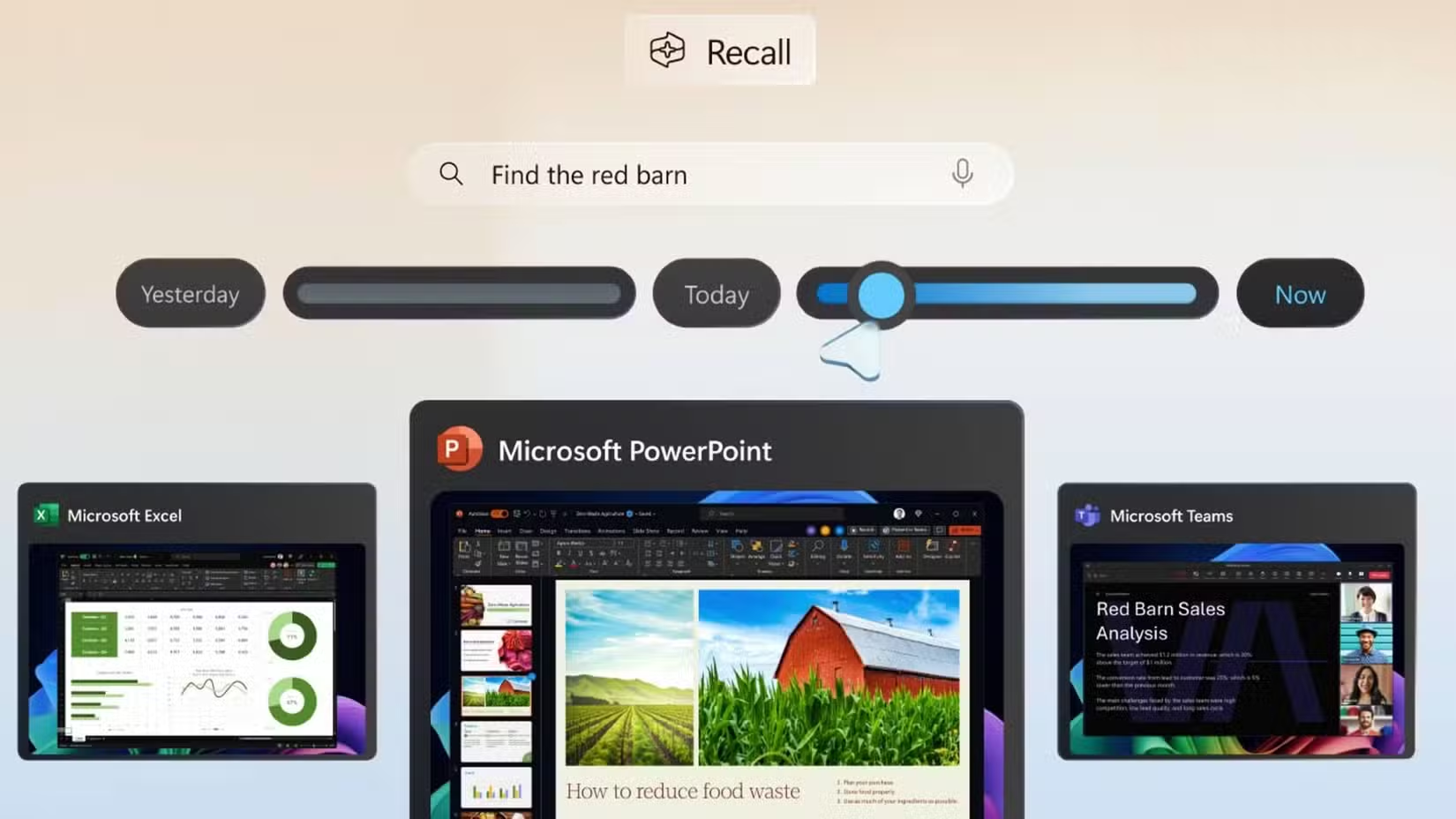
Microsoft's Windows 11 rollout of Copilot and Recall faced intense backlash. Recall, which screenshots your activity to enable AI search through your history, raised immediate privacy and security concerns. Copilot integration felt forced, appearing in contexts where users wanted a stable tool, not an eager assistant.
Microsoft has spent months walking back these features, making them optional, adding controls, and responding to criticism that the company prioritized AI marketing over user needs.
Google watched all of this happen. Then it launched Googlebook with the same philosophy: AI everywhere, whether you want it or not.
Developer and user backlash
HackerNews threads are filled with developers lamenting what they call "the death of deterministic computing." When you click something, you expect a predictable result. When AI interprets your intent, the result becomes probabilistic. Sometimes helpful. Sometimes wrong. Always unpredictable.
Reddit's r/technology subreddit shows similar sentiment. The consensus: both Microsoft and Google are "solving problems that don't exist" while breaking core utility that worked fine before.
Workarounds are already circulating to disable Magic Pointer system-wide. Users want their cursor back. They want dictionary searches that return definitions, not calendar invitations. They want computing that does what they tell it, not what an AI thinks they meant.
The $12 billion question
Google reportedly spent $12 billion on the Googlebook hardware-software integration. That investment is now under scrutiny as the "forced" AI implementation draws criticism. The money built impressive technology. The question is whether anyone asked for it.
Watching the launch video, tech journalist Adam Davidson from How-To Geek described himself "screaming at my monitor." His assessment: "It's yet another example of a major company throwing AI features at a product and hoping it finds something that sticks."
Just because Google could build an AI-powered cursor doesn't mean it should have.
What this means for enterprise buyers
IT departments considering Googlebook for corporate fleets should approach with caution. The same issues that made Windows Recall a security concern apply here: an AI that watches everything you do creates attack surface. It also creates unpredictability in workflows that depend on consistent behavior.
Training costs matter too. If employees need to learn workarounds to disable features, that's friction added to adoption. If the AI misinterprets a simple task and creates a meeting or modifies a file, that's cleanup time.
The appeal of AI-first computing assumes users want AI first. Early evidence suggests many don't.
Logicity's Take
Frequently Asked Questions
What is Googlebook's Magic Pointer feature?
Magic Pointer is a context-aware cursor that suggests AI-powered actions when you shake it over content. Point at a date, and it offers to schedule meetings. Point at images, and it offers to combine them.
How is Googlebook similar to Windows 11 Recall?
Both systems integrate AI deeply into basic OS functions, watching user activity to power suggestions. Both faced criticism for prioritizing AI features over stable, predictable computing.
Can you disable Googlebook's AI features?
Workarounds are circulating in developer communities to disable Magic Pointer system-wide. Google has not yet announced official opt-out controls.
What problems are Googlebook users reporting?
Users report that the OS misinterprets simple queries as system commands. Dictionary searches, for example, sometimes trigger calendar events or file modifications instead of returning definitions.
How much did Google spend developing Googlebook?
Reports estimate $12 billion in R&D for the Googlebook hardware-software integration, an investment now under scrutiny as forced AI features draw criticism.
Google device users should know how long their hardware will receive updates
Need Help Implementing This?
Source: How-To Geek
Manaal Khan
Tech & Innovation Writer
Produced with AI assistance and reviewed by the Logicity editorial team. Learn more in our Editorial Policy.