Key Takeaways
- Android phones have a defined support window, typically 5-7 years for flagships, after which security updates stop
- An expired phone still works but becomes vulnerable to new security exploits within 3-6 months of missing patches
- You can check your phone's end-of-support date in Settings or on your manufacturer's website
Your Android phone has an expiration date. Not a physical one where the battery explodes or the screen cracks. A software one. After a certain point, your phone stops receiving security updates. It still turns on. Apps still work. But the device becomes a security liability.
This matters more than most people realize. If you're buying a used phone or grabbing a clearance deal on last year's flagship, that "bargain" might have only a year or two of safe, supported use left.
What "Expiration" Actually Means
When people talk about a phone expiring, they're talking about two separate clocks. The first is major Android version updates. Your phone might stop getting Android 17 even though it ran Android 16 fine. The second, more important clock is security patches.
Here's the thing: missing a major Android update isn't a disaster. Sydney Butler at How-To Geek notes that his Android devices running three or four versions behind "hardly makes any difference to their usability." The interface differences between Android versions have become subtle enough that most users wouldn't notice.
Security updates are different. Once those stop, your phone becomes progressively vulnerable to newly discovered exploits. Security researchers estimate an unpatched Android device becomes vulnerable to new exploits within 3 to 6 months of missing updates.
What Stops Working
Current Support Timelines
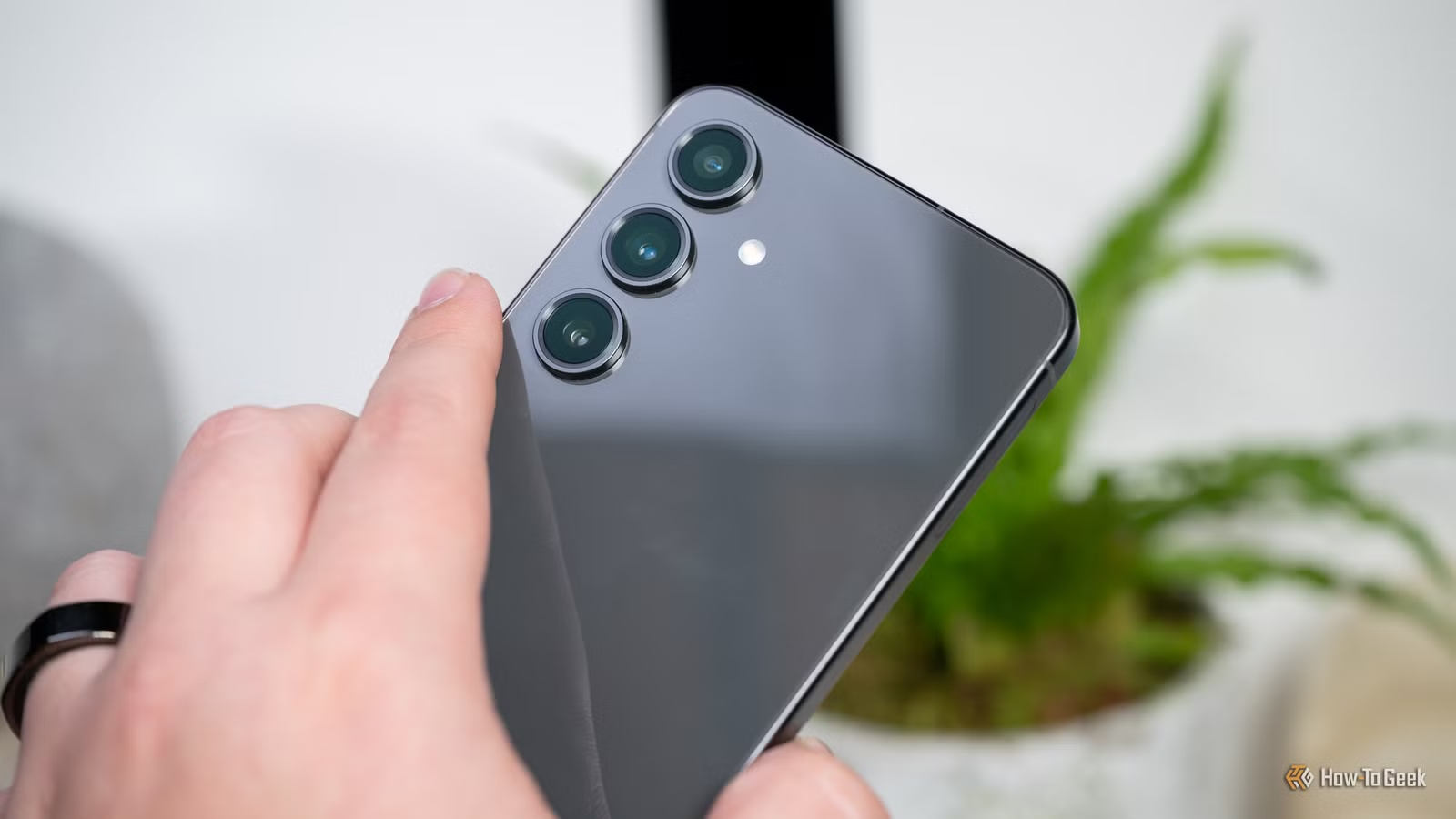
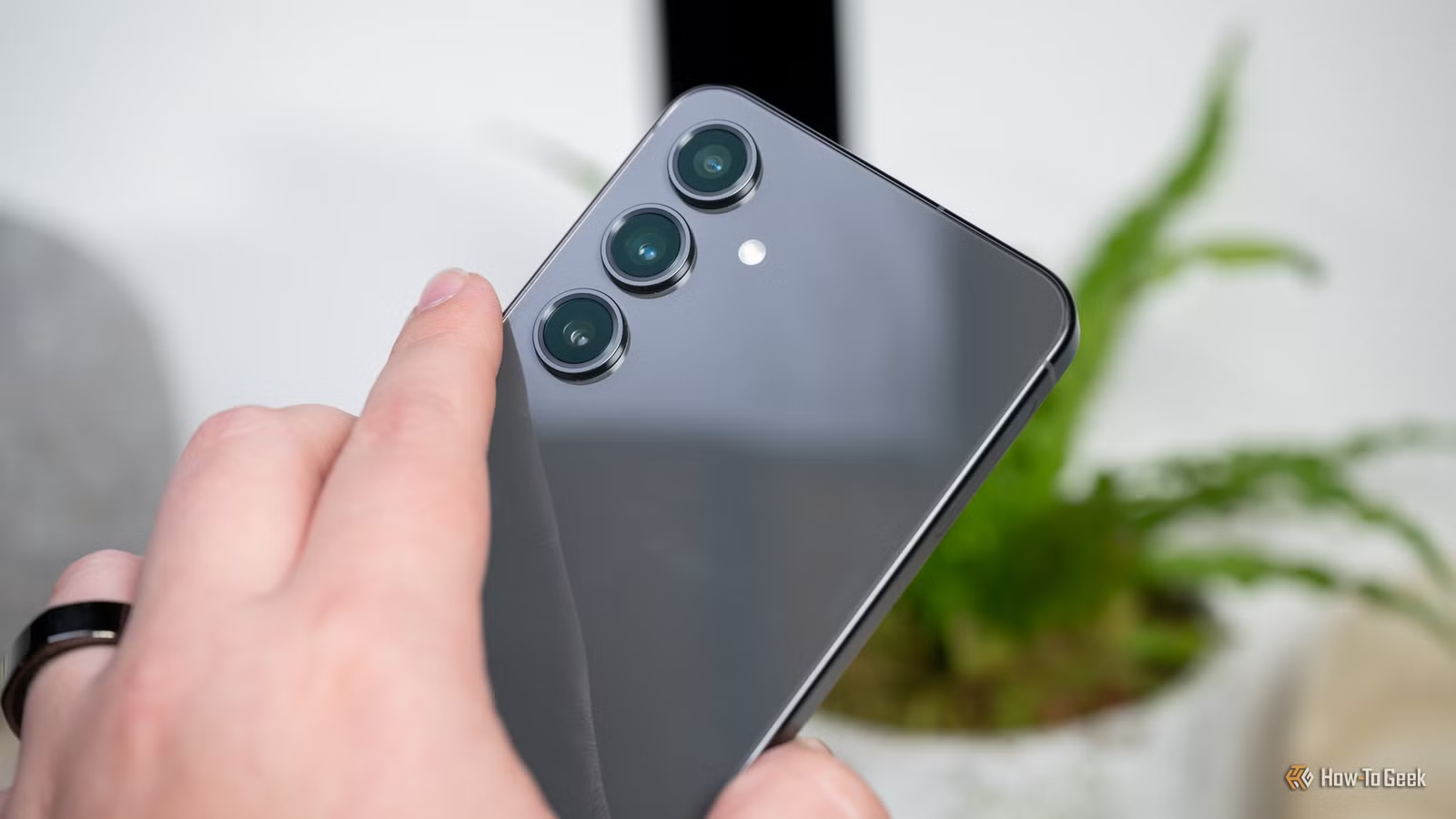
The industry has improved dramatically in recent years. Google and Samsung flagships now ship with 7 years of software and security support. That's the new industry-leading standard. A Samsung Galaxy S25 Ultra purchased in 2025, for example, will receive support until 2032.
But 7 years isn't universal. Many budget and mid-range phones still ship with just 2-3 years of security patches. If you're buying a $200 phone, check the support window before you buy. That clearance-priced phone from two years ago might have only one year of safe use remaining.
“Software support longevity is the new battleground for flagship smartphones, moving from a nice-to-have to a critical purchasing factor.”
— Avi Greengart, Founder & Lead Analyst at Techsponential
How to Check Your Phone's Support End Date
Finding your phone's expiration date takes about 30 seconds. Here's the process:
- Open Settings on your Android phone
- Tap "About phone" (sometimes under "System" first)
- Look for "Android version" or "Software information"
- Note your current security patch level and date
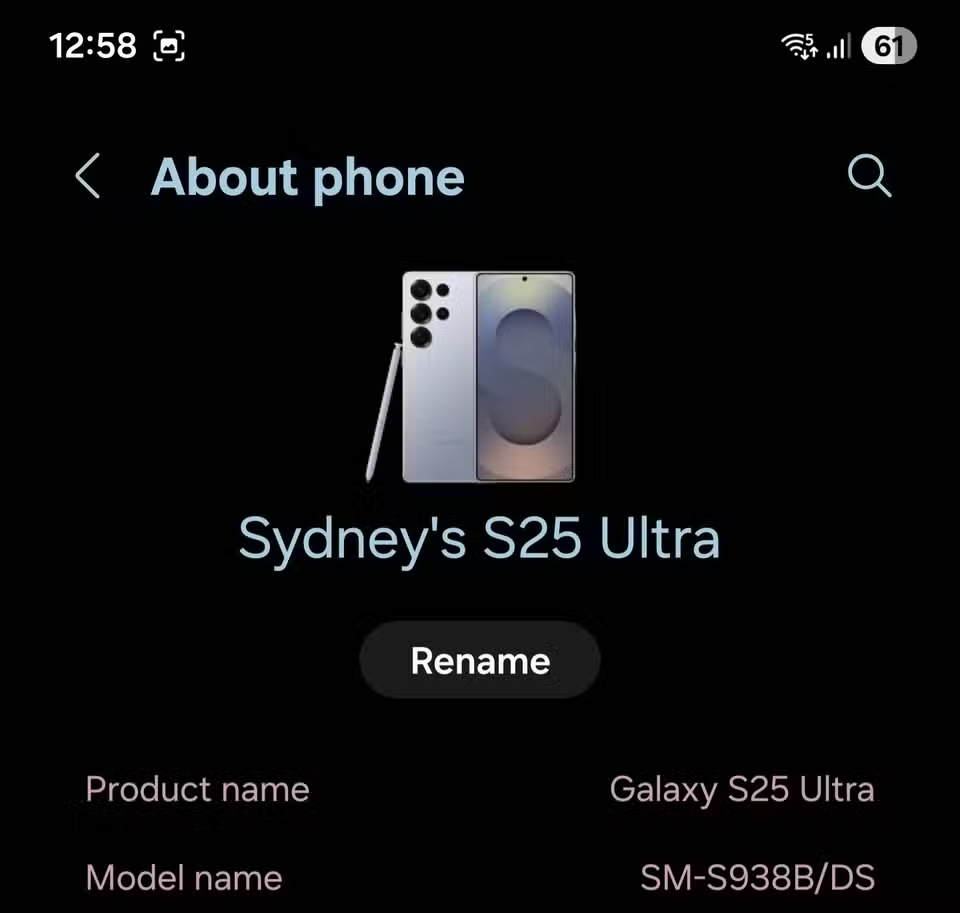
The settings screen tells you what version you're running and when your last security patch was installed. But it won't show the end-of-support date directly. For that, you need to check your manufacturer's website.
- Samsung: Visit Samsung's security updates page and search for your model
- Google Pixel: Check Google's Pixel update schedule page
- OnePlus, Motorola, others: Search "[brand] security update schedule" for official timelines
What Happens After Support Ends
Reaching the expiration date is, as Butler puts it, "the beginning of the end rather than being the actual end." Your phone doesn't brick itself. Apps continue working. Most things feel the same.
The risks accumulate gradually. New vulnerabilities get discovered constantly. Without patches, each one adds to your exposure. After a year without updates, your phone has a year's worth of known, unpatched security holes.
For casual use, browsing news, watching videos, playing games, an expired phone is fine. For anything involving money, passwords, or sensitive data, it's a gamble.
Extending Life with Custom ROMs
There's a workaround for technically inclined users. Custom ROMs like LineageOS can extend the life of "abandoned" hardware long after official support ends. These community-maintained Android versions continue receiving security patches for popular devices.
Reddit communities like r/Android and r/GooglePixel discuss end-of-life devices as a prime driver for custom ROM development. If your phone has an active LineageOS build, you can potentially add years of supported life.
The catch: installing a custom ROM requires unlocking your bootloader, which voids warranties and can trigger security flags in banking apps. It's a tradeoff that makes sense for some users but not everyone.
Logicity's Take
Buying Advice
Before buying any Android phone, especially used or discounted models:
- Look up the exact model's end-of-support date on the manufacturer's website
- Calculate how many years of support remain, not how many the phone shipped with
- For phones with less than 2 years of support left, factor replacement costs into the "deal"
- For business use, verify the phone meets your organization's minimum support requirements
A phone's hardware can last 5 years or more. But if the software support ended after 2 years, you're running exposed for the remaining 3.
Frequently Asked Questions
Will my phone stop working after the support end date?
No. Your phone continues functioning normally. Apps still work, calls still connect. But the device stops receiving security patches, making it progressively more vulnerable to new exploits.
How long do Android phones get security updates?
It varies by manufacturer and model. Google Pixel and Samsung flagships now offer 7 years. Budget and mid-range phones often get only 2-3 years. Always check the specific model's support timeline.
Is it safe to use an Android phone that no longer gets updates?
For casual use like browsing or media, the risk is low. For mobile banking, storing sensitive work data, or accessing company systems, an unsupported phone is a security liability.
Can I extend my phone's life after official support ends?
Yes, if your phone has an active custom ROM like LineageOS. This requires technical knowledge and involves tradeoffs like voided warranties and potential app compatibility issues.
Where do I find my Android phone's end-of-support date?
Check your manufacturer's website. Search for "[brand] security update schedule" or visit the support page for your specific model. The date isn't shown directly in your phone's settings.
See why security updates matter: real-world consequences when systems aren't patched
Need Help Implementing This?
Source: How-To Geek
Manaal Khan
Tech & Innovation Writer
Produced with AI assistance and reviewed by the Logicity editorial team. Learn more in our Editorial Policy.