Key Takeaways
- Daily Brief pulls data from Gmail, Google Calendar, and Google Tasks into one proactive morning digest
- Google reports users save an average of 105 minutes weekly on administrative tasks with Gemini's proactive features
- Privacy concerns are rising as the AI gains more autonomy to act on users' behalf
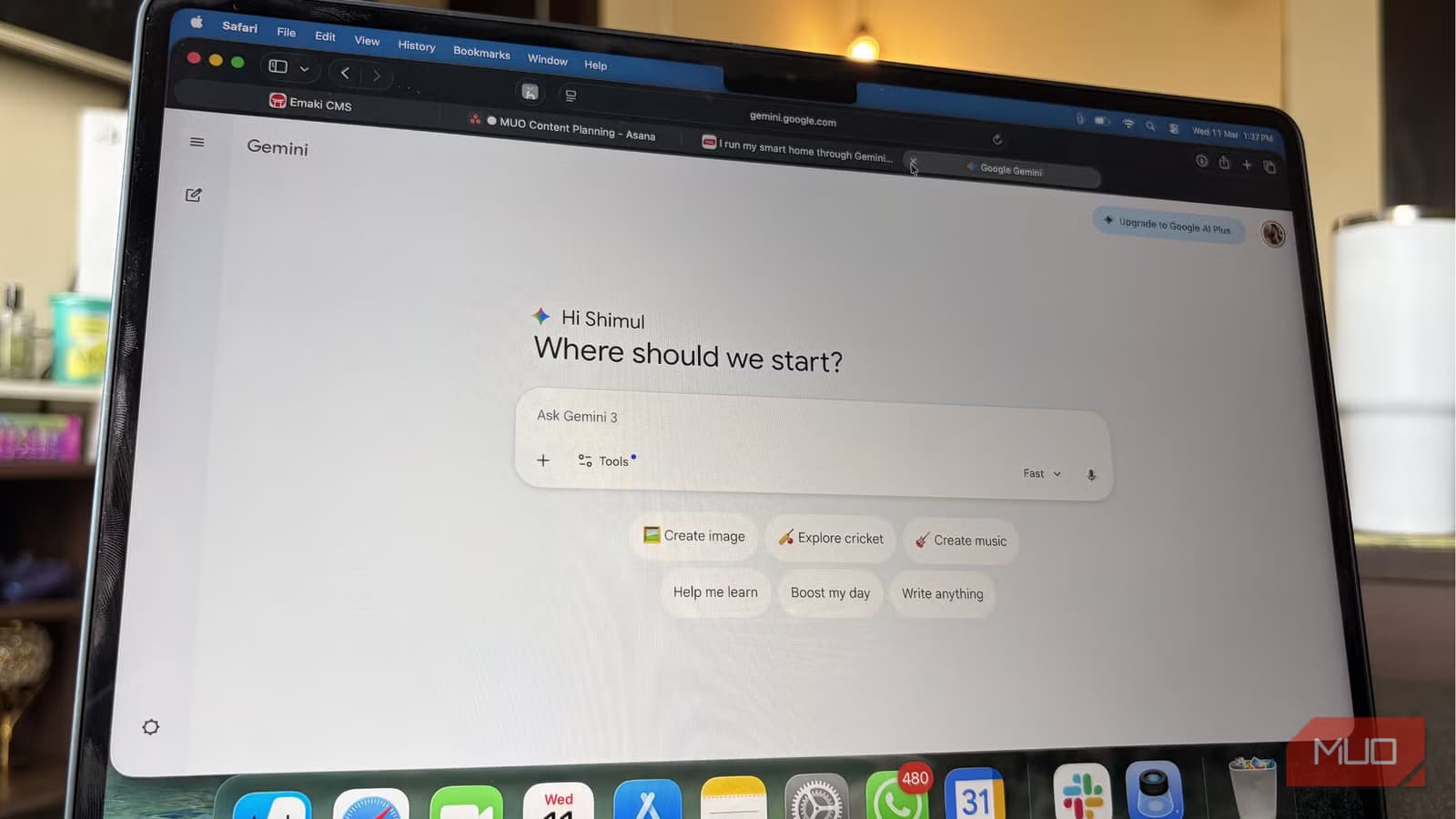
Google has quietly shipped one of its most useful AI features in months. It's called Daily Brief, and it does something surprisingly simple: it reads your Gmail, checks your Google Calendar, scans your Google Tasks, and hands you a single summary of what actually needs your attention today.
No jumping between five apps. No forgetting that email you meant to reply to. Just one screen that shows upcoming meetings, overdue tasks, emails requiring responses, and approaching deadlines.
What Daily Brief Actually Does
The feature is part of Google's broader push toward what it calls proactive AI. Instead of waiting for you to ask a question, Gemini now watches your connected apps and surfaces relevant information before you think to look for it.
At Google I/O 2026, Sundar Pichai framed the shift this way: "We are moving from asking questions to having an agent that understands your context and acts on your behalf before you even ask."
“We are moving from asking questions to having an agent that understands your context and acts on your behalf before you even ask.”
— Sundar Pichai, CEO at Alphabet/Google, I/O 2026 Keynote
In practice, Daily Brief pulls from three sources: Gmail (flagging emails that need replies), Google Calendar (surfacing today's meetings and conflicts), and Google Tasks (reminding you of items you've been ignoring). It then presents everything in a single digest, typically delivered each morning.
The Numbers Behind Proactive AI
Google claims users save an average of 105 minutes per week on administrative tasks using Gemini's proactive features. That's nearly two hours of context-switching and app-hopping eliminated.
The company also reported that Gemini now has 900 million monthly active users as of May 2026. Subscriptions generated $1.2 billion in revenue in 2025, suggesting Google's AI investments are starting to pay off commercially.
Why This Feels Different
Most AI assistants today are reactive. You ask Claude or ChatGPT a question, and they answer. Daily Brief flips that model. It watches your data continuously and tells you what matters without being prompted.
For people who struggle with task management, this is potentially transformative. The source article's author describes trying journaling, Notion, Google Keep, and "probably half a dozen systems that productivity videos promised would change my life." None of them stuck. The problem wasn't the tools. It was the mental overhead of checking them.
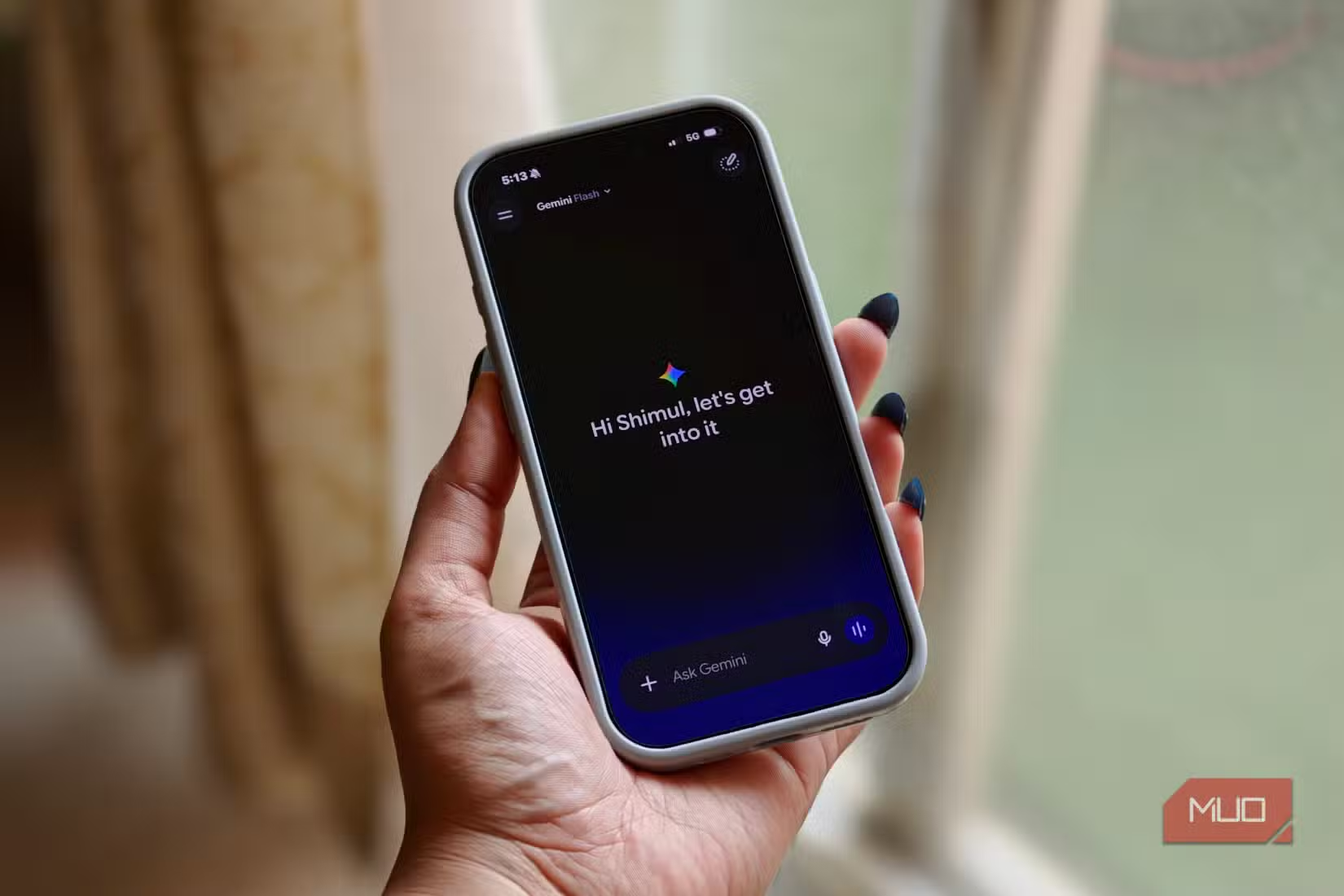
Daily Brief removes that friction by meeting you where you already are: inside the Gemini app you're probably opening anyway.
Google's AI features are increasingly tied to paid tiers
The Privacy Tradeoff
Not everyone is thrilled. Community reactions on Reddit have been polarized. Power users praise the time savings. Others are alarmed by how much autonomy the AI now has.
A leaked privacy disclosure, which went viral on X, suggested Gemini could potentially make purchases without explicit user confirmation. Google hasn't clarified the exact boundaries of the agent's autonomy, which has fueled concerns.
This is the core tension with proactive AI. To be genuinely useful, it needs deep access to your data. Gmail, Calendar, Tasks. That same access creates risk if the AI misinterprets context or acts in ways you didn't intend.
How It Stacks Up Against Competitors
ChatGPT and Claude remain stronger for complex reasoning, creative writing, and open-ended conversations. Neither has anything comparable to Daily Brief's integration with Google's productivity suite.
That's Google's advantage: it owns the apps where your work lives. Gmail, Calendar, and Tasks are already the default for millions of users. Gemini can tap into that data natively. Competitors would need third-party integrations or API access to replicate the same experience.
The economics of AI subscriptions are shifting
For users already embedded in Google's ecosystem, Daily Brief is a natural extension. For those using Outlook, Apple Calendar, or other tools, the feature offers no value.
Who Should Care
If you spend your mornings triaging email, checking calendar conflicts, and hunting for that task you know you wrote down somewhere, Daily Brief is worth trying. It won't fix deep organizational problems, but it removes the friction of gathering information scattered across apps.
If you're privacy-conscious or not already using Google's productivity tools, this isn't for you. The feature's value depends entirely on how much data you're willing to give it.
Logicity's Take
Frequently Asked Questions
What is Gemini's Daily Brief feature?
Daily Brief is a morning digest that pulls data from Gmail, Google Calendar, and Google Tasks to show you upcoming meetings, overdue tasks, emails needing replies, and approaching deadlines in one place.
Is Gemini Daily Brief free?
Pricing details weren't specified in Google's announcement. Given Google's recent move toward subscription-based AI features, it may require a Gemini subscription.
Does Daily Brief work with non-Google apps?
Currently, Daily Brief only integrates with Google's own apps: Gmail, Google Calendar, and Google Tasks. Users of Outlook, Apple Calendar, or other tools won't benefit from this feature.
Can Gemini Daily Brief take actions without my permission?
This is unclear. A leaked privacy disclosure suggested Gemini could potentially make purchases without explicit confirmation, but Google hasn't clarified the exact boundaries of the AI's autonomy.
How does Daily Brief compare to ChatGPT or Claude?
ChatGPT and Claude remain stronger for reasoning and creative tasks. Neither has native integration with productivity apps like Daily Brief does. Google's advantage is owning both the AI and the apps where your work lives.
Need Help Implementing This?
Source: MakeUseOf
Expanding AI Integration: Leveraging Gemini in Google Keep
The new article introduces the integration between Gemini and Google Keep, which allows users to search, summarize, and transform notes using natural language prompts via the @Google Keep connector. This provides a specific, functional use case for Gemini's personal intelligence ecosystem that is distinct from the Daily Brief feature focus.
Huma Shazia
Senior AI & Tech Writer
Produced with AI assistance and reviewed by the Logicity editorial team. Learn more in our Editorial Policy.