Key Takeaways
- Fossify apps are completely free, ad-free, and open-source
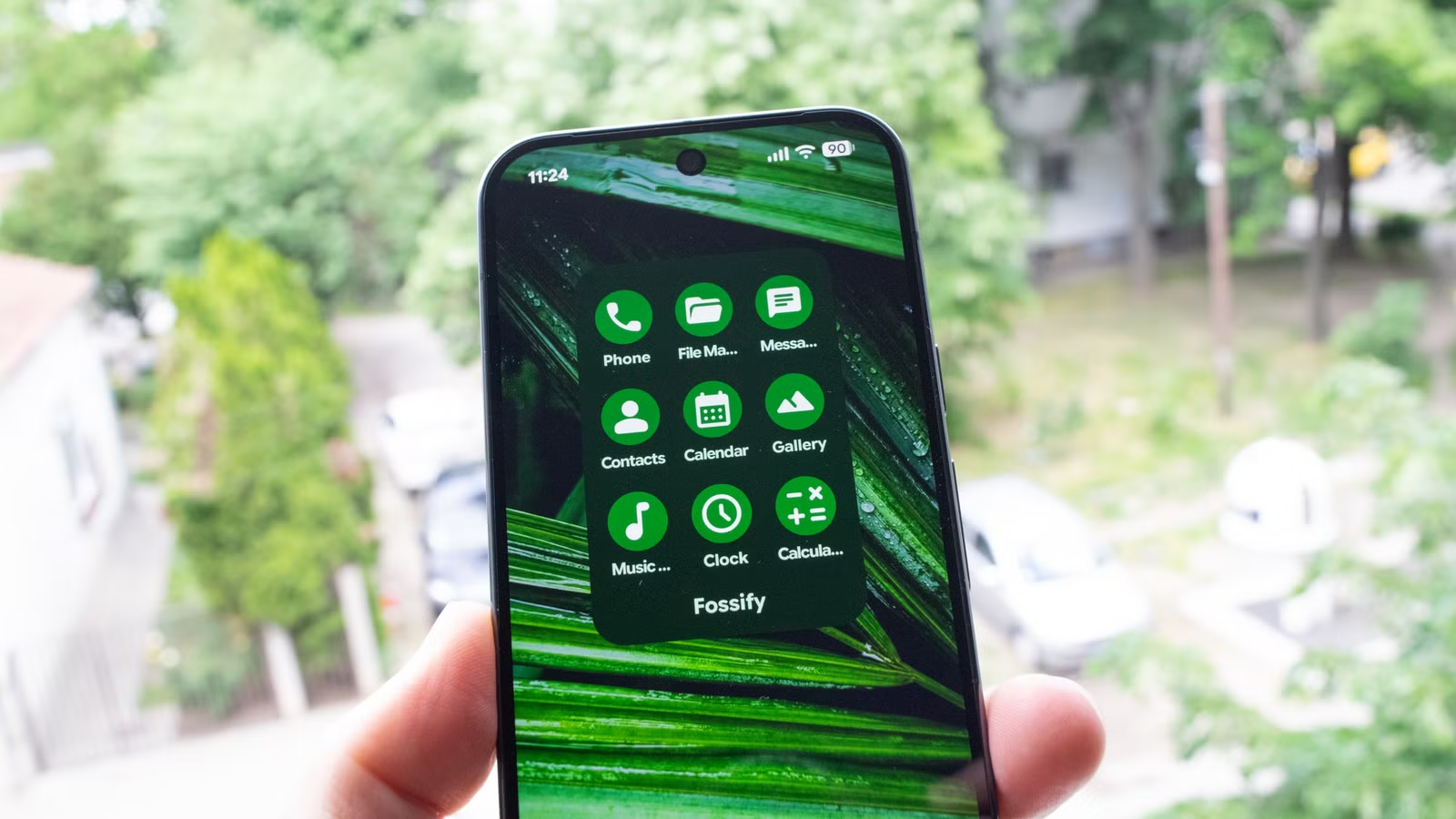
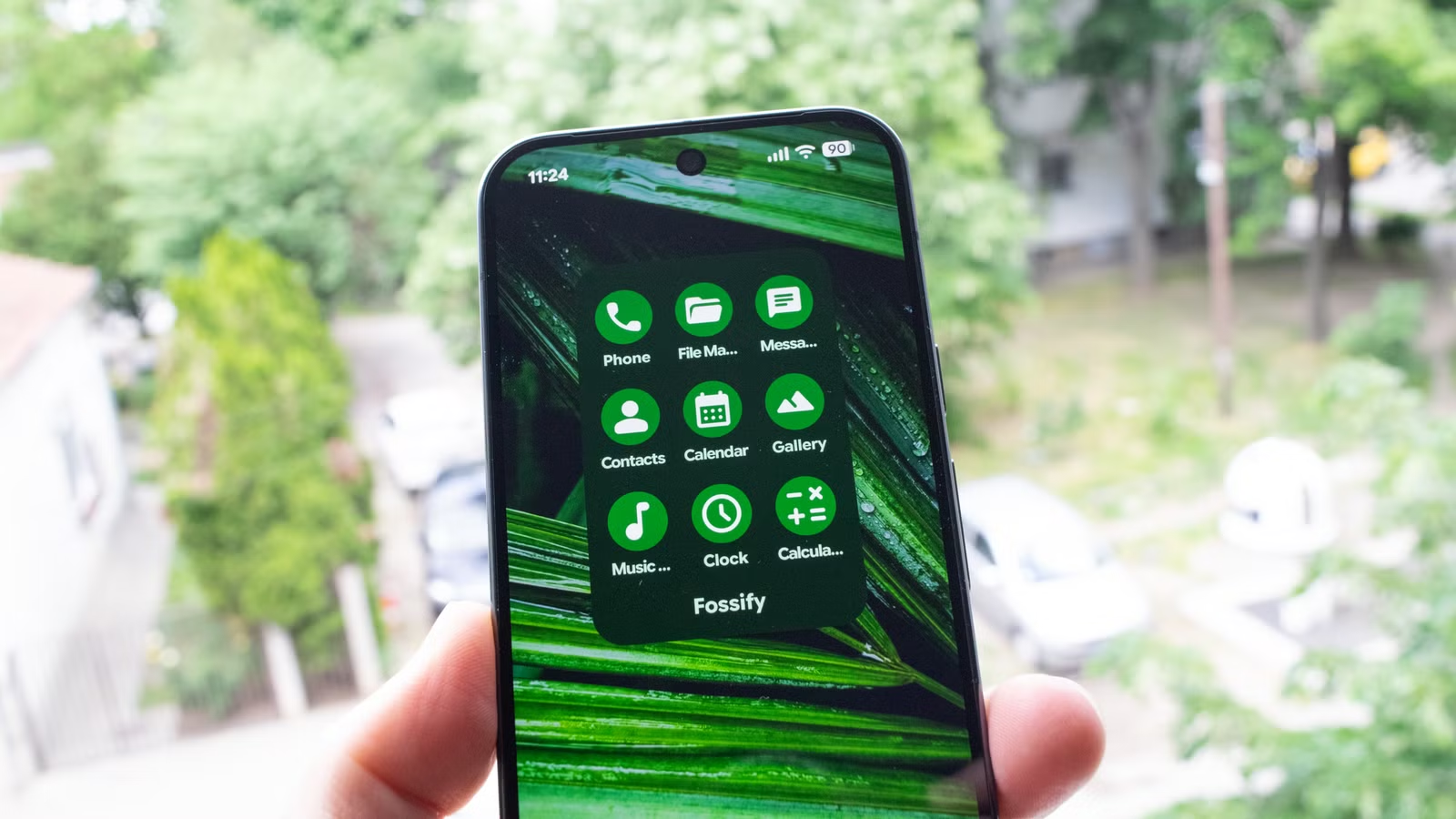
- The collection includes replacements for gallery, music player, calendar, and other default Android apps
- All Fossify apps support Material You theming and share a consistent, lightweight design
If you've grown tired of Google's default Android apps, or you're concerned about privacy and data collection, there's an open-source alternative worth your attention. Fossify is a collection of free Android apps designed to replace the bloated defaults that ship with your phone.
The suite includes apps for gallery viewing, music playback, calendar management, and more. Every app in the collection shares three traits: no ads, no tracking, and lightweight performance.
What Fossify Offers
Fossify isn't a single app. It's a coordinated effort to build simple, usable alternatives to common Android utilities. The team behind it has developed apps that handle the everyday tasks your phone's default apps typically manage.
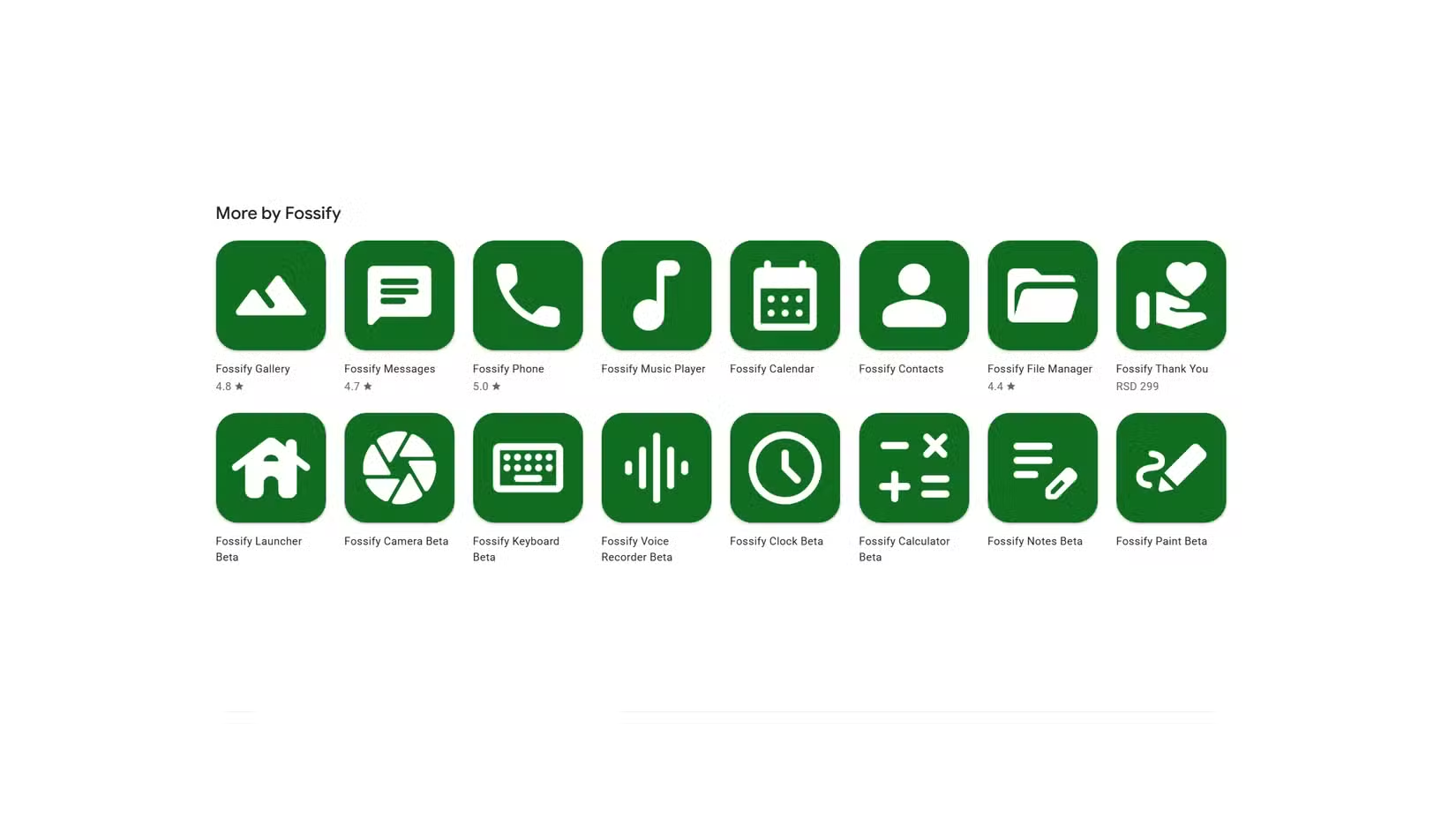
All Fossify apps support Material You theming. By default, each app follows the color palette you've selected in your Android settings. You can also apply custom themes, including dark mode options.
Fossify Gallery: A Google Photos Alternative
Fossify Gallery is the standout app in the collection. It's fast, includes a basic image editor for quick adjustments, and gives you granular control over how your photos are organized.
The home screen defaults to a folder view with both grid and list options. You can rearrange folders, pin important ones to the top, and exclude or lock specific folders from view. A built-in recycle bin protects against accidental deletions, though you can disable it if you prefer.
The settings menu offers extensive customization. You can lock individual folders or the entire app behind authentication. This is useful if you hand your phone to others occasionally but want to keep certain photos private.
Fossify Music Player
The Fossify Music Player follows the same design philosophy as the gallery app. It's lightweight, plays local music files, and stays out of your way. No streaming service integration, no social features, no subscription prompts. Just a music player that plays music.
More open-source alternatives to commercial software
Where to Get Fossify Apps
You can find Fossify apps on GitHub and through F-Droid, the open-source app repository. Some apps are also available on the Google Play Store, though the open-source repositories typically have the most current versions.
The GitHub Store is worth exploring if you want to browse the full collection. Each app is maintained separately, so you can pick only the ones you need rather than installing an entire suite.
Why Open-Source Apps Matter
Open-source apps like Fossify offer transparency that proprietary alternatives cannot. Anyone can inspect the code to verify there's no hidden tracking or data collection. For users concerned about privacy, this matters.
The apps are also free in the truest sense. No ads, no in-app purchases, no premium tiers. The developers rely on donations and community contributions rather than monetizing user attention.
Related privacy tips for Android users
✅ Pros
- • Completely free with no ads or in-app purchases
- • Open-source code means full transparency
- • Lightweight and fast compared to bloated defaults
- • Consistent Material You theming across all apps
❌ Cons
- • Not available directly in Play Store for all apps
- • Fewer features than some proprietary alternatives
- • Requires manual updates if installed via GitHub
Logicity's Take
Frequently Asked Questions
Is Fossify safe to use?
Yes. Fossify apps are open-source, meaning anyone can audit the code. There's no hidden tracking or data collection, and the apps don't require unusual permissions.
How do I install Fossify apps?
You can install them through F-Droid, GitHub, or in some cases the Google Play Store. F-Droid is the recommended method for automatic updates.
Does Fossify Gallery sync with cloud storage?
No. Fossify Gallery is designed for local photo management only. It doesn't include cloud sync features like Google Photos offers.
Are Fossify apps updated regularly?
The apps receive regular updates through their GitHub repositories and F-Droid. Update frequency varies by app based on community contributions.
Need Help Implementing This?
Source: How-To Geek
Manaal Khan
Tech & Innovation Writer
Produced with AI assistance and reviewed by the Logicity editorial team. Learn more in our Editorial Policy.






