Key Takeaways
- Expired credit cards retain functional NFC chips that can trigger smart home automations
- The tap-to-pay antenna in old cards works even after the payment data expires
- Repurposing cards avoids buying dedicated NFC tags while reducing waste
The NFC Chip Outlives the Account
When a credit card expires, you lose the ability to buy things. The account is closed, the security code changes, and the bank sends you a replacement. Most people follow the standard advice: cut it up and throw it away.
But the hardware inside the card is still perfectly functional. The NFC chip and its tiny antenna don't know or care that your account expired. They still transmit radio signals when they come near a reader. Chris Hachey, a MakeUseOf contributor, realized this creates a free resource for smart home automation.
How Credit Card NFC Works
Every tap-to-pay credit card contains a microchip connected to a small antenna. When you hold the card near a payment terminal, the terminal's electromagnetic field powers the chip. The chip then transmits encrypted payment data back to the terminal.
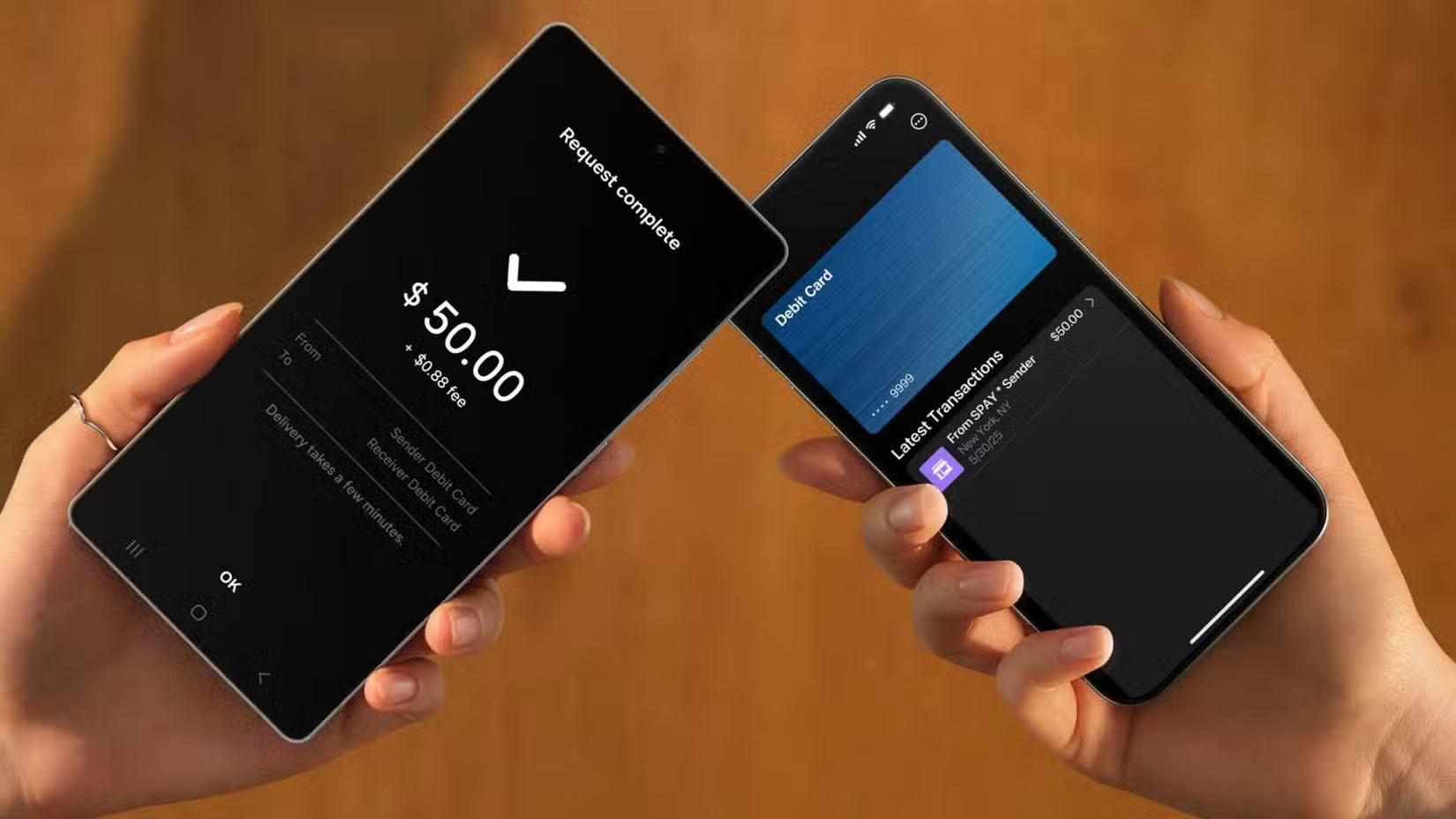
This is Near Field Communication, or NFC. The same technology powers Apple Pay, Google Pay, and Samsung Wallet on phones. It's also what makes those little round NFC tags work. The tags you can buy online for a few dollars each use the same basic principle.
The key insight: an expired card can no longer process payments because the encrypted data points to a closed account. But the NFC signal itself still works. Your phone can still detect the card as an NFC tag.
Turning Cards Into Smart Home Triggers
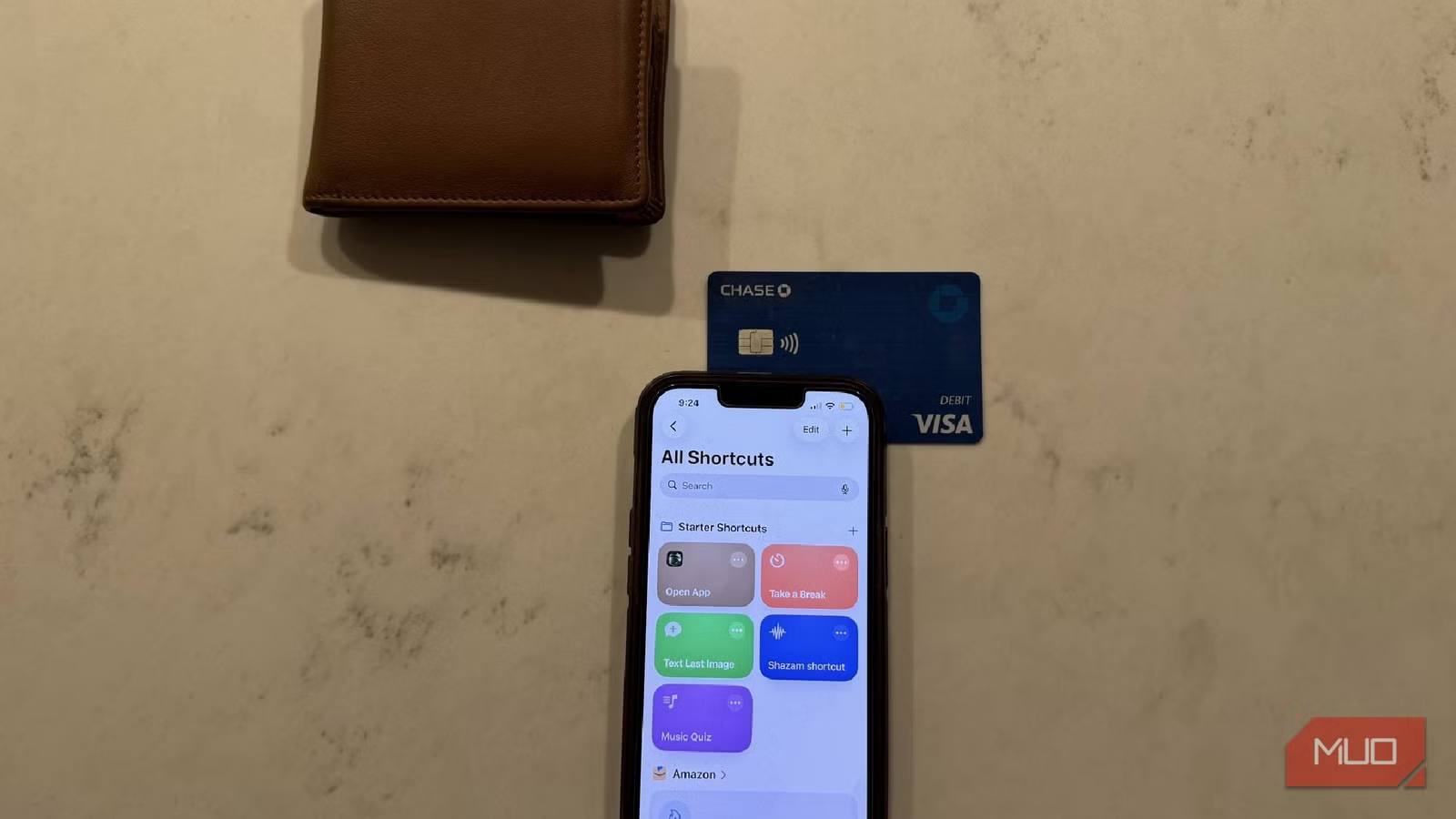
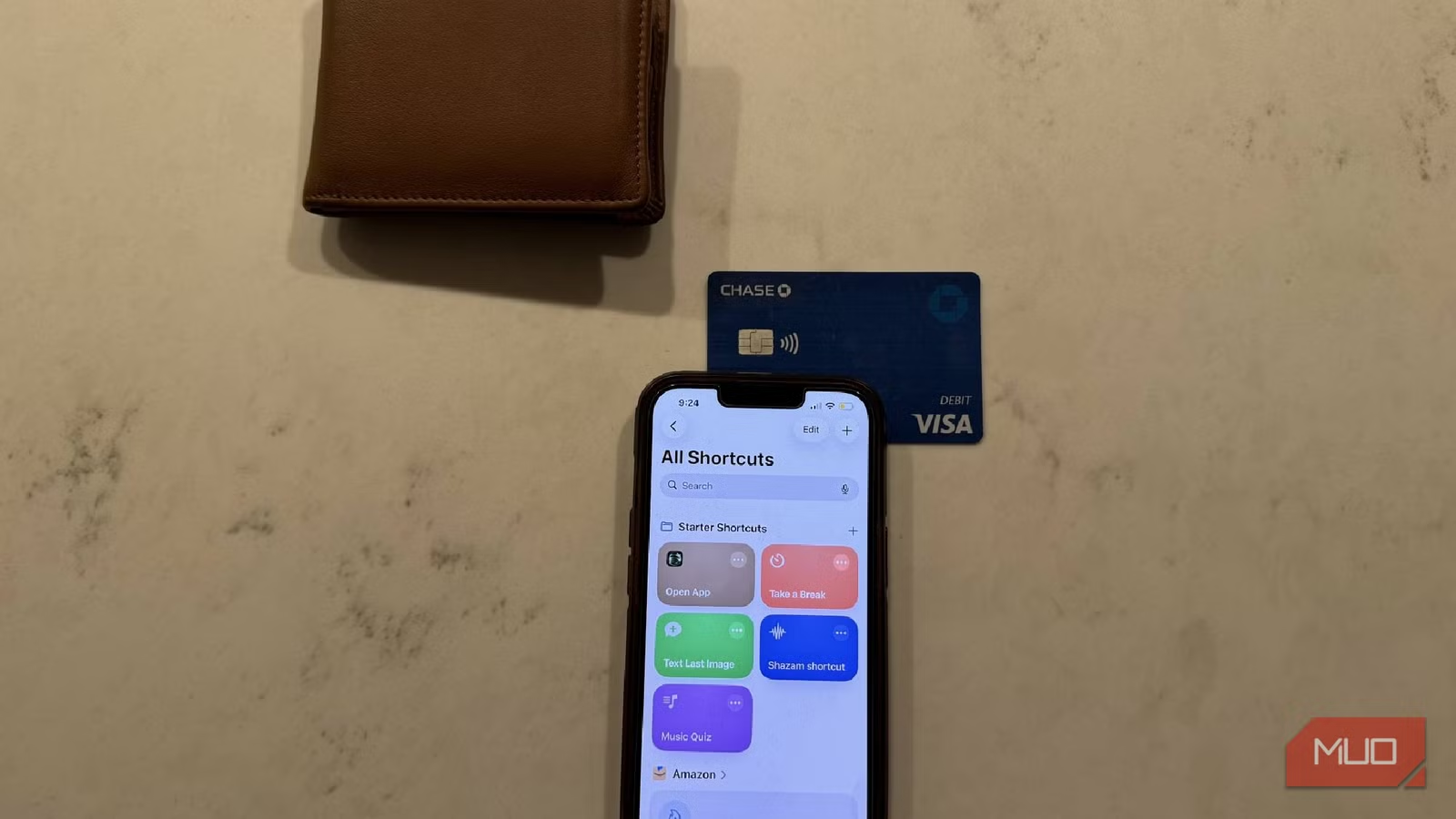
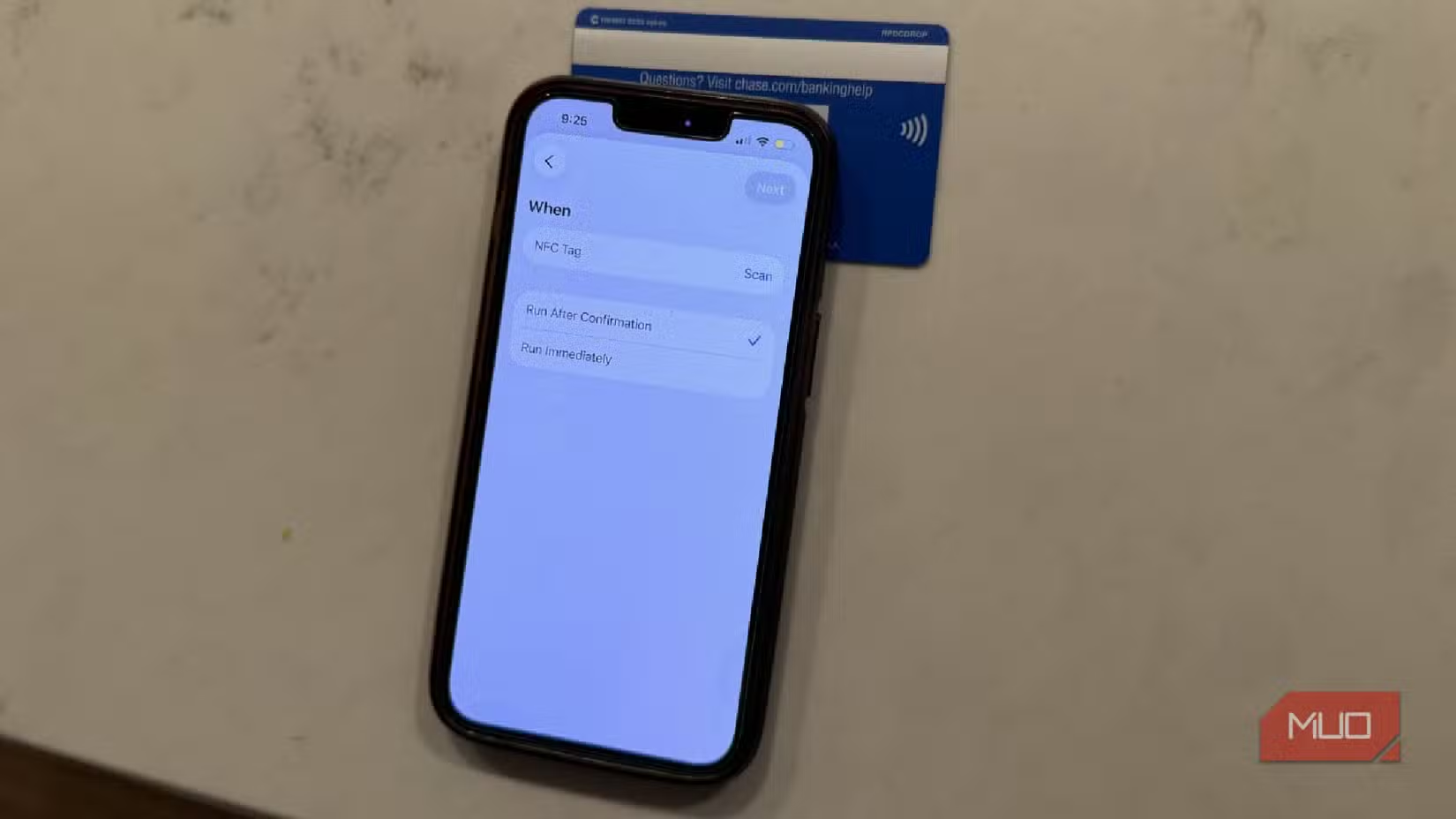
Modern smartphones can read NFC tags and trigger automations based on what they detect. On Android, apps like Tasker or the built-in automation features can launch specific actions when you tap an NFC tag. iPhone users can use the Shortcuts app to do the same.
Each NFC chip has a unique identifier. When you tap your expired credit card to your phone, the phone reads that ID. You can then create an automation that fires whenever that specific ID is detected.
- Tap a card on your nightstand to turn off all lights
- Keep one by the door to arm your security system when leaving
- Place one on your desk to toggle focus mode on your phone
- Use different cards for different family members' routines
Why This Beats Buying NFC Tags
Dedicated NFC tags cost roughly $1 to $3 each. That's not expensive, but costs add up if you want triggers throughout your home. Most people already have several expired cards sitting in drawers or wallets.
Credit cards are also more durable than many cheap NFC stickers. The chip is embedded in thick plastic designed to survive years in your pocket. Sticker tags can peel, get damaged by moisture, or stop working after repeated use.
There's also the environmental angle. Repurposing the cards keeps functional electronics out of landfills. The plastic takes decades to decompose. The embedded chip contains small amounts of metals that can leach into soil.
Security Considerations
You might worry about reusing a card that once held financial data. Here's why it's not a concern for this use case.
The payment data on the card pointed to an account that no longer exists. Even if someone could intercept the signal, they'd get credentials for a closed account. The bank's systems would reject any transaction attempt.
For smart home triggers, you're not transmitting financial data anyway. Your phone reads the card's unique ID and matches it to an automation you've set up locally. No sensitive information travels over the internet.
That said, anyone who gets your card could trigger whatever automation you've linked to it. Don't use this method for high-security actions like unlocking doors unless you're comfortable with that risk.
Logicity's Take
Getting Started
The setup process varies by phone and automation platform, but the basics are the same everywhere.
- Find an expired credit or debit card with tap-to-pay capability (look for the contactless symbol)
- Open your automation app (Shortcuts on iPhone, Tasker or similar on Android)
- Create a new automation triggered by NFC
- When prompted, tap your expired card to the phone to register its ID
- Configure the actions you want to trigger
Most phones read NFC from the back, usually near the camera area. You may need to experiment to find the sweet spot on your specific device.
More low-cost smart home automation ideas
Frequently Asked Questions
Do all credit cards have NFC chips?
No. Only cards with tap-to-pay functionality have NFC. Look for the contactless symbol (curved lines resembling waves) on the card. Cards that require swiping or inserting only won't work.
Can someone steal my financial data from an expired card?
The payment credentials on an expired card point to a closed account. Even if intercepted, the data is useless for transactions. Banks reject any attempt to charge a closed account.
Will this work with both iPhone and Android?
Yes. Both platforms can read NFC tags and trigger automations. iPhone uses the Shortcuts app. Android has multiple options including Tasker, MacroDroid, or manufacturer automation apps.
How many cards can I use as triggers?
There's no practical limit. Each card has a unique identifier, so you can create different automations for each expired card you have.
Need Help Implementing This?
Source: MakeUseOf
Manaal Khan
Tech & Innovation Writer
Produced with AI assistance and reviewed by the Logicity editorial team. Learn more in our Editorial Policy.