Key Takeaways
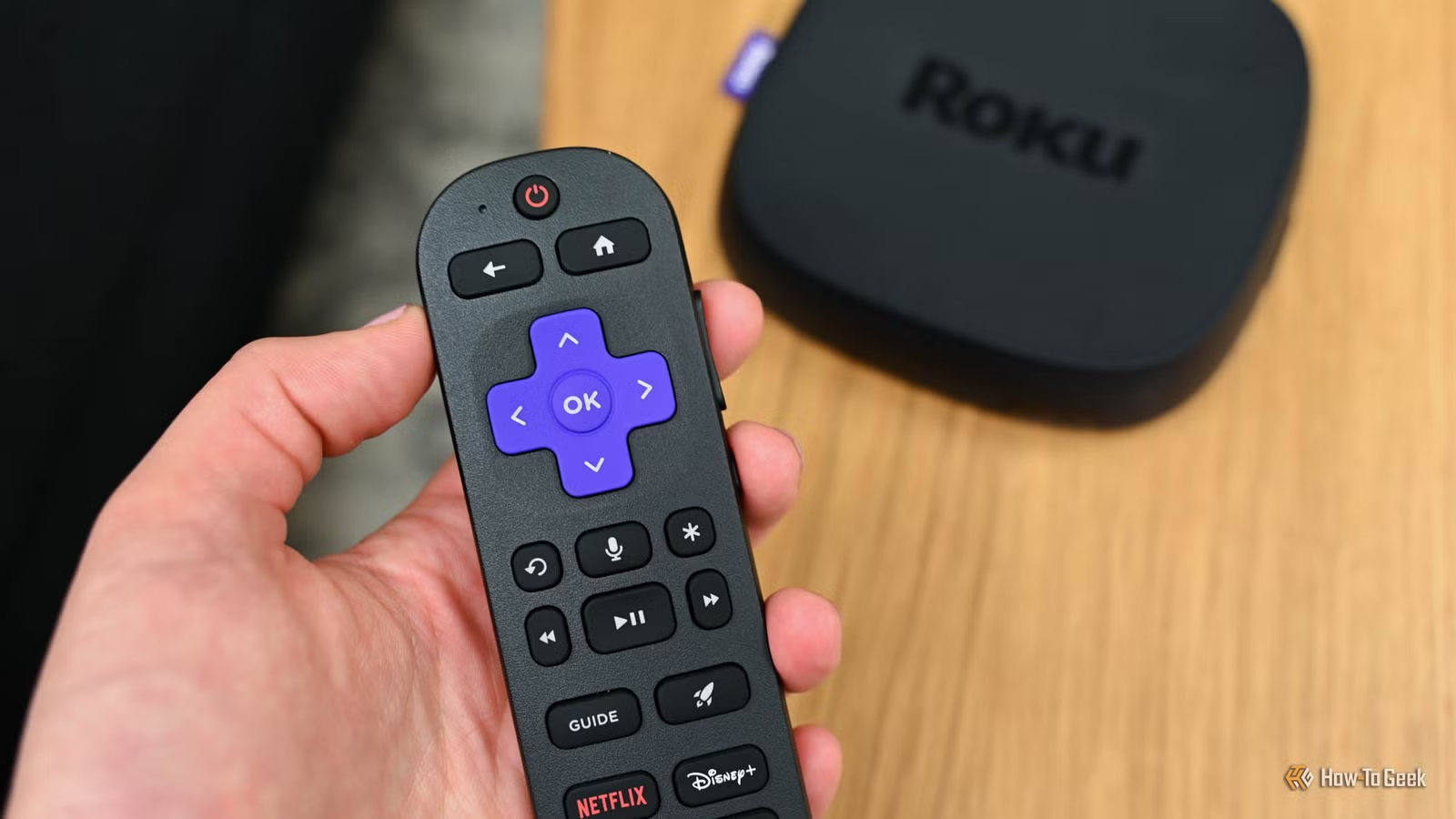
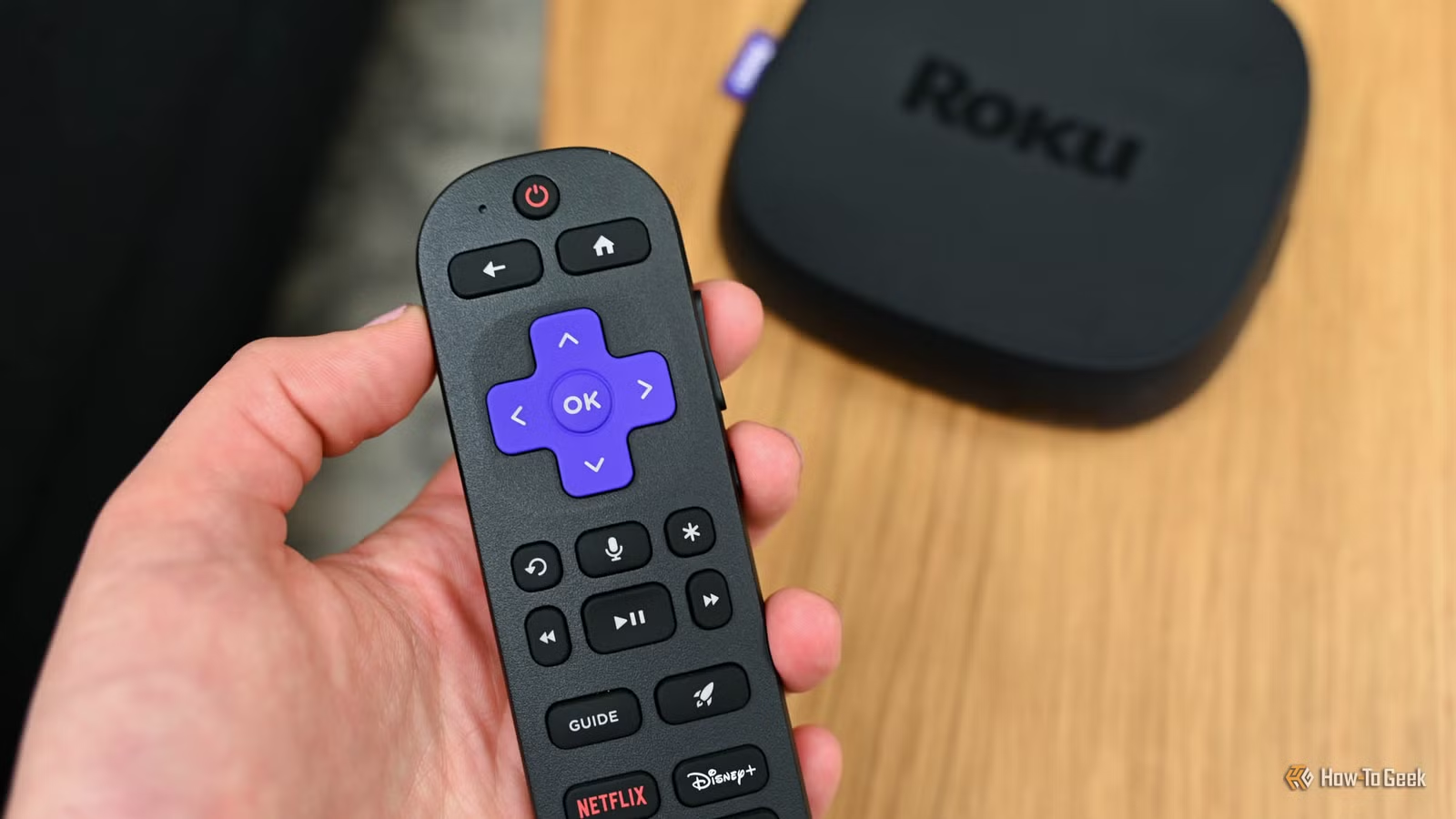
- The Roku Ultra offers Dolby Atmos, 4K, Dolby Vision, HDR10+, and a rechargeable remote for around $100
- Bluetooth headphones solve the late-night viewing problem without disturbing others
- A dedicated soundbar transforms TV audio quality more than most built-in speakers can
Upgrading your home viewing setup can feel overwhelming. There are too many devices, too many specs, and too many promises of "revolutionary" experiences that turn out to be marginal improvements. After seven years of streaming on Roku devices, I've found three upgrades that genuinely changed how I watch content at home.
These are not expensive overhauls. Each solves a specific problem. And each one made me wonder why I waited so long.
Roku Ultra: The Case for a Premium Streaming Device
Roku offers devices at every price point. The Streaming Stick line works well for budget-conscious buyers who want something portable. Smart TVs with Roku built in eliminate the need for external hardware entirely. But if you're serious about streaming quality, the Roku Ultra sits at the top for good reason.
The Ultra delivers a faster interface than budget Roku options. It supports Dolby Atmos audio, 4K resolution, Dolby Vision, and HDR10+. For movie enthusiasts, this combination approaches theater-quality presentation on a home TV.
The most underrated feature is the rechargeable remote. No more hunting through drawers for AA batteries at 10 PM when the remote dies mid-episode. This sounds minor until you've lived with it. Small conveniences compound.
Roku charges no additional maintenance fees. You pay only for the streaming services you actually use. Netflix, Paramount+, Disney+, whatever you subscribe to. The device itself is a one-time purchase.
Bluetooth Headphones for Late-Night Viewing
Anyone who lives with other people knows the late-night streaming problem. You want to watch something after everyone else goes to bed. Keeping the volume low enough to avoid waking others means missing half the dialogue.
Bluetooth headphones solve this completely. Pair them with your streaming device or TV, and you can watch at full volume at 2 AM. Action sequences hit harder. Whispered dialogue becomes clear. The viewing experience improves even during normal hours because you're hearing everything the sound designers intended.
You don't need to spend hundreds on premium noise-canceling headphones for this purpose. Any decent Bluetooth headphones with reasonable battery life will work. The key is checking that your TV or streaming device supports Bluetooth audio output.
A Soundbar Changes Everything
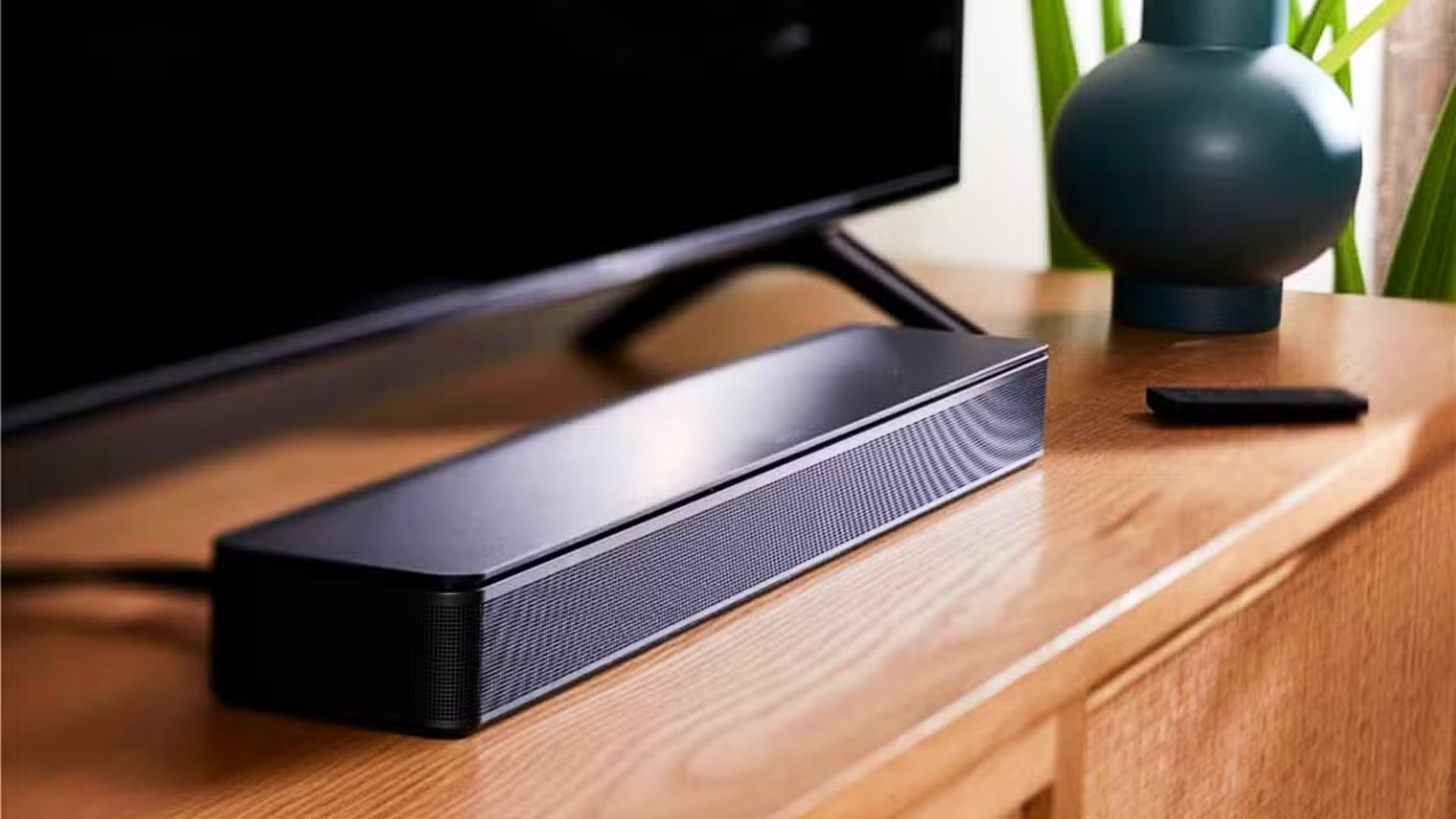
Modern TVs are thin. Physics dictates that thin enclosures produce weak audio. Even expensive TVs often ship with mediocre speakers. A soundbar fixes this without the complexity of a full surround sound system.
Roku sells the Streambar, which combines a streaming device with soundbar functionality. If you already own a Roku Ultra or similar device, a standalone soundbar makes more sense. Either way, the improvement in audio quality is immediate and obvious.
Dialogue becomes clearer. Music has depth. Explosions have bass. You'll notice details in shows and movies you've watched before. Good audio is easy to undervalue until you hear the difference.
Why These Three Work Together
Each upgrade addresses a different limitation. The Roku Ultra improves video quality and interface speed. Bluetooth headphones enable private viewing. A soundbar improves shared viewing. Together, they cover most home streaming scenarios.
None of these require technical expertise to set up. Plug in the Roku, pair the headphones, connect the soundbar. The barrier to entry is low and the payoff is high.
Logicity's Take
Frequently Asked Questions
Is the Roku Ultra worth it over the Streaming Stick?
If you have a 4K TV with Dolby Vision support and care about audio quality, yes. The faster interface alone justifies the price difference for heavy streamers.
Can I use any Bluetooth headphones with my TV?
Most modern smart TVs and streaming devices support Bluetooth audio. Check your TV's settings menu for Bluetooth pairing options before buying headphones.
Do I need a soundbar if I have Bluetooth headphones?
They serve different purposes. Headphones work for solo viewing. A soundbar improves audio when watching with others or when you don't want to wear headphones.
What's the difference between the Roku Streambar and a regular soundbar?
The Roku Streambar includes a built-in Roku streaming device. If you already own a streaming device you like, a standalone soundbar costs less and does the same audio job.
More ways to optimize your home tech setup while cutting costs
Need Help Implementing This?
Source: How-To Geek
Manaal Khan
Tech & Innovation Writer
Produced with AI assistance and reviewed by the Logicity editorial team. Learn more in our Editorial Policy.






