
Key Takeaways

- ChatGPT can render uploaded room photos with different paint colors to help visualize changes
- The tool eliminates guesswork when converting rooms for new purposes like nurseries
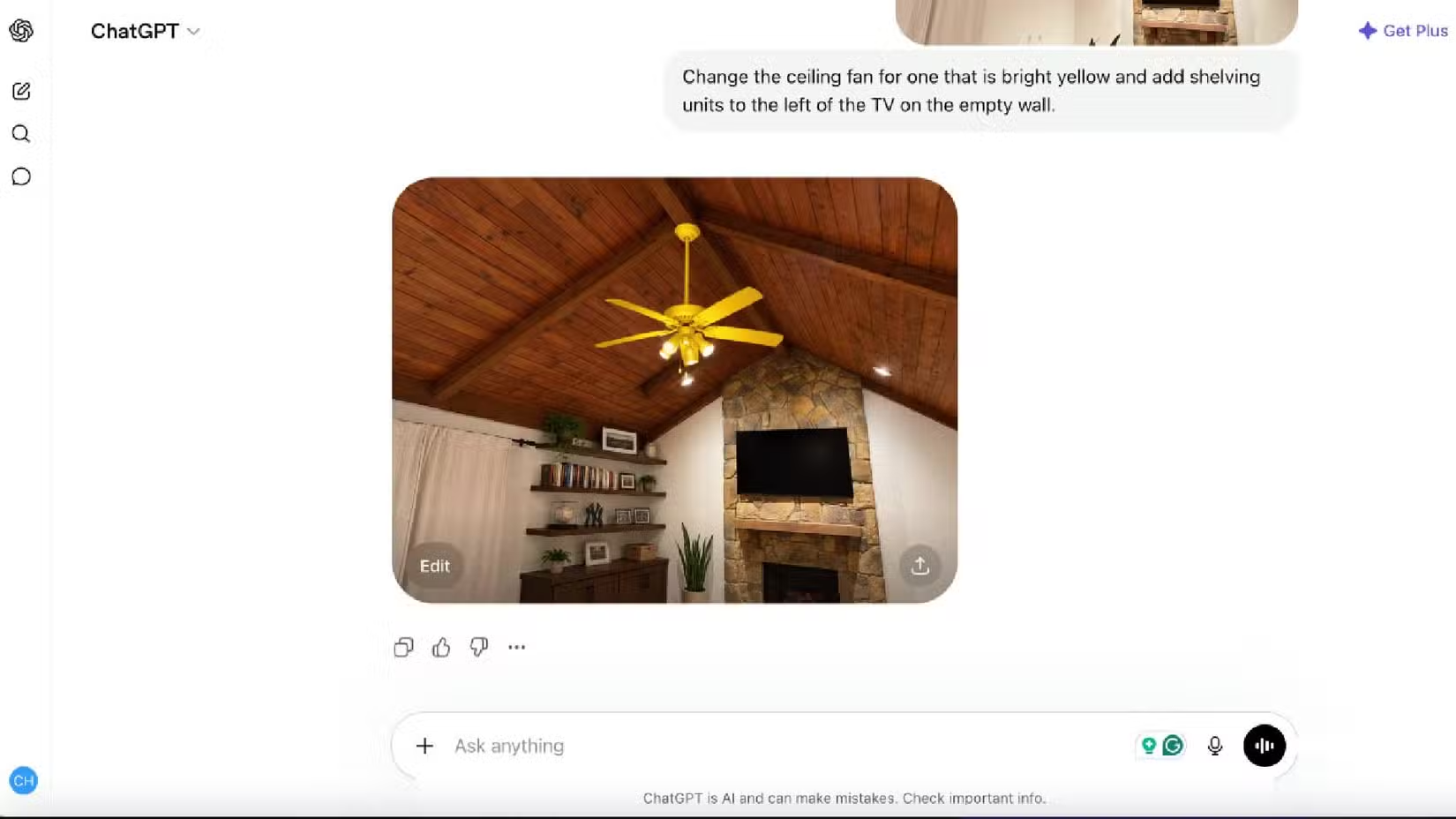
- Image rendering works by accepting a photo and a text prompt describing the desired changes
The Problem: Picking Paint Without Seeing It First
Chris Hachey faced a common homeowner dilemma. His home office, painted dark blue, needed to become a nursery for his soon-to-arrive son. The room felt too dark for a baby. But which lighter shade would work? Buying sample cans and painting test patches takes time and money. Most of us end up guessing, then living with regret.
Hachey tried something different. He uploaded a photo of the room to ChatGPT and asked it to render the space in various colors. The AI cycled through options until he found a lighter blue that felt right. Then he painted it that shade.
How ChatGPT's Image Rendering Works for Rooms
The process is straightforward. Upload a photo of your room to ChatGPT. Write a prompt describing what you want changed. Something like: "Show this room with sage green walls instead of white." ChatGPT generates a new image showing your actual space with the requested modification.
Hachey used this for more than paint. After settling on the lighter blue, he went back to ChatGPT to visualize wall decor options. The AI helped him figure out what would look good on the walls before buying anything.
Why This Beats Traditional Methods
Paint stores offer tiny swatches. Home improvement apps show generic room templates. Neither shows your actual space with your furniture, your lighting, your windows. ChatGPT works with your real photo.
The blank canvas problem is real. Hachey painted every room white when he moved in to cover the previous owner's choices. White walls offer endless possibilities. They also offer decision paralysis. Being able to test colors digitally narrows the options without commitment.
More ways to get more from tools you already have
Limitations to Keep in Mind
AI rendering is not perfect. Colors on screen depend on your monitor's calibration. Lighting in your photo affects how the AI interprets and applies new colors. The generated image is an approximation, not a guarantee.
Complex architectural details can confuse the model. Crown molding, unusual window shapes, or textured walls might render awkwardly. Simple rooms with good lighting produce the best results.
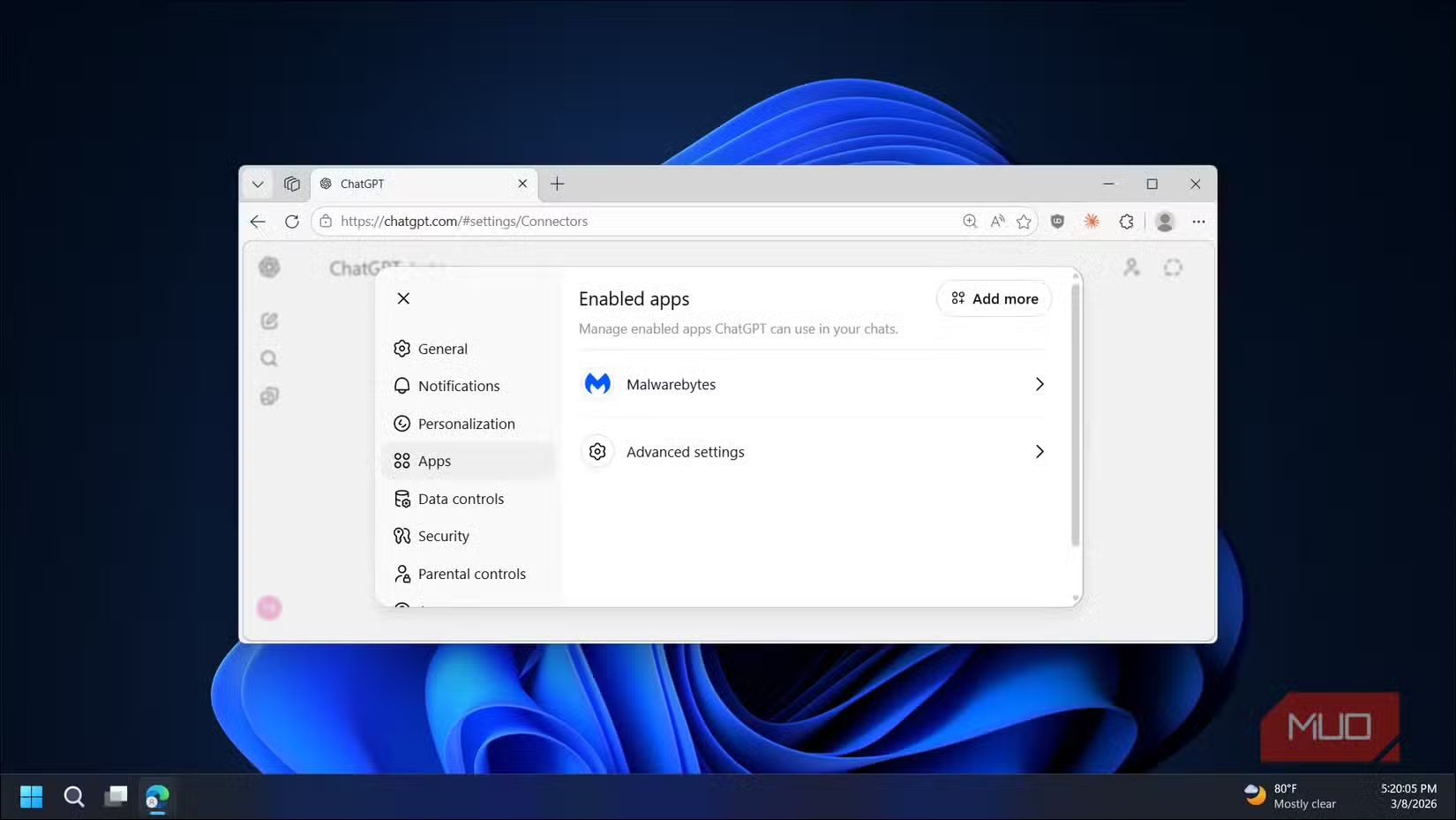
You also need a ChatGPT subscription that includes image generation. The free tier may have limitations on this feature.
Other Home Uses Worth Trying
Paint colors are just the start. The same approach works for visualizing furniture arrangements, testing different flooring, or seeing how artwork would look on a specific wall. Upload your room, describe the change, see the result.
For bigger projects, you could show contractors what you have in mind instead of describing it. The rendered image becomes a communication tool, reducing the gap between your vision and their interpretation.
Logicity's Take
Frequently Asked Questions
Does ChatGPT image rendering work with any room photo?
Yes, but quality matters. Well-lit photos with clear wall visibility produce better results than dark or cluttered images.
Is ChatGPT's room visualization free?
Image generation typically requires a ChatGPT Plus subscription. Free tier users may face limitations or no access to this feature.
How accurate are the AI-generated paint colors?
They're approximations affected by your photo's lighting and your monitor's color calibration. Use them for direction, not exact matching.
Can ChatGPT visualize furniture changes too?
Yes. You can ask it to add, remove, or rearrange furniture in your uploaded room photos using text prompts.
Need Help Implementing This?
Source: MakeUseOf
Huma Shazia
Senior AI & Tech Writer
Produced with AI assistance and reviewed by the Logicity editorial team. Learn more in our Editorial Policy.






