Key Takeaways
- Box Drive provides 10GB free storage, double OneDrive's 5GB
- Files stream on demand, saving local disk space while appearing in File Explorer
- The 250MB file upload limit is a dealbreaker for large media files
The subscription fatigue problem
Microsoft's OneDrive gives you 5GB free. That's enough for a few dozen documents before the upgrade prompts start. The Microsoft 365 subscription bundles OneDrive with 1TB of storage at $99.99 per year or $9.99 per month. The Family plan costs $129.99 annually.
For many users, that terabyte goes mostly unused. If your storage needs are modest and you're not deeply embedded in Microsoft's ecosystem, paying $100 a year feels excessive. Box Drive has emerged as an alternative that doubles your free storage and works almost identically to OneDrive's local integration.
How Box Drive works
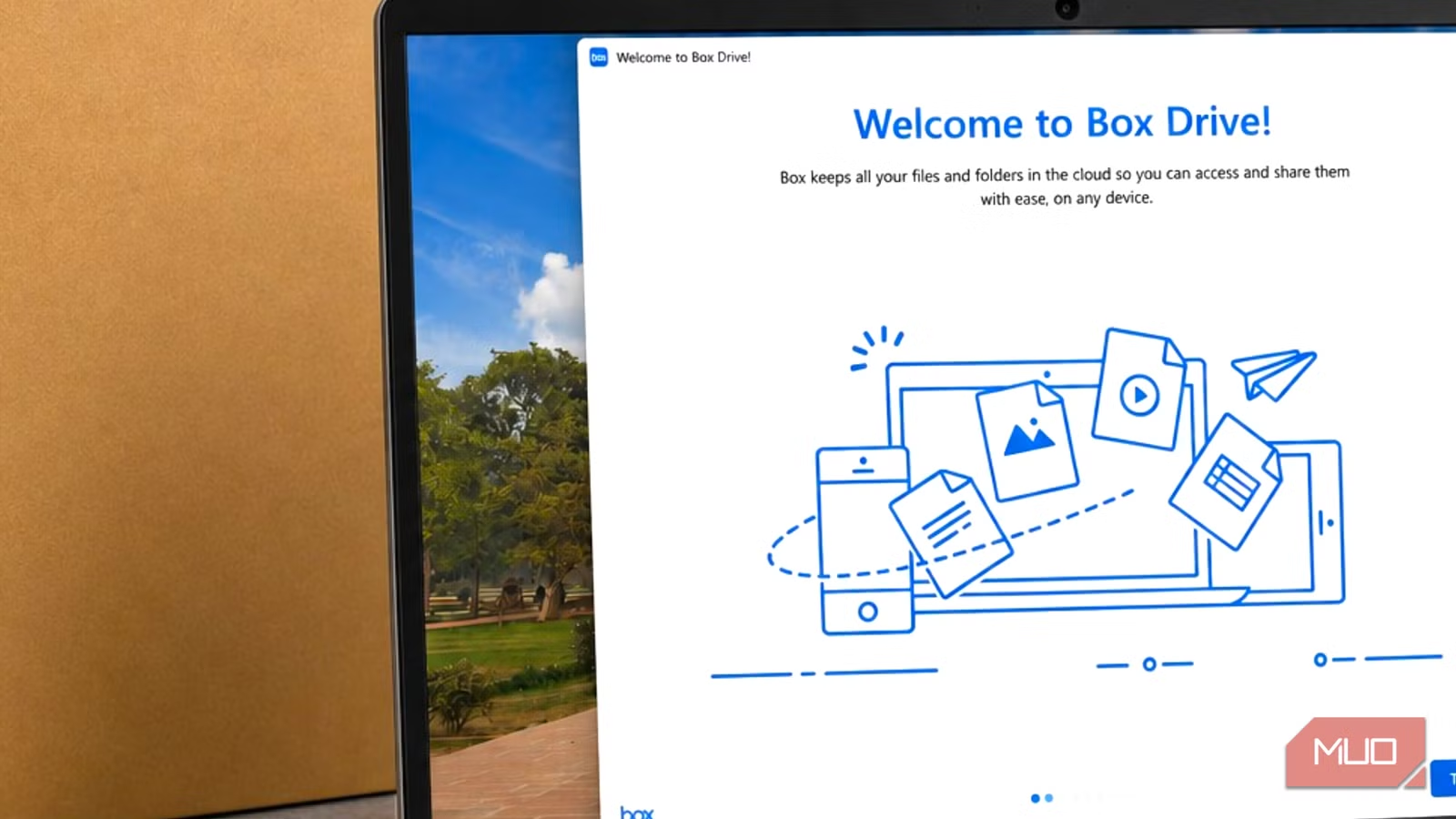
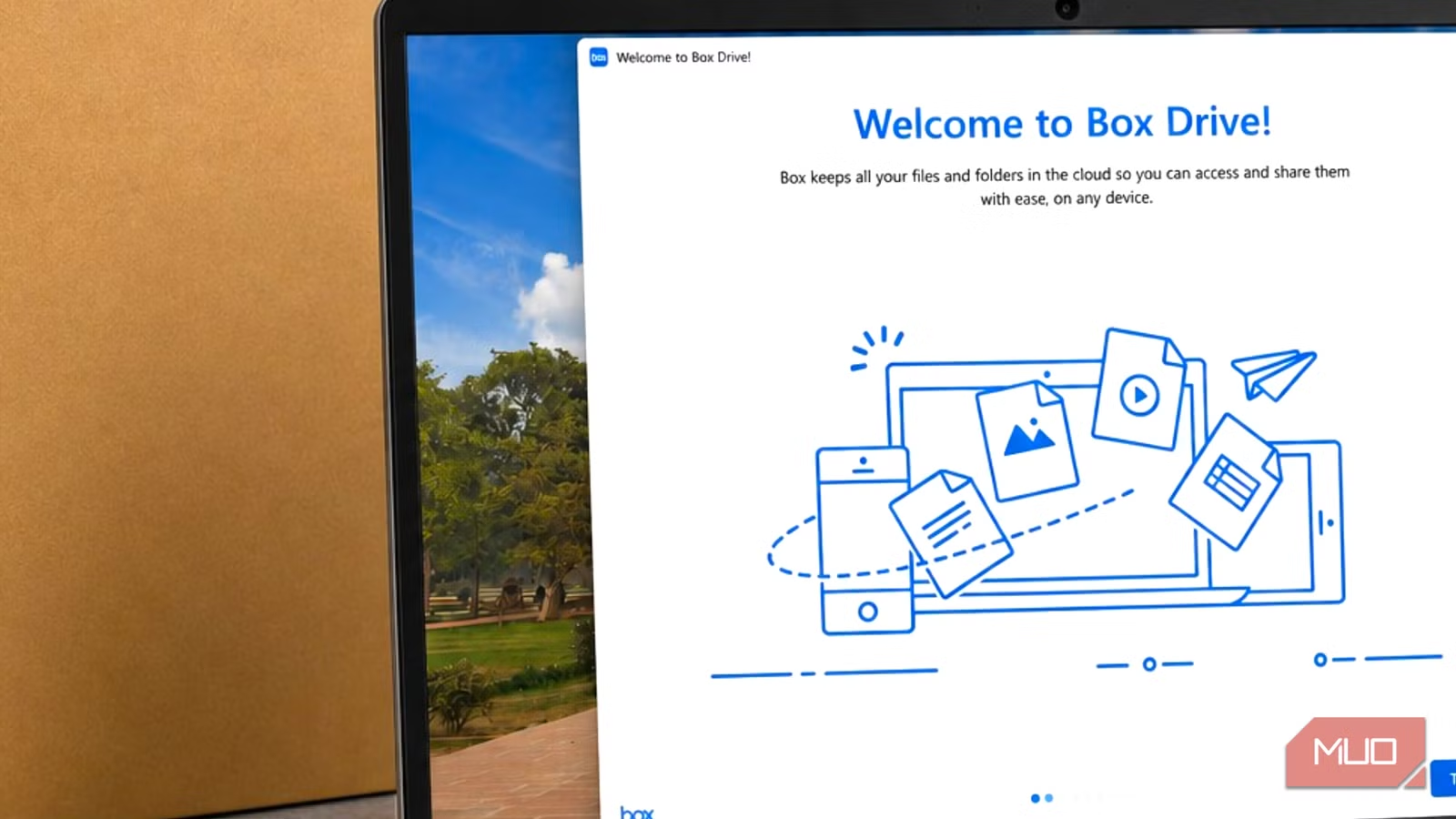
Box Drive installs as a local folder on your computer. After setup, your Box storage directory appears in File Explorer alongside Desktop, Documents, and Downloads. You can open, edit, and save files as if they lived on your hard drive. Changes sync automatically to the cloud.
The real benefit is on-demand streaming. Files don't take up local disk space until you open them. You can keep hundreds of files accessible without them physically sitting on your machine. If you need offline access to specific content, you can mark individual files or folders for local storage.
“With Box Drive, ALL of your files on Box are streamed to you, so you can easily access, share, and collaborate on cloud content right from your desktop, without using up all your hard drive space.”
— Box Community Support Representative
This mirrors OneDrive's "Files On-Demand" feature exactly. For users switching between the two, the transition is almost invisible. Same workflow, different provider.
The numbers: Box vs OneDrive vs Google Drive
| Service | Free Storage | File Size Limit (Free) | Annual Paid Cost |
|---|---|---|---|
| OneDrive | 5 GB | 250 GB | $99.99 (1TB) |
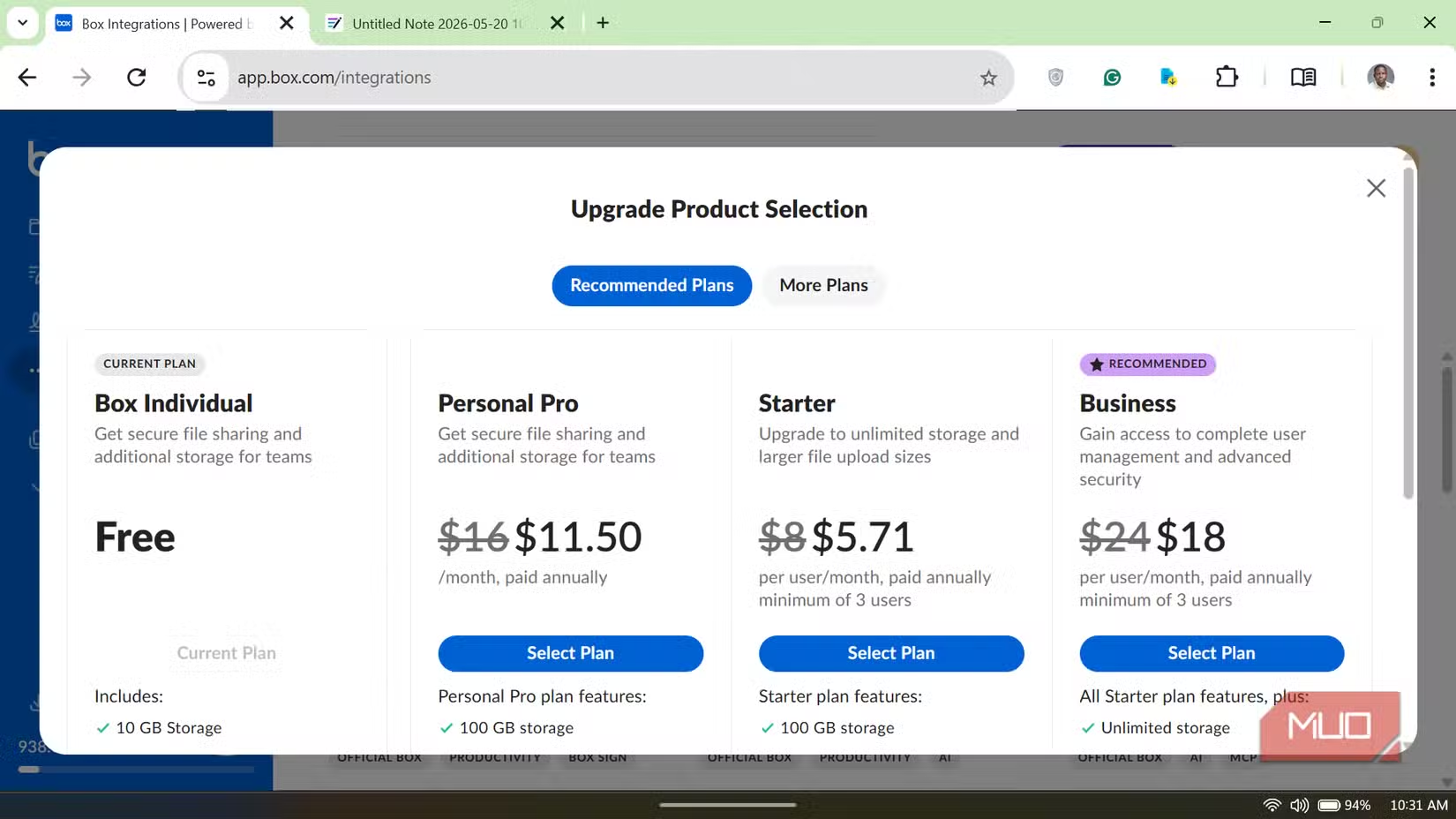
| Box Drive | 10 GB | 250 MB | $168/year (100GB) |
| Google Drive | 15 GB | 5 TB | $19.99 (100GB) |
Box gives you 10GB free, double OneDrive's tier. Google Drive still leads with 15GB. But the critical difference is in file size limits. Box caps free uploads at 250MB per file. That's fine for documents, spreadsheets, and presentations. It's a problem for video files, disk images, or large archives.
Where Box works well
- Document storage and collaboration for small teams
- Syncing work files across multiple computers
- Keeping local storage free while accessing cloud content
- Users who primarily work with text files, PDFs, and Office documents
The on-demand streaming makes Box particularly useful on laptops with limited SSD space. You can browse your entire cloud library without downloading everything. When you open a file, it streams. When you close it, the local cache can be cleared.
Where Box falls short
The 250MB file limit is the dealbreaker for many users. Reddit discussions on r/sysadmin and r/cloudstorage repeatedly flag this as the reason they can't fully switch from OneDrive. If you store large media files, video projects, or backups, Box's free tier won't work.
Hacker News commenters often recommend alternatives for pure storage capacity. MEGA offers 20GB free with higher file limits. Syncthing provides decentralized sync without cloud dependency, though it requires more setup.
✅ Pros
- • 10GB free storage, double OneDrive
- • Seamless File Explorer integration
- • On-demand streaming saves local disk space
- • Familiar workflow for OneDrive users
❌ Cons
- • 250MB file upload limit for free accounts
- • Paid tiers more expensive than Google Drive
- • Less integration with Microsoft Office than OneDrive
- • Smaller consumer user base means fewer tutorials
Making the switch
If you decide to try Box Drive, the migration is straightforward. Download Box Drive from box.com, sign up for a free account, and install the desktop app. Your Box folder will appear in File Explorer. Drag your files from OneDrive to Box, or upload them through the web interface.
Before canceling OneDrive, run both services in parallel for a week. Confirm that your workflow doesn't depend on features Box lacks, like deep Office 365 integration or SharePoint connectivity.
Logicity's Take
Frequently Asked Questions
Is Box Drive really free?
Yes. Box offers a free tier with 10GB of storage. The limitation is a 250MB maximum file size for uploads.
Can Box Drive replace OneDrive completely?
For document storage and sync, yes. For large file storage or deep Microsoft Office integration, you may hit limitations.
How does Box Drive work offline?
Files stream on demand by default. You can mark specific files or folders for offline access, which downloads them to your local drive.
What are better alternatives for large file storage?
MEGA offers 20GB free with higher file limits. Google Drive provides 15GB free. Syncthing offers peer-to-peer sync without cloud storage limits.
Optimize your system beyond cloud storage
Need Help Implementing This?
Source: MakeUseOf
Manaal Khan
Tech & Innovation Writer
Produced with AI assistance and reviewed by the Logicity editorial team. Learn more in our Editorial Policy.






