Key Takeaways
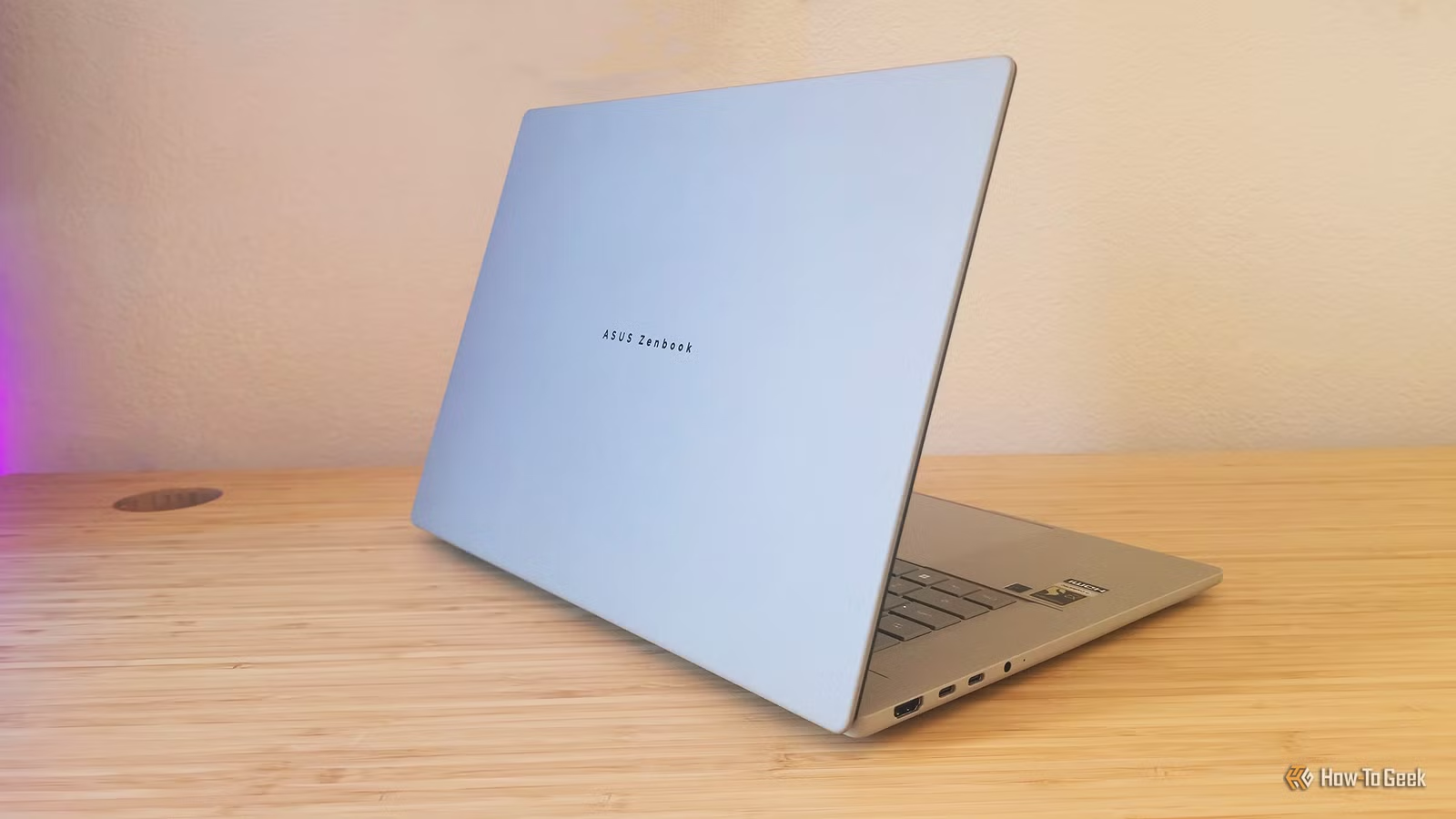
- At 2.65 pounds, the Zenbook A16 is the lightest 16-inch laptop in its class, lighter than the 15-inch MacBook Air
- The Snapdragon X2 Elite Extreme delivers 80 TOPS of NPU processing power for local AI tasks
- Integrated GPU performance remains a weak point for gaming and demanding creative work
ASUS has built a laptop that makes you rethink what's possible in a 16-inch form factor. The Zenbook A16 (2026) weighs 2.65 pounds. That's lighter than the 15-inch MacBook Air. And it runs Qualcomm's most powerful chip to date, the Snapdragon X2 Elite Extreme.
The result is a machine that comes remarkably close to the Windows ultrabook ideal. Fast processing, gorgeous display, all-day battery, genuinely portable. But "close" isn't perfect, and the integrated GPU remains a weak link for anyone pushing beyond productivity tasks.
Specs and Pricing
The Zenbook A16 is available now at Best Buy for $1,699.99 in the configuration I tested. That price includes 1TB of storage, 48GB of RAM, a 3K OLED touchscreen, Wi-Fi 7, Bluetooth 5.4, and a six-speaker system. ASUS will release a higher-spec version in Q2 2026 with Windows 11 Pro and a faster single-core speed (5GHz vs 4.7GHz) for $1,999.99. Note: the direct-from-ASUS model won't have a touchscreen.
✅ Pros
- • Stunning 3K OLED display with accurate colors
- • Snapdragon X2 Elite Extreme delivers excellent performance
- • Six-speaker system punches well above its weight class
- • At 2.65 lbs, genuinely ultraportable for a 16-inch machine
❌ Cons
- • Integrated GPU struggles with demanding games and creative apps
- • Microphone array's noise-cancelling disappoints
- • Glossy OLED screen shows fingerprints and reflections
The Snapdragon X2 Elite Extreme: Finally Competitive
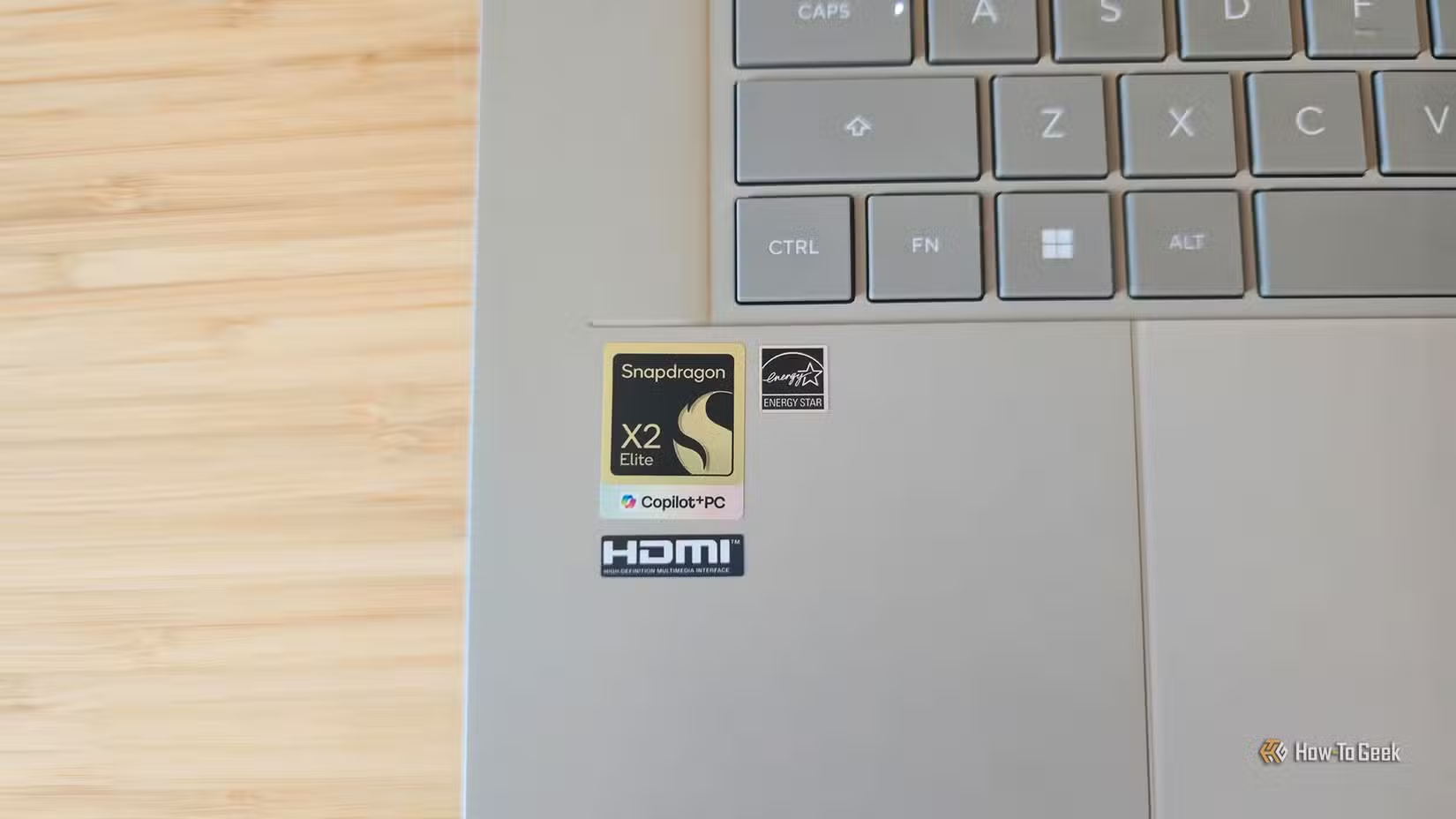
This is the chip Windows on ARM has been waiting for. The Snapdragon X2 Elite Extreme runs an 18-core architecture with an 80 TOPS Hexagon NPU. That's nearly double the AI processing power of the previous generation. For context, 80 TOPS is enough to run local AI models, handle real-time translation, and power the "Agentic AI" features Microsoft keeps pushing.
Day-to-day performance feels snappy. Apps launch fast. Multitasking across a dozen Chrome tabs, Slack, and a video call doesn't slow things down. The 48GB of RAM helps here. It's an unusually high base configuration, but ASUS clearly designed this laptop to handle local AI workloads without running out of memory.
“The market is beginning to understand that inference efficiency, not raw training compute, will determine who wins the AI deployment era.”
— Cristiano Amon, CEO of Qualcomm
Battery life matches the efficiency promises. ASUS rates it at 21+ hours for local video playback. Real-world usage with web browsing, writing, and occasional video calls got me through a full workday with room to spare. The 130W adapter charges quickly when you do need to plug in.
Display and Audio: The Highlights
The 3K OLED panel is gorgeous. Colors pop. Blacks are true black. HDR content looks fantastic. It's also a touchscreen in the Best Buy configuration, which adds versatility for scrolling and quick interactions.
That said, the glossy finish attracts fingerprints and shows reflections in bright environments. Reddit users in r/laptops have been vocal about this. If you work near windows or in coffee shops, keep a microfiber cloth handy.
The six-speaker system surprised me. Thin laptops usually sound tinny. The Zenbook A16 delivers actual bass and clear mids. Video calls, music, and streaming content all sound better than expected. It won't replace external speakers for serious listening, but it's among the best laptop audio I've tested.
Build Quality: Ceraluminum and Featherweight Design
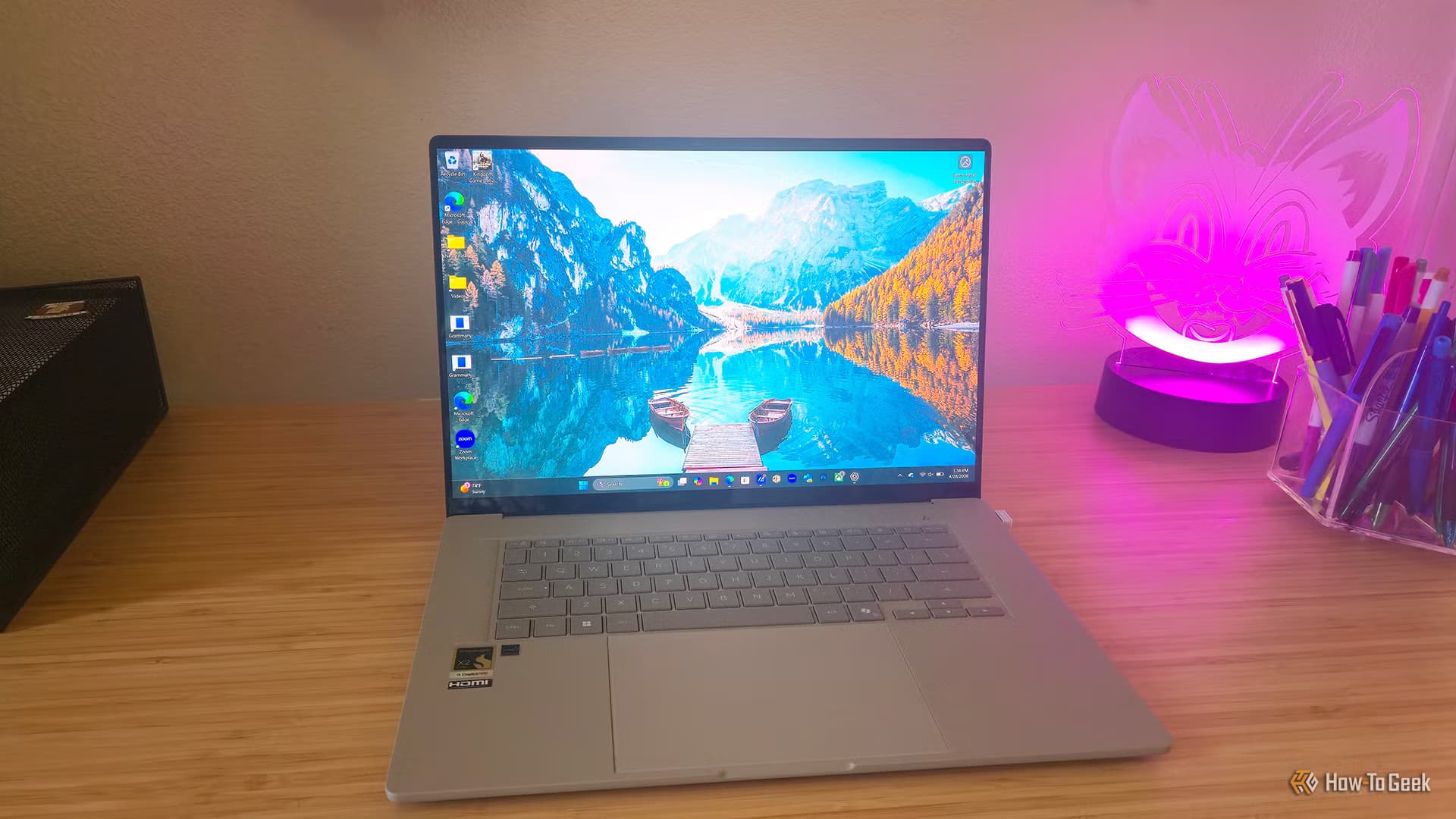
ASUS uses a material they call "Ceraluminum," a ceramic-aluminum hybrid that's scratch-resistant and fingerprint-proof. The Zabriskie Beige colorway looks professional without being boring. At 2.65 pounds, you can carry this all day without noticing it in your bag.
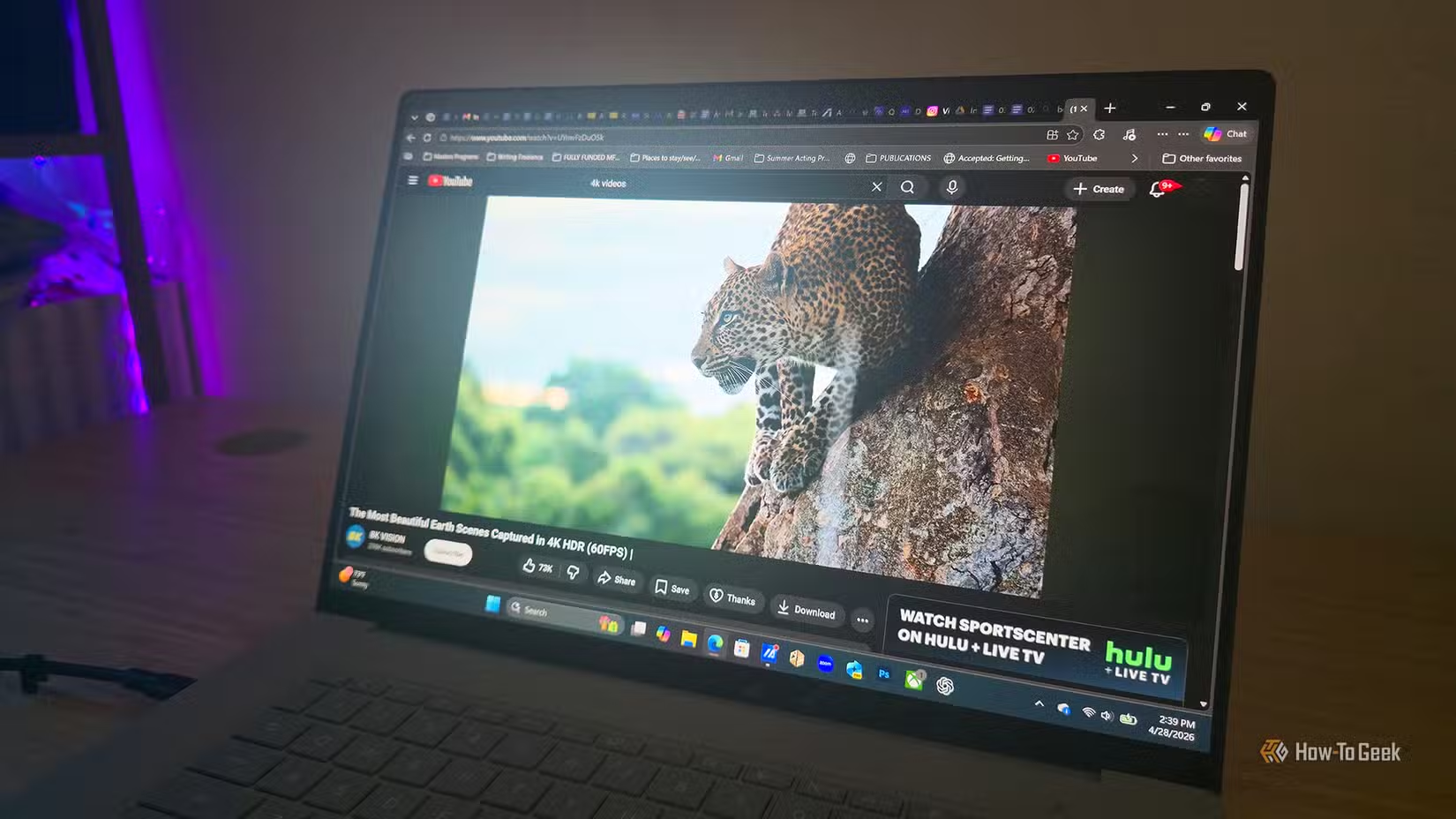
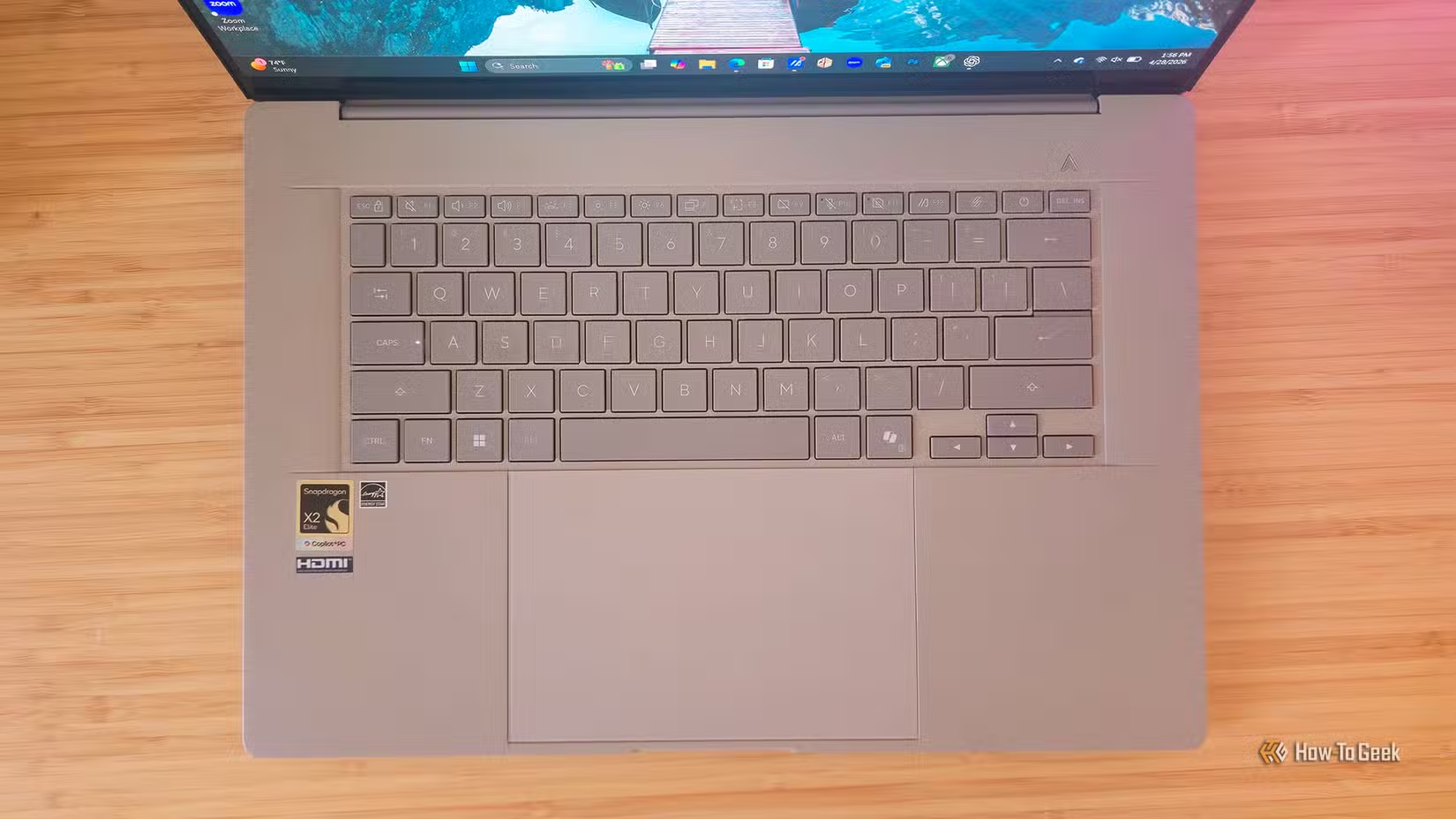
The keyboard has good travel and a responsive feel. The trackpad is large and accurate. These basics matter for productivity laptops, and ASUS got them right.
The GPU Problem
Here's where the Zenbook A16 falls short. The Qualcomm Adreno integrated GPU handles basic tasks fine. Video editing, photo work, casual games, all manageable. But push it harder and the limitations show.
Shadow of the Tomb Raider at medium settings stutters. Premiere Pro exports take longer than on comparable Intel or Apple Silicon machines with better integrated graphics. If your workflow involves GPU-heavy creative work or you want to game, this isn't your laptop.
The microphone array also disappoints. ASUS advertises AI-powered noise cancellation, but background noise still bleeds through on calls. It's not deal-breaking, but it doesn't match the polish of the rest of the machine.
Who Should Buy This
The Zenbook A16 makes sense for knowledge workers who prioritize portability. Writers, consultants, executives, developers who aren't compiling massive codebases, anyone who lives in browsers and productivity apps. The combination of weight, battery life, and performance is unmatched in the Windows ecosystem.
It doesn't make sense for gamers, video editors working with high-resolution footage, or anyone who needs discrete GPU performance. A heavier laptop with better graphics is the right call for those use cases.
Logicity's Take
The Verdict
ASUS has built a 9/10 laptop. The Zenbook A16 nails the fundamentals: stunning display, excellent keyboard, competitive performance, all-day battery, and a chassis that disappears in your bag. The integrated GPU and mediocre microphone hold it back from perfection.
For $1,699.99, you're getting the most compelling Windows ultrabook of 2026. It's close enough to perfection that I'd buy one tomorrow.
Frequently Asked Questions
Is the ASUS Zenbook A16 good for gaming?
No. The integrated Qualcomm Adreno GPU struggles with demanding games. Casual titles run fine, but AAA games stutter at medium settings. Look at gaming laptops with discrete GPUs instead.
How does the Zenbook A16 compare to MacBook Air?
The Zenbook A16 is lighter than the 15-inch MacBook Air at 2.65 pounds and offers a larger 16-inch display. Performance is now competitive with Apple Silicon for productivity tasks. GPU performance still favors the MacBook for creative work.
Does the ASUS Zenbook A16 have a touchscreen?
The Best Buy configuration ($1,699.99) includes a touchscreen. The direct-from-ASUS version coming in Q2 2026 ($1,999.99) does not have a touchscreen.
What is Ceraluminum on the Zenbook A16?
Ceraluminum is ASUS's proprietary ceramic-aluminum hybrid material. It's designed to be scratch-resistant and fingerprint-proof while keeping the laptop lightweight.
How long does the Zenbook A16 battery last?
ASUS rates battery life at 21+ hours for local video playback. Real-world usage with web browsing, writing, and video calls typically gets through a full workday.
Another look at how AI is reshaping device hardware
More portable device comparisons
Need Help Implementing This?
Source: How-To Geek
Manaal Khan
Tech & Innovation Writer
Produced with AI assistance and reviewed by the Logicity editorial team. Learn more in our Editorial Policy.