Key Takeaways
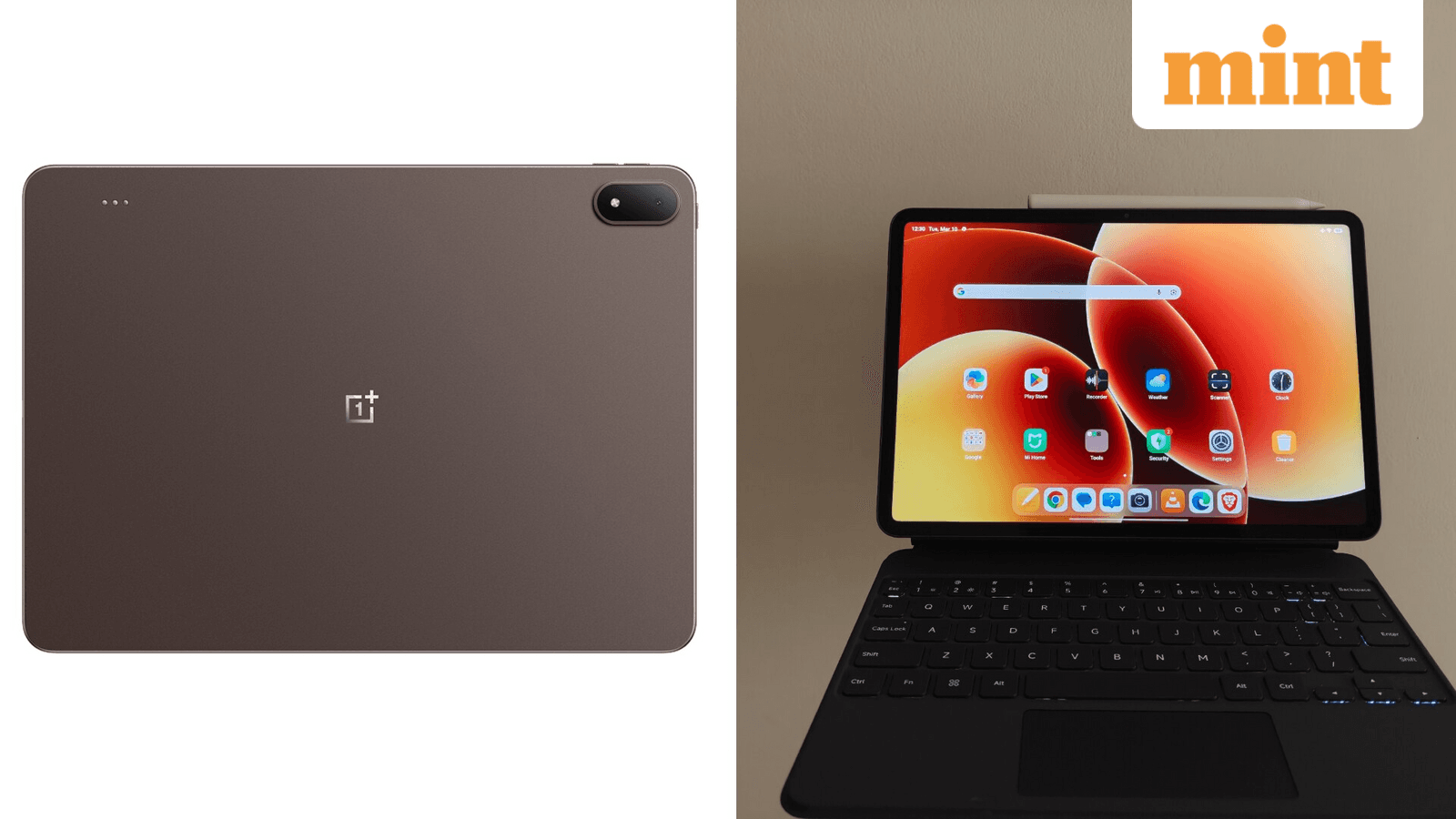
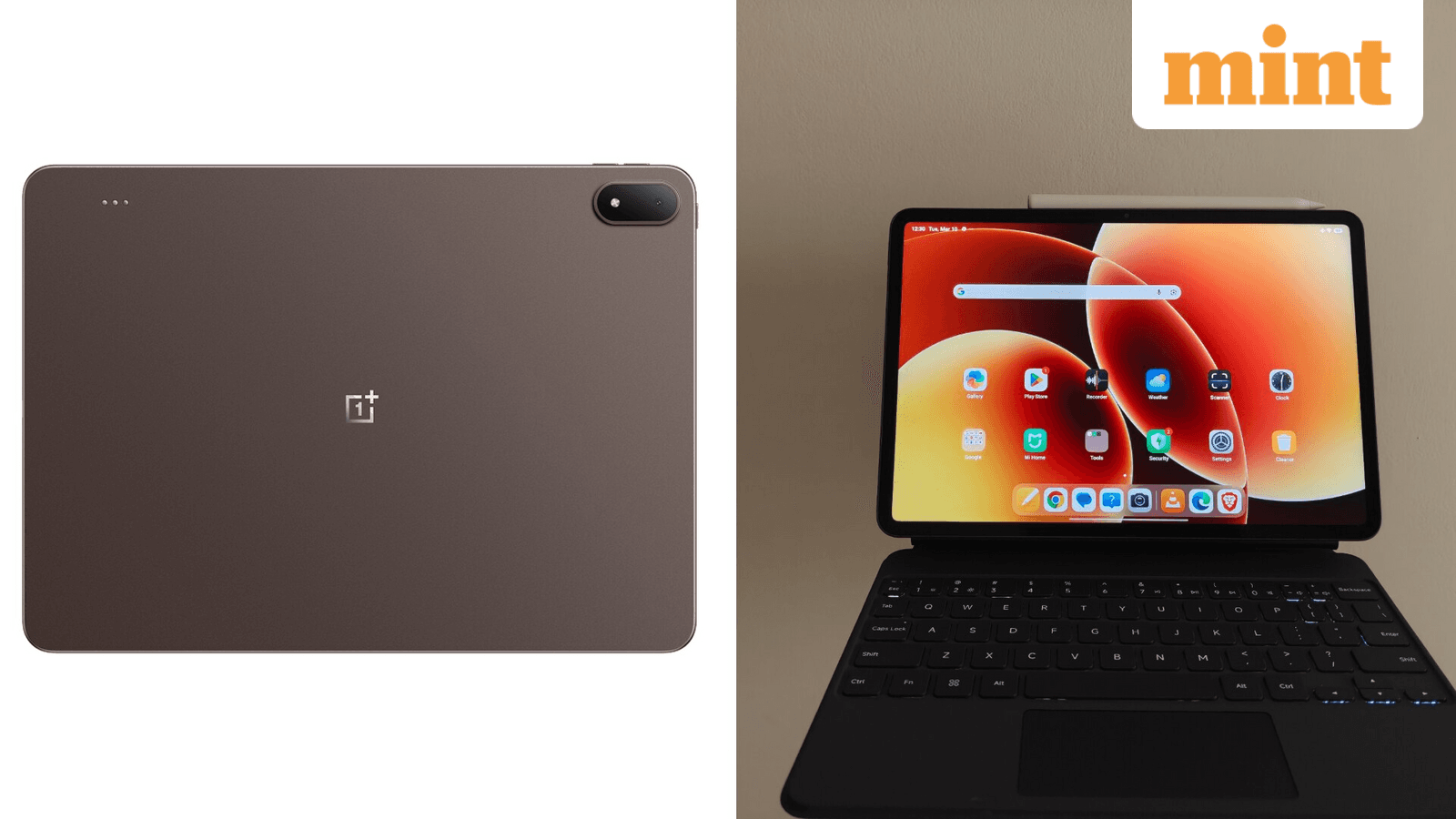
- OnePlus Pad 4 has a larger 13.2-inch display and flagship Snapdragon 8 Elite chip, but weighs 672g
- Xiaomi Pad 8 is lighter at 485g with a smaller 11.2-inch screen and mid-range Snapdragon 8s Gen 4
- Both run Android 16 with custom skins, but OxygenOS 16 offers better multitasking with Open Canvas
Android tablets finally have some competition worth watching. OnePlus and Xiaomi have both released flagship tablets in recent months, the OnePlus Pad 4 and Xiaomi Pad 8, running Android 16 with Snapdragon processors. They target different buyers at different price points. If you're choosing between them, here's what actually matters.
Display: Size vs Portability
The OnePlus Pad 4 has a 13.2-inch 3.4K display with a 144Hz variable refresh rate that can drop to 30Hz to save battery. Peak brightness hits 1,000 nits in high brightness mode with Dolby Vision support. The 7:5 aspect ratio gives you more room for reading, multitasking, and editing documents side by side.
The Xiaomi Pad 8 uses a smaller 11.2-inch 3.2K LCD display with the same 144Hz refresh rate and Dolby Vision. Brightness maxes out at 800 nits in HBM, lower than the OnePlus. The 3:4 aspect ratio feels more compact and works better for portrait viewing, but split-screen use feels cramped by comparison. Xiaomi does offer a nano texture coating variant to reduce glare.
Design: The Weight Difference Is Real
Pick up both tablets and the difference is obvious. The Xiaomi Pad 8 weighs 485g and measures 5.75mm thick. The OnePlus Pad 4 weighs 672g at 5.94mm thick. That's nearly 200g more in your hands or bag. If you're reading in bed or commuting with your tablet, the Xiaomi's lighter build matters.
Performance: Flagship vs Mid-Range Silicon
The OnePlus Pad 4 runs on the Snapdragon 8 Elite Gen 5, the same chip powering 2026 flagships like the Samsung Galaxy S26 Ultra and OnePlus 15. All variants get up to 12GB of LPDDR5X RAM and UFS 4.1 storage. This is genuine flagship performance in a tablet.
The Xiaomi Pad 8 uses the Snapdragon 8s Gen 4, a mid-range processor. It has LPDDR5x RAM across variants, but storage differs: UFS 3.1 for the 128GB model, UFS 4.1 for the 256GB variant. For everyday use, web browsing, video, and productivity, the difference won't matter much. For heavy gaming or video editing, the OnePlus has the edge.
| Spec | OnePlus Pad 4 | Xiaomi Pad 8 |
|---|---|---|
| Display | 13.2-inch 3.4K, 144Hz | 11.2-inch 3.2K, 144Hz |
| Brightness | 1,000 nits HBM | 800 nits HBM |
| Aspect Ratio | 7:5 | 3:4 |
| Processor | Snapdragon 8 Elite Gen 5 | Snapdragon 8s Gen 4 |
| RAM | Up to 12GB LPDDR5X | LPDDR5x |
| Storage | UFS 4.1 (all variants) | UFS 3.1 (128GB) / UFS 4.1 (256GB) |
| Weight | 672g | 485g |
| Thickness | 5.94mm | 5.75mm |
| Battery | 13,380mAh | Not specified |
| Software | OxygenOS 16 (Android 16) | HyperOS 3 (Android 16) |
Software: OxygenOS vs HyperOS
Both tablets run Android 16 with custom skins. OnePlus uses OxygenOS 16, Xiaomi uses HyperOS 3. Both offer computer shortcuts on their keyboards and seamless connectivity with their respective smartphones, including shared clipboard, easy file transfer, and screen sharing.
OxygenOS 16 has an advantage for tablet use. Its Open Canvas multitasking system lets you run three apps at once with floating windows. You can resize each app individually and swap apps quickly using the three dots button above them. The system feels more polished for productivity work than HyperOS 3.
Battery: OnePlus Goes Big
The OnePlus Pad 4 packs a 13,380mAh battery. Combined with the variable refresh rate that can drop to 30Hz, you should get solid battery life despite the larger display and more powerful chip. Xiaomi hasn't specified the Pad 8's battery capacity in the available details.
Which Tablet Should You Buy?
The choice comes down to how you'll use the tablet and what you'll pay.
Buy the OnePlus Pad 4 if you want the best display for productivity, flagship performance for demanding apps and games, and don't mind the extra weight. The larger screen and Open Canvas multitasking make it better for split-screen work and document editing.
Buy the Xiaomi Pad 8 if portability matters more than raw power. The lighter weight and compact size make it easier to carry and hold. If you mostly consume content, browse the web, and do light productivity work, the mid-range chip handles those tasks fine.
✅ Pros
- • OnePlus Pad 4: Larger 13.2-inch display with 1,000 nits brightness
- • OnePlus Pad 4: Flagship Snapdragon 8 Elite Gen 5 chip
- • OnePlus Pad 4: Better multitasking with Open Canvas
- • Xiaomi Pad 8: Nearly 200g lighter at 485g
- • Xiaomi Pad 8: Nano texture coating option to reduce glare
❌ Cons
- • OnePlus Pad 4: Heavy at 672g
- • Xiaomi Pad 8: Lower 800 nits brightness
- • Xiaomi Pad 8: Mid-range processor
- • Xiaomi Pad 8: UFS 3.1 storage on base 128GB model
Logicity's Take
More hidden features in consumer electronics
Frequently Asked Questions
Which tablet has the better display, OnePlus Pad 4 or Xiaomi Pad 8?
The OnePlus Pad 4 has a larger 13.2-inch 3.4K display with 1,000 nits brightness compared to the Xiaomi Pad 8's 11.2-inch 3.2K display with 800 nits. Both support 144Hz refresh rate and Dolby Vision.
What processor does the OnePlus Pad 4 use?
The OnePlus Pad 4 uses the flagship Snapdragon 8 Elite Gen 5, the same chip found in the Samsung Galaxy S26 Ultra and OnePlus 15.
Is the Xiaomi Pad 8 lighter than the OnePlus Pad 4?
Yes. The Xiaomi Pad 8 weighs 485g compared to the OnePlus Pad 4's 672g, making it nearly 200g lighter.
Do both tablets run Android 16?
Yes. The OnePlus Pad 4 runs OxygenOS 16 based on Android 16, while the Xiaomi Pad 8 runs HyperOS 3 based on Android 16.
Which tablet is better for multitasking?
The OnePlus Pad 4's OxygenOS 16 has Open Canvas, which allows running three apps simultaneously with adjustable sizing and floating windows. This makes it better optimized for multitasking than the Xiaomi Pad 8.
Need Help Implementing This?
Source: mint / Aman Gupta
Huma Shazia
Senior AI & Tech Writer
Produced with AI assistance and reviewed by the Logicity editorial team. Learn more in our Editorial Policy.




