Key Takeaways
- Pixel Recorder transcribes meetings on-device with AI summaries, speaker labels, and Google Docs export
- Call Screen lets Google Assistant answer unknown calls and transcribe the caller's response before you decide to pick up
- Now Playing identifies songs passively without sending audio to the cloud
Most Pixel owners install third-party apps for transcription, spam blocking, and song identification. They pay subscriptions. They grant microphone access to services that upload audio to remote servers. Then they forget that Google ships free alternatives inside every Pixel phone.
Rob LeFebvre, a tech writer at MakeUseOf, spent years doing exactly this. He used Otter.ai for meeting transcriptions. He downloaded Shazam for music. He tried various call-screening apps. Then he looked at what his Pixel 9 already had installed.
"I realized that maybe I didn't have to keep finding apps," LeFebvre wrote. "Much of what I need is already on the Pixel."
Here's what he found, and why these built-in tools might be enough for most users.
Recorder: On-Device Transcription With AI Summaries
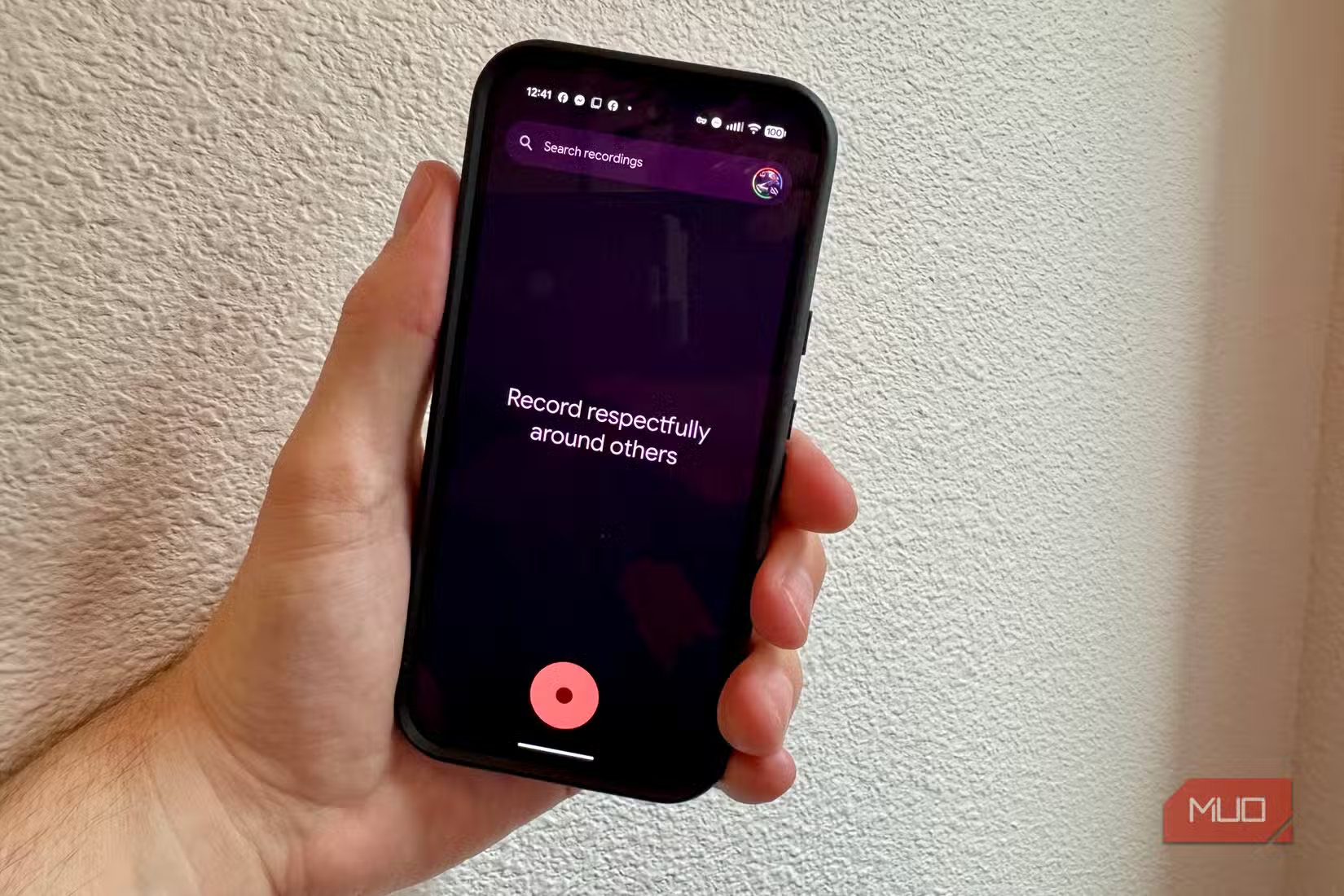
The Pixel Recorder app launched in 2019, but it's grown far beyond voice memos. On Pixel 8 and later, it transcribes speech in real time, entirely on-device. No audio leaves your phone. It works offline.
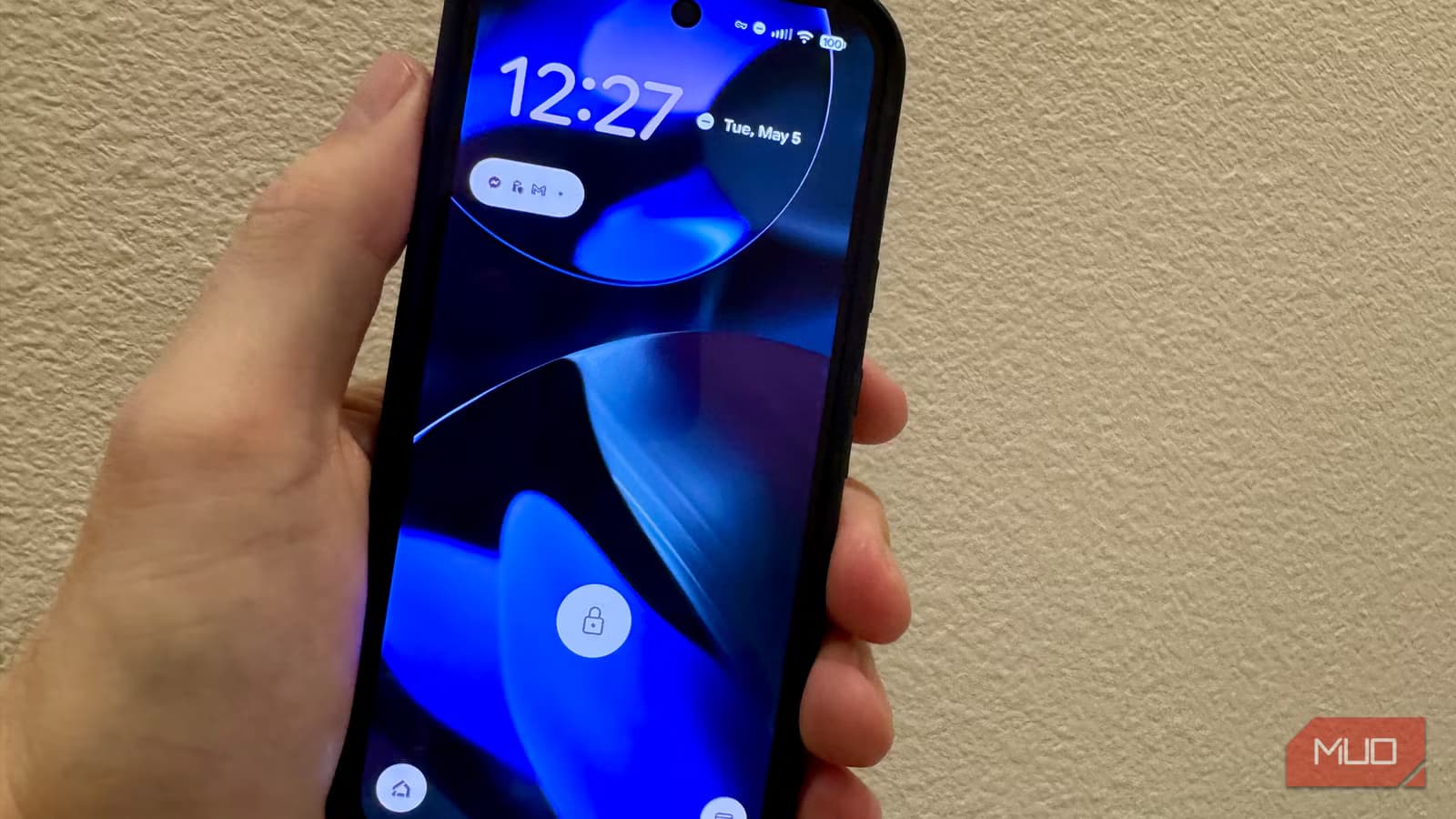
After a recording ends, the app generates a three-bullet AI summary with speaker names, key takeaways, and conversation themes. On the Pixel 9 series, Gemini Nano extends recording from 15 minutes to over 40 minutes and adds speaker labels to identify who said what.
You can export transcripts directly to Google Docs or plain text. LeFebvre uses it for band meetings, household discussions, and medical appointments. Anything where he needs to pay attention without splitting focus between listening and note-taking.
“I've since dropped Otter.ai and other such services for this built-in app, and I'll never go back.”
— Rob LeFebvre, MakeUseOf
Otter.ai's basic plan runs $16.99 per month. The Pixel Recorder does most of the same work for free.
Call Screen: Your AI Receptionist
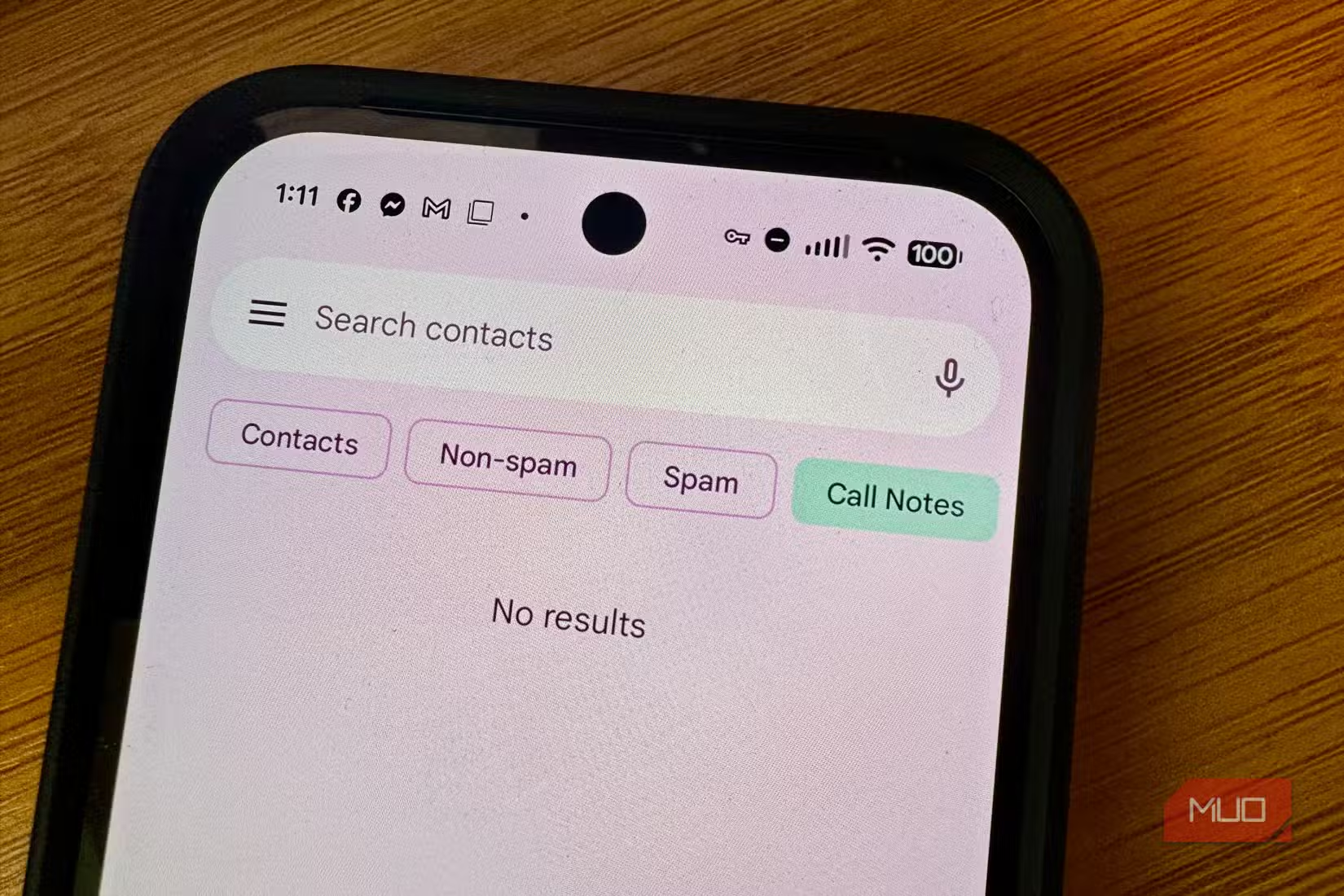
Call Screen has been on Pixel phones since 2018. When an unknown number calls, Google Assistant answers on your behalf. It asks for the caller's name and reason for calling, then transcribes their response on your screen in real time.
You watch the transcript appear and decide: pick up, dismiss, or send a text reply. Spam callers hang up. Real callers state their business. You never have to answer a robocall again.
This feature ships free on every Pixel. Third-party call-screening apps often charge subscriptions or require you to route calls through their servers. Google handles it locally.
Now Playing: Passive Song Identification
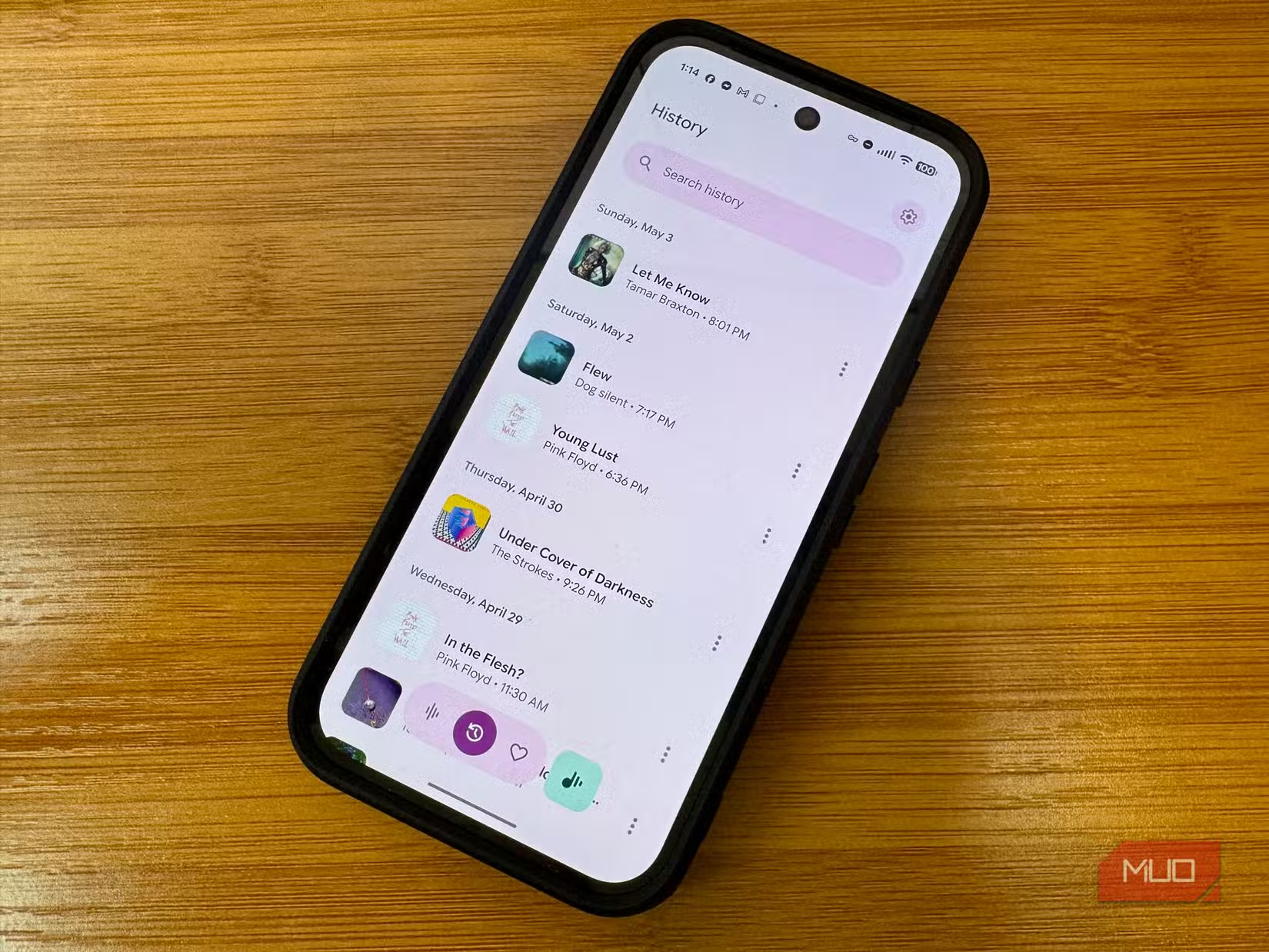
Shazam requires you to open an app, tap a button, and wait while it uploads audio to identify a song. Pixel's Now Playing feature works differently. It listens passively and displays the song title on your lock screen without you doing anything.
The identification happens on-device. No audio goes to Google's servers. The phone stores a local database of song fingerprints and matches against it. You can check your Now Playing History to see every song it caught.
Walk into a coffee shop, glance at your phone, and it's already telling you what's playing. No app launch. No waiting. No cloud upload.
Why This Matters
Google ships these features to differentiate Pixel from other Android phones. Samsung, OnePlus, and Xiaomi don't have Recorder's on-device transcription or Now Playing's passive identification. These are Pixel exclusives.
For users who already own a Pixel, the discovery is simple: check what's installed before downloading alternatives. The built-in apps often do enough.
For users choosing a new phone, these bundled tools add real value. A year of Otter.ai costs over $200. Pixel Recorder is free for the life of the device.
Logicity's Take
What's Missing
Pixel's built-in apps have limits. Recorder maxes out at around 40 minutes per session. It doesn't integrate with Zoom or Google Meet directly. Call Screen works only on incoming calls, not outgoing. Now Playing requires songs to be in Google's local database, which excludes obscure tracks.
Power users with specific needs may still want paid tools. But for typical use, the defaults handle most tasks.
Frequently Asked Questions
Does Pixel Recorder work offline?
Yes. All transcription happens on-device with no internet connection required. Your audio never leaves the phone.
Which Pixel phones have Call Screen?
Call Screen has been available on all Pixel phones since the Pixel 3, released in 2018.
Does Now Playing use data or battery?
Now Playing runs on a dedicated low-power chip and uses a local song database. It doesn't upload audio or consume significant battery.
Can I export Pixel Recorder transcripts?
Yes. You can export to Google Docs or plain text directly from the app.
How long can Pixel Recorder transcribe on Pixel 9?
Gemini Nano extends transcription sessions to over 40 minutes on Pixel 9 series phones, up from 15 minutes on earlier models.
Another example of built-in AI capabilities expanding
Need Help Implementing This?
Source: MakeUseOf
Pixel 10 Innovations: Magic Cue and Extended Support
The article introduces the Pixel 10 and its Tensor G5 chip, specifically detailing the 'Magic Cue' feature which uses local AI to monitor app context. It also notes Google's commitment to seven years of updates for these devices, a detail missing from the previous coverage.
Privacy-Focused Search Hacks and Anonymous AI Tools
The new article introduces features within DuckDuckGo that serve as free, privacy-focused alternatives to paid tools, such as anonymous access to AI chatbots (ChatGPT and Claude) and built-in photo editing like background removal. It also explains the use of '!bangs' for direct website searching and how to manage new AI-driven search results.
Latest Pixel 10 Pro Deals and Hardware Upgrades
The new article provides details on a $250 discount for the Pixel 10 Pro at Amazon, marking its lowest price yet at $969. It also introduces specific hardware information not covered in the previous piece, such as the Tensor G5 chip performance, the PixelSnap magnetic charging system, and display brightness improvements.
Huma Shazia
Senior AI & Tech Writer
Produced with AI assistance and reviewed by the Logicity editorial team. Learn more in our Editorial Policy.






