Key Takeaways
- Keep a backup device within arm's reach since connectivity issues often affect only one device
- Follow the refresh-restart-reinstall sequence in that exact order to minimize downtime
- Switching DNS servers to Google (8.8.8.8) or Cloudflare (1.1.1.1) can bypass ISP-level slowdowns
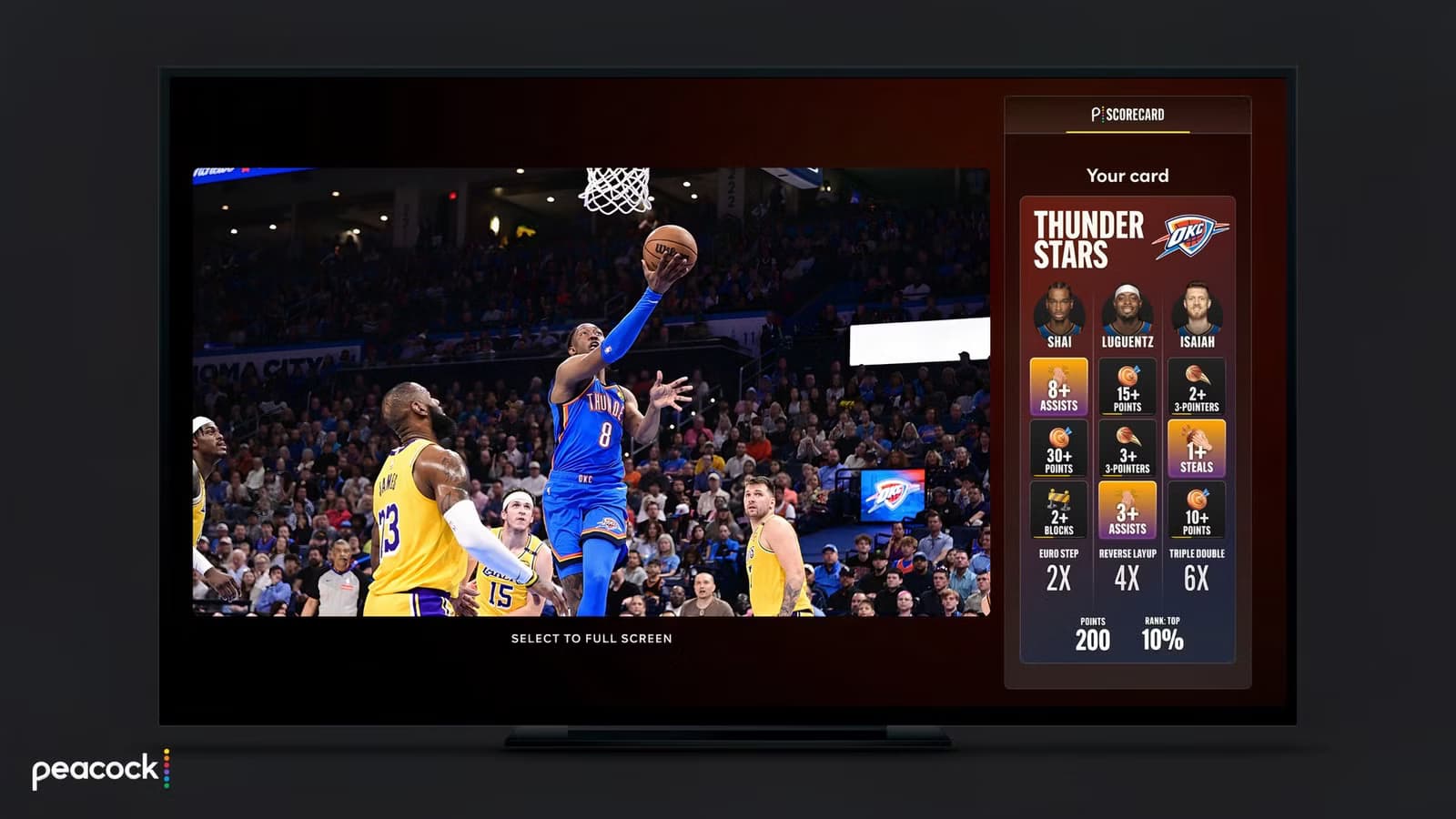
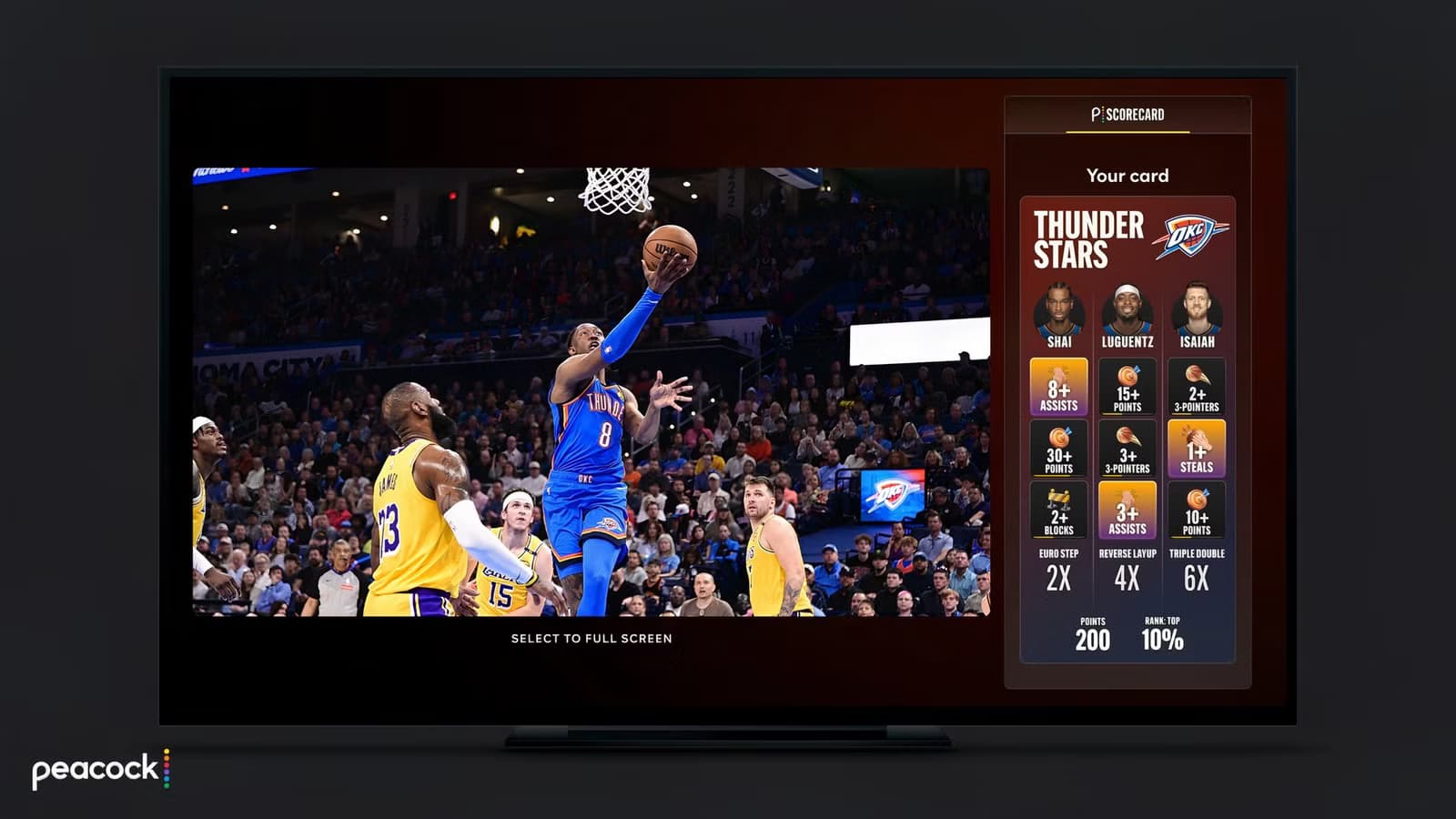
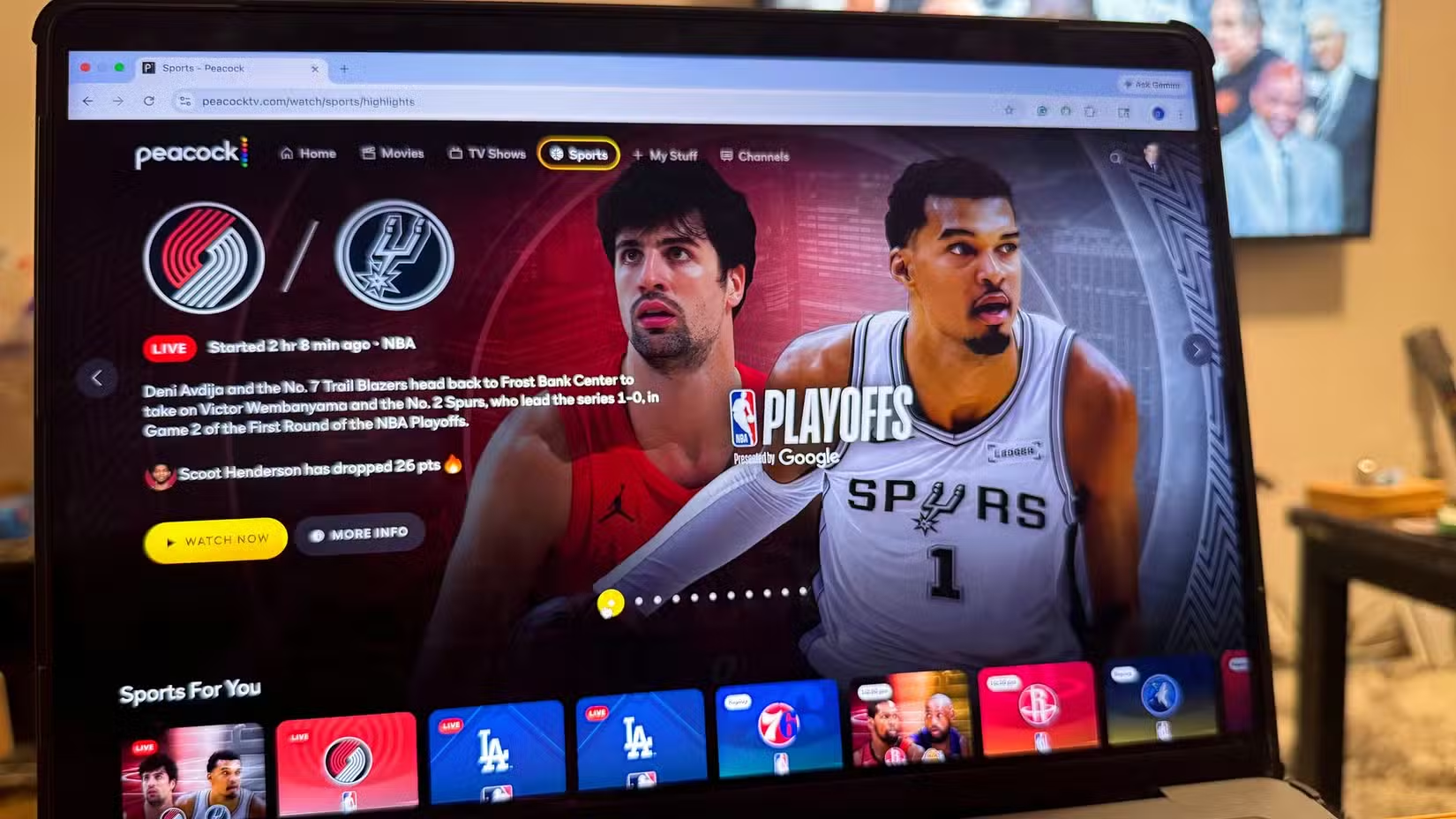
The NBA Playoffs are here, and so is the streaming chaos. This is the first postseason under the league's 11-year, $77 billion media rights deal with ESPN, NBC, and Amazon. For fans, that means games are scattered across ABC, ESPN, NBC, Peacock, and Prime Video.
Even if you're well-versed in streaming services, figuring out where to find your game can be confusing. And when you do find it, you're at the mercy of your internet connection. Streams crash. It happens. But before you throw your laptop across the room, try these fixes.
1. Always Have a Backup Device Nearby
Preparation matters more than reaction speed. If your Roku TV freezes during a crucial possession, you don't want to be hunting for your laptop charger.
Keep a secondary device within arm's reach. A tablet, phone, or laptop works. The backup isn't just for watching. It's for troubleshooting. You can diagnose and fix connectivity issues faster on a computer than by navigating TV menus with a remote.
Yes, connectivity problems can affect all your devices simultaneously. But often they don't. Your TV might struggle while your phone streams fine on the same network.
2. Refresh, Restart, Reinstall (In That Order)
When your stream of LeBron's Lakers vs. Kevin Durant's Rockets freezes at the worst moment, wait a few seconds first. Streams often correct themselves. If the freeze persists, follow this sequence.
- Refresh the stream. This is the fastest fix and can be done multiple times within a minute.
- Restart the app. On newer Roku TVs, press the star button and choose 'Restart.' On other devices, force-close and reopen.
- Reinstall the app. This is the nuclear option, but it clears cached data that might be causing problems.
The order matters. Refreshing takes seconds. Restarting takes a minute. Reinstalling takes several minutes and requires logging back in. Don't jump to reinstalling when a simple refresh might work.
3. Check Your Network Connection
Sometimes the problem isn't the app. It's your internet. Before blaming Peacock or Prime Video, run a quick speed test on your phone or laptop.
- HD streaming needs at least 5 Mbps
- 4K streaming needs 25 Mbps or higher
- If you're below these thresholds, other devices on your network might be hogging bandwidth
Try moving closer to your router if you're on Wi-Fi. Better yet, use an Ethernet cable if your streaming device supports it. Wired connections are more stable than wireless, especially when everyone in your building is streaming the same playoff game.
4. Switch Your DNS Server
This is slightly more technical, but it can make a real difference. Your ISP's default DNS servers can slow down during high-traffic events like playoff games. Switching to a public DNS server like Google (8.8.8.8) or Cloudflare (1.1.1.1) can improve connection reliability.
You can change DNS settings on your router to affect all devices, or change it on individual devices. On most streaming devices, you'll find DNS settings under Network or Advanced Network options.
Logicity's Take
The Bigger Picture
These tips can save individual viewing sessions, but they don't fix the underlying problem. The NBA's media rights deal prioritizes revenue over viewer convenience. Cable subscribers can access ABC, ESPN, and NBC through their existing packages. Cord-cutters need both Peacock and Prime Video subscriptions to catch every game.
For the next two months, NBA fans will navigate this fragmented landscape. Having a troubleshooting plan ready means you'll spend more time watching basketball and less time staring at buffering wheels.
Frequently Asked Questions
Why does my NBA stream keep buffering during playoffs?
High viewership during playoff games strains both streaming servers and your ISP. Try switching to a wired connection or changing your DNS server to Google (8.8.8.8) or Cloudflare (1.1.1.1).
What streaming services do I need for NBA Playoffs 2026?
Games are spread across ABC, ESPN, NBC, Peacock, and Prime Video. Cable subscribers can access ABC, ESPN, and NBC through their package. Peacock and Prime Video require separate subscriptions.
Does restarting my streaming app delete my login?
No, restarting an app preserves your login. Only reinstalling the app will require you to sign in again.
How much internet speed do I need for NBA streaming?
HD streaming requires at least 5 Mbps. For 4K quality, you need 25 Mbps or higher. Run a speed test if your stream keeps buffering.
For readers who want to optimize their tech setup beyond streaming
Need Help Implementing This?
Source: How-To Geek
Manaal Khan
Tech & Innovation Writer
Produced with AI assistance and reviewed by the Logicity editorial team. Learn more in our Editorial Policy.






