Key Takeaways
- VLC Media Player works on Android Auto for offline, ad-free music playback
- AntennaPod provides a free podcast experience without premium subscriptions
- Organic Maps offers offline navigation without Google's data collection
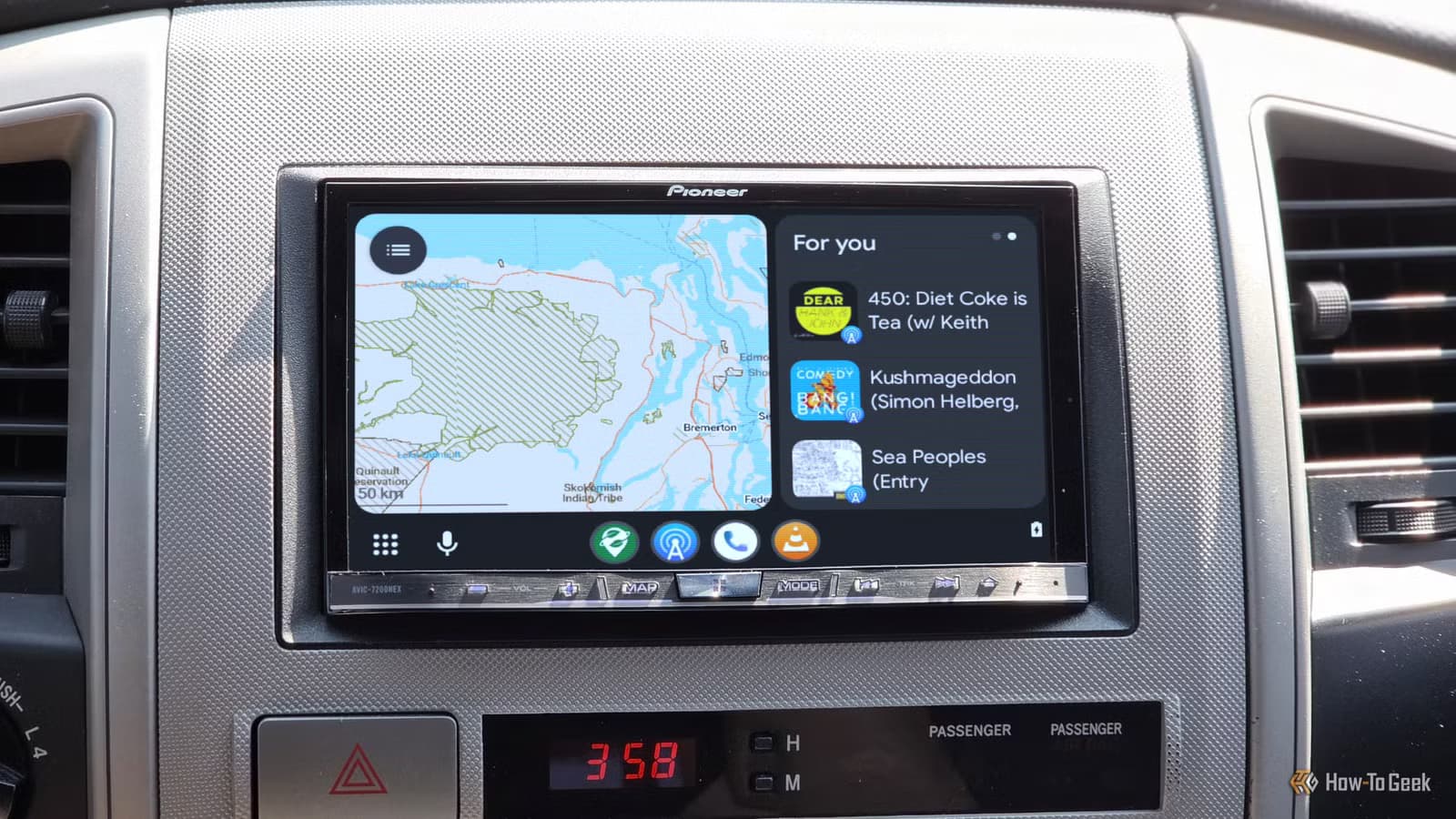
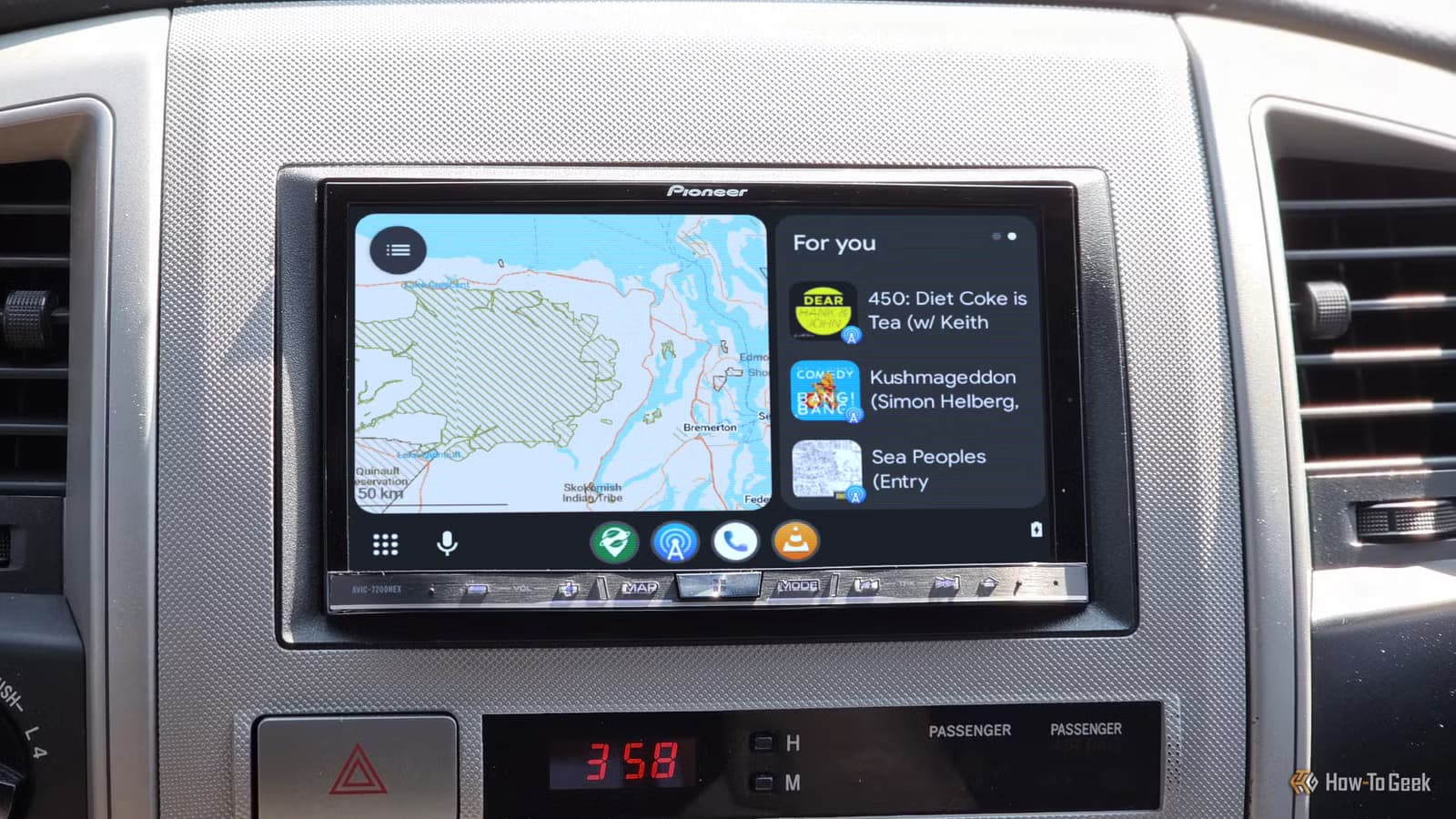
Android Auto works well enough for most drivers. Plug in your phone, get Google Maps on the dashboard, stream Spotify, and go. But the defaults come with trade-offs: ads in free music apps, constant data collection, and the assumption you want everything cloud-based.
David J. Buck, a writer at How-To Geek, spent time testing open-source alternatives that work with Android Auto. His goal was simple: more privacy, no ads, and the ability to use media offline during long commutes. Four apps made the cut.
VLC Media Player for Offline Music
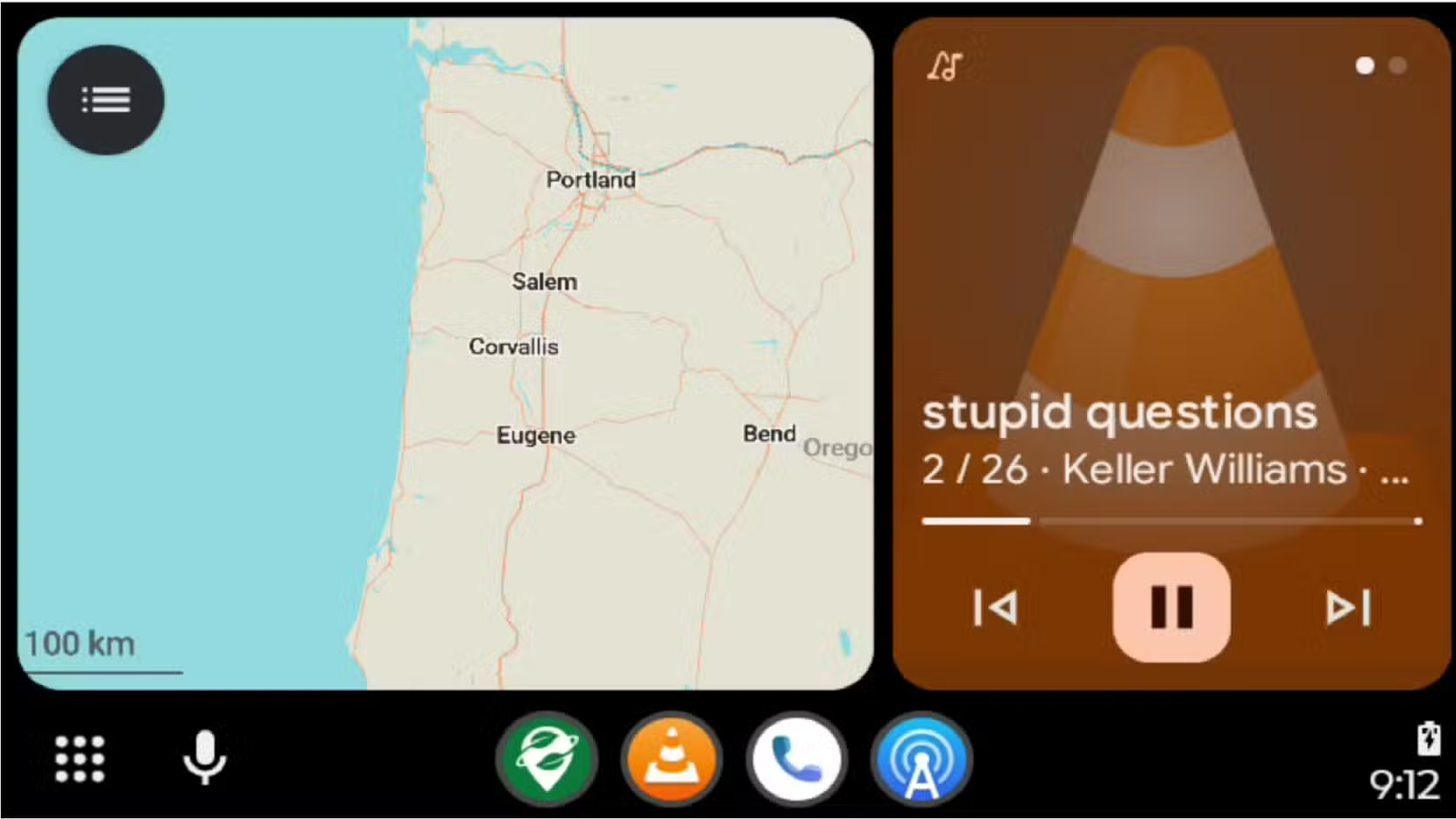
VLC is the Swiss Army knife of media players on desktop. It plays nearly any file format without codec hunting. The Android version brings that same flexibility to your car.
Buck uses VLC for archived radio shows, live recordings from jam bands, and his local music library. The app scans your device for audio files automatically, supports multiple formats, and plays everything without interruption. No subscription required. No ads.
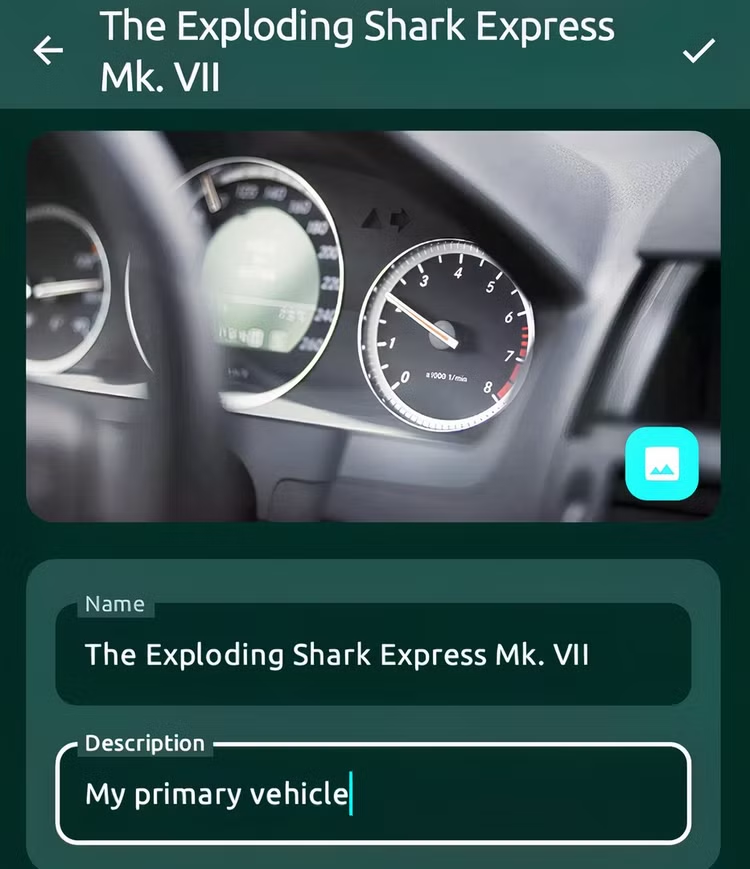
For drivers with long commutes and large music collections, VLC removes the need for streaming services entirely. You control what's on your phone. The app just plays it.
AntennaPod for Podcasts
Podcast apps have become bloated. Many push premium tiers, exclusive content, and algorithmic recommendations. AntennaPod takes a different approach.
It's a free, open-source podcast manager that downloads episodes for offline listening. Search for any podcast, subscribe, and the app handles the rest. No account required. No ads. No upsells.
The Android Auto integration works as expected. You see your subscribed shows, pick an episode, and listen. Buck describes it as filling the gap left by mainstream podcast apps that now prioritize monetization over simplicity.
Organic Maps for Offline Navigation
Google Maps is excellent. It's also constantly tracking your location, routes, and search history. Organic Maps offers an alternative built on OpenStreetMap data.
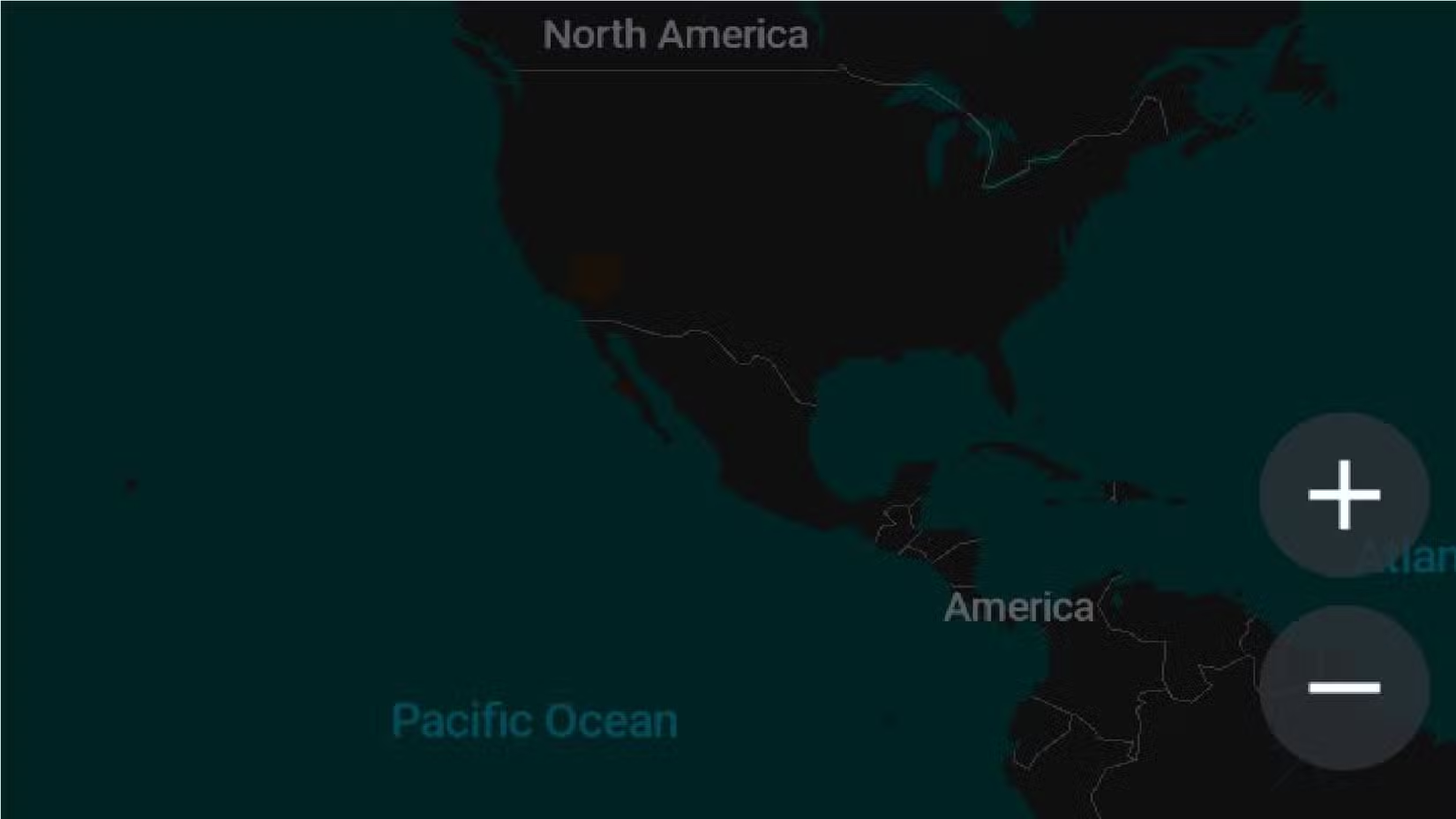
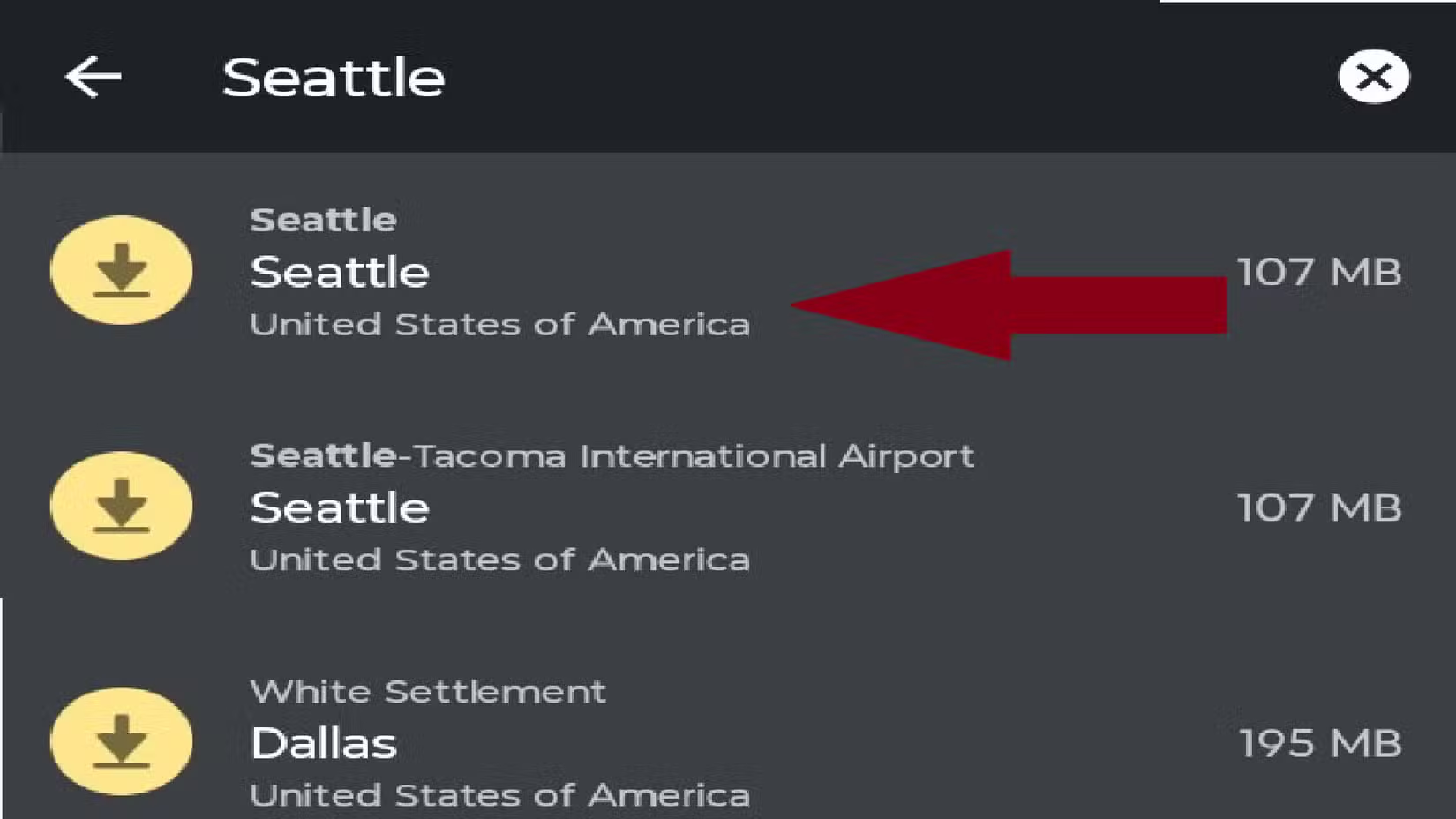
Download maps for specific regions before you drive. The app then provides turn-by-turn navigation without an internet connection. No location data sent to servers. No ads.
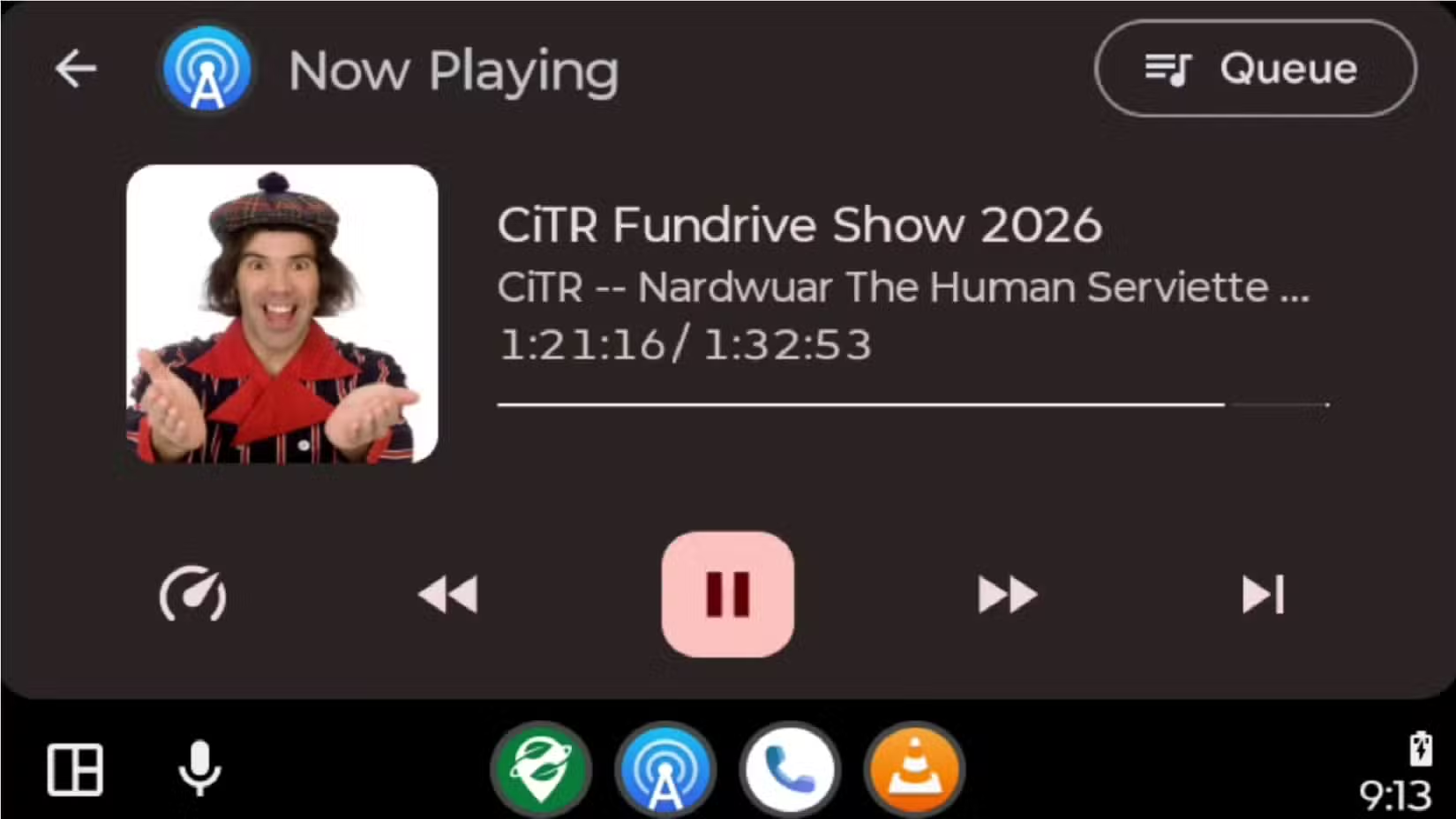
The trade-off is clear: you lose Google's real-time traffic updates and business integration. But for drivers who prioritize privacy or frequently travel through areas with spotty cell coverage, offline maps solve real problems.
Why Open-Source Makes Sense in the Car
Buck's motivation boils down to three factors: privacy, customization, and an ad-free experience. Open-source apps deliver on all three without requiring premium subscriptions.
- Privacy: No data collection beyond what's stored locally on your device
- Customization: Open-source projects often let you tweak settings commercial apps lock down
- No ads: Free means free, not free-with-interruptions
The experiment wasn't perfect. Buck notes some open-source apps don't integrate well with Android Auto. But the four he selected work reliably for daily driving.
How to Set Up These Apps
All four apps are available on the Google Play Store. Install them like any other Android app, then connect your phone to your car. Android Auto should recognize compatible apps automatically.
- Install VLC, AntennaPod, or Organic Maps from Google Play or F-Droid
- Open each app once on your phone to complete initial setup
- Connect your phone to your car via USB or wireless Android Auto
- The apps appear in your Android Auto launcher alongside Google's defaults
For Organic Maps, download the regional maps you need before leaving WiFi. The files can be large, so plan ahead for road trips.
Logicity's Take
Another open-source media app experience
More DIY tech replacements
Frequently Asked Questions
Does VLC work with Android Auto?
Yes. VLC Media Player is compatible with Android Auto and plays local audio files without requiring a streaming subscription.
Can I use offline maps on Android Auto?
Organic Maps works with Android Auto and provides turn-by-turn navigation using downloaded maps. No internet connection needed while driving.
Is AntennaPod free to use?
AntennaPod is completely free and open-source. There are no premium tiers, ads, or in-app purchases.
Do open-source apps work as well as Google's defaults on Android Auto?
They work reliably for basic functions. You lose some features like real-time traffic in Organic Maps, but gain privacy and ad-free operation.
Where can I download these open-source Android Auto apps?
All four apps are available on Google Play Store. VLC, AntennaPod, and Organic Maps are also available on F-Droid for those avoiding Google services entirely.
Need Help Implementing This?
Source: How-To Geek
Manaal Khan
Tech & Innovation Writer
Produced with AI assistance and reviewed by the Logicity editorial team. Learn more in our Editorial Policy.






