Key Takeaways
- Jellyfin's volunteer development means bug fixes and features arrive slowly
- The Android TV app struggles with HDR passthrough, especially on budget devices
- Metadata scraping requires exact file naming or your library becomes a mess
The Hidden Cost of Free Software
Jellyfin costs nothing. No subscription fees, no corporate gatekeepers, no paywalls. You own your media library completely. That's the pitch, and it's accurate. But after months of running a Jellyfin server, Jorge A. Aguilar from How-To Geek discovered a different price: his time.
Self-hosted media servers promise freedom from Plex's subscription model and streaming service restrictions. Jellyfin delivers on that promise technically. The problem is everything else.
Volunteer developers build Jellyfin in their spare time. This means bug fixes arrive when contributors have availability, not when users need them. Features that Plex users take for granted can sit broken for months. You're not paying with money. You're paying with troubleshooting sessions that replace movie nights.
The Android TV App Problem
HDR passthrough on Android TV is a consistent pain point. Budget streaming boxes struggle to run the Jellyfin client smoothly. Even when hardware should handle a file, the Android client sometimes reports false compatibility. The result: broken playback, stuttering, or complete failure to start.
This matters because most people running media servers want to watch content on their TV, not their laptop. If the primary viewing experience is unreliable, the server's other features become irrelevant.
Metadata Scraping Is Brutally Strict
Jellyfin's metadata scraper needs files named precisely. Deviate from the expected format and you get blank posters, duplicate entries, and TV episodes scattered across your library. Forget to put the release year in parentheses? Jellyfin guesses wrong and pulls metadata for the wrong movie entirely.
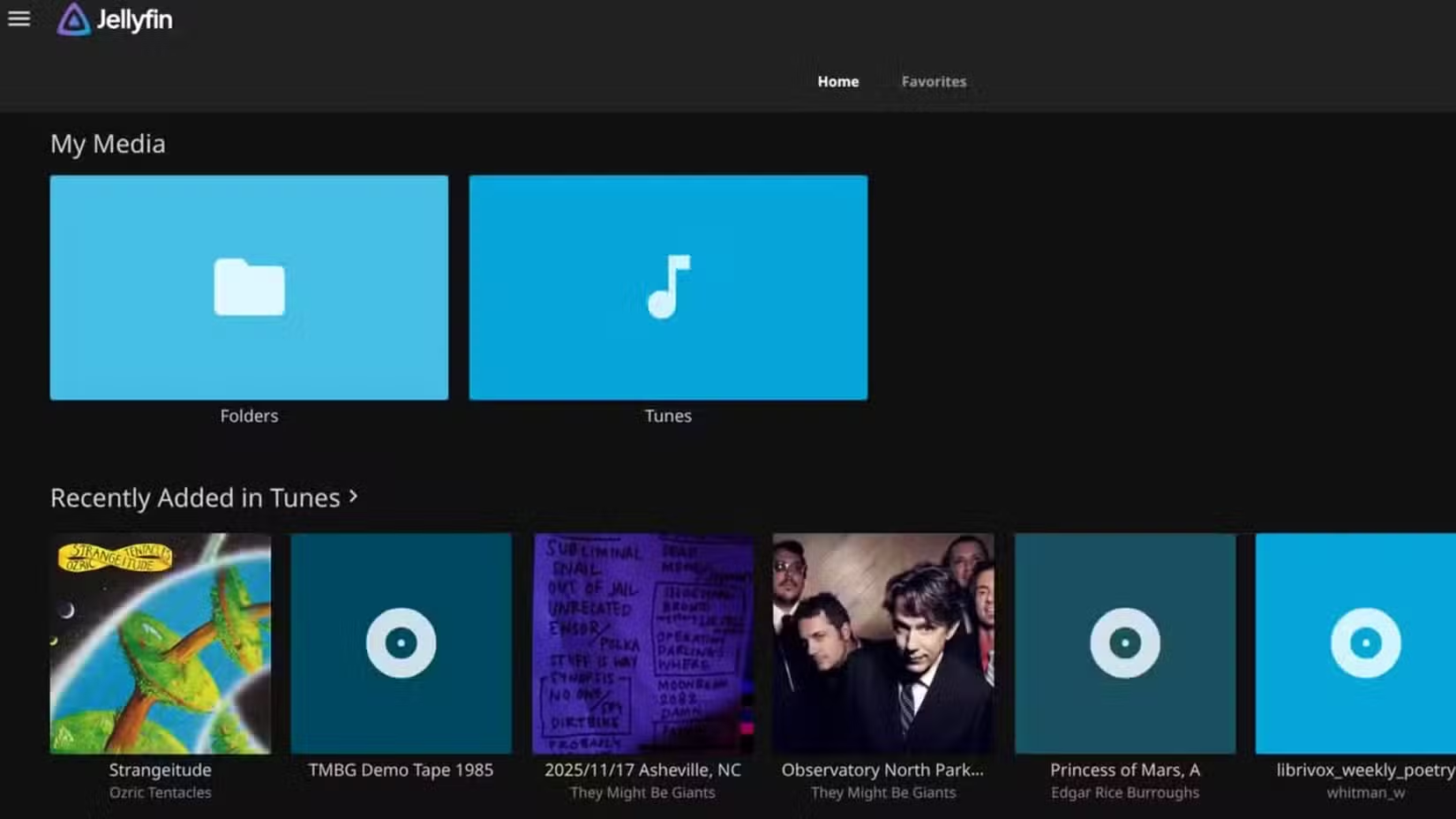
Music libraries are worse. The app cannot infer metadata from filenames. Every track needs perfect ID3 tags or your collection becomes an unorganized mess. This means hours of manual tagging before your music is usable.
Paid services like Plex handle fuzzy matching better. They invest in scraper development because their revenue depends on user satisfaction. Jellyfin's volunteer model means scraper improvements compete with every other feature request.
Hardware Transcoding Failures
Transcoding converts media files on the fly when your playback device can't handle the original format. Hardware acceleration offloads this work to your GPU, keeping CPU usage low and the server quiet.
When Jellyfin's hardware transcoding works, it's excellent. When it fails, driver issues crash the acceleration entirely. The server falls back to software transcoding, maxing out your CPU. Your quiet home server sounds like a jet engine preparing for takeoff.
Remote connections and unsupported file formats trigger transcoding most often. If you share your library with family or travel frequently, you'll hit these issues regularly.
Who Should Still Use Jellyfin
Jellyfin works well for people comfortable with Linux system administration, media file standards, and troubleshooting driver issues. If you enjoy tinkering with servers and have time to maintain one, Jellyfin offers genuine freedom from corporate media platforms.
But if you want to press play and watch a movie without thinking about metadata tags or HDR passthrough, the volunteer development model creates friction that paid alternatives avoid.
✅ Pros
- • Completely free with no subscriptions or paywalls
- • Open-source with full control over your media
- • No corporate tracking or ads
❌ Cons
- • Bug fixes arrive slowly due to volunteer development
- • Android TV HDR passthrough issues on budget hardware
- • Strict metadata naming requirements create library management headaches
- • Hardware transcoding failures force CPU-intensive fallbacks
More self-hosted alternatives for home tech
Logicity's Take
Frequently Asked Questions
Is Jellyfin better than Plex?
Jellyfin offers more features without paywalls, but Plex provides better stability and client app reliability. The best choice depends on whether you prioritize cost savings or convenience.
Why does Jellyfin have so many bugs?
Jellyfin is built by volunteers in their spare time. Bug fixes and features arrive based on contributor availability, not user demand.
Does Jellyfin work on Android TV?
Yes, but the Android TV app has known issues with HDR passthrough and performance on budget streaming devices.
What are alternatives to Jellyfin?
Plex is the most popular paid alternative. Emby is another open-source option. Some users also consider Kodi for local playback.
Need Help Implementing This?
Source: How-To Geek
Manaal Khan
Tech & Innovation Writer
Produced with AI assistance and reviewed by the Logicity editorial team. Learn more in our Editorial Policy.






