Key Takeaways
- Lotus music player embraces Material 3 Expressive design with lyrics support and equalizer controls
- PhotonCamera closes the photo quality gap between de-Googled phones and flagship Pixels
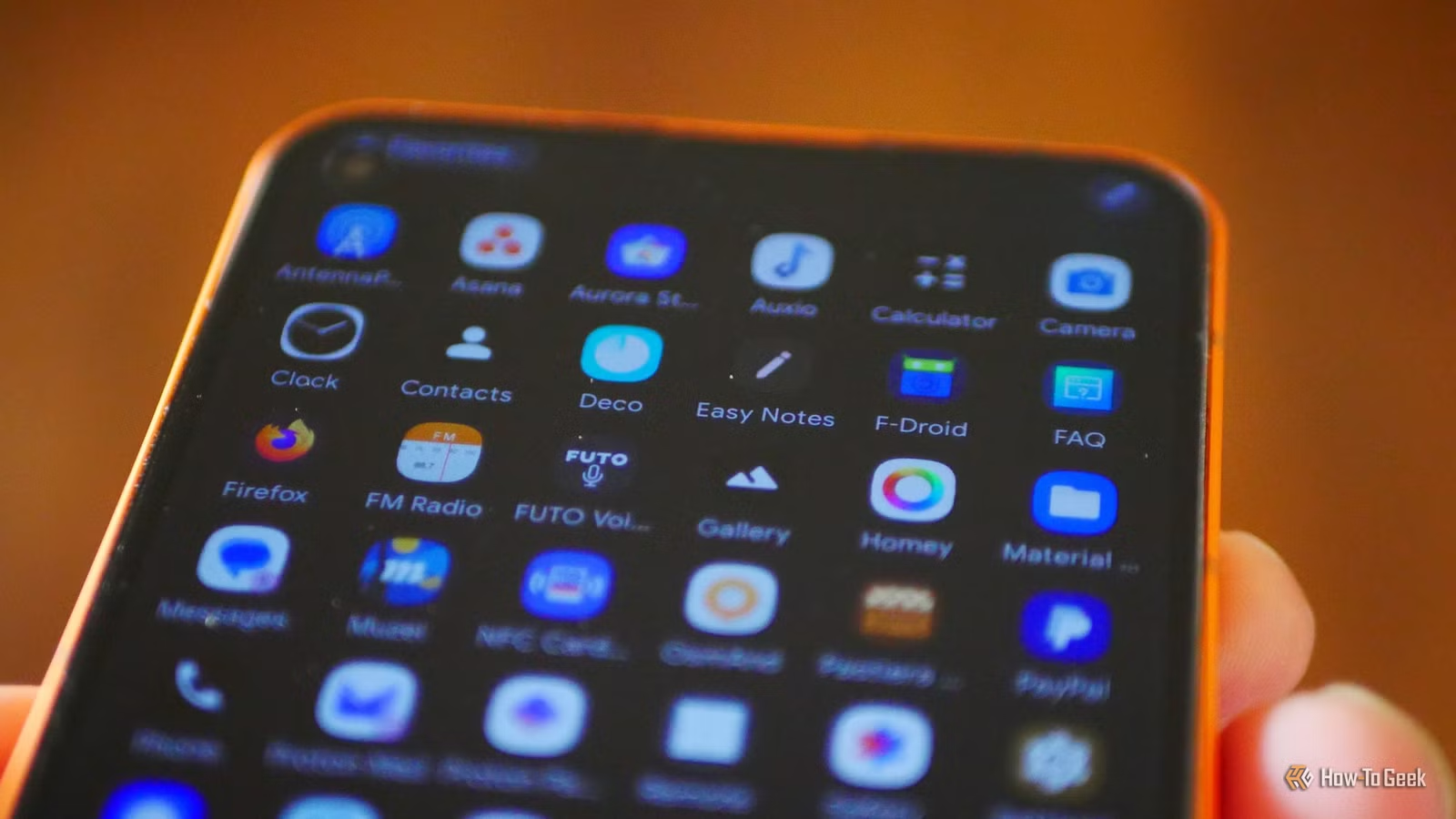
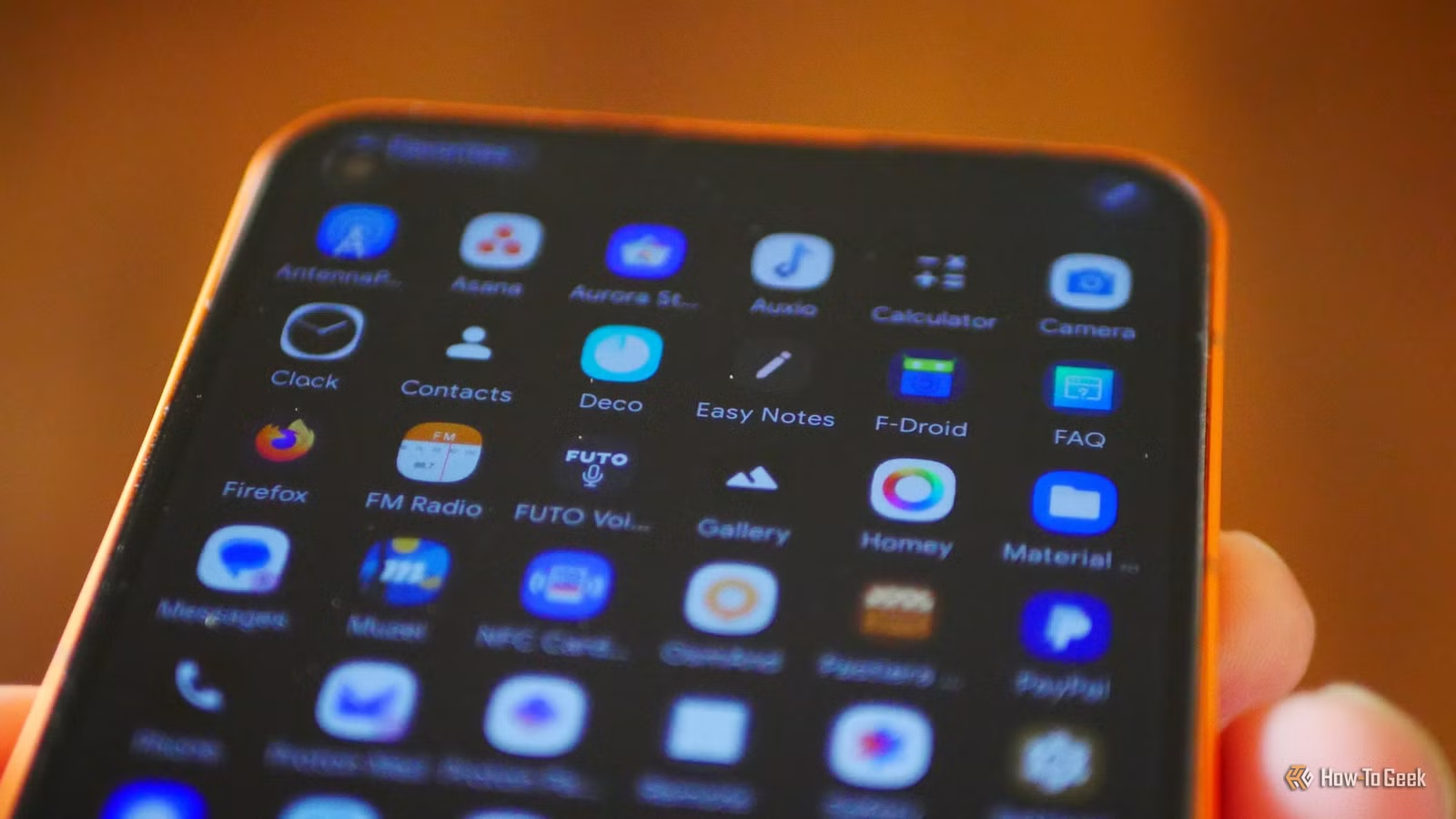
- F-Droid hosts over 1,000 privacy-focused apps that most Android users never discover
Open-source Android apps have a discovery problem. Without marketing budgets, excellent software sits unnoticed while users default to whatever came pre-installed. The F-Droid repository hosts over 1,000 privacy-focused applications, yet most Android users have never heard of it.
That's a missed opportunity. These community-built apps often match or exceed their proprietary counterparts in functionality. They skip the ads, tracking, and subscription upsells. And as tech journalist Bertel King puts it: "The beauty of open-source isn't just about 'free' pricing; it's about reclaiming agency over the software that runs on our devices."
Here are four apps that deserve a spot on your phone.
Lotus: A Music Player That Looks Like Google Built It
If you still maintain a local music library, whether MP3s ripped from CDs or downloads from Bandcamp, you need a player that can handle thousands of files without choking. Lotus does this while looking genuinely beautiful.
The app fully embraces Android's Material 3 Expressive design language. Large buttons, generous white space, and cohesive theming make it feel like something Google might have shipped. But the simplicity hides real depth: a built-in equalizer, interface customization options, and lyrics display.
Lotus isn't available on the Play Store. You'll need to grab it from F-Droid directly. That extra step is worth it for anyone tired of music apps that prioritize streaming subscriptions over local playback.
PhotonCamera: Pro-Quality Photos on De-Googled Phones
Running a de-Googled Android setup often means sacrificing camera quality. Google's computational photography magic depends on proprietary software that privacy-focused ROMs strip out. PhotonCamera bridges that gap.
Testing on a Murena Fairphone 6 running /e/OS (a de-Googled Android variant), photos from PhotonCamera came close enough to a Google Pixel 10a that the difference became largely a non-issue. For users who've chosen repairable hardware and privacy-first software, that's a significant win.
The app applies its own computational processing to extract more detail and better color from smartphone sensors. It won't match Google's latest night mode algorithms, but for daylight shooting, the results hold up.
Aves Gallery: Metadata Done Right
Stock gallery apps treat photos as simple files. Aves Gallery understands that your images carry metadata: GPS coordinates, camera settings, dates, and more. It surfaces this information in a clean interface that makes organizing and finding photos faster.
Community members on Reddit's r/fossdroid and r/androidapps frequently highlight Aves for its superior metadata handling. For photographers and anyone with a large photo archive, that capability matters more than flashy filters.
Caffeine: Keep Your Screen Awake With One Tap
Sometimes you need your screen to stay on. Reading a recipe. Following a tutorial. Displaying a QR code. Android's built-in timeout settings require multiple taps to adjust.
Caffeine adds a simple toggle to your quick settings panel. Tap it, and your screen stays awake until you tap again. No digging through settings menus. It's a small utility, but it solves a real annoyance.
Finding More Apps on F-Droid
All four apps are available through F-Droid, the community-maintained repository for free and open-source Android software. Unlike the Play Store, F-Droid verifies that apps contain no proprietary tracking code. Every app's source code is public and auditable.
Users who switch from proprietary apps to FOSS alternatives often report noticeable improvements in battery life and reduced background data usage. Without ad networks and analytics SDKs phoning home, apps simply use fewer resources.
Logicity's Take
More ways to clean up your Android experience
For readers interested in self-hosted alternatives
Frequently Asked Questions
Is F-Droid safe to install apps from?
Yes. F-Droid builds apps from source code and verifies they contain no proprietary tracking. Each app's code is publicly auditable. It's generally considered safer than sideloading APKs from random websites.
Can I use F-Droid alongside the Play Store?
Absolutely. F-Droid runs as a separate app store. You can install apps from both without conflicts. Some users keep the Play Store for apps that require Google Play Services while using F-Droid for privacy-focused alternatives.
Why aren't these apps on the Google Play Store?
Some are. But F-Droid-only apps often avoid the Play Store to bypass Google's policies or to ensure the version distributed contains no proprietary additions. Lotus, for example, is exclusively on F-Droid.
Will open-source camera apps match Google Pixel quality?
Not entirely. Google's computational photography relies on proprietary machine learning models. But PhotonCamera closes most of the gap for daylight shooting. Night mode and portrait effects still favor Pixel's native app.
Do FOSS apps receive regular updates?
Depends on the app. Well-maintained projects like those listed here get frequent updates. Check F-Droid's update history for any app before relying on it.
Need Help Implementing This?
Source: How-To Geek
Manaal Khan
Tech & Innovation Writer
Produced with AI assistance and reviewed by the Logicity editorial team. Learn more in our Editorial Policy.