Key Takeaways
Connect your AI Agent to Google Sheets with the NEW MCP Tool | Voiceflow Tutorial
- ChatGPT's native sidebar add-on works best for ad-hoc in-sheet analysis where you want transparency before changes
- Zapier's trigger-action model suits automated, event-driven workflows across 9,000+ apps with AI steps only where needed
- Zapier MCP lets you query and act on Sheets data directly from ChatGPT's chat window without building a Zap
Operations teams now have three distinct paths to connect Google Sheets to ChatGPT, and each solves a different problem. The ChatGPT for Google Sheets add-on puts a sidebar inside your spreadsheet for on-demand analysis. Zapier runs event-driven automations that can inject AI steps only where you need them. And Zapier MCP, the newest option, lets you query and manipulate Sheets directly from ChatGPT's chat window. Picking the wrong one wastes either your time or your tokens.
Disclosure
Some links in this post are affiliate links — Logicity earns a commission if you sign up, at no extra cost to you. We only link products we have used or actively recommend.
The choice comes down to where you want the intelligence to live. Do you need AI inside the sheet, watching for triggers across your stack, or sitting in the chat window ready to reach into Sheets when asked? Here's the breakdown.
How do these three methods actually differ?
| Feature | ChatGPT Sidebar | Zapier (AI by Zapier) | Zapier MCP |
|---|---|---|---|
| Where it runs | Inside Google Sheets | Background automation | Inside ChatGPT chat |
| Trigger model | Manual (you open the sidebar) | Event-driven (new row, update, etc.) | Conversational (you ask) |
| App integrations | ChatGPT connectors only | 9,000+ apps | 9,000+ apps via MCP |
| Best for | Ad-hoc analysis, formula help | Cross-app workflows, ETL pipelines | Quick queries, single actions |
| Token efficiency | Uses tokens for every request | AI steps only where configured | Uses tokens per conversation |
When the ChatGPT sidebar makes sense
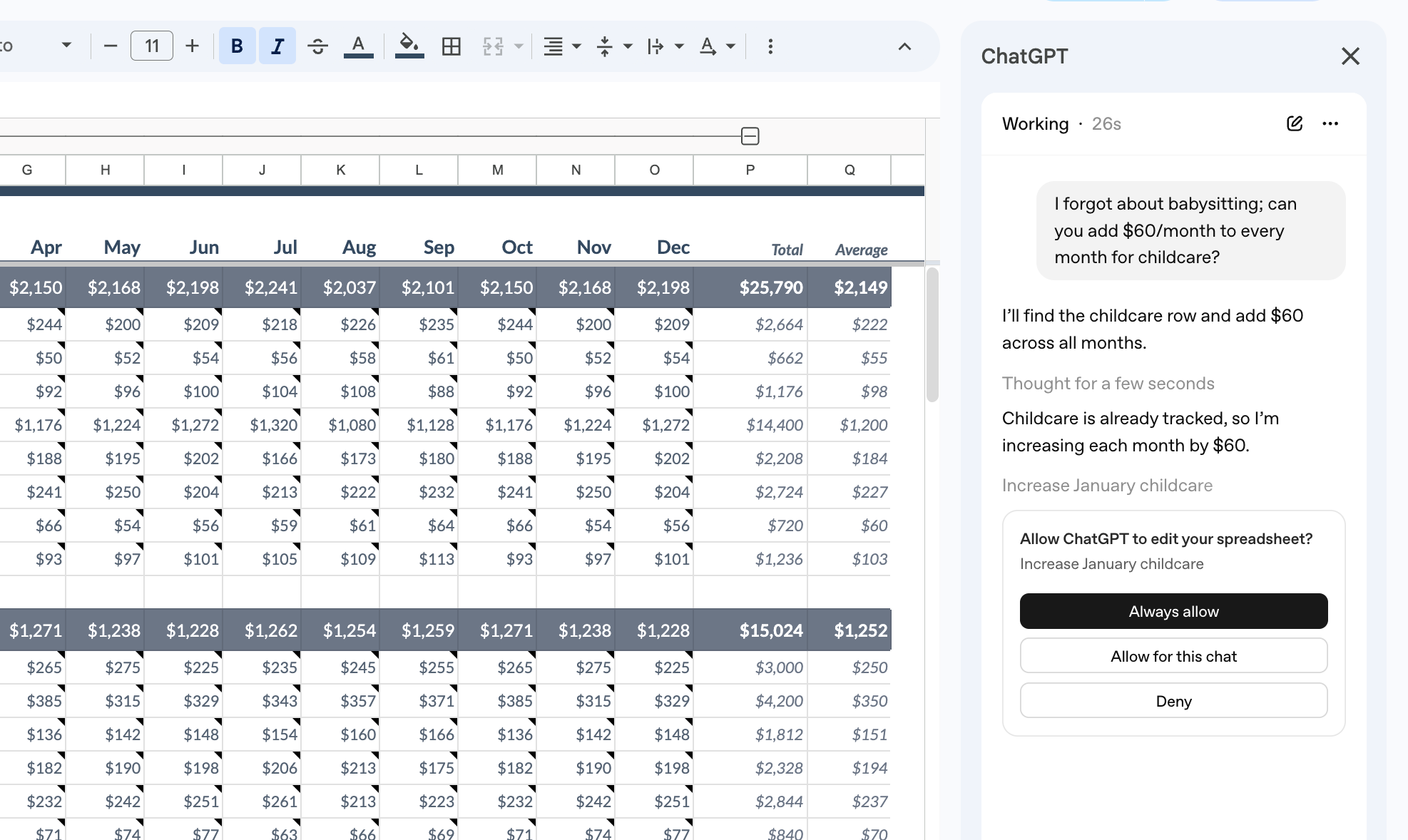
ChatGPT for Google Sheets is a Google Workspace Marketplace add-on. Install it, authorize it, and you get a sidebar where you type plain English. Ask it to summarize trends across tabs, clean inconsistent labels, or explain a formula, and it reads your sheet, shows its reasoning, and makes changes only after you approve.
The transparency matters. ChatGPT links answers to specific cells, explains each step, and asks before editing. That's useful when you're debugging a messy spreadsheet someone else built, or when you need to justify the changes to a stakeholder.
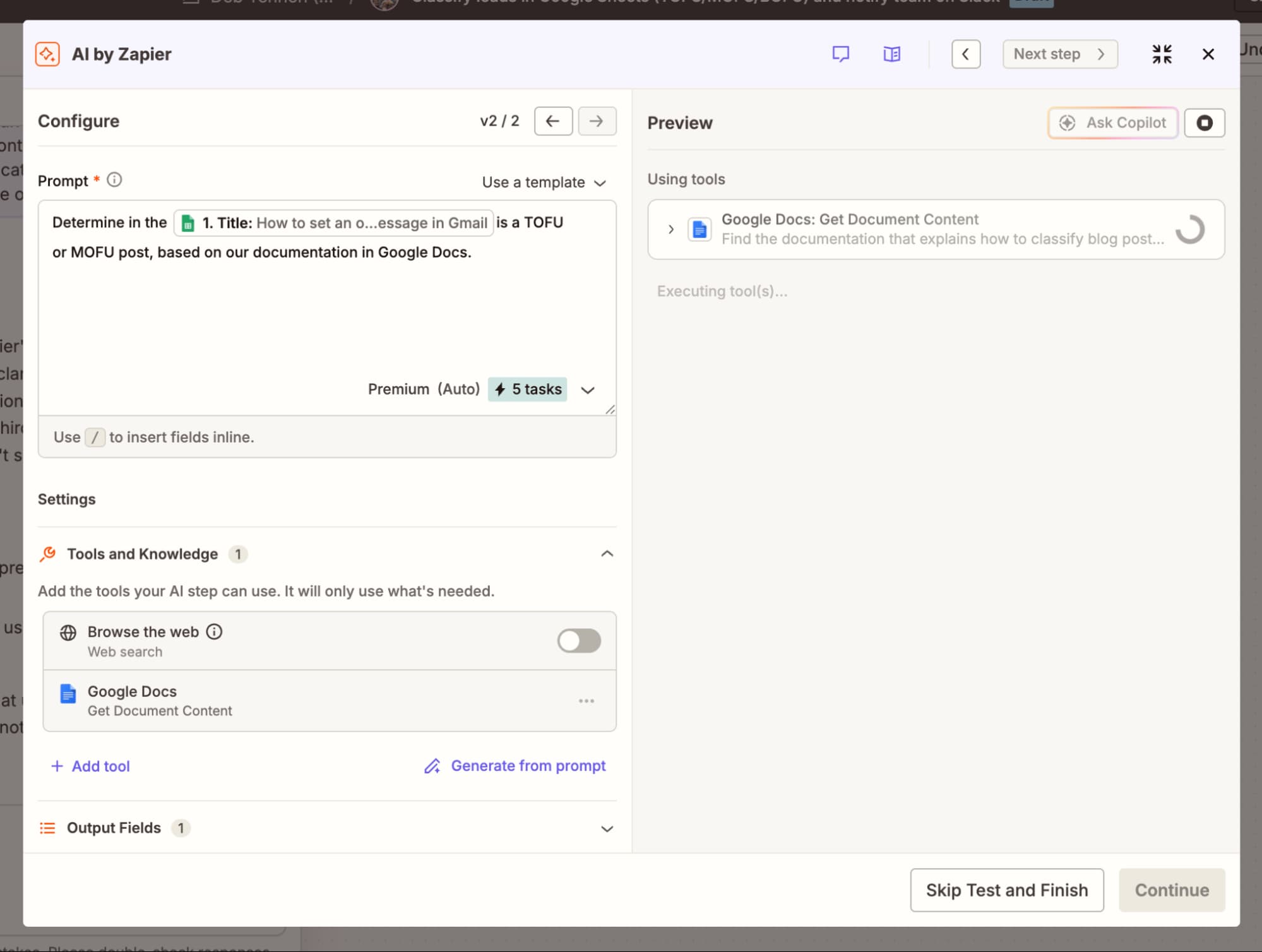
Because it runs inside ChatGPT, the sidebar can pull context from other ChatGPT-connected apps you've authorized: Slack, Google Drive, GitHub. That helps when a single conversation needs to reference multiple sources. The limit is ChatGPT's connector set, which is smaller than what you'd get through Zapier's 9,000+ integrations.
The model is entirely manual. Nothing watches for changes; everything starts when you open the sidebar and type. That's fine for one-off analysis. It's wrong for anything that needs to happen automatically when a row updates.
When Zapier's trigger-action model wins
Zapier's Google Sheets integration predates ChatGPT by over a decade. The core pattern is trigger → action: a new row appears, and Zapier does something. Or the reverse: something happens in another app, and Zapier writes to your sheet.
Triggers include new or updated rows, new worksheets, and new spreadsheets. Actions number over 30: create rows, update rows, look up rows, copy sheets, set data validation rules. Stack in filters, formatters, delays, and conditional paths, and you get complex systems connecting Sheets to CRMs like HubSpot or Salesforce, project tools like Asana, or any of those 9,000+ apps.
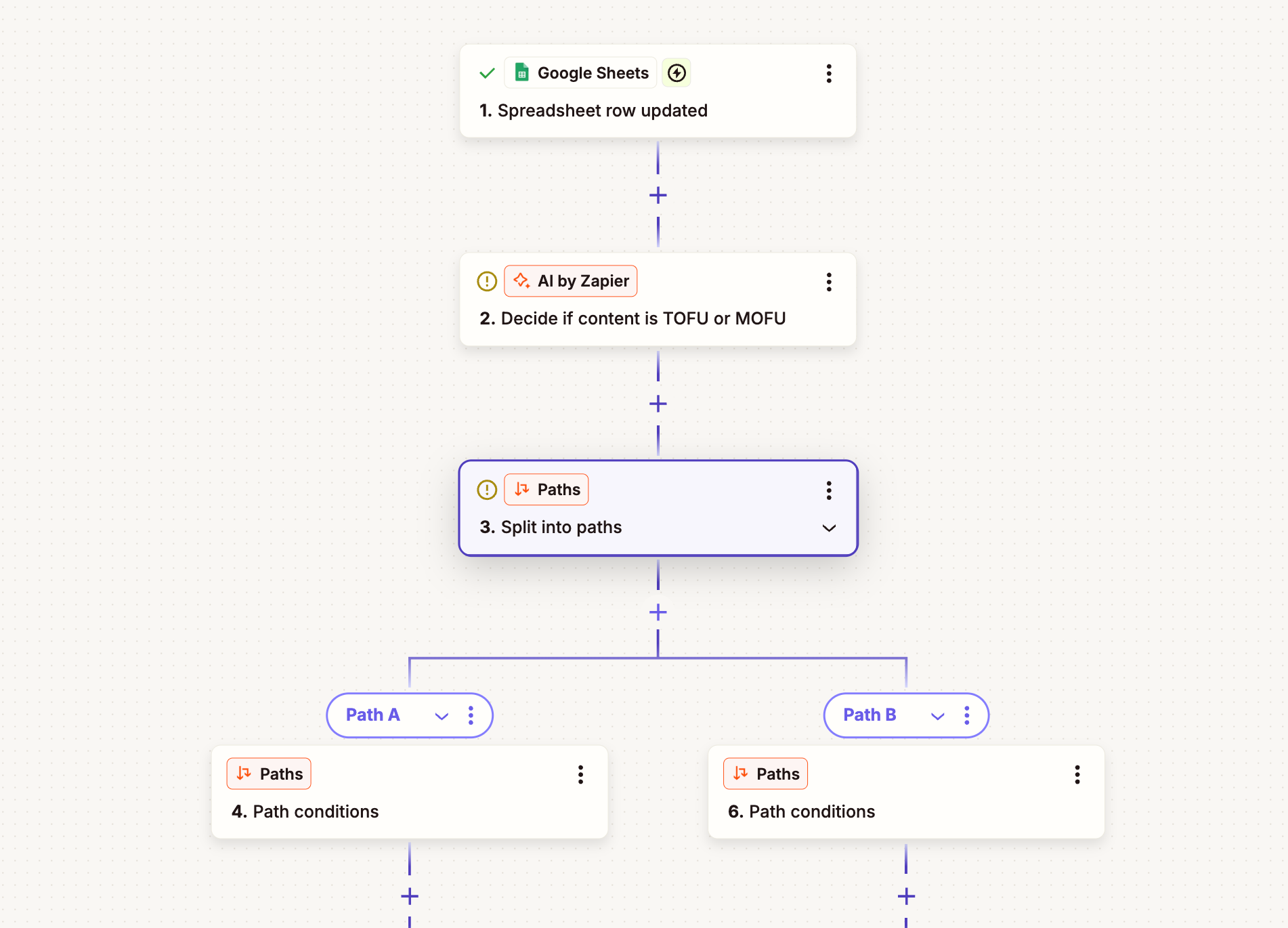
ChatGPT fits into this as one step in a larger Zap. You might trigger on a new support ticket row, use ChatGPT to classify sentiment, then route high-urgency tickets to Slack. The AI runs only on that one step. Everything else, the trigger, the filter, the Slack post, stays deterministic. You're not burning tokens on logic that doesn't need a model.
Zapier can't read your sheet and explain a formula. It doesn't do ad-hoc analysis. But if you need something to happen reliably every time a row changes, without you opening anything, this is the path.
Deeper dive on when to use deterministic pipelines vs AI agents
When Zapier MCP fits the workflow
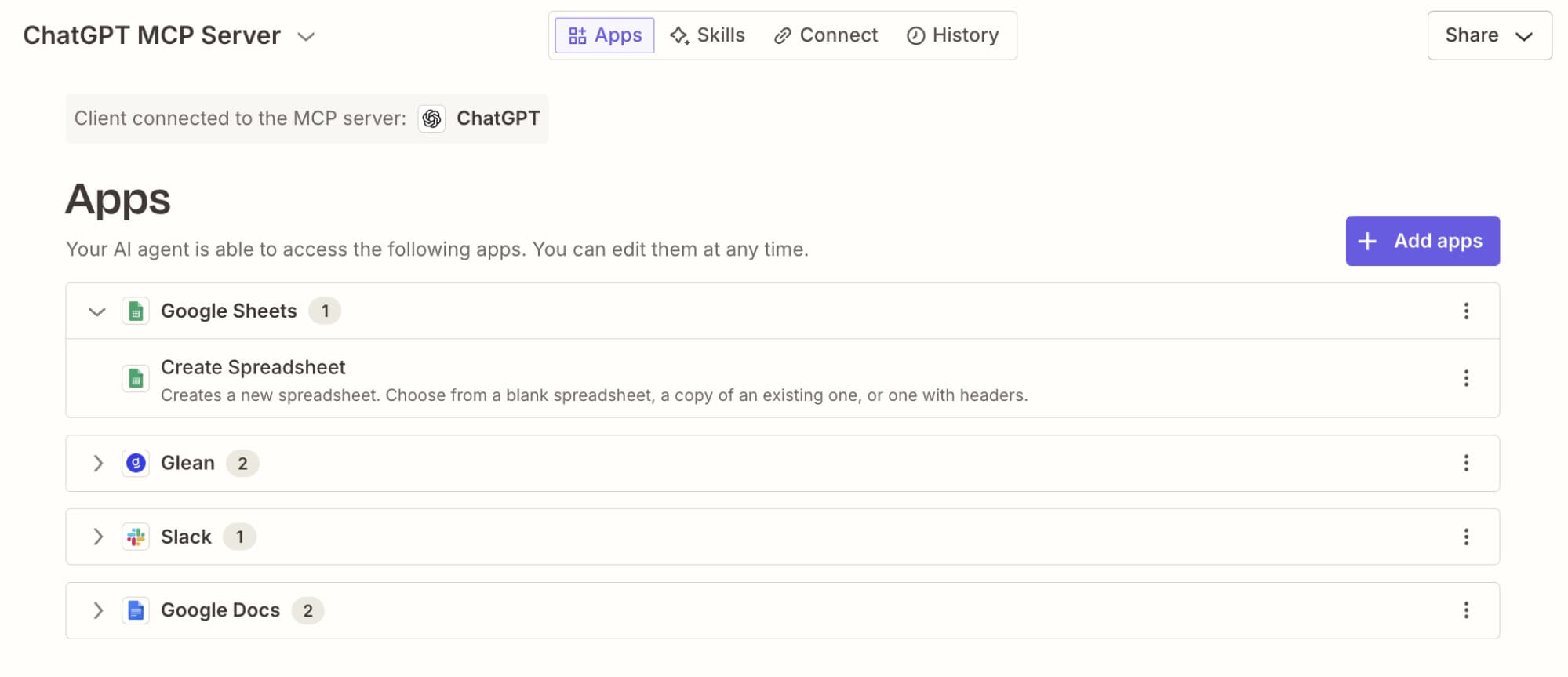
Zapier MCP is the newest option. It lets you use Zapier's integrations directly from ChatGPT's chat window, without building a Zap first. You might ask ChatGPT to pull your Q3 pipeline data from a specific sheet, or to add a row when you're in the middle of a conversation. The action happens through Zapier's secure connection, but the interface is the chat.
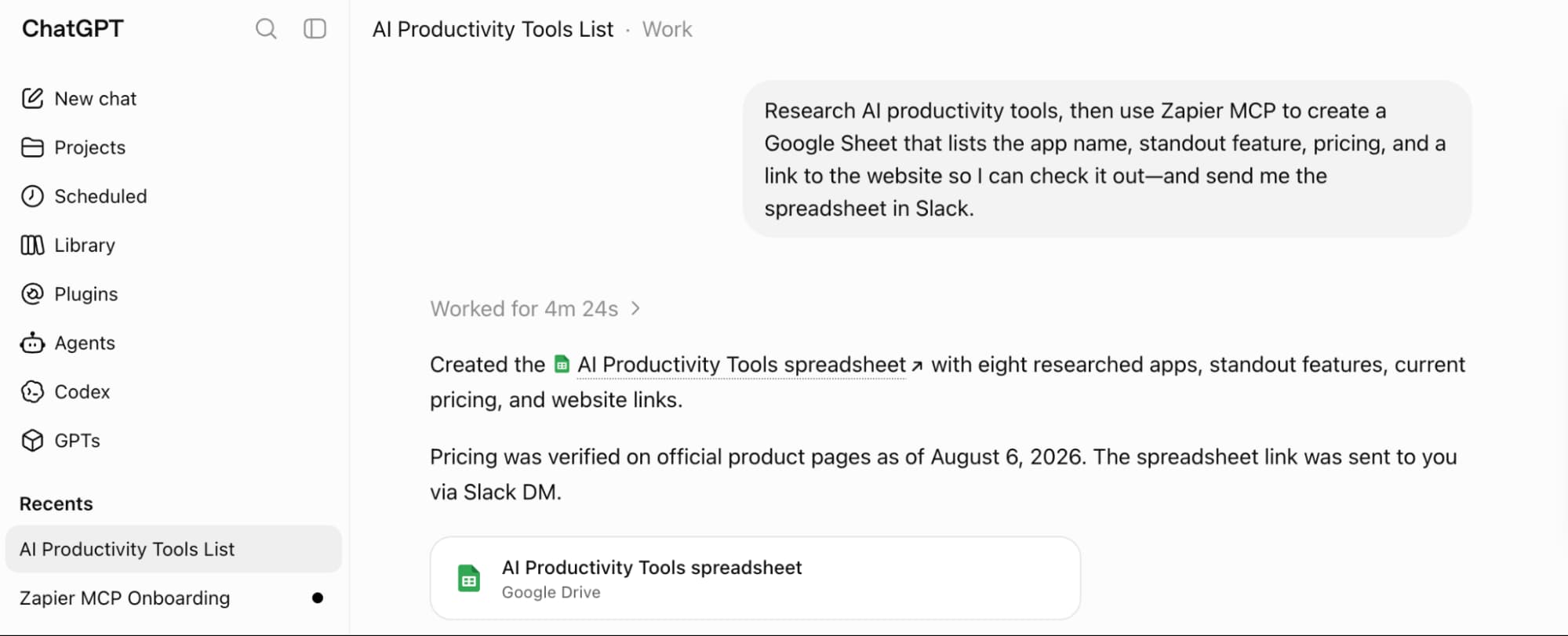
This works well for one-off queries and quick actions. It's worse for repeatable workflows. If you find yourself making the same MCP request every Monday morning, you should probably build a Zap that runs on a schedule instead.
MCP also inherits Zapier's app coverage, so you can reference any of those 9,000+ apps in a conversation, not just the ones ChatGPT natively supports.
Decision tree: which path for which problem
Start with the trigger. Is the work manual or automatic?
- You open a sheet, want to understand or clean it → ChatGPT sidebar
- Something changes in a sheet and other apps should react → Zapier
- You're in ChatGPT and want to pull or push sheet data mid-conversation → Zapier MCP
Token cost is the second filter. The sidebar and MCP both consume tokens on every request. Zapier lets you isolate AI to specific steps, so you're not paying for deterministic logic. If you're processing hundreds of rows daily, that difference compounds.
Integration breadth matters when Sheets is just one node in a larger system. ChatGPT's connector library is growing but still limited. Zapier connects to 9,000+ apps. If you need to route data from Sheets to a niche tool, Zapier or MCP will get you there.
Logicity's Take
Most ops teams will end up using at least two of these. The sidebar handles ad-hoc cleanup and formula debugging when you're already in a sheet. Zapier handles the background plumbing, like syncing Sheets data to HubSpot or triggering alerts in Slack. MCP fills the gap when you need to query live data during a ChatGPT session without context-switching. The real mistake is trying to force one method into a job it wasn't built for. For teams doing serious automation, alternatives like [Make](https://logicity.in/r/make) and [n8n](https://logicity.in/r/n8n) also support OpenAI integrations, often at lower per-task costs.
What these methods don't solve
None of these replace a proper data pipeline for production workloads. If you're moving large volumes between Sheets and a warehouse, you want something like Fivetran or Airbyte, not a Zap. Sheets itself has row limits and performance cliffs.
And none of them handle bidirectional sync elegantly. You can trigger on changes and push updates, but true two-way sync requires careful conflict handling that these tools don't automate.
Frequently Asked Questions
Can I use ChatGPT for Sheets without a Workspace plan?
The add-on is available in the Google Workspace Marketplace, but some features like referencing other connected apps require a ChatGPT subscription with those connectors enabled.
Does Zapier charge for filters and formatters?
No. Filters, formatters, delays, and conditional paths don't count against your Zapier task usage.
How does Zapier MCP differ from building a Zap?
MCP lets you invoke Zapier integrations conversationally from ChatGPT without pre-building a workflow. It's for ad-hoc actions, not repeatable automations.
Relevant for understanding ChatGPT's current capabilities and pricing tiers
Need Help Implementing This?
Our team at Logicity helps ops and RevOps teams build automated workflows connecting spreadsheets to CRMs, project tools, and AI. Reach out if you need architecture guidance or hands-on implementation.
Source: The Zapier Blog
Huma Shazia
Senior AI & Tech Writer
Produced with AI assistance and reviewed by the Logicity editorial team. Learn more in our Editorial Policy.