Key Takeaways
- The Camera tool creates live-updating snapshots of cell ranges for dynamic dashboards
- These features require Quick Access Toolbar customization, not ribbon navigation
- Hidden tools can prevent common data-entry mistakes without complex formulas
The Ribbon Shows Only Part of Excel's Power
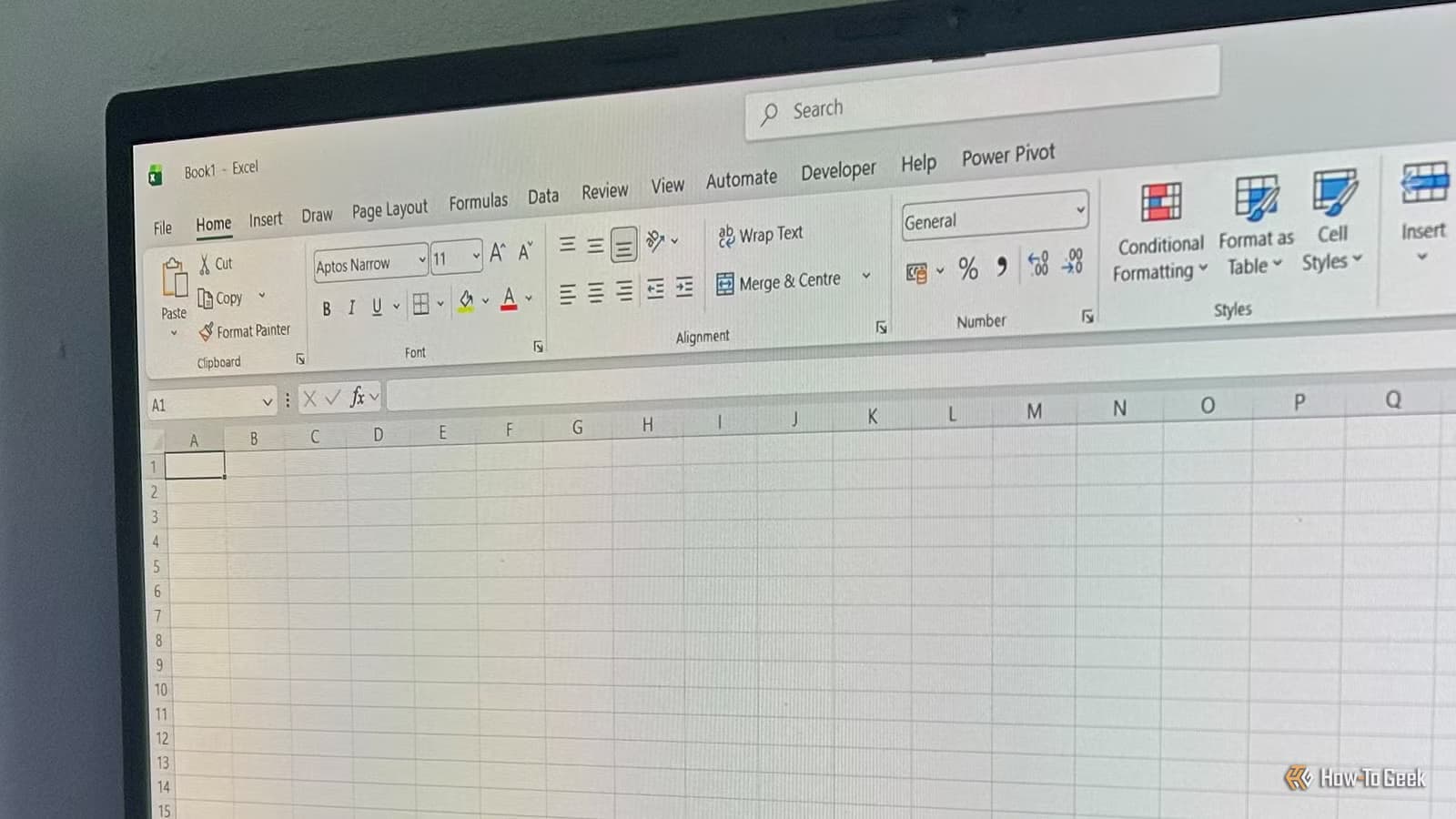
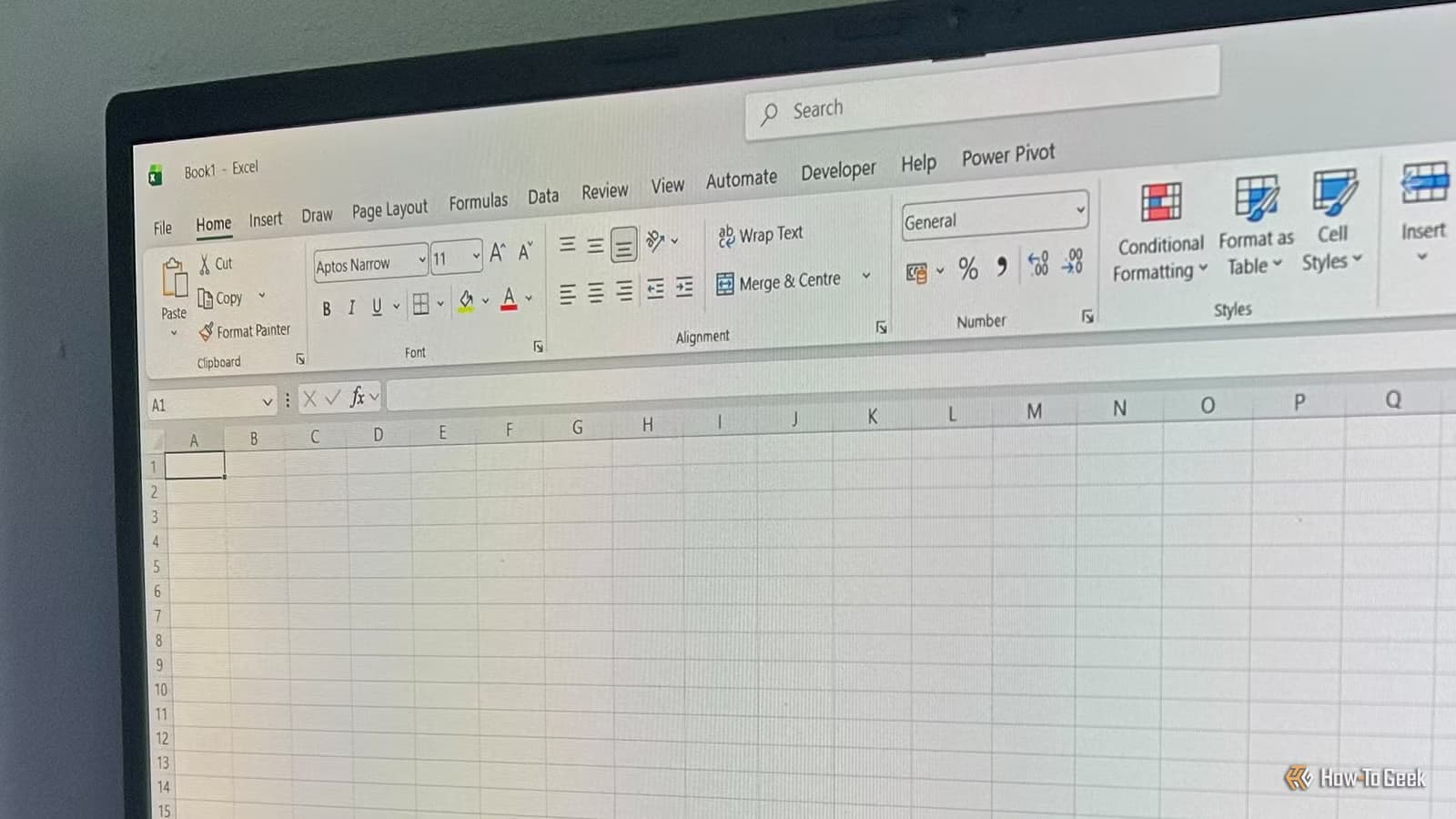
Excel's ribbon contains hundreds of buttons and menus. Most users stick to familiar tabs: Home, Insert, Data. But Microsoft tucked some of the app's most useful workflow tools into obscure customization menus that most people never open.
These hidden features aren't experimental or unstable. They're production-ready tools that Microsoft simply chose not to surface in the default interface. Accessing them requires a few clicks into the Quick Access Toolbar (QAT) settings.
The Camera Tool: Live Snapshots for Dashboards
The Camera tool captures a selected cell range as an image and places it anywhere in your workbook. Unlike a standard copy-paste, this image stays linked to the source data. When the original cells change, the snapshot updates automatically.
This solves a common dashboard problem. You want to show a summary table from Sheet 1 alongside a chart from Sheet 3, without forcing users to jump between tabs. The Camera tool lets you place live previews of both on a single dashboard sheet.
How to Enable the Camera Tool
- Right-click anywhere on the Excel ribbon
- If you see "Show Quick Access Toolbar," click it (skip if already visible)
- Right-click the QAT and choose "Customize Quick Access Toolbar"
- Switch the command dropdown to "All Commands"
- Scroll to "Camera," select it, and click "Add"
- Click OK to save
The Camera icon now appears in your QAT. Select a range of cells, click the Camera icon, then draw a box where you want the snapshot to appear. The image behaves like a picture but reflects any changes to the source data in real time.
One Limitation to Know
Excel tables expand automatically when you add rows. The Camera tool captures a fixed range, not a dynamic table reference. If your source table grows, the snapshot won't expand with it. You'll need to delete the old snapshot and create a new one covering the larger range.
Logicity's Take
Why These Features Stay Hidden
Microsoft faces a design tradeoff with every Excel release. Adding buttons to the ribbon makes features discoverable but clutters the interface. Moving features to menus keeps the UI clean but buries useful tools.
The QAT customization menu contains dozens of commands that never made it to the ribbon. Some are legacy features from older Excel versions. Others are power-user tools that Microsoft deemed too niche for the default interface.
Spending 10 minutes browsing the "All Commands" list can reveal shortcuts you didn't know existed. The investment pays off quickly if you find even one tool that saves time on tasks you do daily.
Building Better Workflows Without Add-ins
Many Excel users turn to third-party add-ins or complex VBA macros to solve problems that built-in features already handle. The Camera tool eliminates the need for screenshot-and-paste workflows. Other hidden QAT commands handle tasks like form controls, developer tools, and advanced formatting.
The advantage of using native features over add-ins: no compatibility issues when sharing files, no security warnings when opening workbooks, and no dependency on third-party developers maintaining their tools.
Frequently Asked Questions
Does the Camera tool work in Excel Online?
No, the Camera tool is only available in the desktop versions of Excel for Windows and Mac. Excel Online lacks QAT customization.
Can I resize a Camera snapshot without distortion?
Yes. Camera snapshots behave like images. Hold Shift while dragging a corner to maintain aspect ratio.
Will Camera snapshots slow down my workbook?
Each snapshot adds a small performance overhead since Excel recalculates the linked cells on every change. A few snapshots are fine. Dozens may cause lag in large workbooks.
Can I print sheets with Camera snapshots?
Yes. Snapshots print as images at the resolution of your source cells. For cleaner prints, format the source range with clear borders and readable fonts.
Another look at choosing built-in over cloud-dependent tools
Need Help Implementing This?
Source: How-To Geek
Manaal Khan
Tech & Innovation Writer
Produced with AI assistance and reviewed by the Logicity editorial team. Learn more in our Editorial Policy.






