Key Takeaways
- Jan.ai offers the closest LM Studio-like experience with a proper desktop GUI and model hub
- Ollama excels as infrastructure for home servers and developer workflows, not casual chatting
- Hardware matters: 8GB RAM limits which models you can run locally regardless of the tool
Why Look Beyond LM Studio?
LM Studio made running large language models locally accessible to anyone with a decent computer. Download the app, pick a model, start chatting. No API keys, no cloud costs, no data leaving your machine. But LM Studio is closed-source, and that matters to developers who want to customize their setup or integrate local LLMs into larger workflows.
The open-source alternatives leverage the same GGUF model format that powers LM Studio. They often offer better integration with privacy-focused workflows, local document retrieval, and API compatibility that lets them replace cloud services like OpenAI's API.
How-To Geek's Adam Davidson tested three open-source options head-to-head. Here's what he found.
Jan.ai: The Direct Replacement
If you want LM Studio's experience without the closed-source baggage, Jan.ai is the closest match. It feels like a proper desktop app. Install it, and it automatically downloads a default model so you can start chatting immediately.
Davidson ran it on a MacBook Air M2 with 8GB of RAM. The first response took longer as the model loaded, but subsequent replies came reasonably fast. The default model handled general conversations fine, though it struggled with questions about how to use Jan.ai itself.
Like LM Studio, Jan.ai includes a model Hub where you can browse and download alternatives. You can also create custom assistants with specific instructions, calling on them within chats to shape how the bot responds.
The rough edges: Davidson had trouble with MLX models optimized for Apple Silicon. They failed to load until he downgraded to a previous release. That's the kind of friction you accept with open-source tools in active development.
Ollama: Built for Developers and Servers
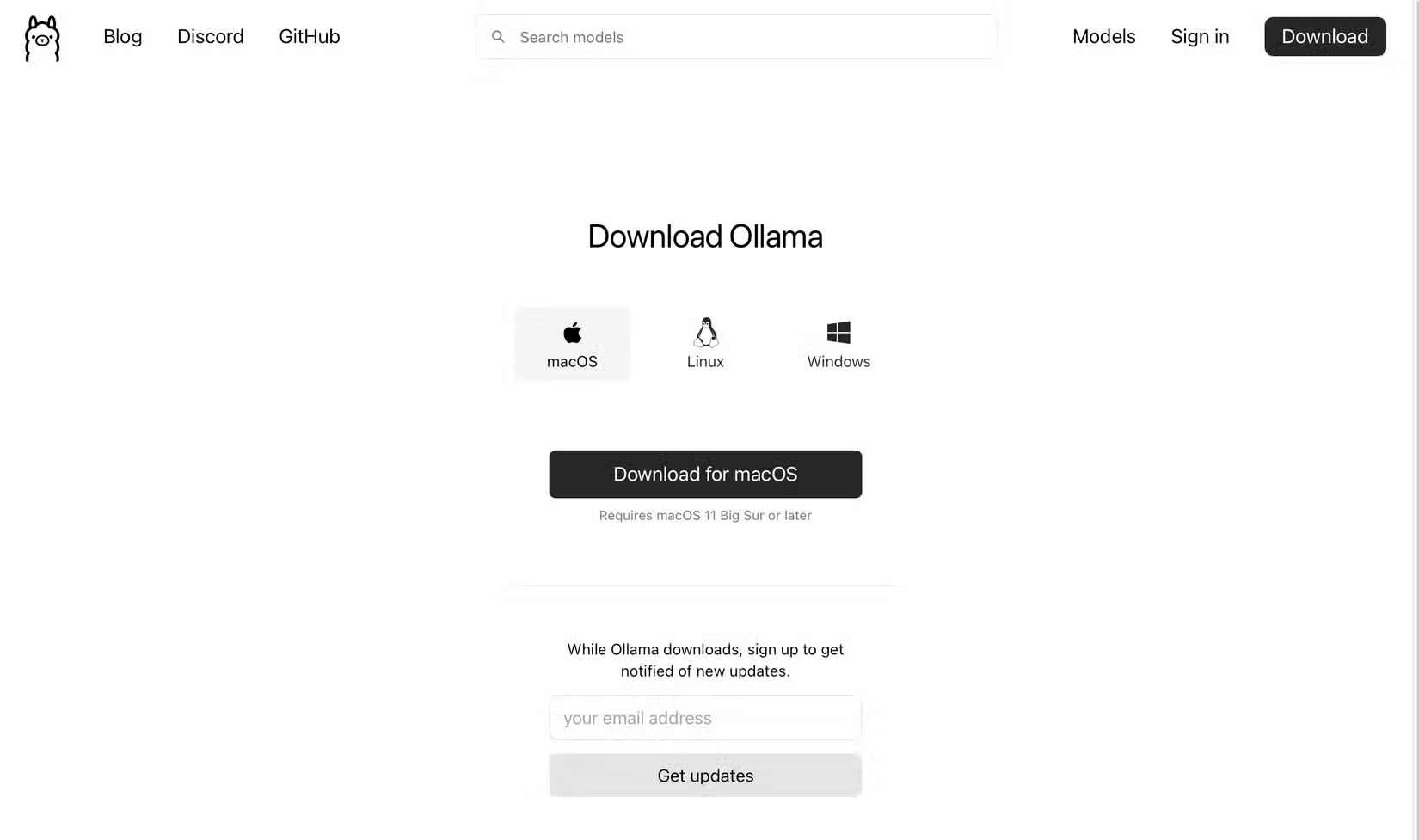
Ollama is not trying to be LM Studio. Launch the app and you get a chatbot interface, but it's sparse. The menu has two options: New Chat and Launch. A dropdown offers a handful of downloadable and cloud models.
On Davidson's 8GB MacBook Air, every listed downloadable model was too large to run. Out of the box, the app was effectively useless for casual chatting.
That's because Ollama isn't an AI app. It's infrastructure. Its strength is running on a home server or integrating into developer workflows. On Hacker News, users praise Ollama for fitting into CI/CD pipelines and local development environments. It prioritizes minimal resource footprint over graphical polish.

If you're building something that needs a local LLM backend, Ollama is the tool. If you just want to chat, look elsewhere.
Hardware Still Matters
Every tool in this comparison ran into the same wall: 8GB of RAM limits your options. Larger models simply won't load. The 15x speed improvements in local token generation since 2023 have come from quantization and GGUF optimization, but you still need enough memory to hold the model.
If you're running a machine with 16GB or more, your choices expand significantly. Below that threshold, expect to stick with smaller, more constrained models regardless of which frontend you choose.
The Community's Take
Reddit's r/LocalLLaMA community debates constantly between all-in-one apps like Jan.ai and power-user tools like Oobabooga (text-generation-webui). The consensus: simpler tools work for most people, but customization junkies need the heavyweight options.
About 50% of professional developers have experimented with local LLMs to avoid API costs and data privacy concerns. Combined downloads across Ollama, GPT4All, and LM Studio have passed 100 million. Local AI has moved from niche hobby to mainstream developer tooling.
| Tool | Best For | GUI Quality | 8GB RAM Support |
|---|---|---|---|
| Jan.ai | LM Studio replacement | Good | Yes (smaller models) |
| Ollama | Servers, dev workflows | Minimal | Limited |
| LM Studio | General local chat | Excellent | Yes |
Which One Should You Pick?
For most users wanting a simple LM Studio alternative, Jan.ai is the answer. It's open-source, installs easily, and works out of the box. Expect some bugs with newer model formats.
For developers building applications or running home servers, Ollama offers the cleanest integration path. It's infrastructure, not a consumer app.
If you're happy with LM Studio and don't care about open-source principles, there's no pressing reason to switch. But if you want to own your entire local AI stack, these alternatives now make that possible.
Logicity's Take
A look at the long arcs of open-source development
Useful if you're setting up Ollama via command line
Frequently Asked Questions
Is Jan.ai completely free to use?
Yes. Jan.ai is open-source and free. You download models directly, so there are no API costs or subscriptions.
Can Ollama run on Windows?
Yes. Ollama installs on both Mac and Windows like a normal application, though it's designed more for server and developer use than casual chatting.
How much RAM do I need for local LLMs?
8GB is the minimum for smaller models. 16GB or more opens up larger, more capable models. Memory is typically the limiting factor.
What's the difference between GGUF and MLX models?
GGUF is a widely compatible format that works across tools. MLX is optimized specifically for Apple Silicon Macs and can be faster on that hardware, but compatibility is still maturing.
Do these tools work offline?
Yes. Once you download a model, you can run it completely offline. No internet connection required for inference.
Need Help Implementing This?
Source: How-To Geek
Manaal Khan
Tech & Innovation Writer
Produced with AI assistance and reviewed by the Logicity editorial team. Learn more in our Editorial Policy.






