Key Takeaways
- Enable memory from chat history so Claude learns your preferences and stops asking for context every time
- The $20/month subscription feels worth it only after you configure it properly
- Most users underutilize Claude because they treat it like a one-off chatbot instead of a learning assistant
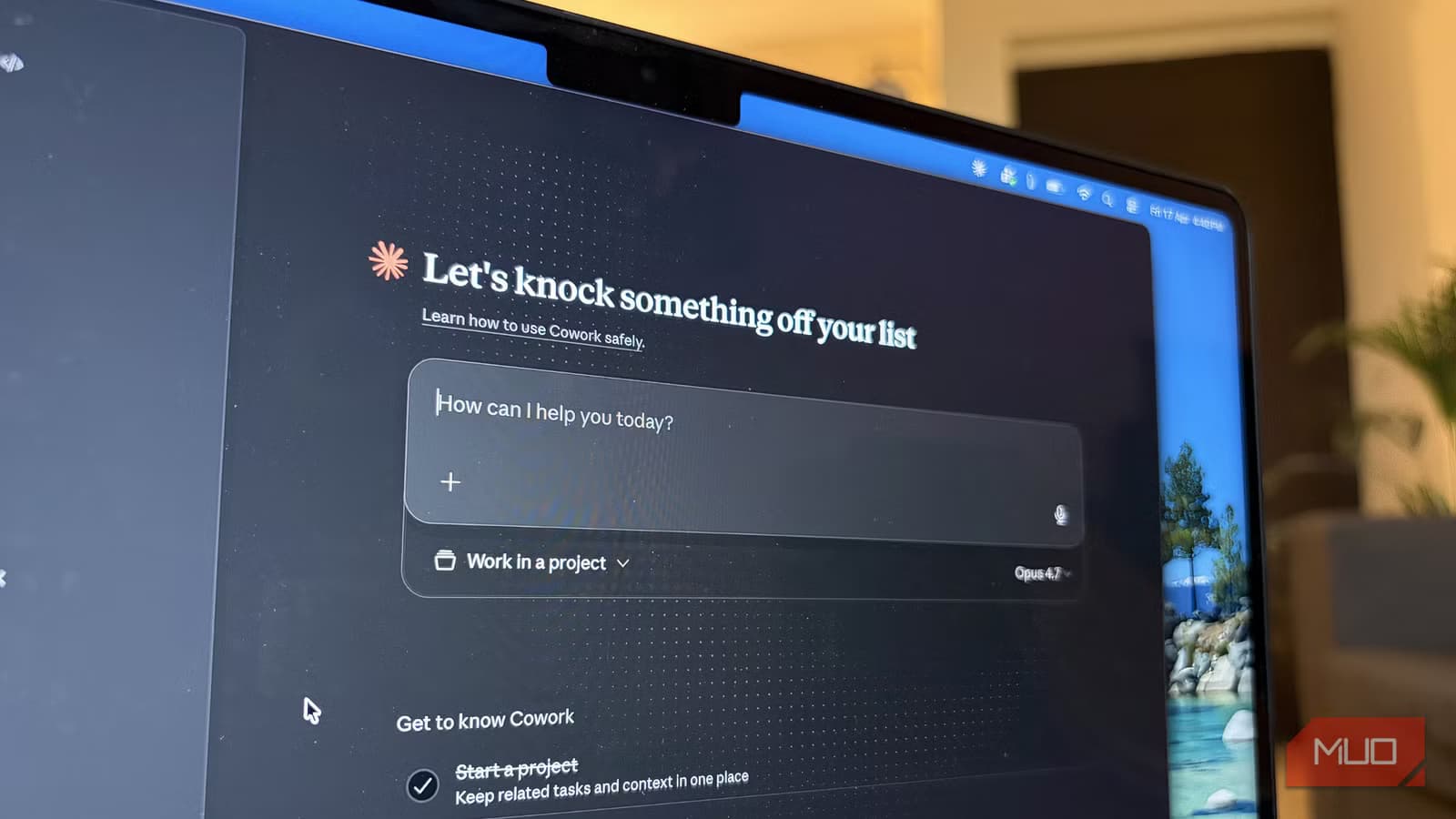
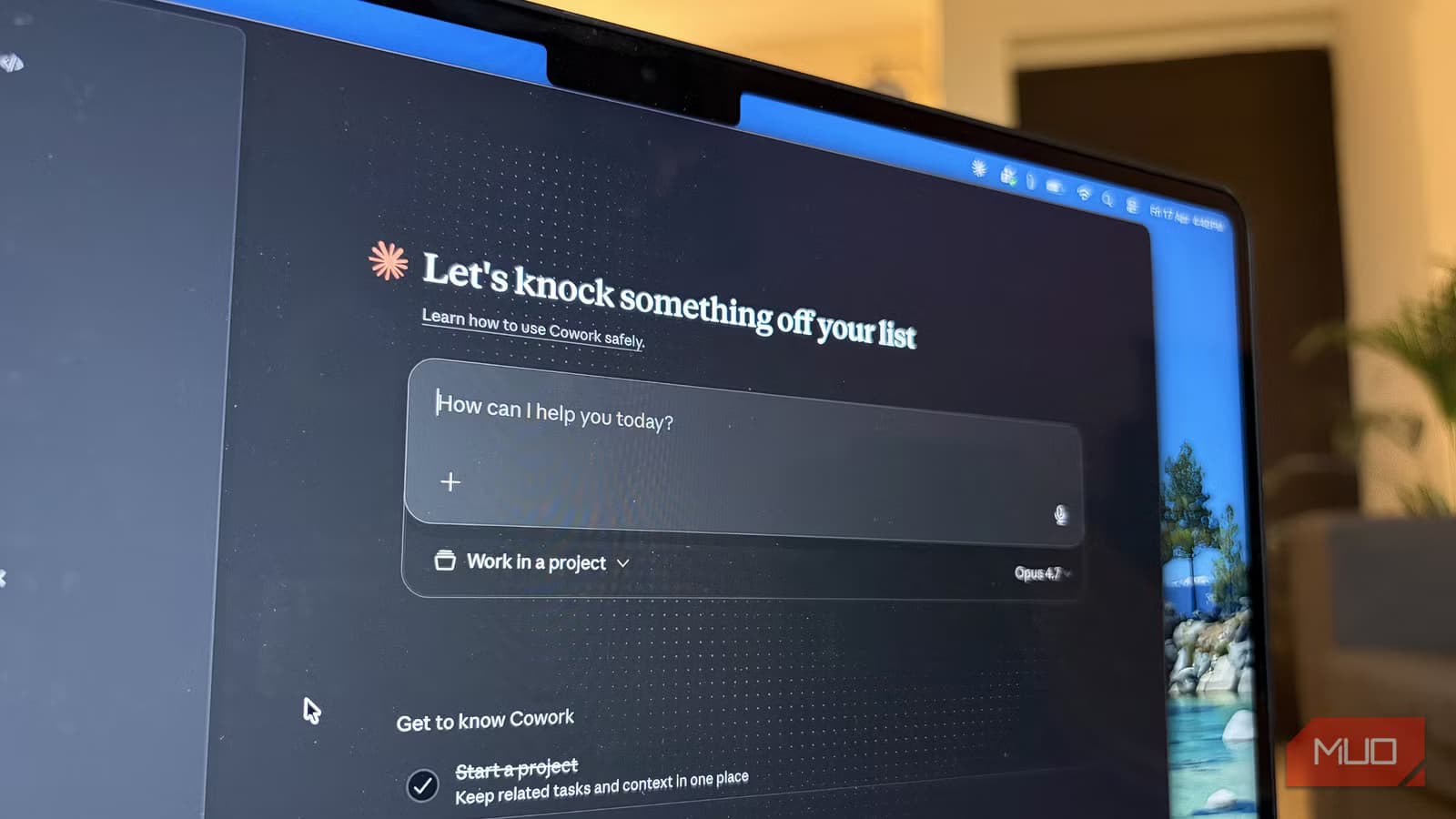
Shimul Sood spent years managing social media for tech publications before switching to writing about consumer tech. She recently moved from ChatGPT to Claude Pro. Two months in, she wishes someone had told her a few things before she started.
Her mistake was common. She treated Claude like any other AI chatbot. Fire off a question, get an answer, close the tab. That approach works fine for casual use. But at $20 per month, casual use is expensive.
Turn On Memory From Chat History
The first setting Sood recommends is memory from chat history. When enabled, Claude stops treating every conversation like a blank slate. It starts picking up patterns from your previous chats.

This means Claude learns your tone, your recurring tasks, and how you structure requests. If you use it daily for brainstorming, research, or automation workflows, it gradually needs less explanation each time.
Sood describes her experience with automation prompts. At first, she had to explain everything from scratch. After memory kicked in, Claude recognized her preferred structure. When she asked for something similar, she did not have to rebuild the entire context.
Stop Explaining the Same Things Twice
The memory feature transforms Claude from a tool into something closer to a working relationship. Think of it like a colleague who remembers your last conversation. You do not need to re-introduce yourself every Monday morning.
This is where most users miss out. They never enable memory, so every interaction starts cold. The AI never learns that you prefer bullet points over paragraphs, or that you work in marketing, or that you always need sources cited in APA format.
Use the Dispatch Feature for Parallel Tasks
Sood also points to the dispatch feature in Claude Cowork as underused. This lets you run multiple tasks in parallel instead of waiting for one response before starting another.
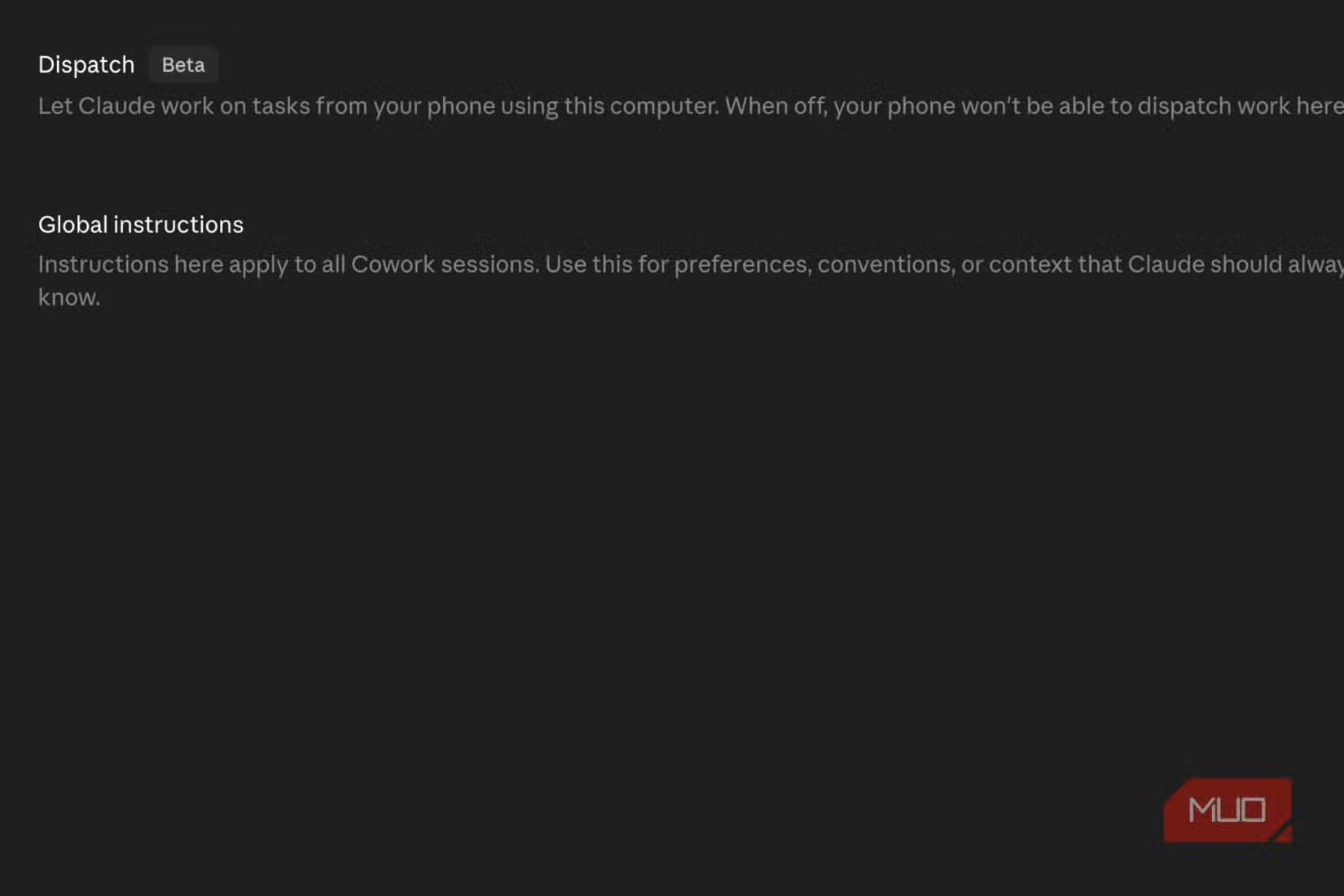
For anyone juggling research, writing, and editing simultaneously, dispatch means less time waiting. You can kick off three different requests and review them as they complete, rather than working through a queue one item at a time.
The Real Cost of Casual Use
Sood's main point is simple. If you are paying for Claude Pro, actually configure it. The default experience is fine, but it is not what you are paying for. The subscription value comes from features like persistent memory and workflow tools that only work when you turn them on.
Her first few days with Claude were, in her words, far from perfect. She approached it like a casual test instead of learning how to get the best out of it. That approach cost her weeks of potential productivity gains.

Logicity's Take
What to Set Up First
- Enable memory from chat history in Claude's settings
- Run a few test chats that represent your actual work, so Claude has real data to learn from
- Try the dispatch feature if you typically wait on multiple responses
- Stop treating each chat as disposable. Let context build over time.
The difference between a casual user and a power user is often just configuration. Sood learned this the slow way. You do not have to.
More tips for unlocking hidden features in the tools you already pay for
Frequently Asked Questions
Is Claude Pro worth $20 per month?
It depends on how you use it. The subscription includes features like memory and parallel task dispatch that only provide value when enabled. Casual users may not see enough benefit to justify the cost.
How do I enable Claude memory from chat history?
Go to Claude's settings panel and toggle on the memory from chat history option. Once enabled, Claude will start learning from your conversations over time.
What is the Claude dispatch feature?
Dispatch in Claude Cowork lets you run multiple tasks simultaneously instead of waiting for each response before starting the next. It speeds up workflows that involve parallel research or content generation.
How long does it take for Claude to learn my preferences?
Claude starts picking up patterns after a few conversations. For automation workflows and recurring tasks, users report noticeable improvements within the first week of regular use.
Need Help Implementing This?
Source: MakeUseOf
Manaal Khan
Tech & Innovation Writer
Produced with AI assistance and reviewed by the Logicity editorial team. Learn more in our Editorial Policy.