Key Takeaways
- Always On Display keeps your screen lit constantly, causing significant battery drain
- Now Playing's ambient listening can be replaced with on-demand Google Assistant identification
- Tap-to-check-phone provides the same quick glance functionality as AOD without persistent power use
Why Pixel's Default Settings Hurt Battery Life
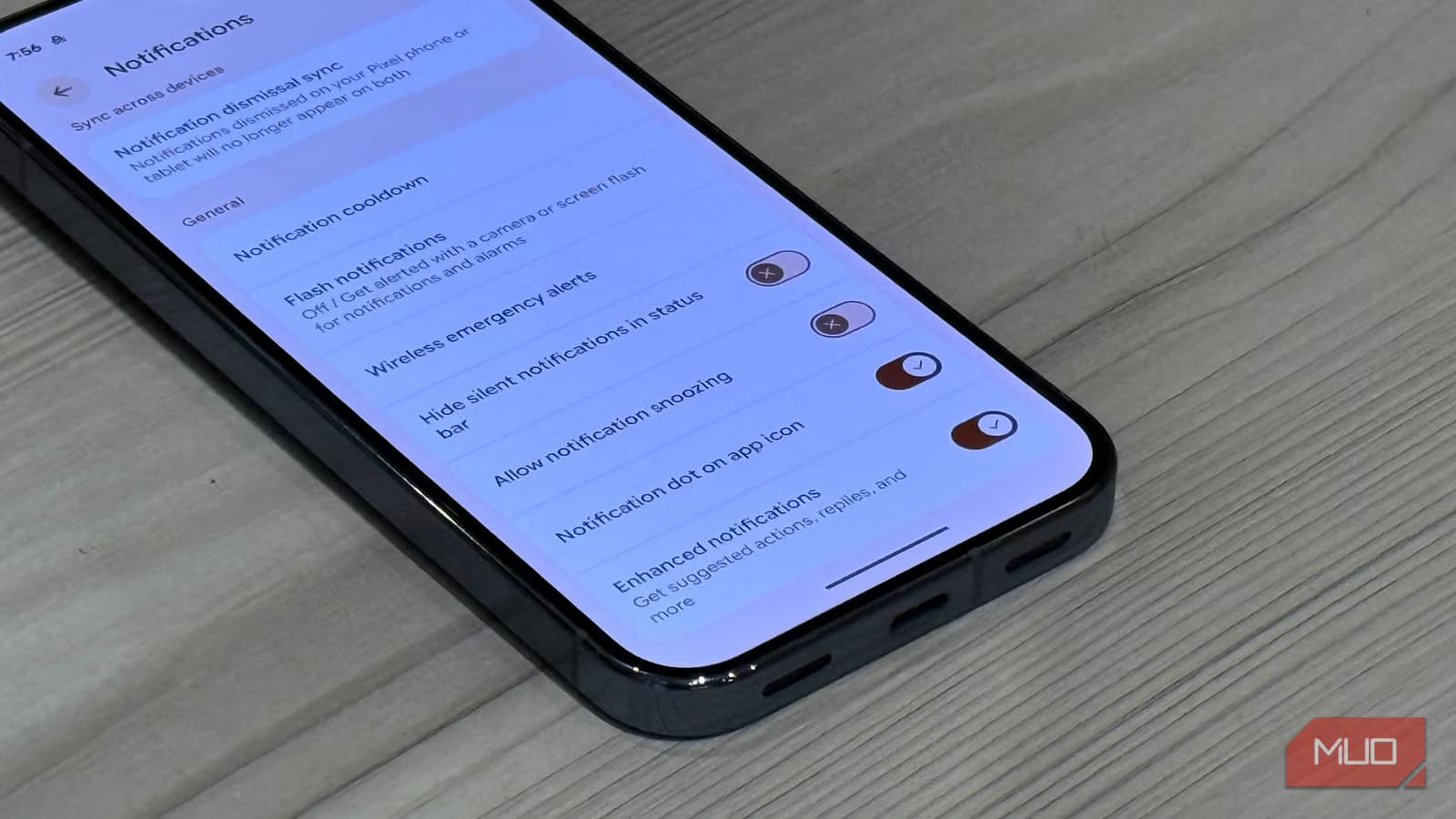
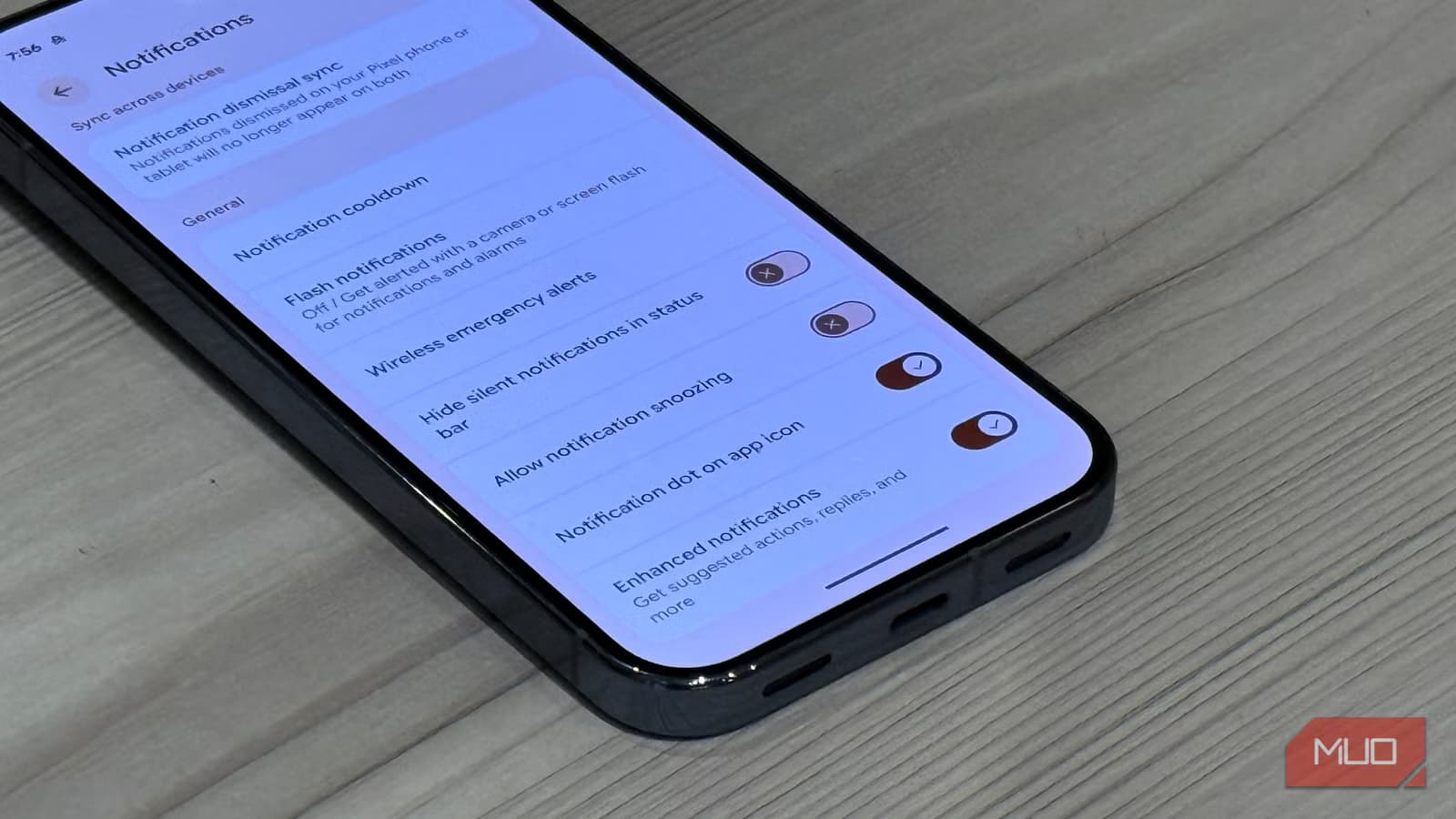
Google has packed Pixel phones with convenience features that work great in demos but quietly eat battery in daily use. Always On Display keeps your screen active around the clock. Now Playing listens to ambient audio constantly. These aren't AI features. They're simple background processes that accumulate power costs throughout the day.
The good news: you can disable these features without losing the underlying functionality. Google built alternatives that accomplish the same goals with a tap instead of persistent monitoring.
1. Turn Off Always On Display
Always On Display does exactly what it says. It keeps your screen on all the time. That's convenient for checking the time or seeing notifications at a glance. It's also a constant battery drain.
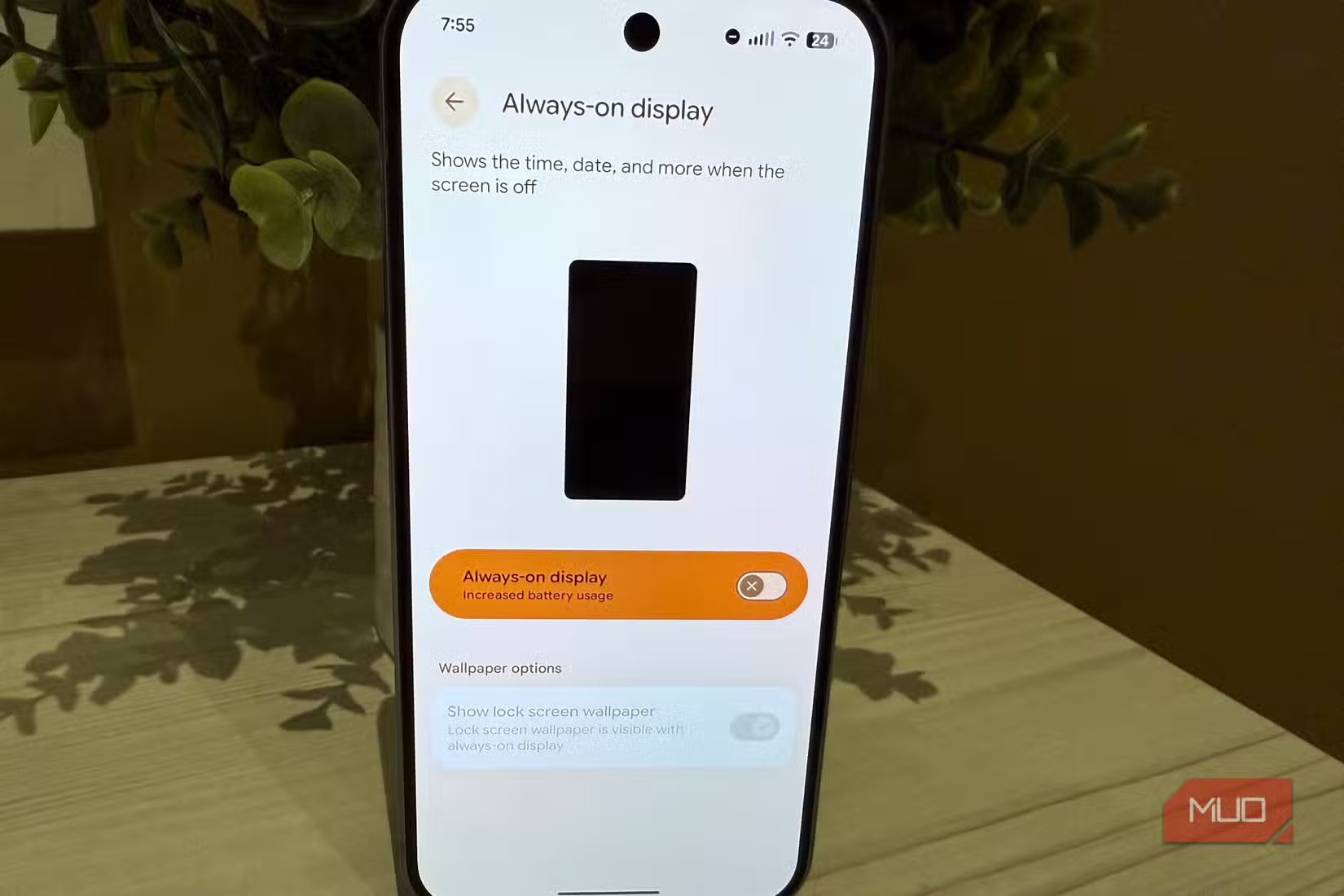
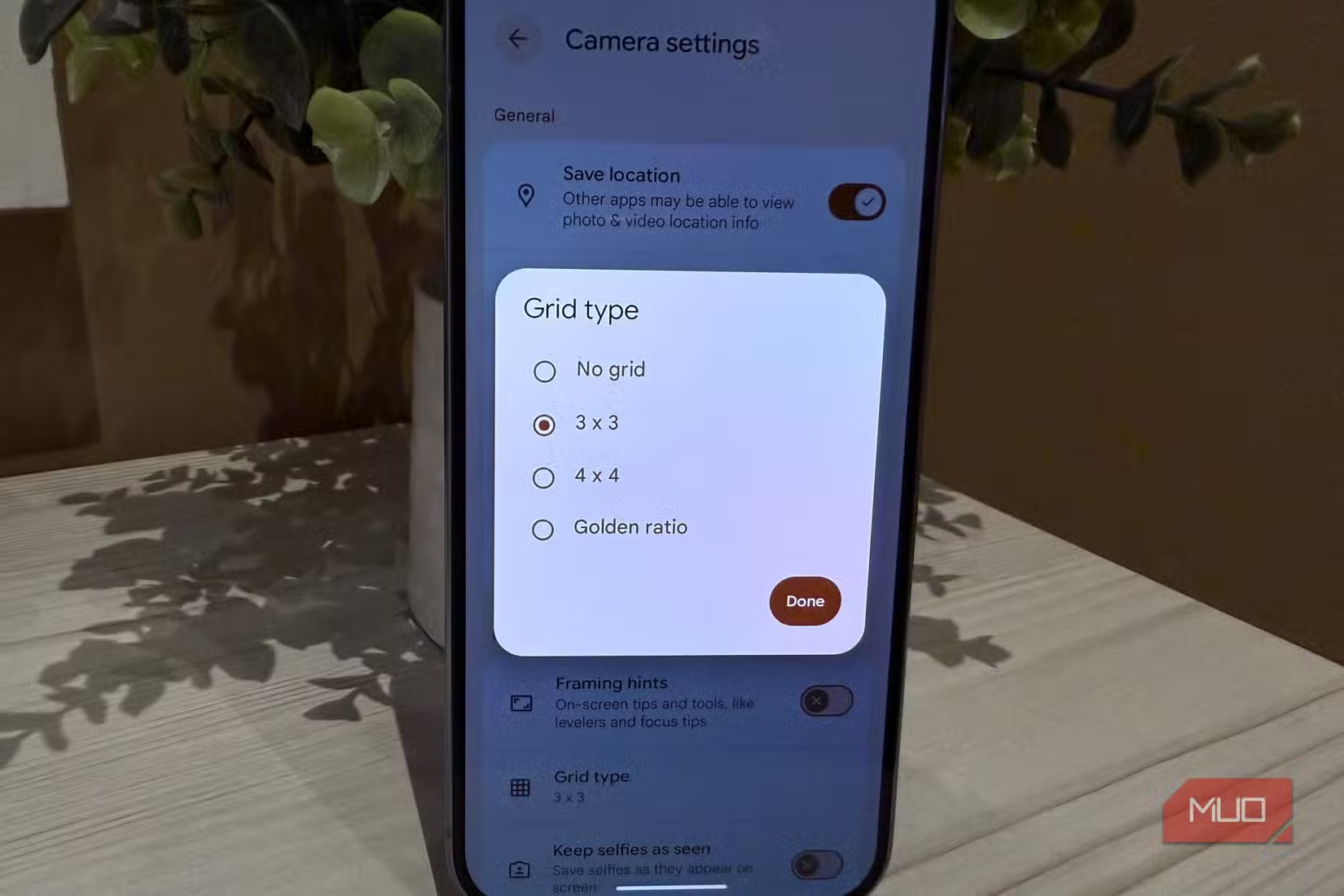
To disable AOD: Go to Settings > Display & touch > Always on display > Turn off.
The Better Alternative: Tap to Check Phone
You don't need your screen lit 24/7 to see the time. Pixel's tap-to-check feature shows your lock screen with a single tap. Unlike other Android phones that require a double-tap, Pixel responds to one touch.
To enable it: Go to Settings > Display & touch > Lock screen > Tap to check phone > On.
You still get quick access to time and notifications. The difference is your screen stays off until you actually need it.
2. Disable Now Playing
Now Playing identifies songs playing around you and displays the track name on your lock screen. It's a party trick that becomes expensive over time. Your phone constantly processes ambient audio, comparing it against a local database of songs.
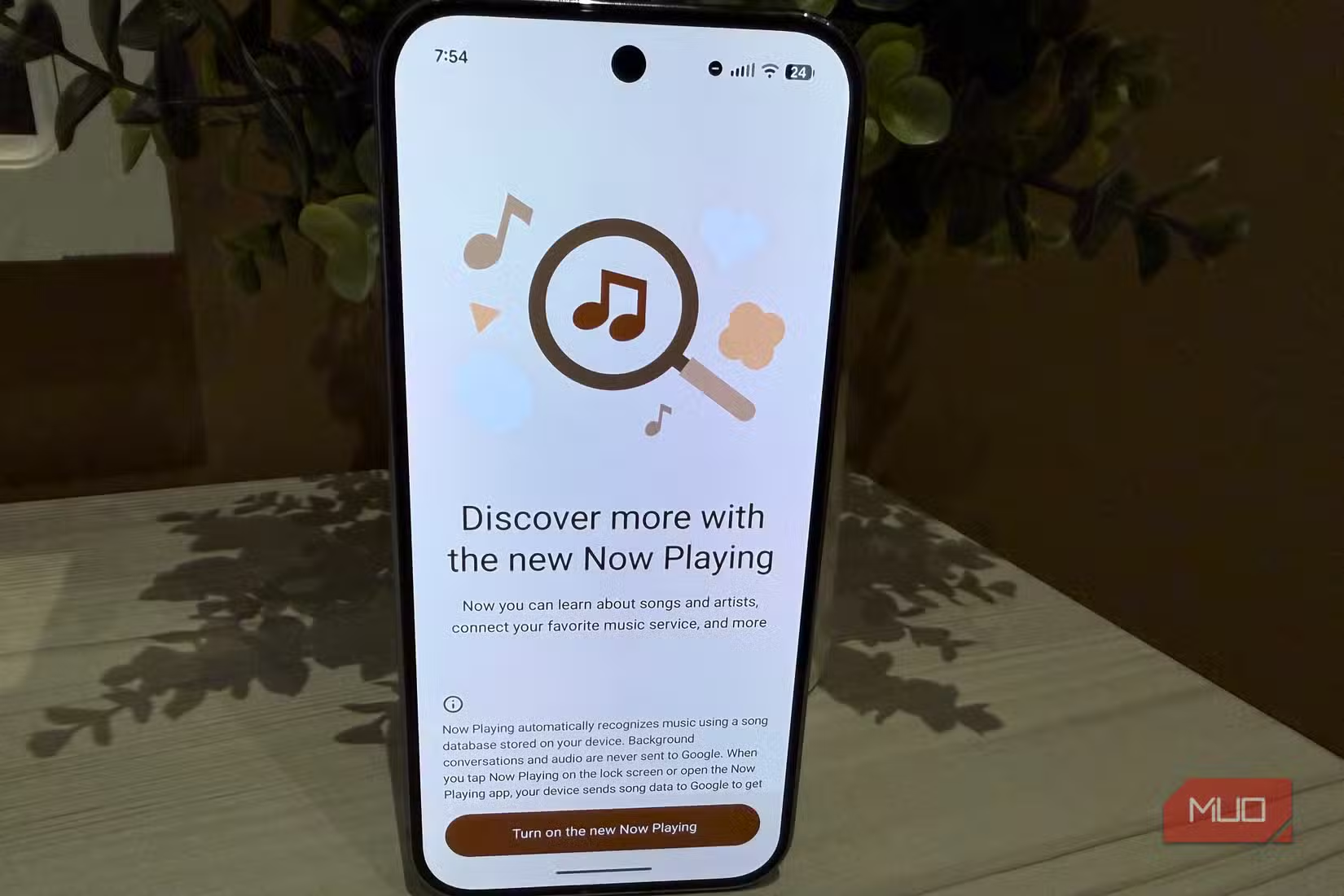
The Better Alternative: Ask Google Assistant
When you actually want to identify a song, just ask Google Assistant "What song is this?" The result is the same. The difference is your phone only listens when you ask, not every second of every day.
This on-demand approach uses negligible battery compared to constant ambient monitoring. You trade automatic identification for a two-second voice command.
3. Review Background App Activity
Beyond these two major offenders, Pixel phones allow many apps to run in the background by default. Each background process adds up. Check Settings > Battery to see which apps consume the most power when you're not actively using them.
The Tradeoff Calculation
Every convenience feature has a cost. AOD and Now Playing provide passive information without requiring you to do anything. That passivity comes at the price of battery life.
For users who charge their phone every night and rarely hit low battery, these features might be worth keeping. For anyone who stretches their battery through long days or travels frequently, disabling them buys meaningful extra hours.
- AOD: Persistent screen activity vs. single tap to wake
- Now Playing: Constant audio processing vs. on-demand song ID
- Background apps: Continuous syncing vs. manual refresh
The alternatives Google built accomplish the same tasks. They just require one action from you instead of running automatically.
More quick settings optimizations
Settings Summary
- Turn off Always On Display: Settings > Display & touch > Always on display > Off
- Enable Tap to Check Phone: Settings > Display & touch > Lock screen > Tap to check phone > On
- Disable Now Playing: Settings > Display & touch > Lock screen > Now Playing > Off
- Use Google Assistant for song ID: Say "What song is this?" when needed
- Review battery usage: Settings > Battery to identify other drains
Logicity's Take
Frequently Asked Questions
Does Always On Display really drain that much battery?
Yes. Keeping your screen lit continuously, even at low brightness, uses significantly more power than leaving it off. The exact impact varies by display type and brightness, but it's one of the largest passive drains on modern phones.
Will disabling Now Playing affect other audio features?
No. Now Playing is separate from Google Assistant's song identification, voice commands, and other audio features. Disabling it only stops the automatic ambient listening for music.
Can I keep AOD on only at certain times?
Yes. Pixel offers scheduling options for AOD. You can set it to activate only during specific hours, like work hours, rather than running 24/7.
What's the biggest battery drain on Pixel phones?
Screen brightness and screen-on time are typically the largest drains. After that, background app activity, location services, and features like AOD and Now Playing contribute to passive battery loss.
Need Help Implementing This?
Source: MakeUseOf
Huma Shazia
Senior AI & Tech Writer
Produced with AI assistance and reviewed by the Logicity editorial team. Learn more in our Editorial Policy.






